
LinkedIn carousel templates
On LinkedIn a carousel is a PDF document post: readers swipe through it page by page, right in the feed. A clear hook on the first page and one idea per page keep people swiping.
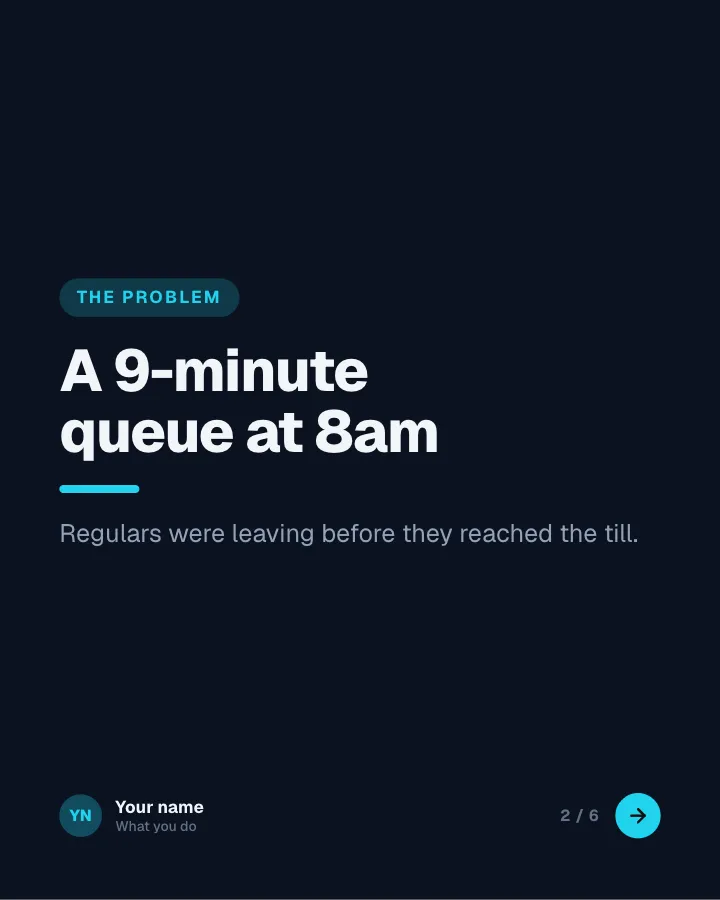
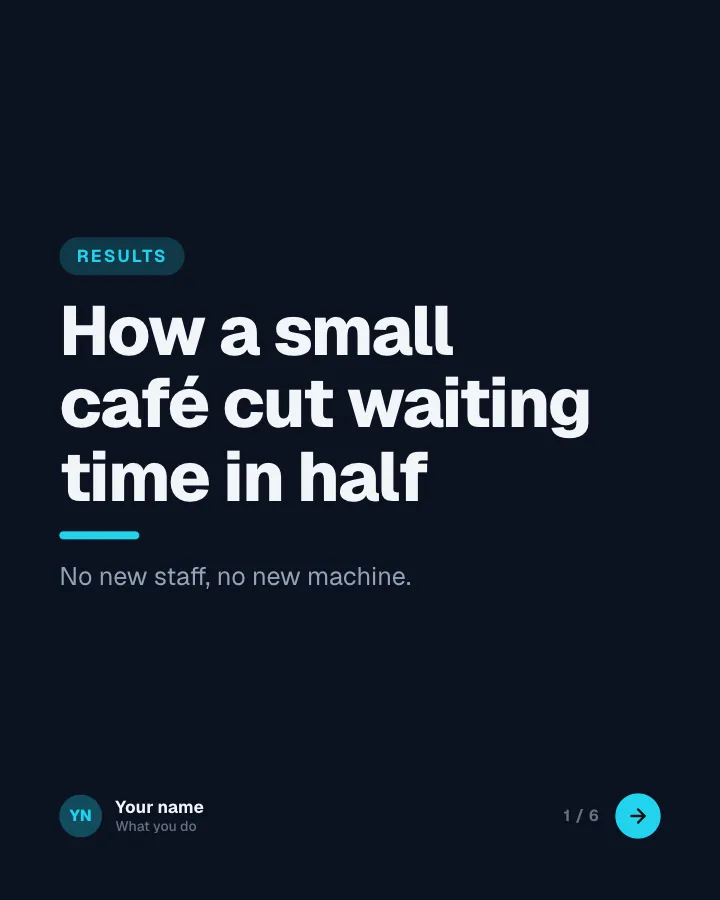
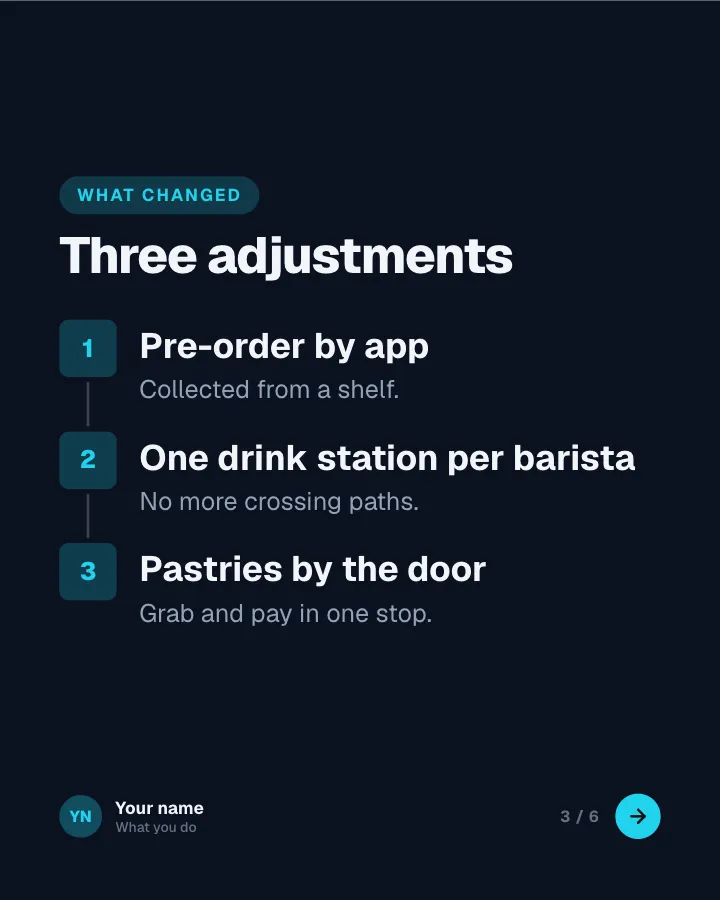
LinkedIn specs, handled
- Posts as
- PDF document post
- Best size
- 4:5 portrait (1080 × 1350)
- Other sizes
- 1:1 square (1080 × 1080), 16:9 wide (1920 × 1080)
- Most slides
- 300
- Caption
- 3,000 characters, about 210 before “more”
What works on LinkedIn
- Upload it as a document, not as images, so it swipes like a carousel.
- Use 4:5 portrait: it takes up the most room in the feed.
- Put the promise on page one and keep every page to one idea.
- About 210 characters of your caption show before “…more”, so lead with the point.
110 LinkedIn templates
Each one opens in the studio ready for your topic. Your writer fills every slide; you change whatever you like.
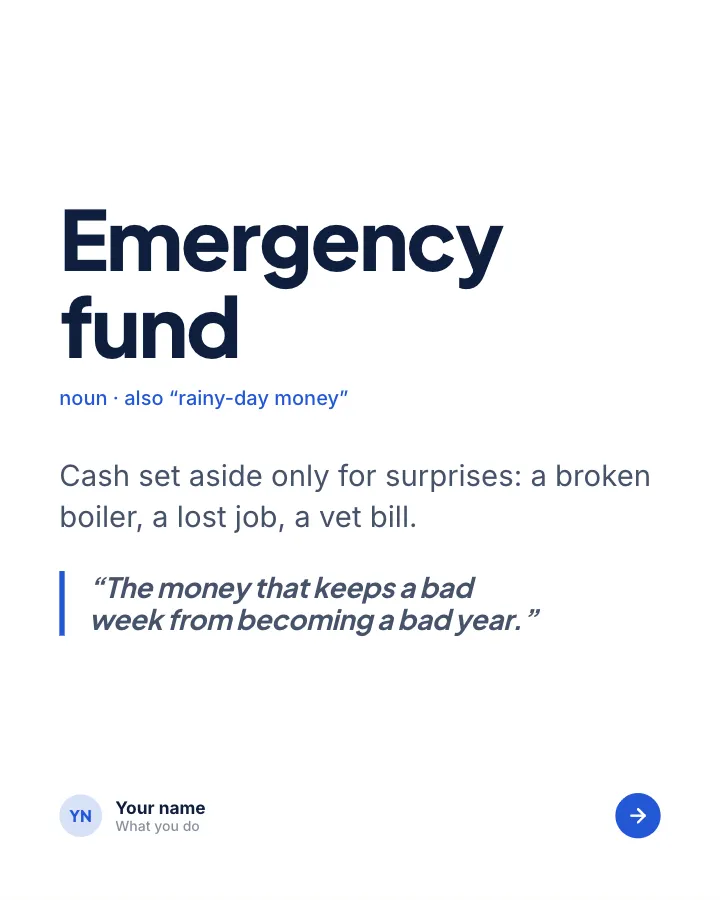

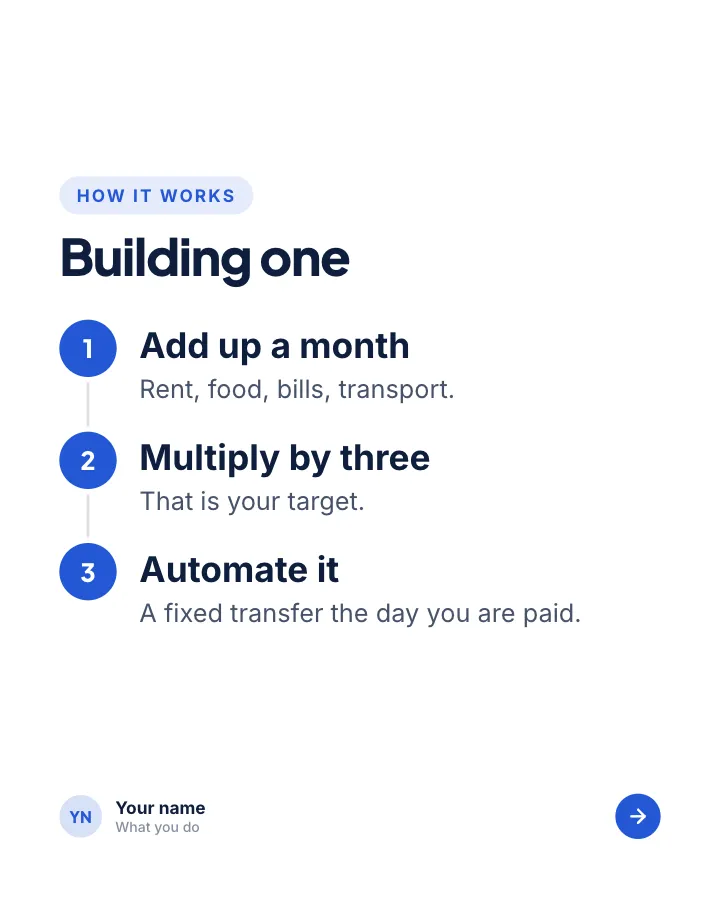
Explain it simply
7 slidesOne concept, unpacked for a beginner: the idea, how it works, a worked example and the rules to keep.
ExplainBe bookmarked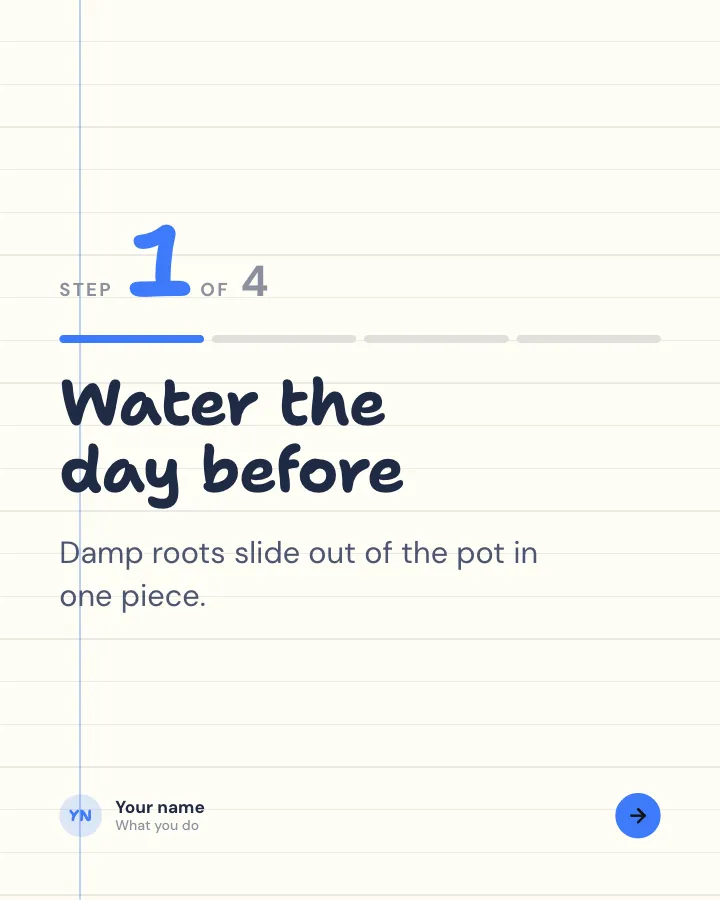
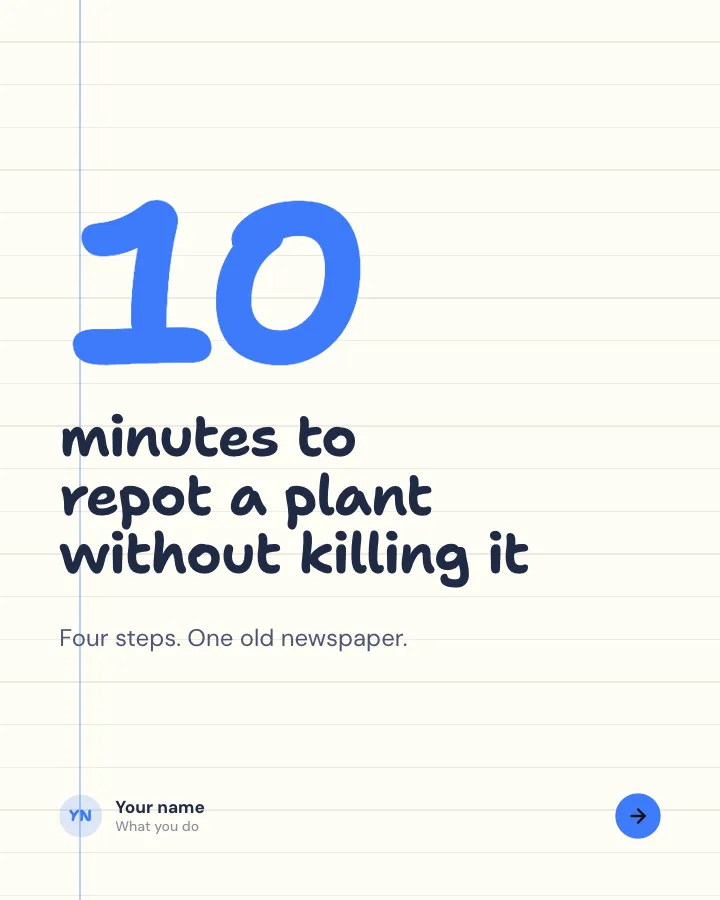
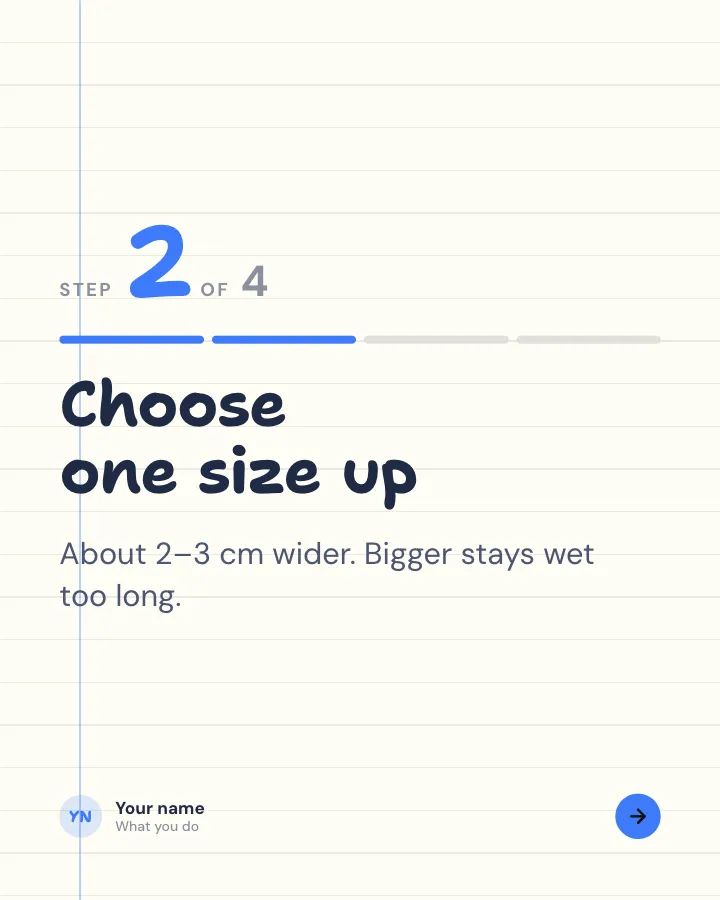
Walkthrough
6 slidesA task broken into clear steps, one per slide, ending with the hint that makes it work.
ExplainBe bookmarked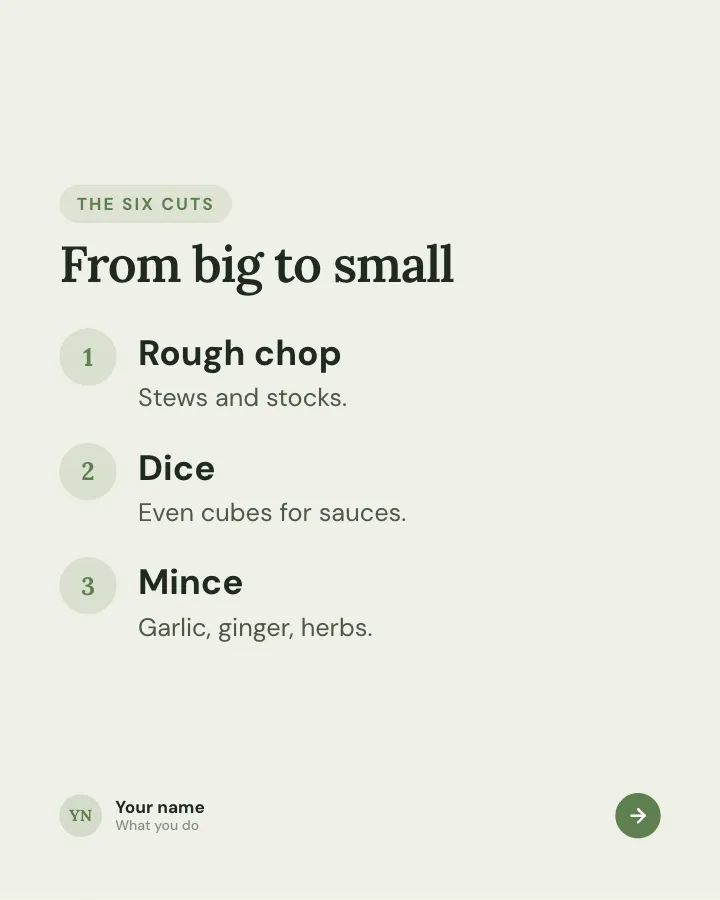
Keep-this guide
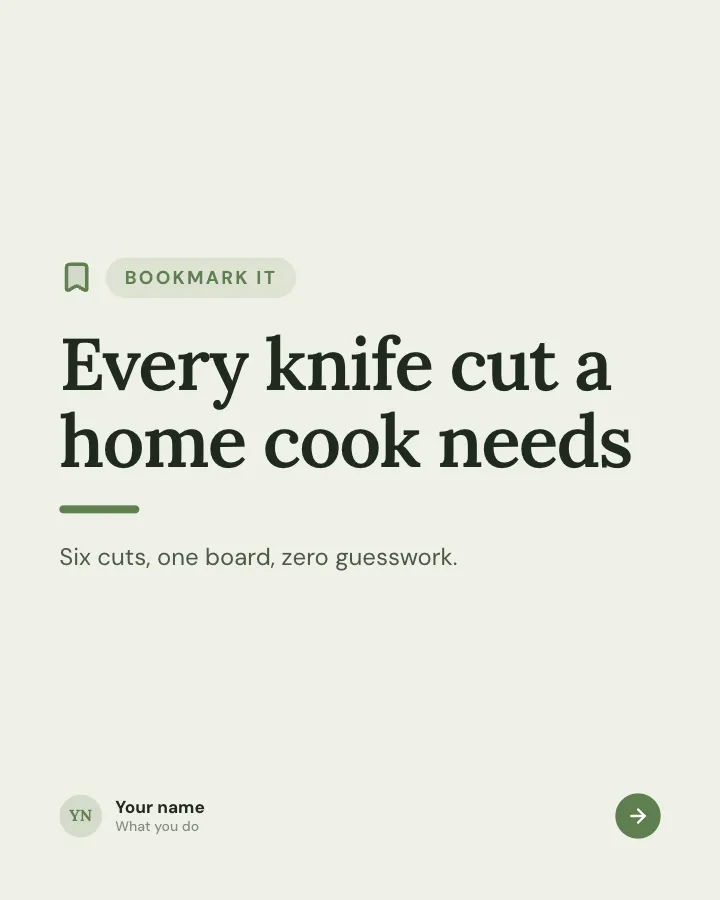
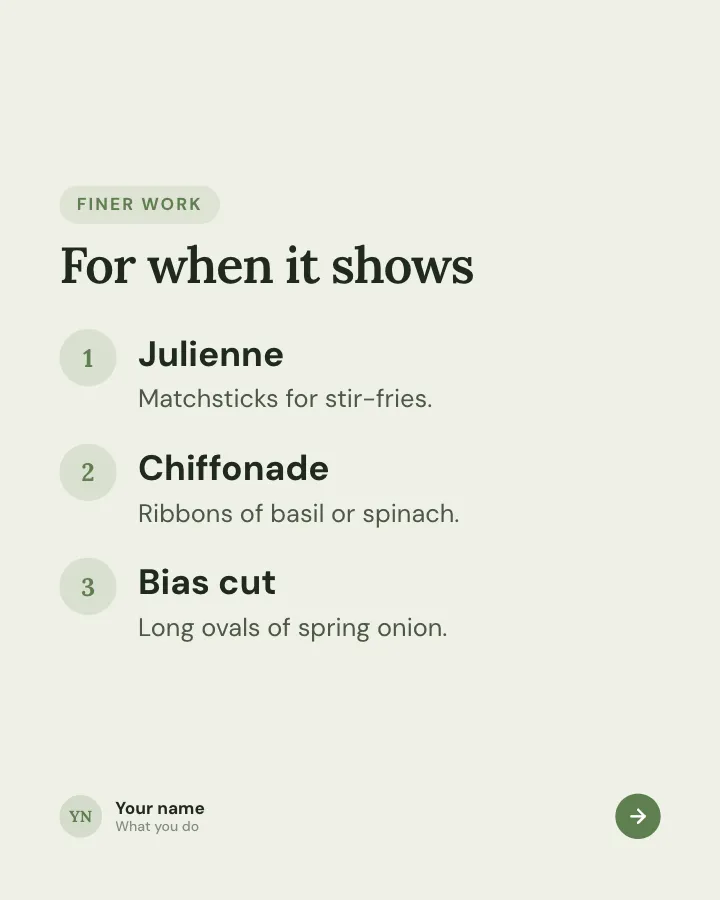
5 slidesA reference people will come back to: the essentials of one topic on a few dense slides.
Be bookmarkedExplain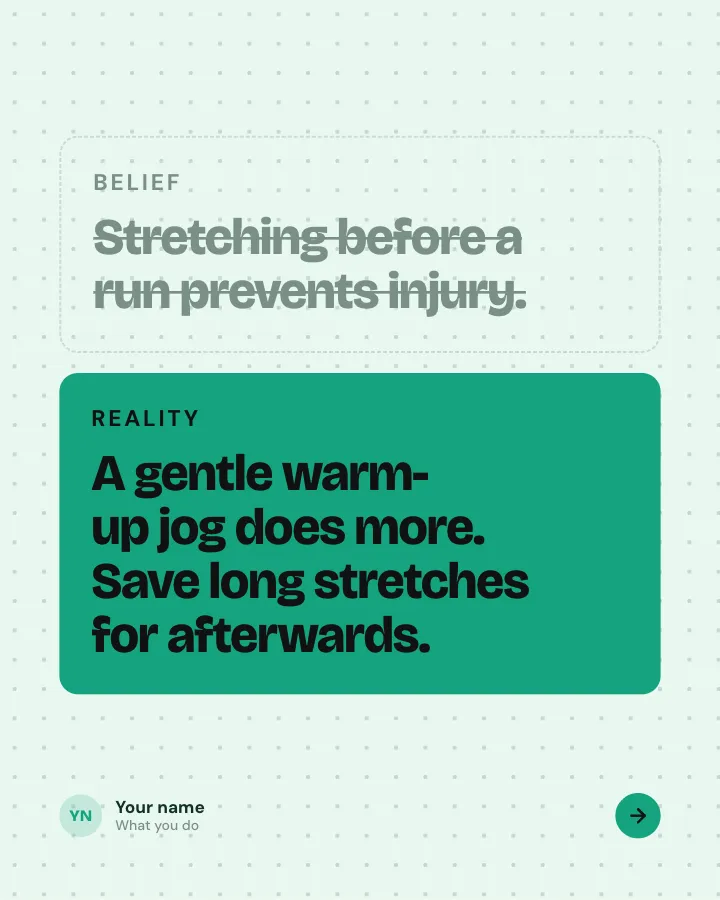

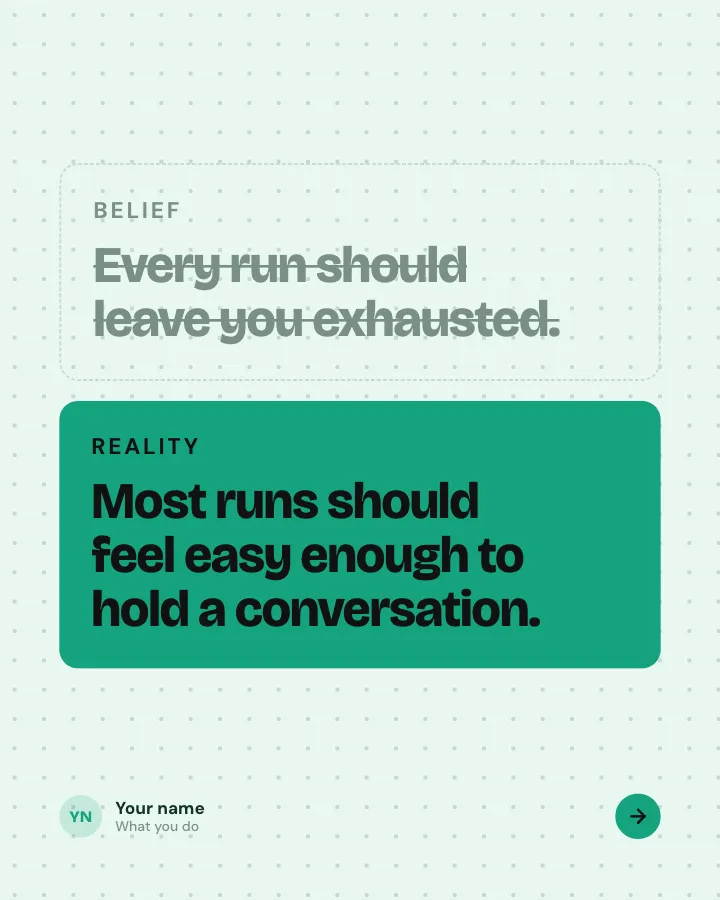
Belief check
6 slidesPopular beliefs about a topic, each set against what the evidence actually says.
ExplainSpark replies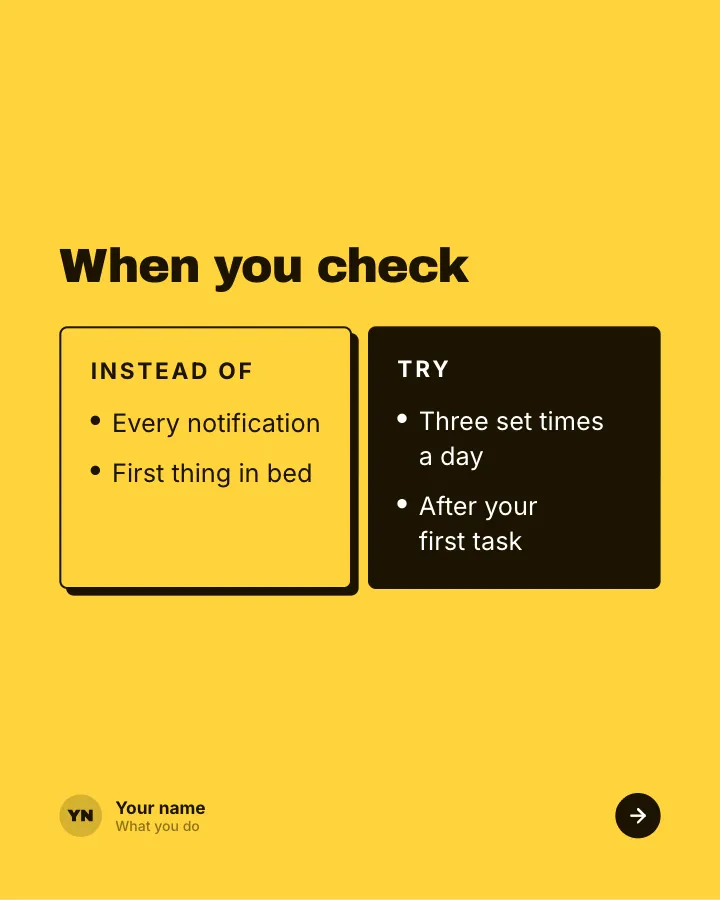
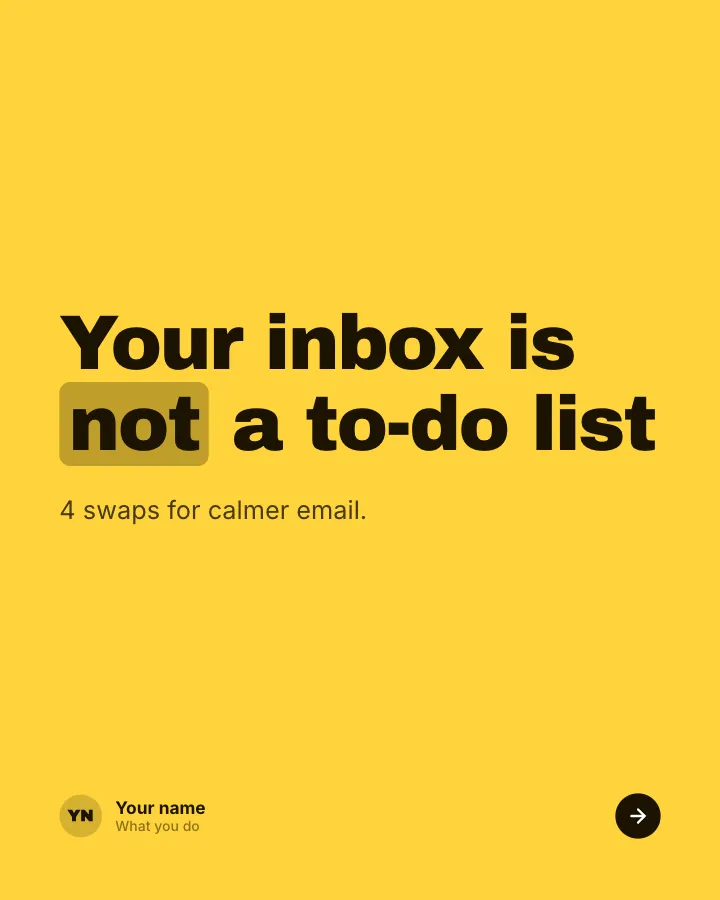
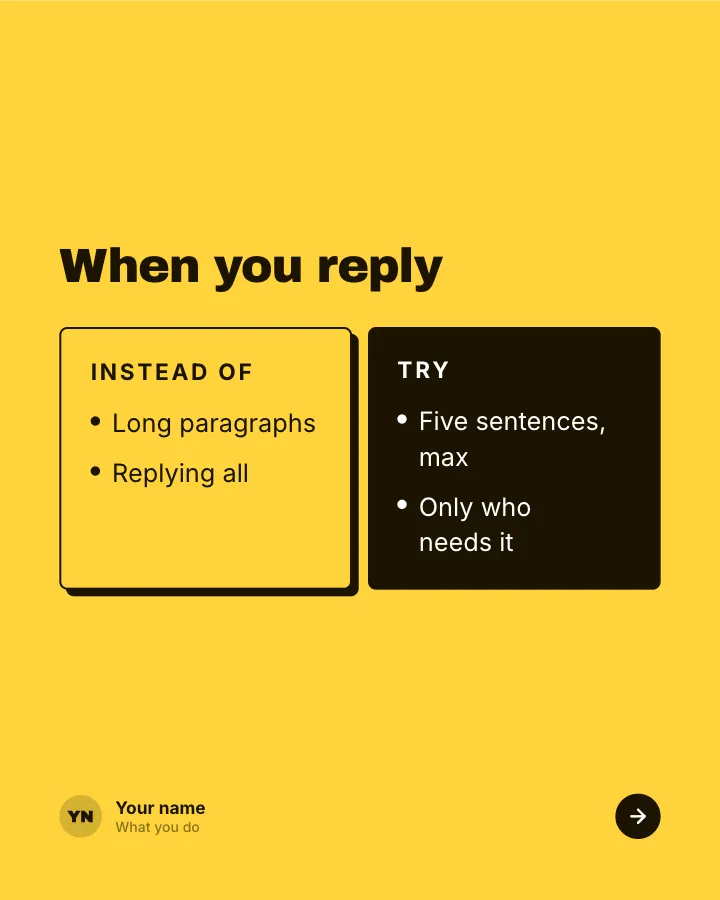
Better swaps
5 slidesSmall habits to replace, each shown next to the version that works better.
ExplainBe bookmarked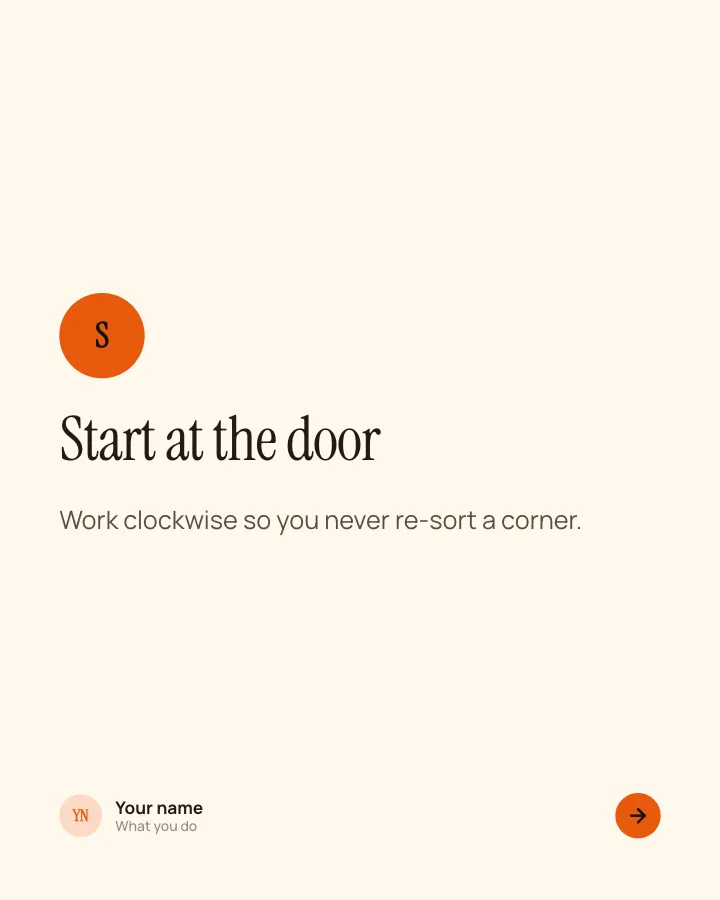
Your method, named
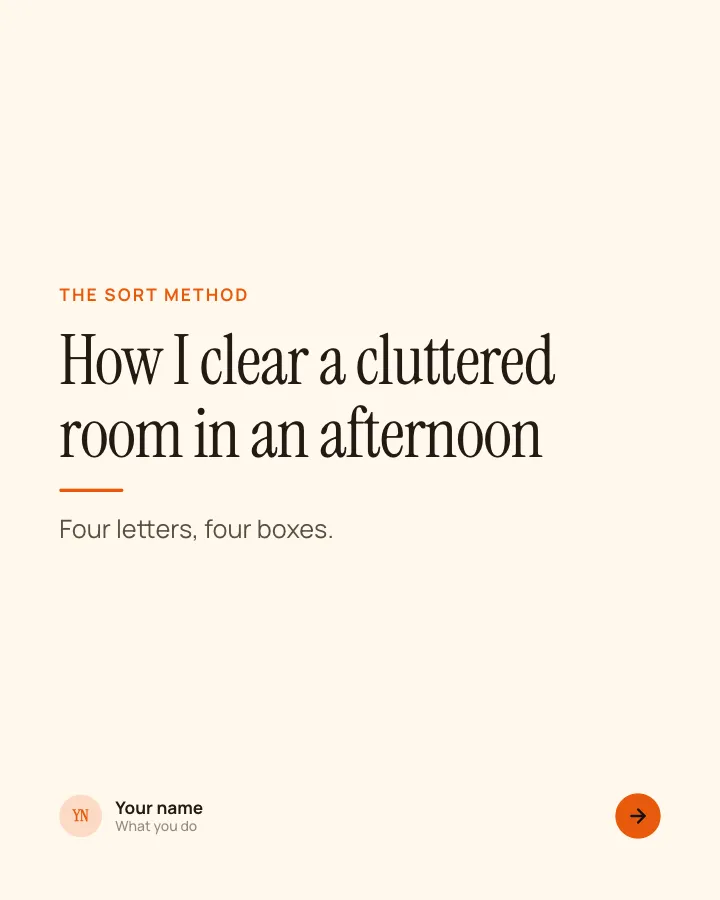
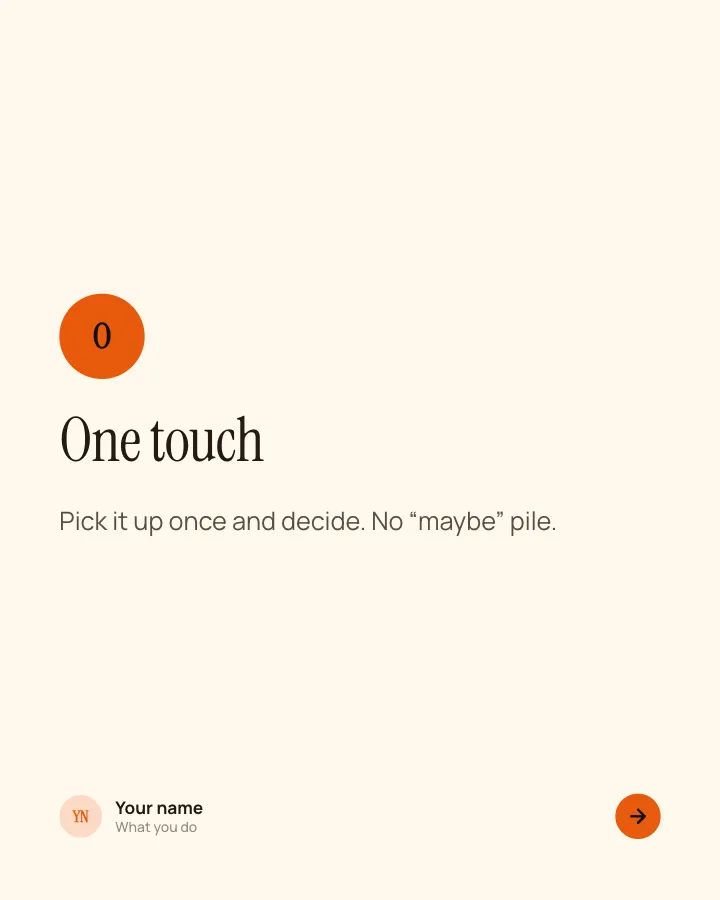
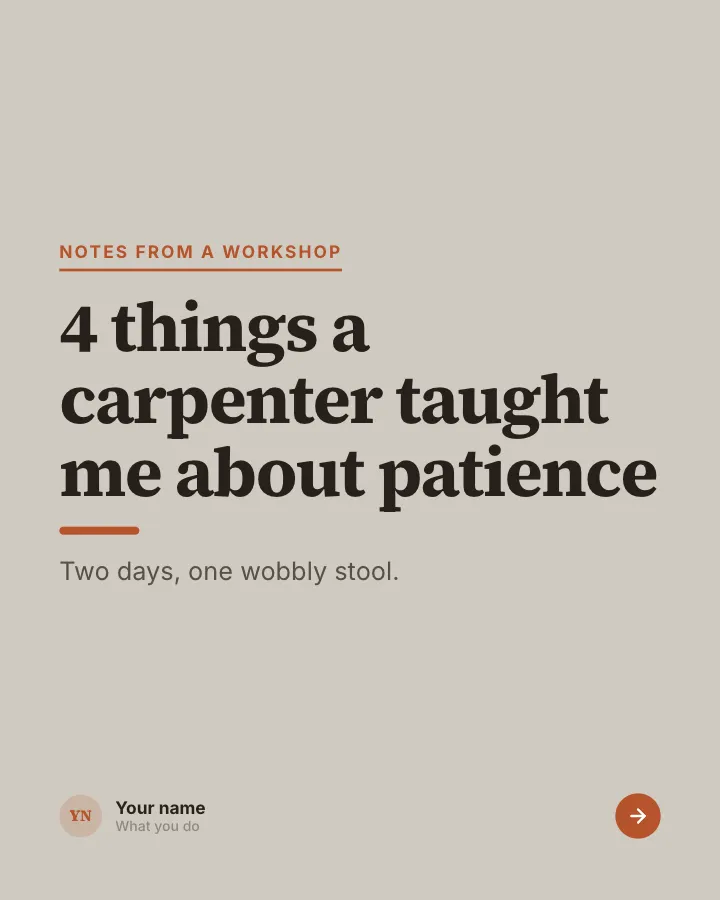
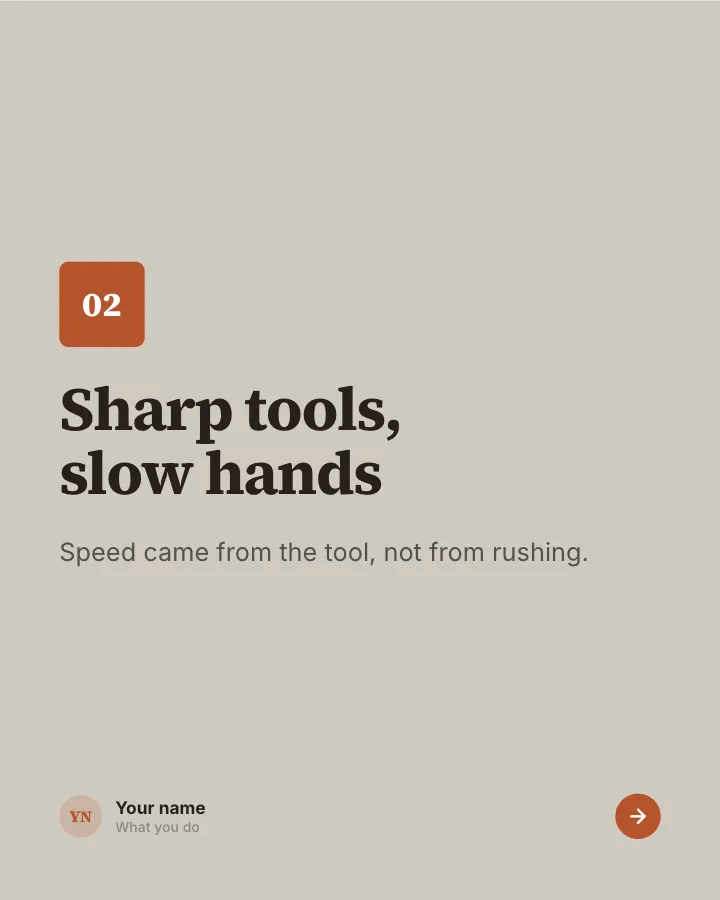
6 slidesA way of working you use, given a memorable name and walked through letter by letter.
Earn trustBe bookmarked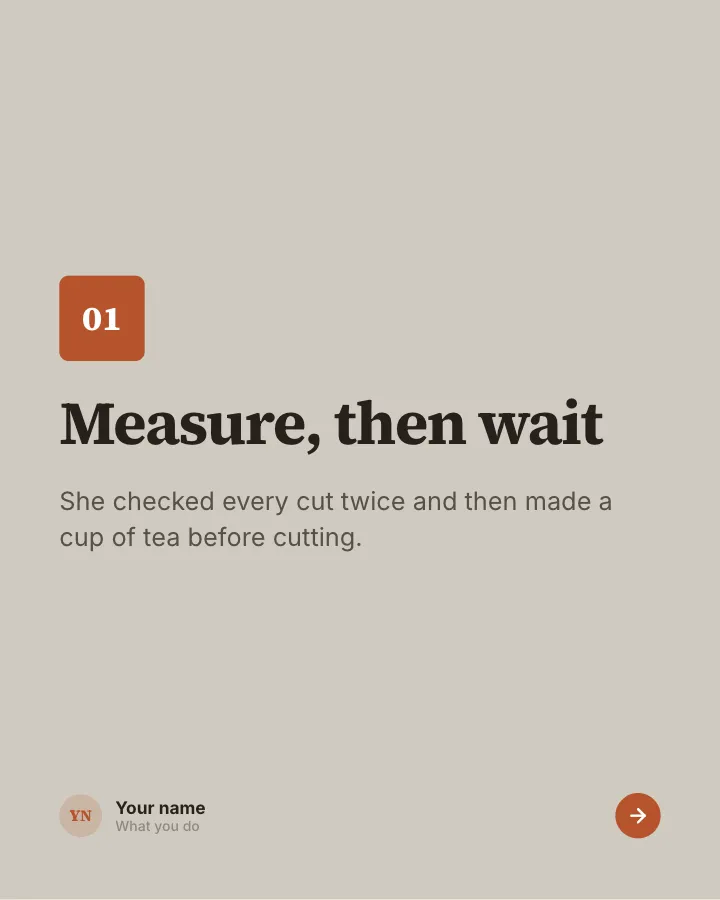
Reading takeaways
6 slidesWhat stuck with you from a book, talk or course: one idea per slide, in your own words.
ExplainBe bookmarked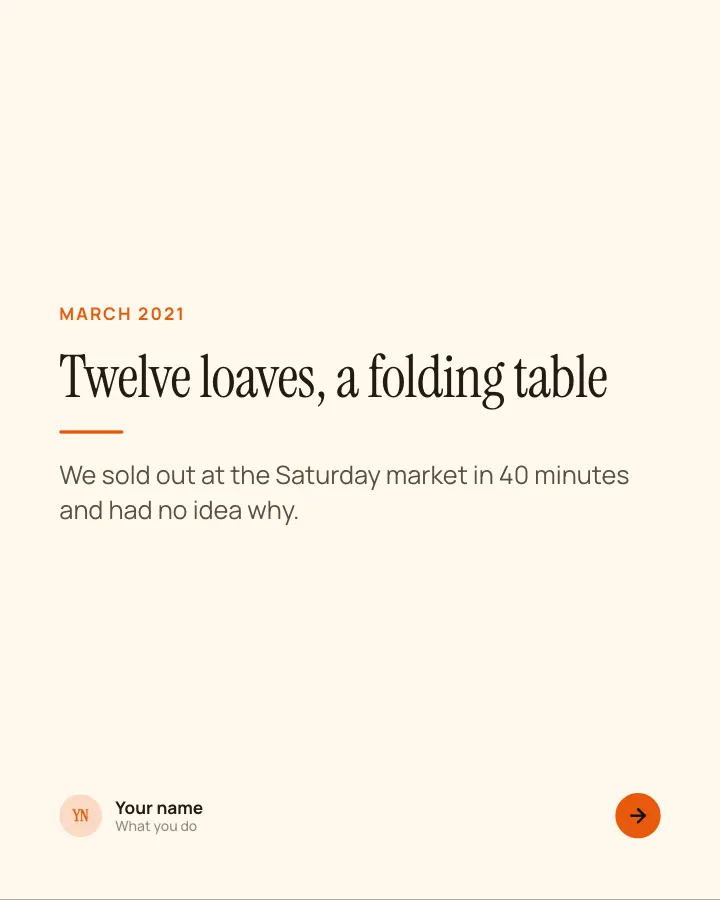
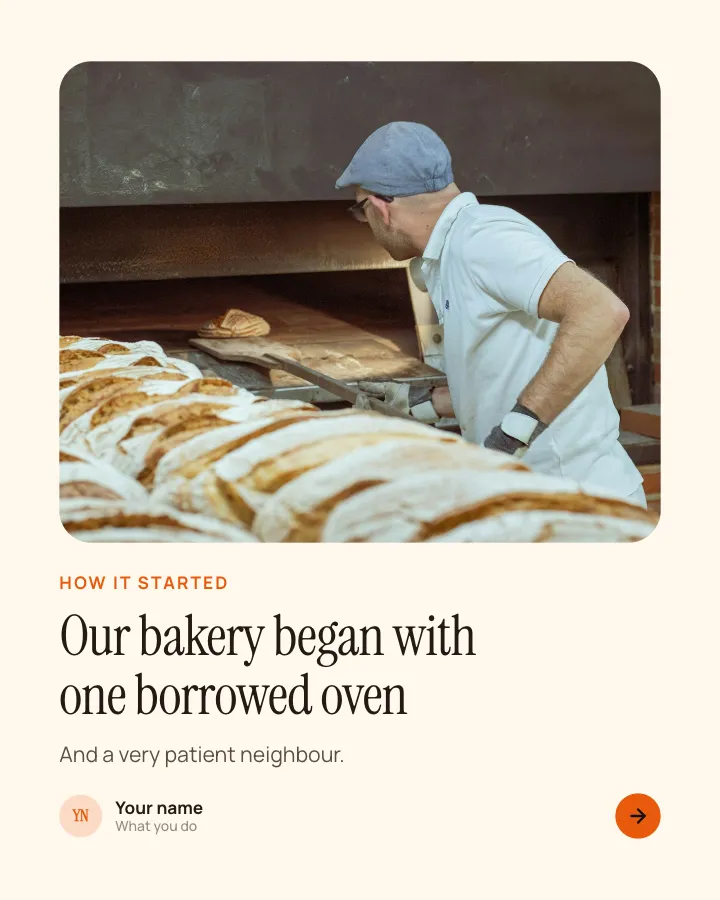
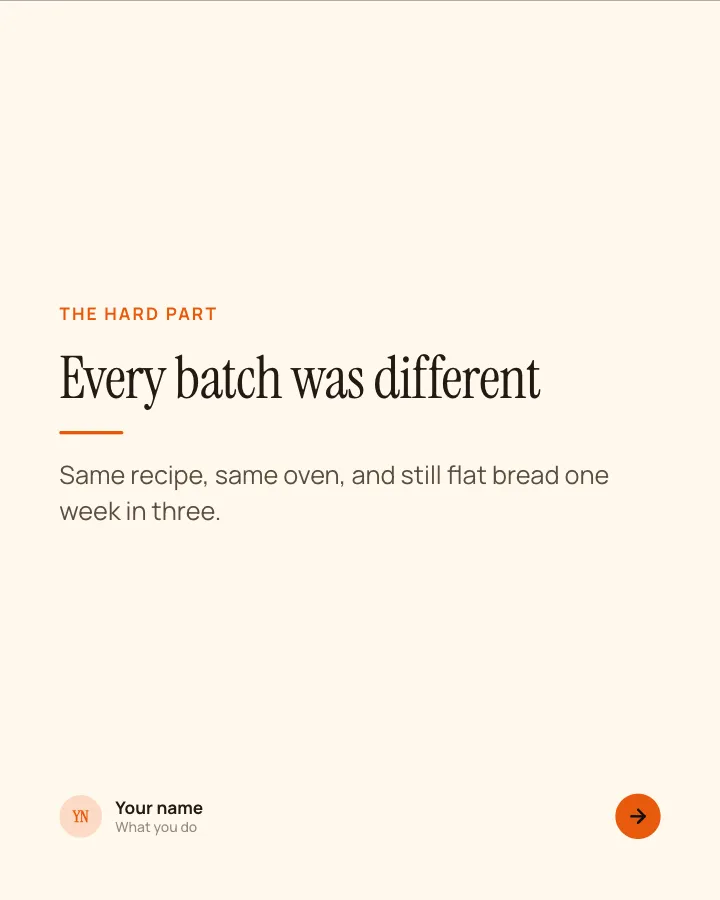
Origin story
7 slidesHow something began: the first scene, the hard part, the turn and what it taught you.
Earn trust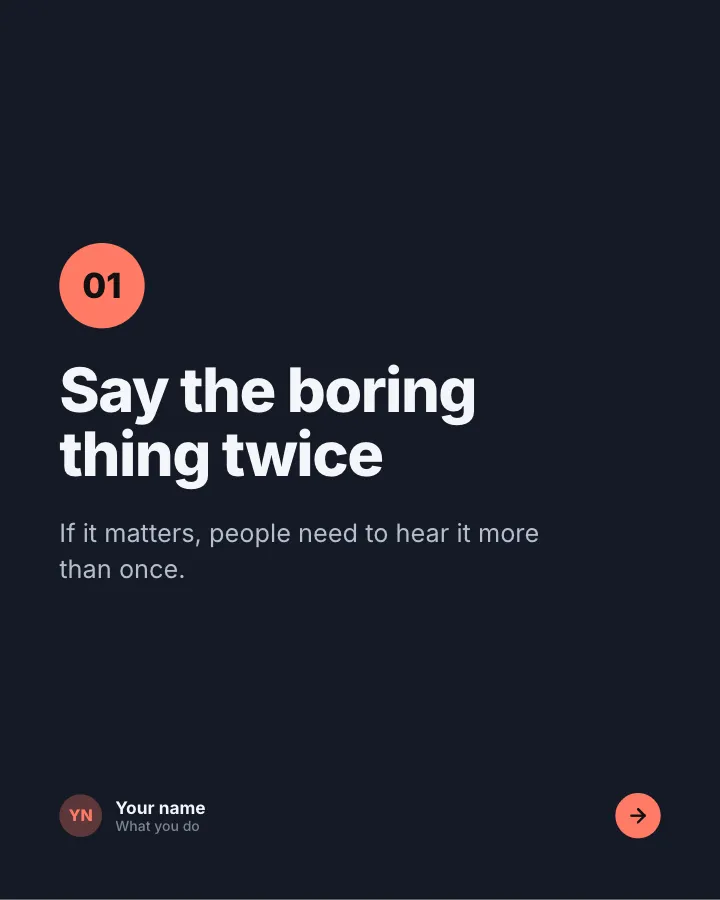
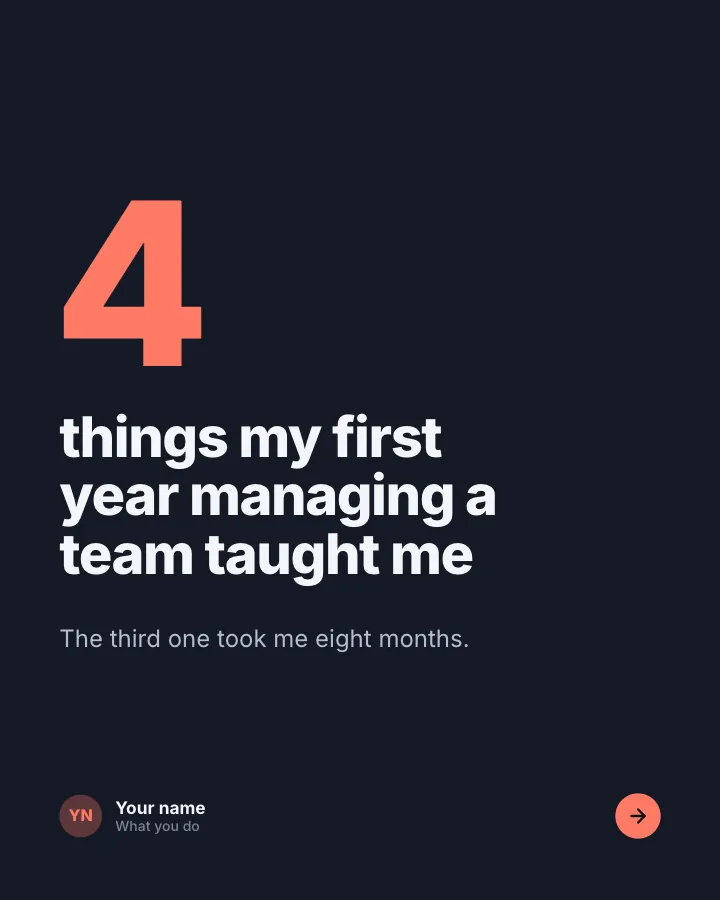
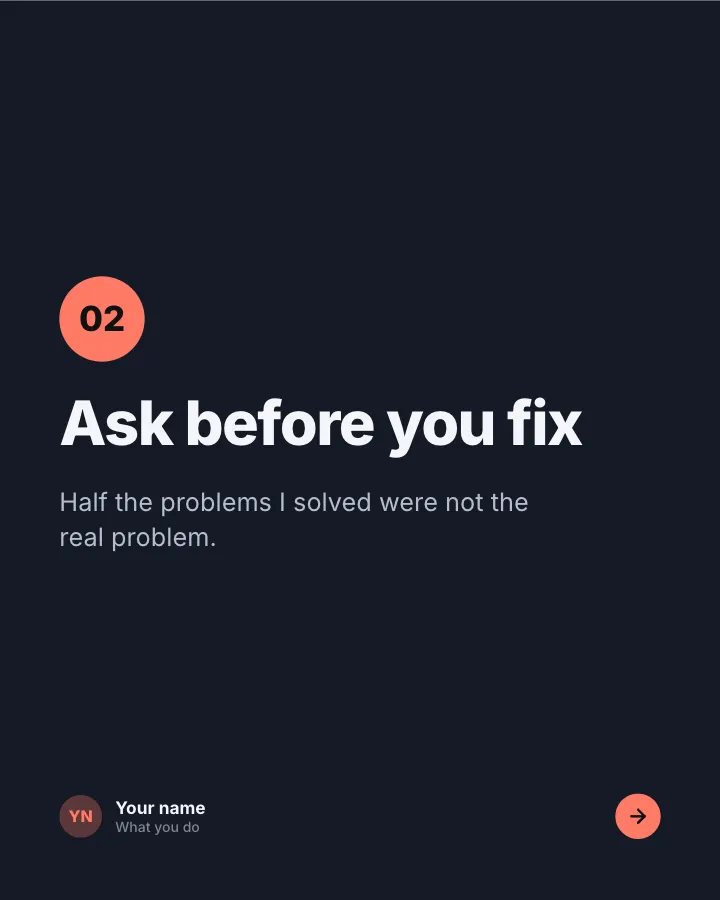
What it taught me
6 slidesAn experience and the lessons you took from it, one lesson per slide.
Earn trustSpark repliesResults breakdown
6 slidesA project told as problem, approach and outcome, with the numbers that prove it.
Earn trustSell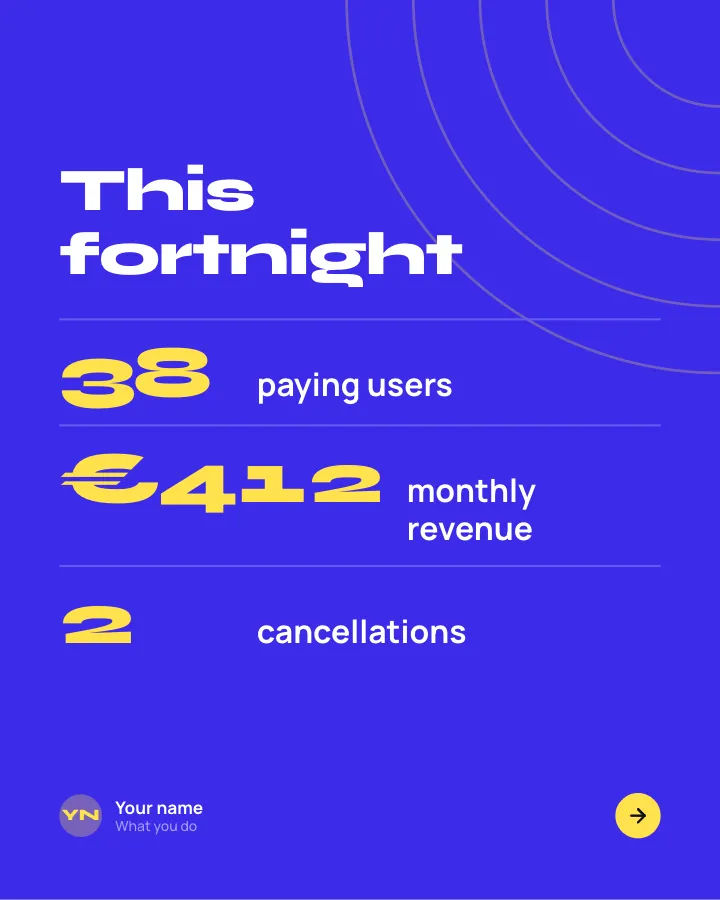


Progress log
6 slidesAn honest update on a project: the numbers, what helped, what did not and the next goal.
Earn trustSpark replies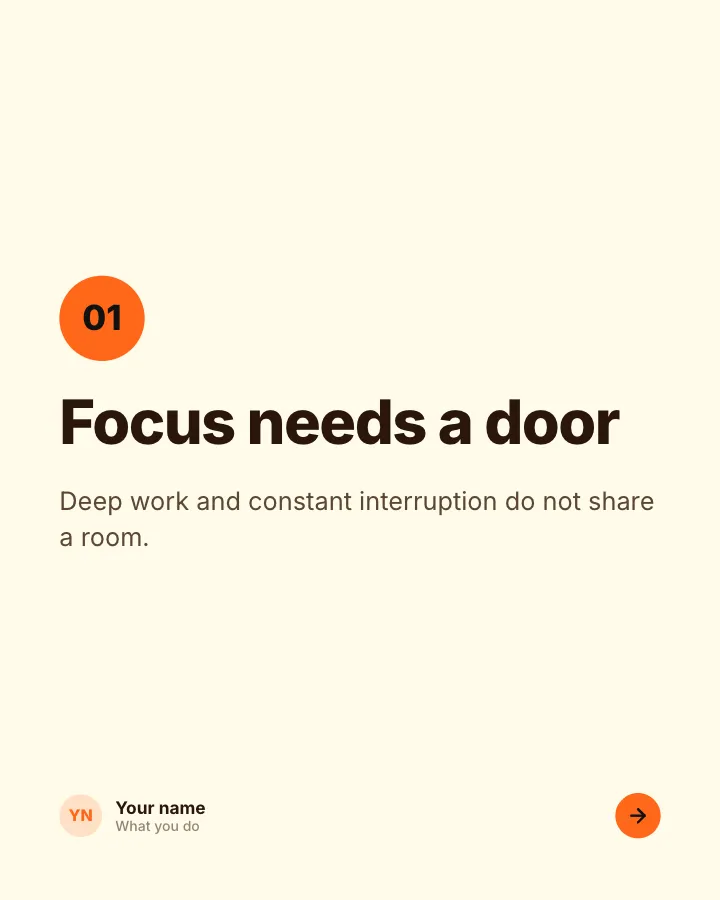
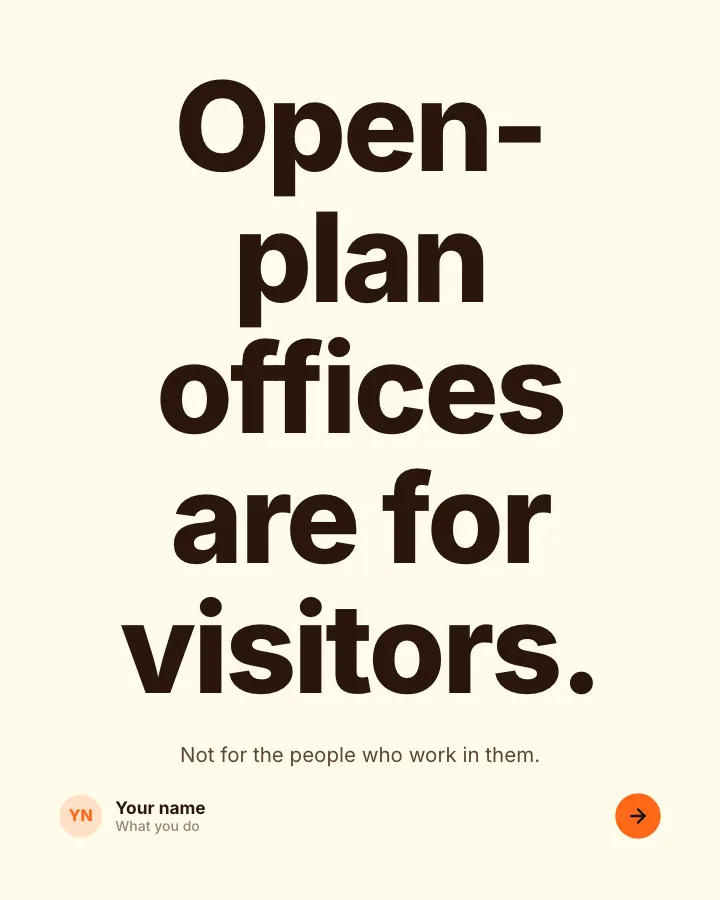
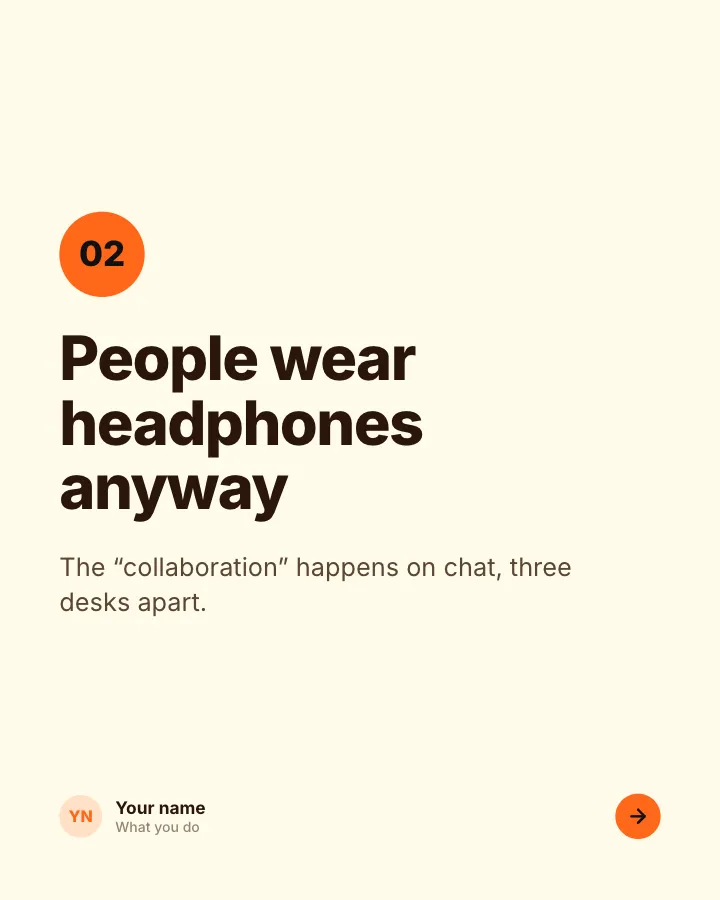
Strong opinion
6 slidesA clear position people can disagree with, the reasons for it and an open question.
Spark replies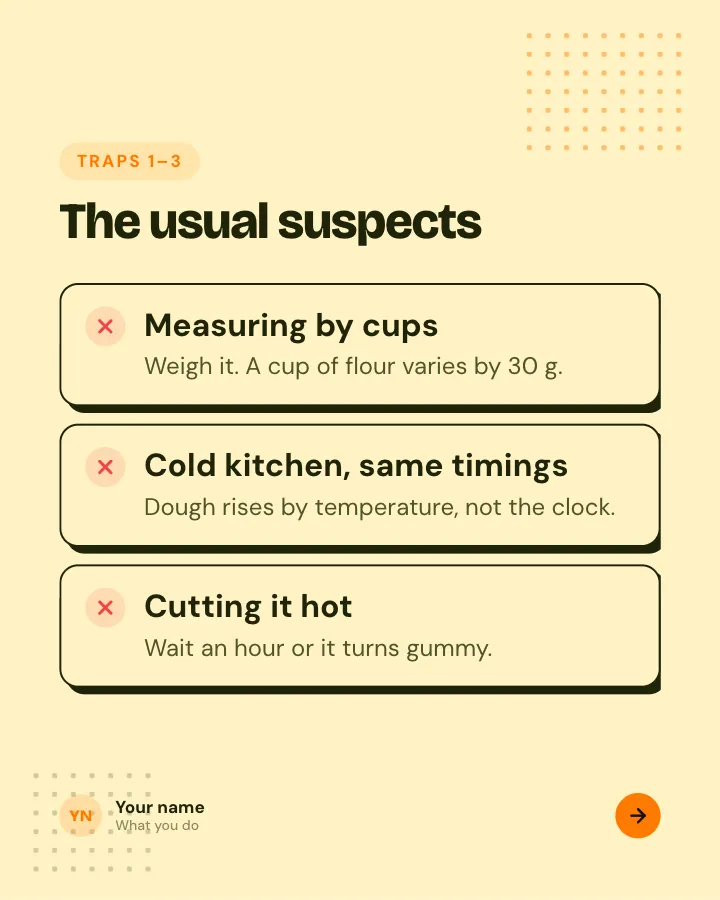
Beginner traps
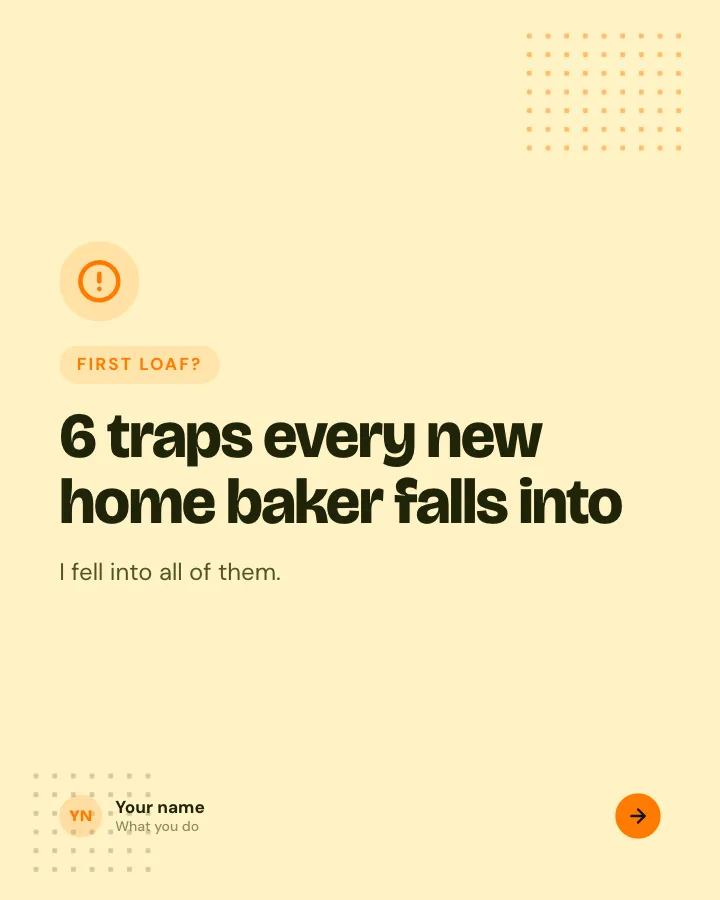
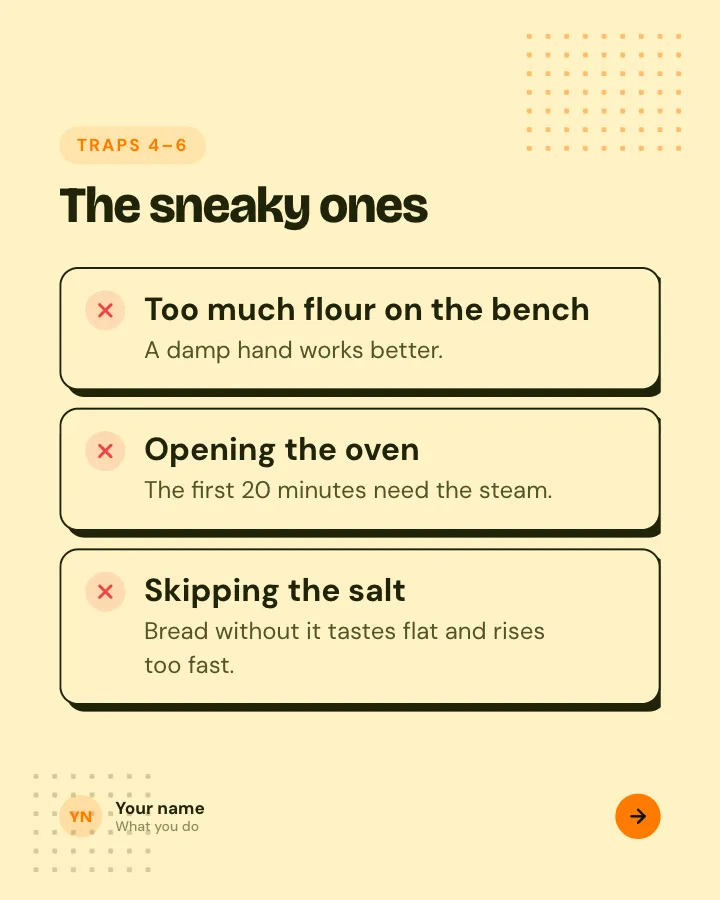
5 slidesThe traps people fall into when they start, each with the simple fix.
ExplainBe bookmarked
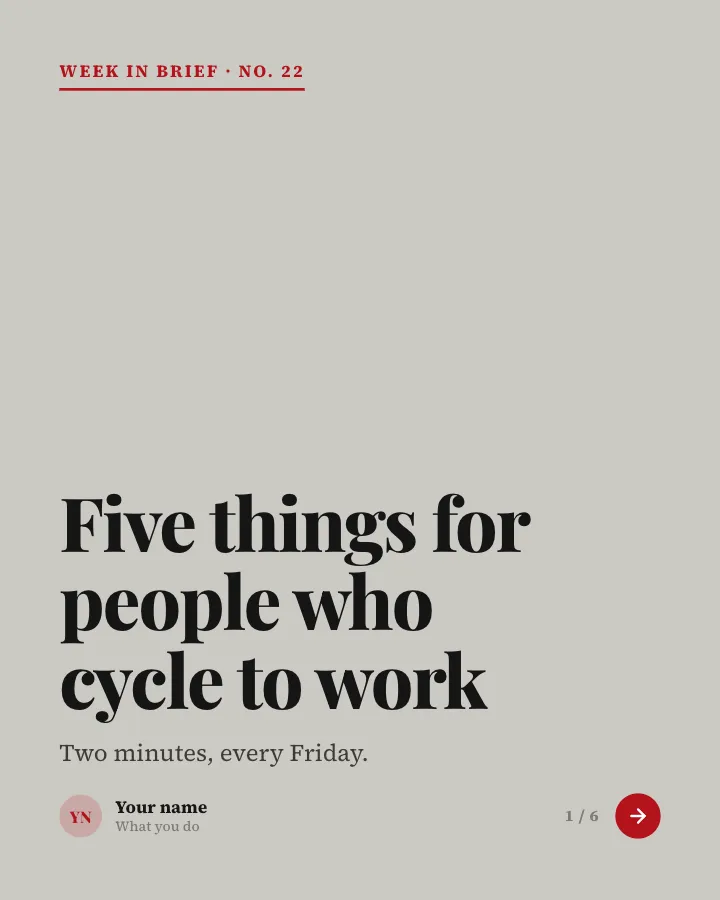
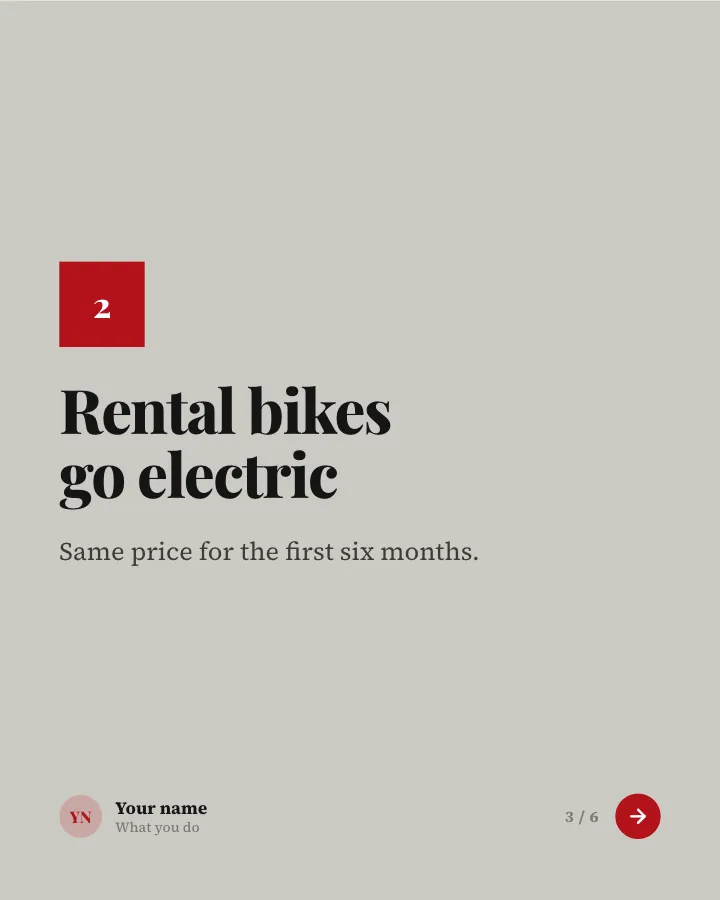
Week in brief
6 slidesA short Friday digest: a few updates from your corner of the world and what each means for readers.
AnnounceEarn trust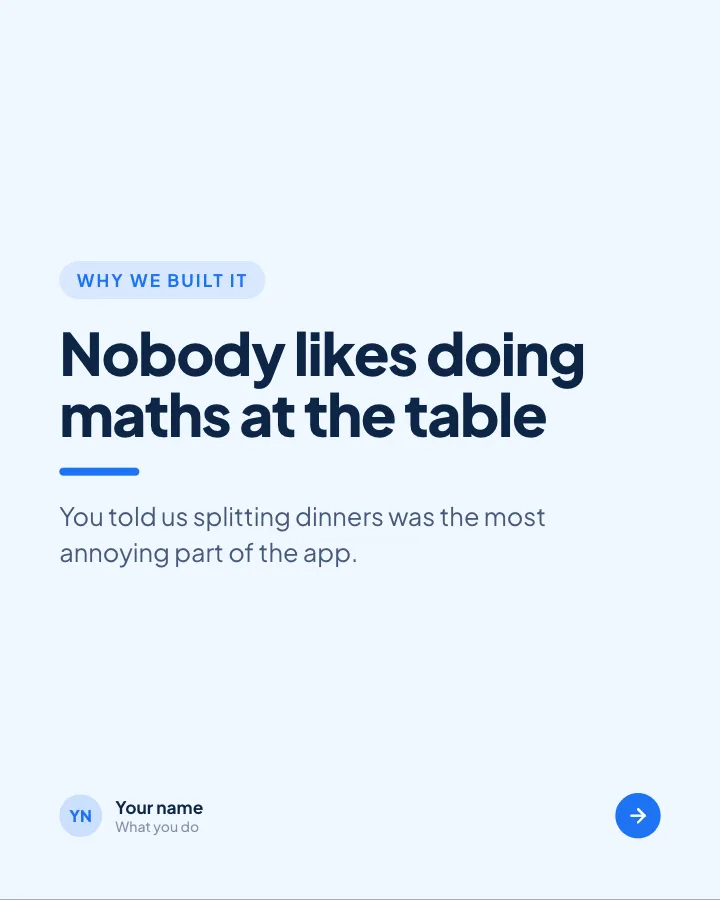
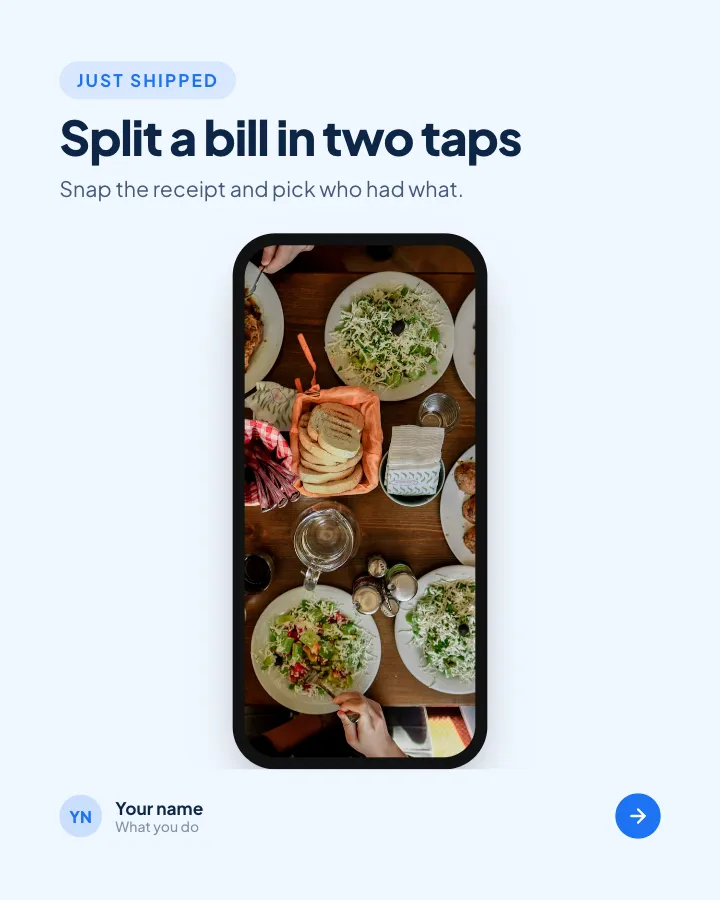
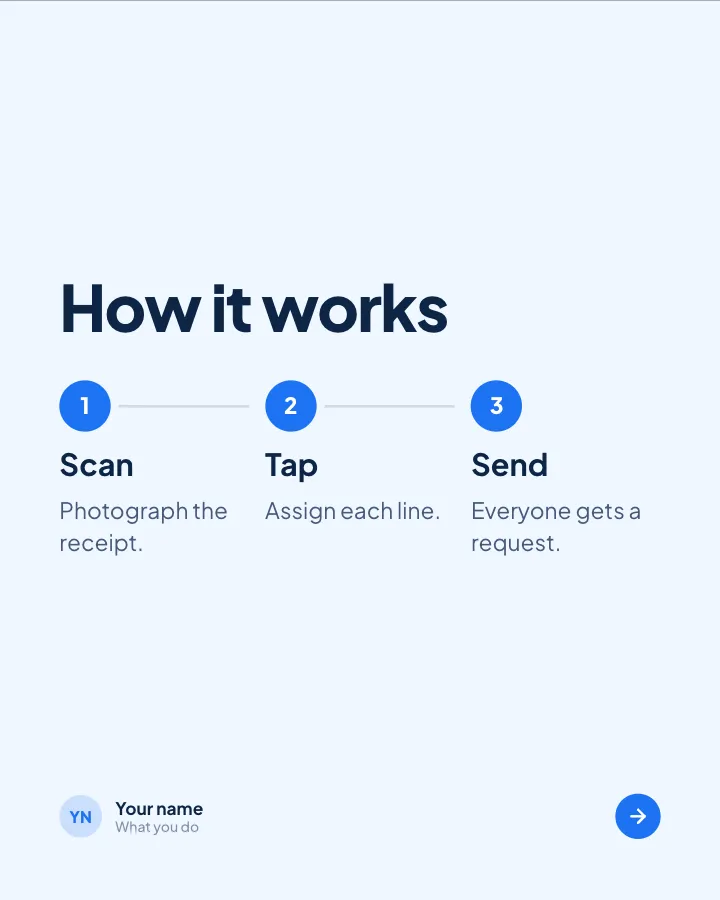
Fresh release
4 slidesA product change explained for customers: what it is, why it helps and how to start.
SellAnnounce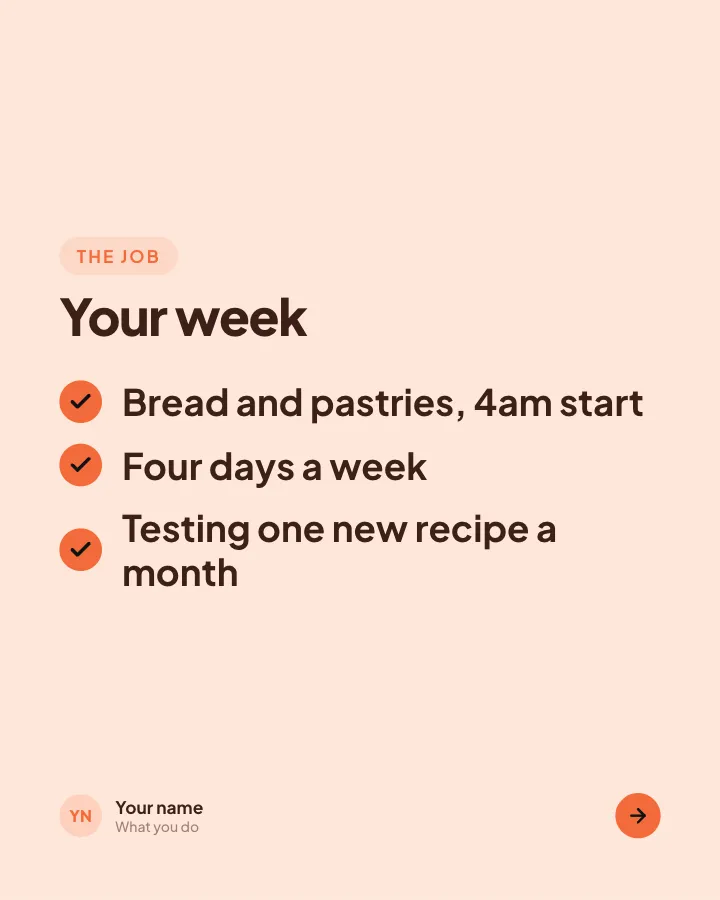
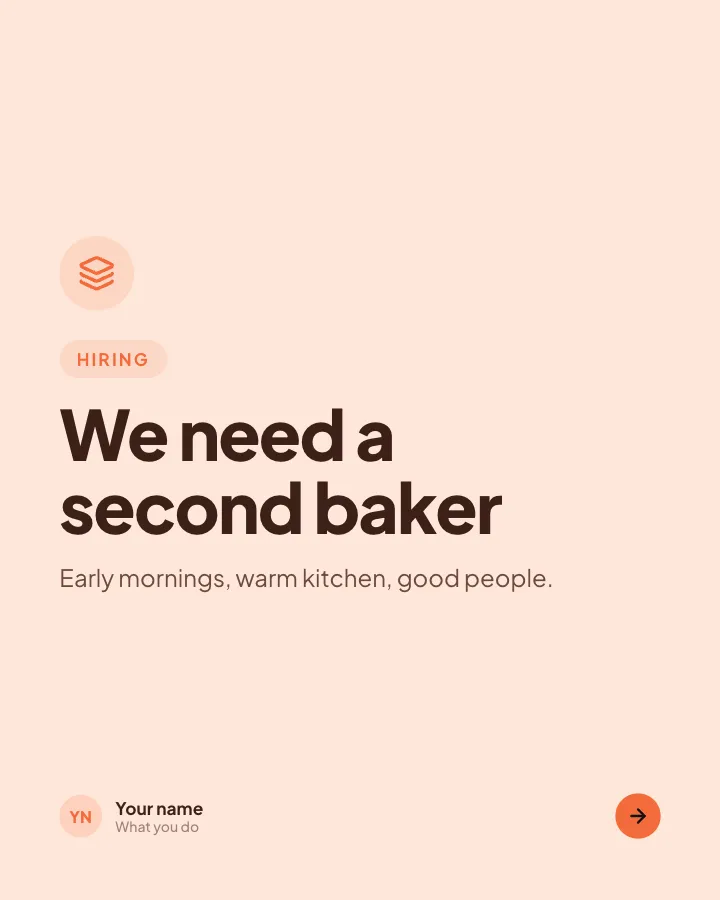
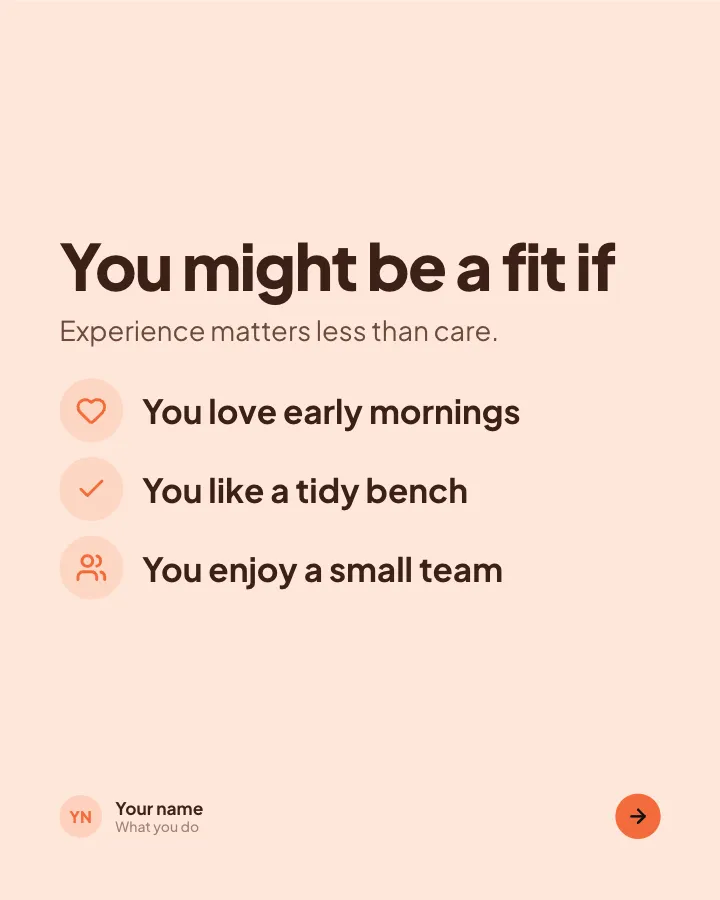
Join the team
4 slidesA role you are hiring for: what the job is, who you hope to meet and how to apply.
Sell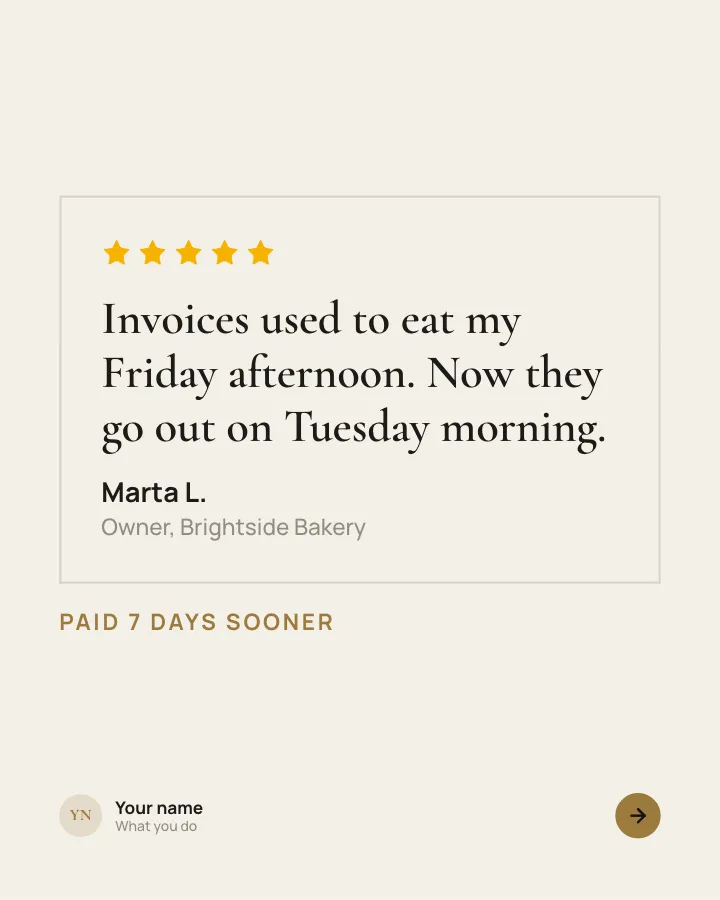
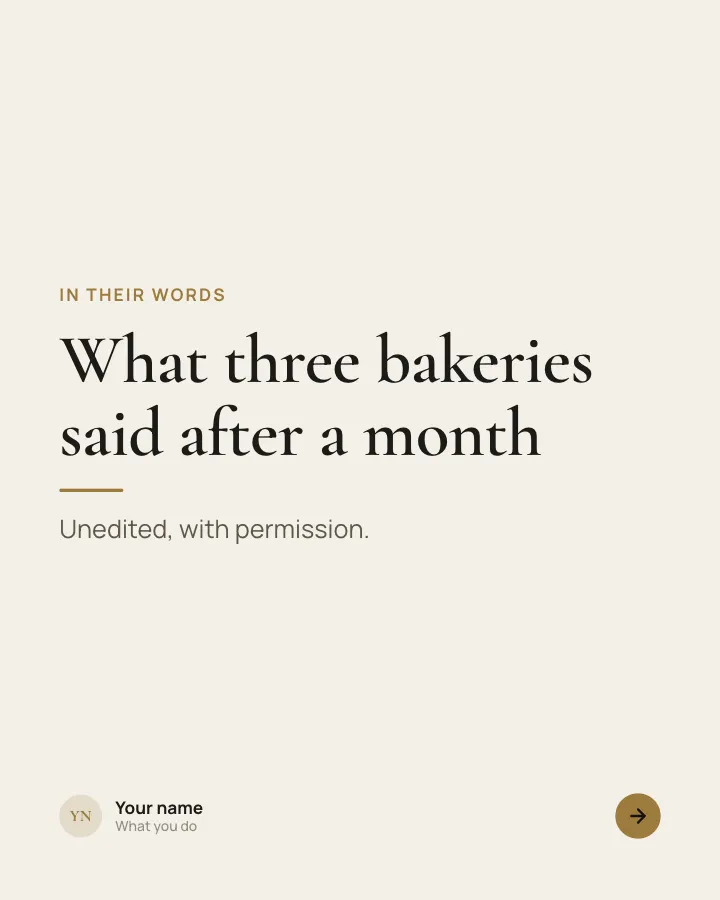
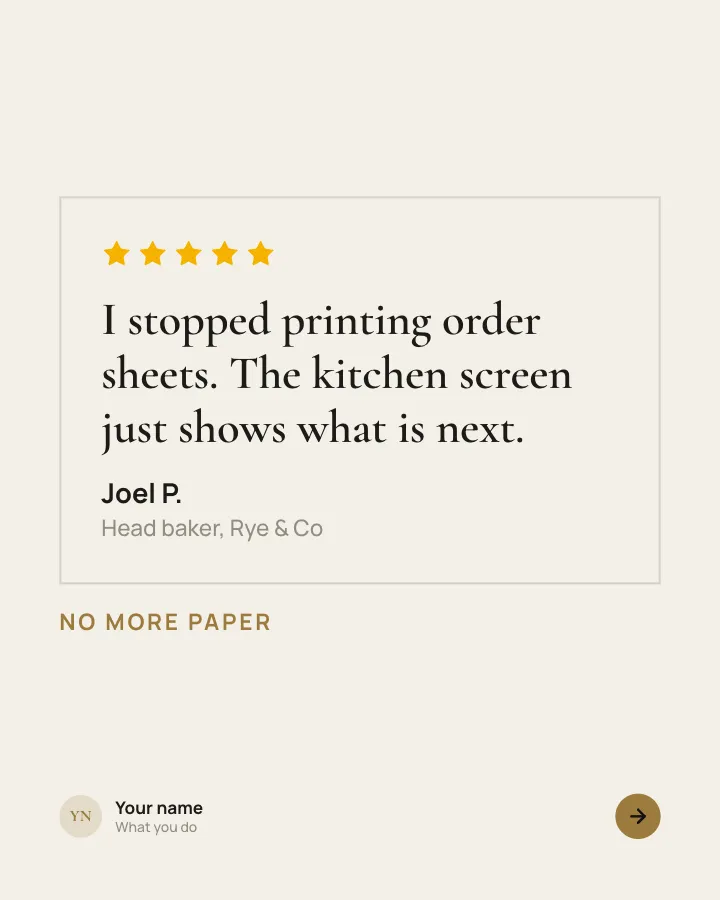
Customer voices
5 slidesReal customers in their own words, one person per slide, plus the change they noticed.
Earn trustSellVIP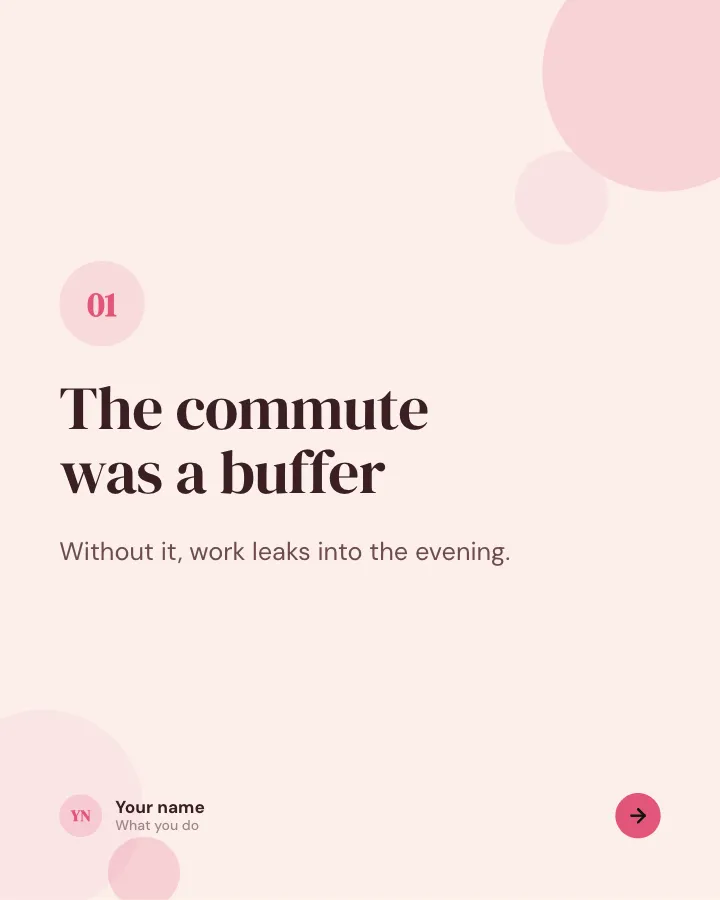
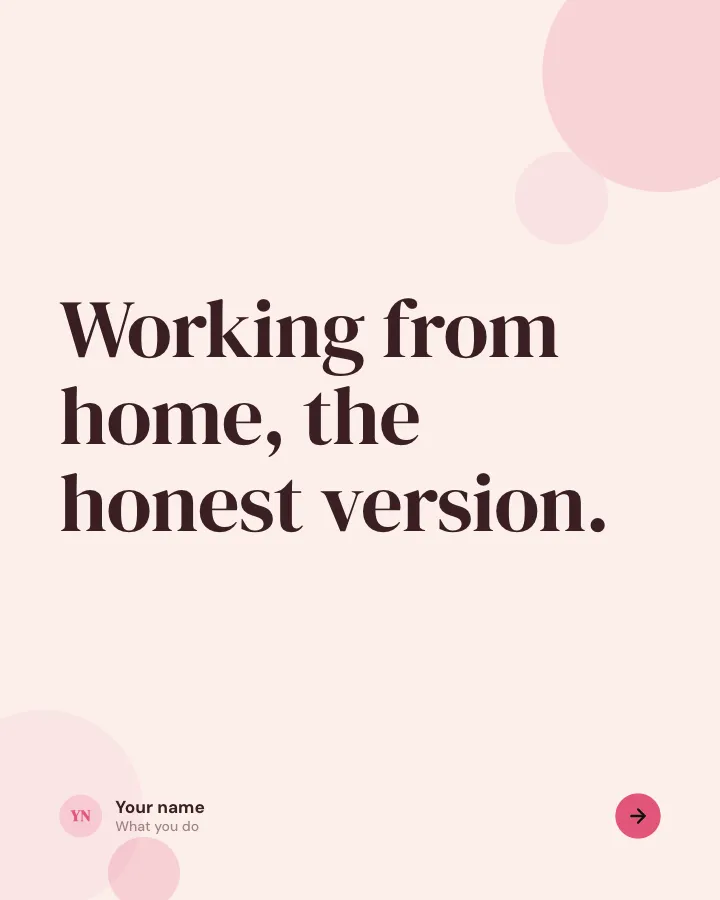
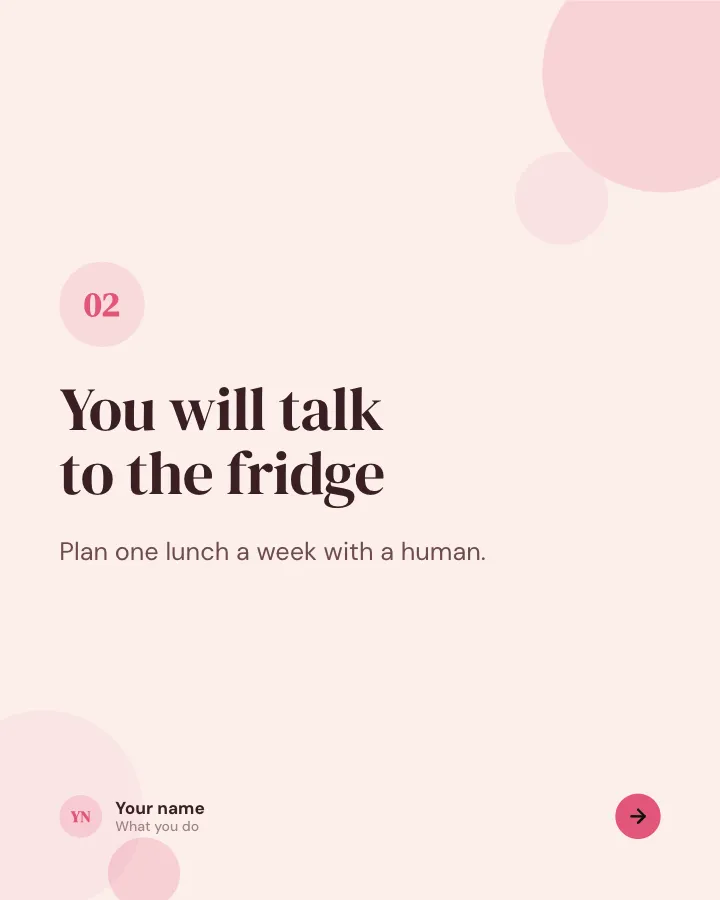
The honest version
6 slidesThe unglamorous side of a topic, said plainly, one point per slide.
Spark repliesEarn trust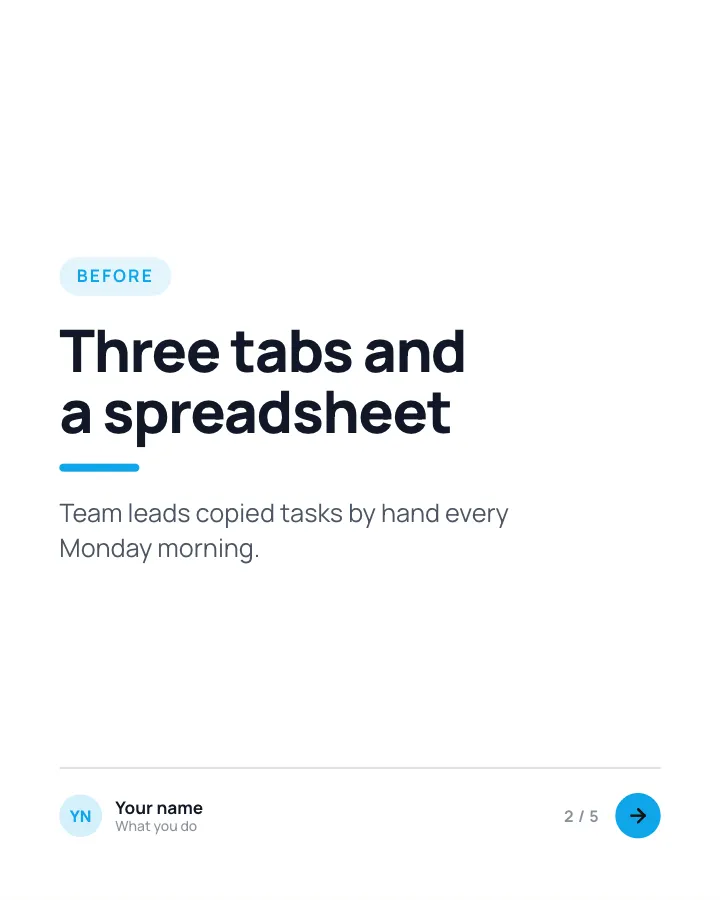
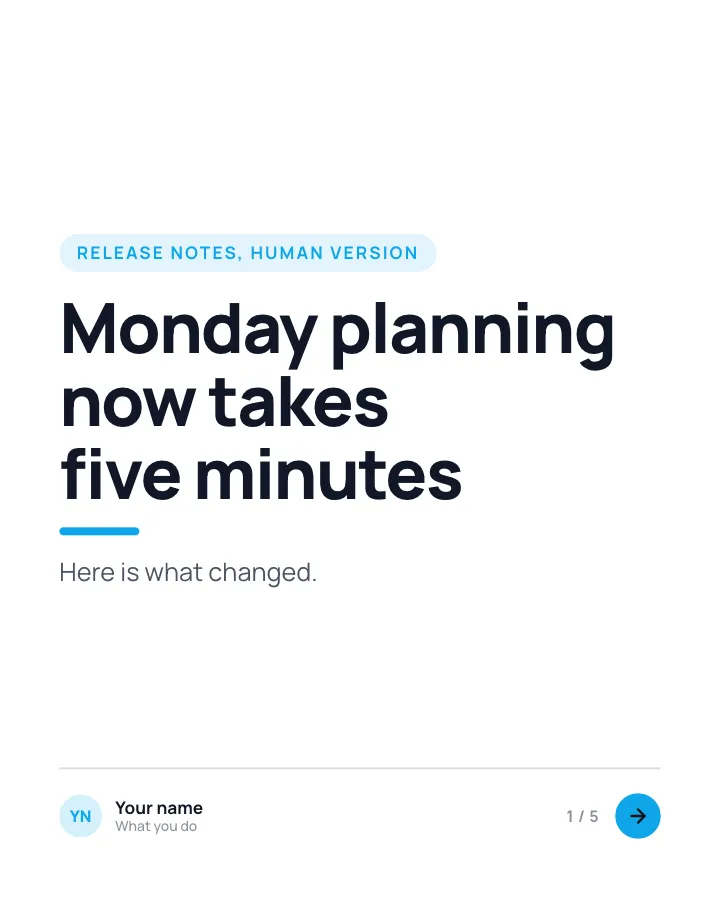
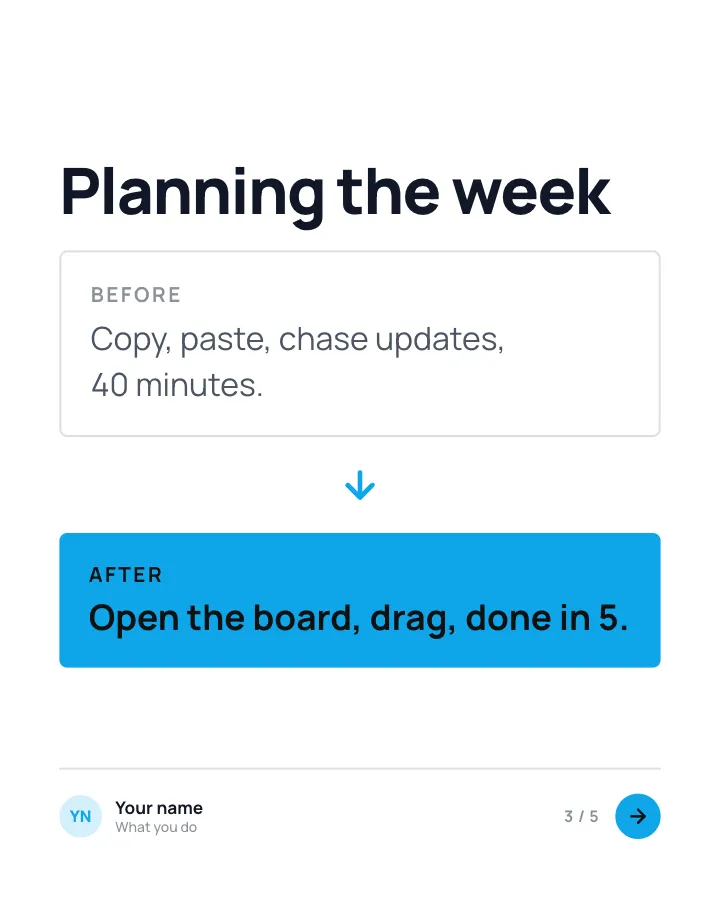
Feature in context
5 slidesFor product teams: show a release through the chore it removes from someone’s day.
SellExplainVIP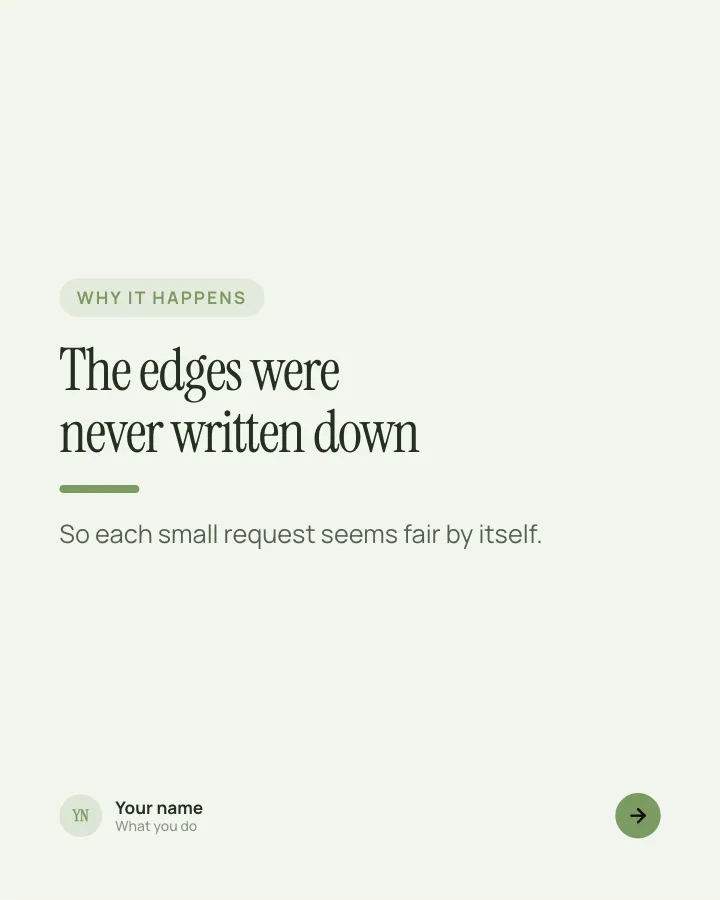
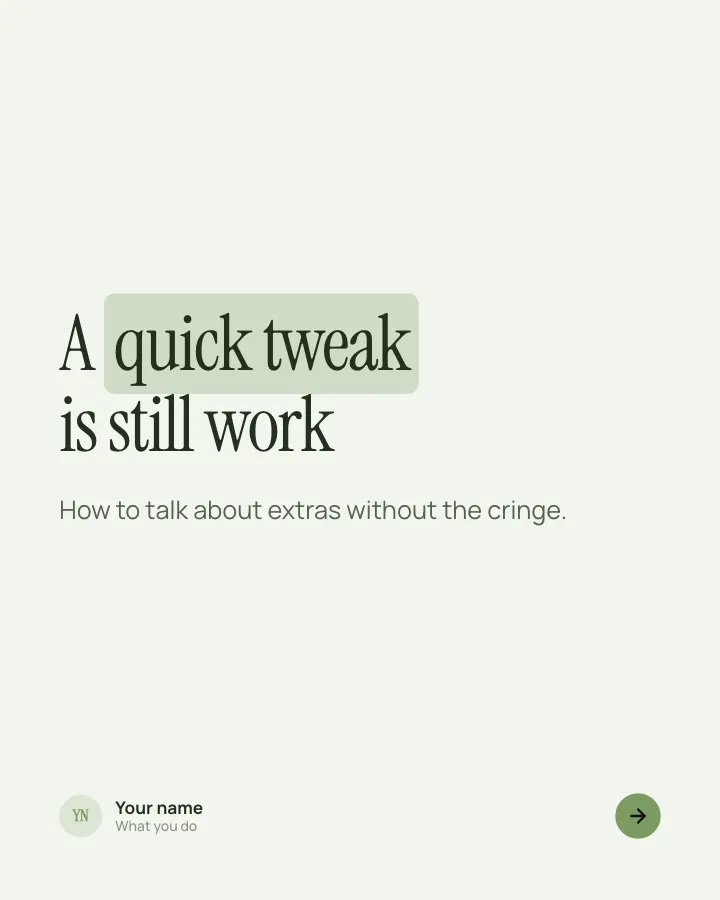
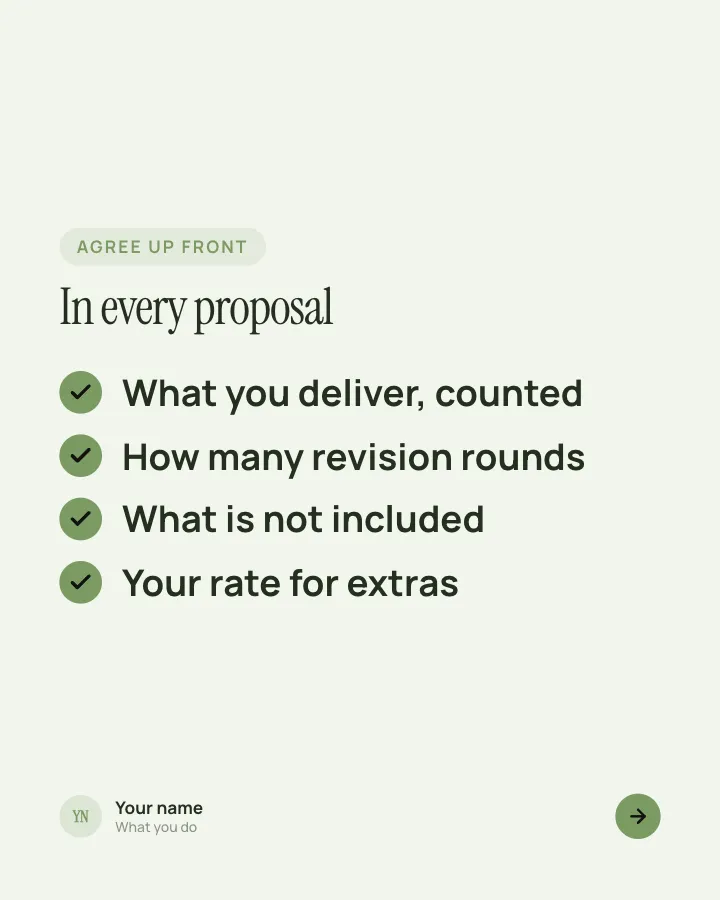
Clear boundaries
5 slidesFor freelancers: set out what a project includes before extra requests get awkward.
ExplainVIP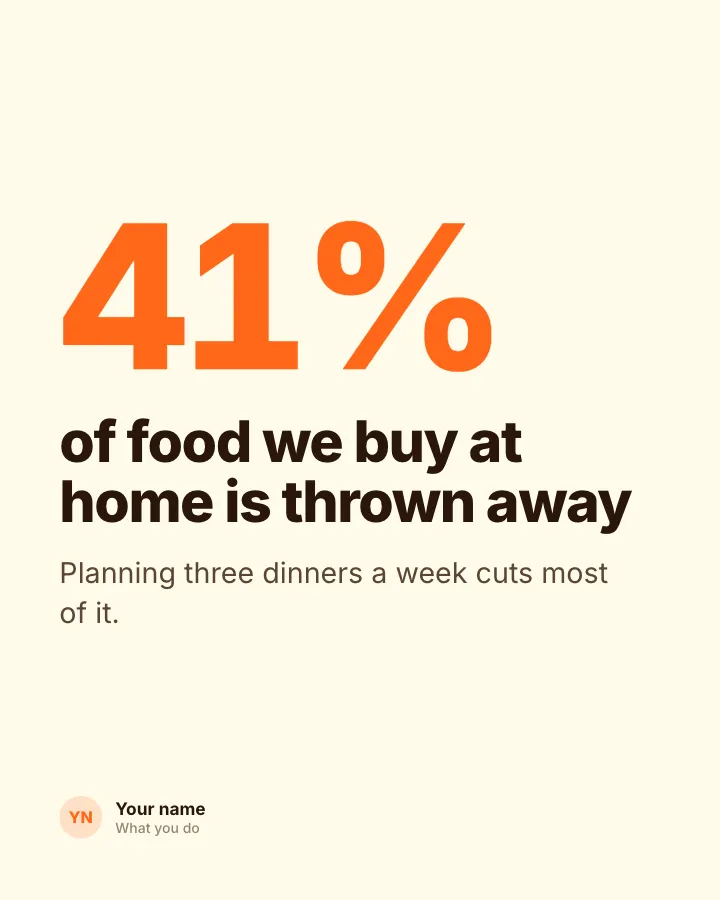
One figure
Image postOne striking figure, plus a sentence on why readers should care.
Explain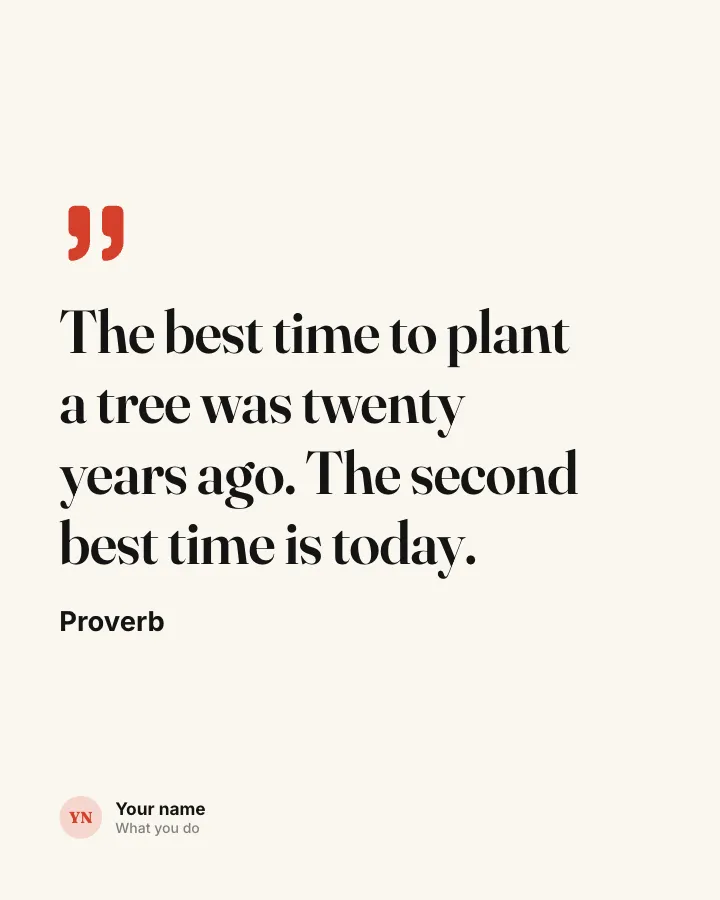
Saying card
Image postA short saying, typeset large, credited to its source.
Be bookmarkedEarn trust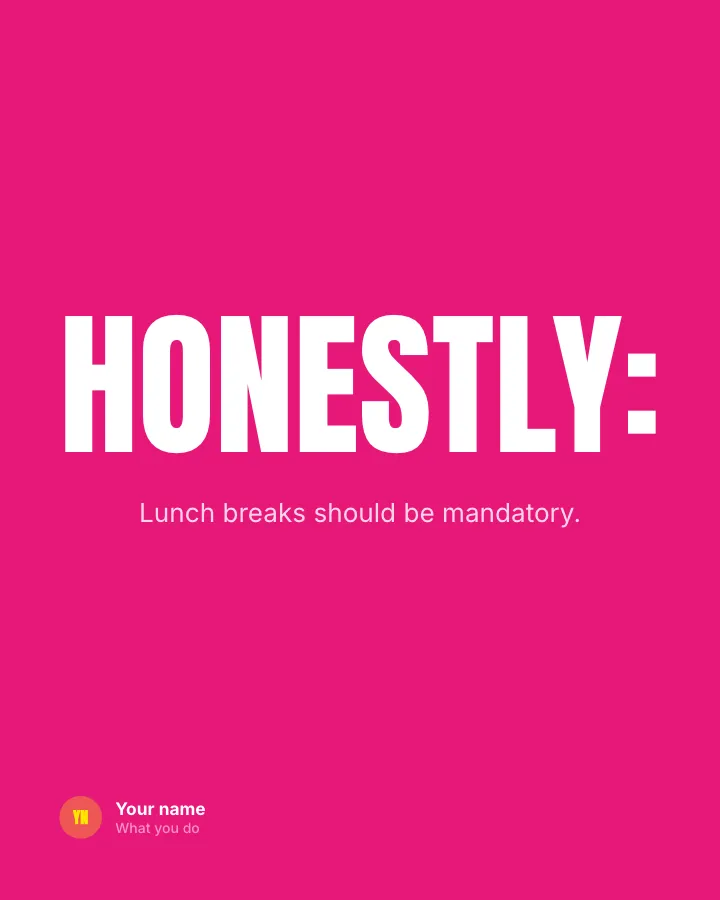
One-line stance
Image postA single bold sentence on one image, made for replies.
Spark replies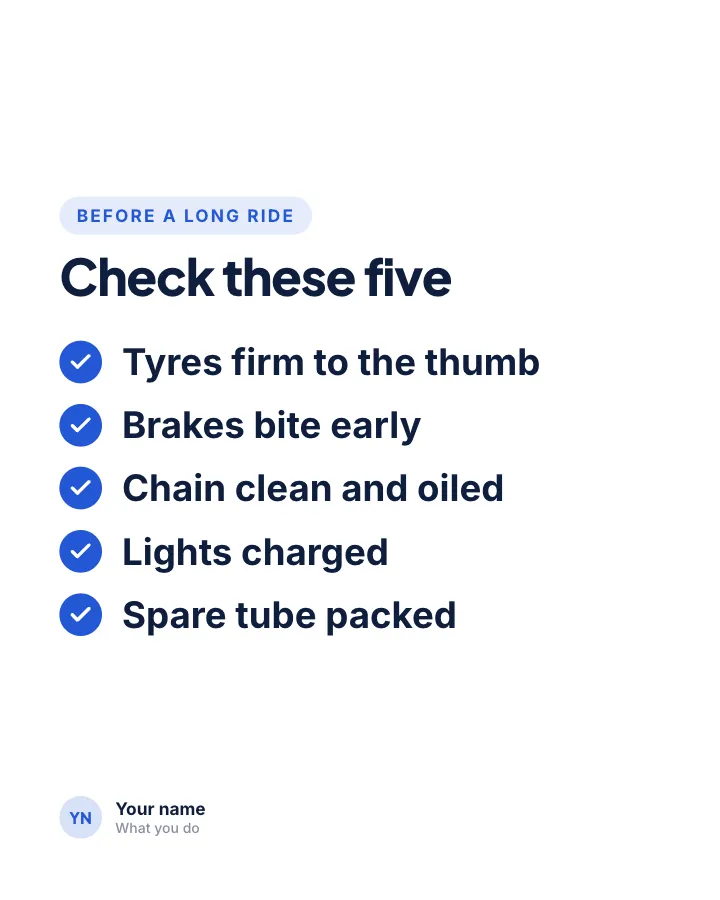
Pre-flight check
Image postThe checks to run before you set off, on one image to keep.
Be bookmarked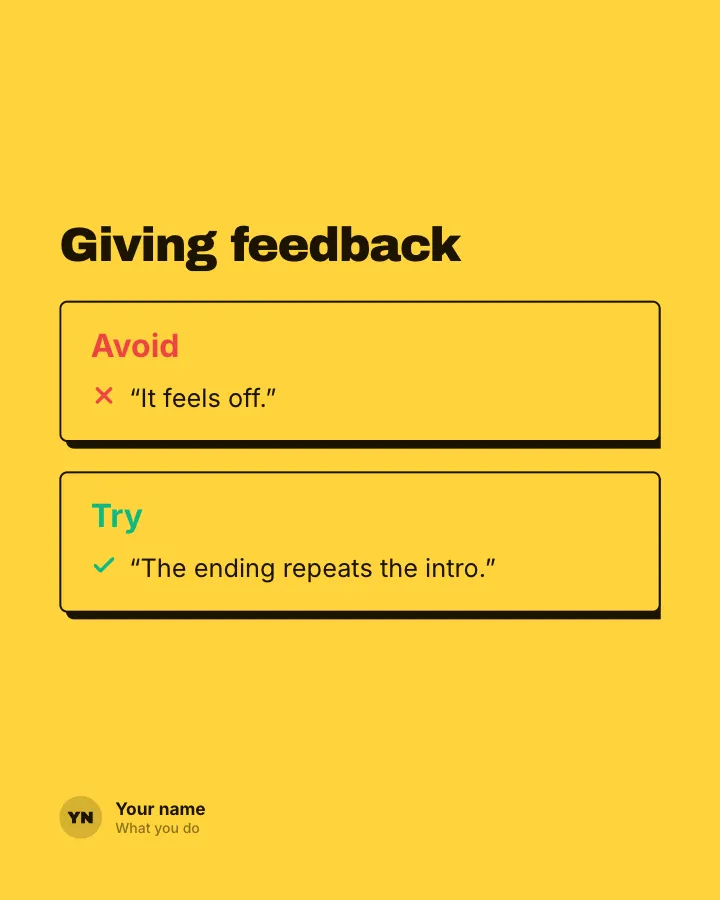
Yes / no card
Image postWhat to avoid and what to try instead, on one image.
ExplainBe bookmarked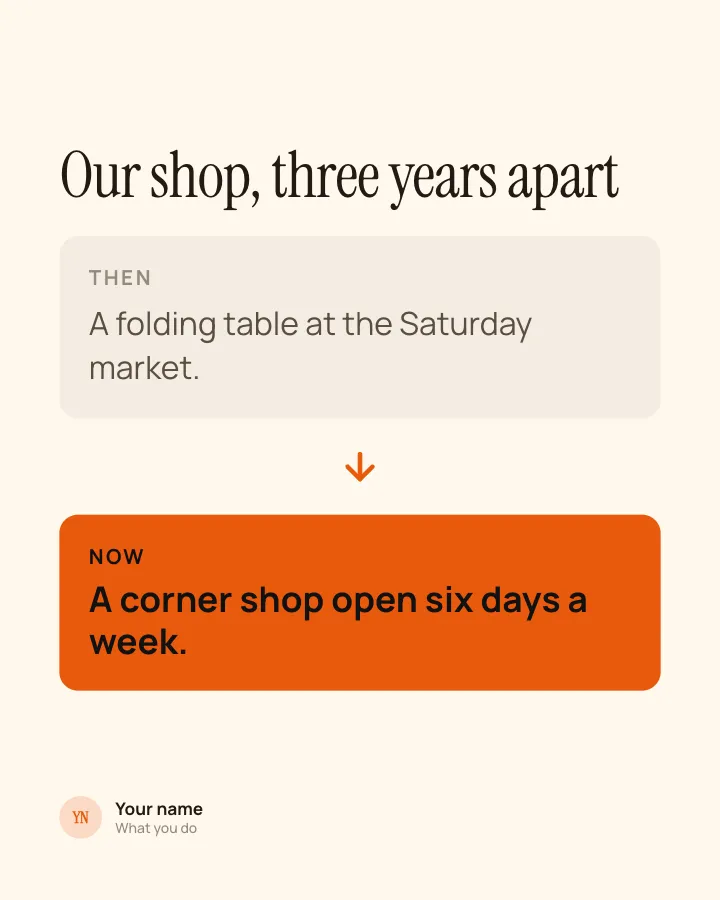
Then and now
Image postHow something was and how it is today, on one image.
Earn trust
Sourced fact
Image postA finding with the study or report it comes from.
ExplainEarn trust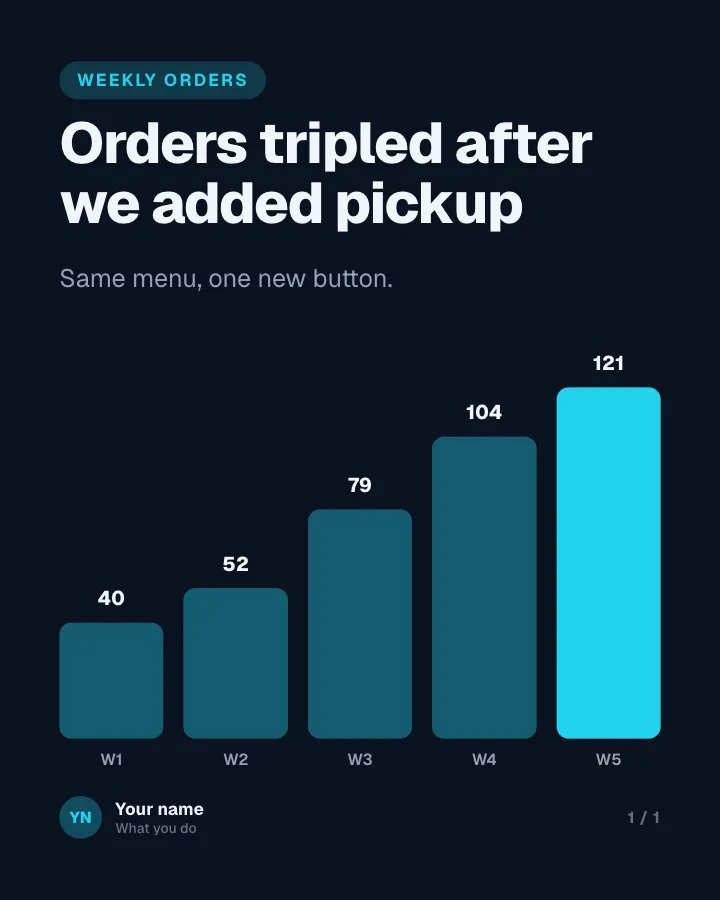
Quick chart
Image postOne chart with its conclusion written as the title.
Explain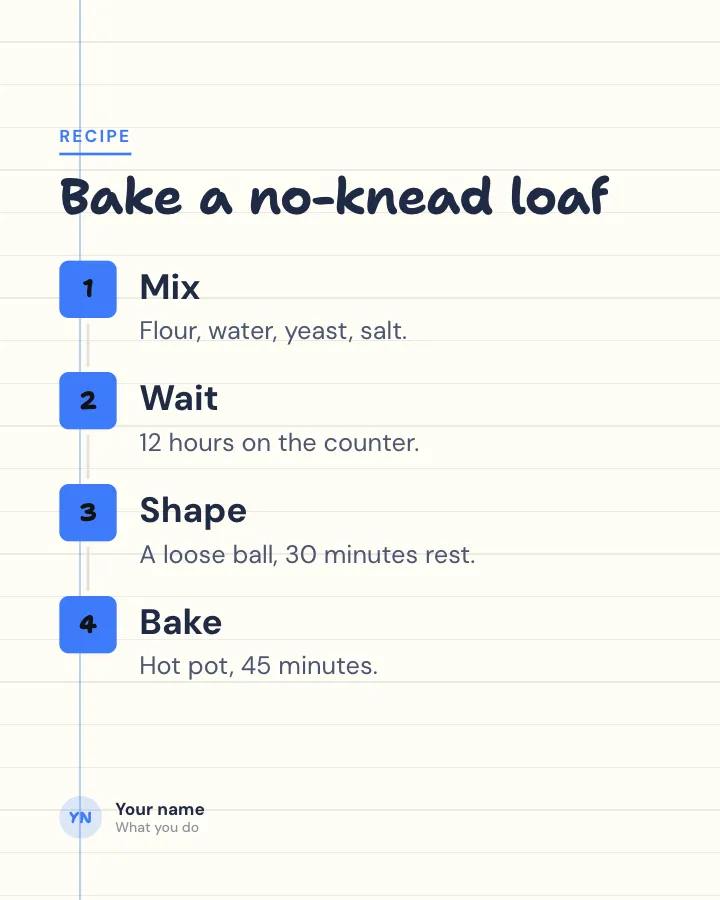
Mini guide
Image postA short process in a few steps, all on one image.
Be bookmarkedExplain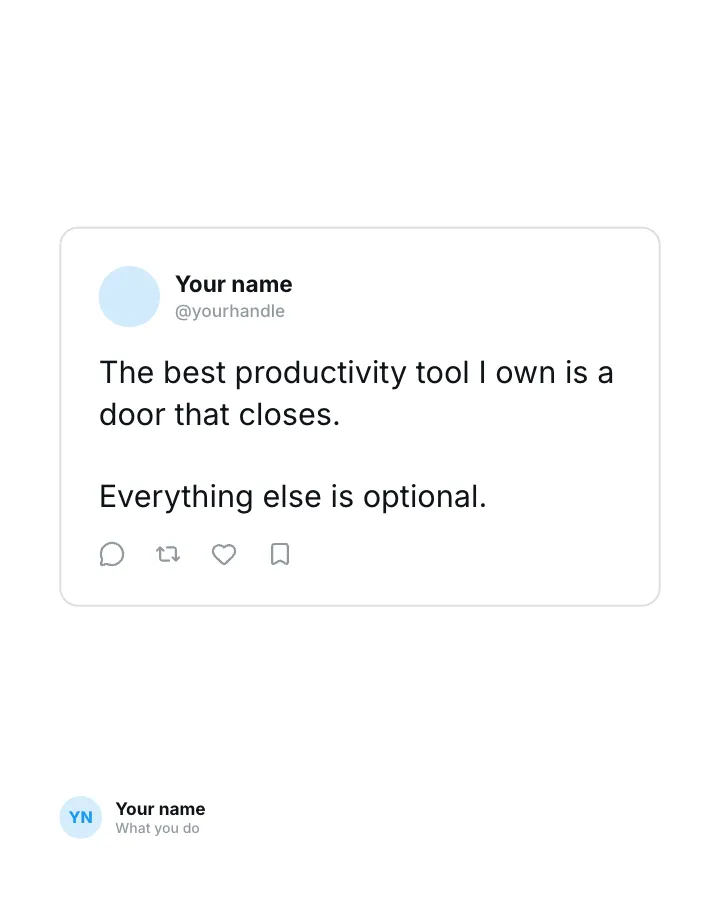
Post card
Image postA thought styled as a social post, for people to stop and reply.
Spark repliesMake them smile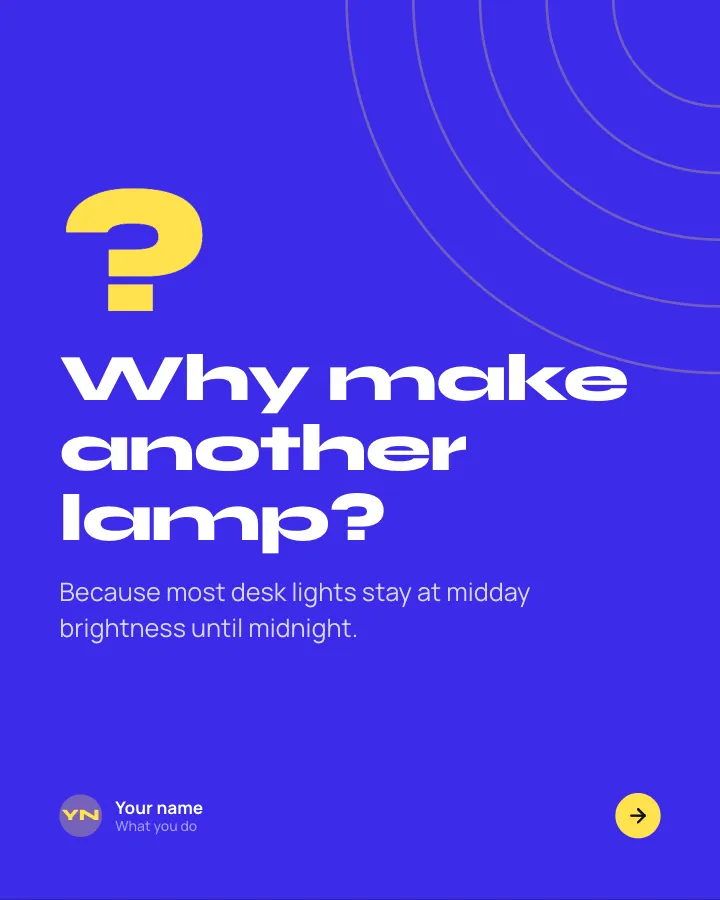

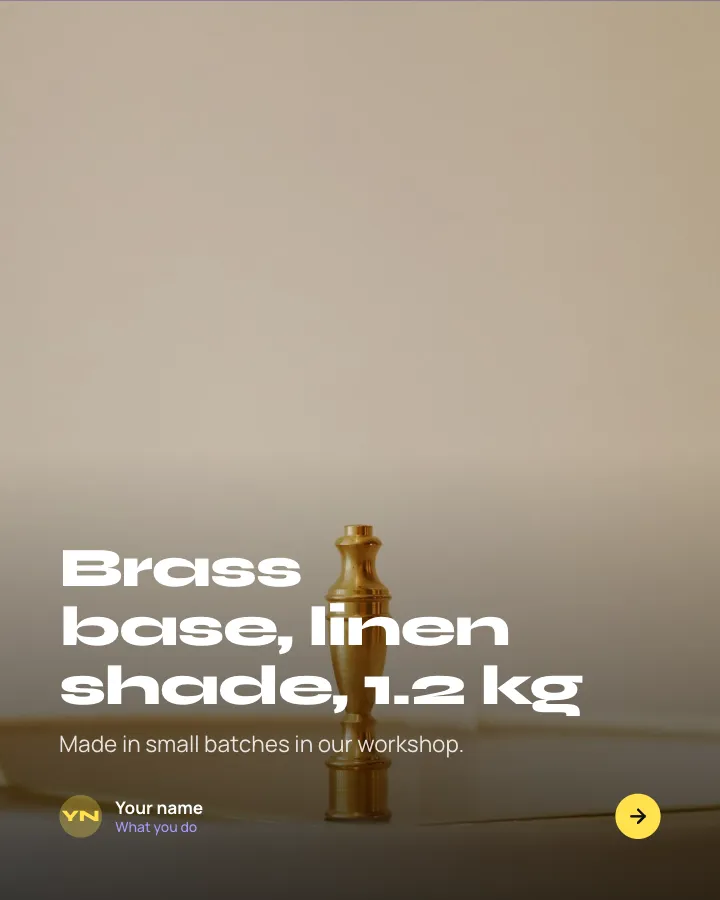
Launch day
8 slidesA new product introduced in one swipe: the problem, the reveal, what it does, the price and where to get it.
SellAnnounce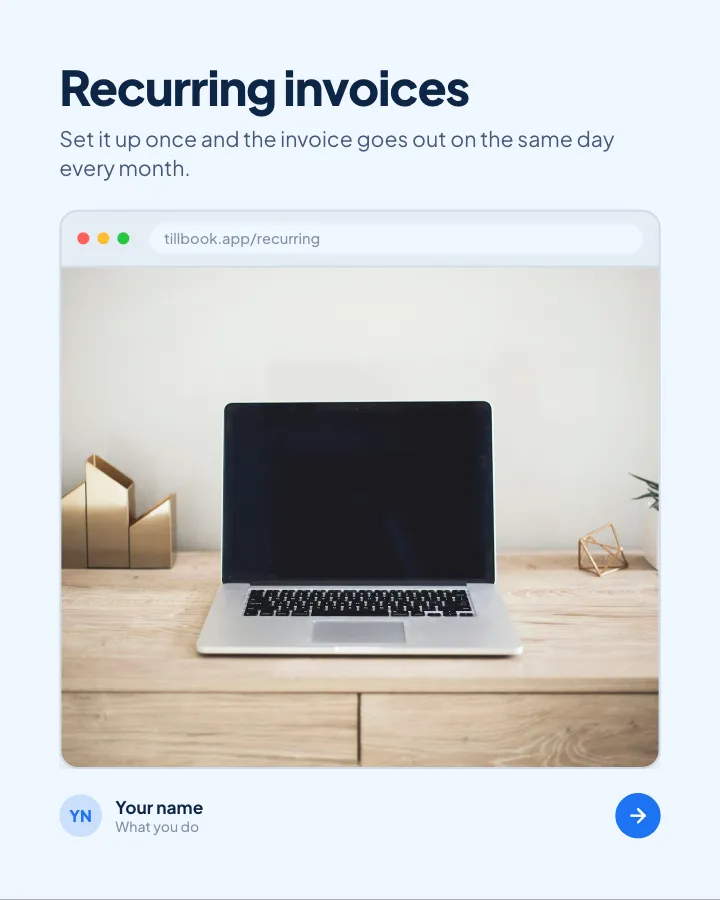
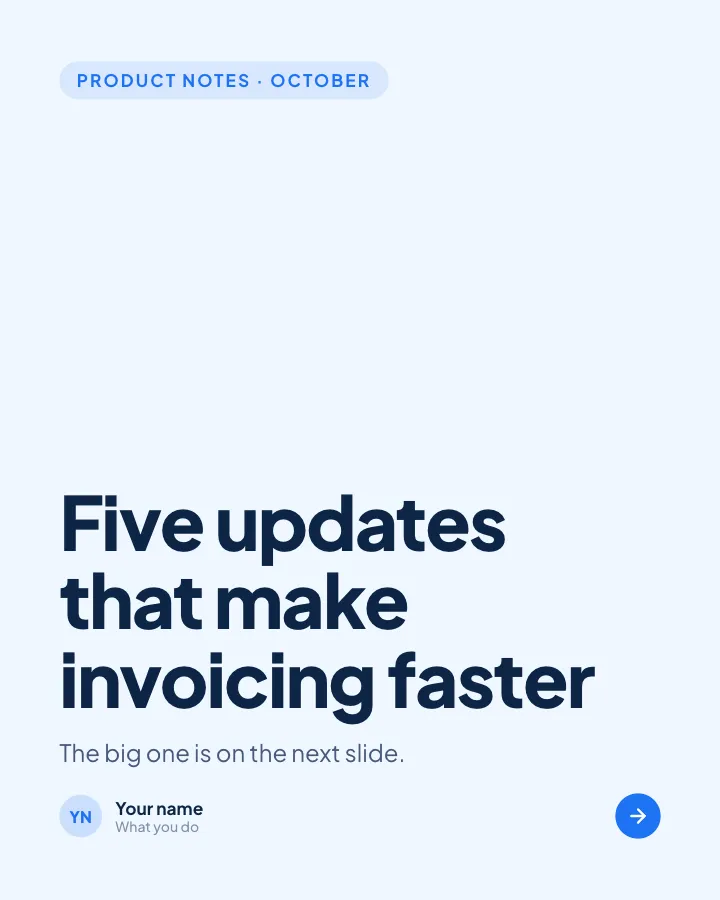
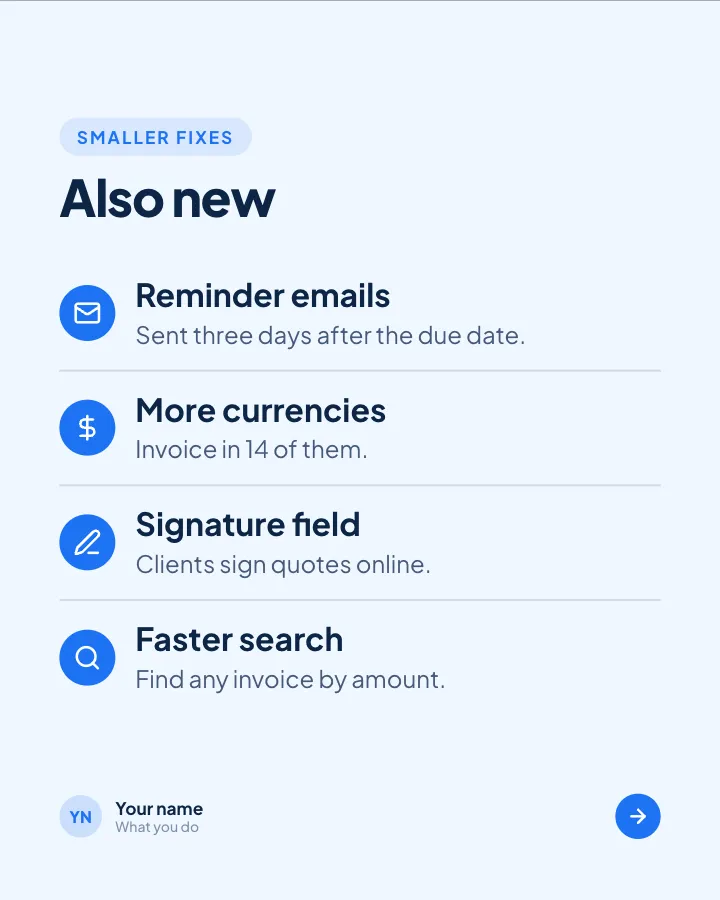
What’s new this month
6 slidesA monthly round-up of product updates: the headline change, the smaller fixes and what is coming next.
AnnounceSell

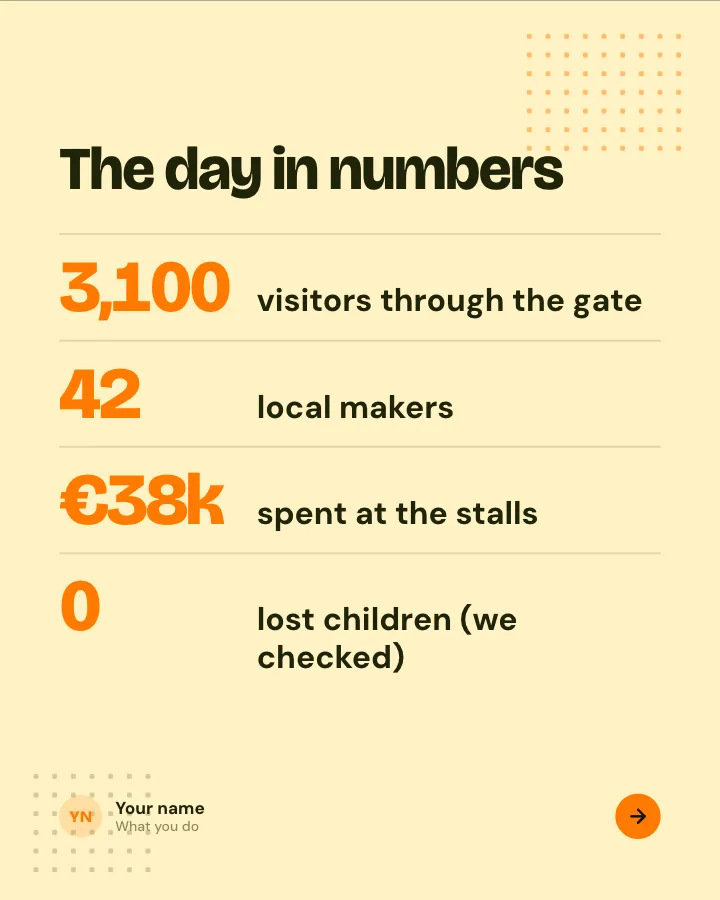
Event recap
7 slidesWhat happened at an event you ran or went to: the moments, the numbers, the best line of the day and what is next.
AnnounceEarn trust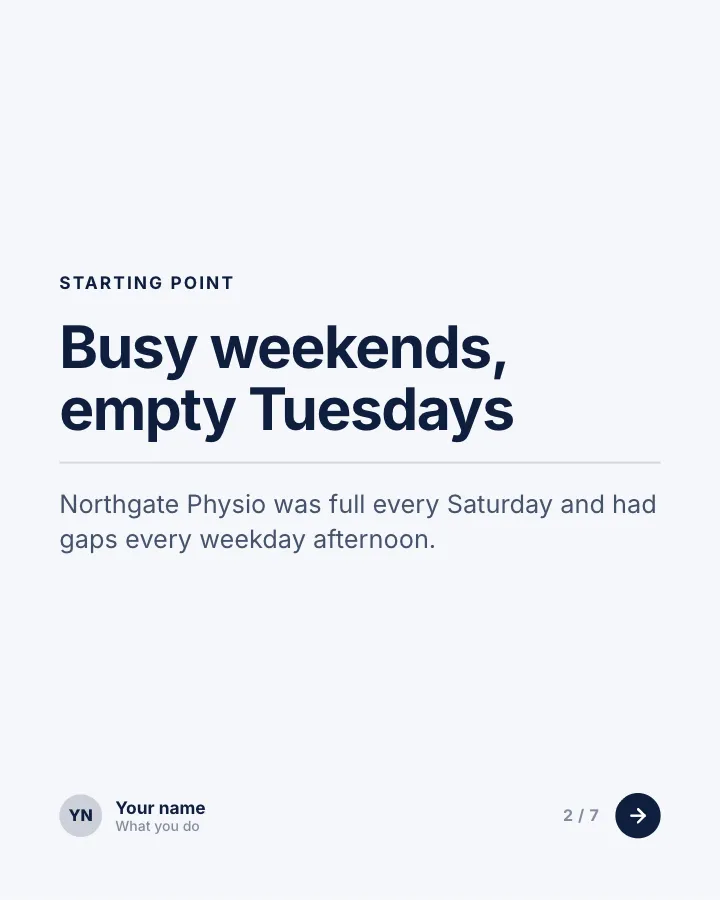

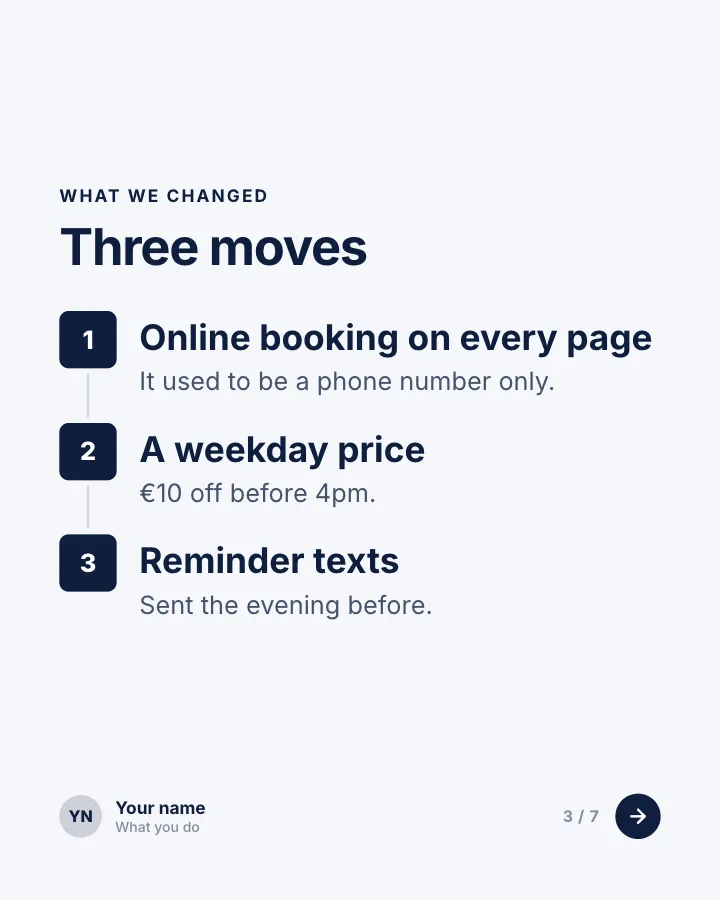
Client win, in numbers
7 slidesA short case study for service businesses: where the client started, what you changed and the results in figures.
Earn trustSellVIP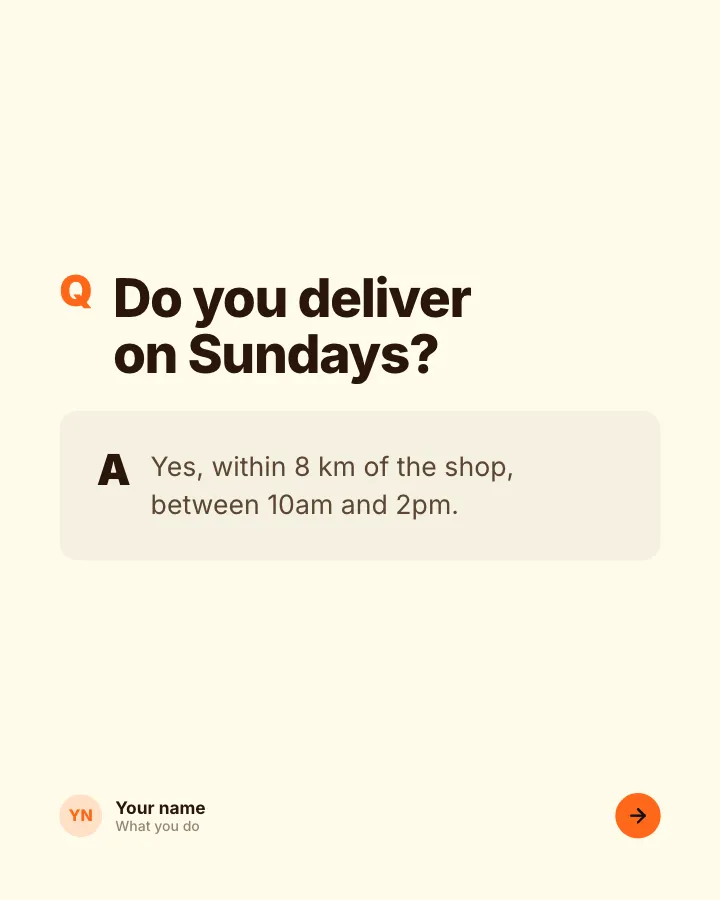
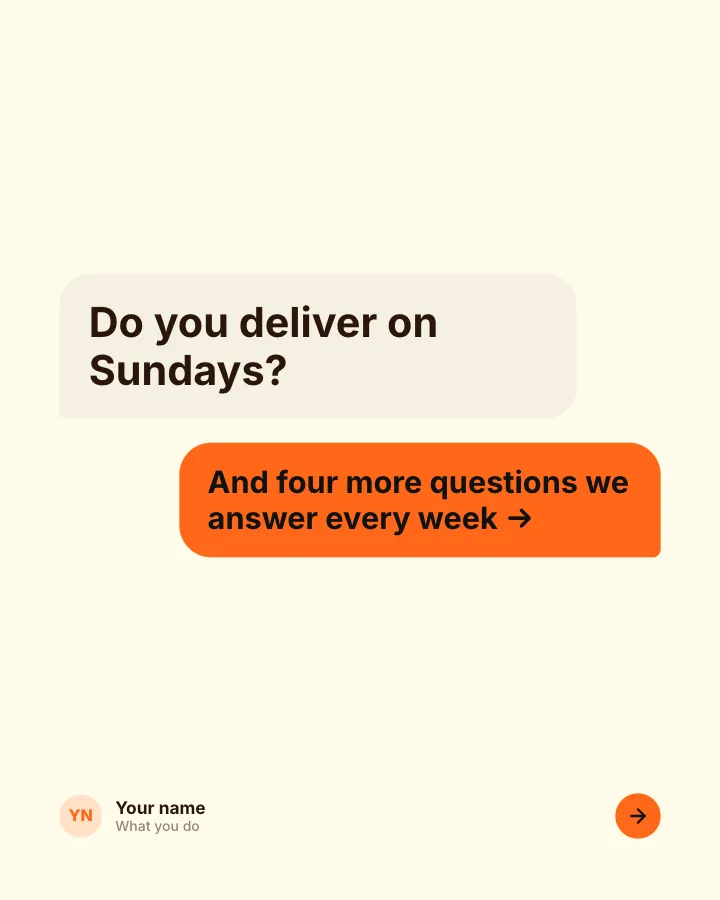
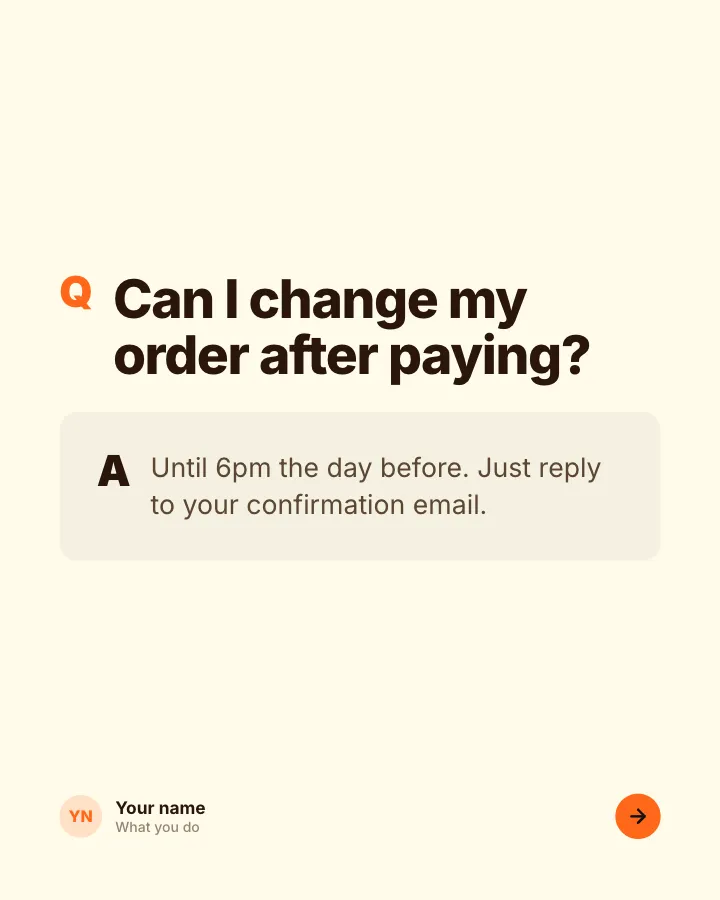
Questions we get asked
7 slidesThe questions customers ask before they buy, each answered plainly, so the next person does not have to ask.
SellExplain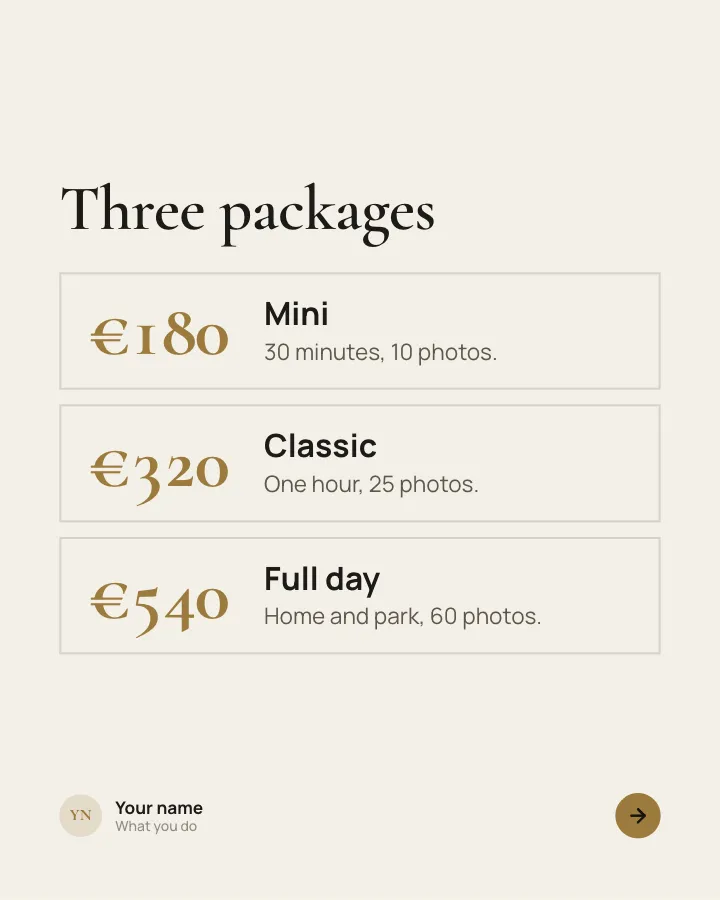
Pricing, explained
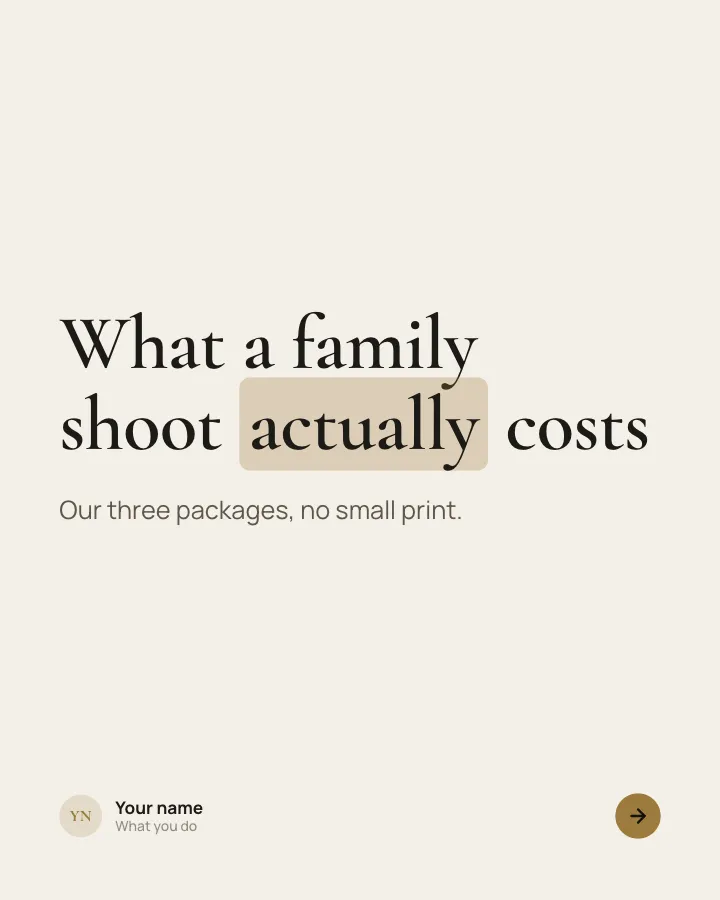
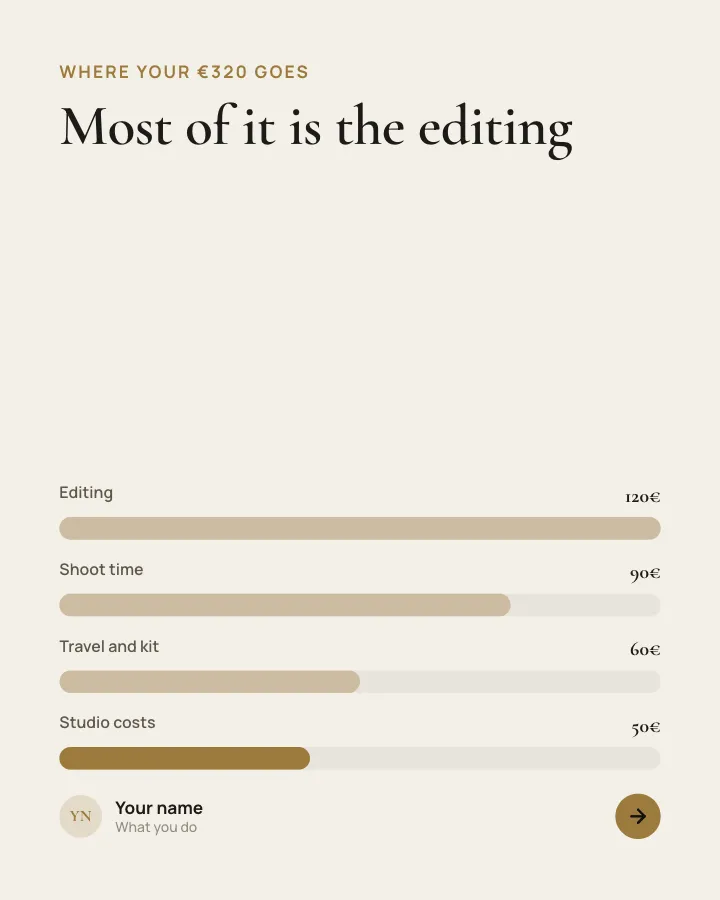
7 slidesYour packages laid out clearly: who each one is for, what it includes and why it costs what it does.
SellEarn trustVIP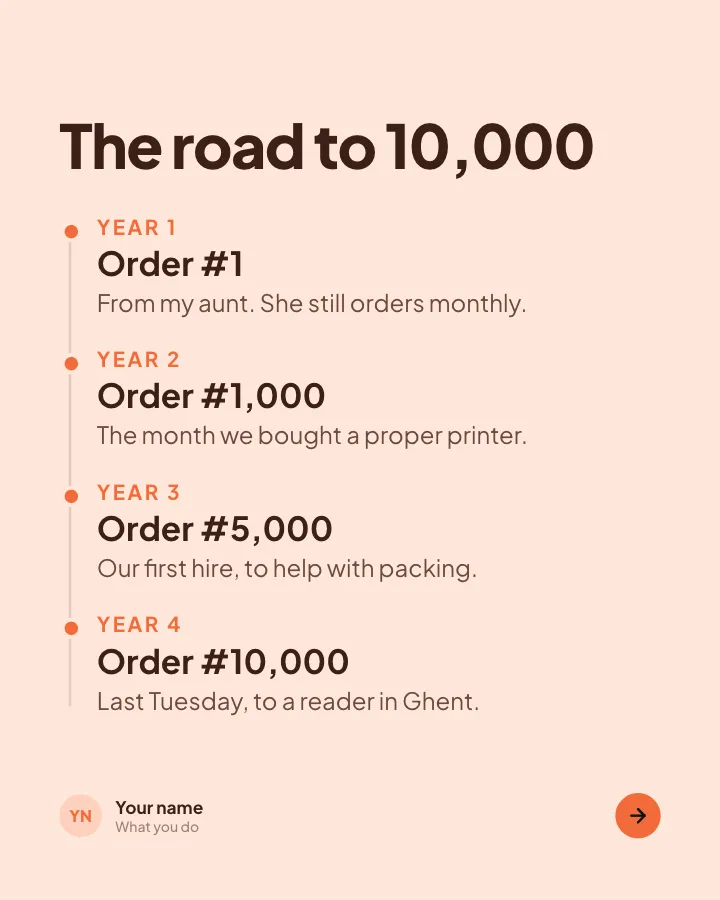
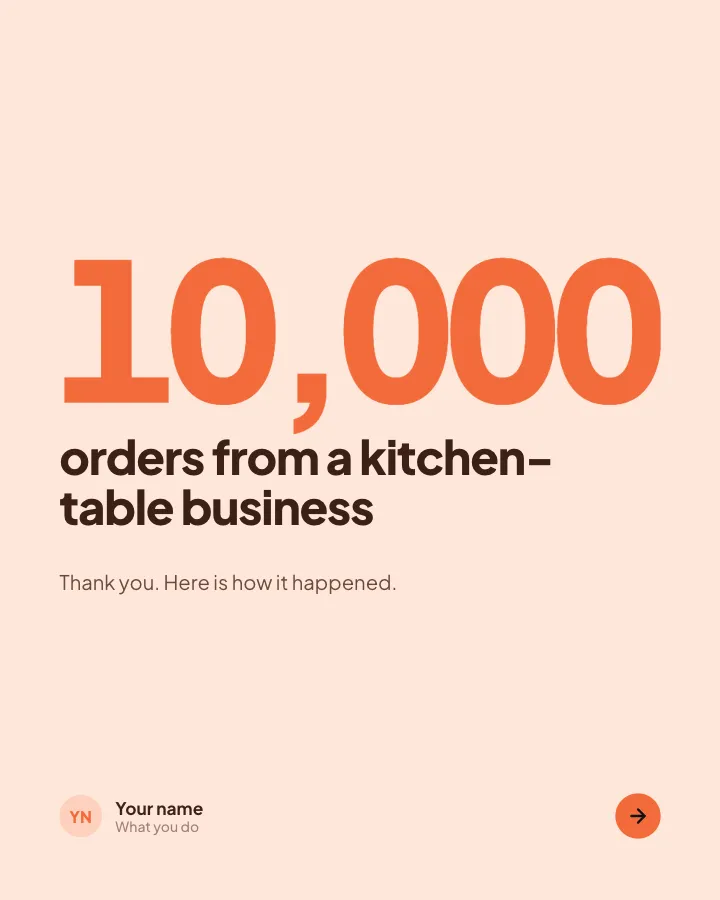
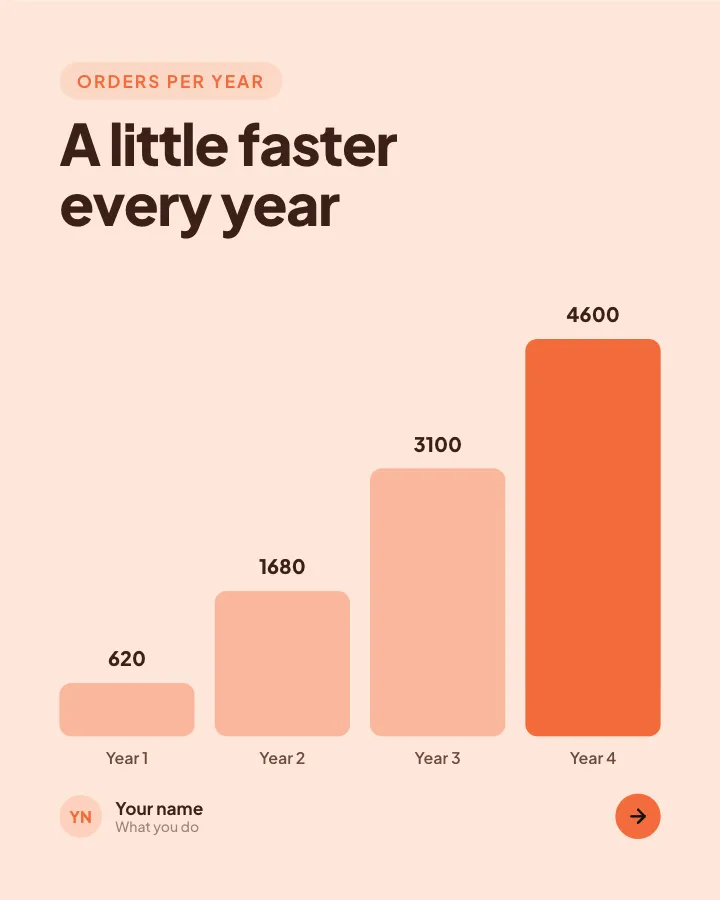
Milestone thank-you
7 slidesCelebrate a milestone with your audience: the number, how you got there, who helped and what comes next.
Earn trustSell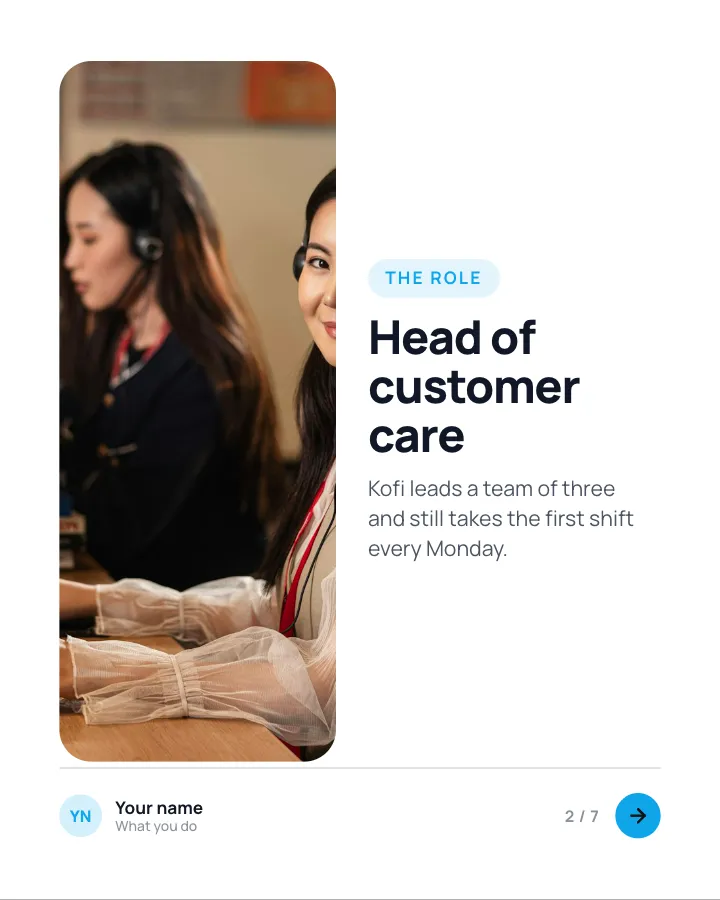
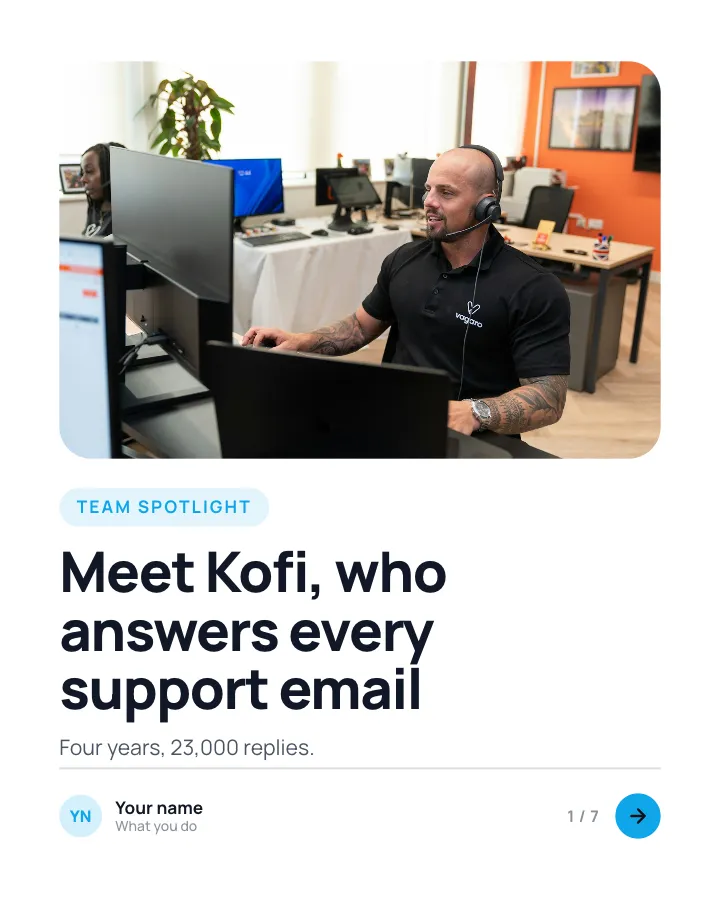
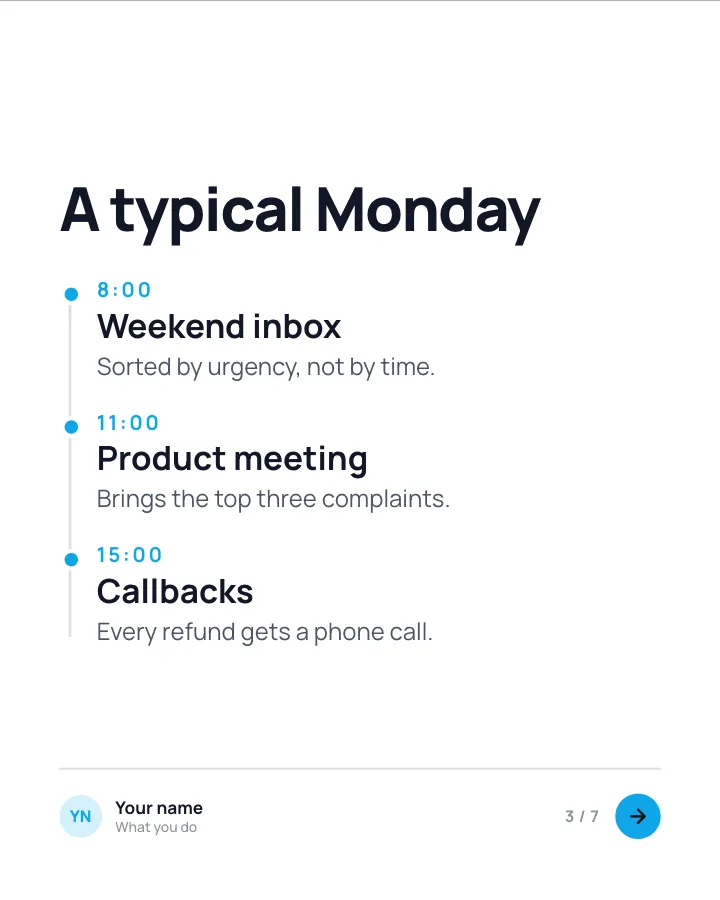
Team spotlight
7 slidesIntroduce one person on your team: their role, a typical day, what they are proud of and a fun fact.
Earn trustSellVIP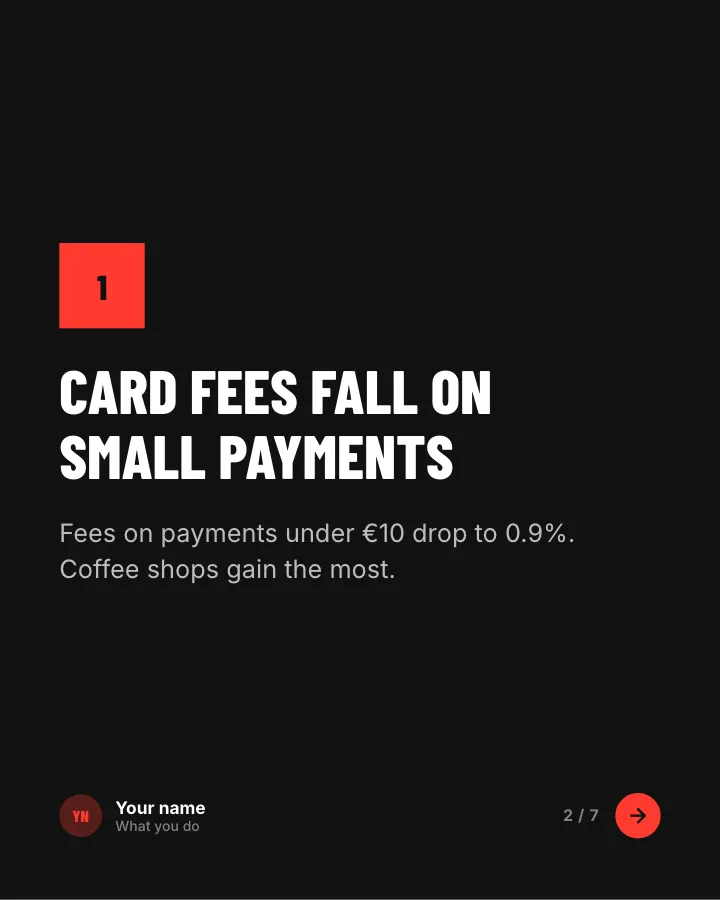
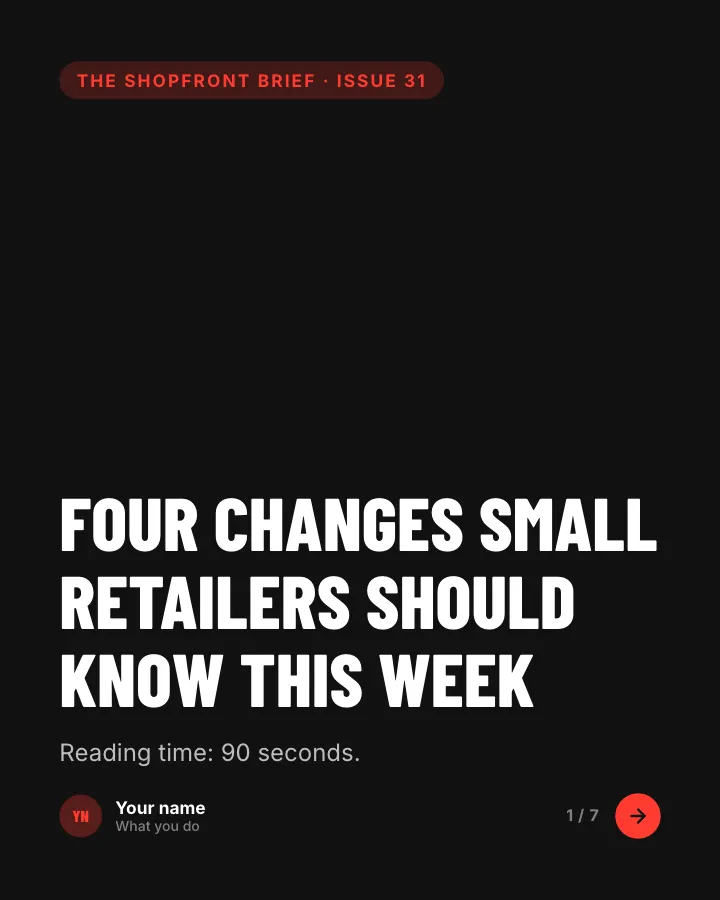
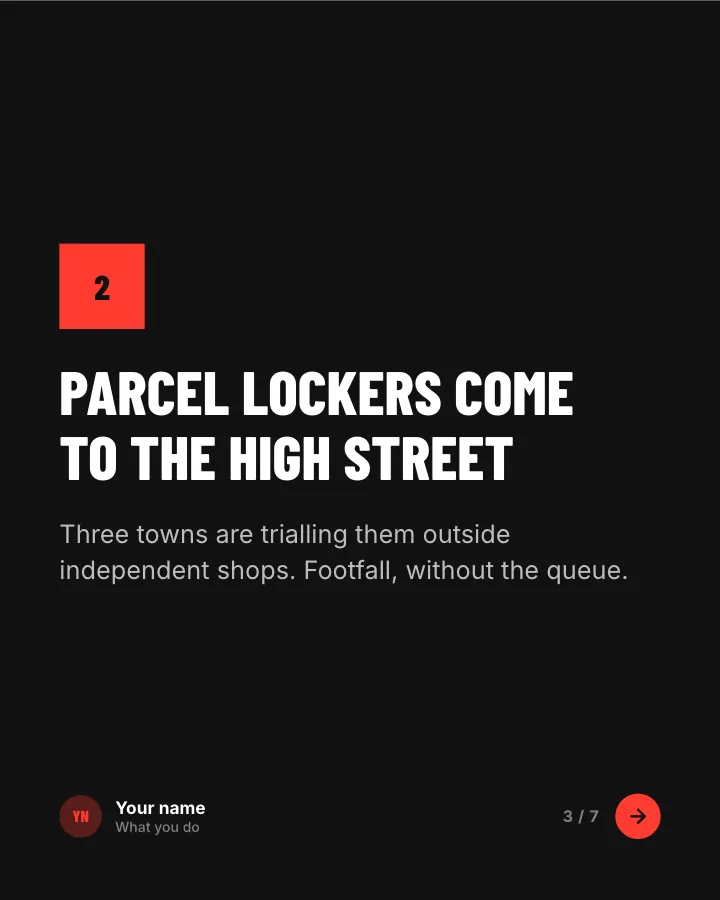
News digest
7 slidesThe week’s news in your field, sorted into what changed, what it means and what to do about it.
AnnounceEarn trust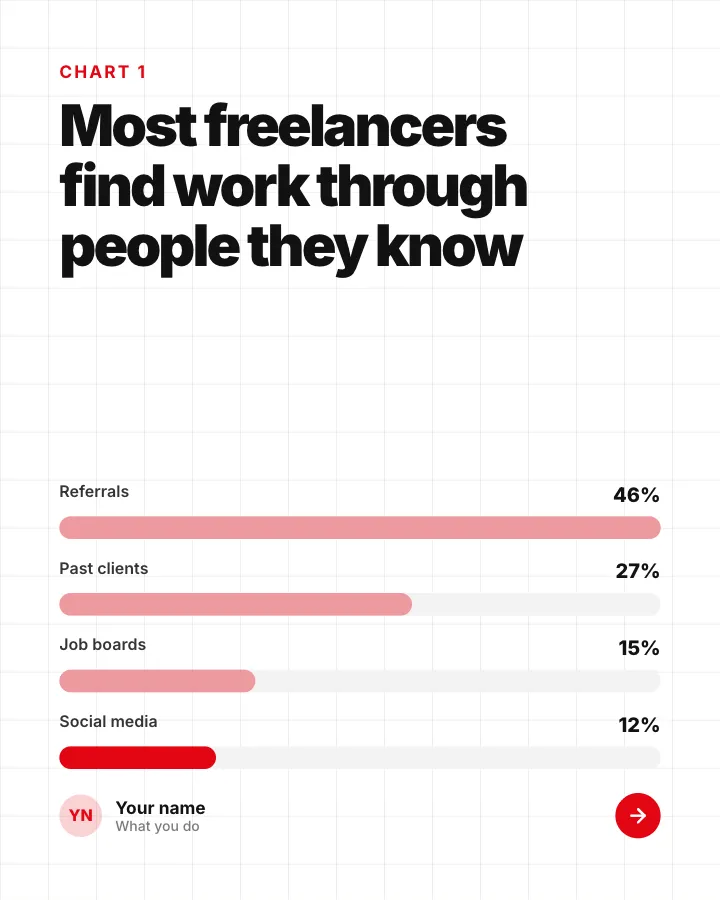
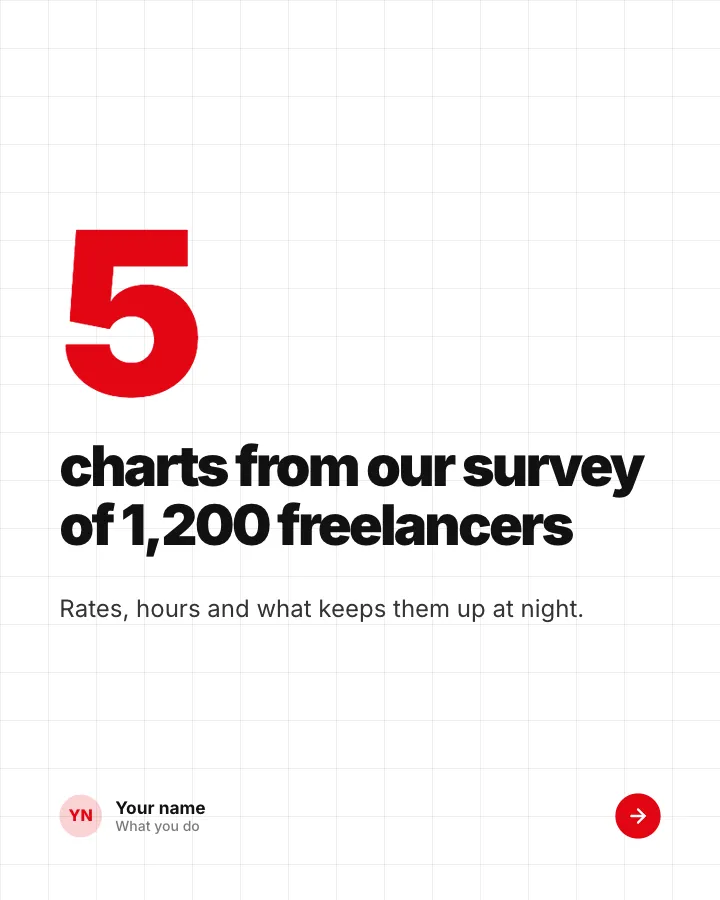
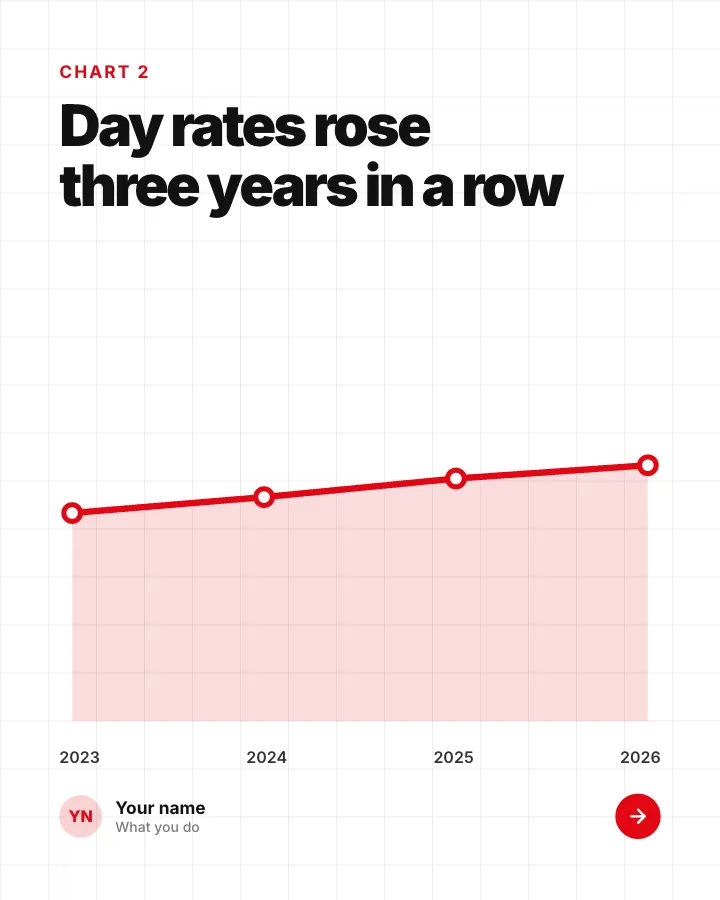
Stats that matter
8 slidesA handful of figures from your field, each charted and explained in one sentence.
AnnounceExplainVIP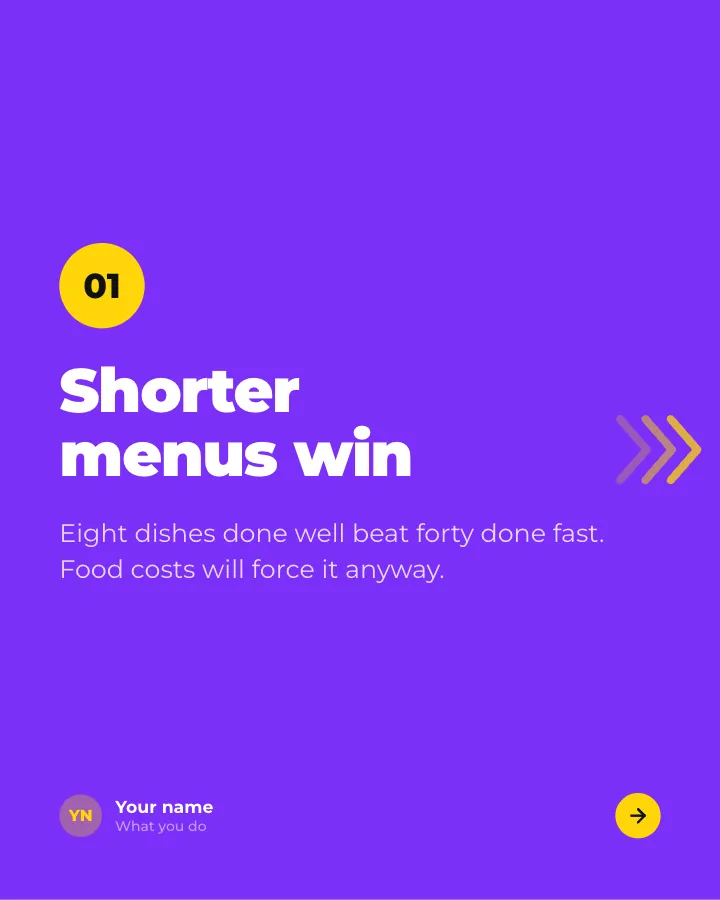

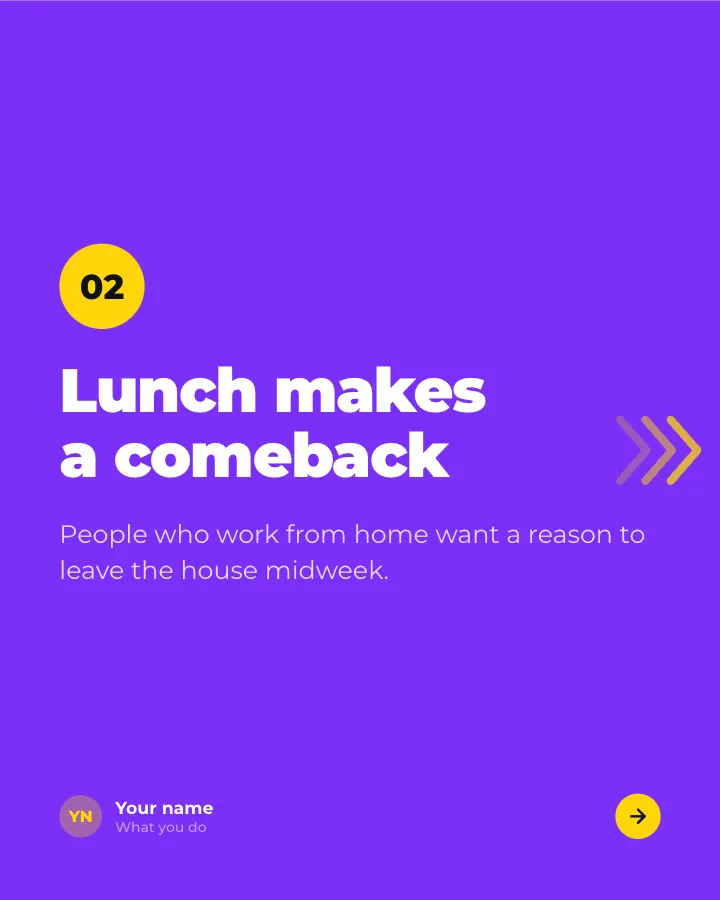
Predictions
7 slidesWhere you think your field is heading next year: each call stated plainly with a reason, so readers can argue back.
Spark repliesAnnounce

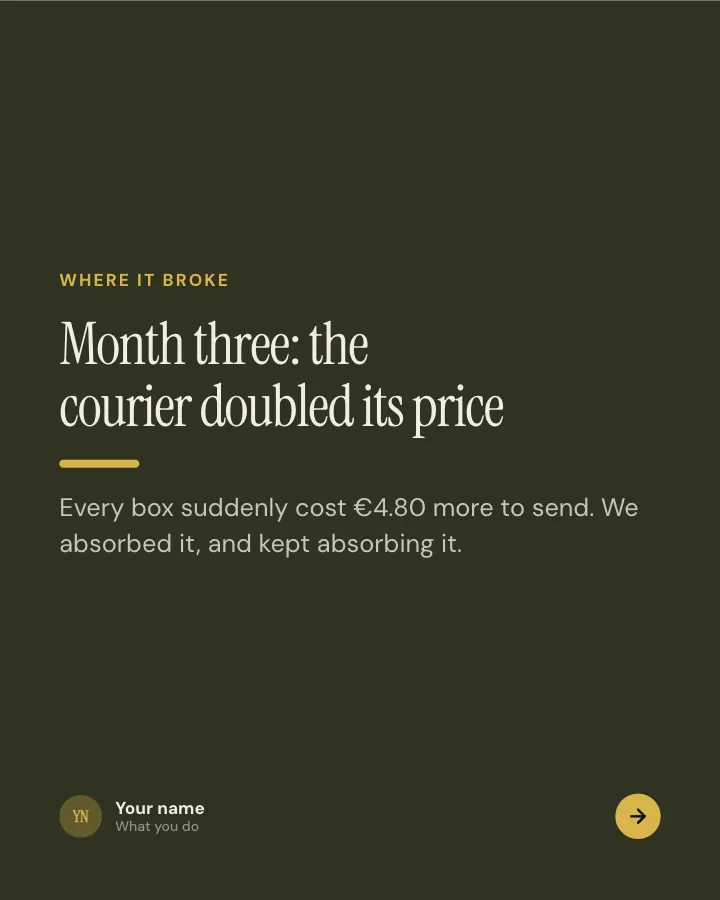
What went wrong
7 slidesA project that did not work, told honestly: the plan, the moment it broke, the cost and what you do differently now.
Earn trustSpark repliesVIP

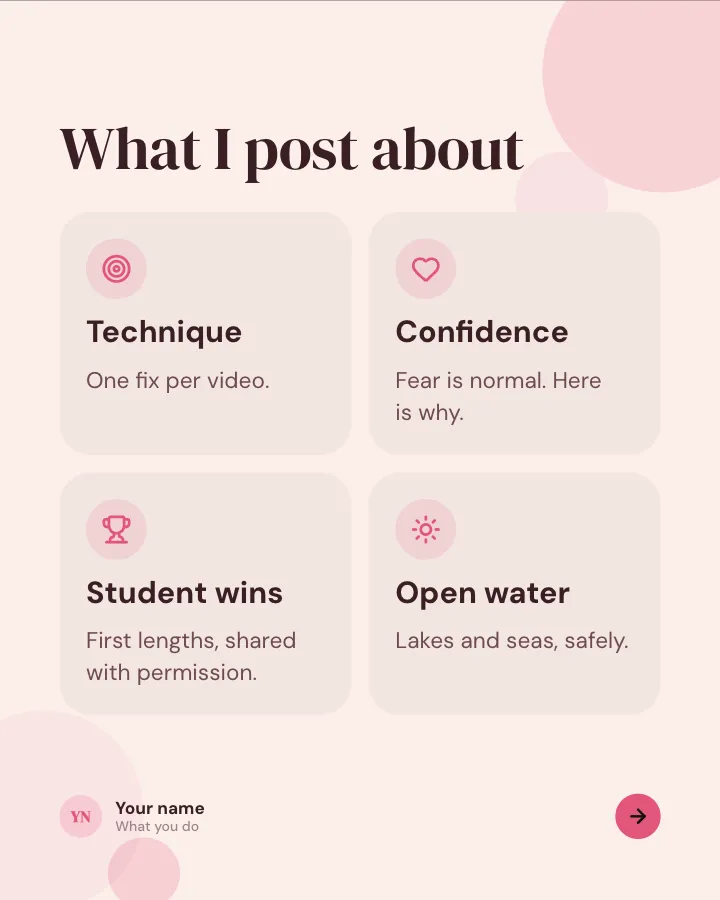
Hello, I’m…
6 slidesIntroduce yourself to new followers: who you are, what you do, what you post about and a few things nobody would guess.
Earn trustSpark replies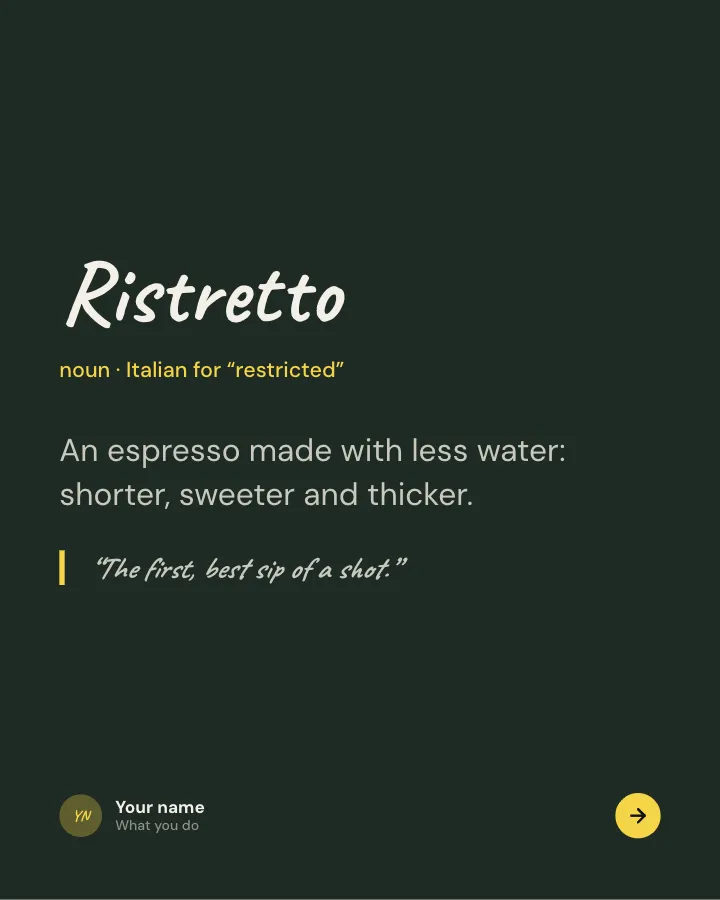
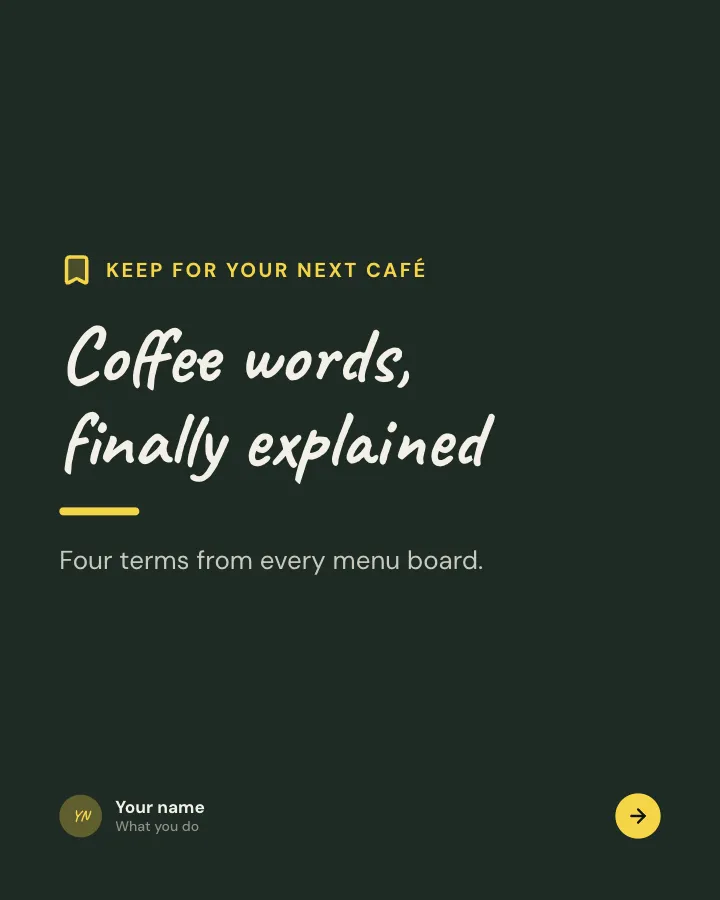
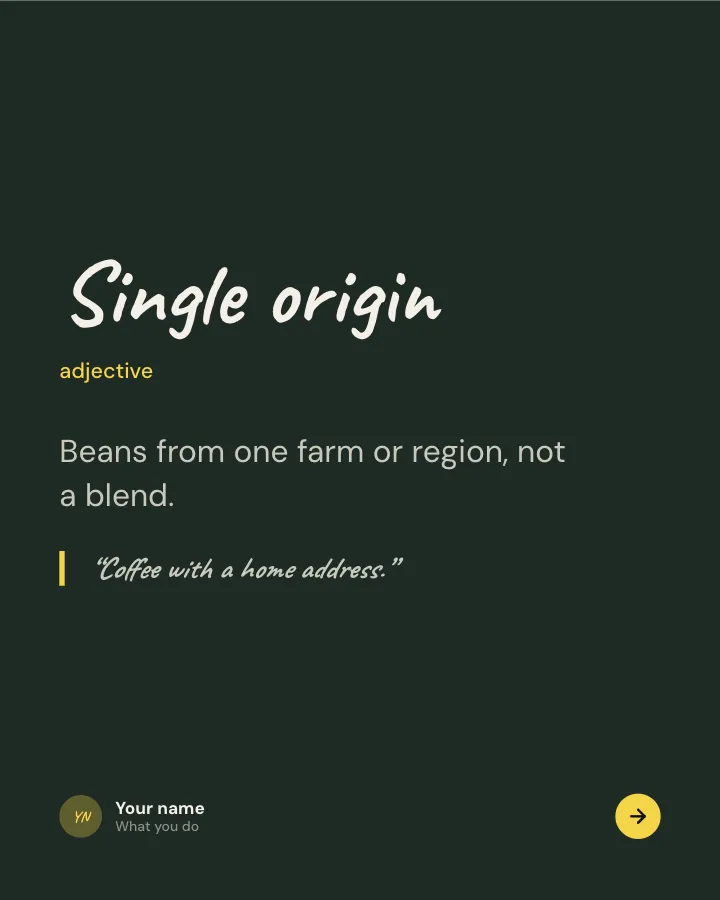
Glossary
7 slidesThe words newcomers trip over in a field, each defined in plain language with a line to remember it by.
ExplainBe bookmarked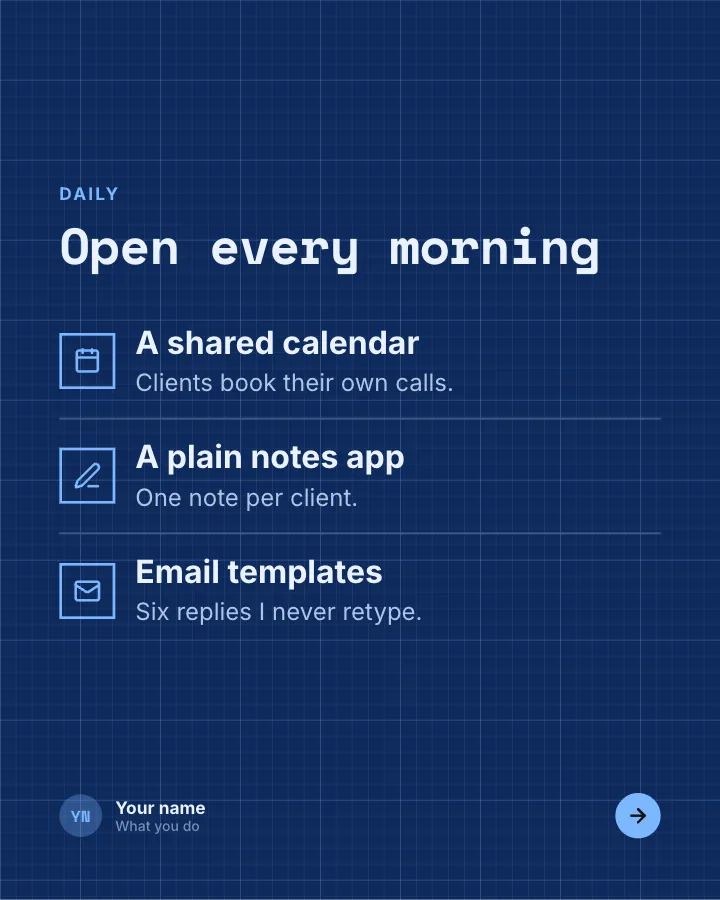
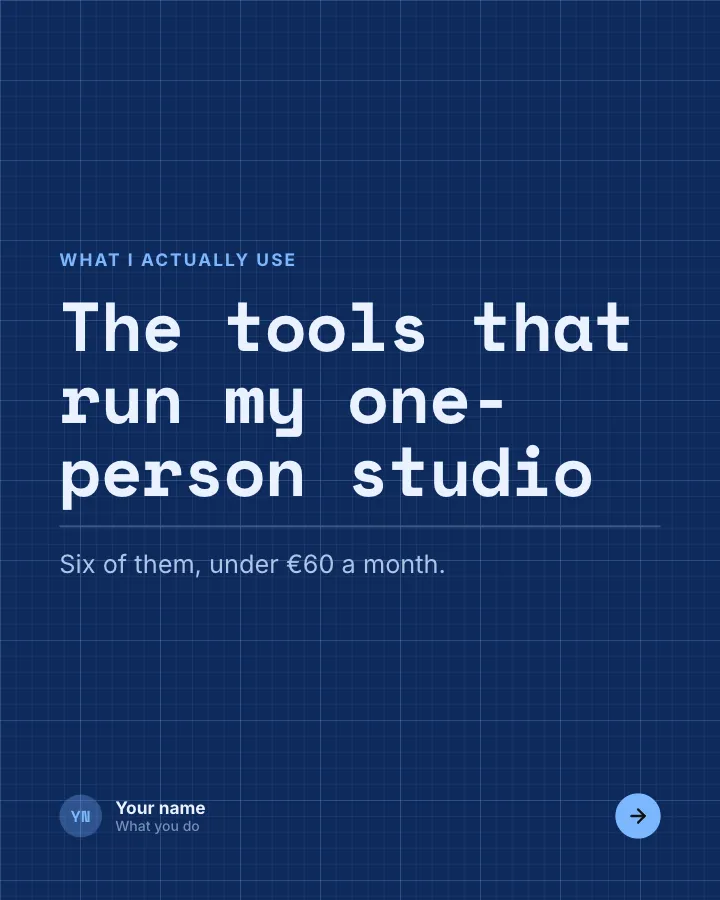
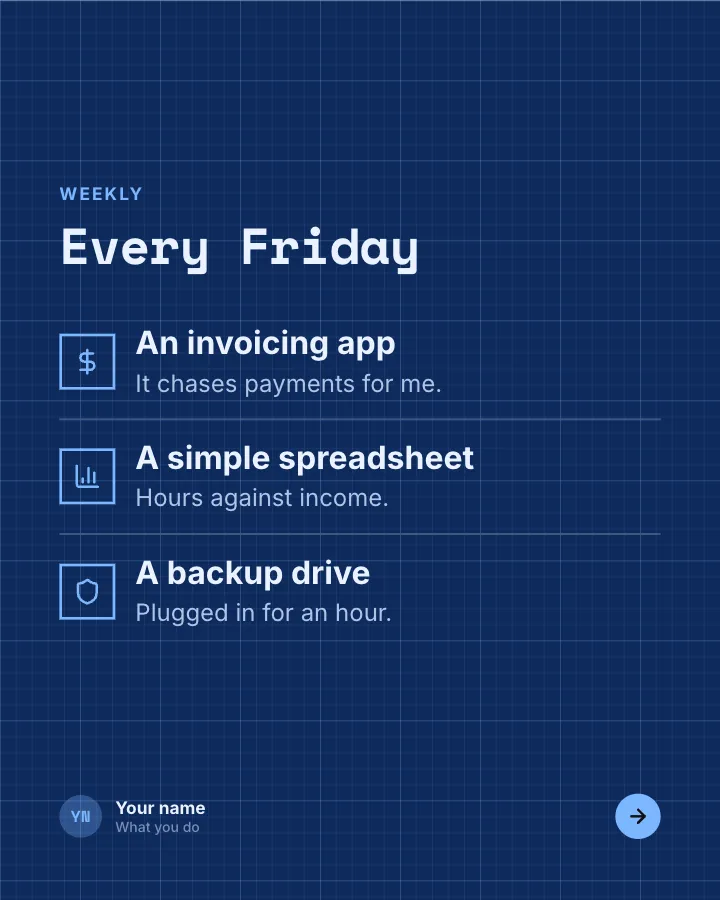
My tool stack
7 slidesThe tools you rely on to do your work, what each one is for, what it costs and what you dropped.
Be bookmarkedEarn trust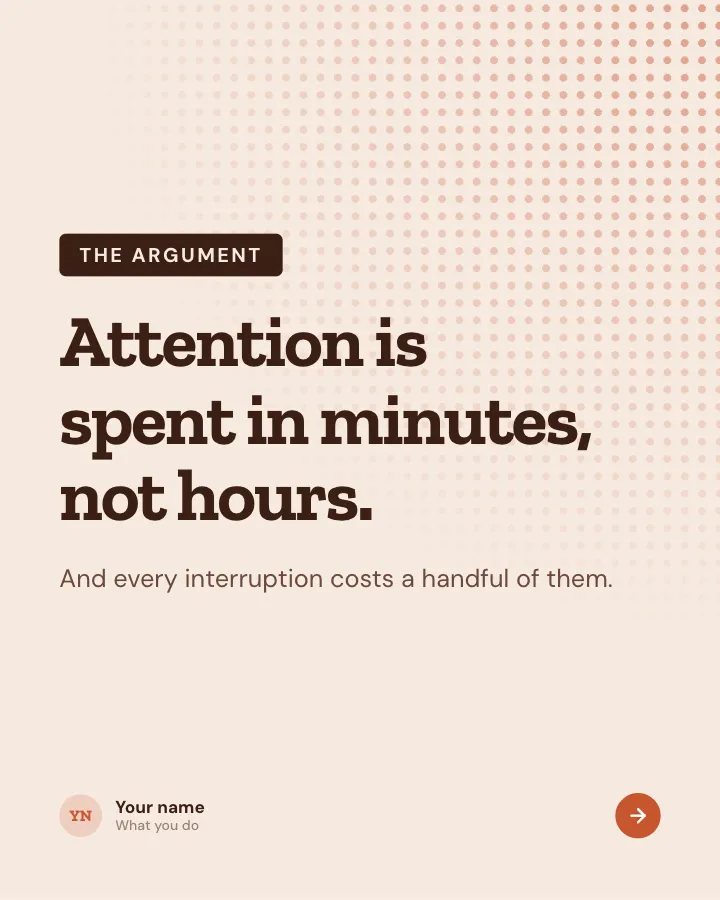
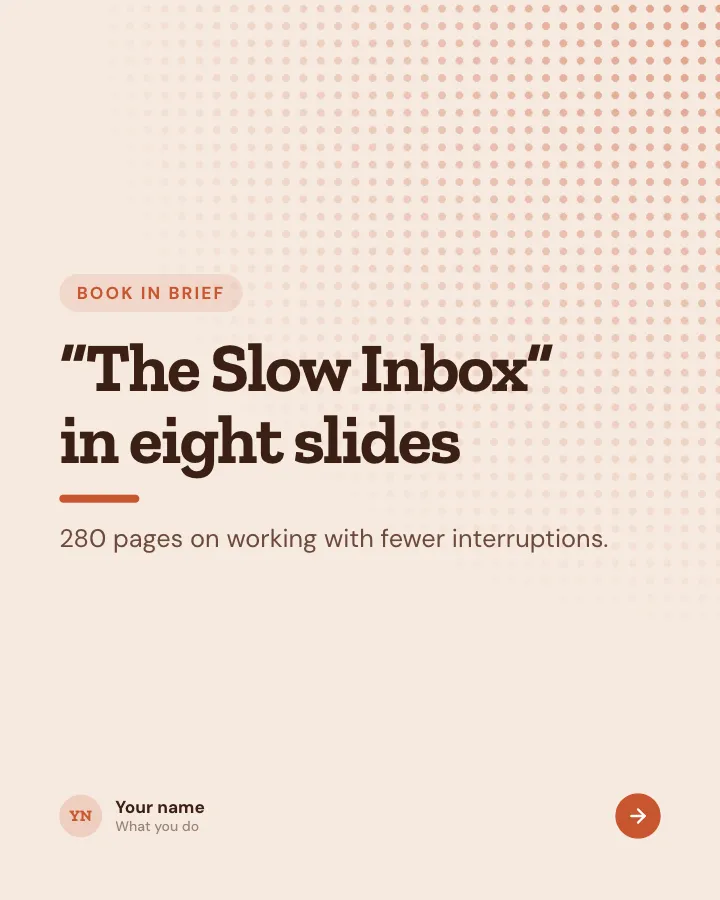
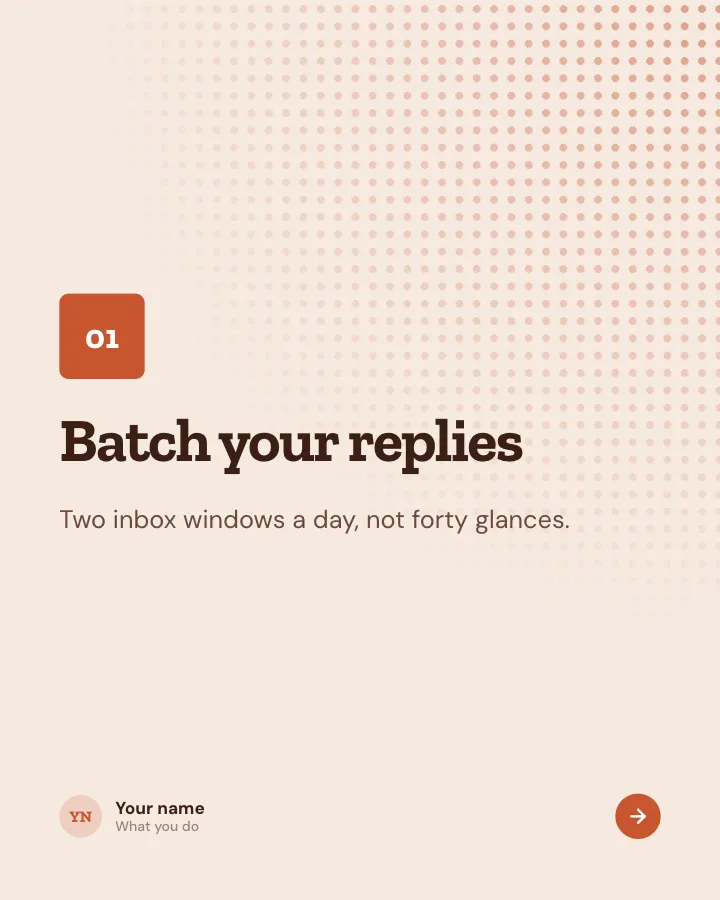
Book in brief
8 slidesA book summed up for busy readers: the core argument, the key ideas, a line to remember and who should read it.
ExplainBe bookmarked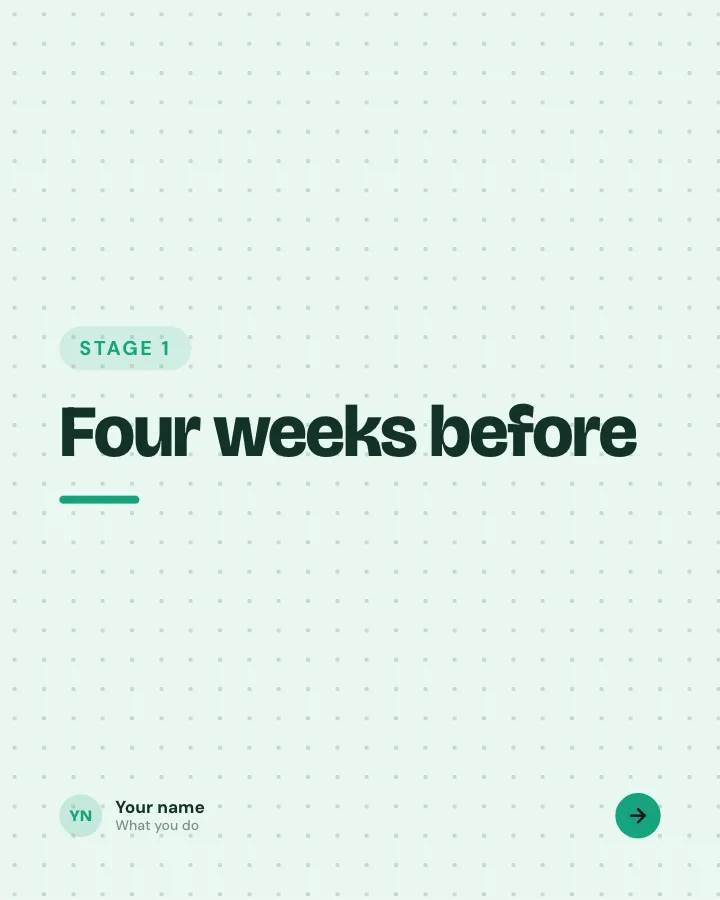
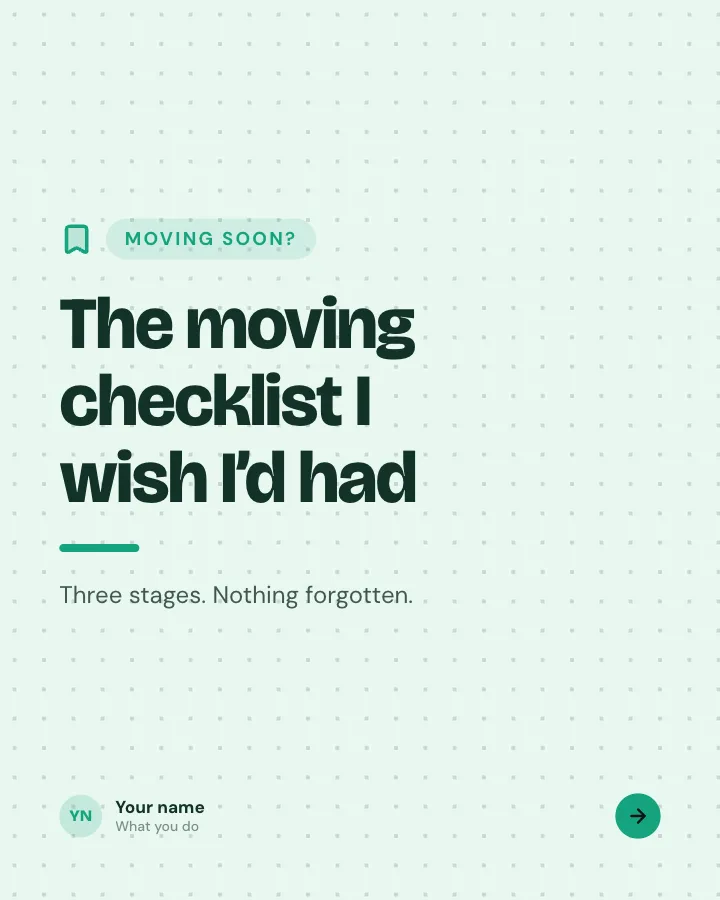
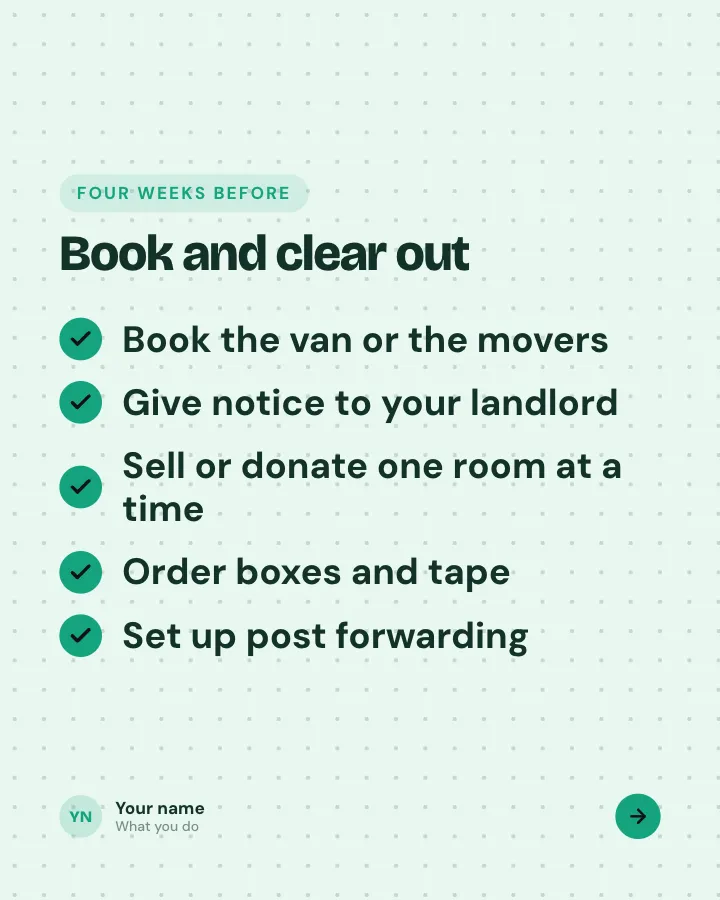
Stage-by-stage checklist
7 slidesA big task split into before, during and after, with every item people tend to forget.
Be bookmarked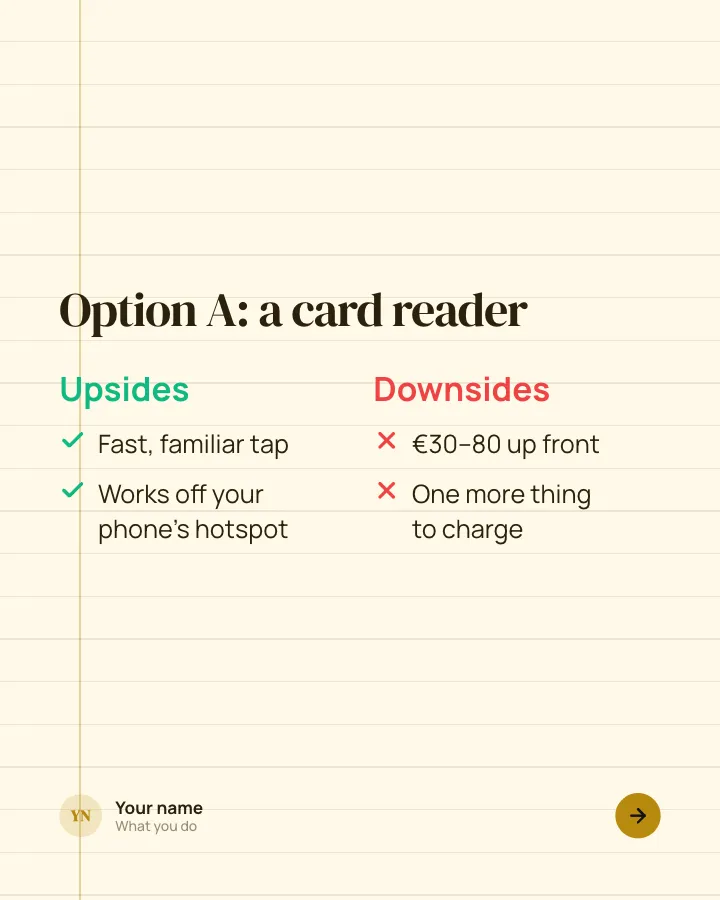
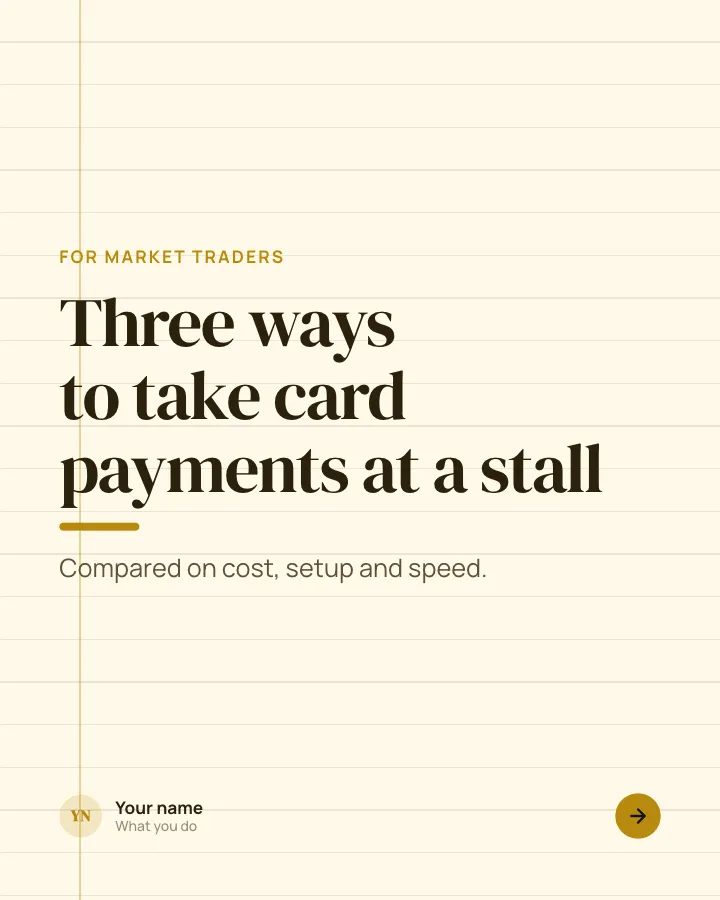
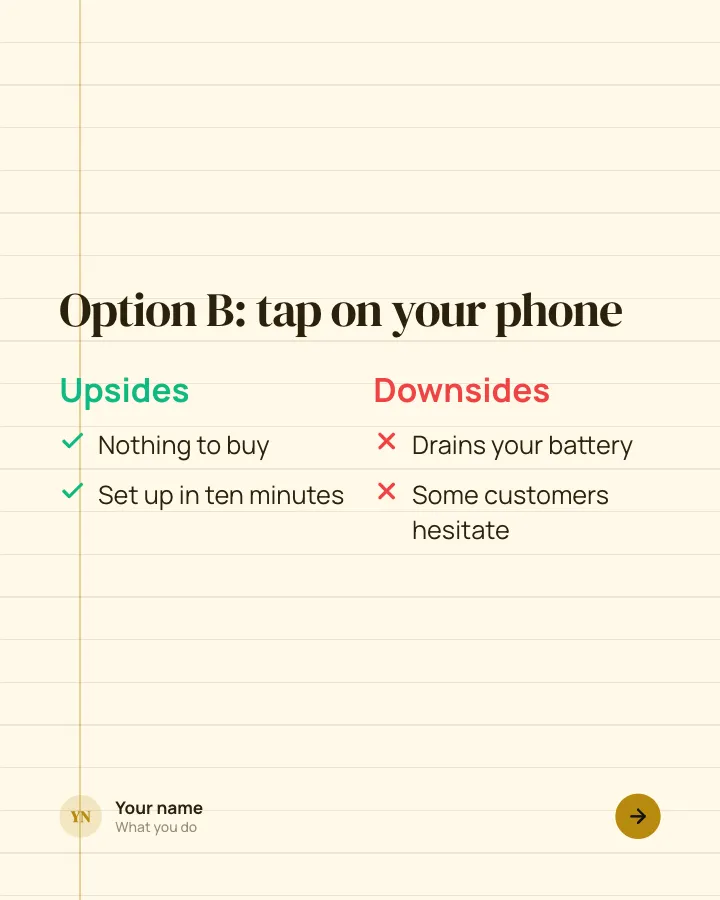
Weigh the options
7 slidesSeveral ways to solve the same problem, compared on cost, effort and who each suits, ending with your pick.
ExplainSpark replies
Launch card
Image postAnnounce something new on one image: what it is and when people can get it.
SellAnnounce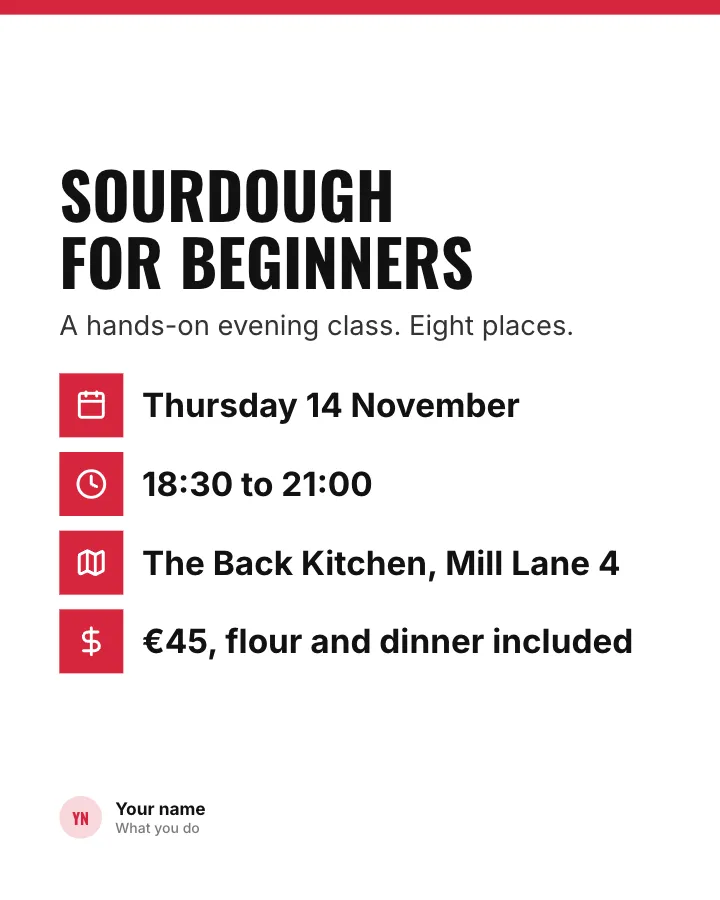
Event card
Image postAn event on one image: what it is, when, where and what it costs.
SellAnnounce
Hiring card
Image postA role you are hiring for, summed up on one image so it is easy to share.
SellVIP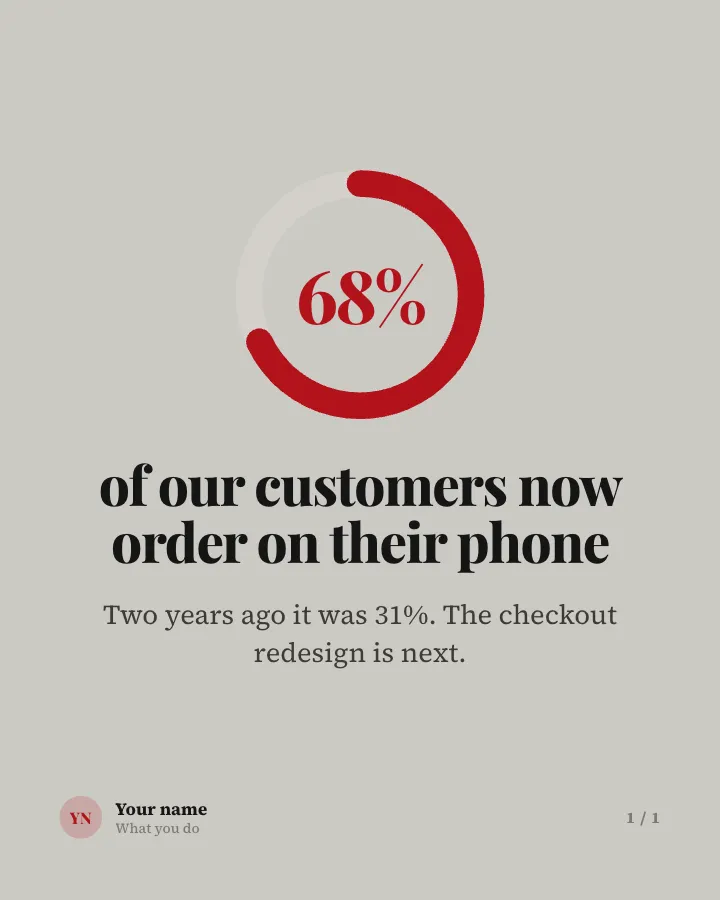
Stat card
Image postOne figure from your business or field, with a line on what it means.
AnnounceEarn trust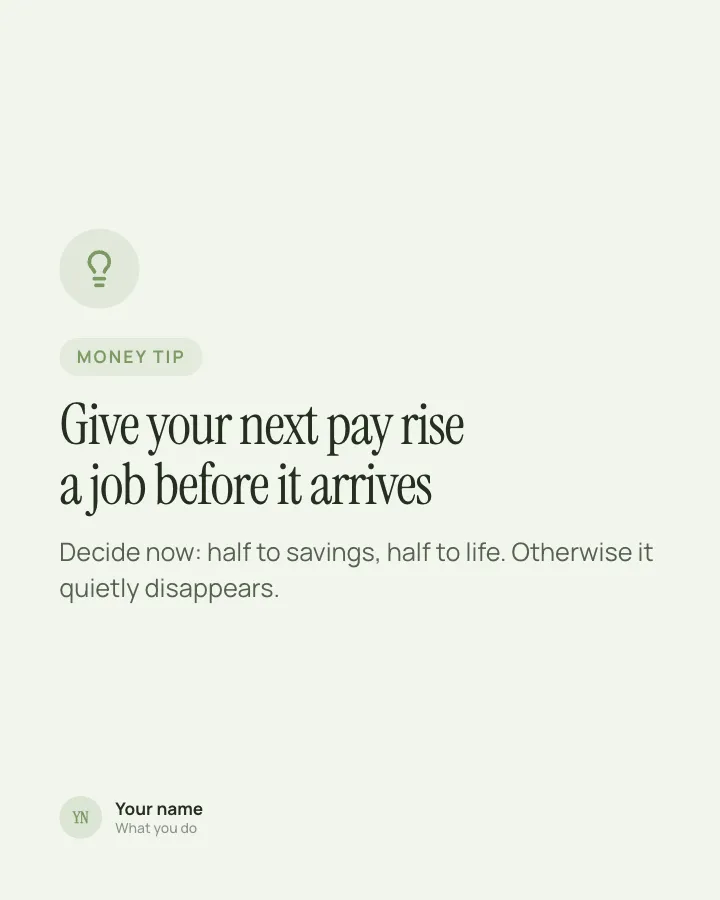
Money tip card
Image postOne practical money tip in two lines, for people to keep.
Be bookmarkedExplainVIP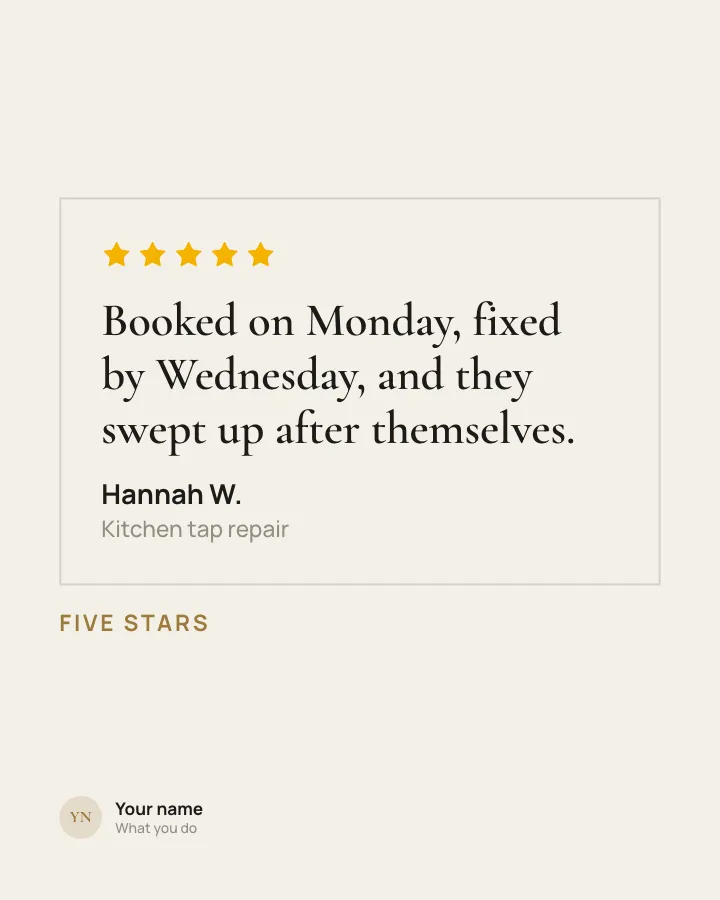
Review card
Image postA customer review on one image, with the result behind it.
Earn trustSell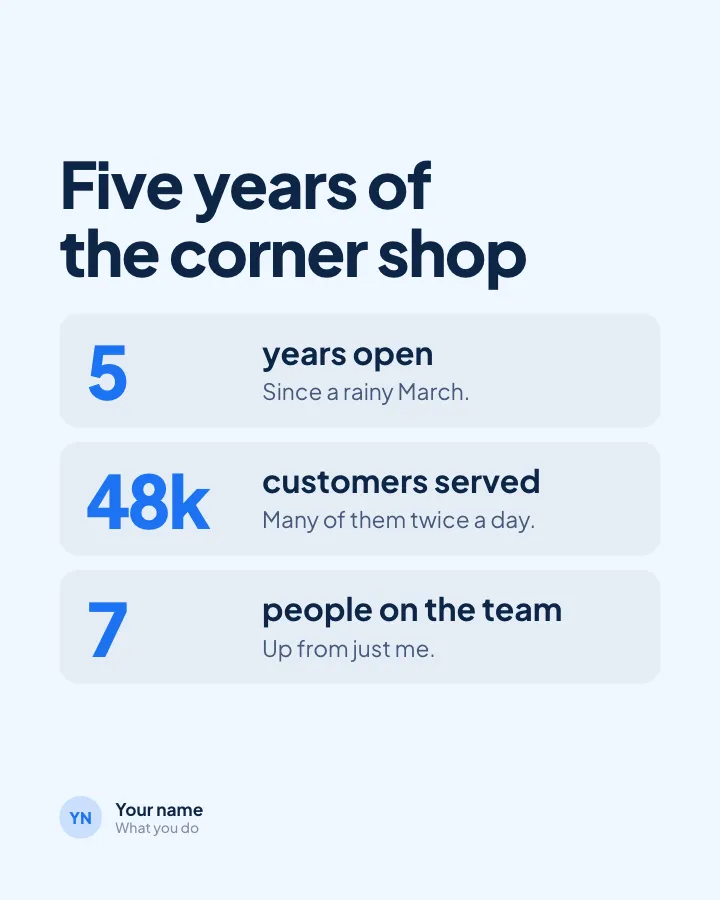
Milestone card
Image postMark a milestone on one image, with the numbers behind it.
Earn trust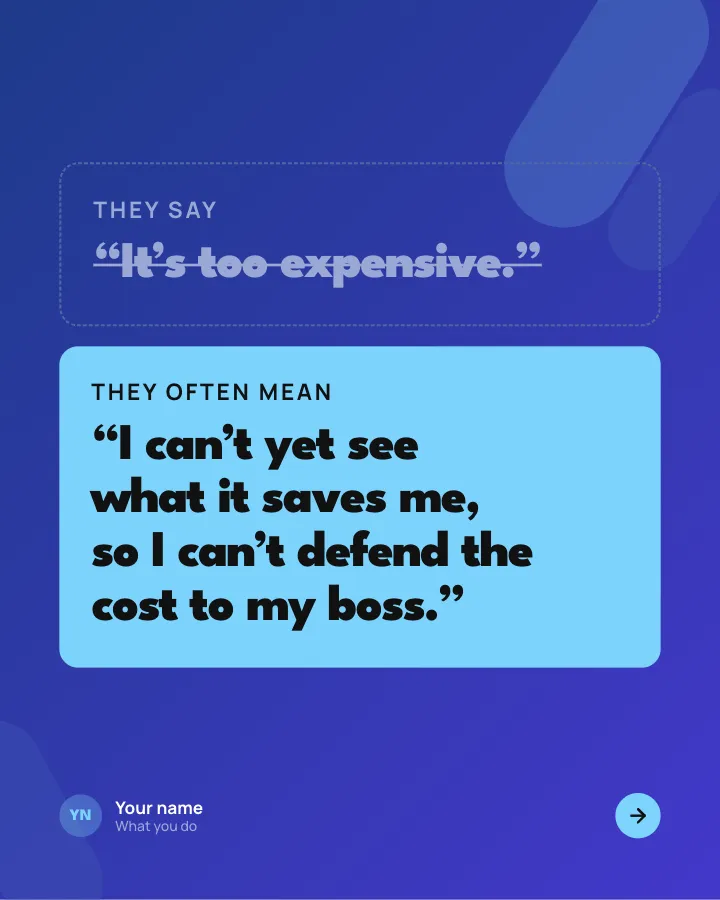
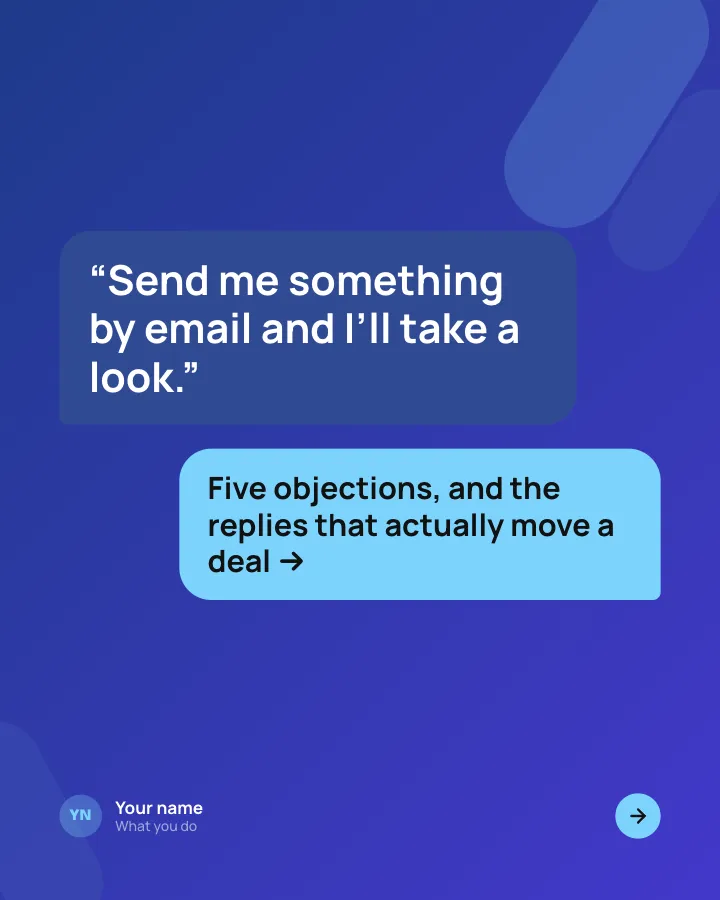
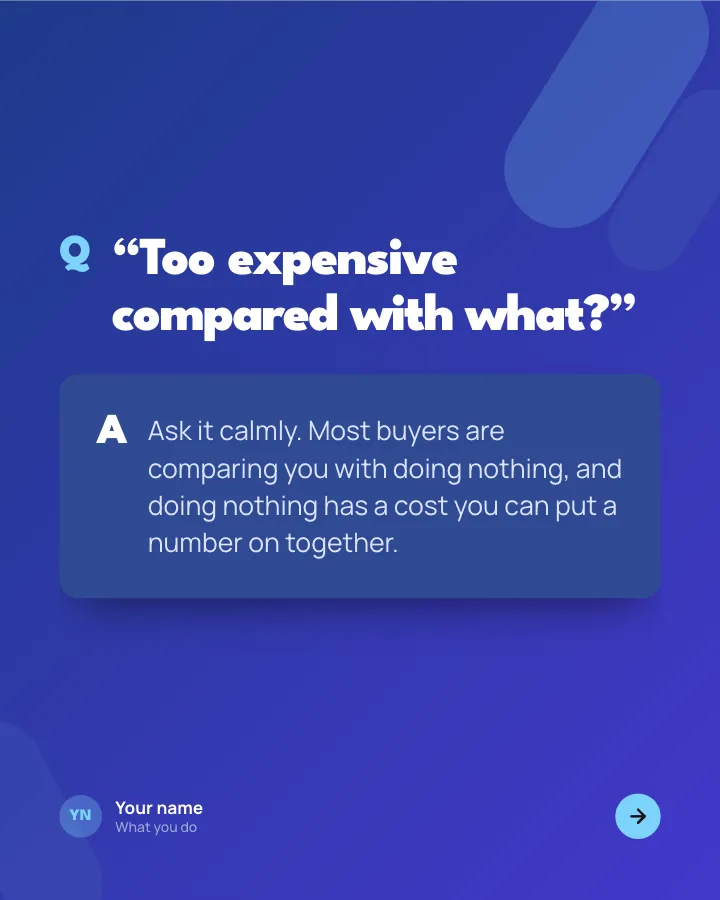
Sales objections, answered
7 slidesThe pushbacks buyers raise most, each with what they really mean and a reply that keeps the conversation going.
ExplainBe bookmarked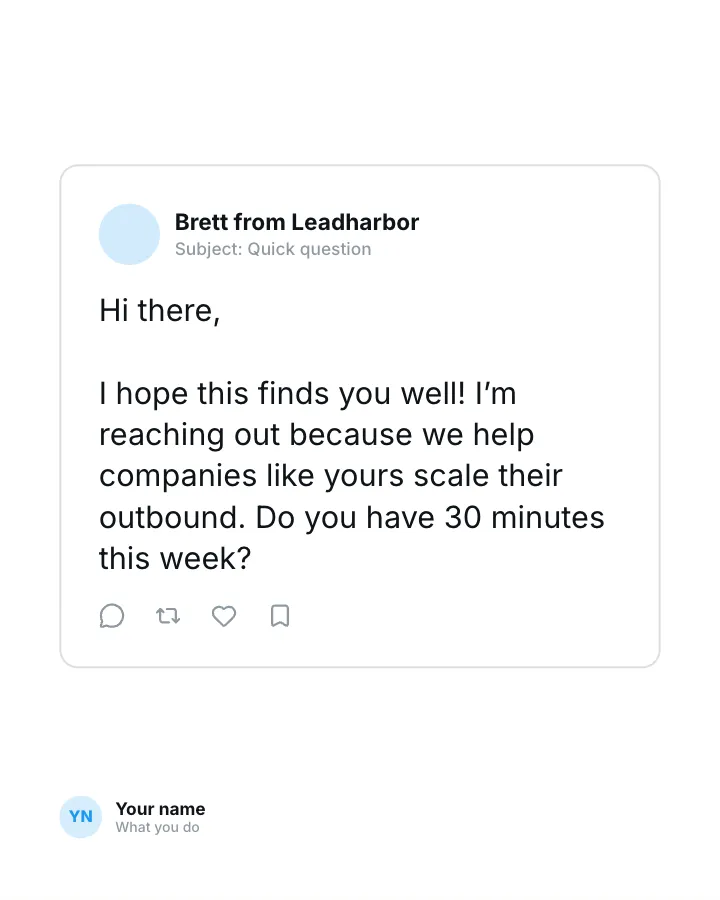
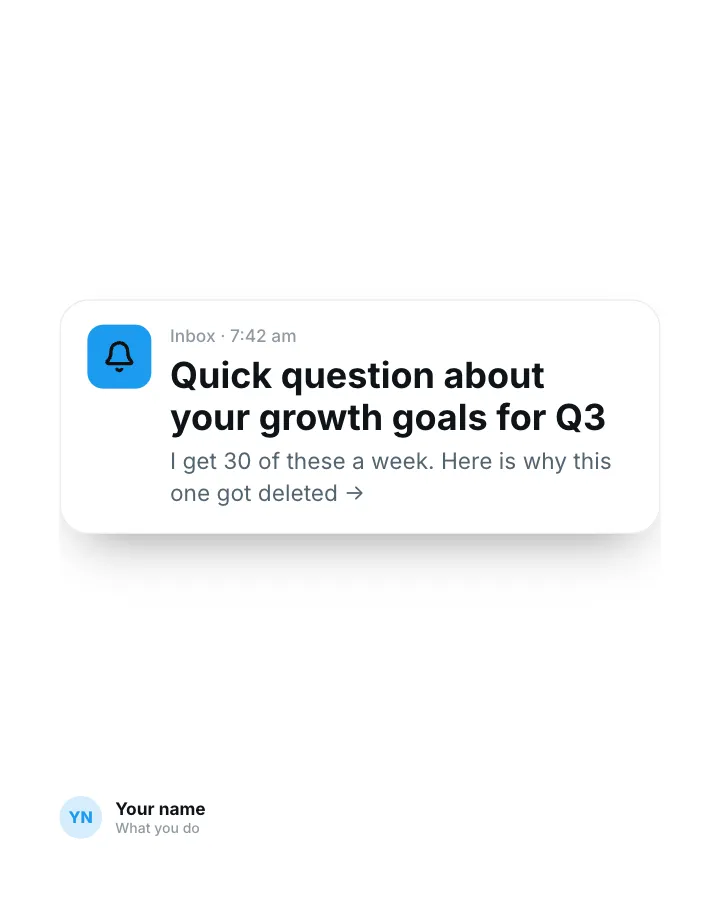
Cold email teardown
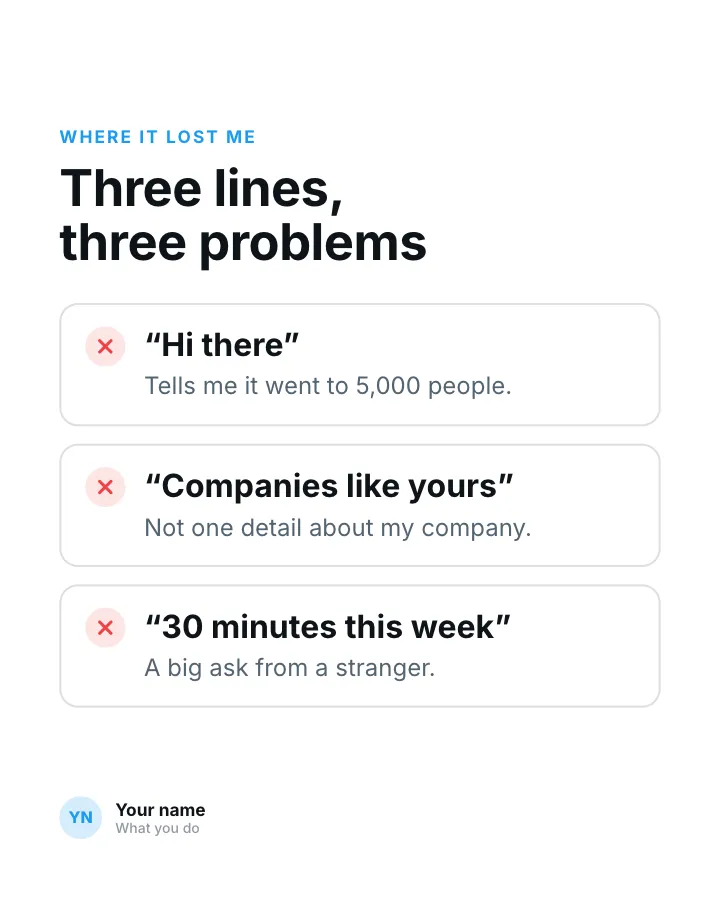
7 slidesA real cold email taken apart line by line: what made it easy to ignore and the rewrite that got a reply.
ExplainSpark replies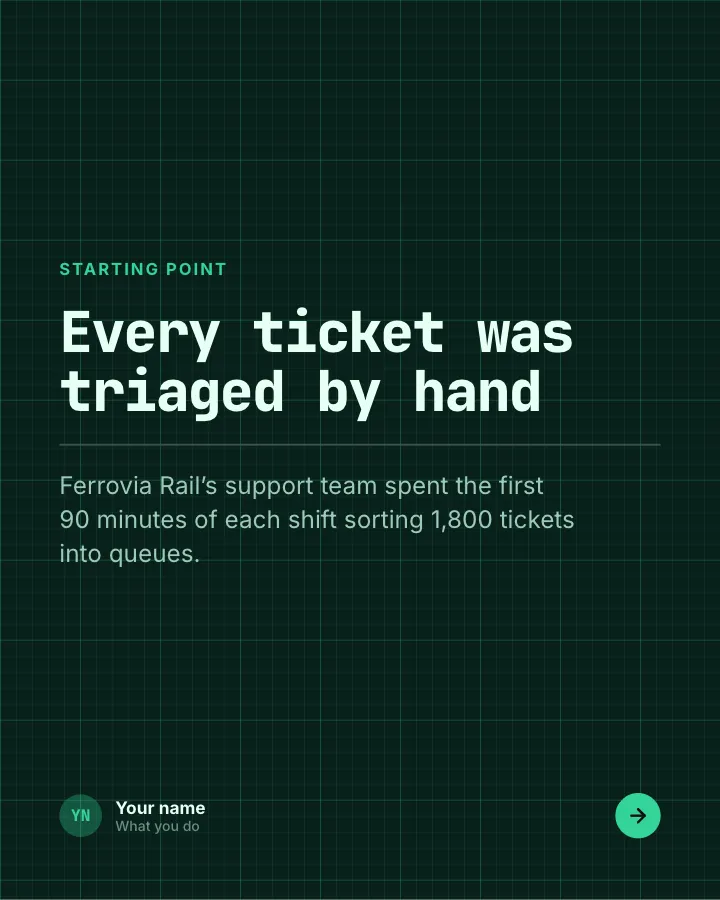
ROI, worked out
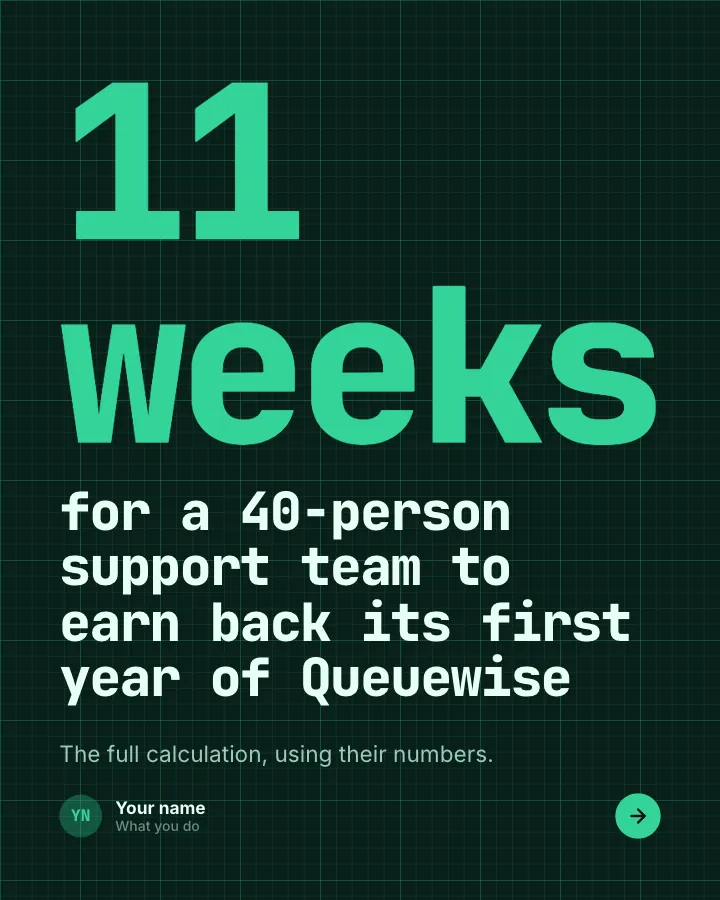
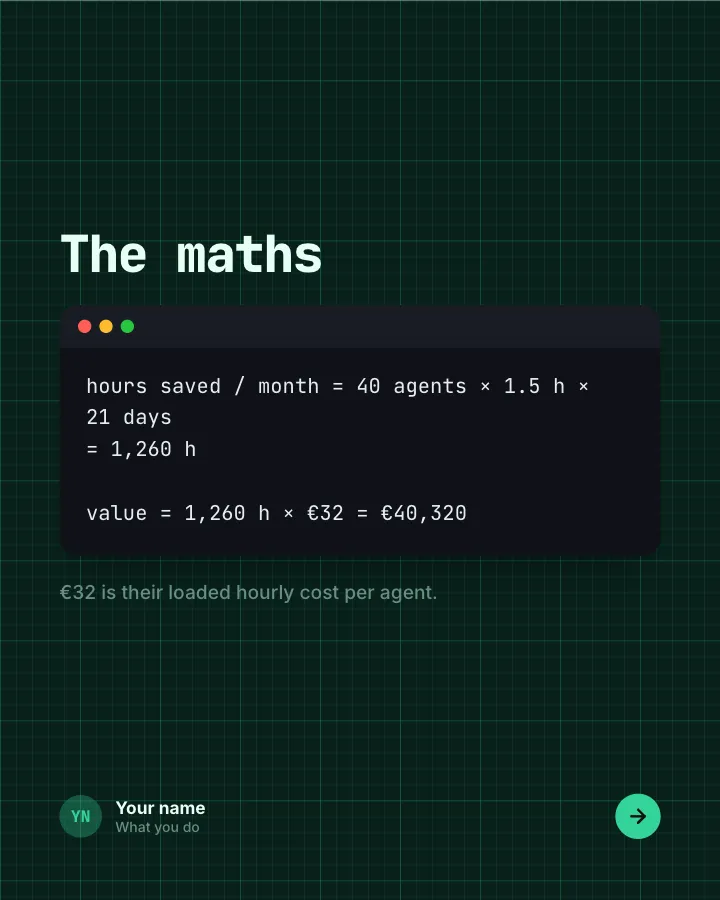
7 slidesFor B2B sellers: the return a customer gets from your product, calculated step by step with their real numbers.
SellEarn trustVIP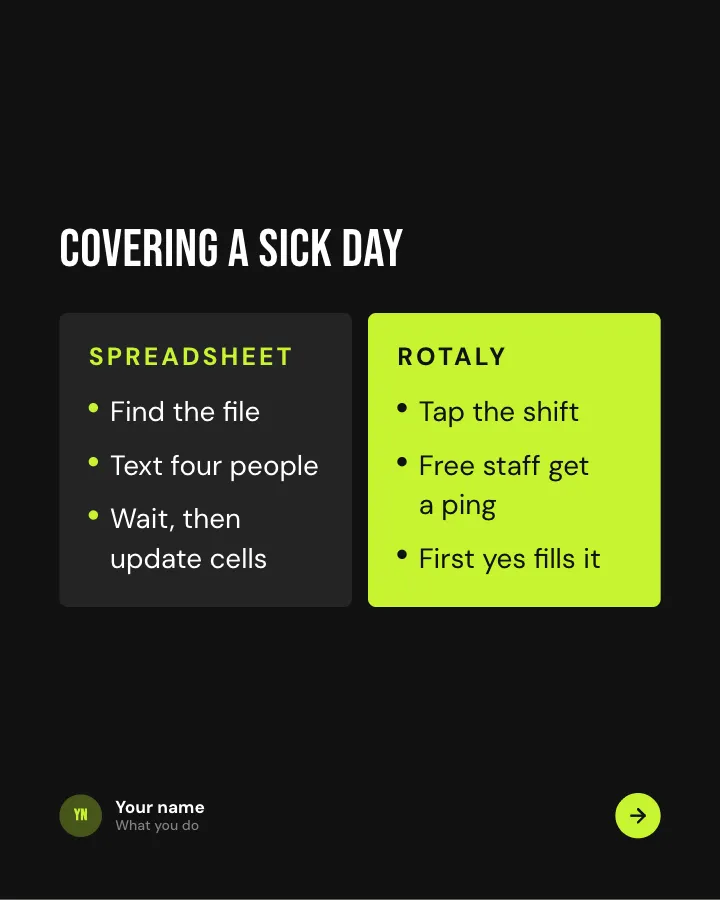
Us vs the old way
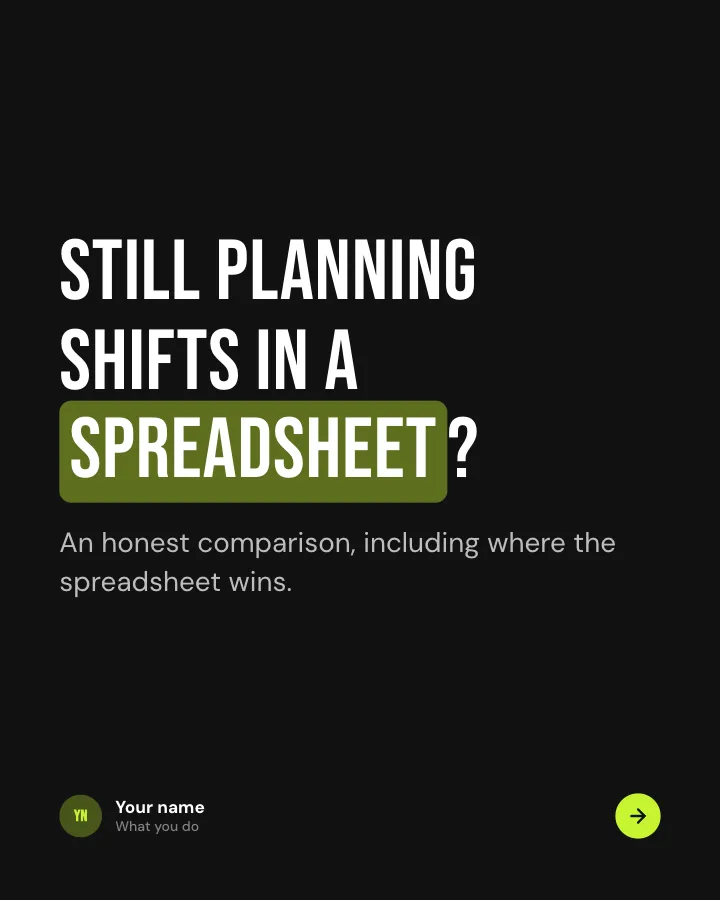
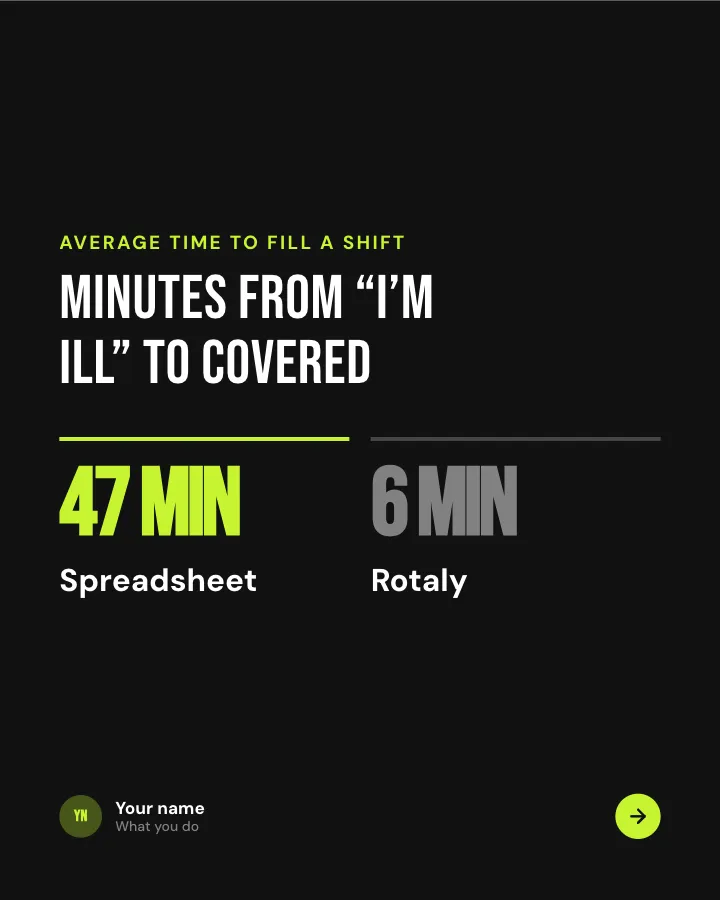
6 slidesYour product compared with the spreadsheet, tool or habit people use today, fairly and in plain figures.
SellSpark replies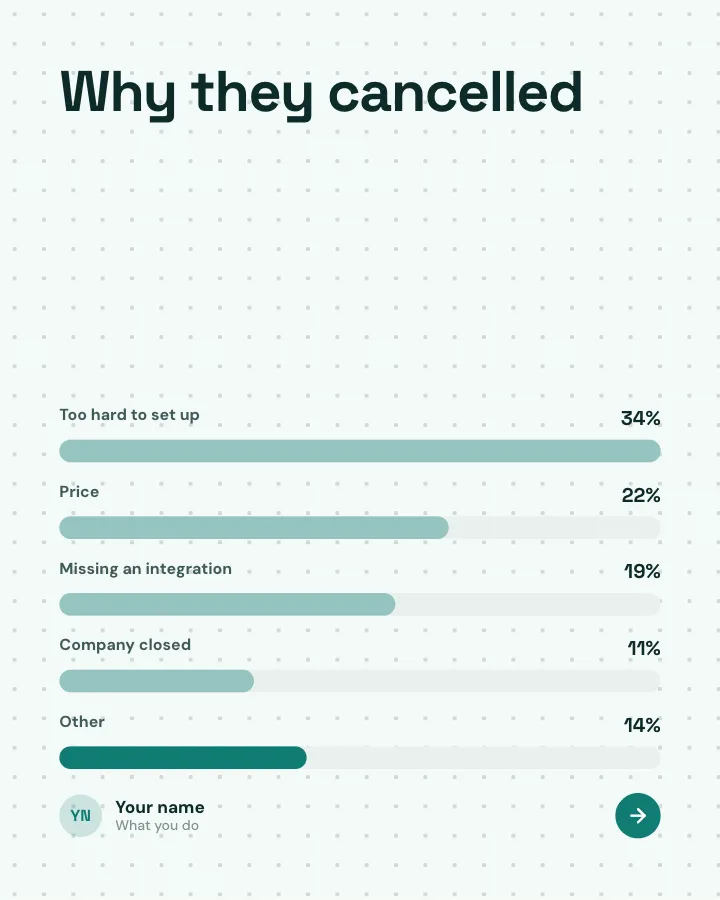
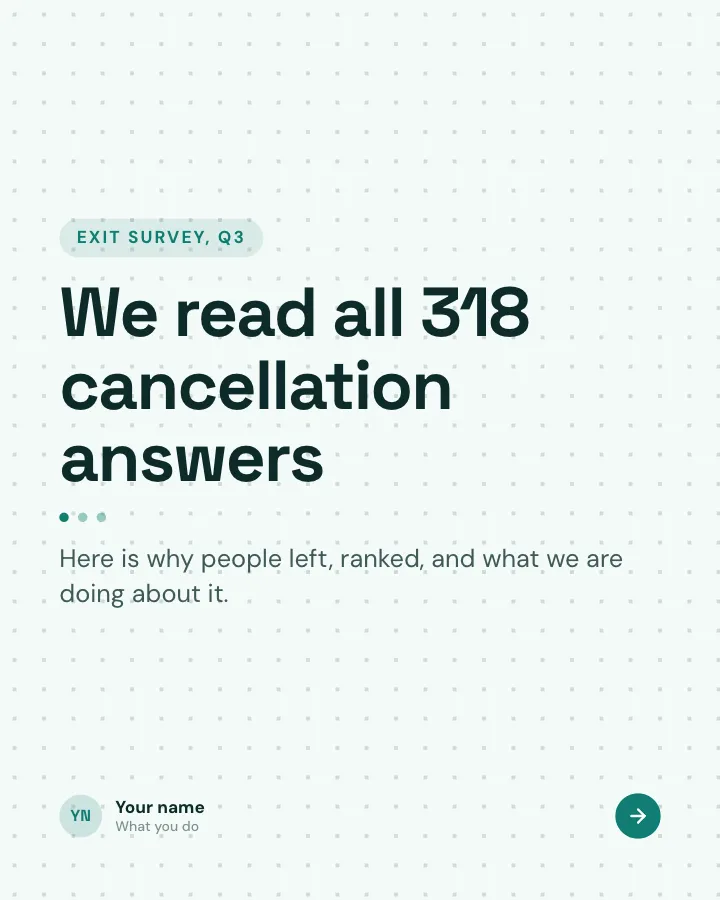
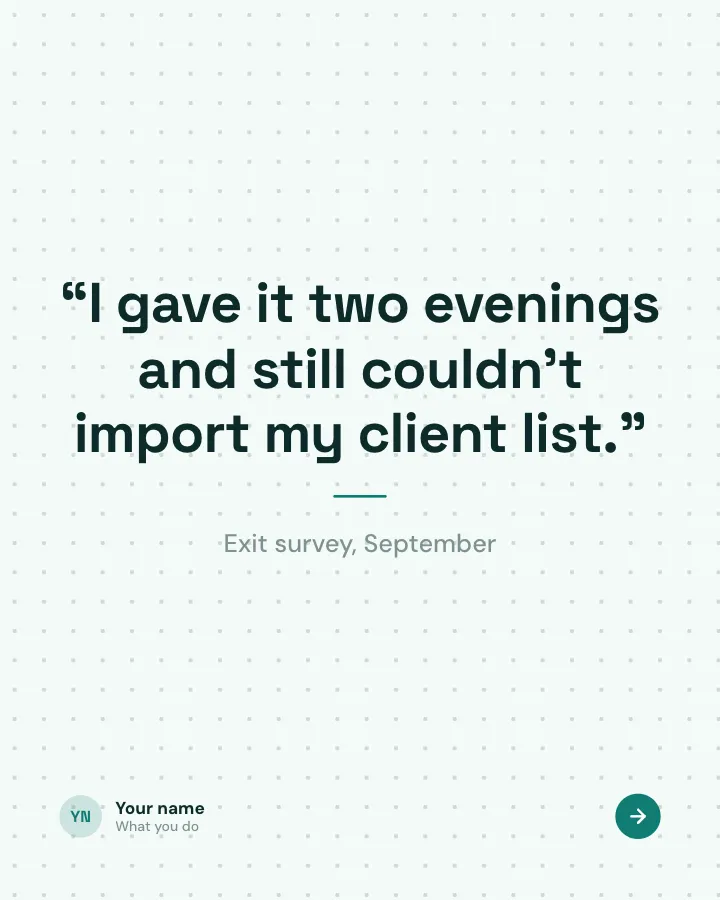
Why customers left
6 slidesThe real reasons people cancelled, ranked, with what you are changing because of each one.
Earn trustSpark replies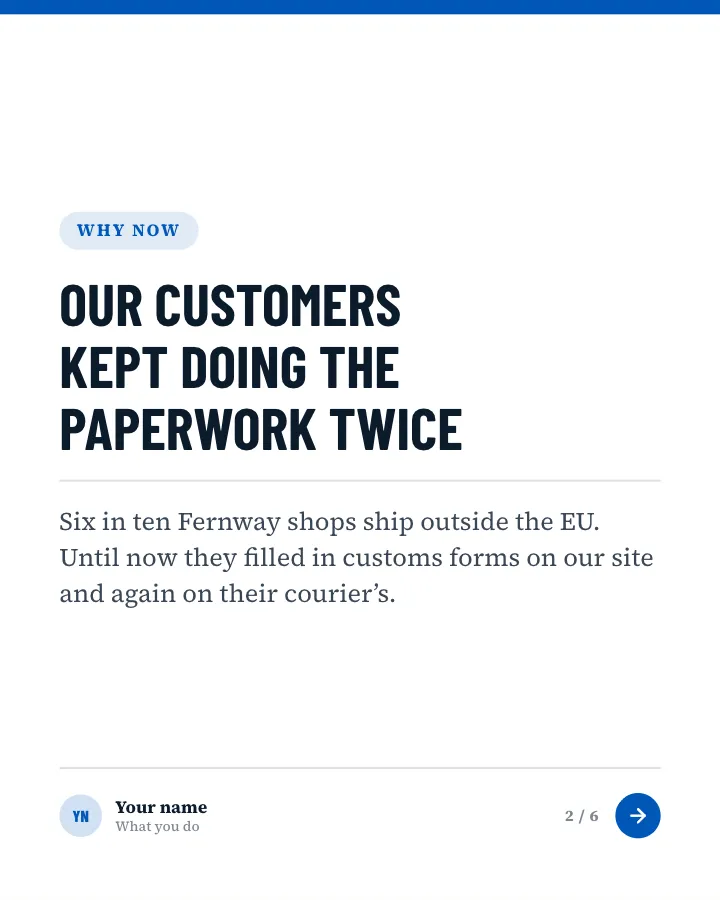

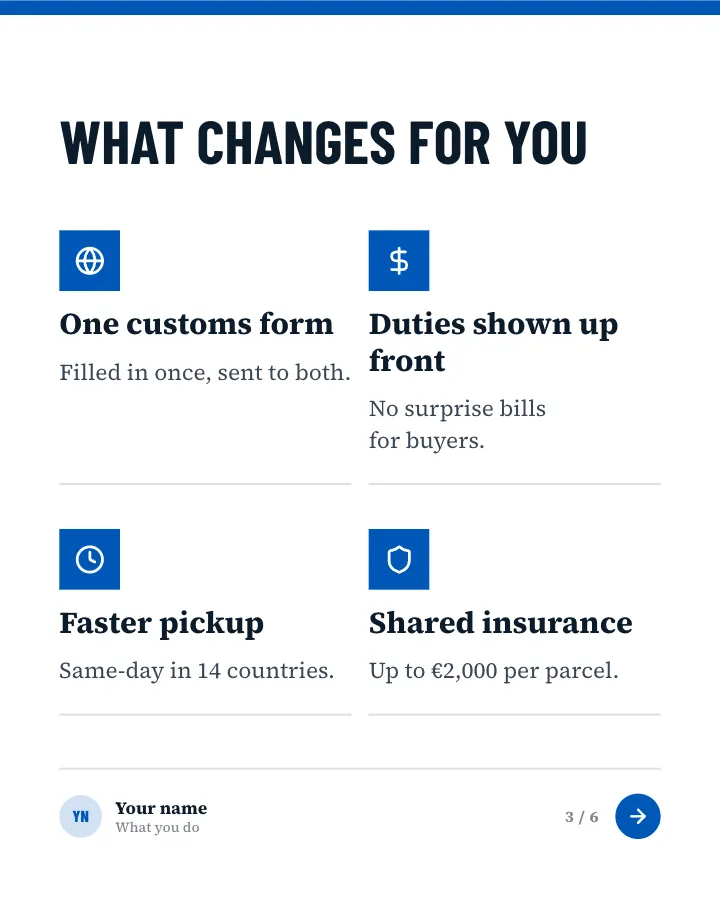
Partnership announcement
6 slidesTwo companies teaming up: who, why now, what customers get and when it is available.
AnnounceSell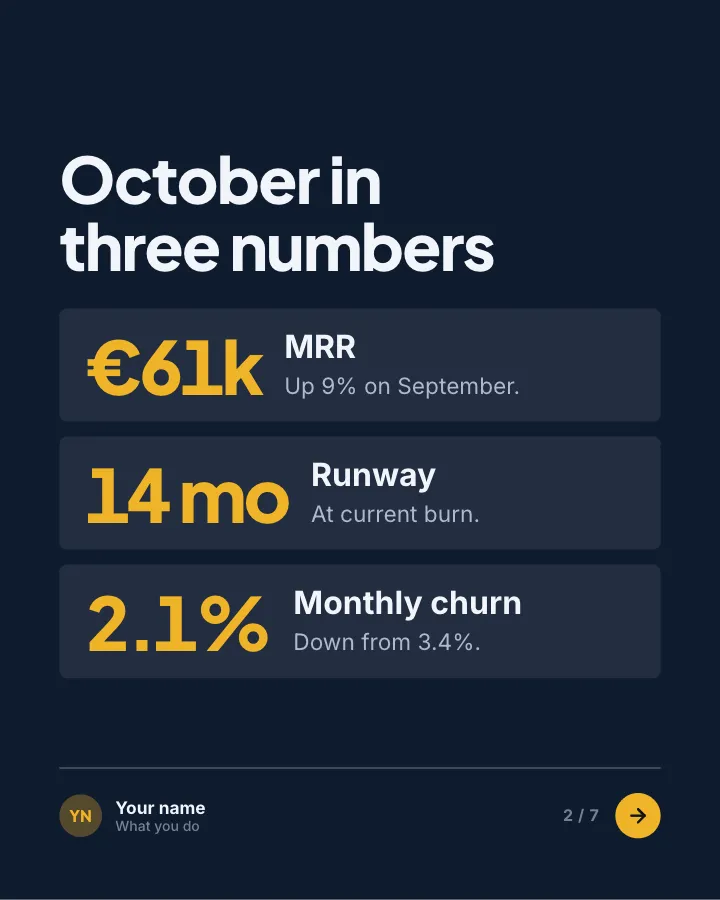

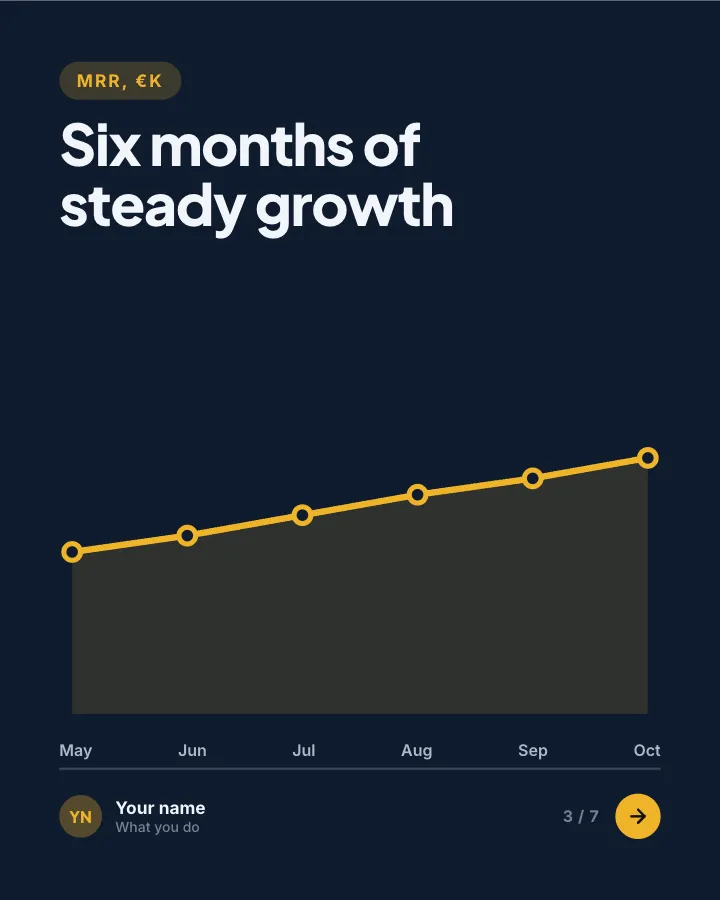
Investor update
7 slidesA monthly update for investors and backers: the numbers, the wins, what went wrong and where you need help.
AnnounceEarn trustVIP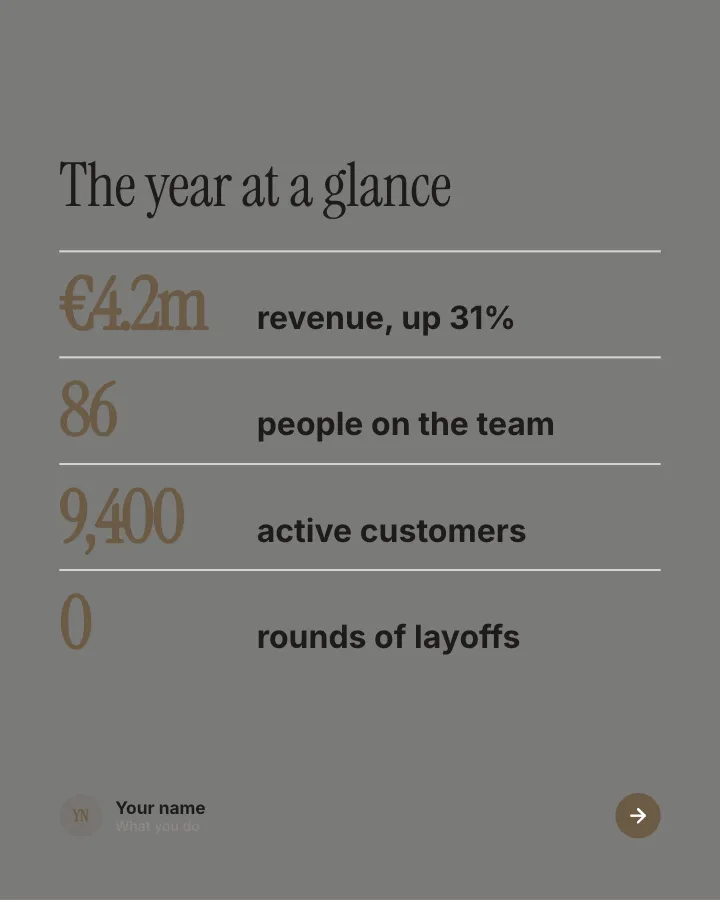
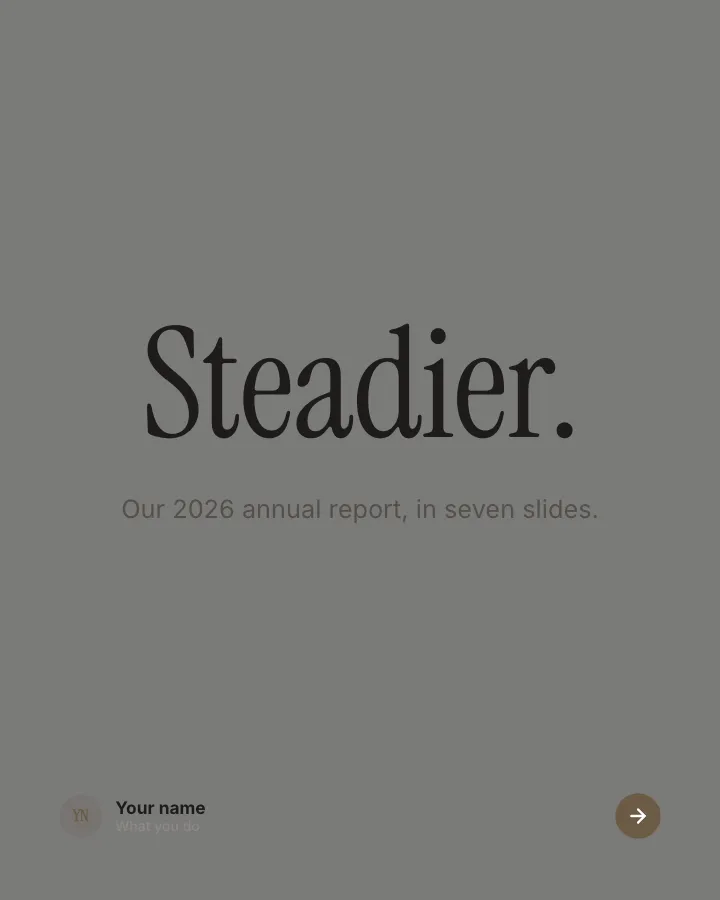
Year in review report
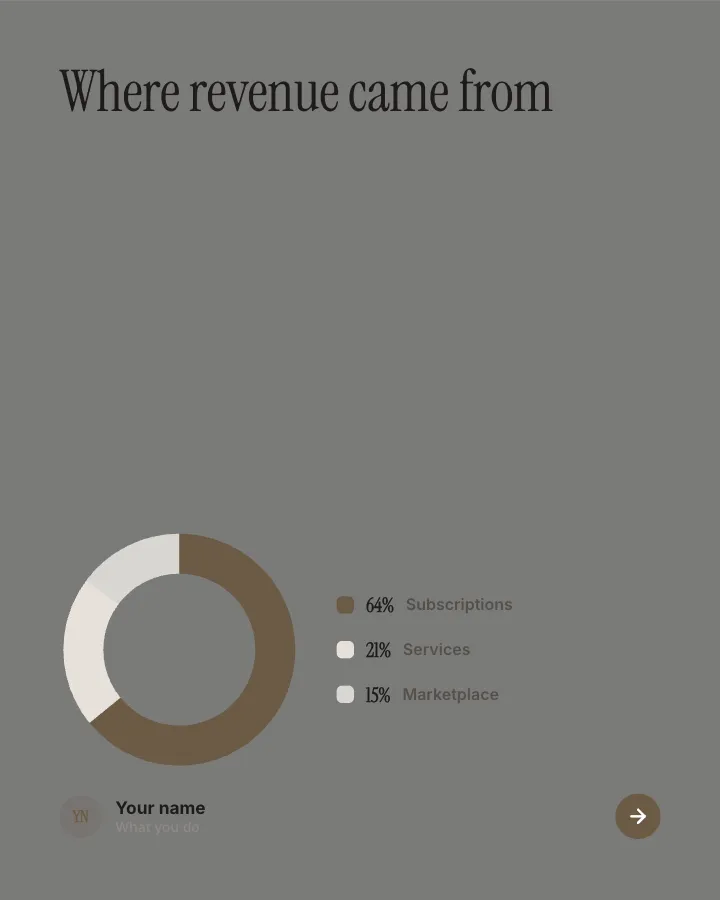
8 slidesThe highlights of an annual report for people who will never open the PDF: the results, the split, the people and the year ahead.
AnnounceEarn trust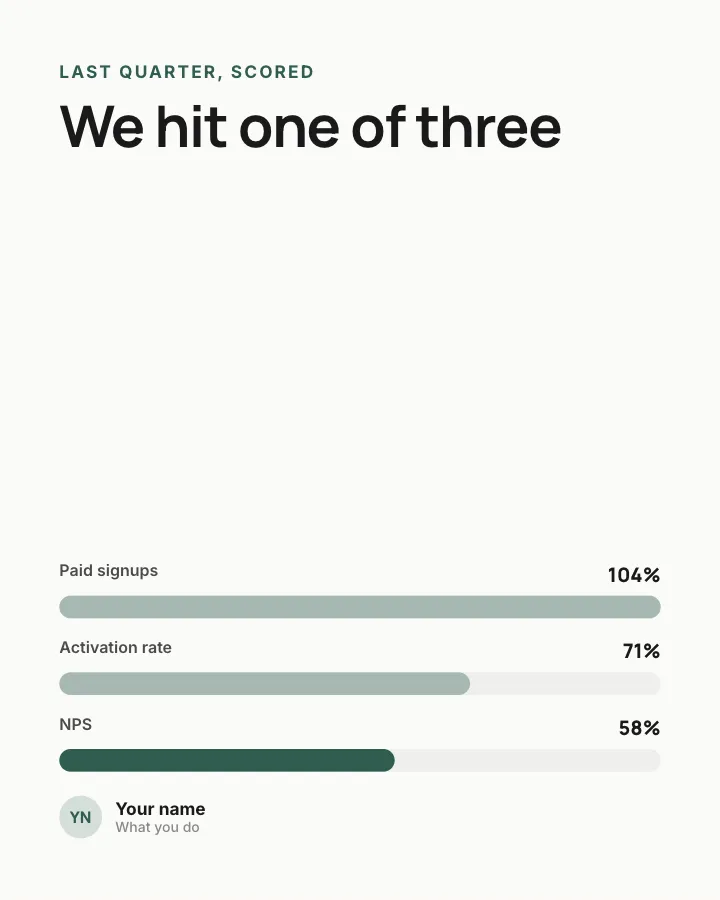
Our goals this quarter
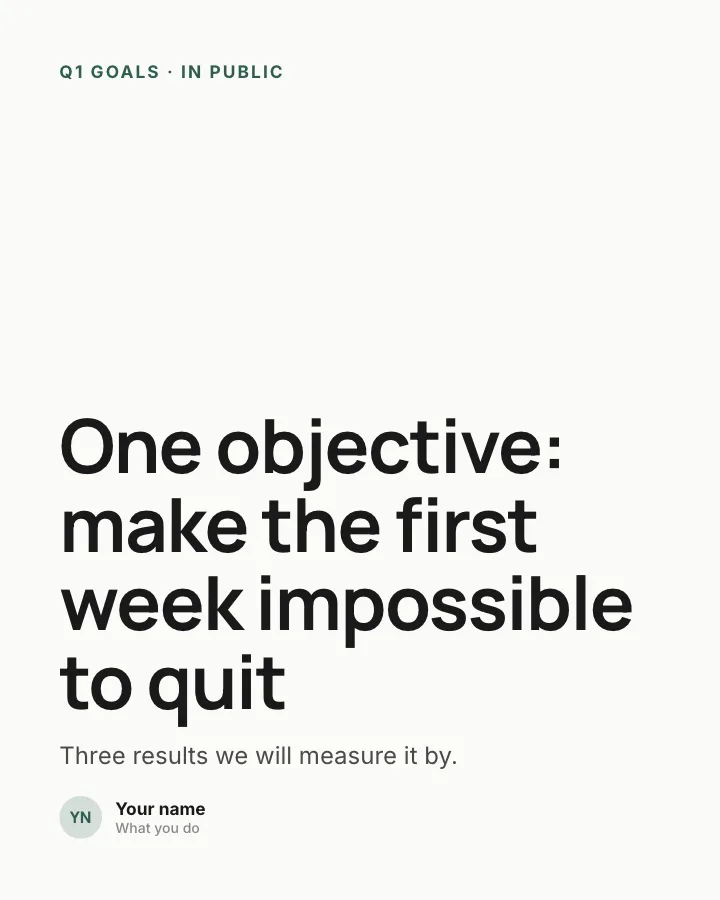
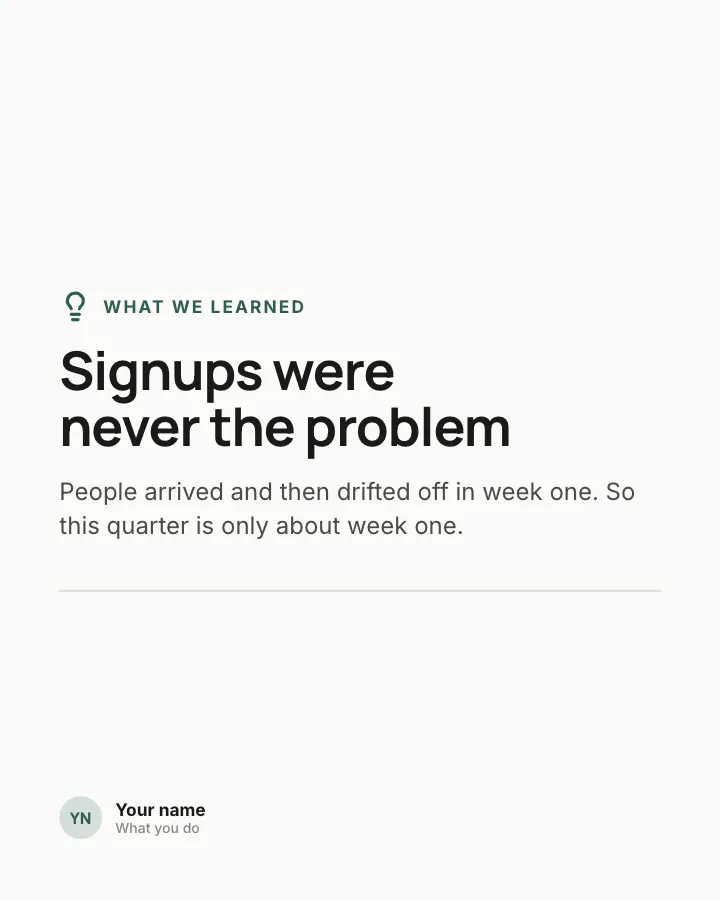
7 slidesQuarterly goals shared in public: the objective, the measurable results and how last quarter actually went.
Earn trustAnnounce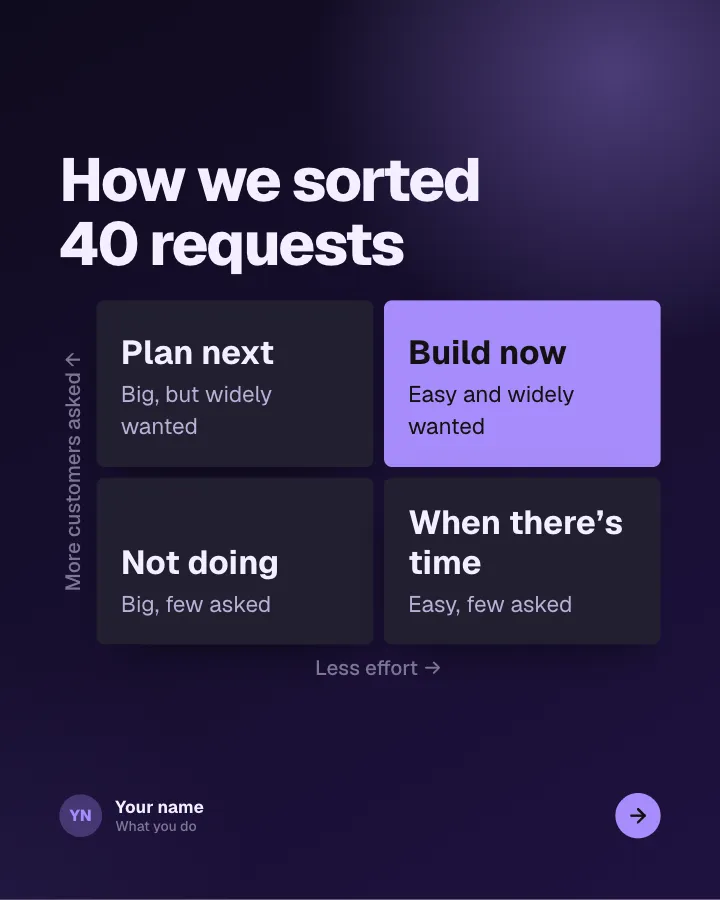
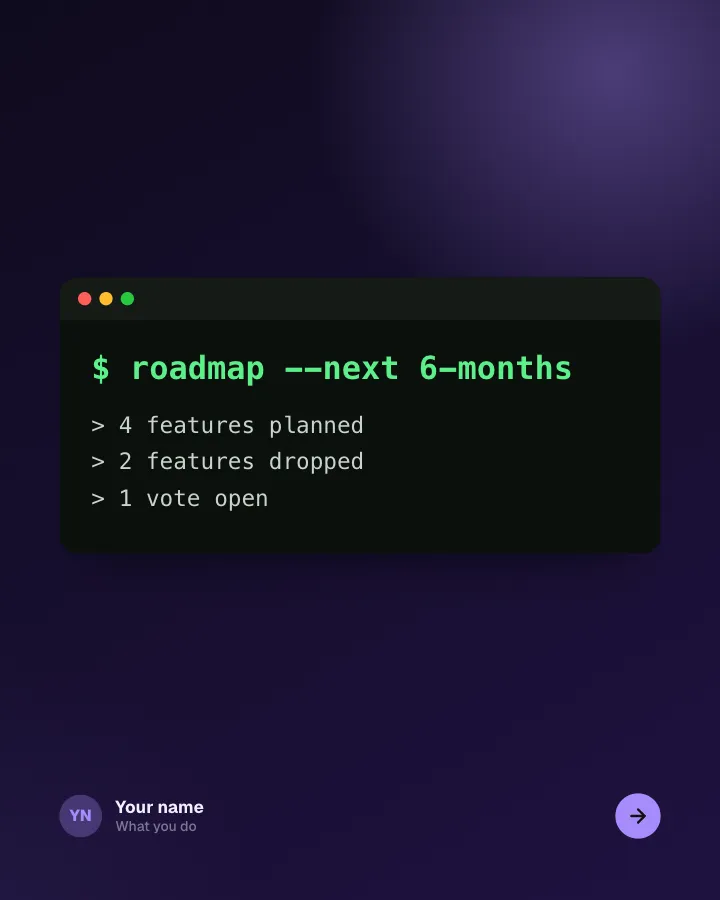
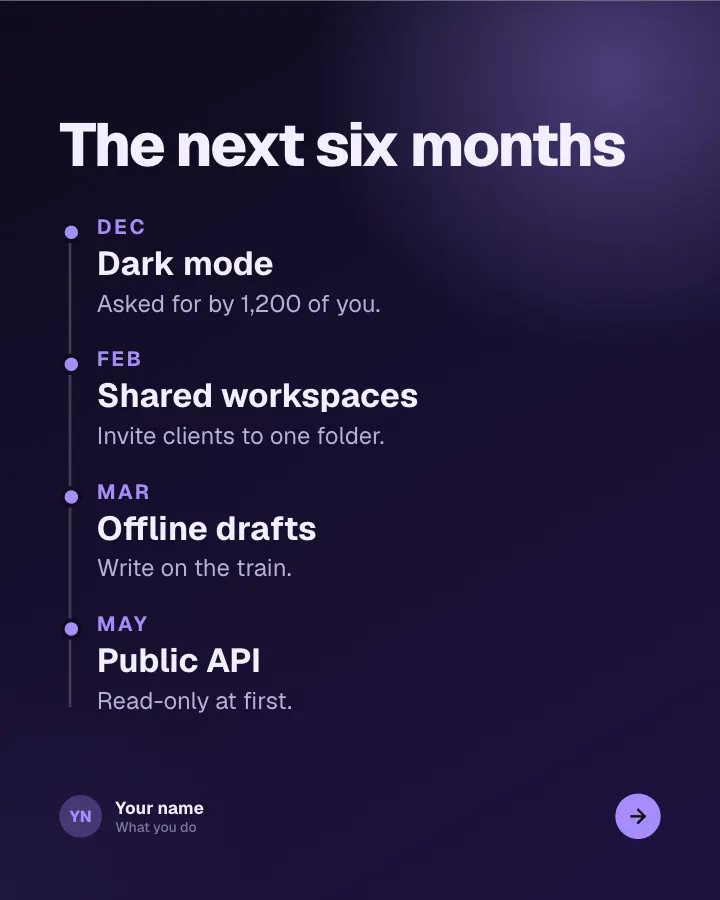
Roadmap, in public
6 slidesWhat you are building next, what you decided not to build and how customers can shape the order.
AnnounceEarn trustVIP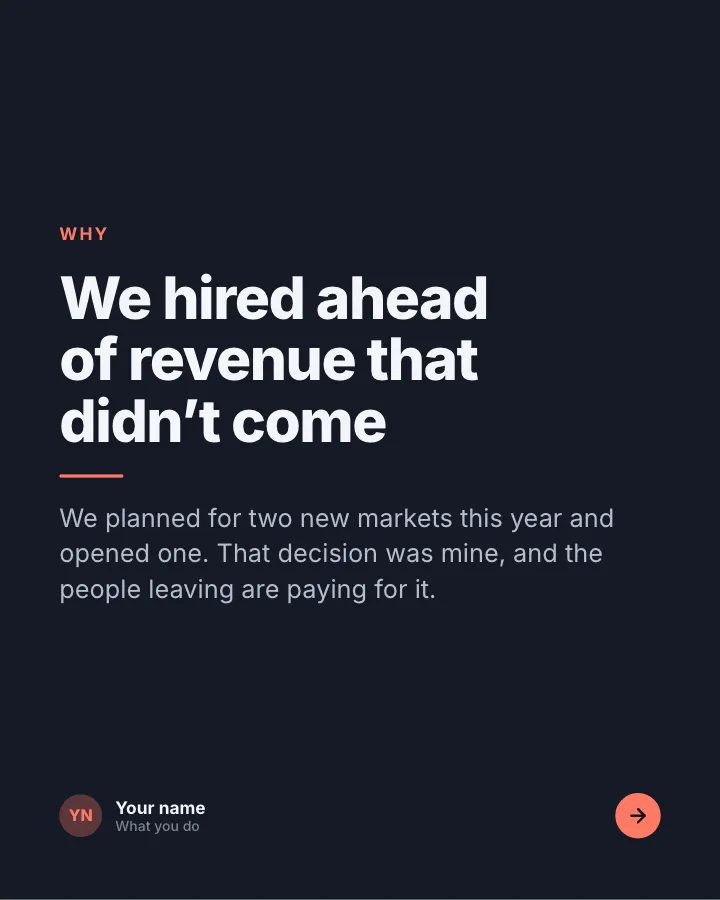
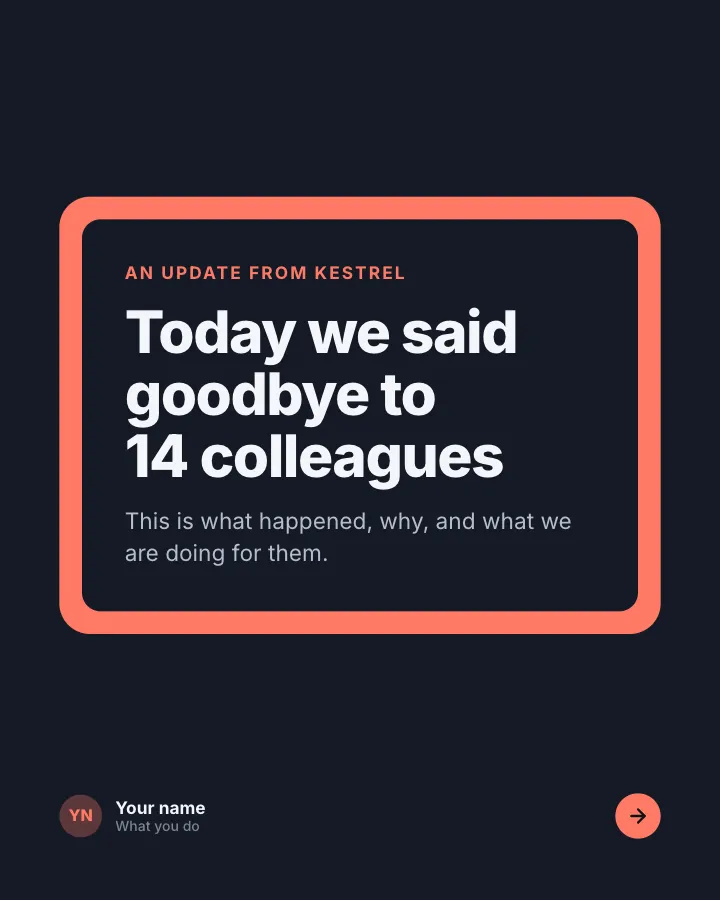
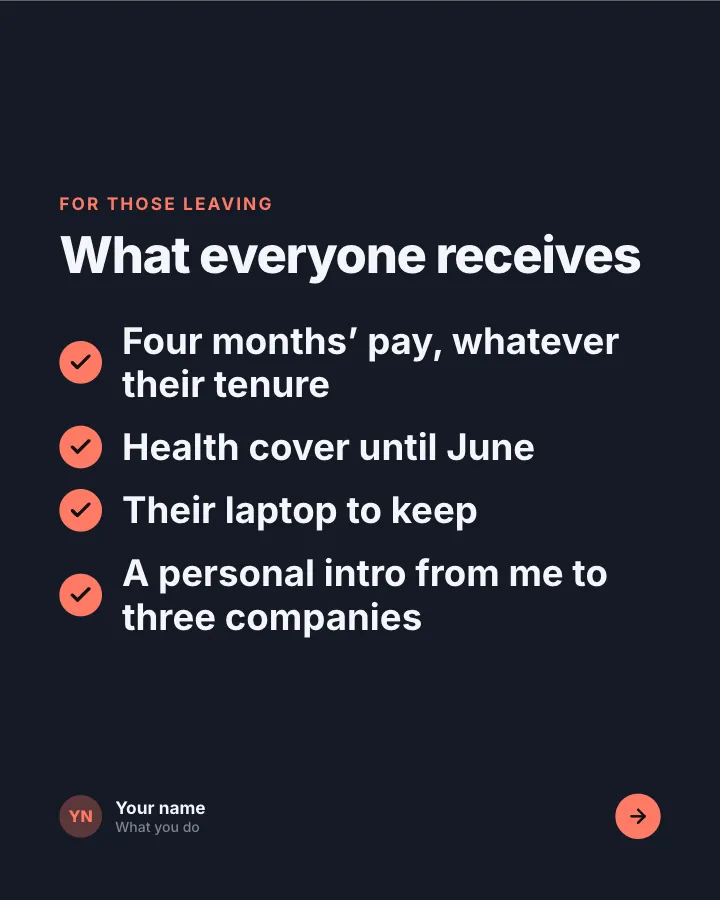
Hard news, told with care
6 slidesDifficult company news, such as a restructure or a closed product, said plainly with what you are doing for the people affected.
Earn trustAnnounceVIP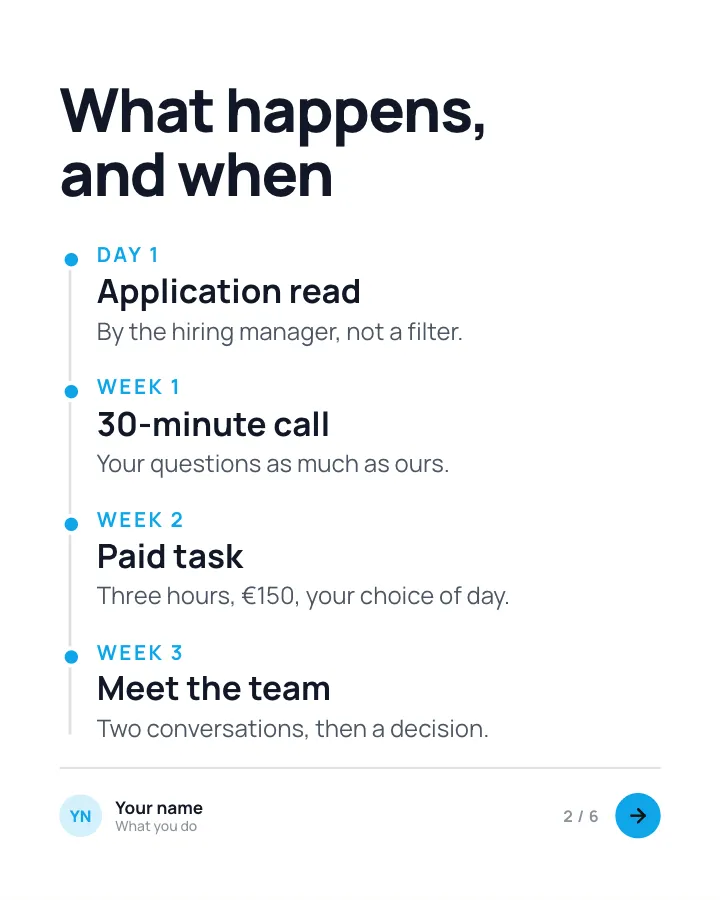
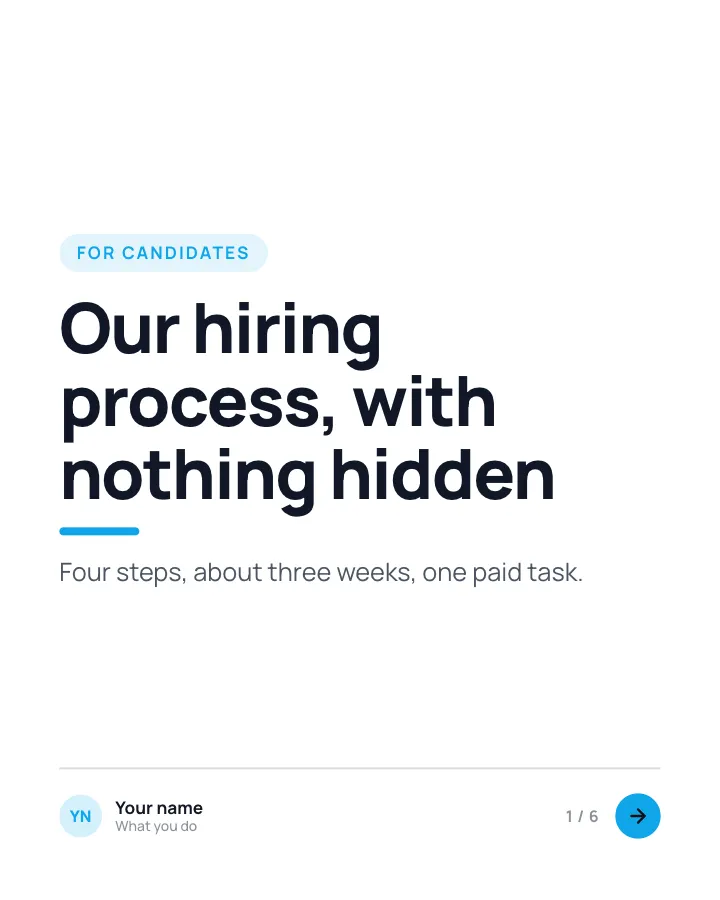
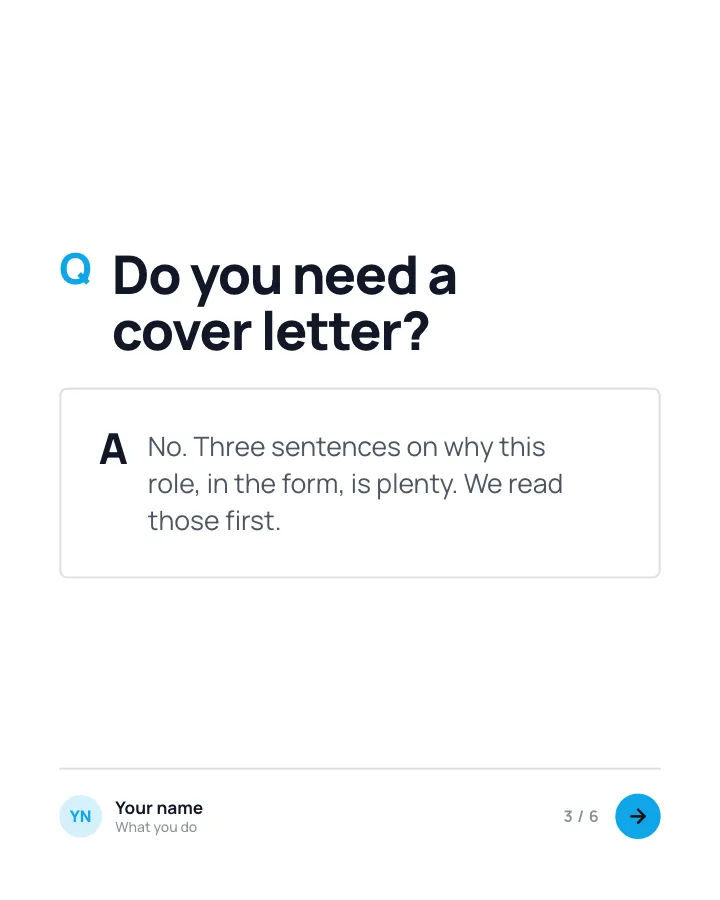
How we hire
6 slidesEvery step of your hiring process laid out for candidates: what happens, how long it takes and what you are looking for.
SellEarn trust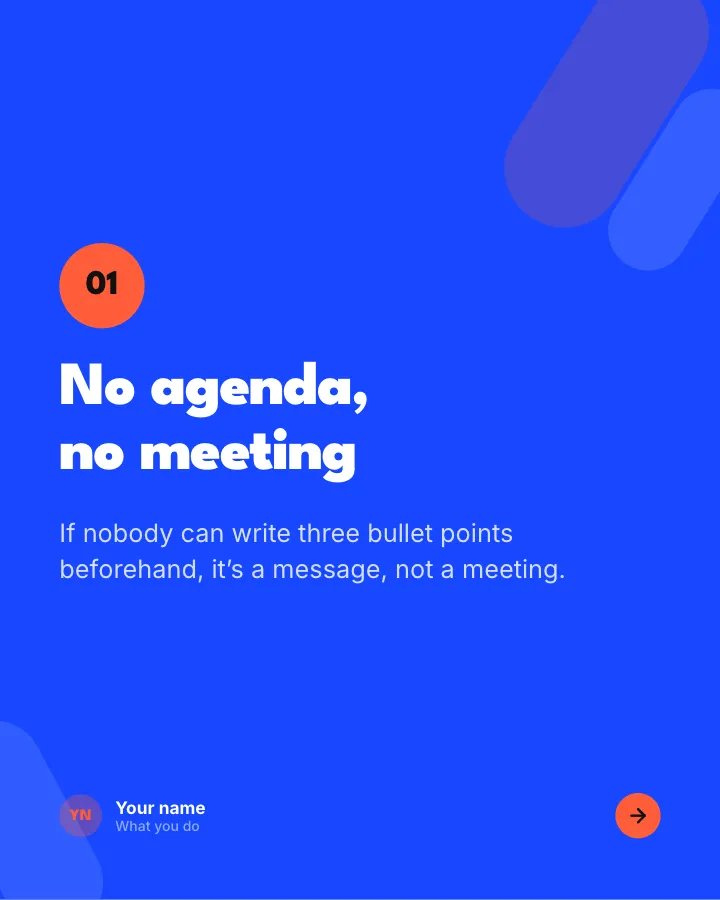
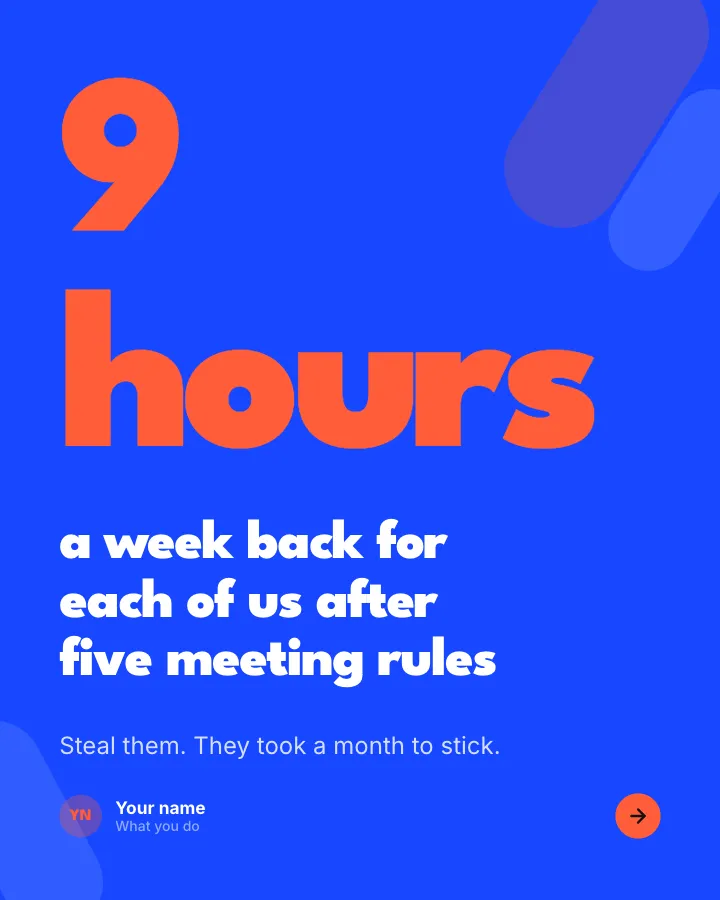

Our meeting rules
6 slidesThe meeting rules a team actually follows, with what changed after you introduced them.
Be bookmarkedMake them smile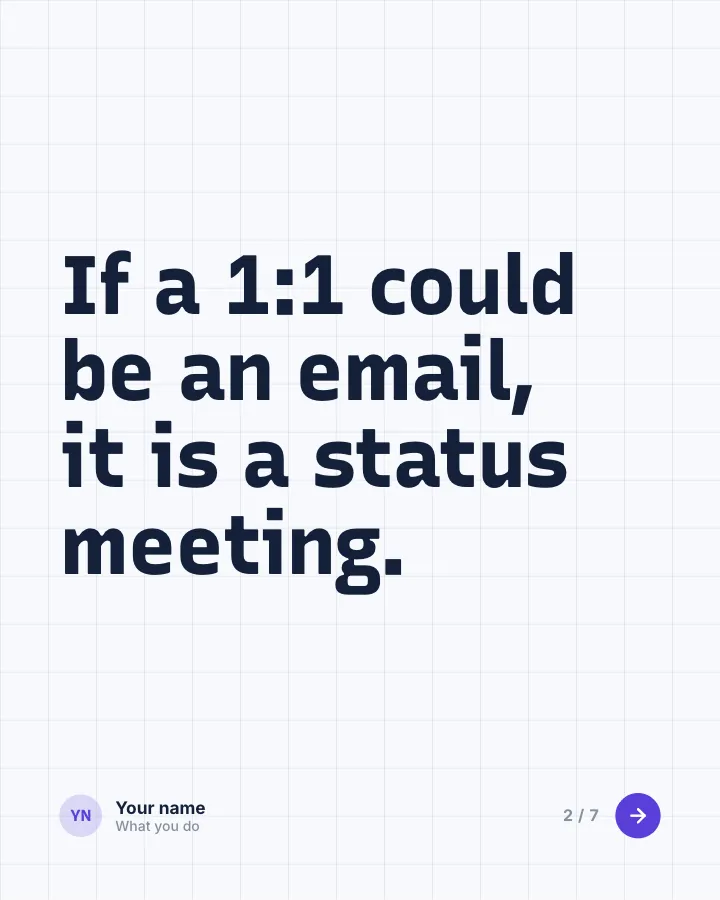
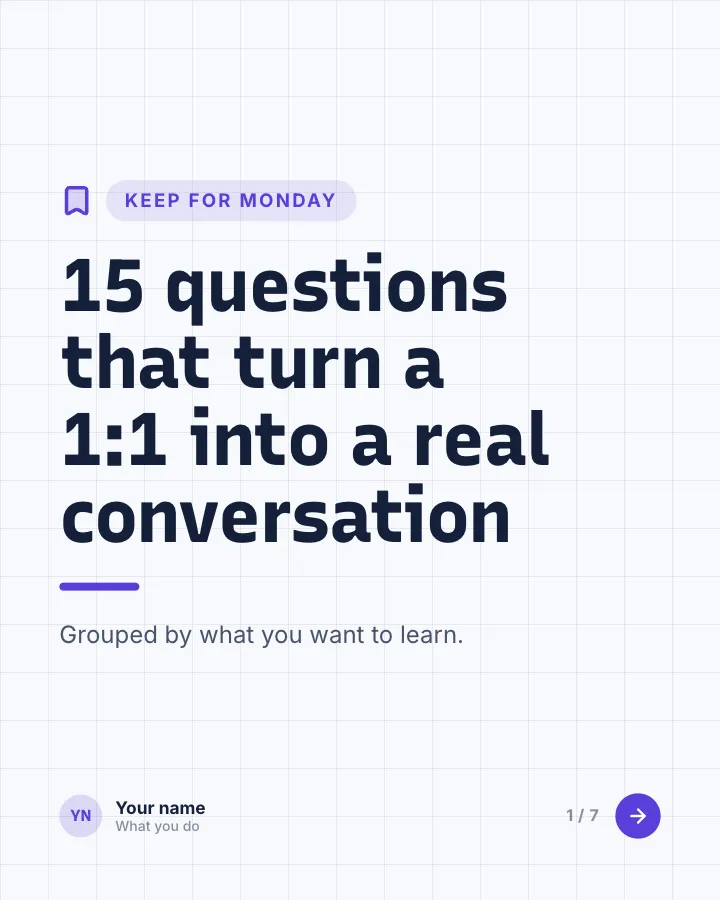
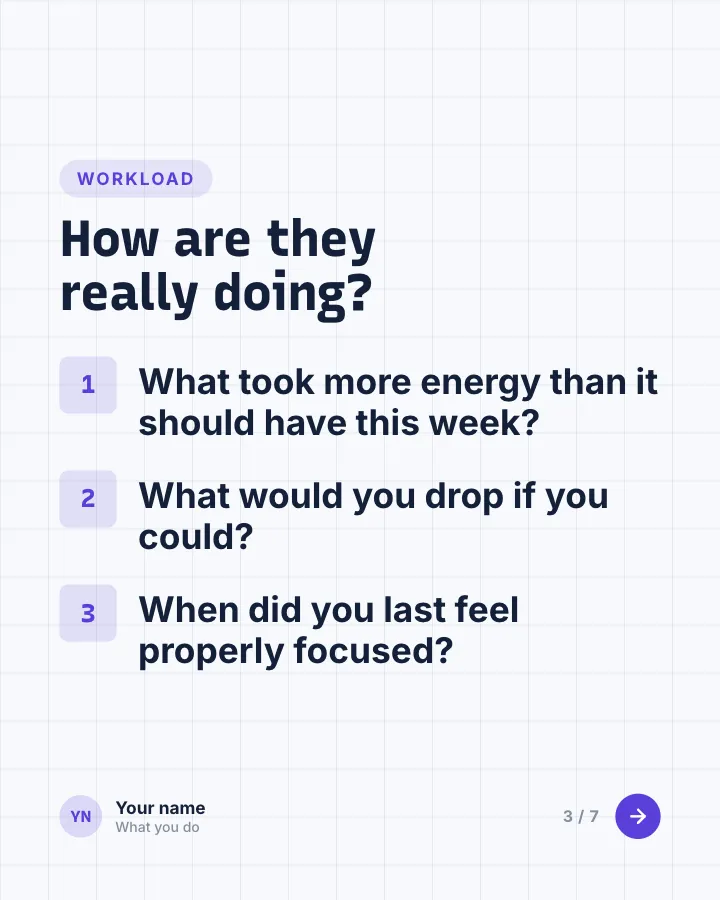
Questions for 1:1s
7 slidesQuestions managers can bring to one-to-ones, grouped by what they help you learn, so the meeting is more than a status update.
Be bookmarkedExplain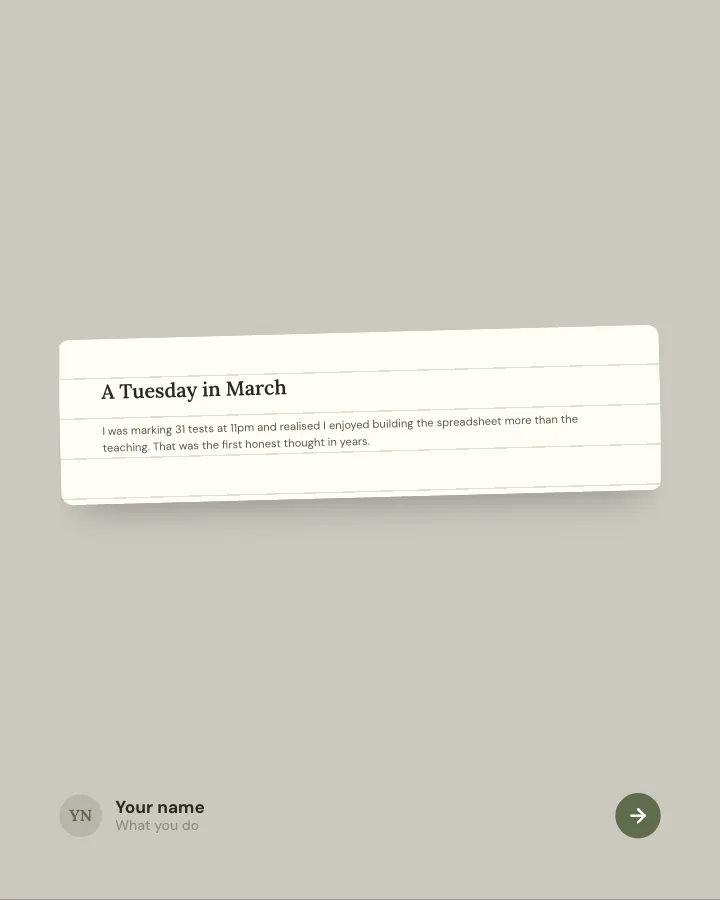
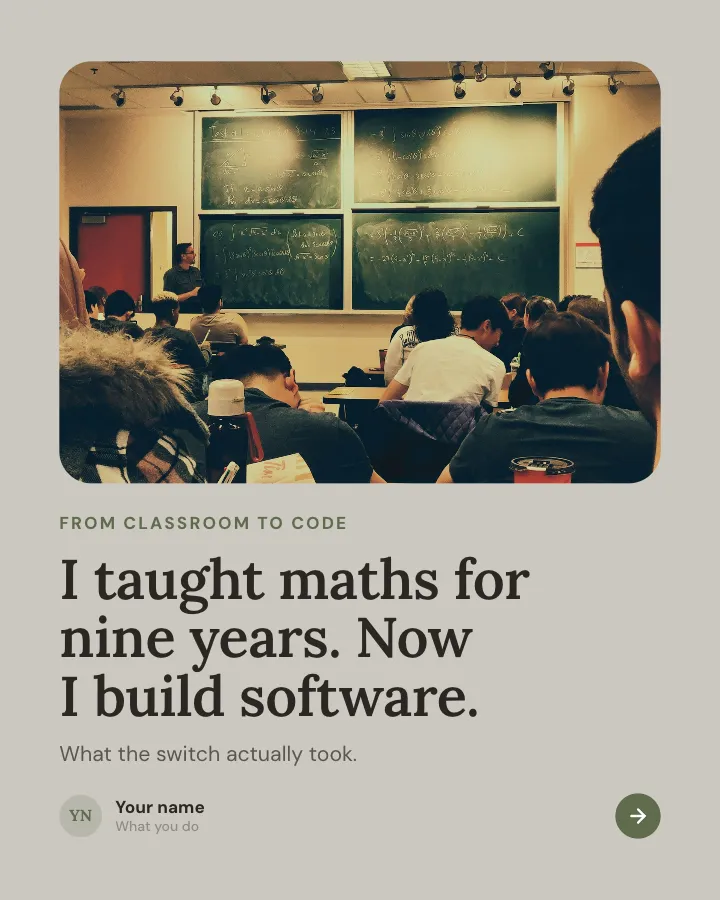
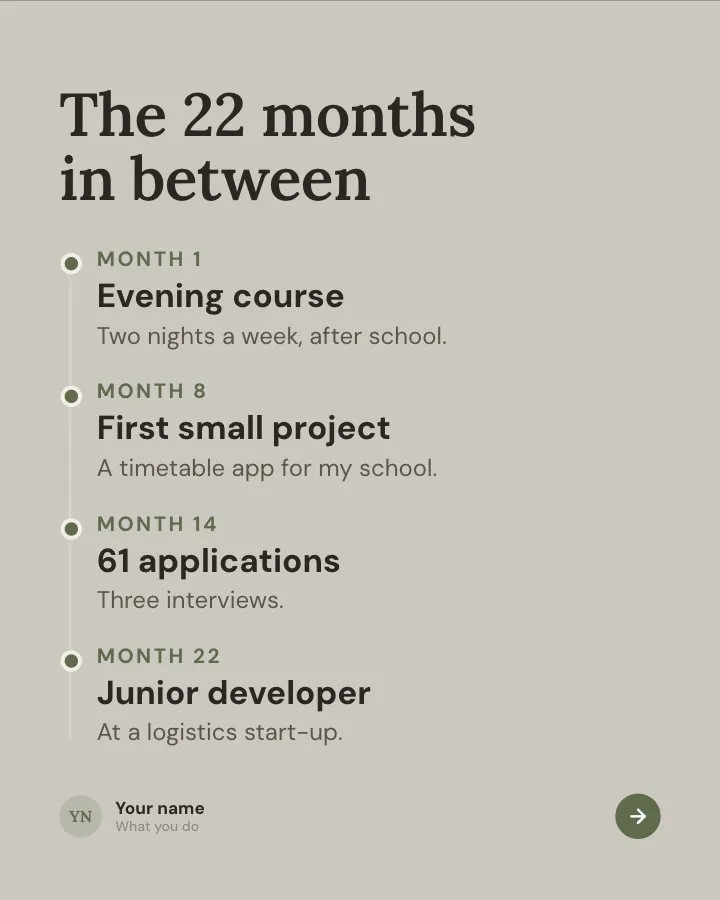
Career change story
7 slidesHow you moved from one career to another: the moment you decided, the messy middle, the money and what you would tell someone starting.
Earn trustSpark repliesVIP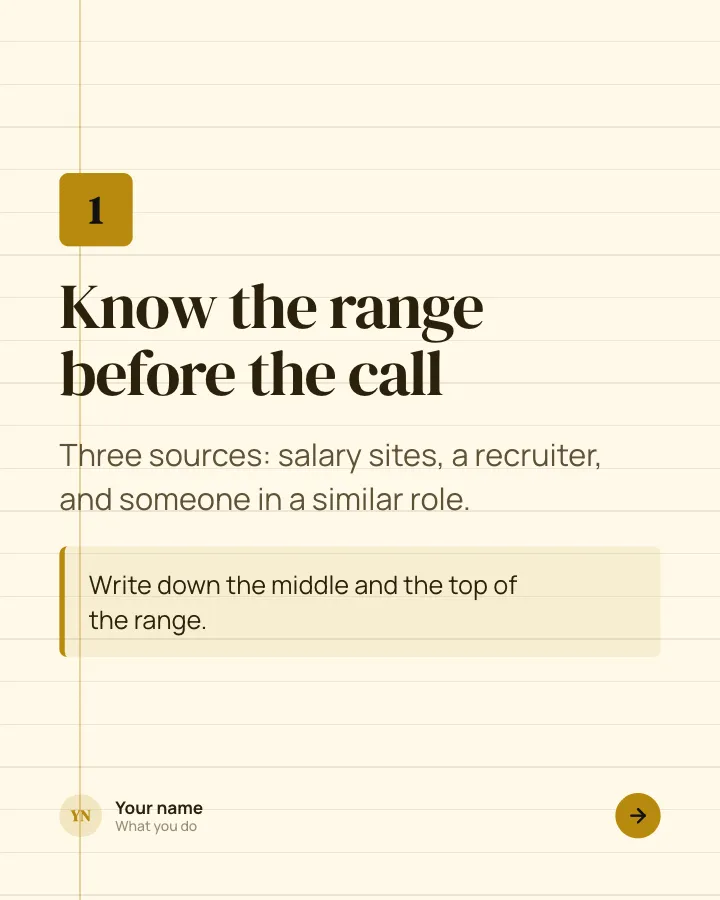
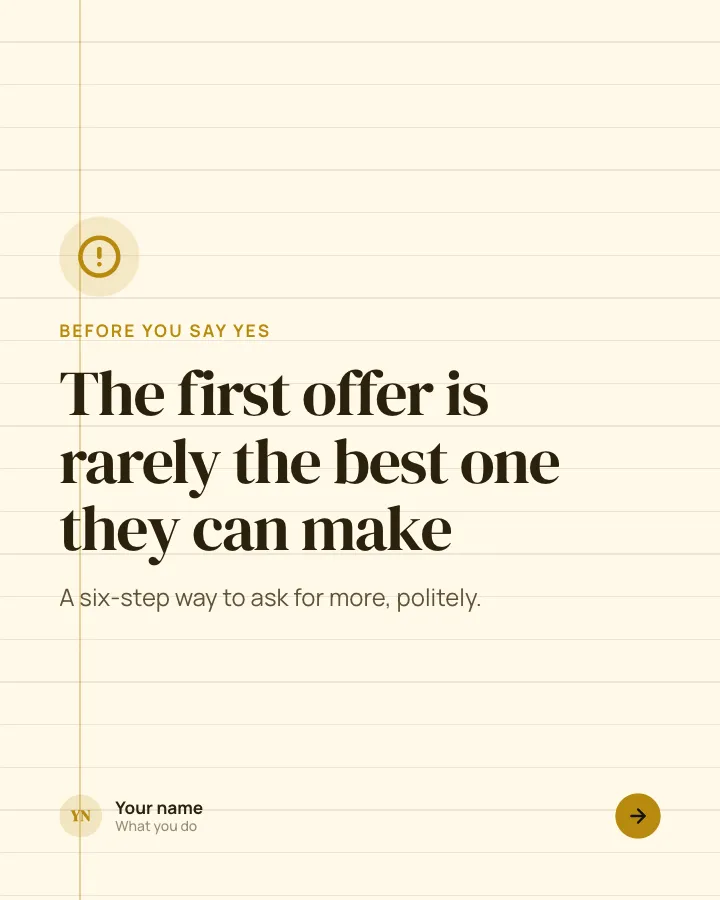
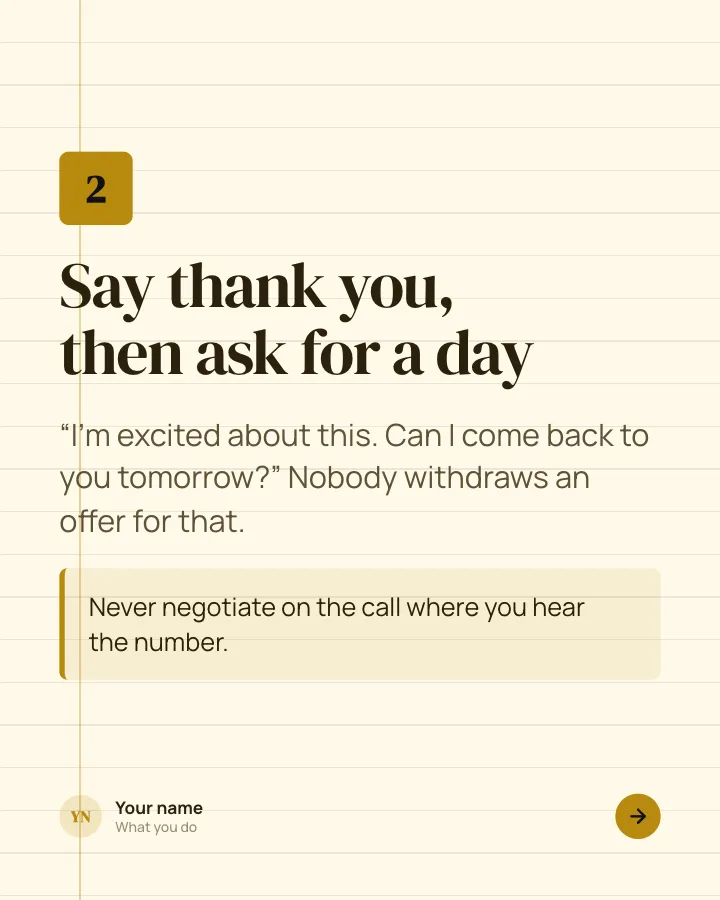
Negotiating a job offer
8 slidesHow to negotiate a job offer step by step: the research, the words to use, what else is on the table and when to stop.
ExplainBe bookmarkedVIP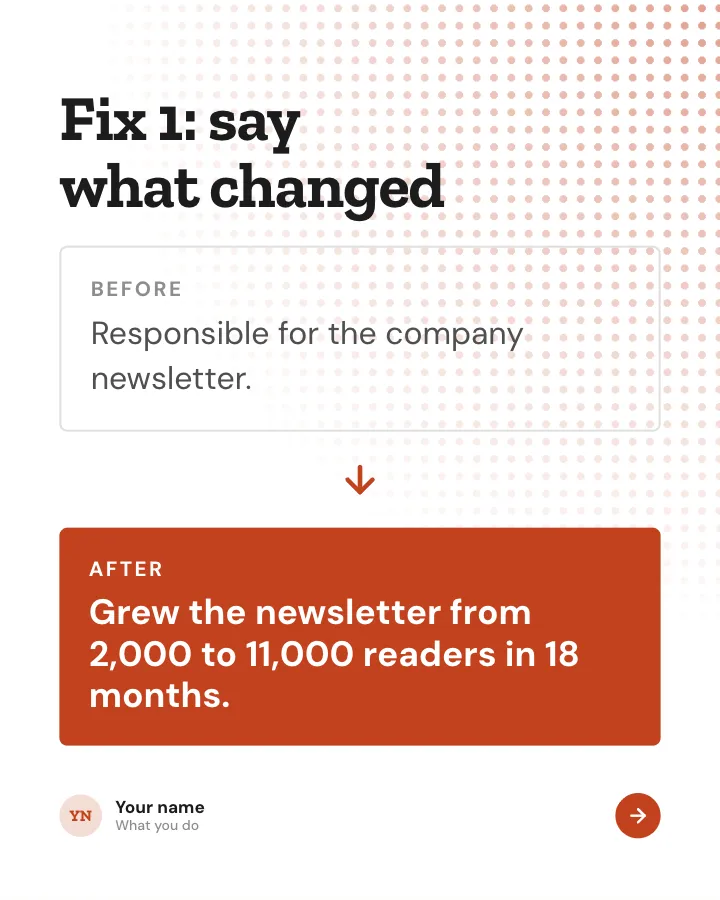
Résumé line rewrites
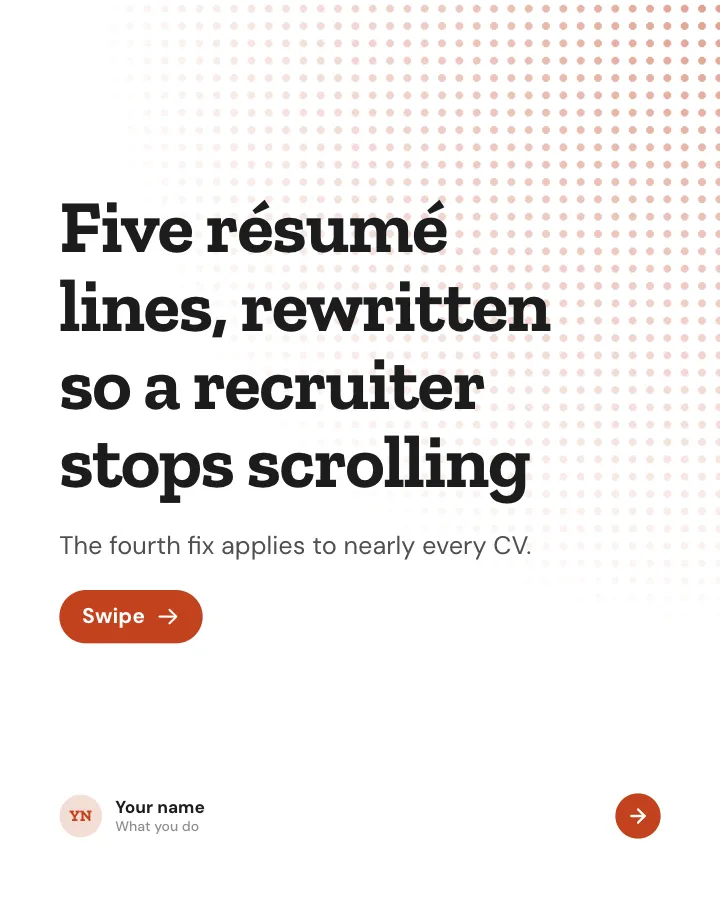
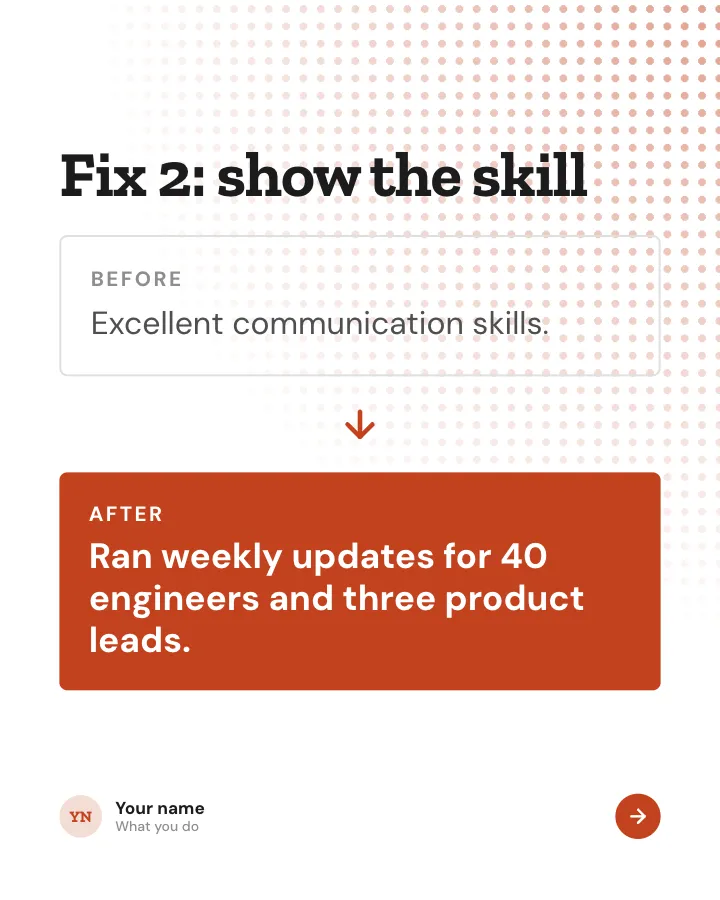
7 slidesWeak résumé lines rewritten into strong ones, with the rule behind each fix so readers can do the same with their own.
Be bookmarkedExplain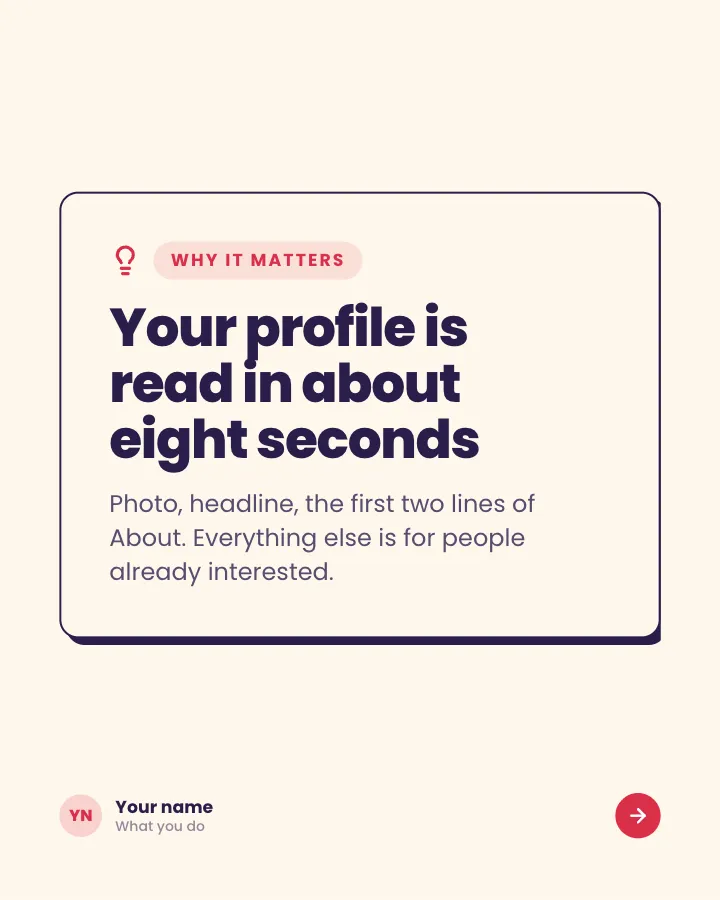
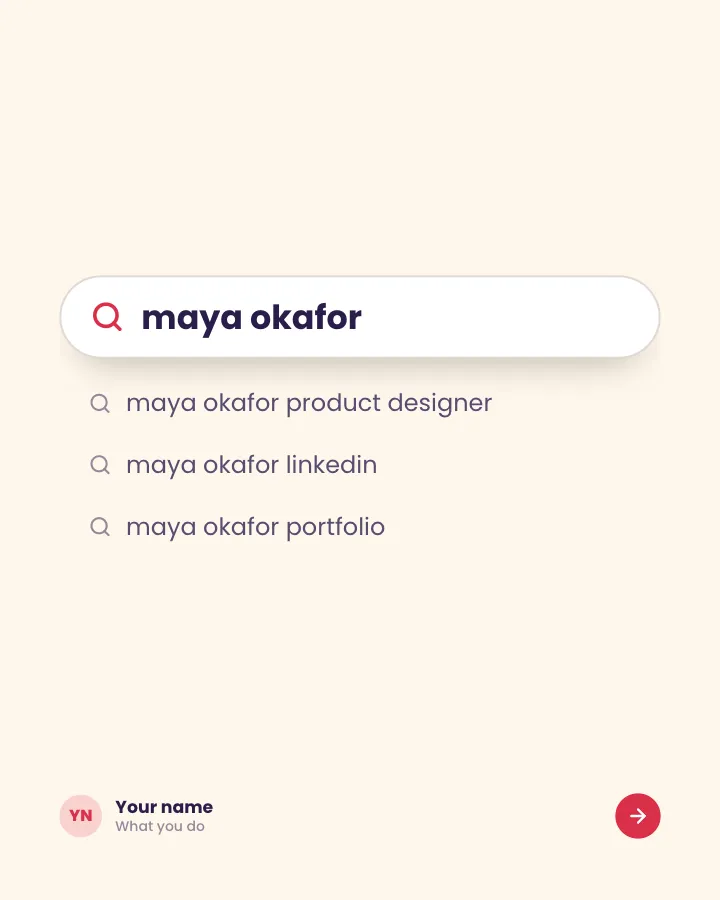
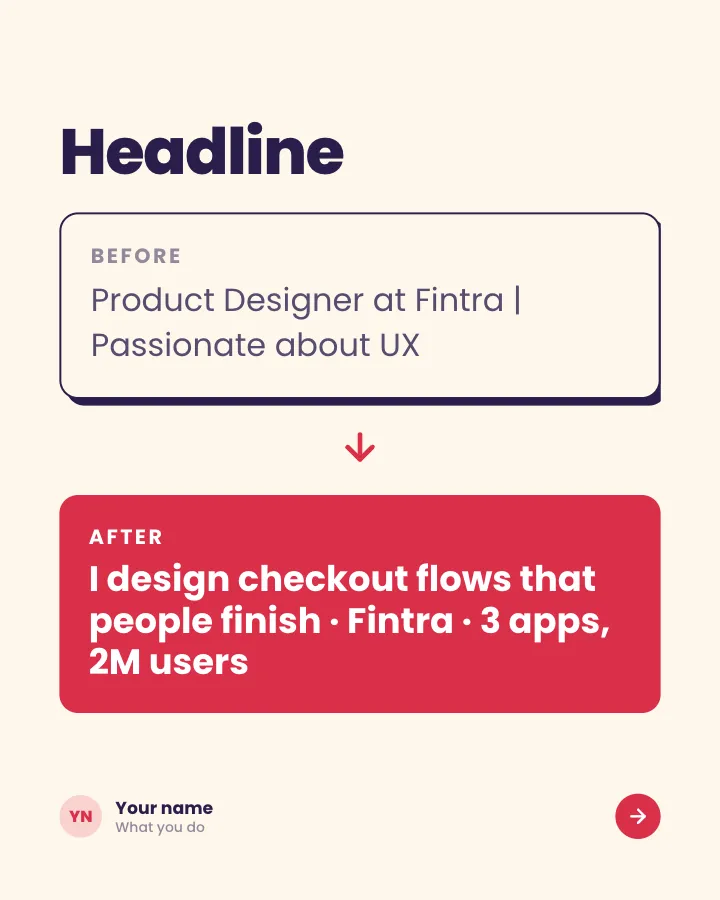
LinkedIn profile audit
7 slidesA section-by-section check of a LinkedIn profile, with the fix for each part and an example of it done well.
ExplainBe bookmarked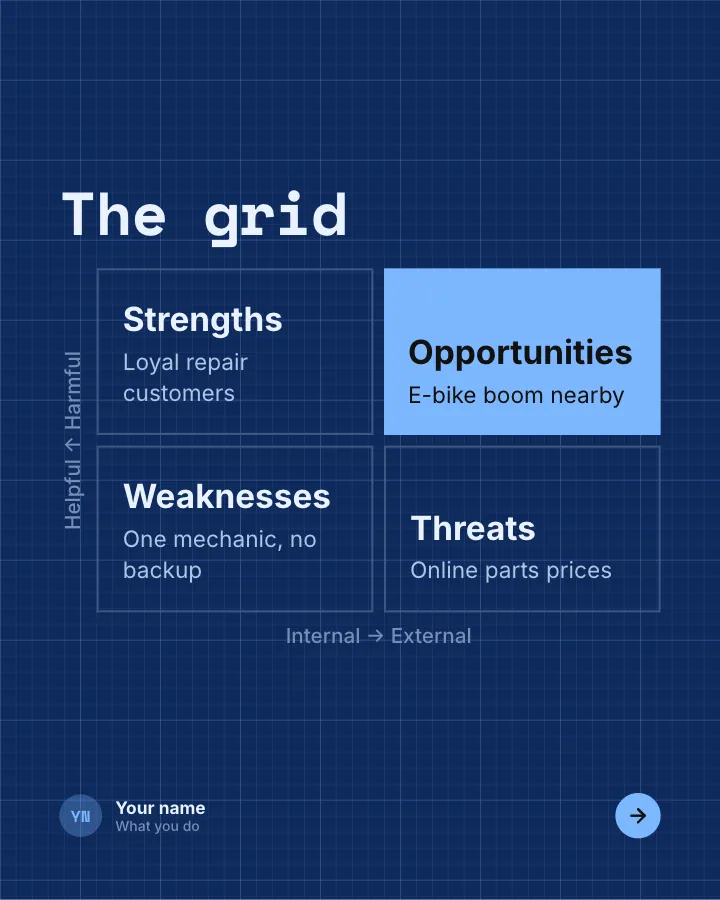
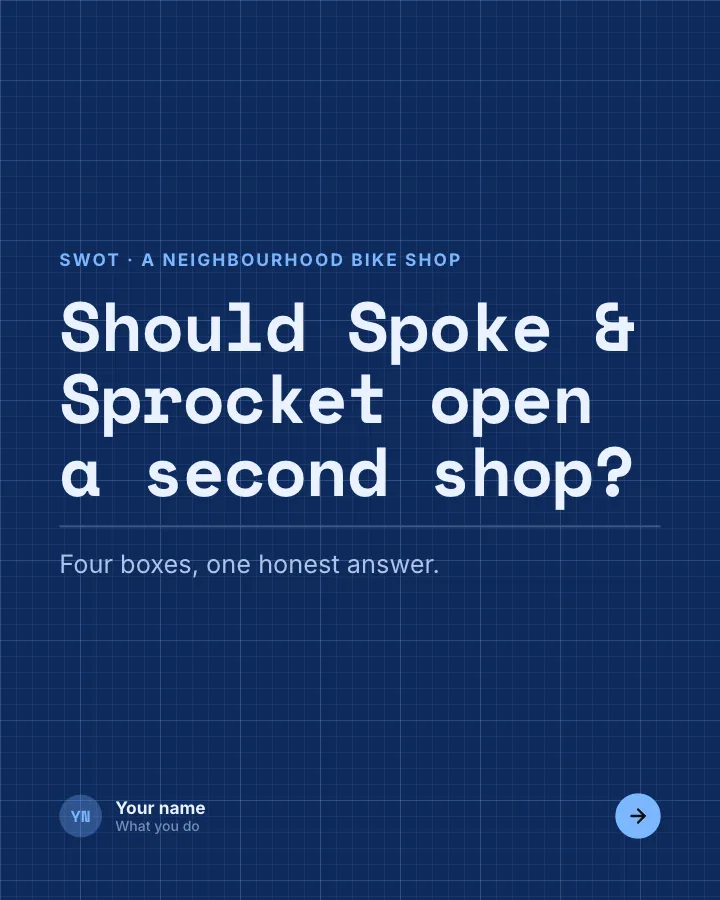
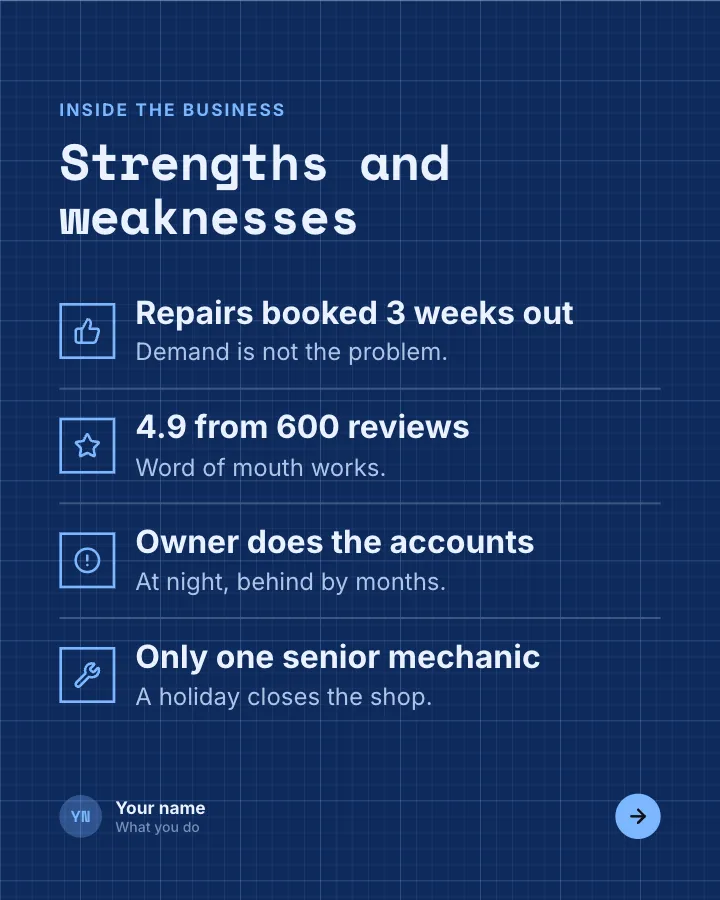
SWOT snapshot
7 slidesA business or project assessed with a SWOT grid: strengths, weaknesses, opportunities and threats, then the decision it leads to.
ExplainSpark repliesVIP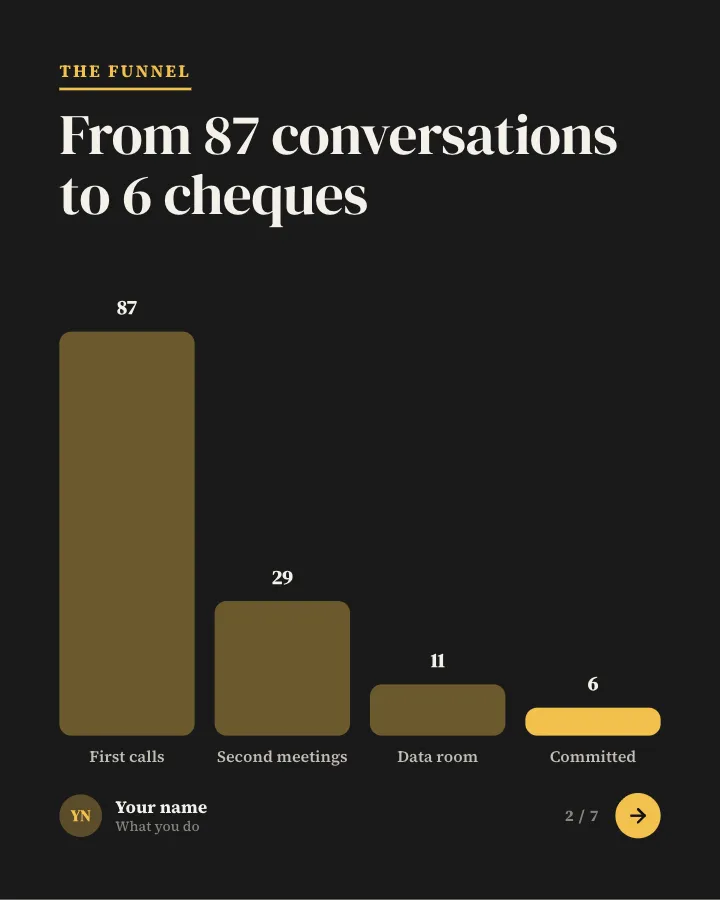
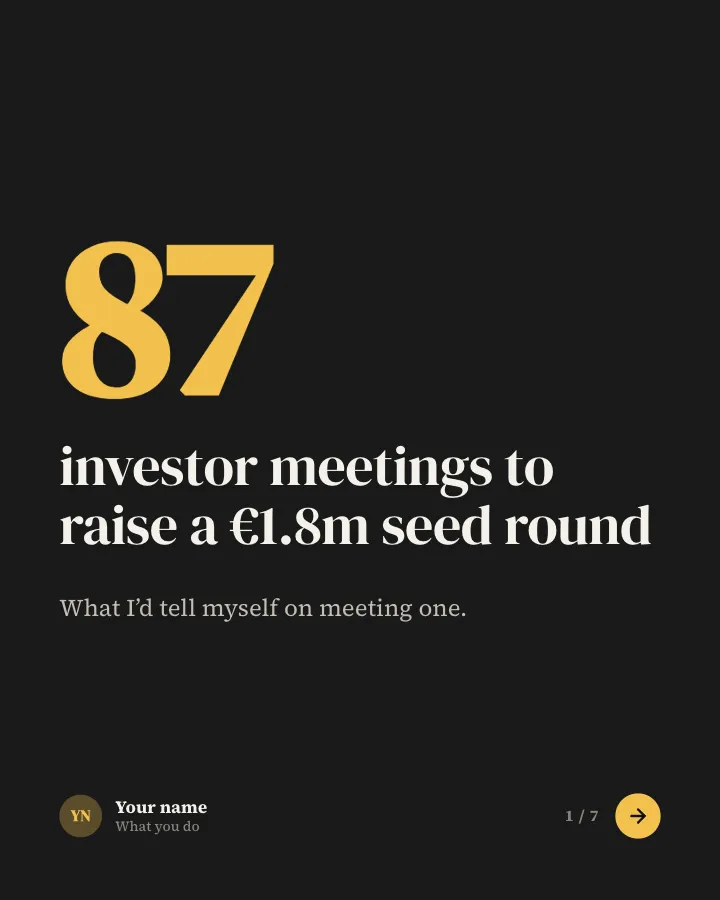

What raising a round taught me
7 slidesA founder’s lessons from raising money: the numbers behind the process, the mistakes and the advice you would give the next person.
Earn trustExplain
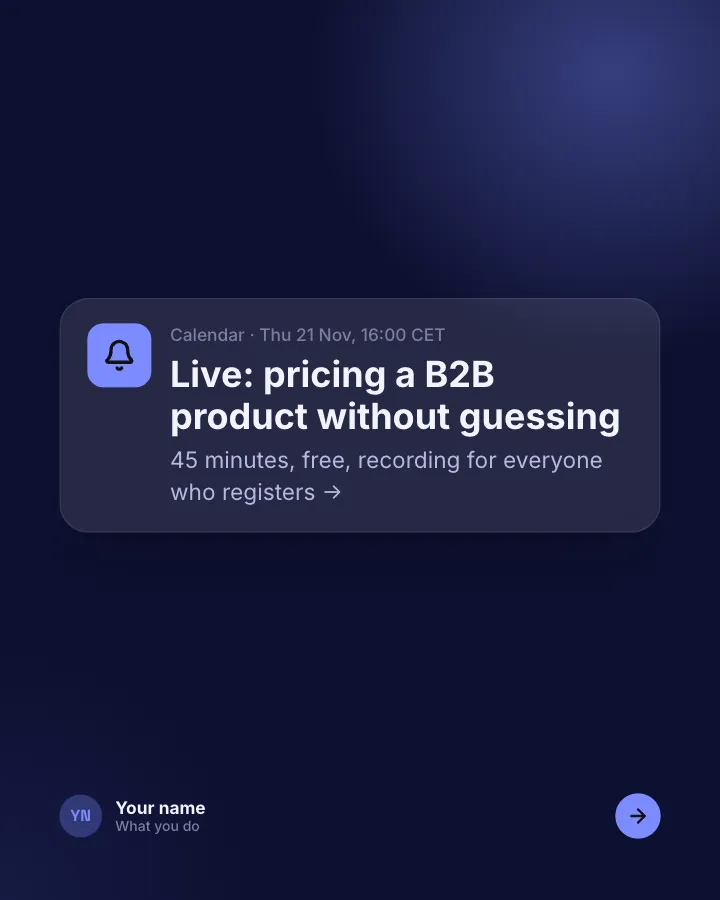
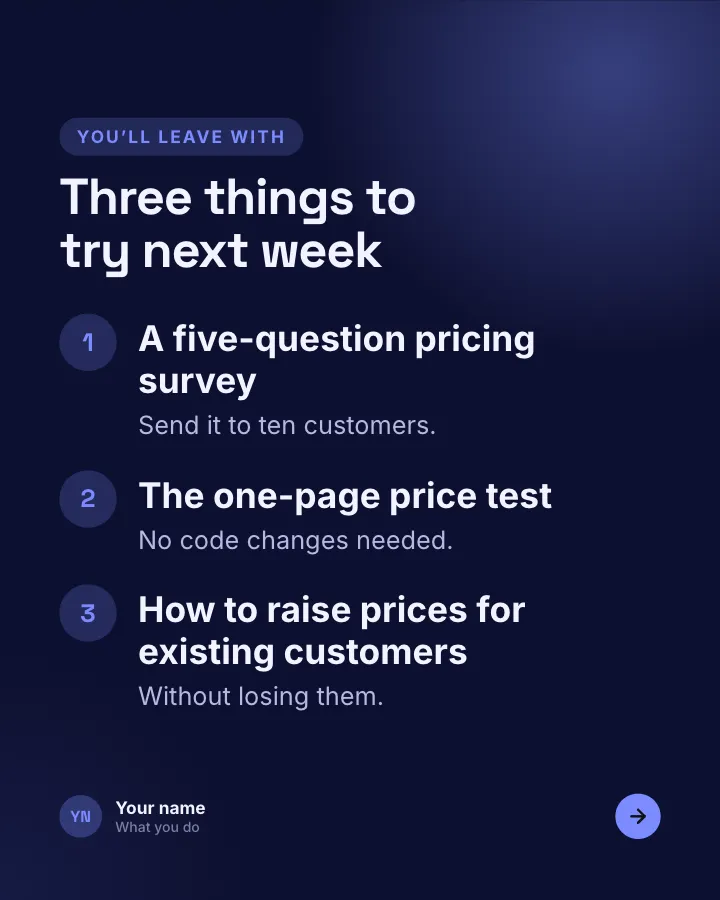
Webinar invitation
6 slidesAn invitation to an online session: the topic, who is speaking, what attendees will learn and how to save a seat.
SellAnnounce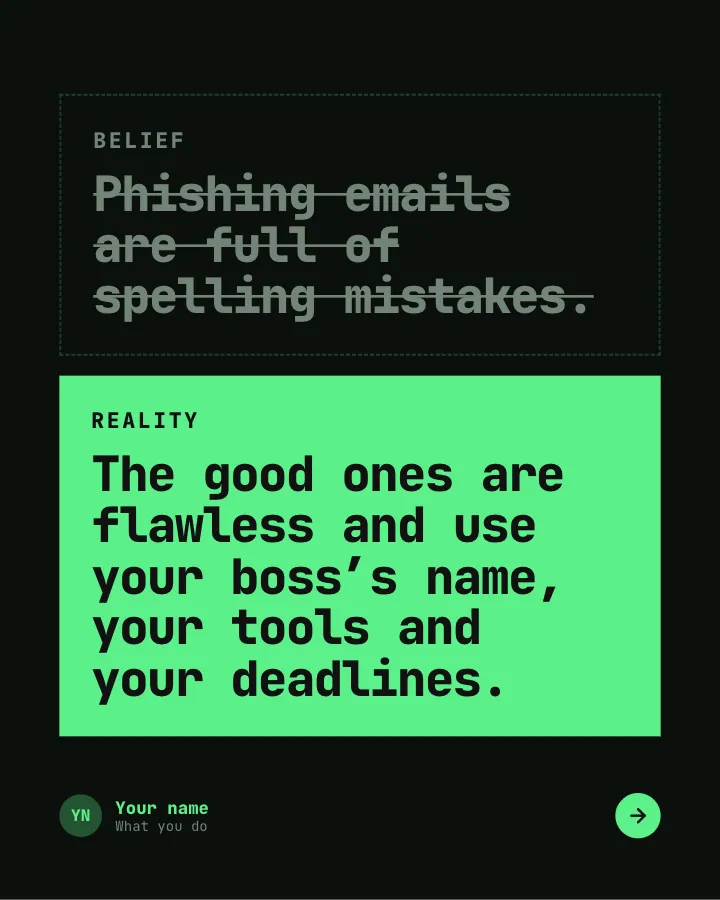


Spot the phishing
7 slidesCommon beliefs about phishing and workplace security checked against what actually happens, with the habits that stop most attacks.
ExplainBe bookmarked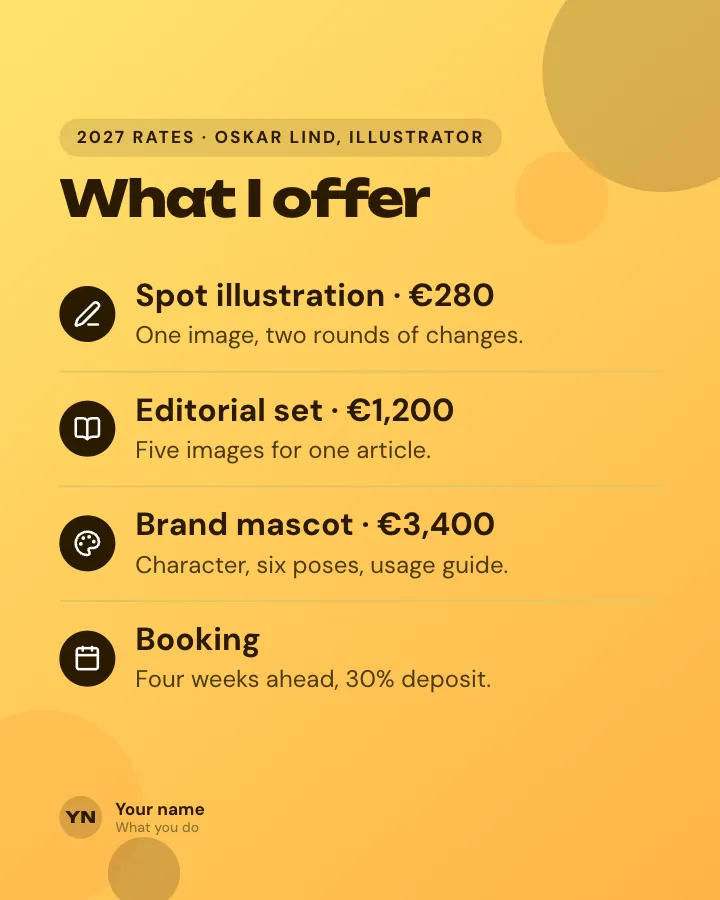
Freelance rate card
Image postYour freelance services and prices on one image, so clients know what to expect before the first call.
SellVIP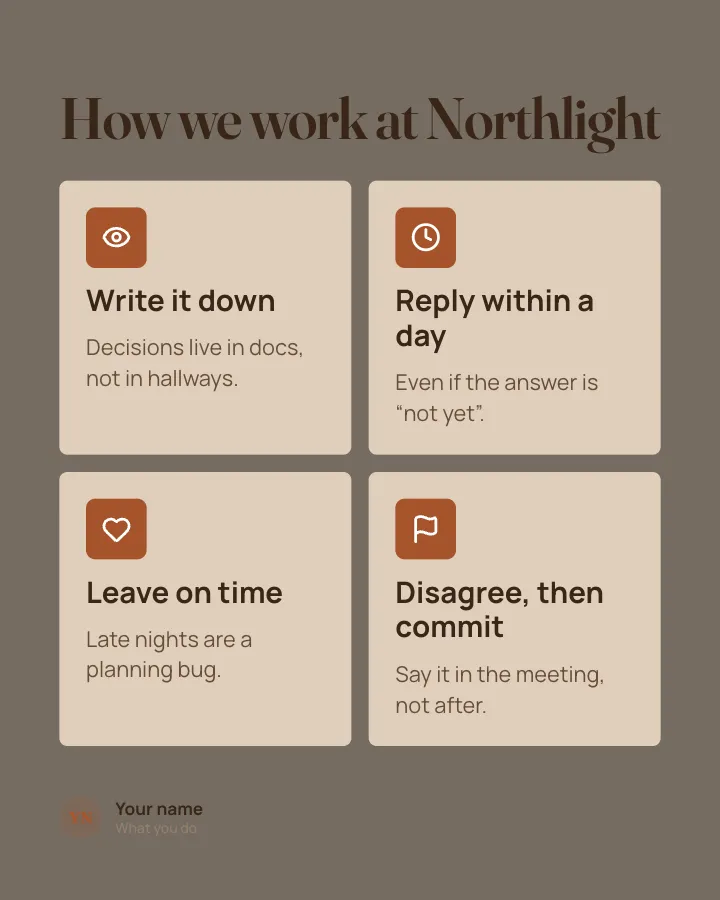
Company values card
Image postYour company values on one image, each with the behaviour that shows it rather than a slogan.
Earn trust
AI at work, our line
Image postWhere your team uses AI and where it does not, on one image, to start an honest conversation.
Spark repliesEarn trust
Data privacy, plainly
Image postWhat your company does and does not do with customer data, explained on one image in plain words.
Earn trustExplainVIP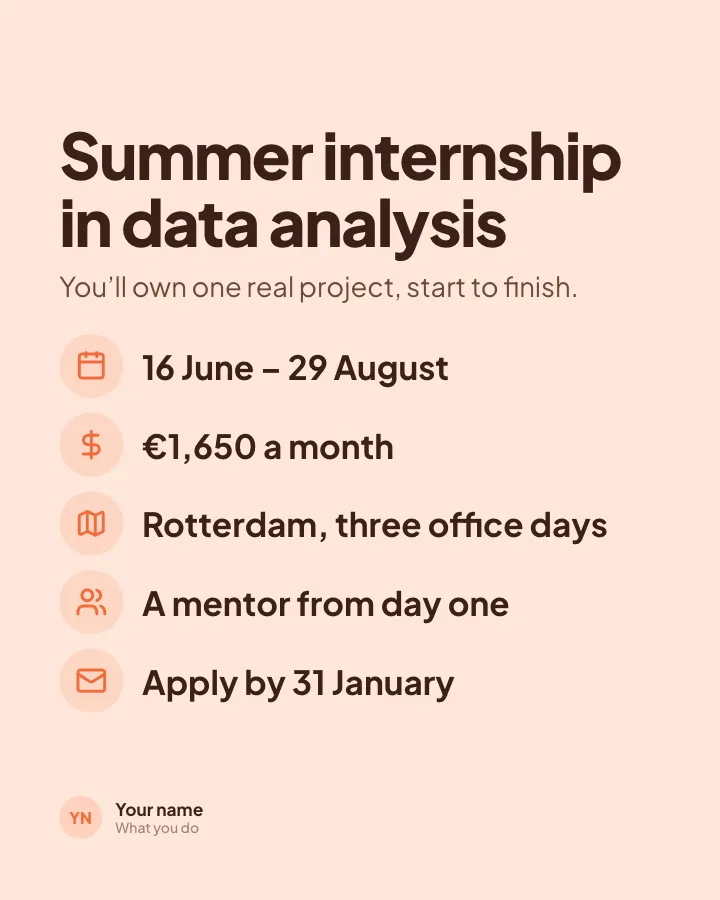
Internship opening
Image postA paid internship on one image: what the intern will do, the pay, the dates and how to apply.
SellAnnounce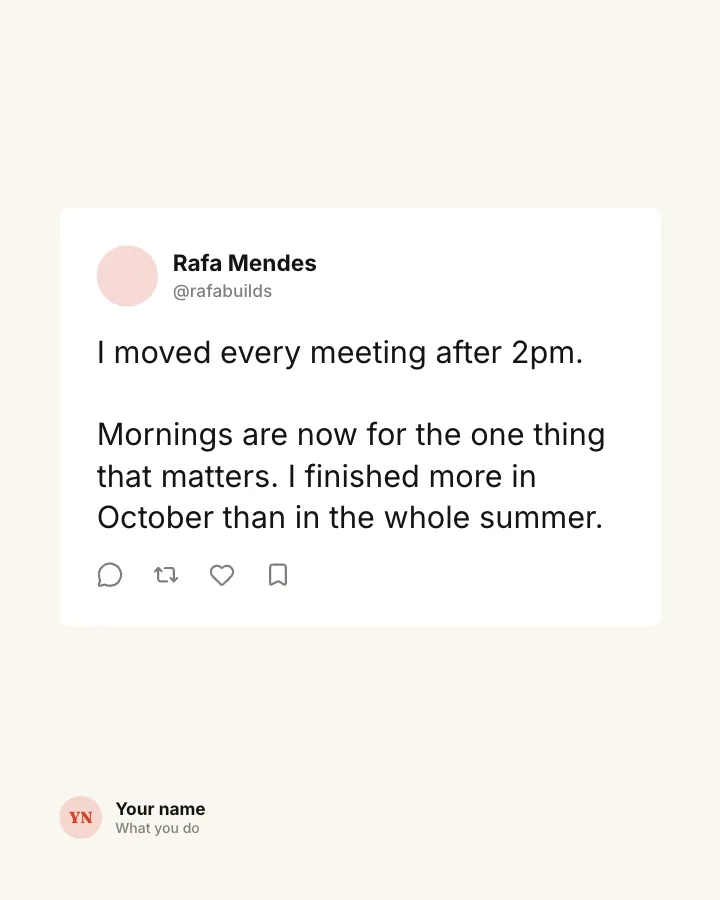
Work habit, as a post
Image postOne work habit that changed your week, shown as a social post so it reads like a real person sharing it.
Make them smileSpark replies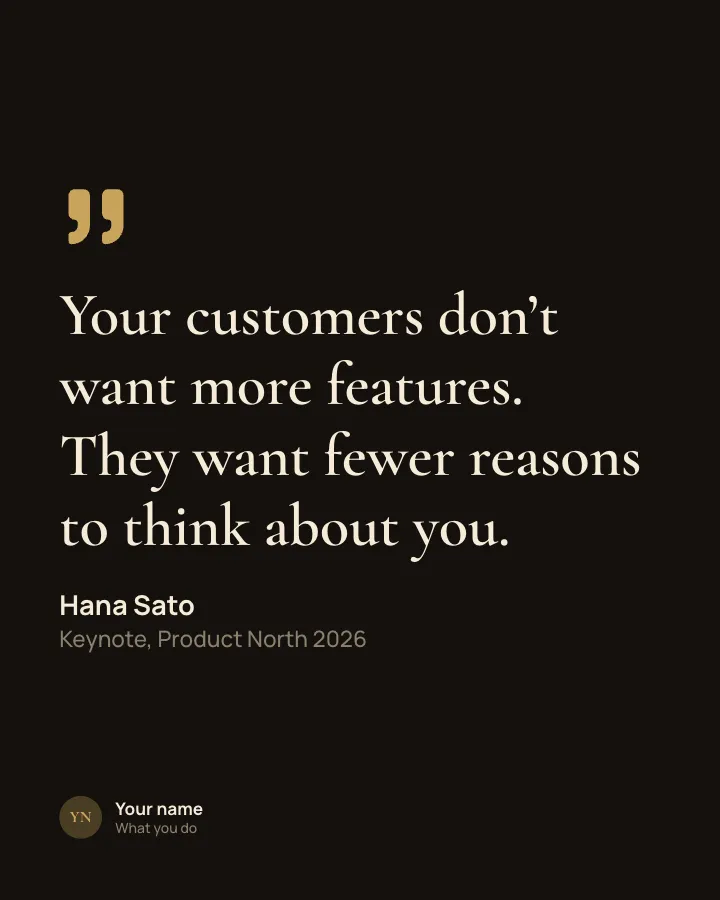
Quote from the stage
Image postThe best line from a talk or conference you attended, credited to the speaker.
Be bookmarkedEarn trustVIP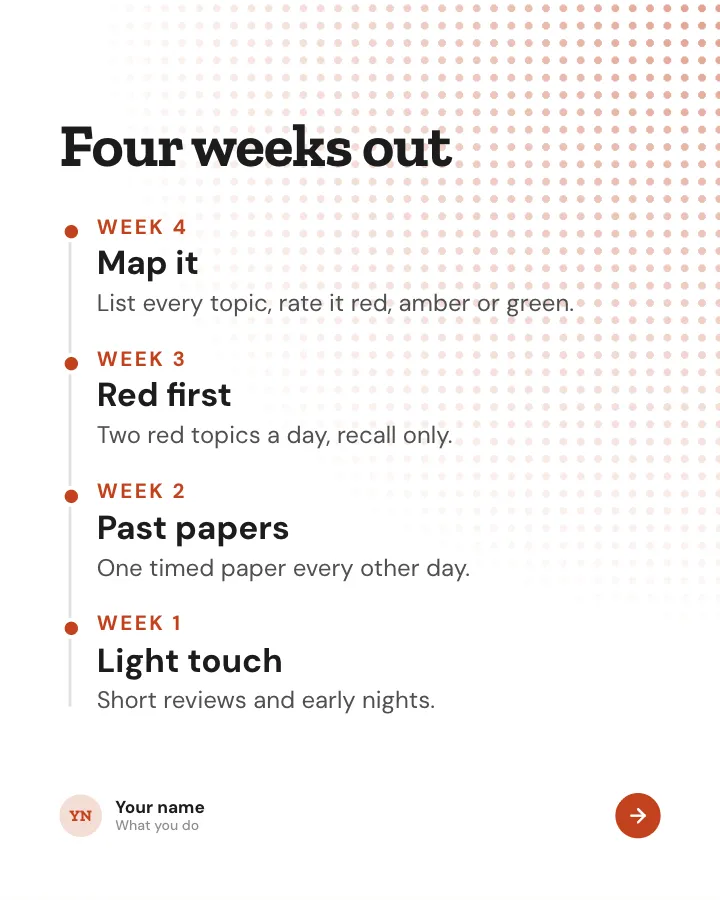
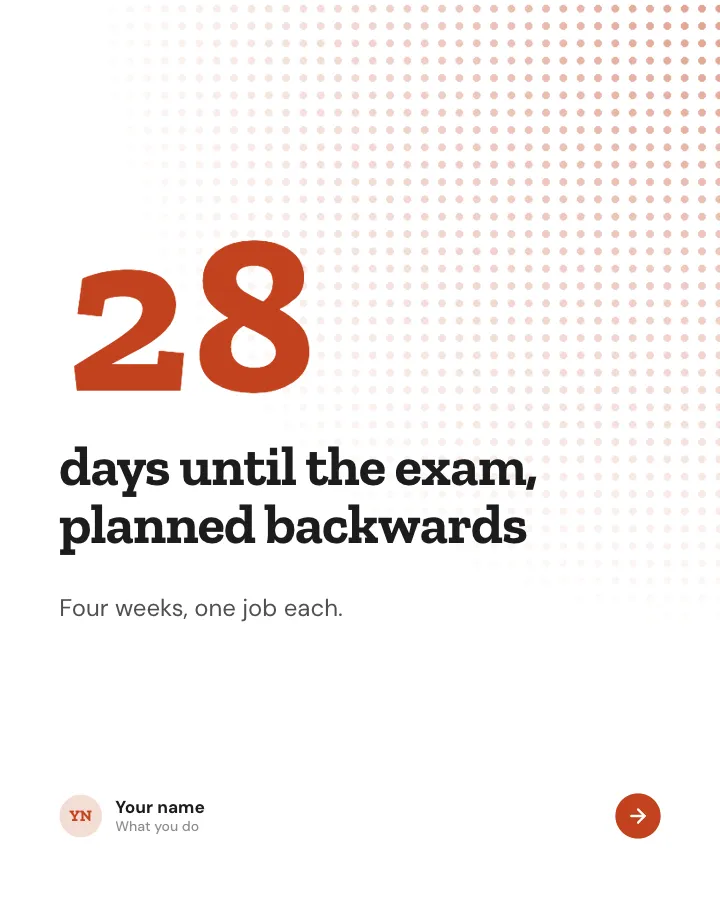
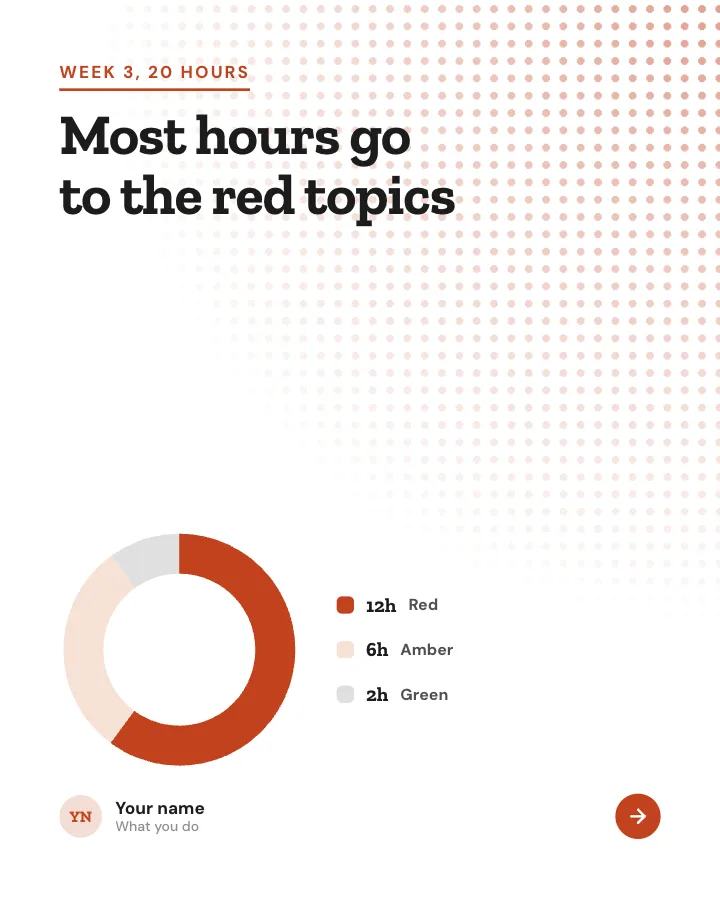
Exam countdown
7 slidesA revision plan worked back from the exam date: what to do each week, the last 48 hours and the morning itself.
Be bookmarkedExplain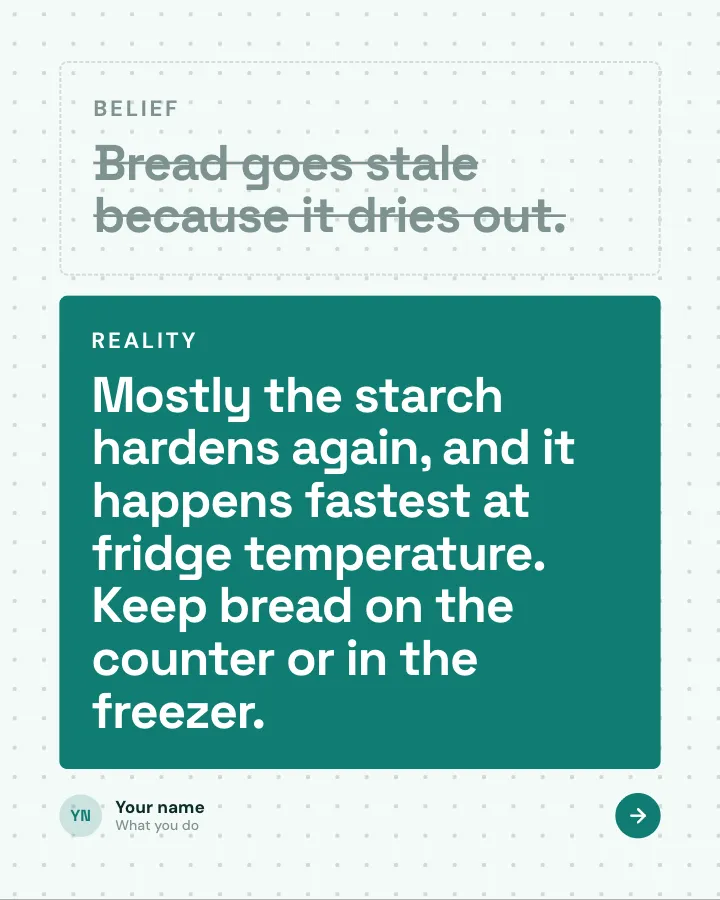
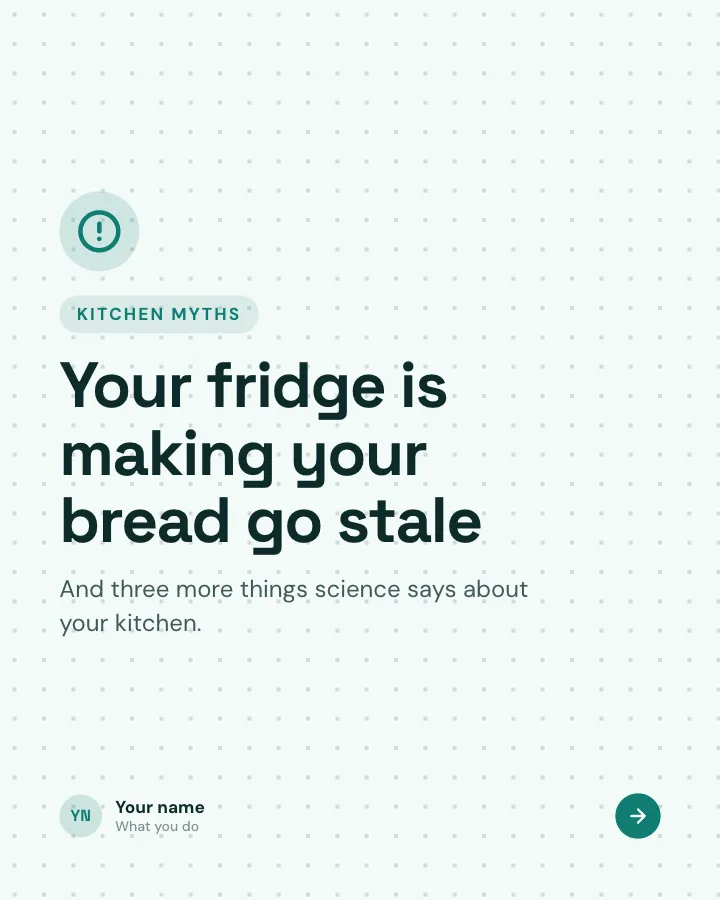
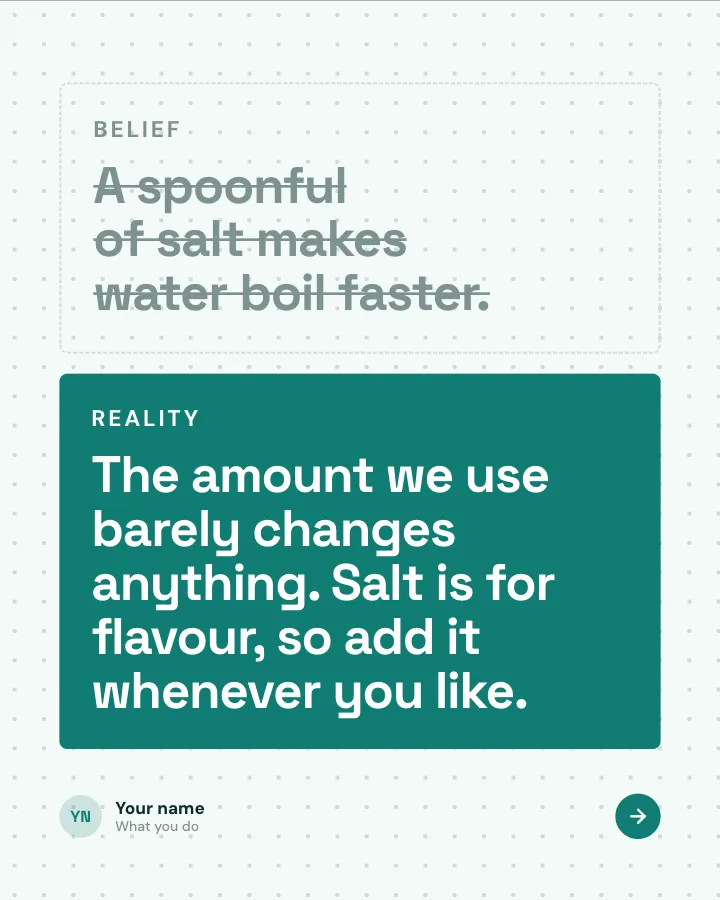
Kitchen science
7 slidesEveryday kitchen beliefs checked against the science: the belief, what actually happens and the simple reason why.
ExplainMake them smile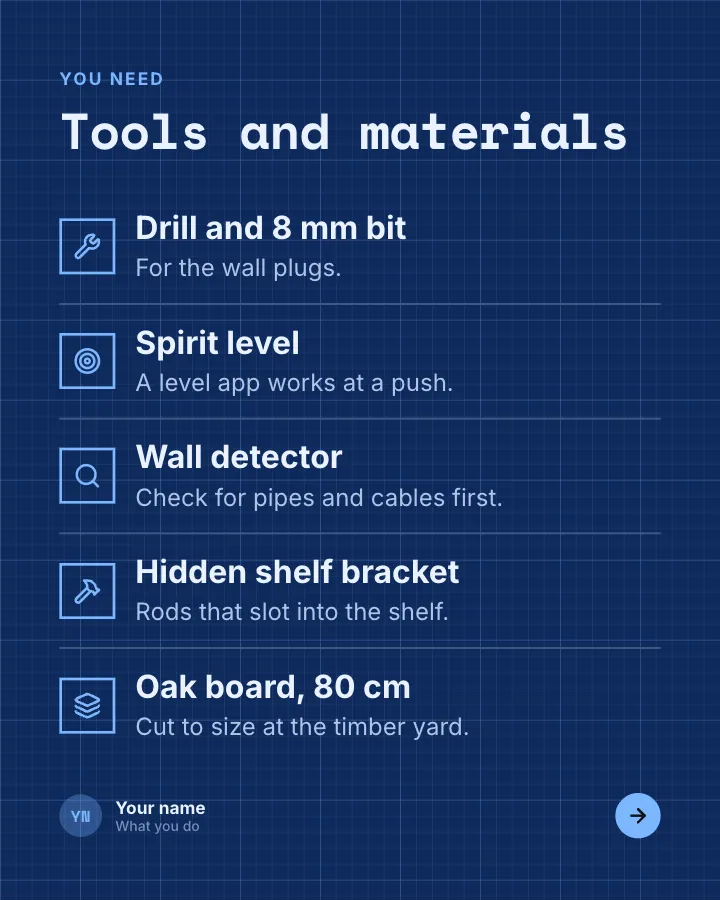

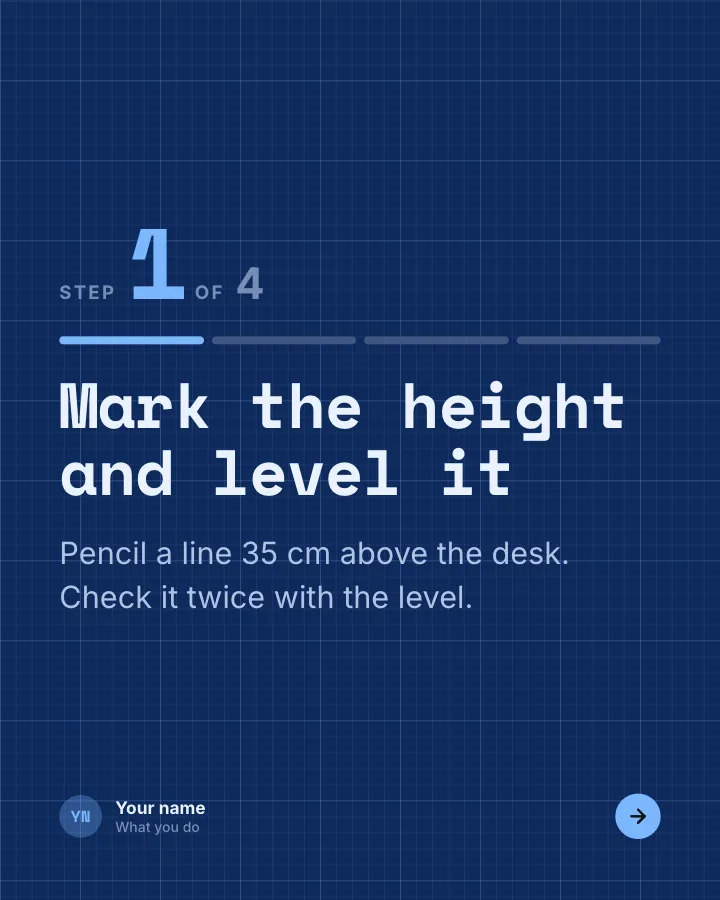
Weekend DIY build
8 slidesA small DIY project from tools to finish: what you need, each step with its measurement and the mistake to avoid.
ExplainBe bookmarkedVIP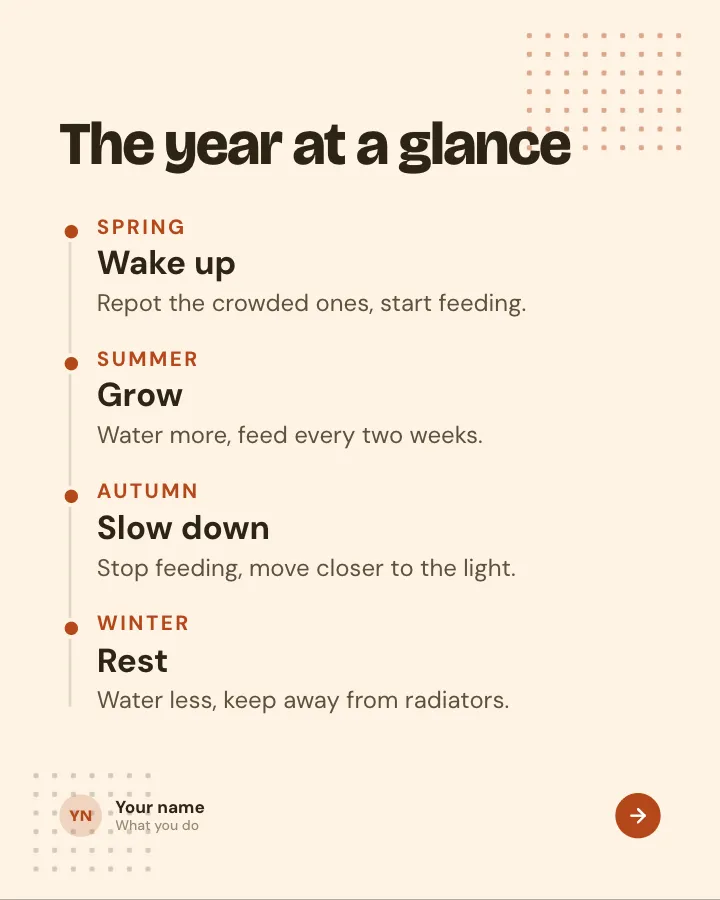

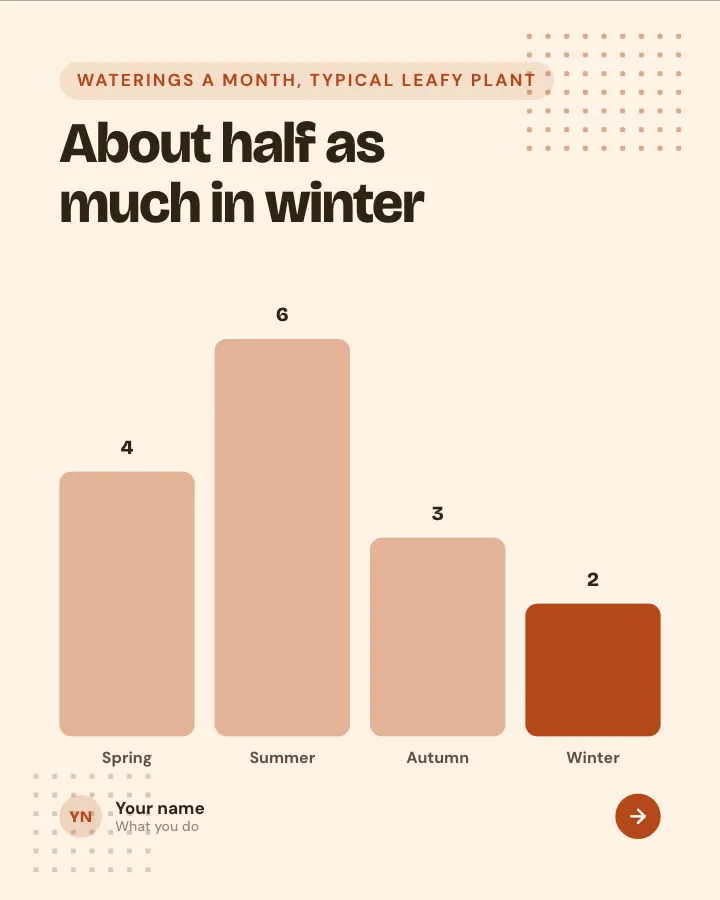
Plant care, season by season
7 slidesA year of houseplant care split into seasons: watering, feeding, repotting and the warning signs to watch for.
Be bookmarkedExplainVIP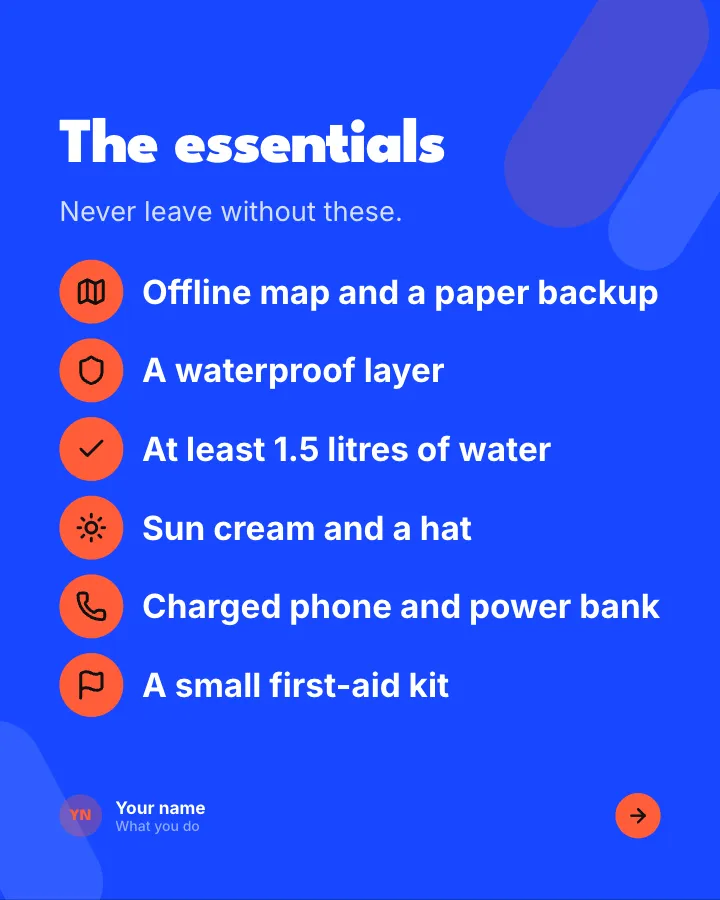
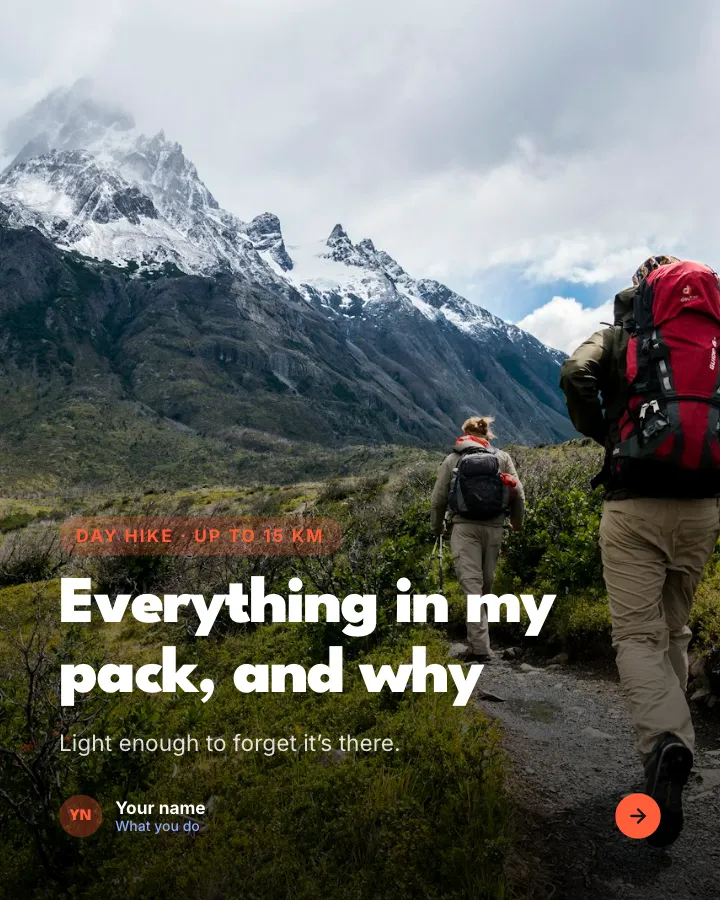

Day-hike packing list
7 slidesWhat to pack for a day on the trails, sorted into essentials, nice to have and leave at home, with where the weight goes.
Be bookmarkedExplainVIP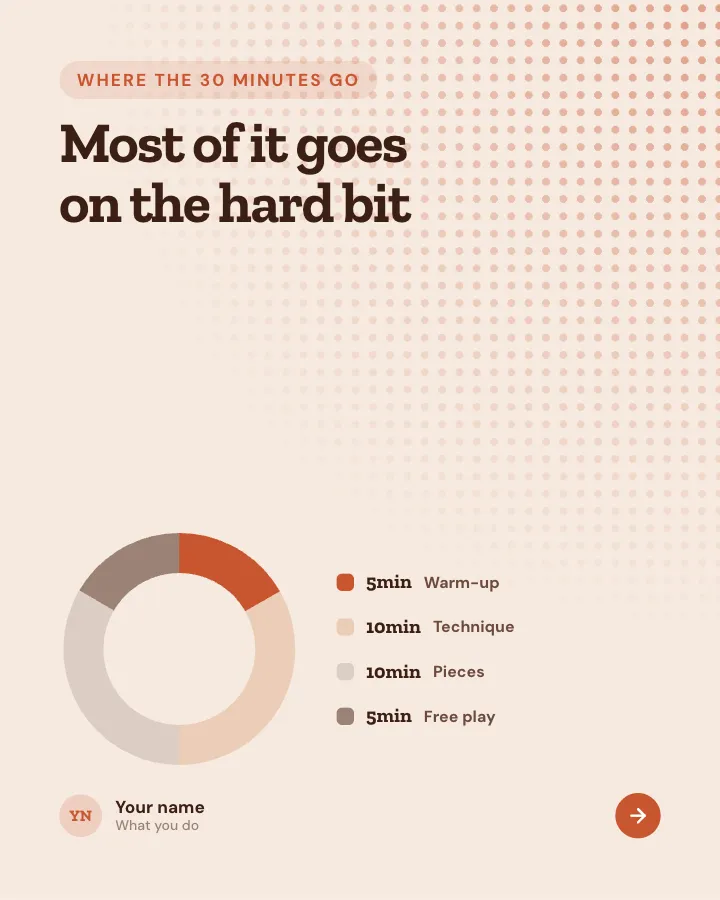
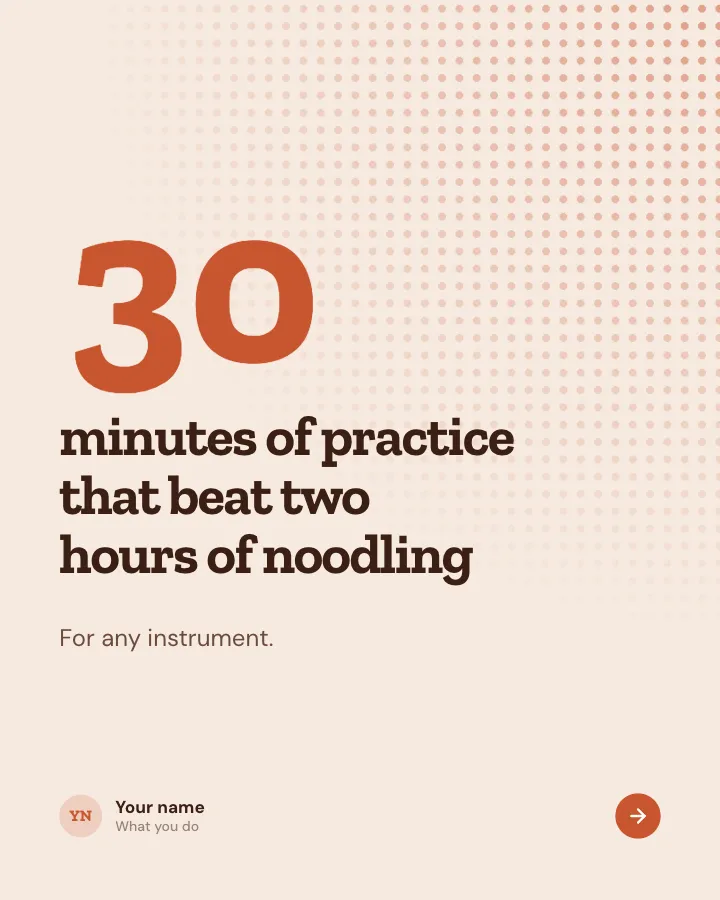
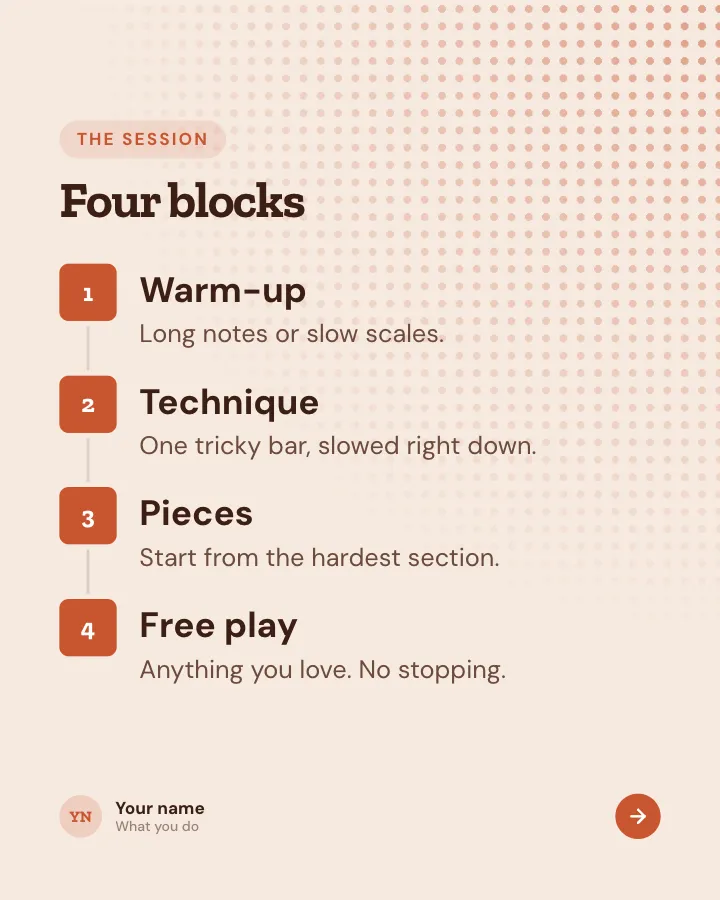
Thirty-minute practice
7 slidesA half-hour instrument practice split into warm-up, technique, pieces and free play, with a simple way to track progress.
ExplainBe bookmarkedVIP


Film night hot takes
8 slidesOpinions about how we watch films, made to start a friendly argument, each with the reason behind it.
Spark repliesMake them smileVIP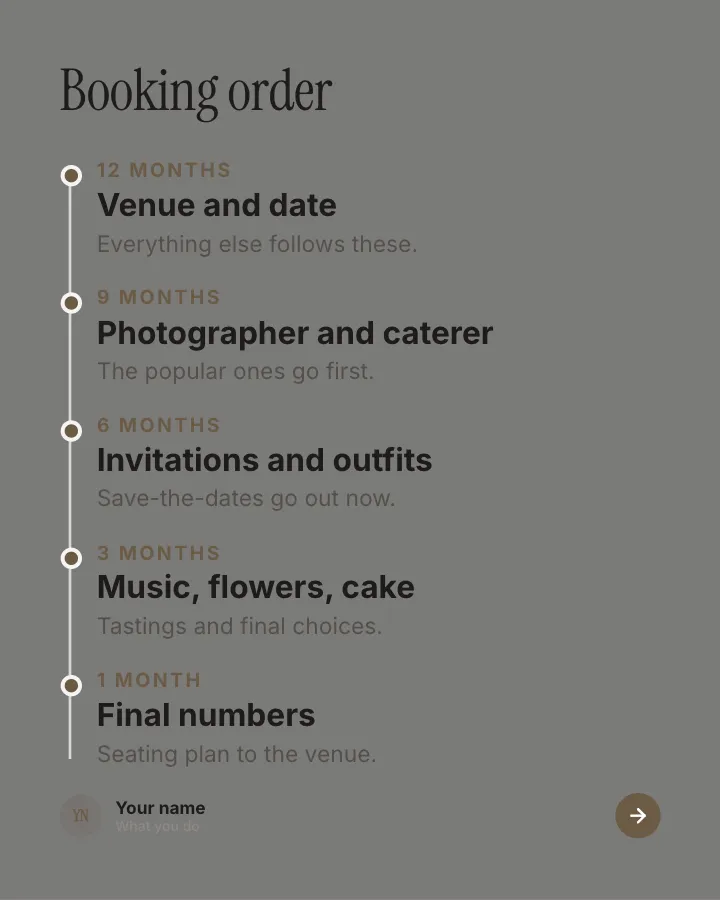

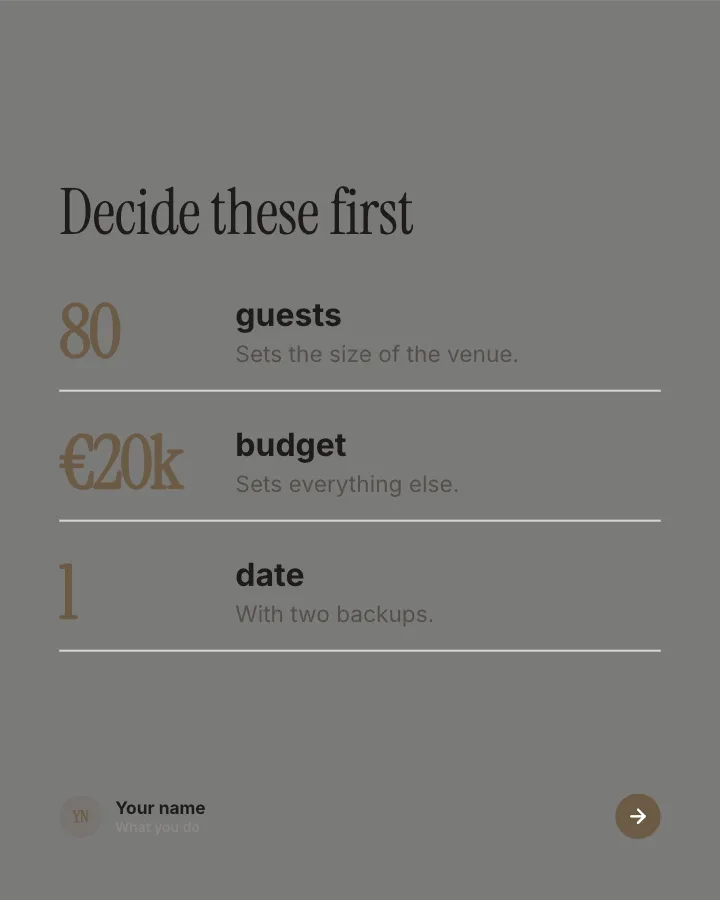
Wedding planning timeline
7 slidesA wedding planned backwards from the date: what to book when, where the budget went and the final-week checklist.
Be bookmarkedExplainVIP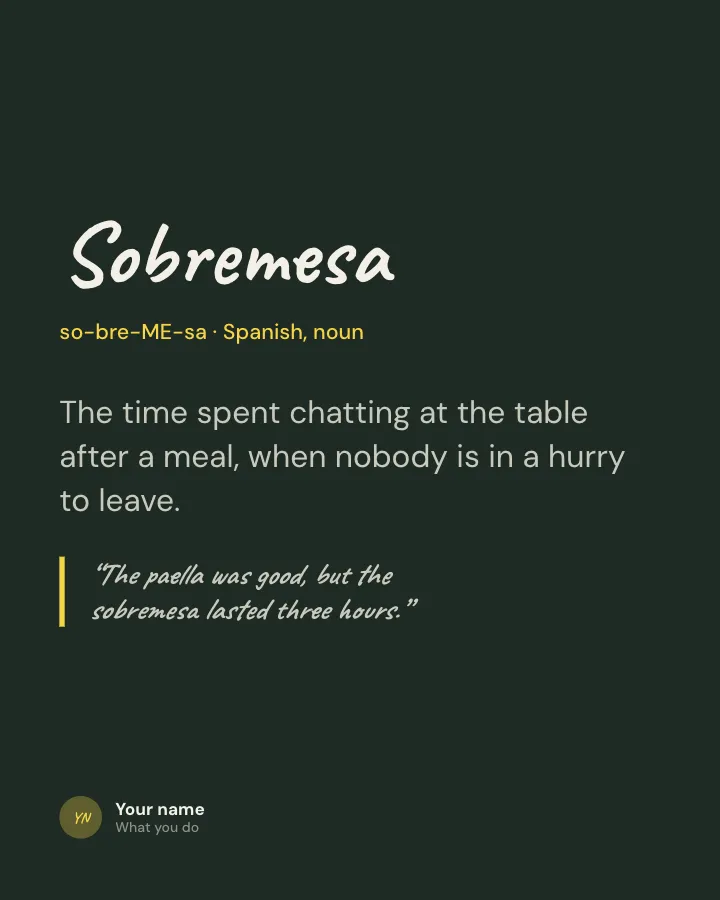
Word of the day
Image postOne word from a language you teach, with how to say it, what it means and an example sentence.
ExplainBe bookmarkedVIP
New episode card
Image postTell followers a new episode or video is out: the title, the guest and where to watch or listen.
SellAnnounceVIP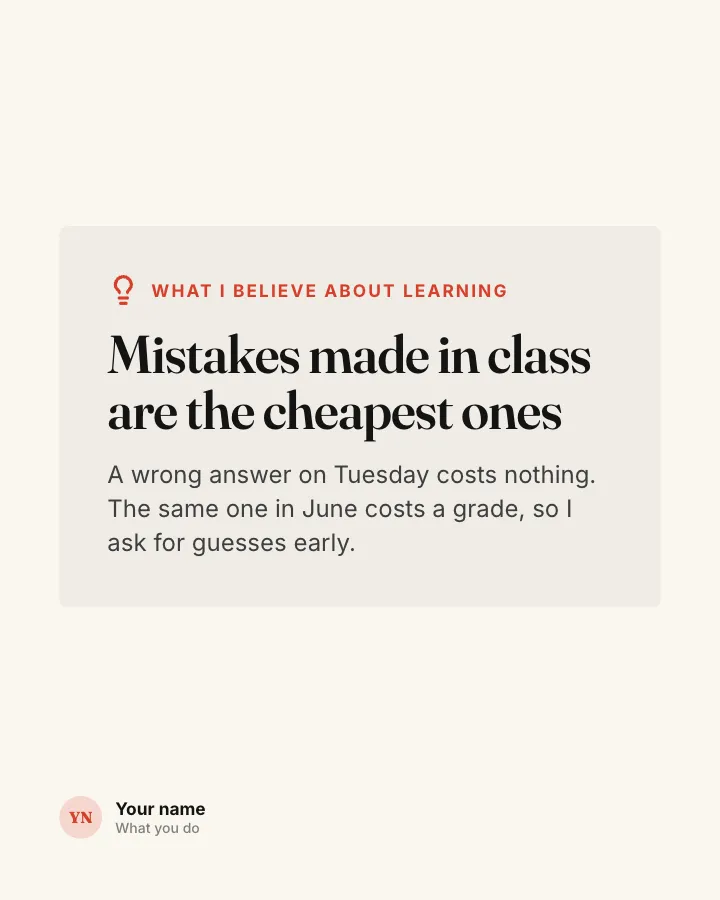
Teaching belief
Image postOne belief about how people learn best, stated plainly, with the reason behind it.
ExplainSpark repliesVIP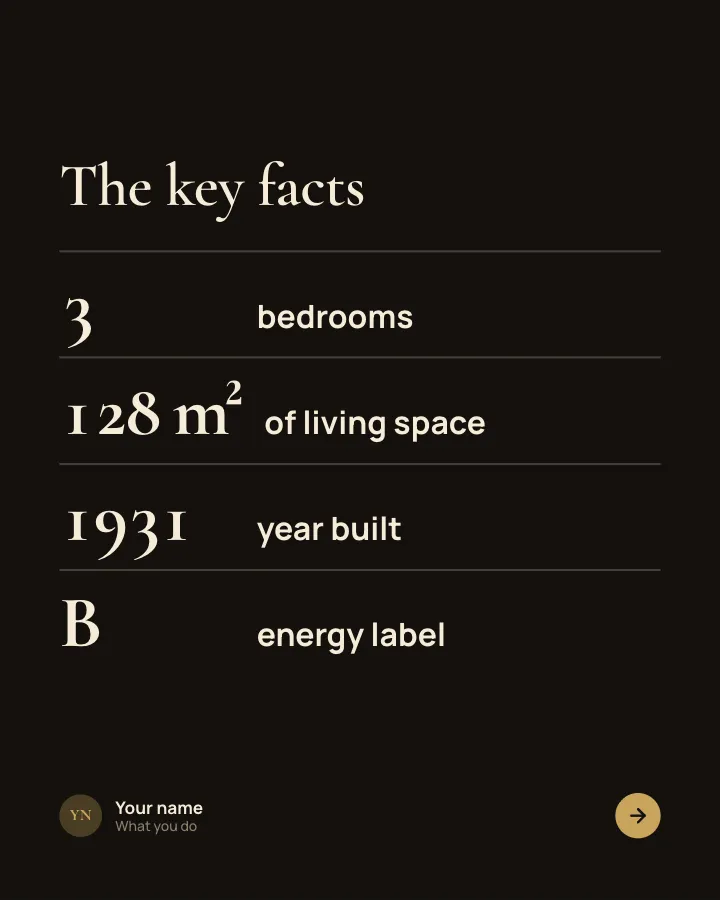

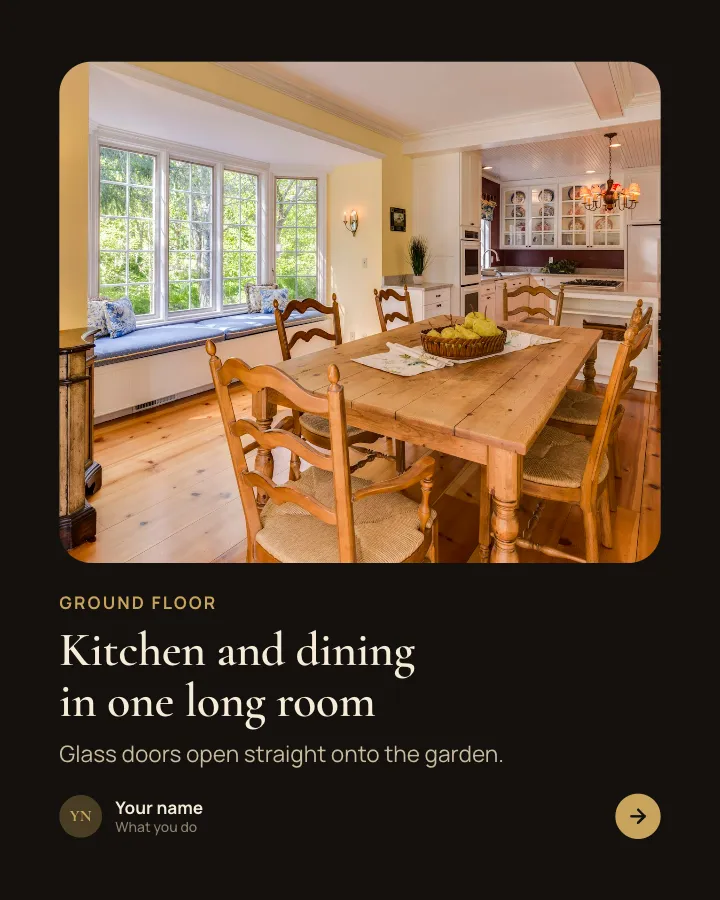
Listing tour
8 slidesWalk buyers through a property: the key facts, room by room, the neighbourhood, the running costs and the viewing date.
SellVIP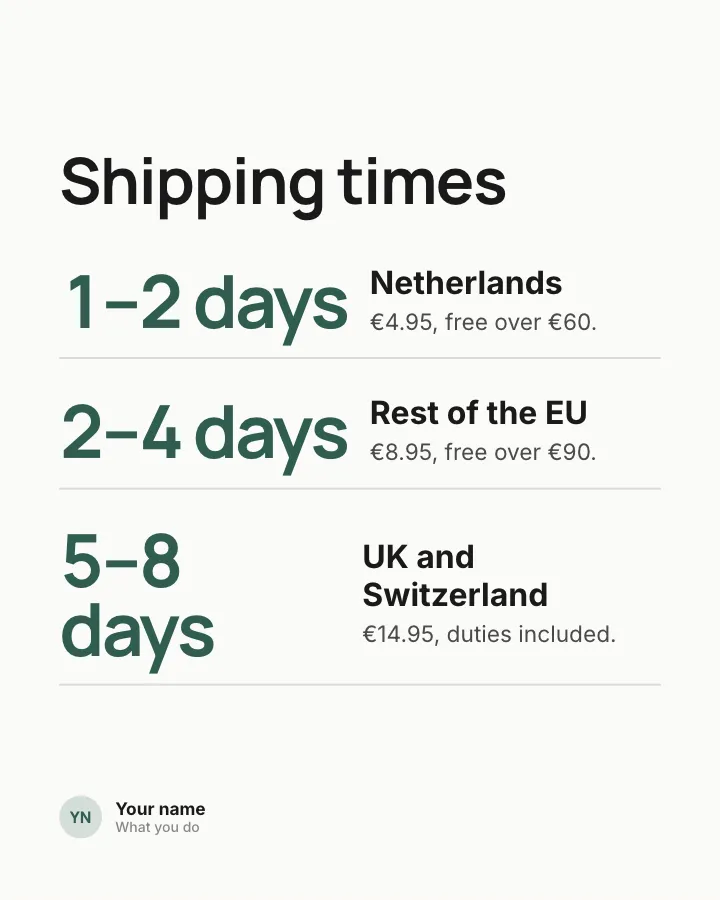
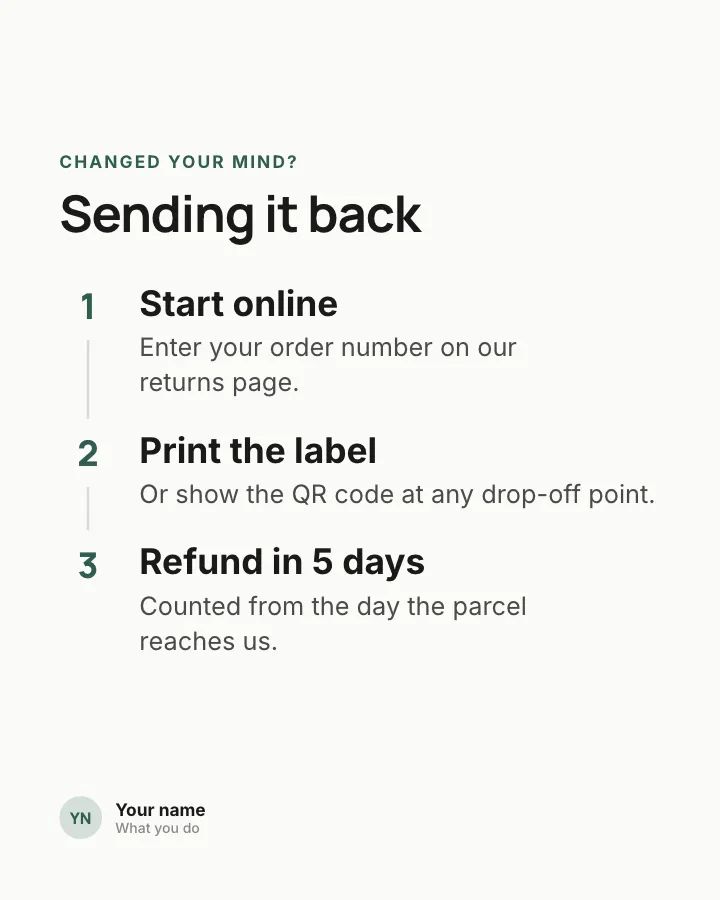
Shipping and returns, explained
7 slidesAnswer the delivery and returns questions that stop people buying: times, costs, how to send something back and when the refund lands.
SellEarn trust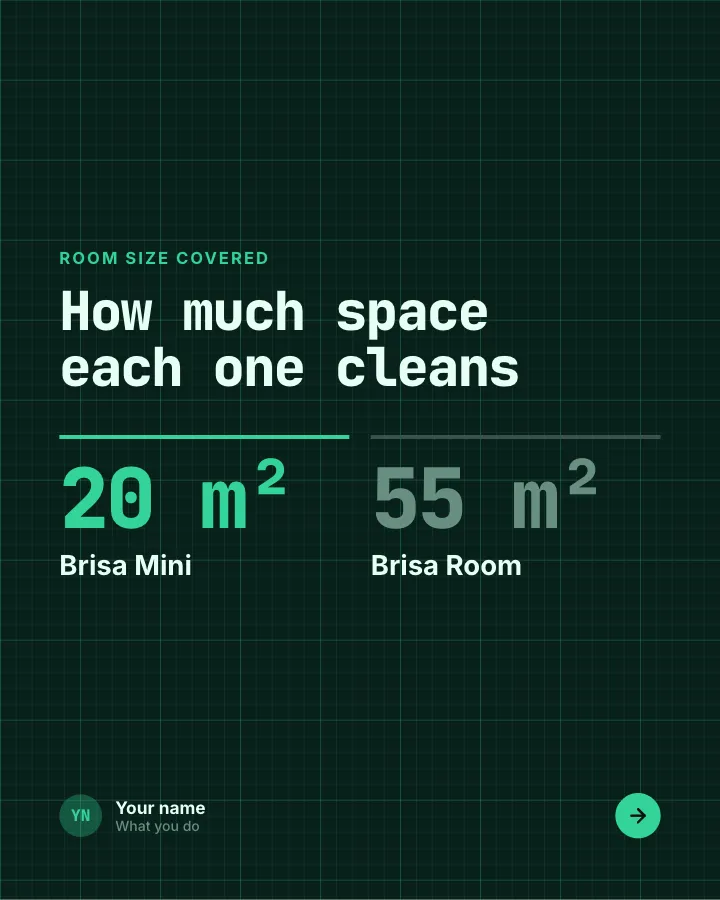
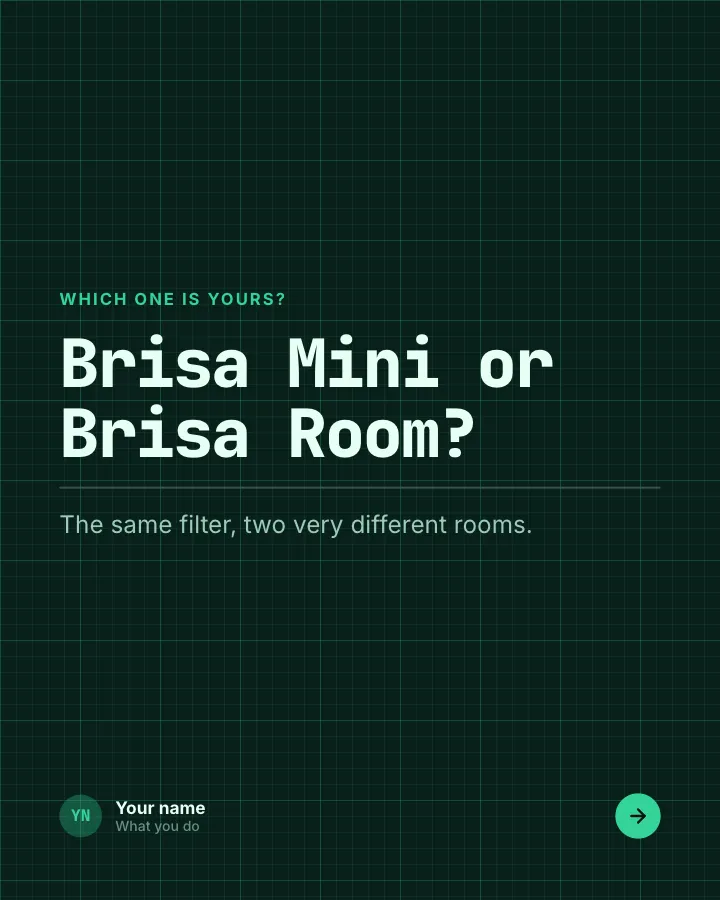
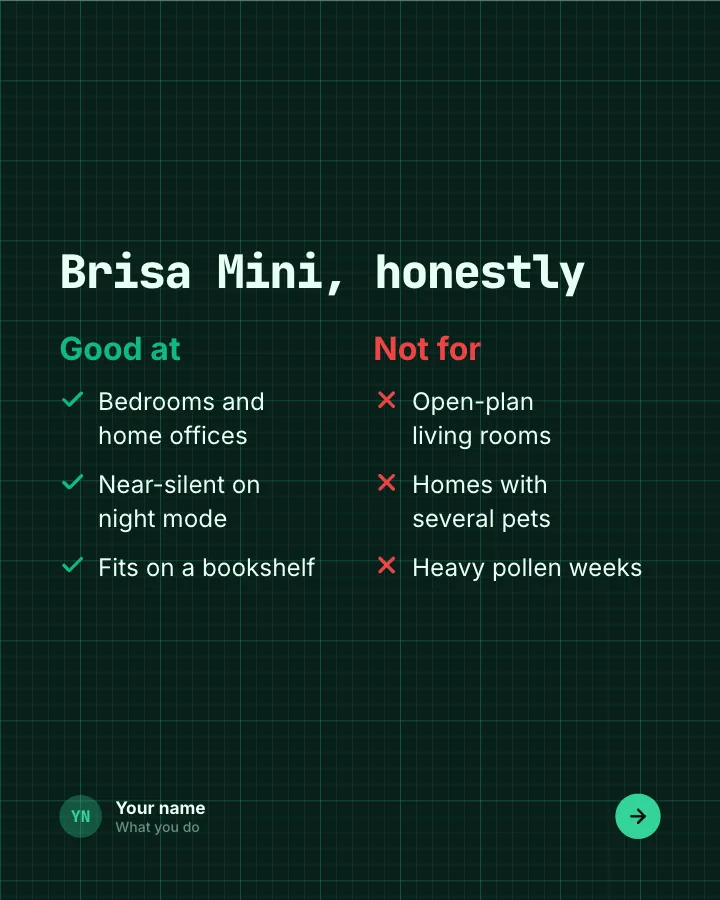
Product face-off
7 slidesTwo products from your range compared fairly: what each covers, where each falls short, and which one suits whom.
SellExplain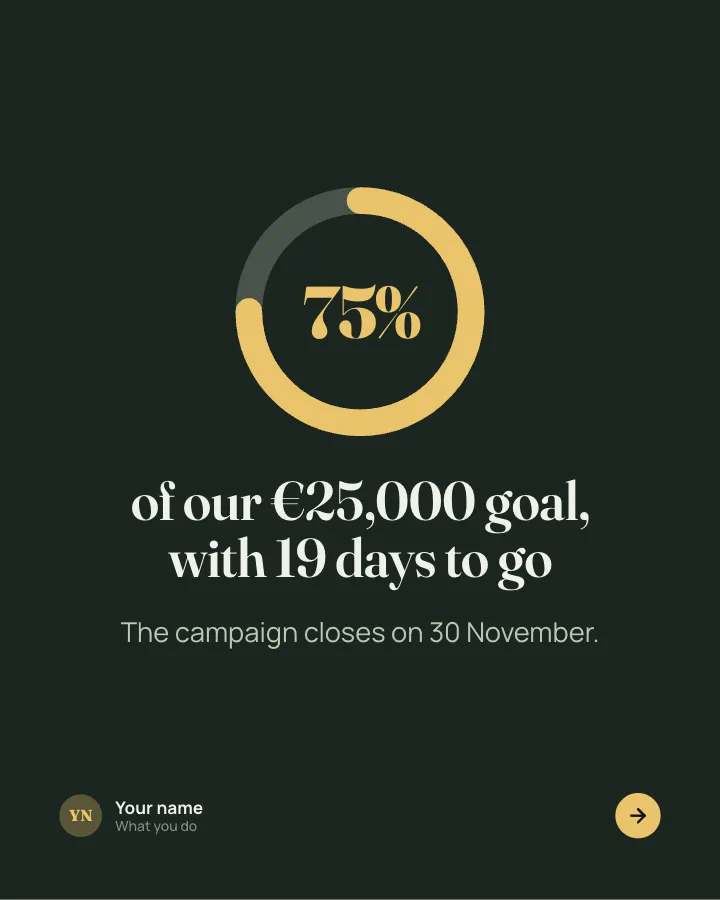
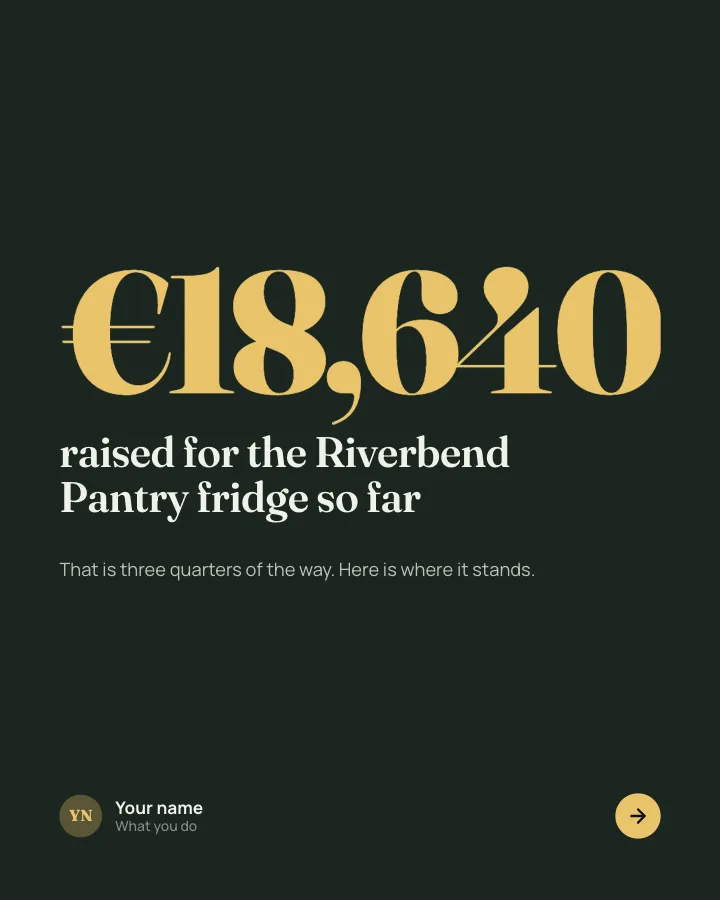
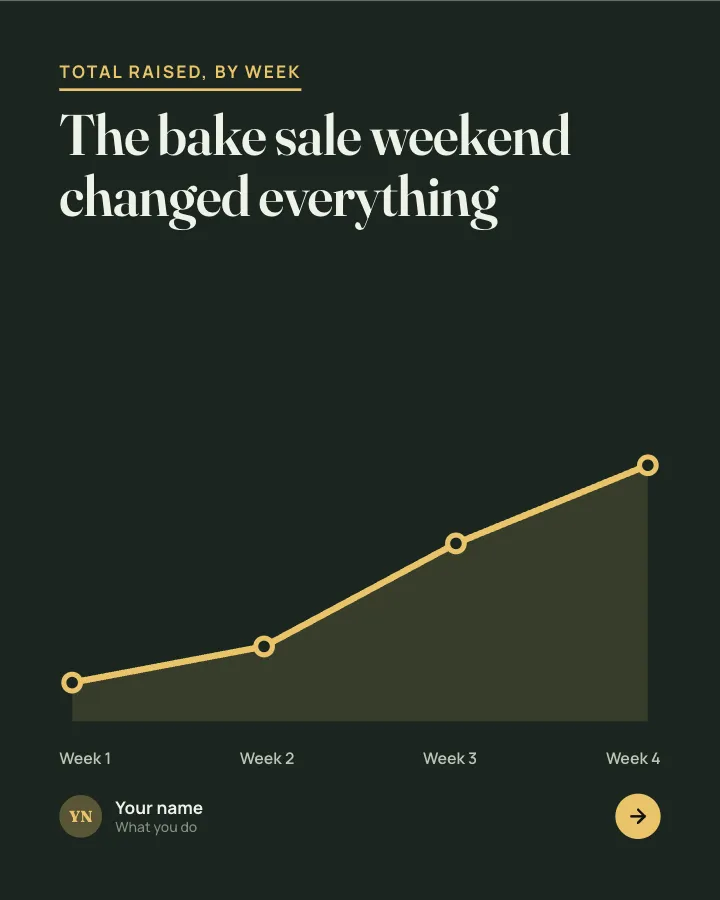
Fundraiser progress
7 slidesA progress update for a fundraiser: how much is in, how fast it came, why it matters and what each gift does.
AnnounceEarn trustVIP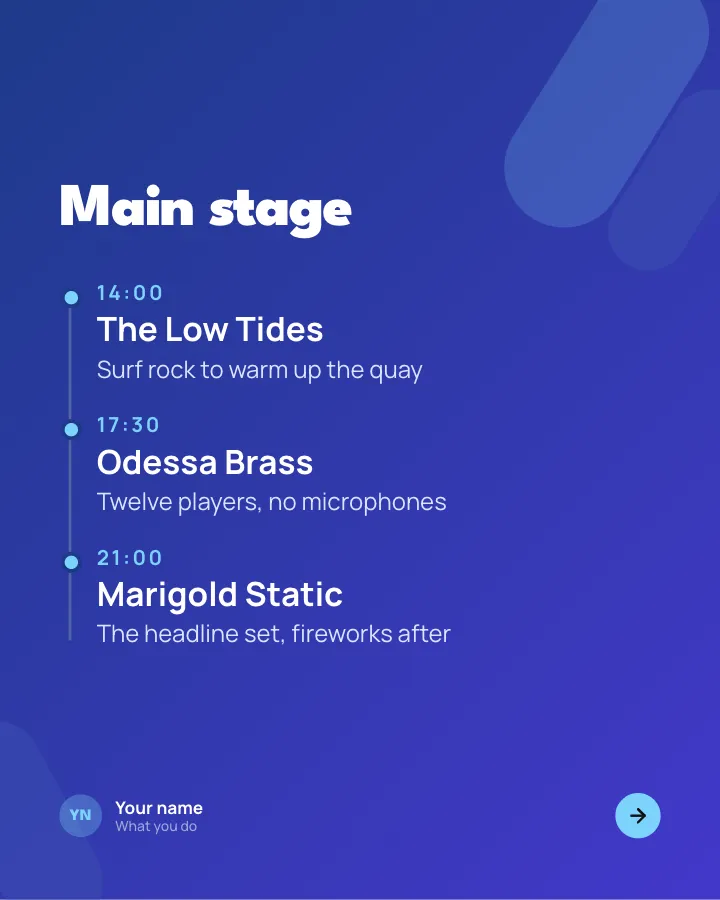


Event lineup
7 slidesAnnounce what is on at your event: the headline acts with times, the side programme, the family corner and how to get there.
SellAnnounceVIP
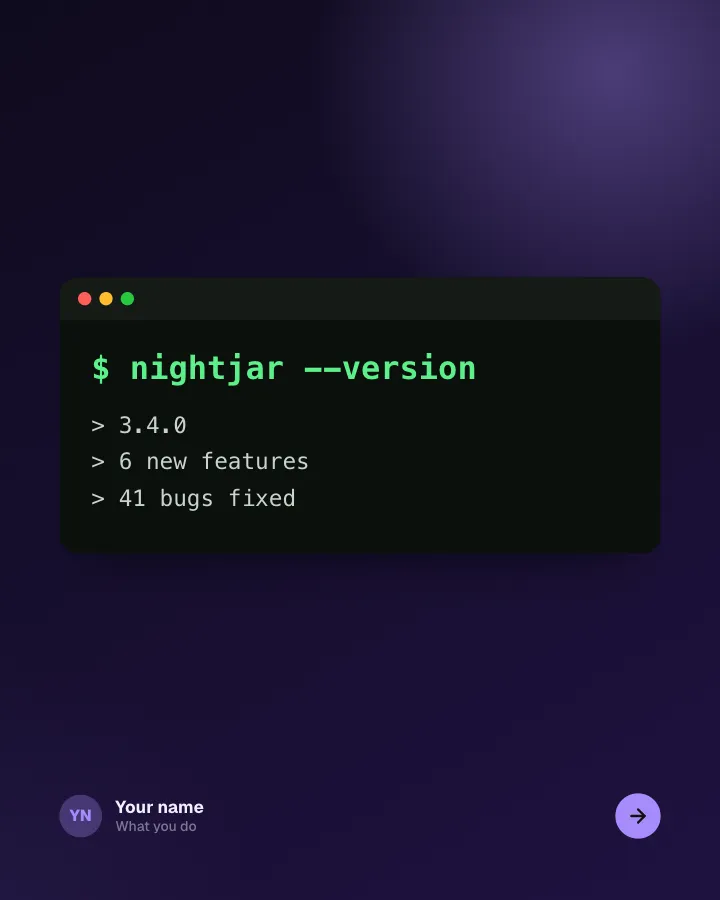
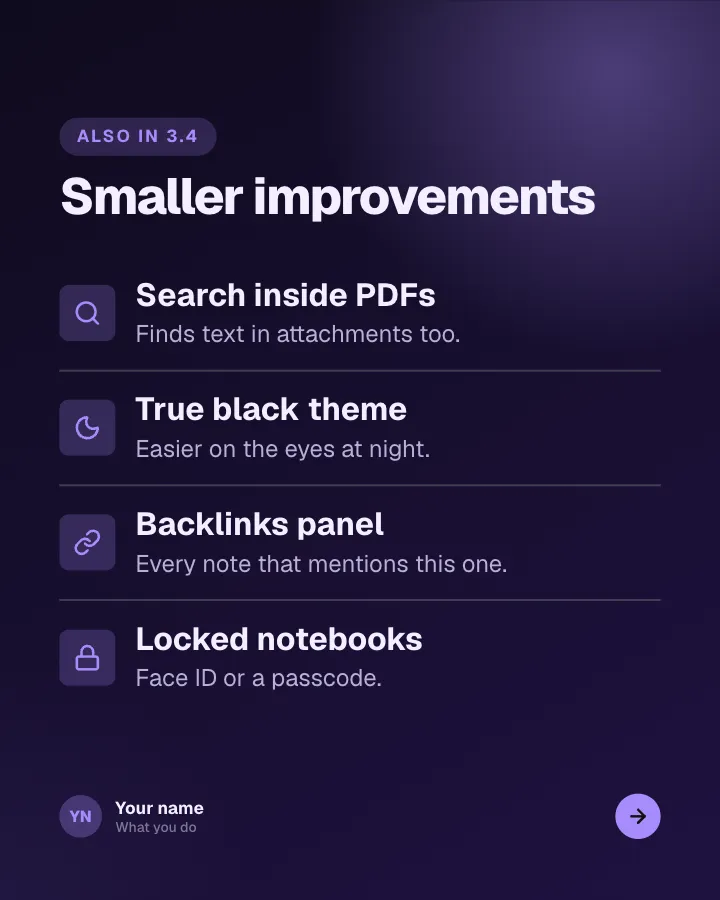
App changelog
7 slidesRelease notes people actually read: the version, the headline feature, the smaller changes and the bugs you fixed.
AnnounceSellVIP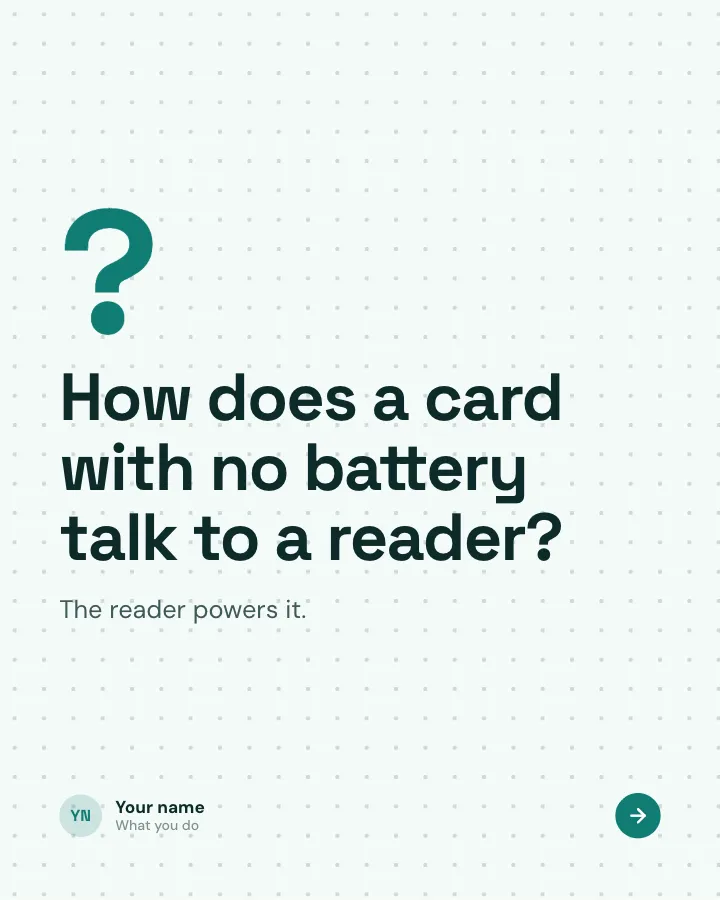
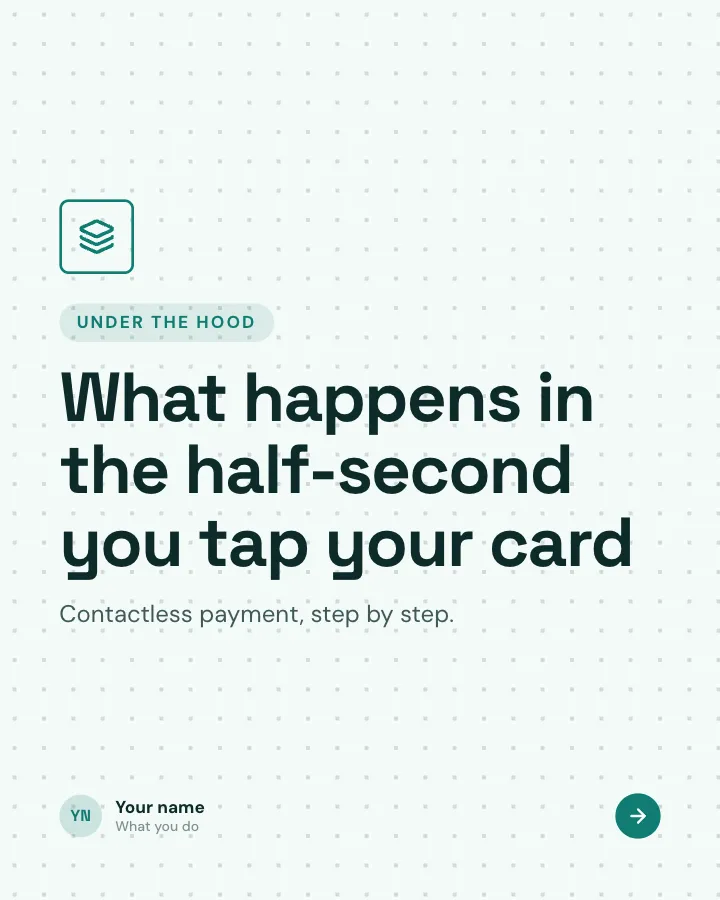
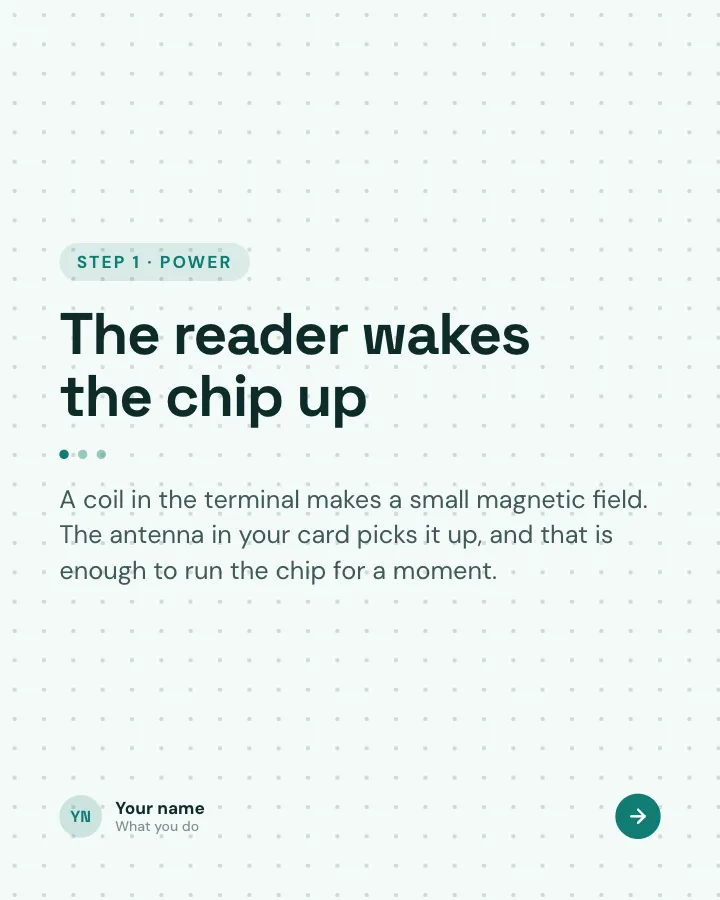
How it works, under the hood
8 slidesOpen up an everyday piece of technology: the question, what happens step by step, one surprising number and the myth it clears up.
ExplainMake them smileVIP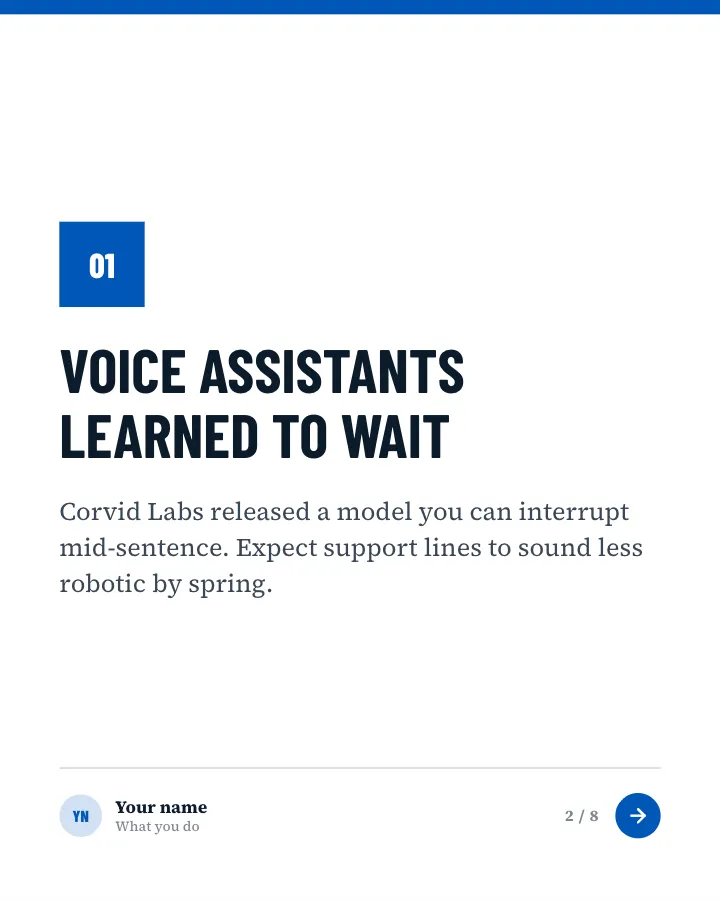

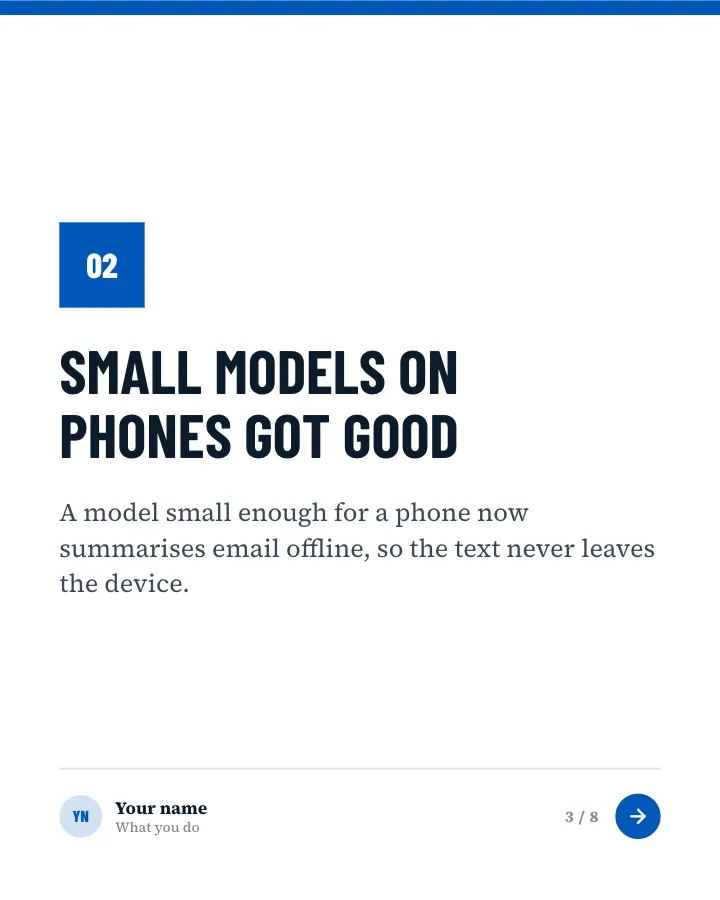
AI news of the month
8 slidesThe month in AI for non-specialists: a few stories, each with what it means for the reader, a hype check and the quiet trend underneath.
AnnounceSpark repliesVIP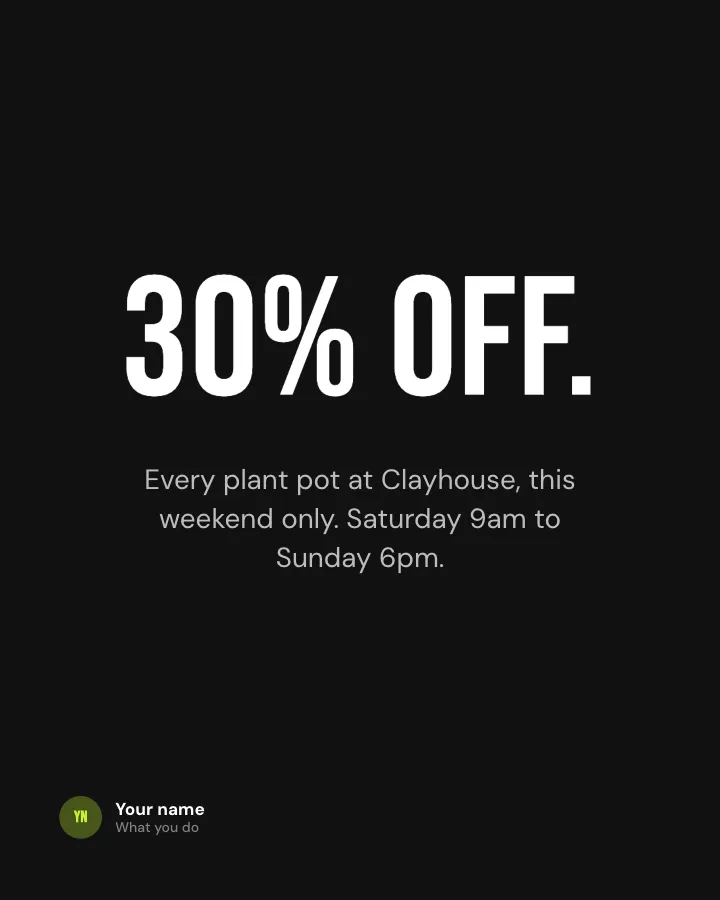
Sale banner
Image postA sale announced in one bold line: the discount, what it covers and when it ends.
Sell
Offer card
Image postA price offer on one image: the usual price, the offer price and the deadline.
Sell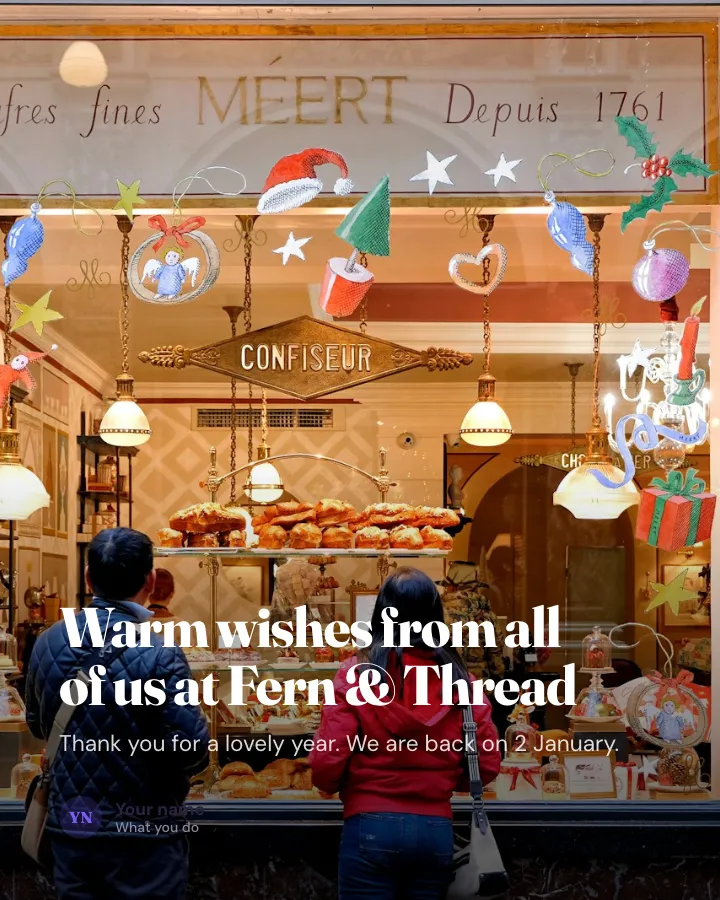
Holiday greeting
Image postA warm seasonal message from your business over a photo, with your closing and reopening dates.
Earn trustMake them smileVIP
Closed notice
Image postLet customers know you are closed: which day, why, and what still works.
Announce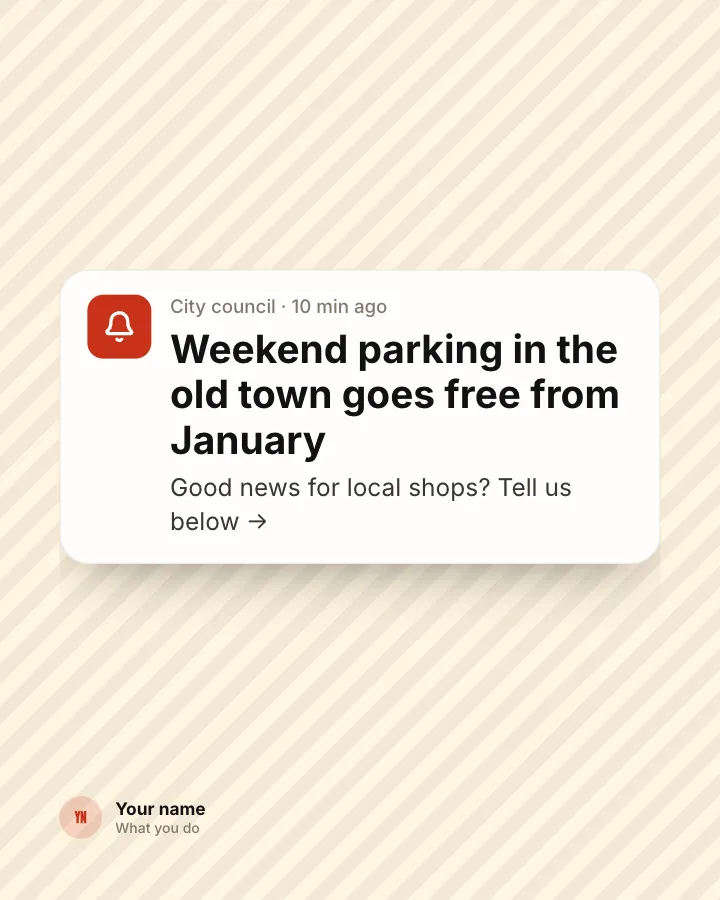
News flash
Image postA piece of local or industry news styled as a phone alert, with a nudge to discuss it.
AnnounceSpark repliesVIP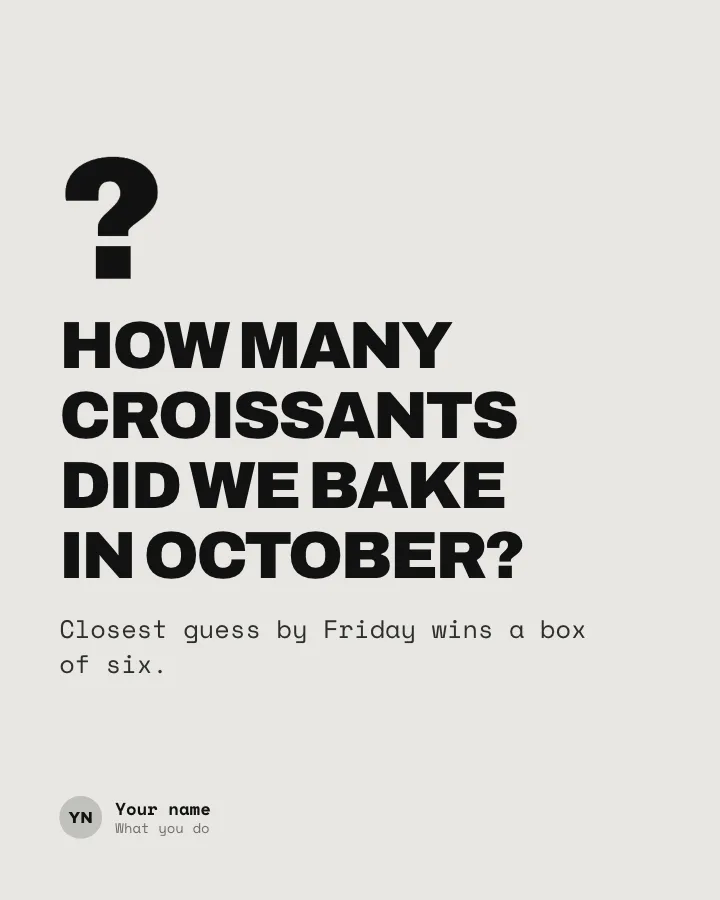
Guess the number
Image postAsk followers to guess a number from your business, with a prize for the closest answer.
Spark repliesMake them smileVIP
New website card
Image postAnnounce a new or redesigned website with a browser preview and the three things people can now do there.
AnnounceSellVIP
LinkedIn questions
What size should a LinkedIn carousel be?
4:5 works best on LinkedIn. Postora also offers 1:1 square (1080 × 1080) and 16:9 wide (1920 × 1080), and sizes every slide for you.
How many slides can it have?
LinkedIn allows up to 300 pages per post. Postora checks your post against that before you download it. Free carousels go up to 8 slides, VIP up to 30.
How do I post it on LinkedIn?
Download the PDF and add it to a new post as a document. LinkedIn shows it as a carousel people swipe through.
Do I need an account to try it?
No. Open the studio and start a carousel straight away; it is saved in your browser. Sign up free for 3 AI carousels a month and 5 downloads; VIP adds AI on every carousel and downloads without a mark.