
10 designs · 1 to 20 photos
Wedding Instagram carousel templates
Elegant albums, save-the-dates and hour-by-hour stories of the day, with soft colours and serif type that suit wedding photos.
- 3 free, 7 VIP
- 1 to 20 photos per post
- 3 to 15 slides
- 4:5, 1080 × 1350 per slide

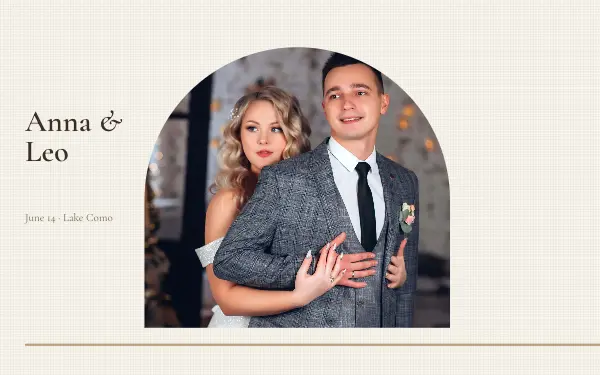
Ivory vows
4 photos 4 slides
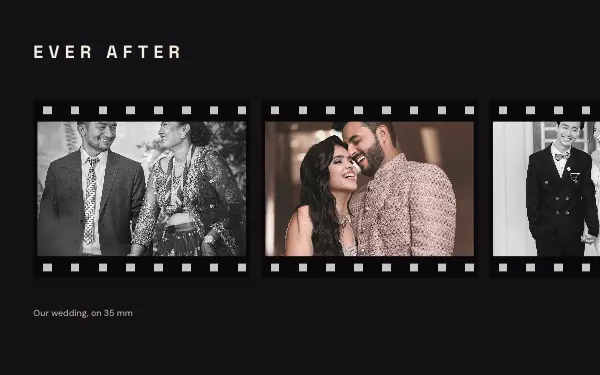
Ever after
6 photos 5 slides
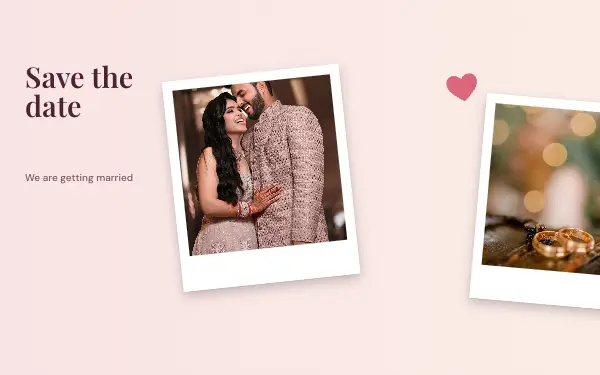
Save the date
2 photos 3 slides
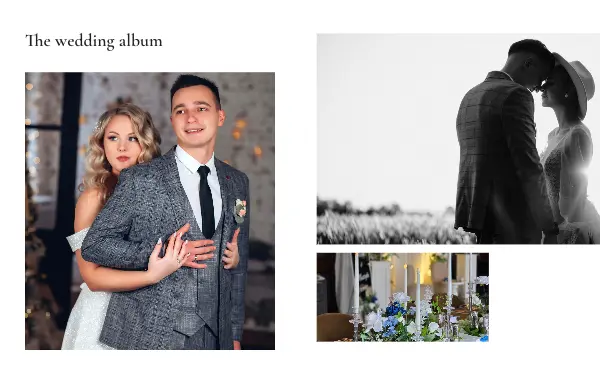
Wedding album
8 photos 6 slides
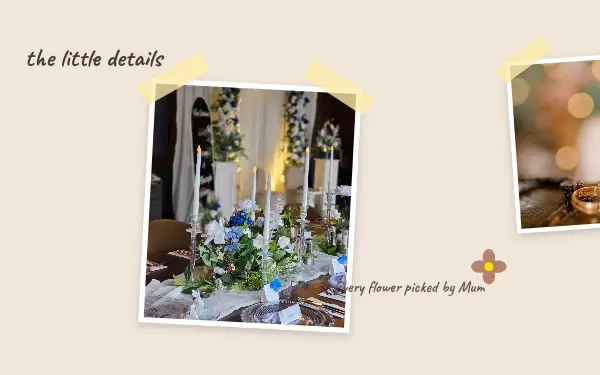
Little details
4 photos 4 slides

Golden vows
1 photo 3 slides
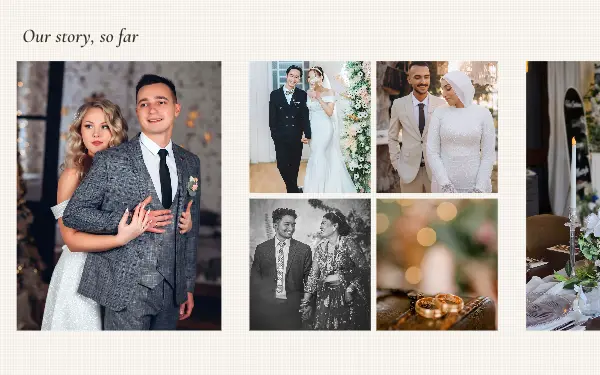
Our story
13 photos 6 slides
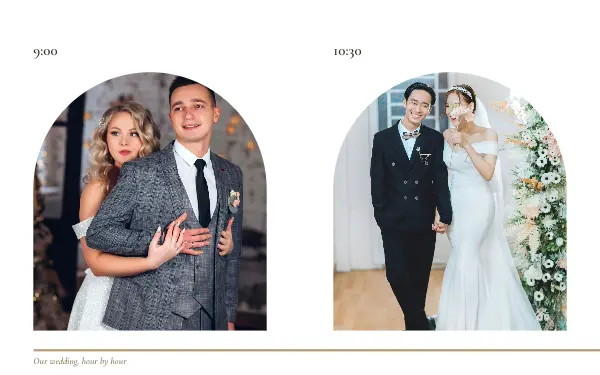
Hour by hour
15 photos 15 slides
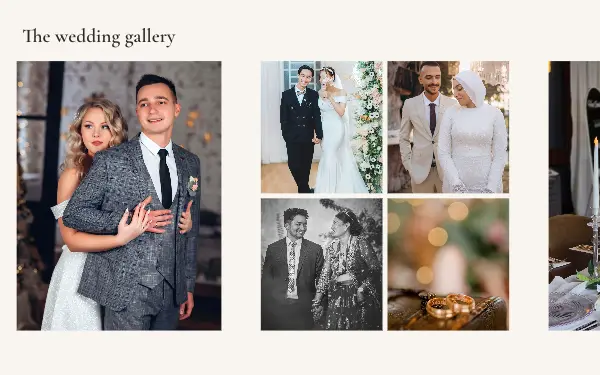
Wedding gallery
18 photos 7 slides
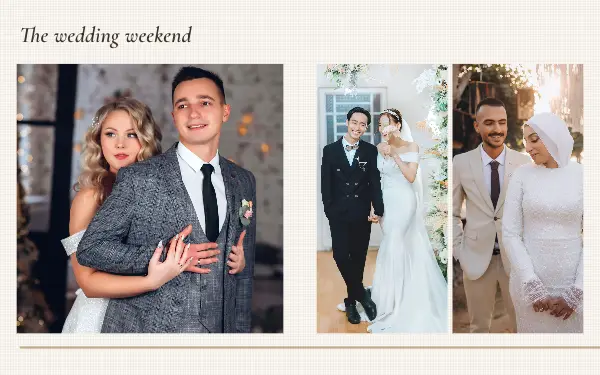
Wedding weekend
20 photos 14 slides
How to make a wedding carousel people swipe through
- 1
Tell the day in order
Getting ready, the ceremony, portraits, the party. Hour-by-hour layouts follow the day, and an album with a clear order is easier to enjoy.
- 2
Keep faces away from the seams
In a seamless design some photos cross a slide edge. Put portraits in frames that sit within one slide, and use wide shots of the venue for the frames that cross.
- 3
Use soft, consistent edits
Wedding designs use soft colours and serif type. Photos with a similar edit look like one album rather than a mix of cameras.
Wedding post ideas
- The wedding album
- Save the date
- Engagement announcements
- The day hour by hour
- First anniversary
By number of photos
- 1 photo: Golden vows
- 2 photos: Save the date
- 4 photos: Ivory vows, Little details
- 6 photos: Ever after
- 8 photos: Wedding album
- 13 photos: Our story
- 15 photos: Hour by hour
- 18 photos: Wedding gallery
- 20 photos: Wedding weekend
FAQ
Wedding Instagram carousels, answered
How do I post wedding photos as an Instagram carousel?
Pick a wedding design that holds as many photos as you want to share, add them in the order of the day, and rewrite the names and the date. The designs hold from 1 to 20 photos, which is Instagram’s limit for one post.
Can photographers use these templates for clients?
Yes. A carousel of a client’s day is a common way to share a wedding. Add your name as text on the last slide and change the colours to your style.
Are these wedding carousel templates free?
Postora Swipe is free to download, and 3 of the 10 wedding designs are free to use. The other 7 are VIP designs, marked with a crown. Free accounts make carousels of up to 8 slides and export full size with a small mark, after a short ad; VIP unlocks every design, carousels of up to 20 slides and exports without the mark or ads.
What size are the slides?
Each slide is 1080 × 1350 pixels (4:5), the portrait size Instagram shows biggest in the feed. The app cuts the design into slides that line up exactly, so the picture continues as people swipe.
How do I use a wedding template?
Install Postora Swipe from Google Play, open the Wedding designs and pick one, or choose your photos first and the app shows every design that fits them. Long-press to reorder the photos, tap any text to rewrite it, then preview the post and share it to Instagram.
Make a wedding carousel on your phone
Postora Swipe is free on Google Play, with 133 free designs.