
10 designs · 1 to 16 photos
Fitness Instagram carousel templates
Training logs, progress checks and week-by-week layouts with strong type, for sharing the work as well as the results.
- 7 free, 3 VIP
- 1 to 16 photos per post
- 2 to 16 slides
- 4:5, 1080 × 1350 per slide



How to make a fitness carousel people swipe through
- 1
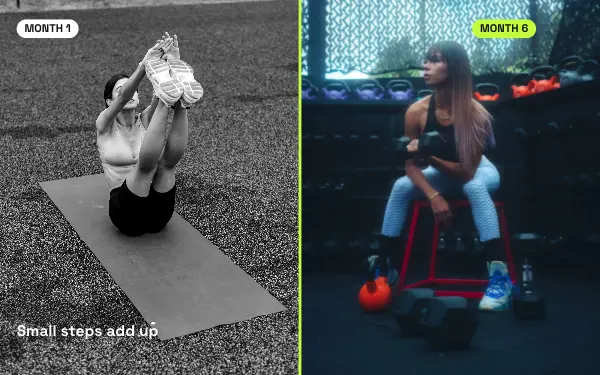
Show progress with the same pose
Progress posts work when the photos are taken in the same place, light and pose. The difference then shows at a glance.
- 2
One exercise per slide
For workouts, put one exercise on each slide with the sets and reps in the text, so people can follow along at the gym.
- 3
Use the strong type
Big, heavy type suits numbers: kilos, kilometres, days in a row. Put the number that matters most in the title.
Fitness post ideas
- Workout routines
- Progress check-ins
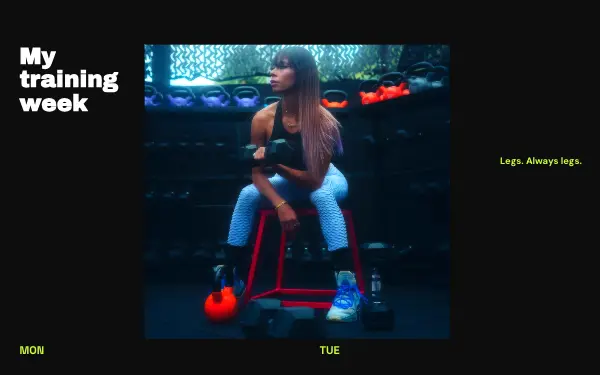
- Training weeks
- Race and event recaps
- Personal trainer client results
By number of photos
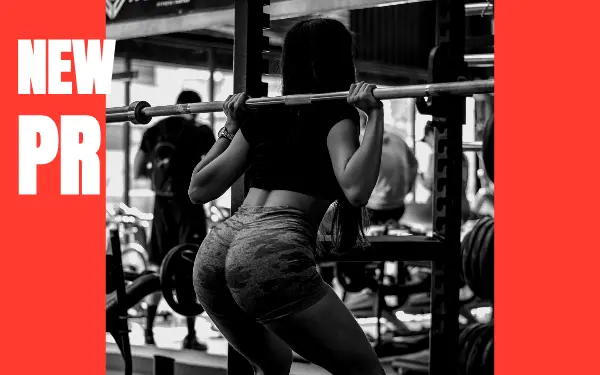
- 1 photo: New PR
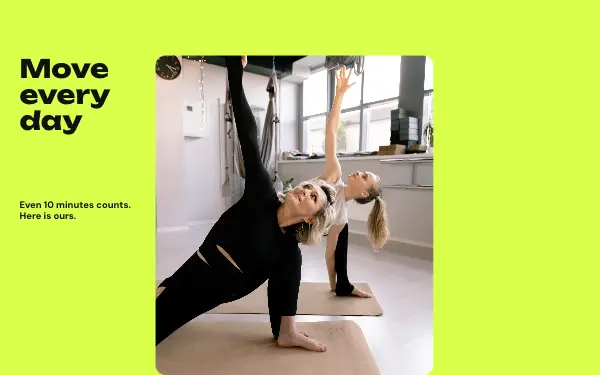
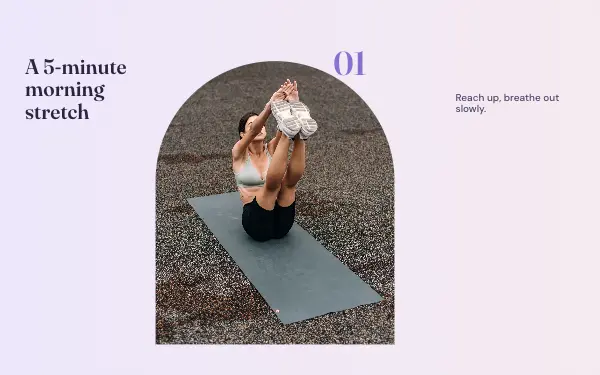
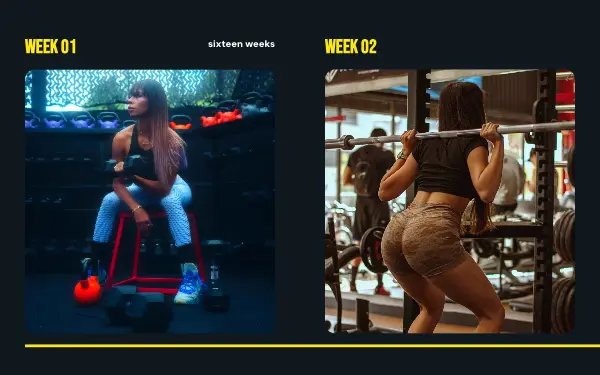
- 2 photos: Progress check, Move daily, Stretch flow
- 3 photos: Training week, Run club
- 5 photos: Race day
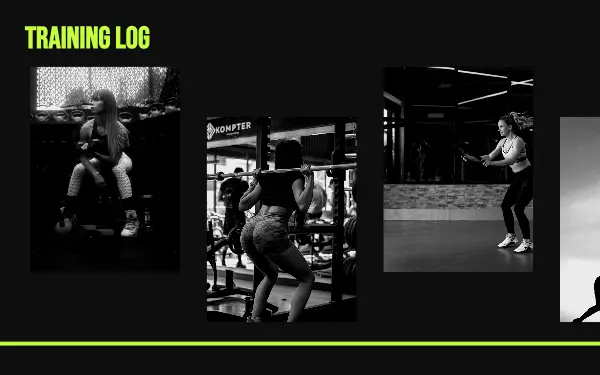
- 10 photos: Training log
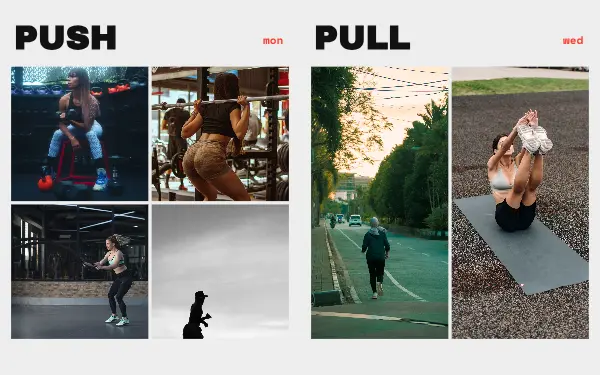
- 12 photos: Weekly split
- 16 photos: Sixteen weeks
FAQ
Fitness Instagram carousels, answered
How do I make a workout carousel?
Choose a fitness design with one frame per exercise, add a photo of each move and write the sets and reps on each slide. People save posts they can follow at the gym.
Can personal trainers use these templates?
Yes. Client results, programme previews and weekly plans all fit. Add your logo and colours so the posts look like yours.
Are these fitness carousel templates free?
Postora Swipe is free to download, and 7 of the 10 fitness designs are free to use. The other 3 are VIP designs, marked with a crown. Free accounts make carousels of up to 8 slides and export full size with a small mark, after a short ad; VIP unlocks every design, carousels of up to 20 slides and exports without the mark or ads.
What size are the slides?
Each slide is 1080 × 1350 pixels (4:5), the portrait size Instagram shows biggest in the feed. The app cuts the design into slides that line up exactly, so the picture continues as people swipe.
How do I use a fitness template?
Install Postora Swipe from Google Play, open the Fitness designs and pick one, or choose your photos first and the app shows every design that fits them. Long-press to reorder the photos, tap any text to rewrite it, then preview the post and share it to Instagram.
Make a fitness carousel on your phone
Postora Swipe is free on Google Play, with 133 free designs.