
8 designs · 1 to 20 photos
Magazine-style Instagram carousel templates
Cover lines, serif headlines and generous margins: your photos laid out like a magazine spread that runs across the slides.
- 4 free, 4 VIP
- 1 to 20 photos per post
- 3 to 11 slides
- 4:5, 1080 × 1350 per slide





How to make a magazine carousel people swipe through
- 1
Start with a cover-worthy photo
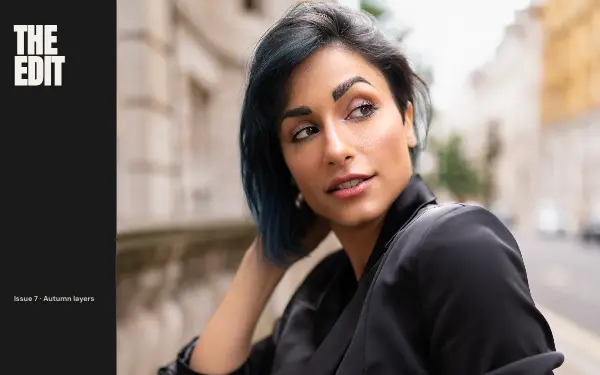
The first slide is the magazine cover. Use a strong portrait or a clean scene with room at the top for the headline.
- 2
Write real cover lines
Replace the sample cover lines with what the post is about, in a few words each. Short, specific lines like “48 hours in Lisbon” read best in the serif headlines.
- 3
Treat the rest as the spread
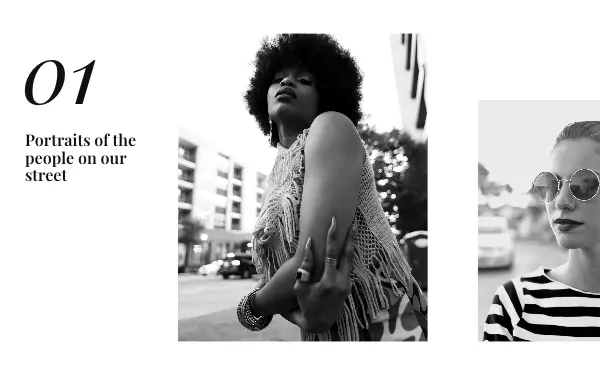
After the cover, the layouts run like an article: a big photo, a quote, a detail. Keep the text short so the margins stay generous.
Magazine post ideas
- A city guide
- An interview or a profile
- A fashion or beauty feature
- A brand story
- A photographer’s portfolio
By number of photos
- 1 photo: Feature spread
- 2 photos: Cover story, Serif story, Night out
- 3 photos: Mono issue
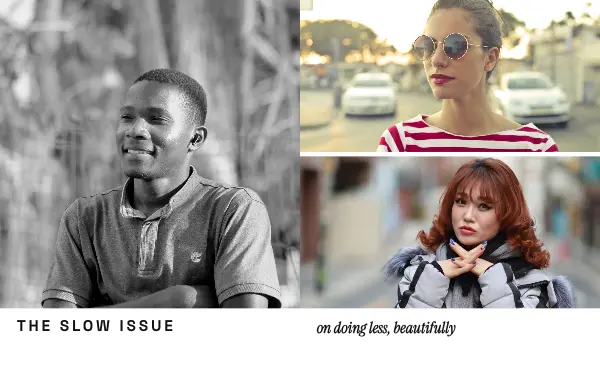
- 6 photos: The slow issue
- 10 photos: Ten things
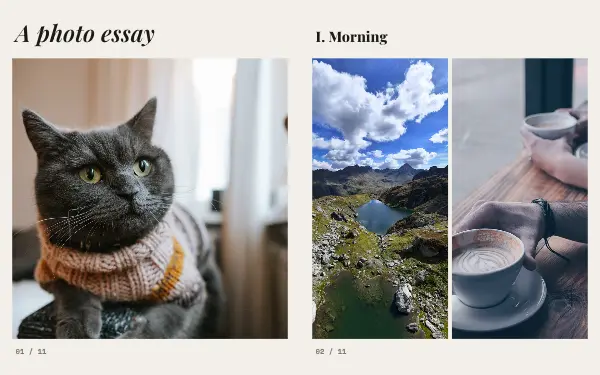
- 20 photos: Photo essay
FAQ
Magazine Instagram carousels, answered
How do I make a magazine-style Instagram carousel?
Pick a magazine design, put your best photo on the cover slide, then rewrite the headline and cover lines for your topic. The serif type, margins and page layout are already set, and they continue across the slides like a printed spread.
Can I change the magazine name on the cover?
Yes. The masthead is editable text like everything else, so you can put your name, your brand or the title of the series there.
Are these magazine carousel templates free?
Postora Swipe is free to download, and 4 of the 8 magazine designs are free to use. The other 4 are VIP designs, marked with a crown. Free accounts make carousels of up to 8 slides and export full size with a small mark, after a short ad; VIP unlocks every design, carousels of up to 20 slides and exports without the mark or ads.
What size are the slides?
Each slide is 1080 × 1350 pixels (4:5), the portrait size Instagram shows biggest in the feed. The app cuts the design into slides that line up exactly, so the picture continues as people swipe.
How do I use a magazine template?
Install Postora Swipe from Google Play, open the Magazine designs and pick one, or choose your photos first and the app shows every design that fits them. Long-press to reorder the photos, tap any text to rewrite it, then preview the post and share it to Instagram.
Make a magazine carousel on your phone
Postora Swipe is free on Google Play, with 133 free designs.