
8 designs · 3 to 15 photos
Food Instagram carousel templates
Menus, recipe steps and plate-by-plate layouts for brunches, dinners and the café you keep going back to.
- 4 free, 4 VIP
- 3 to 15 photos per post
- 3 to 5 slides
- 4:5, 1080 × 1350 per slide

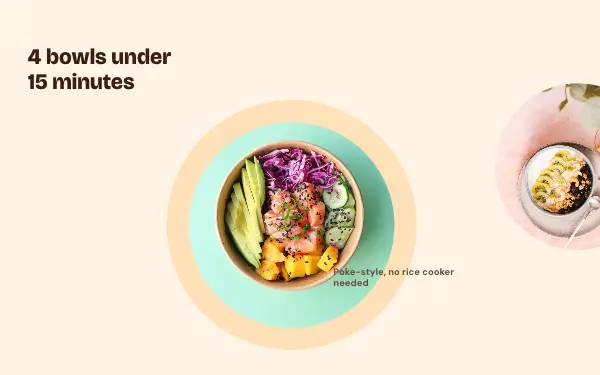
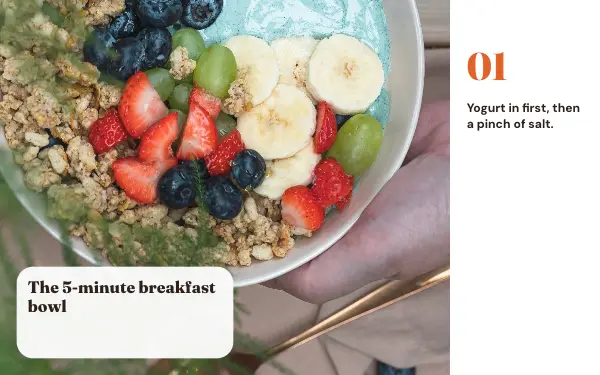
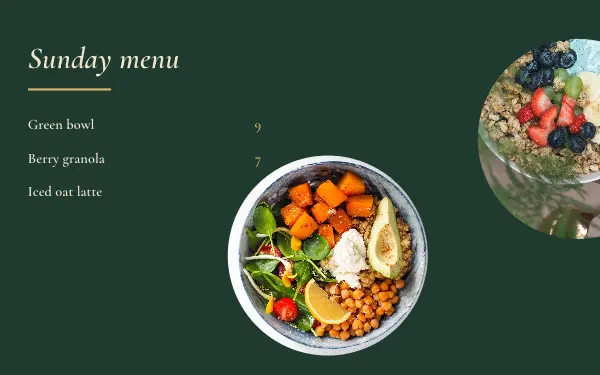
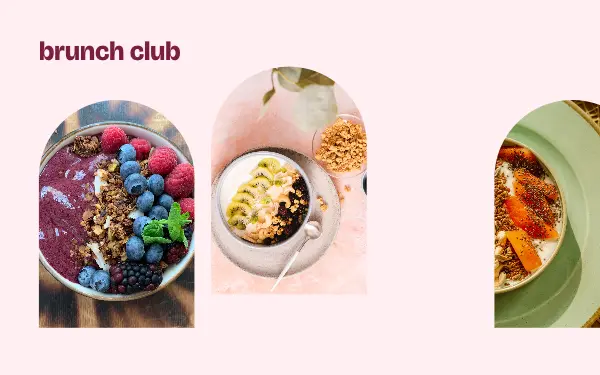
How to make a food carousel people swipe through
- 1
Shoot from above and close
Food designs suit overhead shots of the table and close-ups of a single dish. Natural light from a window makes colours look right.
- 2
Follow the meal or the recipe
Put the photos in the order they happen: ingredients, steps, the finished plate. Recipe layouts number the steps for you; rewrite the text with your own.
- 3
Add the name and the place
Write the dish and the café or the city on the slide. People save food posts to come back to, and that only works if they know where it is.
Food post ideas
- A recipe step by step
- Brunch spots in your city
- A dinner party menu
- What I ate this week
- Café and bakery reviews
By number of photos
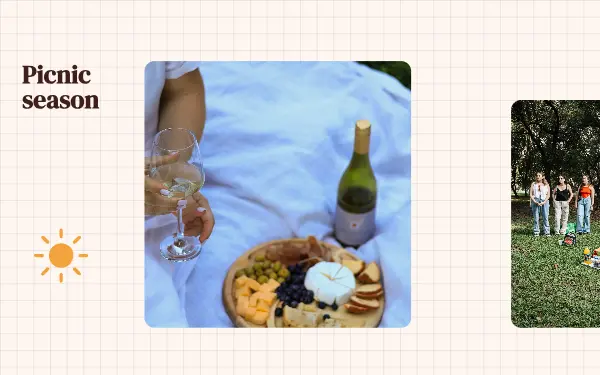
- 3 photos: Recipe steps, Menu board, Picnic day
- 4 photos: Plate parade, Brunch arches
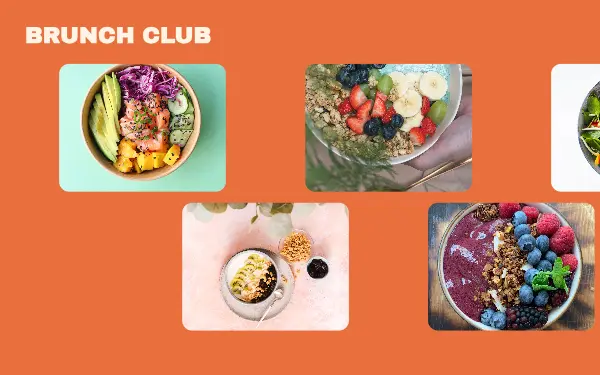
- 6 photos: Brunch club
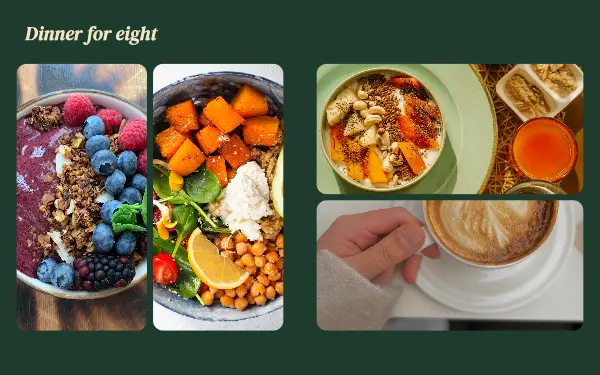
- 10 photos: Dinner party
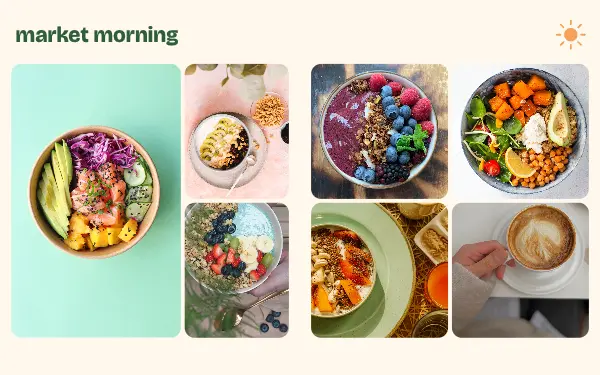
- 15 photos: Market morning
FAQ
Food Instagram carousels, answered
Can I make a recipe carousel for Instagram?
Yes. Some food designs are laid out as numbered recipe steps: add a photo for each step and rewrite the text with your ingredients and method. The last slide is a good place for the finished dish.
Are these templates good for restaurants and cafés?
Yes. Menu and plate-by-plate layouts work for a café showing new dishes as well as for someone sharing a meal out. Change the colours to match your brand.
Are these food carousel templates free?
Postora Swipe is free to download, and 4 of the 8 food designs are free to use. The other 4 are VIP designs, marked with a crown. Free accounts make carousels of up to 8 slides and export full size with a small mark, after a short ad; VIP unlocks every design, carousels of up to 20 slides and exports without the mark or ads.
What size are the slides?
Each slide is 1080 × 1350 pixels (4:5), the portrait size Instagram shows biggest in the feed. The app cuts the design into slides that line up exactly, so the picture continues as people swipe.
How do I use a food template?
Install Postora Swipe from Google Play, open the Food designs and pick one, or choose your photos first and the app shows every design that fits them. Long-press to reorder the photos, tap any text to rewrite it, then preview the post and share it to Instagram.
Make a food carousel on your phone
Postora Swipe is free on Google Play, with 133 free designs.