
Before and after carousel template
A transformation shown step by step: the starting point, the work in between and the reveal at the end.
Slide 1 of 7 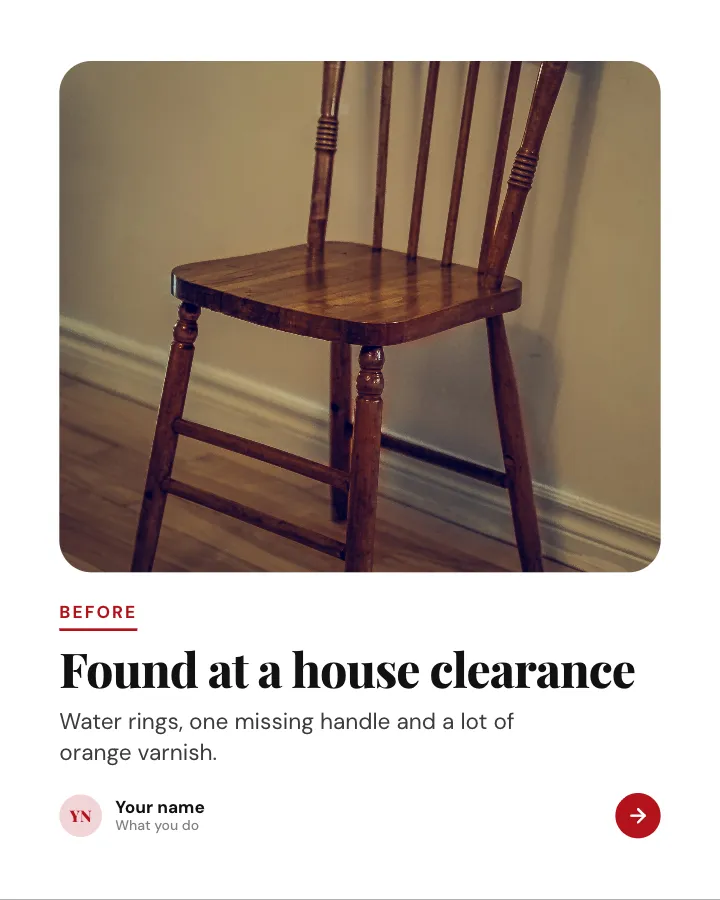
Slide 2 of 7 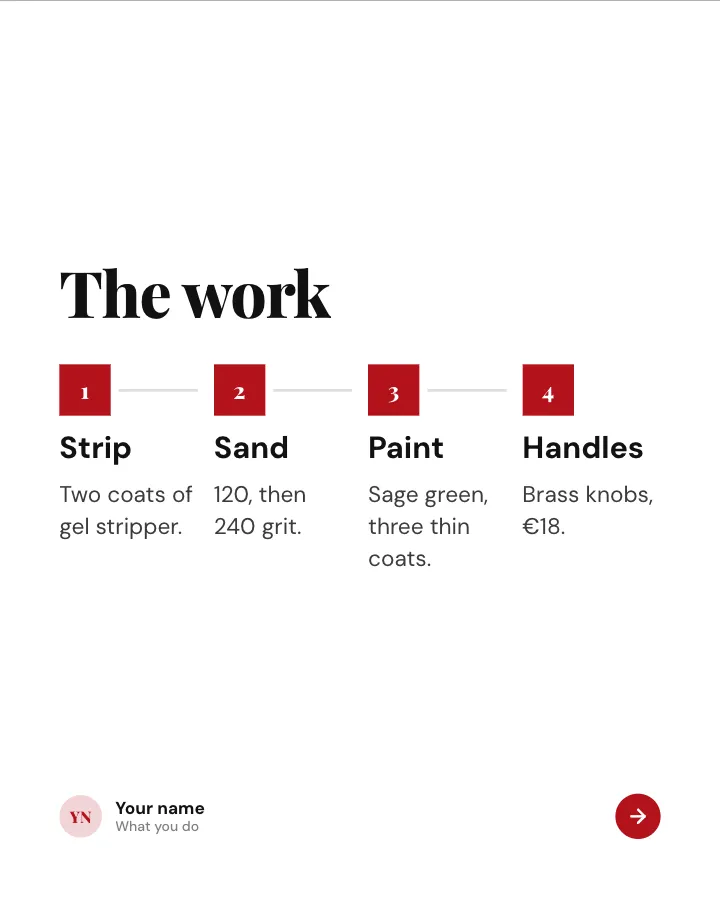
Slide 3 of 7 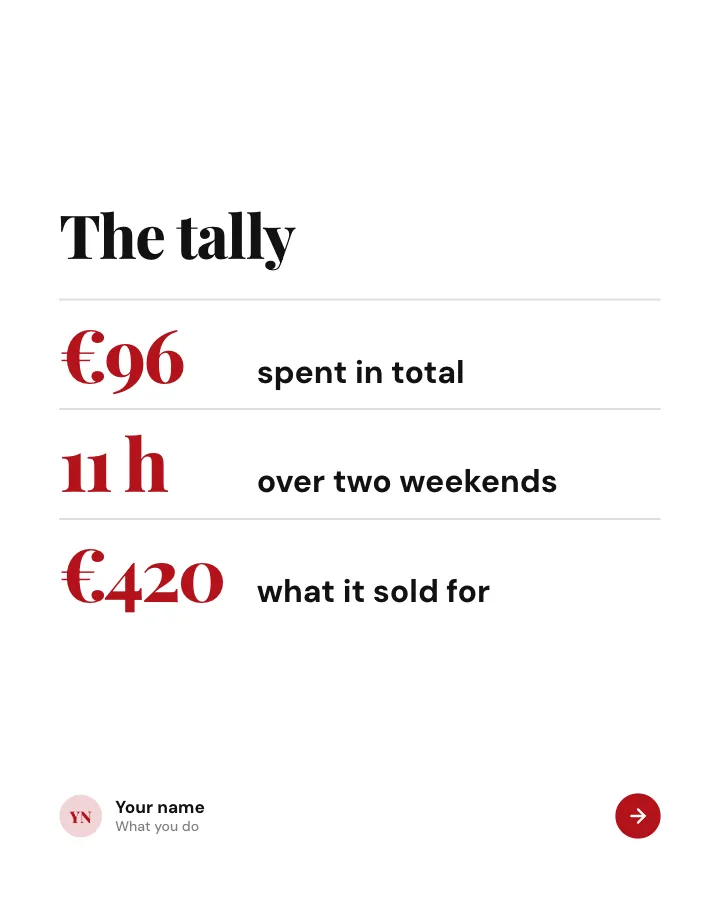
Slide 4 of 7 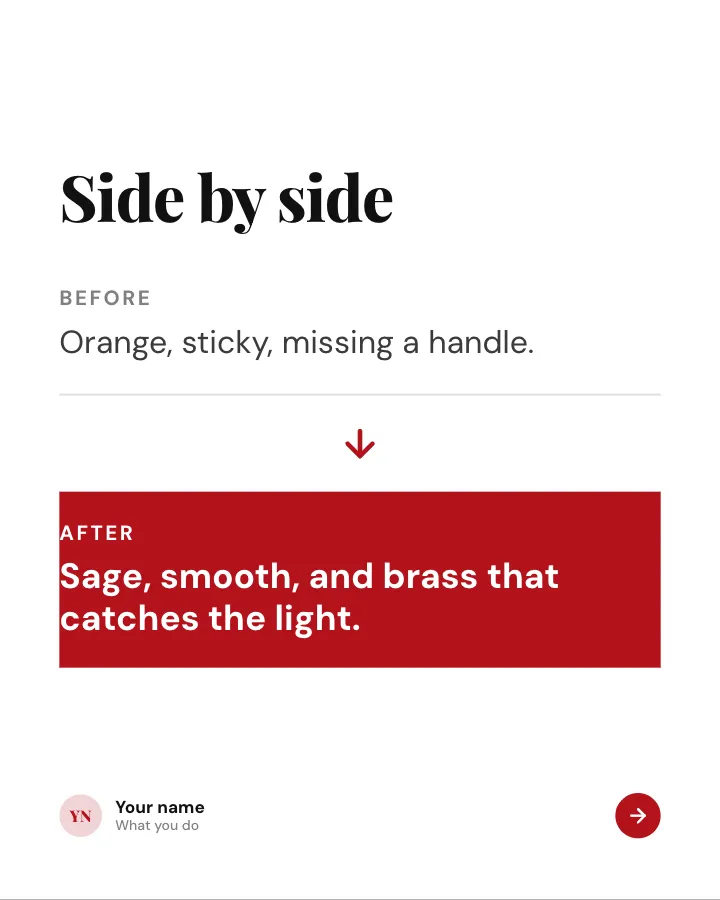
Slide 5 of 7 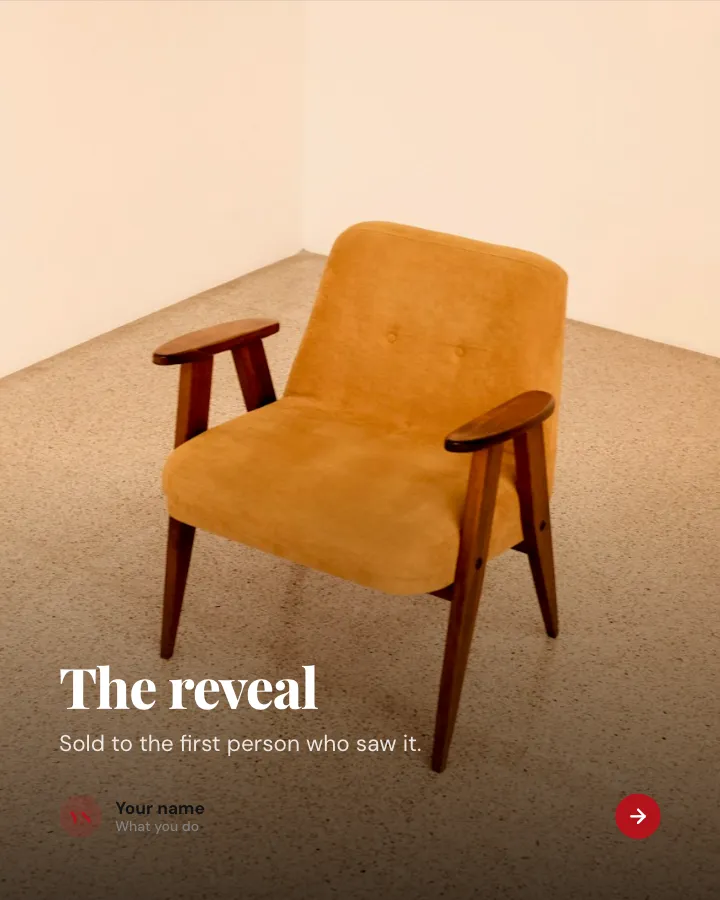
Slide 6 of 7 
Slide 7 of 7
Slide 2: photo by Benoit Roy on Unsplash
Slide 6: photo by Lukas Juhas on Unsplash
See it in the feed
How the example looks once it is posted. In the studio the preview uses your own slides, caption and profile.
yourname
1/71,086 likes
yourname A transformation shown step by step: the starting point, the work in between and the reveal at the end.
When to use it
Reach for Before and after when you want to promote a product or an opening without a hard sell and give people a quick, fun reason to stop scrolling. Its structure is results: a challenge, the approach and the outcome. Give Postora your topic and it keeps the shape, writing every slide about your subject in your voice.
What each slide does
1Hook
Opening: the starting price or state and a promise of a reveal.
In the example
We turned a €40 dresser into this
The reveal is on the last slide.
Swipe
2image
The before, honestly described.
In the example
Found at a house clearance
Before
Water rings, one missing handle and a lot of orange varnish.
3Steps
The work, in a few stages.
In the example
The work
- Strip — Two coats of gel stripper.
- Sand — 120, then 240 grit.
- Paint — Sage green, three thin coats.
- Handles — Brass knobs, €18.
4Number
The tally: cost, time and result.
In the example
The tally
- €96 spent in total
- 11 h over two weekends
- €420 what it sold for
5Comparison
Side by side.
In the example
Side by side
6image
The reveal.
In the example
The reveal
Sold to the first person who saw it.
7Call to action
Ask what to transform next.
In the example
What should we rescue next?
Next project
Chair, mirror or bedside table?
Make it in Postora
Step 1
Say what it is about
Open Before and after and type your topic, paste a link or add your notes.
Step 2
Check the plan
Postora keeps the template’s structure and writes each slide for your subject, in the voice you pick.
Step 3
Polish and download
Edit any word, change the theme or a layout, then export a PDF, images or a video.
Questions about Before and after
Is the Before and after template free?
Yes. Opening Before and after and editing its example are free, no account needed. A free account adds 3 AI carousels a month and 5 downloads of the finished carousel with a small Postora mark; VIP downloads without limits or the mark.
Which platforms is it made for?
Instagram (PNG images, best at 4:5) and TikTok (PNG images or an MP4 video, best at 9:16). Postora sizes the carousel for the network you pick and checks it against that network’s limits before you download it.
How many slides does it have?
7, each with its own job (shown above). You can add, remove or reorder slides: free carousels go up to 8 slides, VIP up to 30.
Can I change the design?
Yes. It opens in the Glossy theme, and you can switch to any of 95 themes or your own brand kit in one click, swap the layout of any slide, and edit every word.
Templates like this one
Browse all templates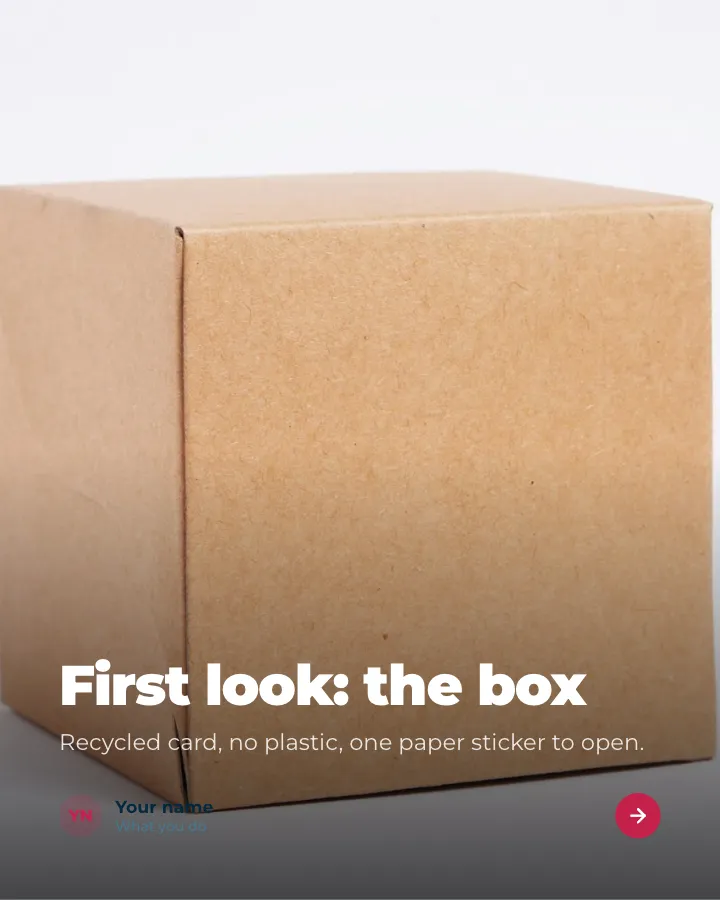

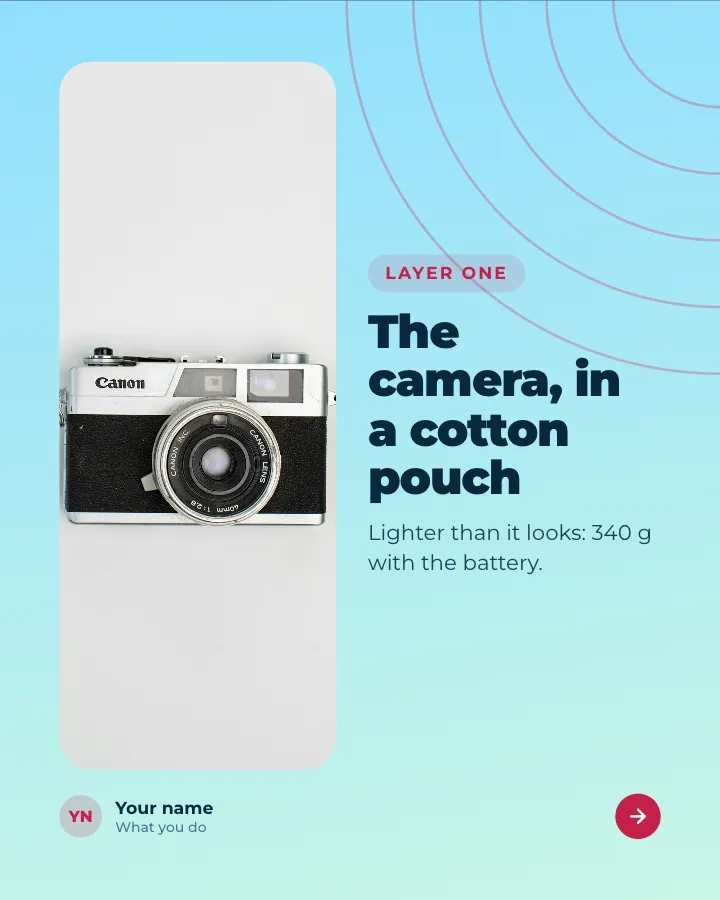
Unboxing
8 slidesOpen a product on camera, layer by layer: the packaging, what is inside, first impressions and the price.
Make them smileSell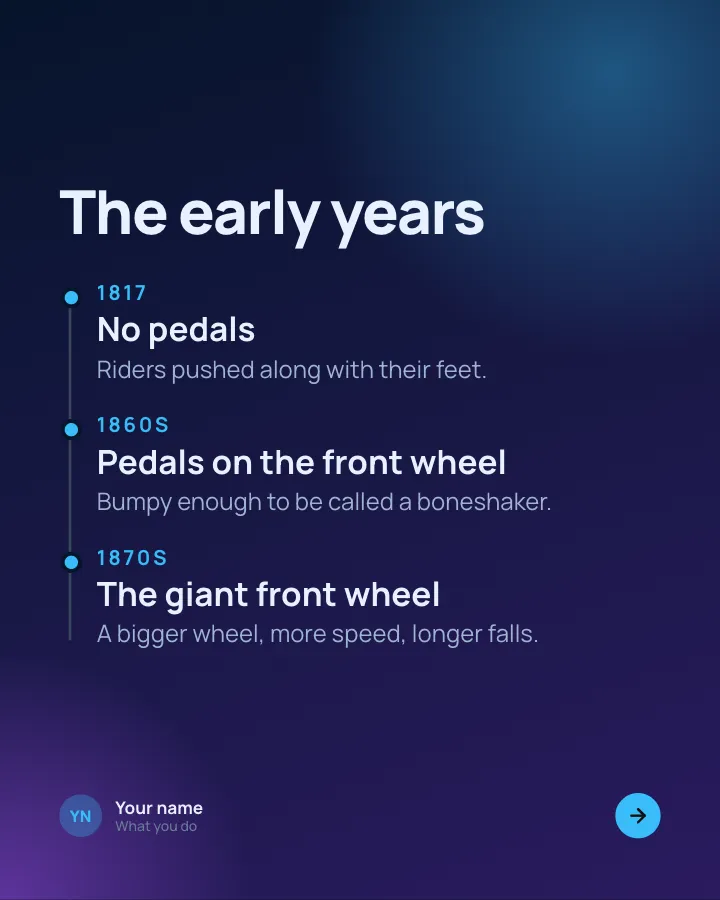
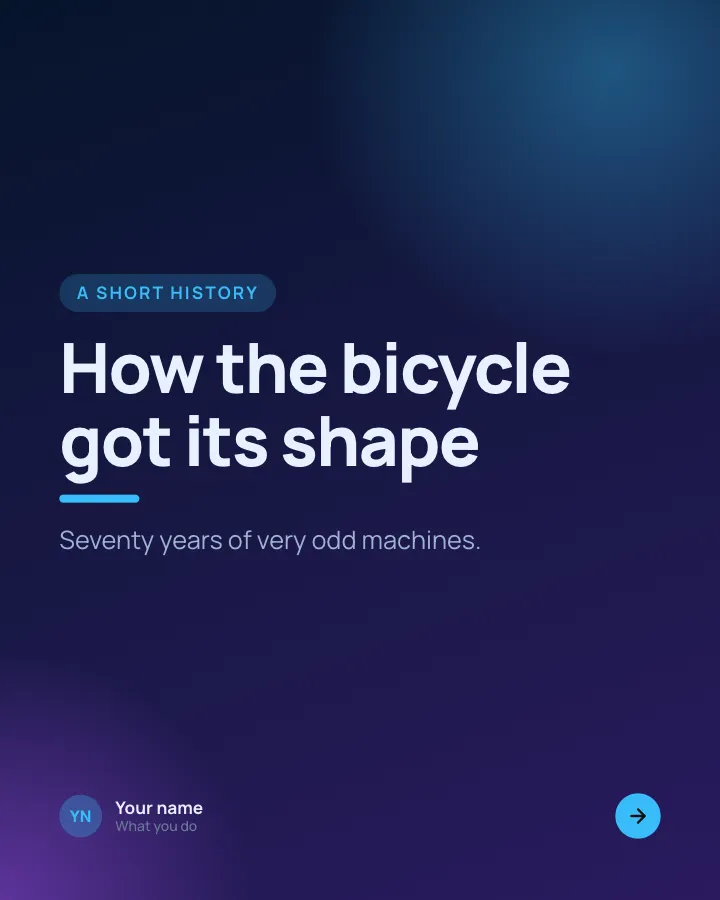
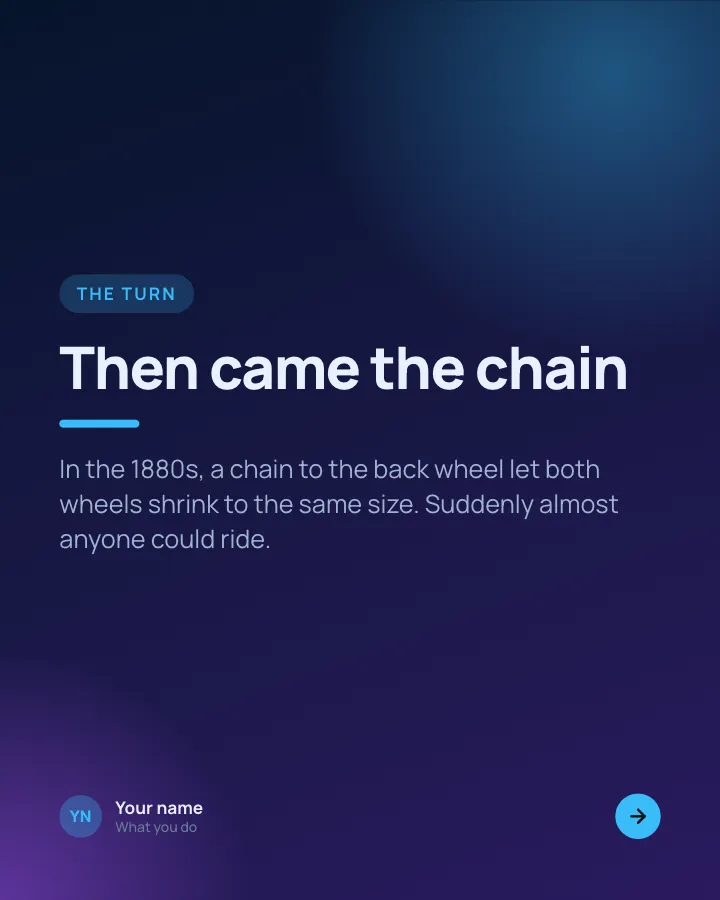
A short history
7 slidesHow something came to be, told as dated moments, with the turn that changed it and why it matters today.
Make them smileExplainVIP
Behind the scenes
7 slidesA day or a process in your business, shown hour by hour, the unglamorous parts included.
Make them smileEarn trust