
10 designs · 1 to 18 photos
Travel Instagram carousel templates
Postcards, stamps, routes and boarding passes for the photos from your trip. Panoramas stretch across several slides so a view stays a view.
- 7 free, 3 VIP
- 1 to 18 photos per post
- 3 to 12 slides
- 4:5, 1080 × 1350 per slide

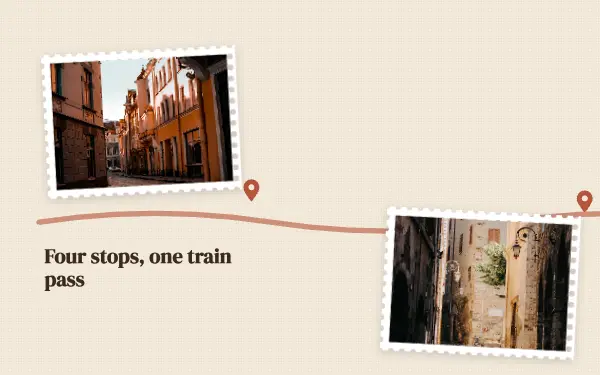
Postcard trail
4 photos 5 slides

Panorama day
1 photo 3 slides
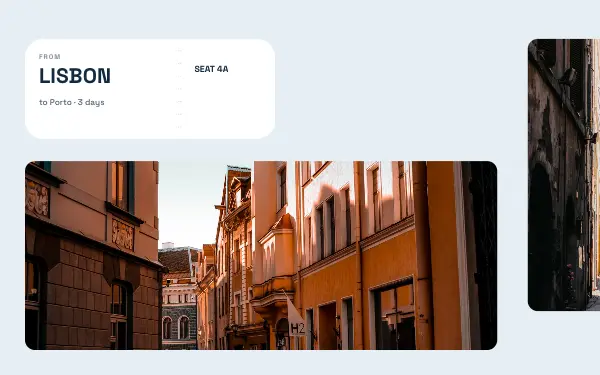
Boarding pass
3 photos 4 slides
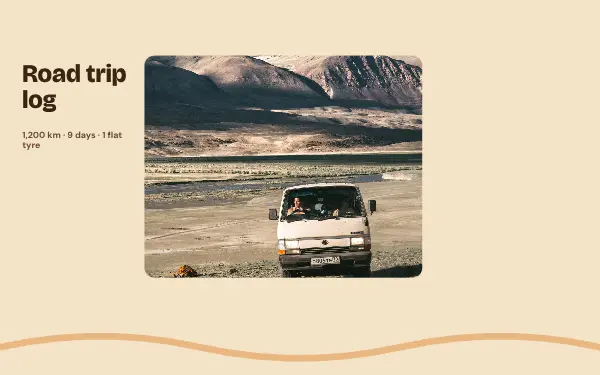
Road trip
3 photos 4 slides
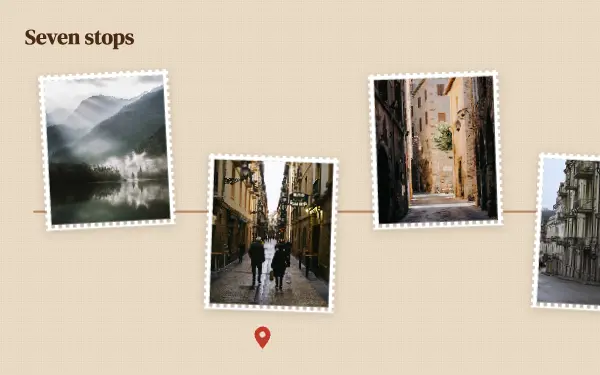
Stopover
7 photos 4 slides
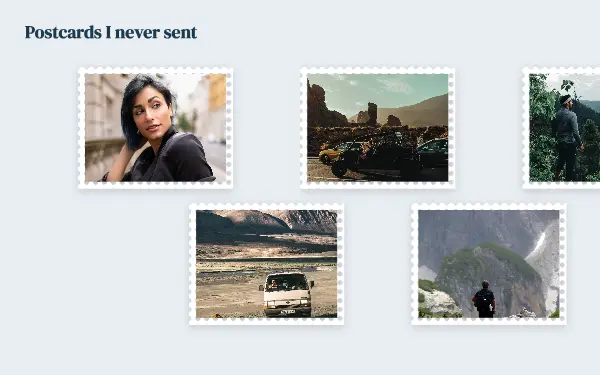
Postcards home
9 photos 4 slides
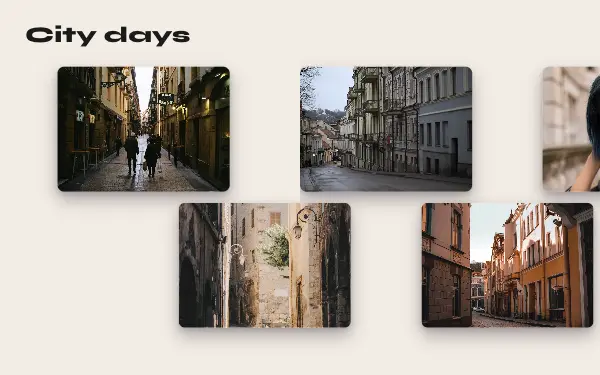
City days
11 photos 5 slides
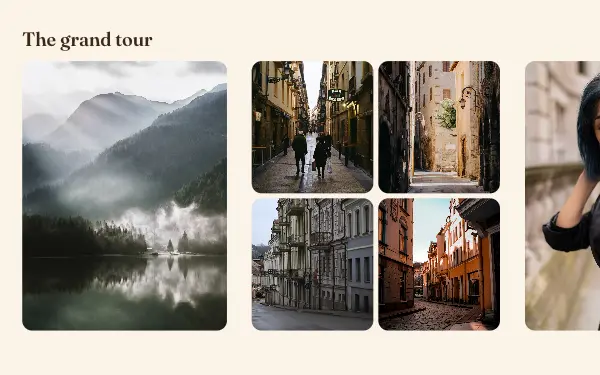
Grand tour
16 photos 7 slides
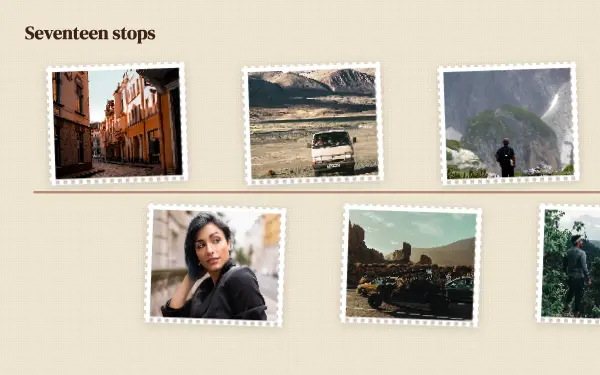
Seventeen stops
17 photos 6 slides
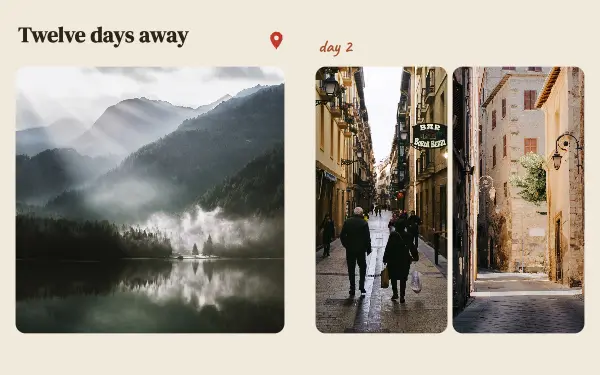
Twelve days away
18 photos 12 slides
How to make a travel carousel people swipe through
- 1
Use the panorama
Many travel designs stretch one photo across several slides. Choose a wide landscape for it, a coastline or a skyline, so a view stays a view as people swipe.
- 2
Tell it as a route
Order the photos by the trip: arriving, exploring, eating, the last sunset. Routes, stamps and boarding passes in the designs follow that story.
- 3
Name the places
Rewrite the sample place names and dates with your own. Specific names make the post useful to people planning the same trip, and they save it.
Travel post ideas
- A weekend city break
- A road trip in stops
- Where to eat in one city
- A beach holiday
- Your travel year in review
By number of photos
- 1 photo: Panorama day
- 3 photos: Boarding pass, Road trip
- 4 photos: Postcard trail
- 7 photos: Stopover
- 9 photos: Postcards home
- 11 photos: City days
- 16 photos: Grand tour
- 17 photos: Seventeen stops
- 18 photos: Twelve days away
FAQ
Travel Instagram carousels, answered
How do I post a panorama as an Instagram carousel?
Choose a travel design where one photo runs across several slides, add your wide photo and drag inside the frame to set the crop. The app cuts it into slides that line up exactly, so the view continues as people swipe.
How many travel photos should a carousel have?
Six to ten is a good range for most trips: enough to tell the story, few enough that people reach the end. The travel designs here hold from 1 to 18 photos.
Are these travel carousel templates free?
Postora Swipe is free to download, and 7 of the 10 travel designs are free to use. The other 3 are VIP designs, marked with a crown. Free accounts make carousels of up to 8 slides and export full size with a small mark, after a short ad; VIP unlocks every design, carousels of up to 20 slides and exports without the mark or ads.
What size are the slides?
Each slide is 1080 × 1350 pixels (4:5), the portrait size Instagram shows biggest in the feed. The app cuts the design into slides that line up exactly, so the picture continues as people swipe.
How do I use a travel template?
Install Postora Swipe from Google Play, open the Travel designs and pick one, or choose your photos first and the app shows every design that fits them. Long-press to reorder the photos, tap any text to rewrite it, then preview the post and share it to Instagram.
Make a travel carousel on your phone
Postora Swipe is free on Google Play, with 133 free designs.