
8 designs · 2 to 16 photos
Birthday and party Instagram carousel templates
Confetti, guest lists and party walls for birthdays, anniversaries, graduations and every reason to get everyone together.
- 6 free, 2 VIP
- 2 to 16 photos per post
- 3 to 6 slides
- 4:5, 1080 × 1350 per slide


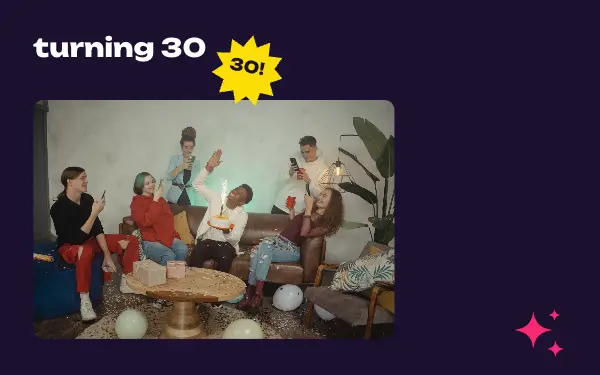

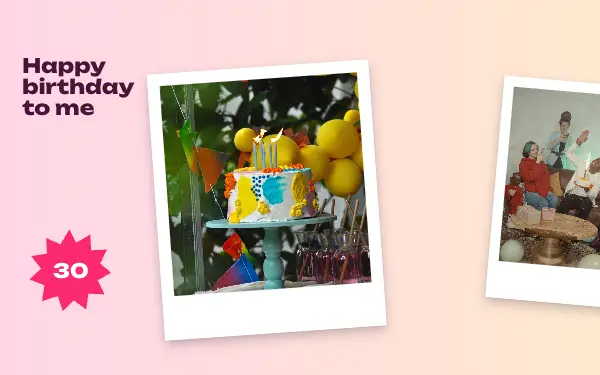


How to make a birthday carousel people swipe through
- 1
Start with the group shot
Put the photo with everyone in it on the first slide; it is the one people stop for. Candid photos follow nicely after it.
- 2
Use the details
Cakes, decorations and gifts make great small frames between the people shots, and they say what the day was without words.
- 3
Rewrite the date and the names
Change the sample text to the name, the age or the occasion and the date, so the post works as a keepsake as well.
Birthday post ideas
- Birthday parties
- Anniversaries
- Graduations
- Baby showers
- New Year’s Eve
By number of photos
- 2 photos: Party mode, Birthday wish
- 3 photos: Big day, Confetti day, Family days
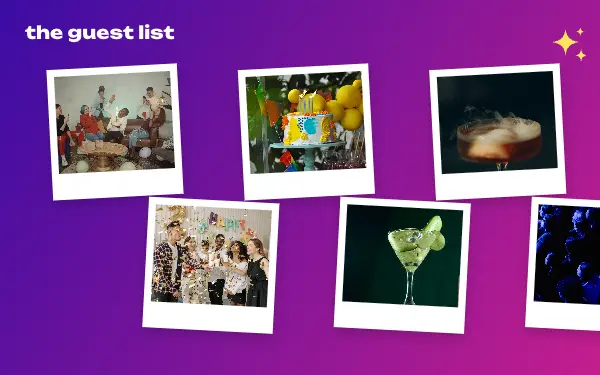
- 8 photos: The guest list
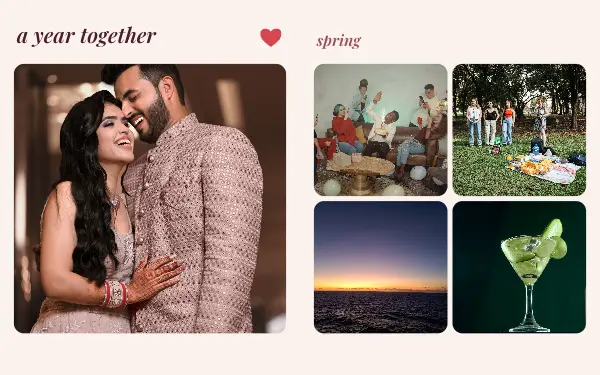
- 13 photos: A year together
- 16 photos: Confetti wall
FAQ
Birthday Instagram carousels, answered
Can I use these for a birthday post?
Yes. Most celebration designs are made with birthdays in mind: confetti, guest lists and party walls. Change the name and the age in the text.
How do I fit all the party photos in one post?
Choose a design that holds as many photos as you have, from 2 up to 16 here, or see the 10+ photos category for bigger photo dumps.
Are these birthday carousel templates free?
Postora Swipe is free to download, and 6 of the 8 birthday designs are free to use. The other 2 are VIP designs, marked with a crown. Free accounts make carousels of up to 8 slides and export full size with a small mark, after a short ad; VIP unlocks every design, carousels of up to 20 slides and exports without the mark or ads.
What size are the slides?
Each slide is 1080 × 1350 pixels (4:5), the portrait size Instagram shows biggest in the feed. The app cuts the design into slides that line up exactly, so the picture continues as people swipe.
How do I use a birthday template?
Install Postora Swipe from Google Play, open the Celebrate designs and pick one, or choose your photos first and the app shows every design that fits them. Long-press to reorder the photos, tap any text to rewrite it, then preview the post and share it to Instagram.
Make a birthday carousel on your phone
Postora Swipe is free on Google Play, with 133 free designs.