
8 designs · 1 to 19 photos
Creator Instagram carousel templates
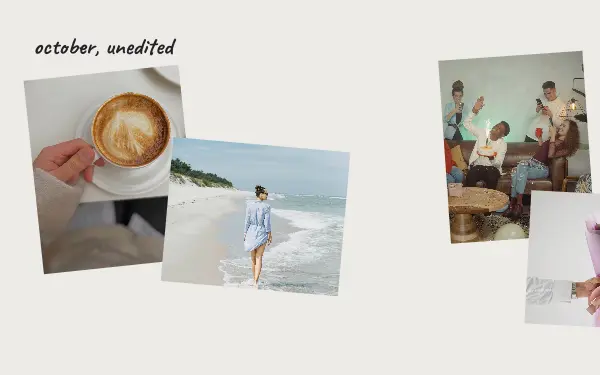
Photo dumps, monthly recaps and behind-the-scenes posts for people who post every week and want each one to look made, not thrown together.
- 5 free, 3 VIP
- 1 to 19 photos per post
- 3 to 18 slides
- 4:5, 1080 × 1350 per slide

How to make a creator carousel people swipe through
- 1
Recap a period, not a moment
Creator designs suit monthly recaps, photo dumps and behind-the-scenes posts. Gather the best photos from a week or a month and let the layout tie them together.
- 2
Mix polished and real
A recap feels honest with a few unplanned shots among the good ones: the desk, the mess, the outtake. People follow creators for both.
- 3
Use the same design every month
Posting the same recap layout each month turns it into a series people recognise in their feed.
Creator post ideas
- Monthly recaps
- Behind the scenes
- Photo dumps
- Desk and studio tours
- Milestones and thank-yous
By number of photos
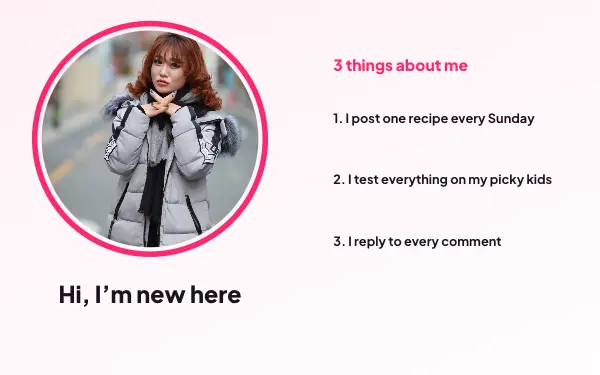
- 1 photo: Say hello
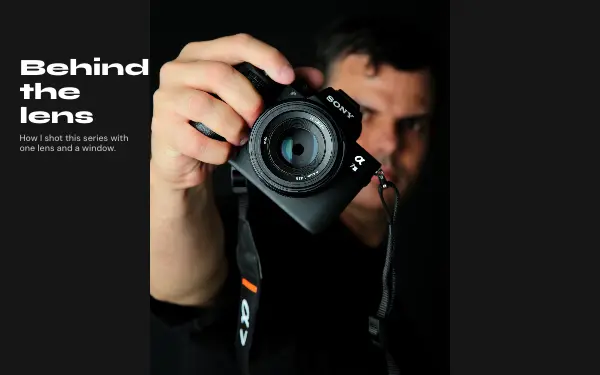
- 3 photos: Behind the lens
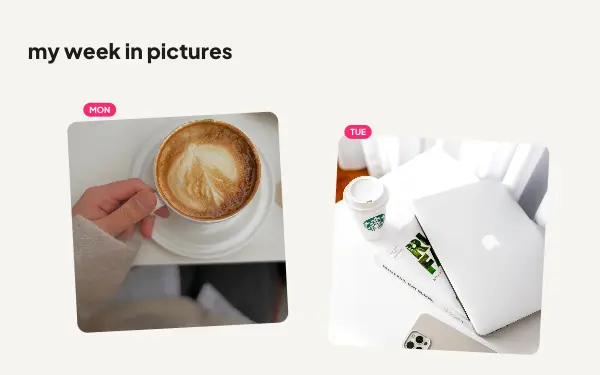
- 5 photos: Week in pictures
- 6 photos: Photo dump
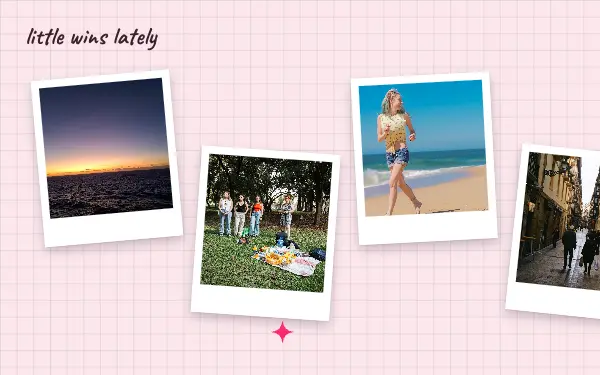
- 11 photos: Little wins
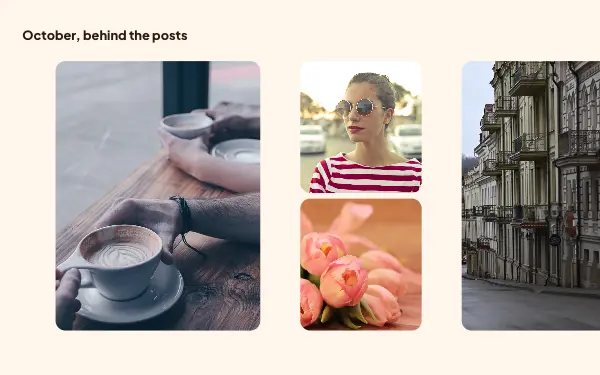
- 14 photos: Behind the posts
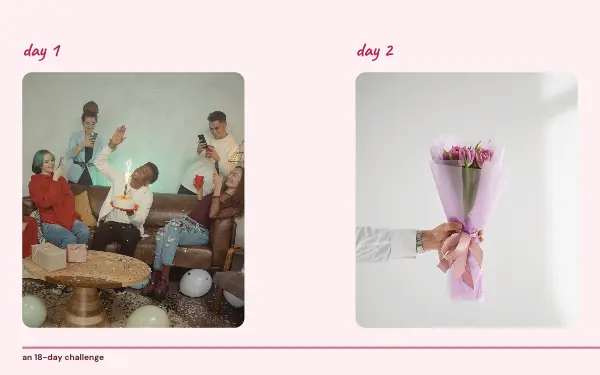
- 18 photos: Daily challenge
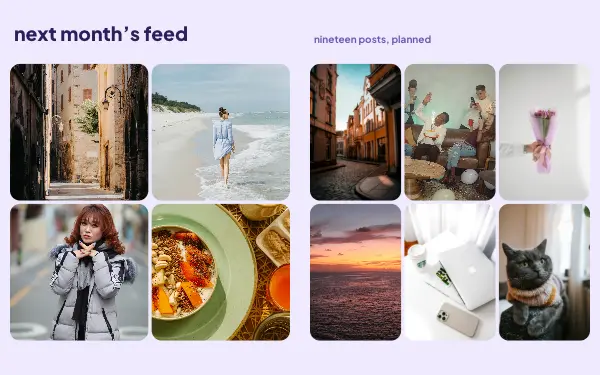
- 19 photos: Feed plan
FAQ
Creator Instagram carousels, answered
How do creators make carousels look consistent?
By using the same layout, fonts and colours each time. Save your colours and fonts in a brand kit in the app, and start every recap from the same design.
How many photos can a recap have?
The creator designs hold from 1 to 19 photos. For more, the 10+ photos category has layouts that fit up to 20.
Are these creator carousel templates free?
Postora Swipe is free to download, and 5 of the 8 creator designs are free to use. The other 3 are VIP designs, marked with a crown. Free accounts make carousels of up to 8 slides and export full size with a small mark, after a short ad; VIP unlocks every design, carousels of up to 20 slides and exports without the mark or ads.
What size are the slides?
Each slide is 1080 × 1350 pixels (4:5), the portrait size Instagram shows biggest in the feed. The app cuts the design into slides that line up exactly, so the picture continues as people swipe.
How do I use a creator template?
Install Postora Swipe from Google Play, open the Creator designs and pick one, or choose your photos first and the app shows every design that fits them. Long-press to reorder the photos, tap any text to rewrite it, then preview the post and share it to Instagram.
Make a creator carousel on your phone
Postora Swipe is free on Google Play, with 133 free designs.