
9 designs · 2 to 9 photos
Pet Instagram carousel templates
Bright, happy layouts for dogs, cats and every small creature who runs the house, from photo booths to a week of zoomies.
- 6 free, 3 VIP
- 2 to 9 photos per post
- 3 to 4 slides
- 4:5, 1080 × 1350 per slide

How to make a pet carousel people swipe through
- 1
Get down to their level
Pet photos taken at eye level, with the pet’s face sharp, look best in the bright layouts here. Burst mode helps with ones that will not sit still.
- 2
Make it a story
A walk, a bath, a nap. Or a week of the same chaos, one day per slide. A small story keeps people swiping.
- 3
Give them a voice
Rewrite the sample text as if your pet wrote it. It is a pet account tradition for a reason.
Pet post ideas
- A week in the life
- Gotcha day
- Before and after grooming
- Puppy and kitten growth
- Best friends: pets and kids
By number of photos
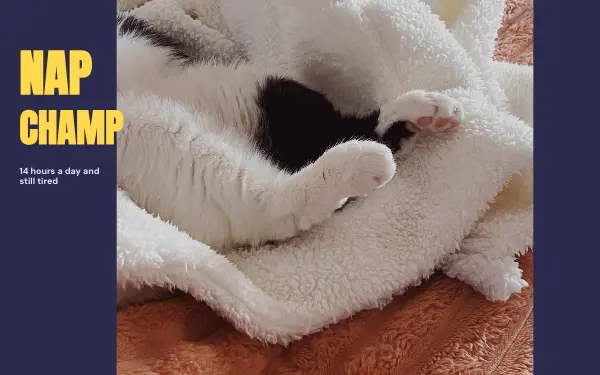
- 2 photos: Nap champ
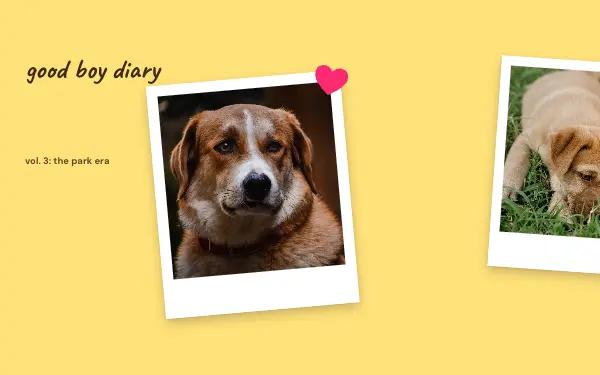
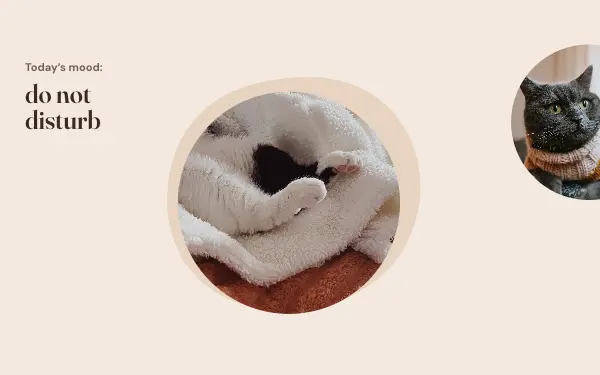
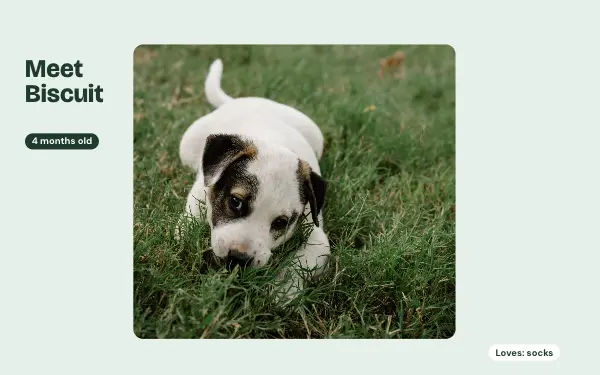
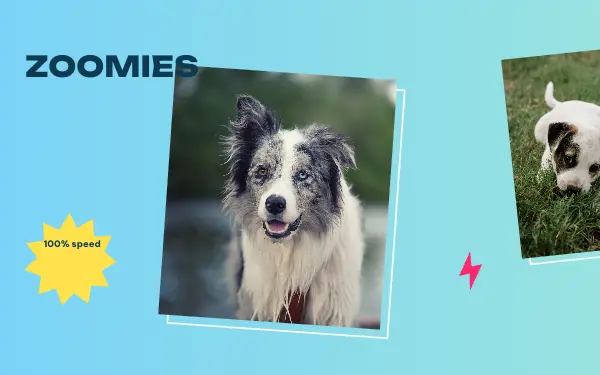
- 3 photos: Good boy diary, Cat mood, Meet the pup, Zoomies
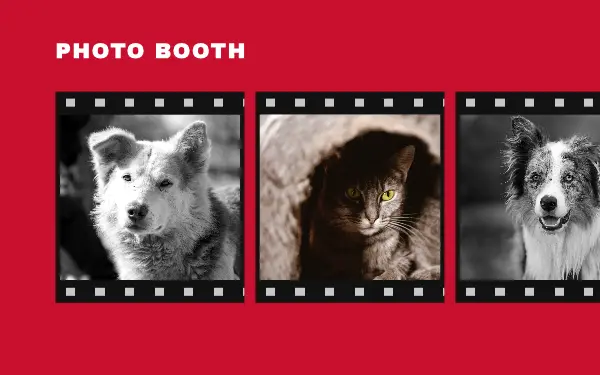
- 4 photos: Pet photo booth
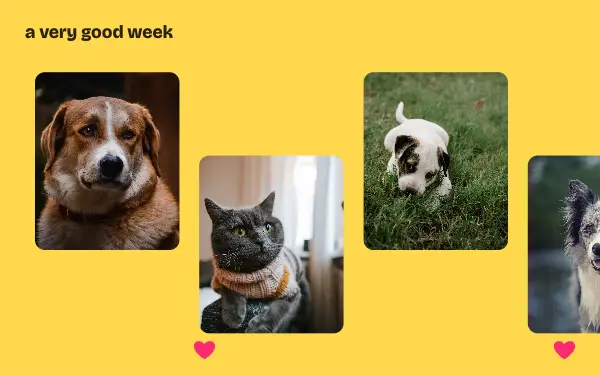
- 7 photos: A very good week
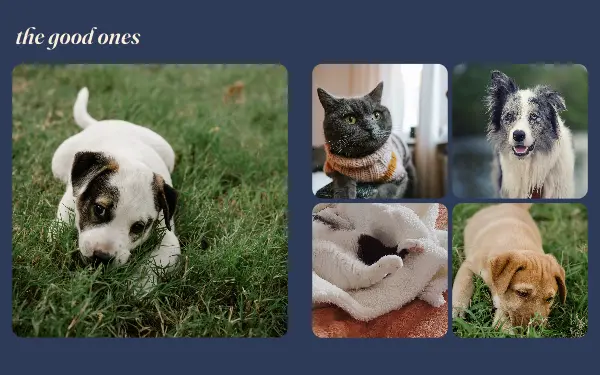
- 8 photos: The good ones
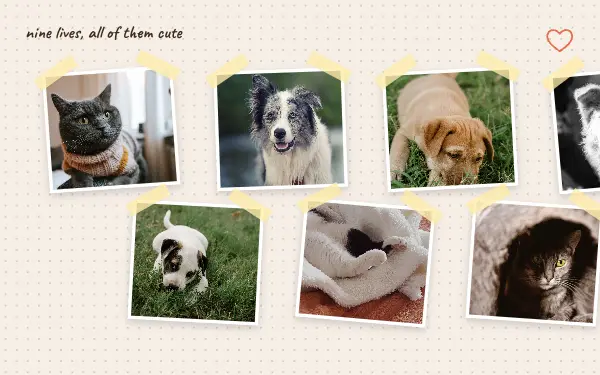
- 9 photos: Nine lives
FAQ
Pet Instagram carousels, answered
Are these templates good for pet accounts?
Yes. Bright, playful layouts like photo booths and week-by-week stories are made for pet accounts, and they fit from 2 to 9 photos.
Can I use them for a pet business?
Groomers, sitters and pet shops can use them too: change the colours to your brand and add your details on the last slide.
Are these pet carousel templates free?
Postora Swipe is free to download, and 6 of the 9 pet designs are free to use. The other 3 are VIP designs, marked with a crown. Free accounts make carousels of up to 8 slides and export full size with a small mark, after a short ad; VIP unlocks every design, carousels of up to 20 slides and exports without the mark or ads.
What size are the slides?
Each slide is 1080 × 1350 pixels (4:5), the portrait size Instagram shows biggest in the feed. The app cuts the design into slides that line up exactly, so the picture continues as people swipe.
How do I use a pet template?
Install Postora Swipe from Google Play, open the Pets designs and pick one, or choose your photos first and the app shows every design that fits them. Long-press to reorder the photos, tap any text to rewrite it, then preview the post and share it to Instagram.
Make a pet carousel on your phone
Postora Swipe is free on Google Play, with 133 free designs.