
6 designs · 3 to 17 photos
Real estate Instagram carousel templates
Just-listed posts, open houses and room-by-room tours that let a home sell itself: big photos, the key facts and a clear call to book a viewing.
- 3 free, 3 VIP
- 3 to 17 photos per post
- 3 to 6 slides
- 4:5, 1080 × 1350 per slide

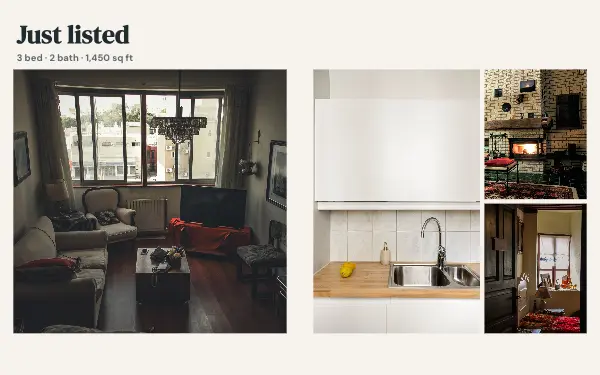
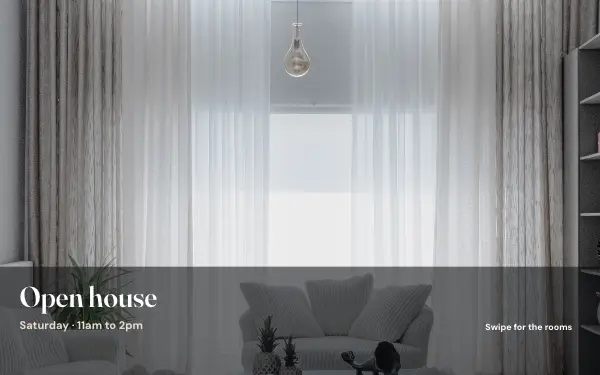
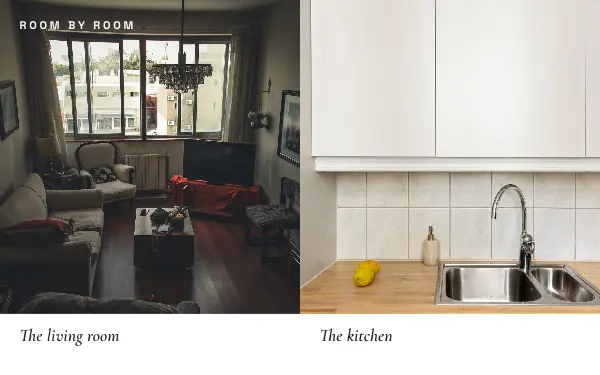
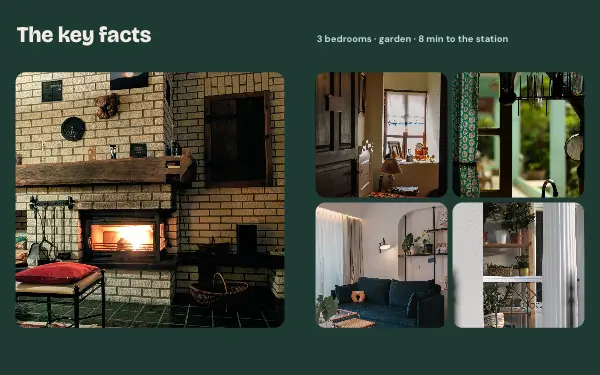
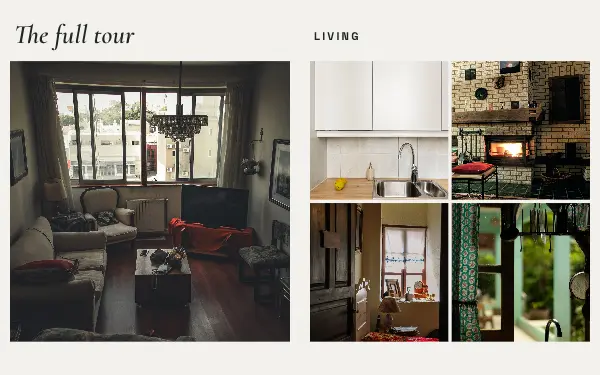
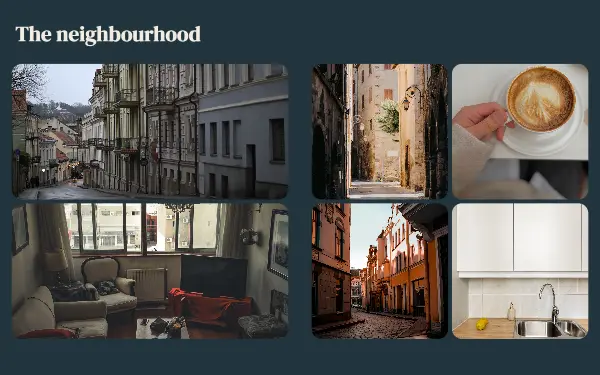
How to make a real estate carousel people swipe through
- 1
Open with the best room
The first slide sells the viewing. Lead with the strongest photo, usually the living room or the view, taken in daylight with the lights on.
- 2
Tour room by room
Order the rest the way someone would walk through: entrance, living, kitchen, bedrooms, garden. Room-by-room layouts keep the tour easy to follow.
- 3
Put the facts where people look
Rewrite the sample price, address, bedrooms and open-house time with the real ones, and keep the last slide for how to book a viewing.
Real estate post ideas
- Just listed
- Open house this weekend
- Just sold
- A room-by-room tour
- Neighbourhood guides
By number of photos
- 3 photos: Open house
- 5 photos: Every room
- 6 photos: The key facts
- 10 photos: Just listed
- 13 photos: The neighbourhood
- 17 photos: Property tour
FAQ
Real estate Instagram carousels, answered
What should a real estate carousel include?
A strong first photo, the key facts (price, area, bedrooms), a short tour of the rooms and a clear way to book a viewing on the last slide. The real estate designs have places for all of these.
Can agents use these templates for every listing?
Yes. Make a carousel once with your colours and logo, then start the next listing from it and swap in the new photos and facts.
Are these real estate carousel templates free?
Postora Swipe is free to download, and 3 of the 6 real estate designs are free to use. The other 3 are VIP designs, marked with a crown. Free accounts make carousels of up to 8 slides and export full size with a small mark, after a short ad; VIP unlocks every design, carousels of up to 20 slides and exports without the mark or ads.
What size are the slides?
Each slide is 1080 × 1350 pixels (4:5), the portrait size Instagram shows biggest in the feed. The app cuts the design into slides that line up exactly, so the picture continues as people swipe.
How do I use a real estate template?
Install Postora Swipe from Google Play, open the Real estate designs and pick one, or choose your photos first and the app shows every design that fits them. Long-press to reorder the photos, tap any text to rewrite it, then preview the post and share it to Instagram.
Make a real estate carousel on your phone
Postora Swipe is free on Google Play, with 133 free designs.