
8 designs · 2 to 18 photos
Scrapbook Instagram carousel templates
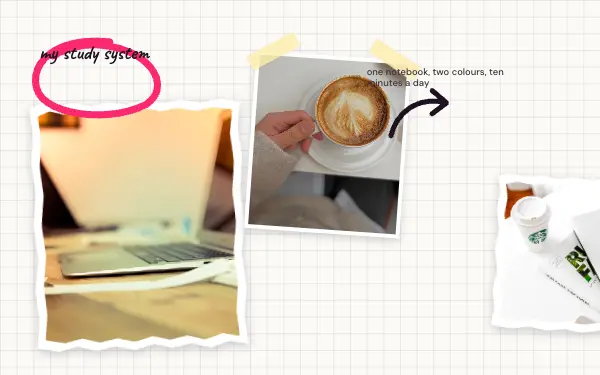
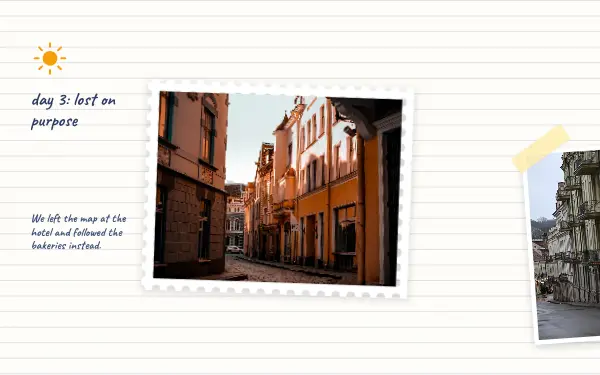
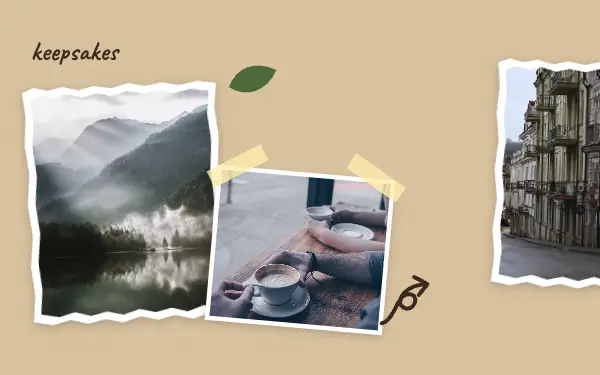
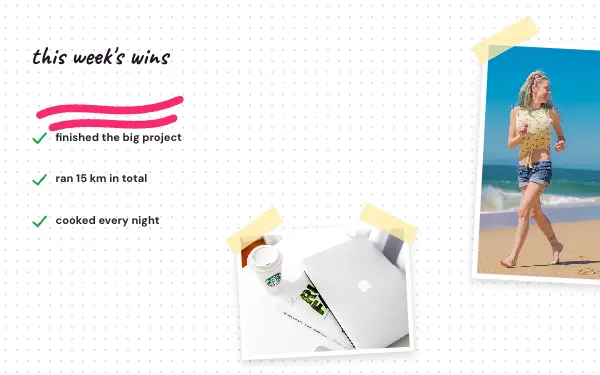
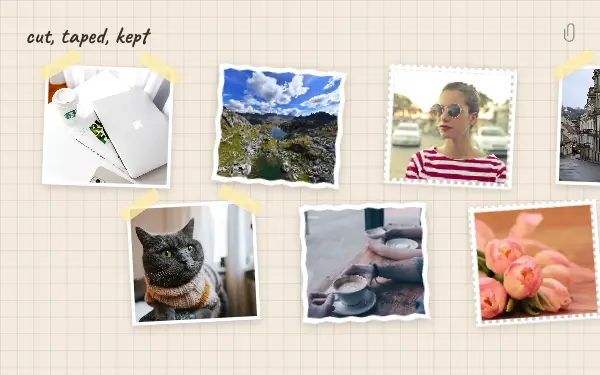
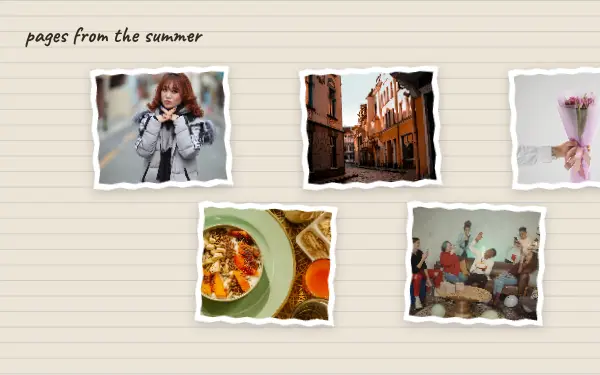
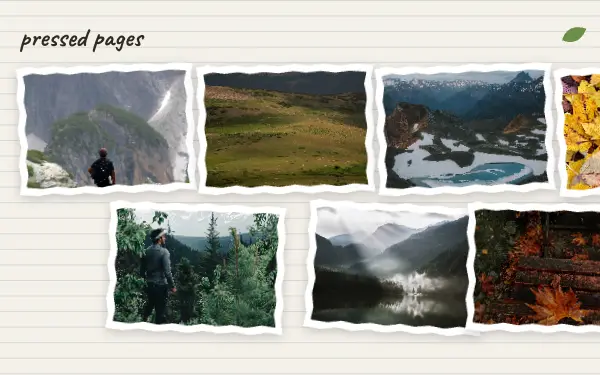
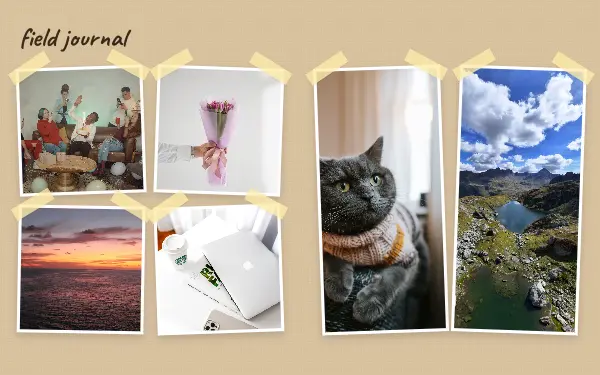
Scrapbook pages made of kraft paper, grid paper, torn edges and tape. Hand-written titles and little doodles make a post feel kept rather than posted.
- 5 free, 3 VIP
- 2 to 18 photos per post
- 3 to 7 slides
- 4:5, 1080 × 1350 per slide

How to make a scrapbook carousel people swipe through
- 1
Collect small moments
Scrapbook posts are made of details: tickets, notes, a meal, a view from a window. Choose a few big photos and several small ones so the page feels collected over time.
- 2
Use the hand-written titles
The handwriting fonts and doodles are what make it feel kept rather than posted. Rewrite the sample words in your own voice, like a note to your future self.
- 3
Keep the paper visible
Leave some kraft or grid paper showing between the photos. If every gap is filled the texture disappears and it looks like an ordinary grid.
Scrapbook post ideas
- A travel journal
- Notes from a month
- Baby and family milestones
- Study and reading logs
- Recipes you want to keep
By number of photos
- 2 photos: Journal page
- 3 photos: Kraft scrapbook, Weekly wins
- 4 photos: Scrap notes
- 11 photos: Field journal
- 12 photos: Pressed pages
- 16 photos: Cut and taped
- 18 photos: Torn pages
FAQ
Scrapbook Instagram carousels, answered
What is a scrapbook carousel?
An Instagram carousel laid out like scrapbook pages: photos taped onto kraft or grid paper, torn edges, hand-written titles and small doodles. Because the paper runs across the slides, swiping feels like turning through a notebook.
Can I add my own stickers?
You can add stickers, text and more photos in the editor, and move, resize or delete the ones that come with the design.
Are these scrapbook carousel templates free?
Postora Swipe is free to download, and 5 of the 8 scrapbook designs are free to use. The other 3 are VIP designs, marked with a crown. Free accounts make carousels of up to 8 slides and export full size with a small mark, after a short ad; VIP unlocks every design, carousels of up to 20 slides and exports without the mark or ads.
What size are the slides?
Each slide is 1080 × 1350 pixels (4:5), the portrait size Instagram shows biggest in the feed. The app cuts the design into slides that line up exactly, so the picture continues as people swipe.
How do I use a scrapbook template?
Install Postora Swipe from Google Play, open the Paper & tape designs and pick one, or choose your photos first and the app shows every design that fits them. Long-press to reorder the photos, tap any text to rewrite it, then preview the post and share it to Instagram.
Make a scrapbook carousel on your phone
Postora Swipe is free on Google Play, with 133 free designs.