
10 designs · 2 to 20 photos
Minimal Instagram carousel templates
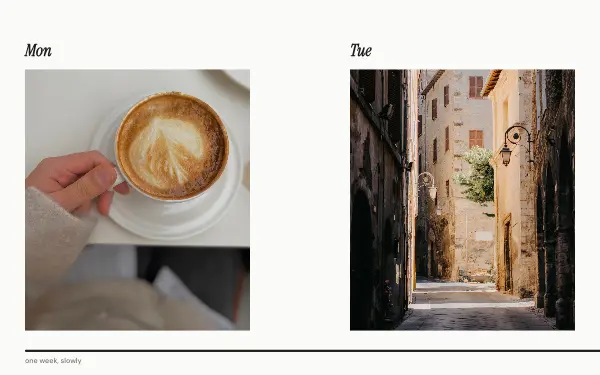
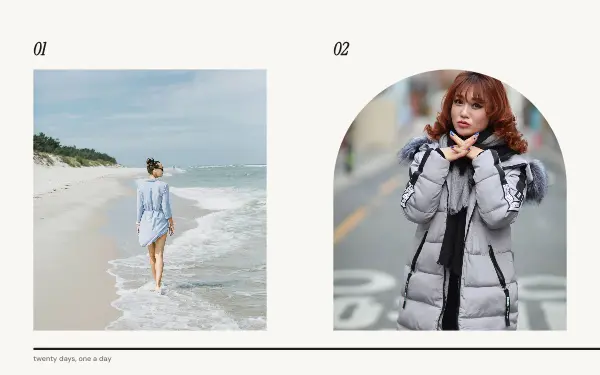
Quiet layouts with plenty of white space, so your photos do the talking. Thin lines and simple type run across the slides, and the whole post reads as one calm picture when it is swiped.
- 7 free, 3 VIP
- 2 to 20 photos per post
- 3 to 20 slides
- 4:5, 1080 × 1350 per slide


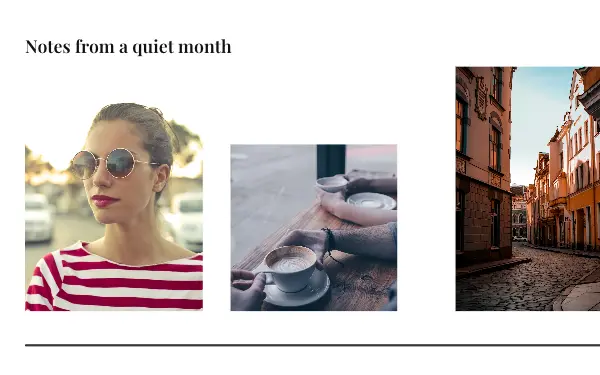
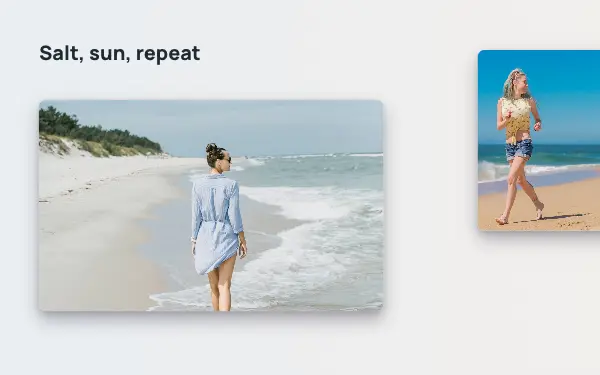
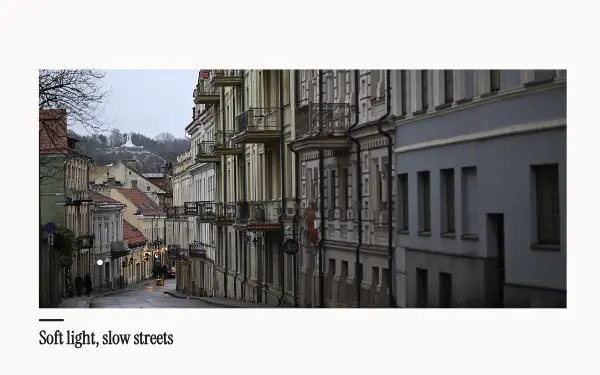
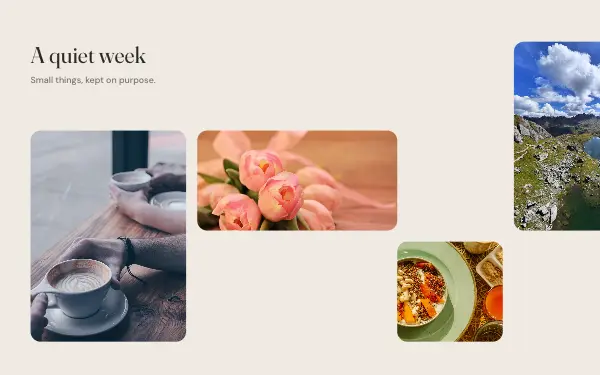
How to make a minimal carousel people swipe through
- 1
Pick photos with room to breathe
Minimal layouts work best with simple pictures: one subject, a plain wall, sky or sea behind it. Busy photos fight with the white space instead of resting in it.
- 2
Keep one colour story
Choose photos that share a palette, all warm, all cool or all black and white. When the colours agree, the thin lines and small type across the slides look deliberate.
- 3
Let the words be short
A minimal post says one thing. Rewrite the sample title to two or three words, and keep the rest of the text to a date, a place or a single line.
Minimal post ideas
- A slow weekend at home
- Architecture and city walks
- A product shot without the clutter
- Monthly mood boards
- Quotes paired with one photo
By number of photos
- 2 photos: Quiet horizon, Soft streets
- 3 photos: Two-tone drift
- 5 photos: Gallery line
- 6 photos: Quiet grid
- 7 photos: Seven days
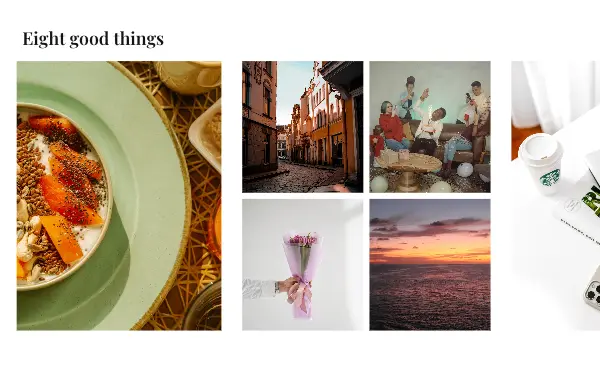
- 8 photos: Eight frames
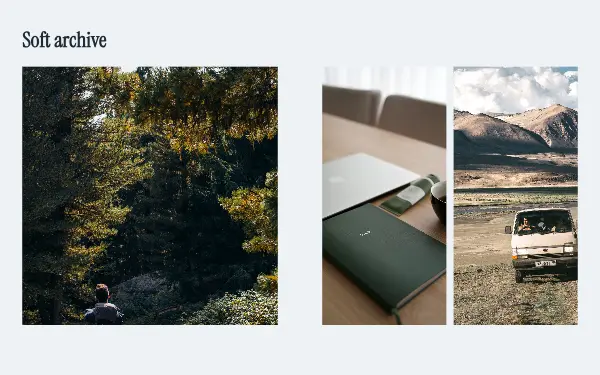
- 11 photos: Soft archive
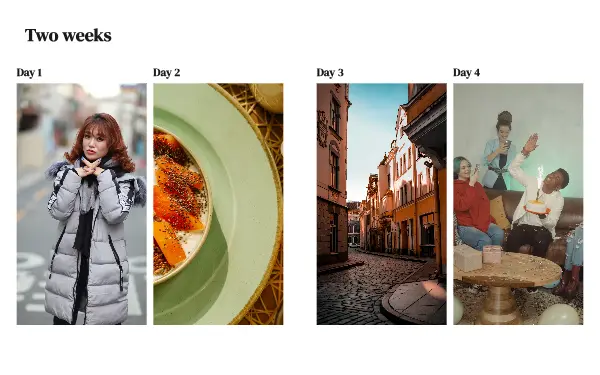
- 14 photos: Fortnight
- 20 photos: Twenty days
FAQ
Minimal Instagram carousels, answered
What makes an Instagram carousel look minimal?
Few elements and a lot of empty space: one or two photos per slide, a single font, thin lines, and a background that stays the same across every slide. The designs here keep the line or the frame running over the slide edges, so the post still reads as one picture when it is swiped.
Can I change the white background?
Yes. Every colour in the design can be changed in the app, so a white layout can become cream, grey or black while the layout stays the same.
Are these minimal carousel templates free?
Postora Swipe is free to download, and 7 of the 10 minimal designs are free to use. The other 3 are VIP designs, marked with a crown. Free accounts make carousels of up to 8 slides and export full size with a small mark, after a short ad; VIP unlocks every design, carousels of up to 20 slides and exports without the mark or ads.
What size are the slides?
Each slide is 1080 × 1350 pixels (4:5), the portrait size Instagram shows biggest in the feed. The app cuts the design into slides that line up exactly, so the picture continues as people swipe.
How do I use a minimal template?
Install Postora Swipe from Google Play, open the Minimal designs and pick one, or choose your photos first and the app shows every design that fits them. Long-press to reorder the photos, tap any text to rewrite it, then preview the post and share it to Instagram.
Make a minimal carousel on your phone
Postora Swipe is free on Google Play, with 133 free designs.