
9 designs · 1 to 13 photos
Hiking and outdoor Instagram carousel templates
Mountains, forests and trail notes, with wide frames that let a landscape run across slides and field-journal touches for the details.
- 6 free, 3 VIP
- 1 to 13 photos per post
- 3 to 5 slides
- 4:5, 1080 × 1350 per slide

How to make a outdoor carousel people swipe through
- 1
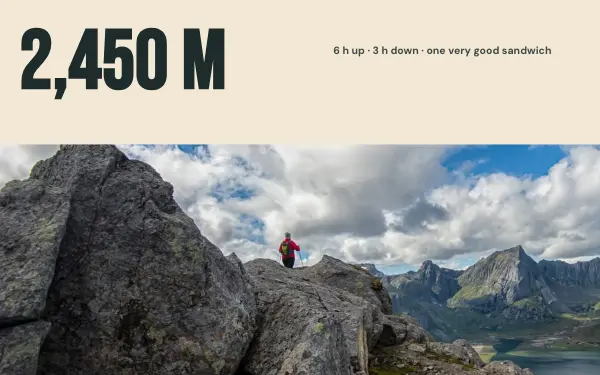
Use one landscape across slides
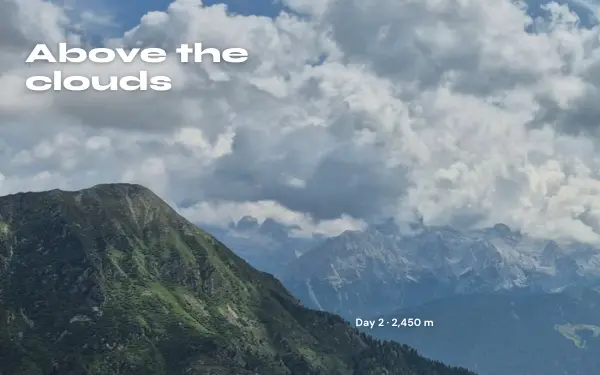
Mountains, forests and lakes look best when one wide photo runs over several slides. Choose your widest shot for that frame.
- 2
Add the details
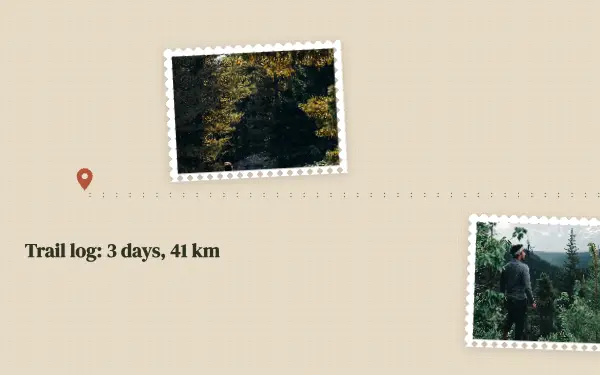
Between the views, close-ups of a trail sign, boots or a flower make it feel like a field journal. The designs have smaller frames for them.
- 3
Write down the route
Rewrite the sample text with the trail name, the distance and the height climbed. Hikers save posts that help them plan.
Outdoor post ideas
- A hike from start to summit
- Camping weekends
- National parks
- Seasons in one forest
- Lakes and coastlines
By number of photos
- 1 photo: Summit, Elevation
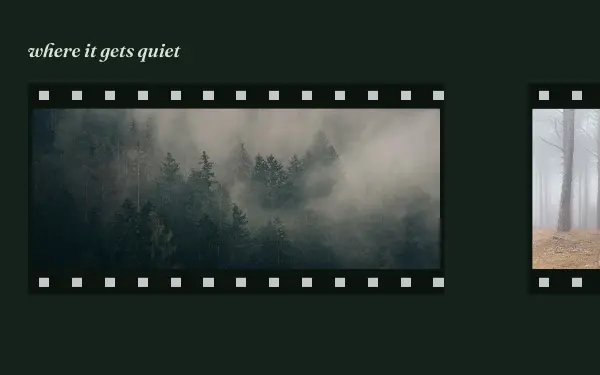
- 2 photos: Forest quiet
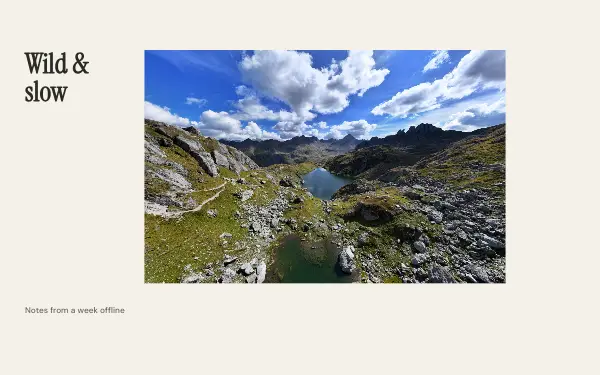
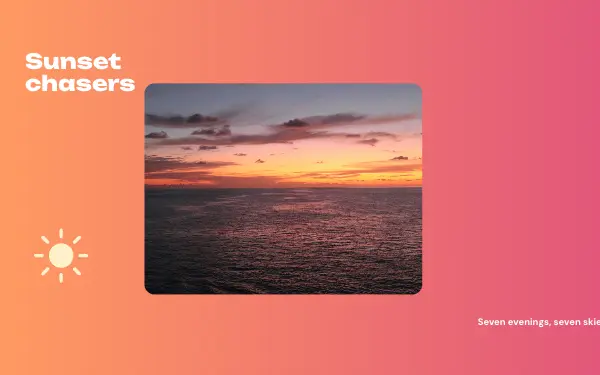
- 3 photos: Wild & slow, Sunset chasers
- 4 photos: Trail log
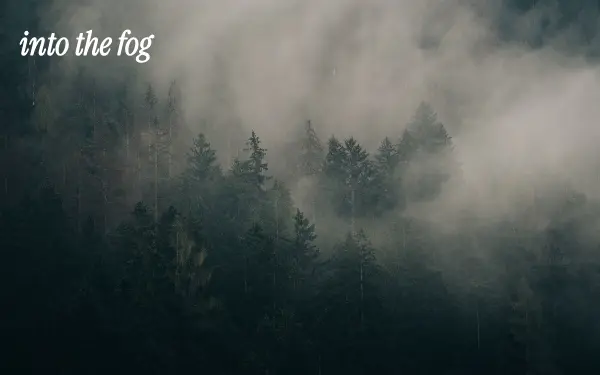
- 5 photos: Into the fog
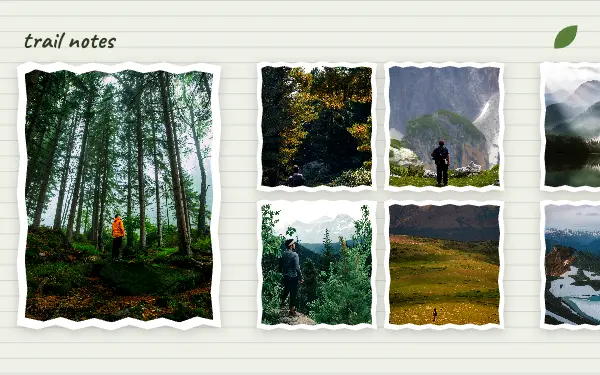
- 9 photos: Trail notes
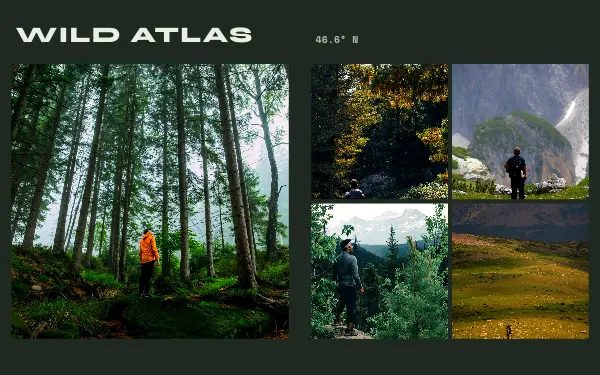
- 13 photos: Wild atlas
FAQ
Outdoor Instagram carousels, answered
How do I share hiking photos on Instagram?
Put your widest view in a frame that runs across slides, then the moments along the trail in order. Add the trail name and distance as text, and end with the view from the top.
Can I post a mountain panorama?
Yes. Several outdoor designs stretch one photo across the slides, and the app cuts it so the slides line up exactly as people swipe.
Are these outdoor carousel templates free?
Postora Swipe is free to download, and 6 of the 9 outdoor designs are free to use. The other 3 are VIP designs, marked with a crown. Free accounts make carousels of up to 8 slides and export full size with a small mark, after a short ad; VIP unlocks every design, carousels of up to 20 slides and exports without the mark or ads.
What size are the slides?
Each slide is 1080 × 1350 pixels (4:5), the portrait size Instagram shows biggest in the feed. The app cuts the design into slides that line up exactly, so the picture continues as people swipe.
How do I use a outdoor template?
Install Postora Swipe from Google Play, open the Outdoors designs and pick one, or choose your photos first and the app shows every design that fits them. Long-press to reorder the photos, tap any text to rewrite it, then preview the post and share it to Instagram.
Make a outdoor carousel on your phone
Postora Swipe is free on Google Play, with 133 free designs.