
14 designs · 1 to 20 photos
Film Instagram carousel templates
Film strips, sprocket holes and contact sheets for photos that feel analog. Warm, faded or black-and-white looks are built in, and the strip runs on from one slide to the next.
- 10 free, 4 VIP
- 1 to 20 photos per post
- 3 to 10 slides
- 4:5, 1080 × 1350 per slide

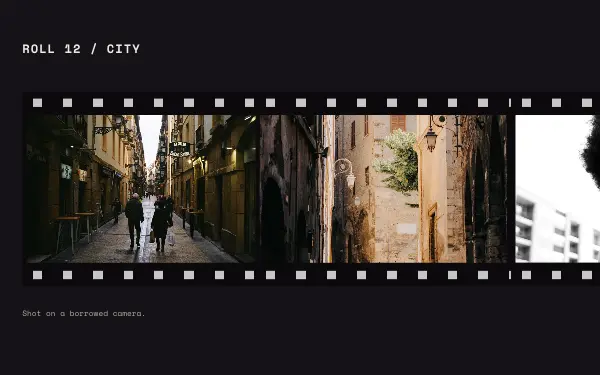
Contact sheet
4 photos 4 slides
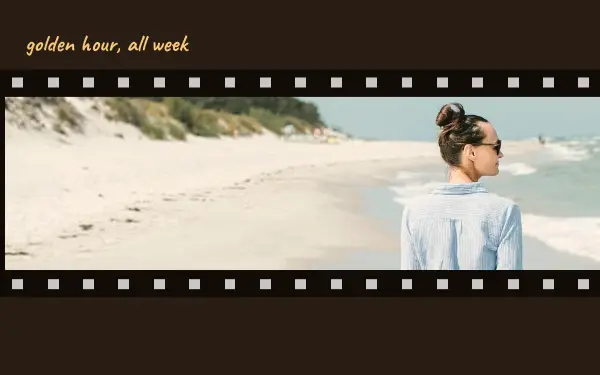
Golden reel
1 photo 3 slides
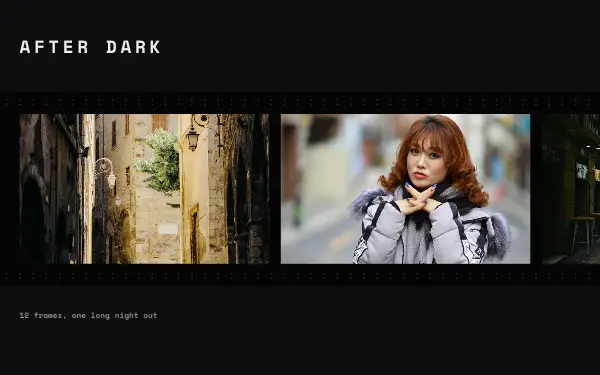
Night frames
3 photos 3 slides
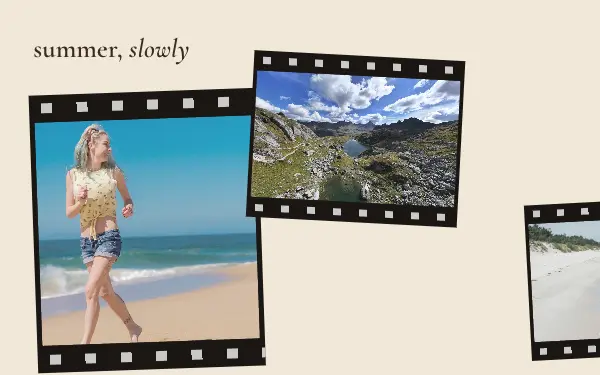
Faded summer
4 photos 4 slides
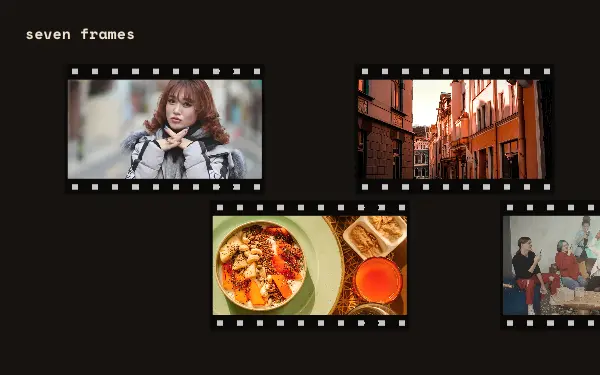
Lucky seven
7 photos 4 slides
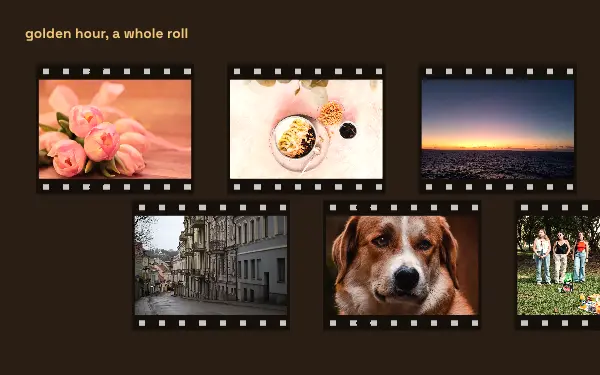
Golden roll
8 photos 3 slides
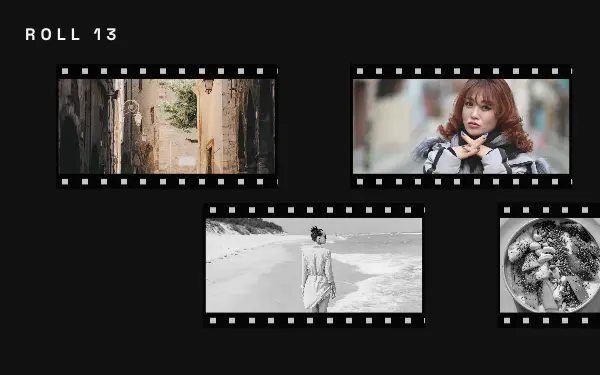
Roll thirteen
13 photos 7 slides
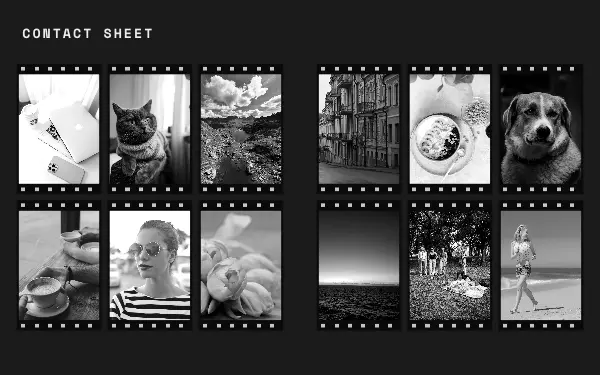
Contact sheet
14 photos 3 slides
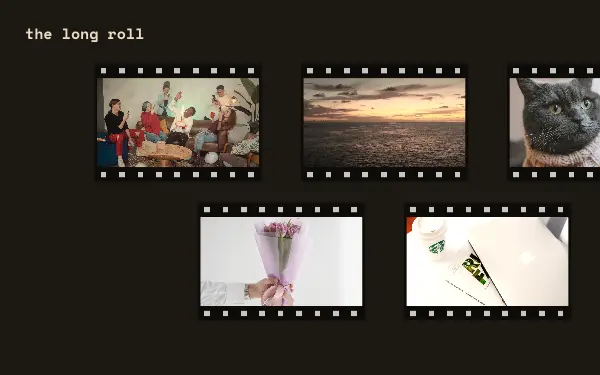
The long roll
15 photos 6 slides
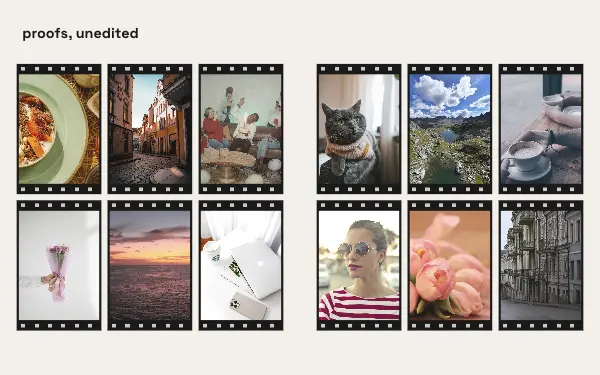
Proof sheet
16 photos 3 slides
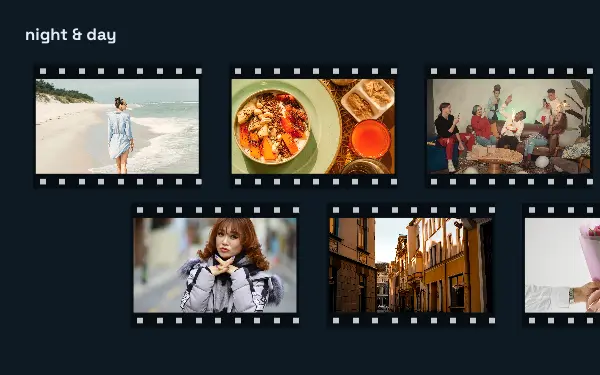
Night and day
17 photos 6 slides
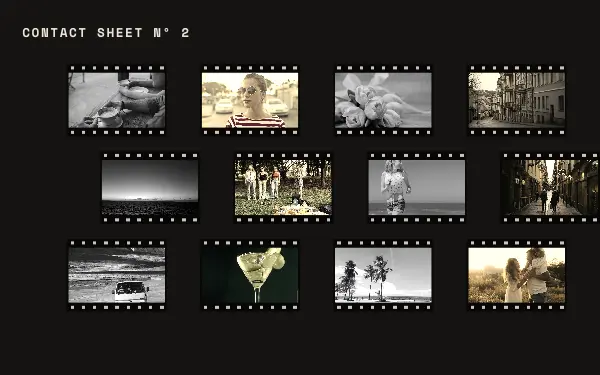
Contact sheet two
18 photos 3 slides
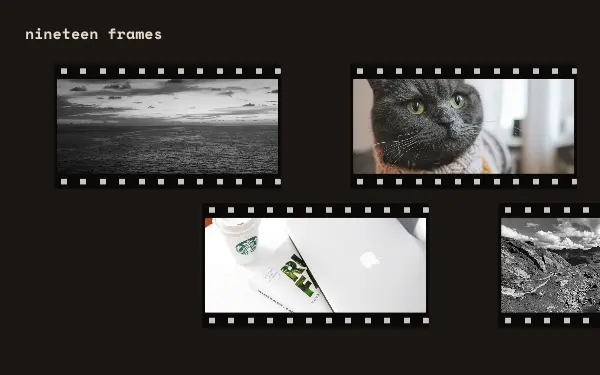
Nineteen frames
19 photos 10 slides
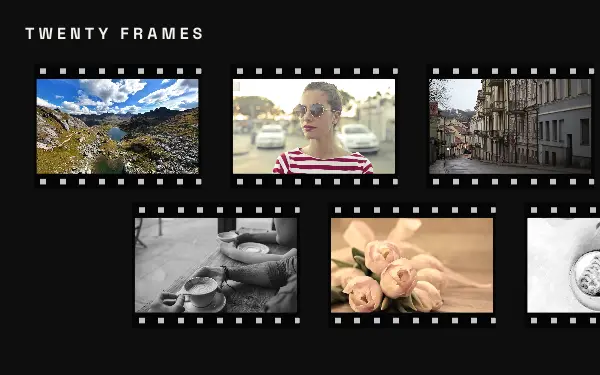
Twenty frames
20 photos 7 slides
How to make a film carousel people swipe through
- 1
Shoot or edit for grain
Film frames suit photos with natural light, soft contrast and a little grain. Phone photos work well too; the frames and the faded looks do much of the work.
- 2
Tell the roll in order
Film strips read left to right like a roll of negatives, so put your photos in the order they happened. A strip that runs across slides makes people swipe to see the next frame.
- 3
Mix wide and close
Alternate a wide scene with a close detail: the street, then the coffee cup, then the face. It is how a real roll of film looks and it keeps the strip from feeling repetitive.
Film post ideas
- A trip shot on one roll
- Black-and-white street photography
- Disposable camera nights out
- A day in the life
- Contact sheet of a photoshoot
By number of photos
- 1 photo: Golden reel
- 3 photos: Night frames
- 4 photos: Contact sheet, Faded summer
- 7 photos: Lucky seven
- 8 photos: Golden roll
- 13 photos: Roll thirteen
- 14 photos: Contact sheet
- 15 photos: The long roll
- 16 photos: Proof sheet
- 17 photos: Night and day
- 18 photos: Contact sheet two
- 19 photos: Nineteen frames
- 20 photos: Twenty frames
FAQ
Film Instagram carousels, answered
Do I need real film photos?
No. The film frames, sprocket holes and contact-sheet layouts are part of the design, so ordinary phone photos look analog once they are in it.
How many photos fit in a film carousel?
The film designs hold from 1 to 20 photos. Pick your photos first in the app and it shows the designs that fit exactly that many, with your photos already in them.
Are these film carousel templates free?
Postora Swipe is free to download, and 10 of the 14 film designs are free to use. The other 4 are VIP designs, marked with a crown. Free accounts make carousels of up to 8 slides and export full size with a small mark, after a short ad; VIP unlocks every design, carousels of up to 20 slides and exports without the mark or ads.
What size are the slides?
Each slide is 1080 × 1350 pixels (4:5), the portrait size Instagram shows biggest in the feed. The app cuts the design into slides that line up exactly, so the picture continues as people swipe.
How do I use a film template?
Install Postora Swipe from Google Play, open the Film designs and pick one, or choose your photos first and the app shows every design that fits them. Long-press to reorder the photos, tap any text to rewrite it, then preview the post and share it to Instagram.
Make a film carousel on your phone
Postora Swipe is free on Google Play, with 133 free designs.