
8 designs · 3 to 19 photos
Instant photo Instagram carousel templates
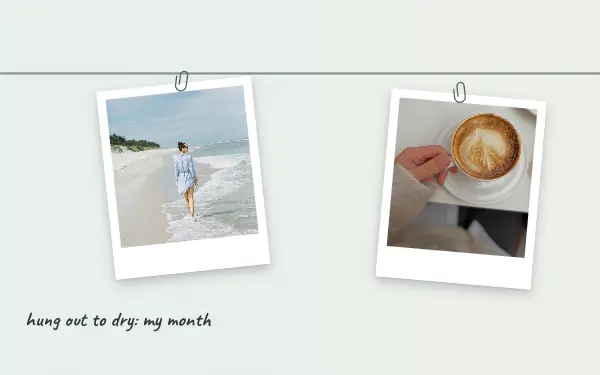
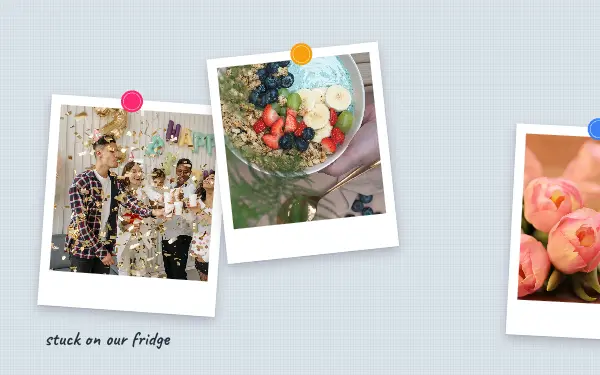
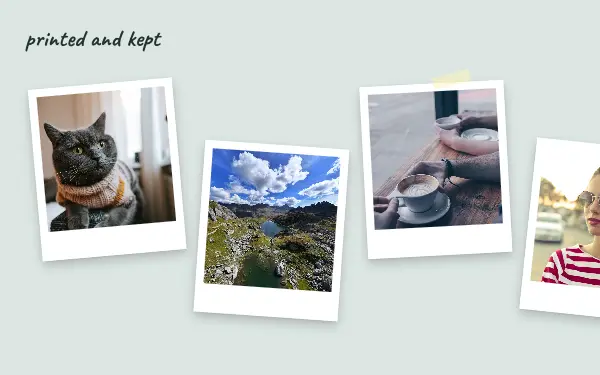
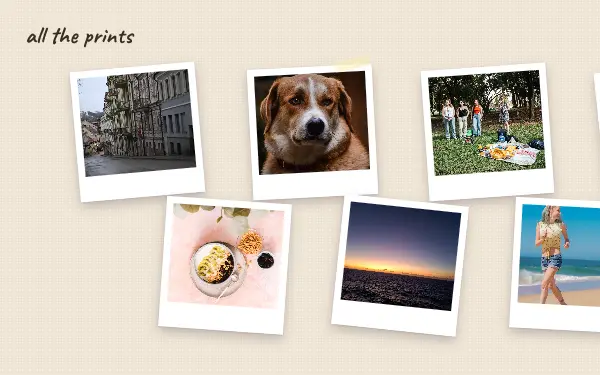
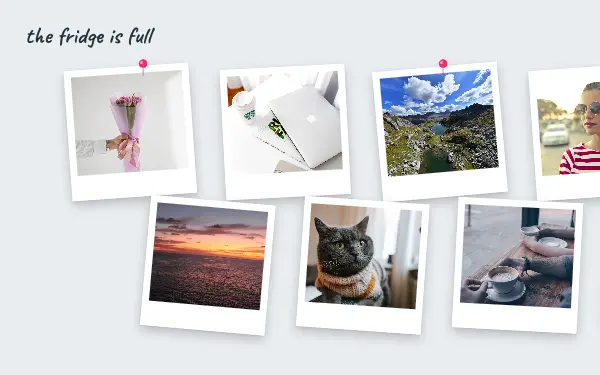
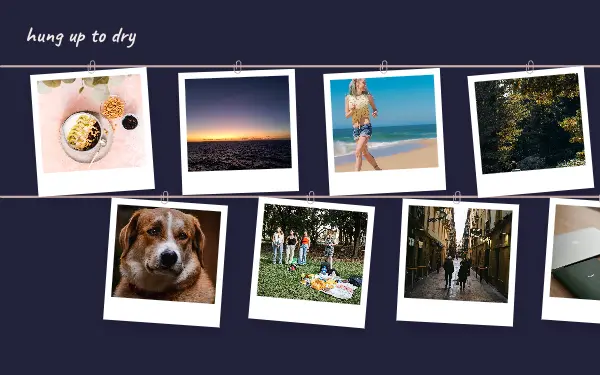
Your photos as instant prints: tilted, taped, clipped to a string or pinned to the fridge. A playful, personal look for days out, trips and the people you love.
- 6 free, 2 VIP
- 3 to 19 photos per post
- 3 to 5 slides
- 4:5, 1080 × 1350 per slide



How to make a instant photo carousel people swipe through
- 1
Choose photos with people in them
Instant prints feel personal, so they suit friends, family and faces more than landscapes. Square-ish crops with the subject in the middle look most like real prints.
- 2
Let them overlap a little
Tilted, taped and clipped prints look best slightly messy. The frames already sit at different angles; drag inside a frame to keep each face clear of the tape and the slide edge.
- 3
Write like a caption on the border
Use the text under each print the way you would write on a real one: a name, a date, an inside joke.
Instant photo post ideas
- Best friends and birthdays
- A summer with the family
- Concerts and festivals
- Anniversary memories
- Fridge-door photo walls
By number of photos
- 3 photos: Sunday stack
- 4 photos: Pinned memories, Fridge door
- 5 photos: Washing line
- 7 photos: Seven prints
- 15 photos: Print parade
- 17 photos: Full fridge
- 19 photos: Hung up to dry
FAQ
Instant photo Instagram carousels, answered
Are these Polaroid templates?
They are instant-photo templates: white-bordered prints that are taped, pinned or hung on a string, in the style many people call Polaroid. They are made by Postora and are not affiliated with any camera brand.
Can I write on the prints?
Yes. Every label and title is editable text, so you can change the words, the font and the colour on each print.
Are these instant photo carousel templates free?
Postora Swipe is free to download, and 6 of the 8 instant photo designs are free to use. The other 2 are VIP designs, marked with a crown. Free accounts make carousels of up to 8 slides and export full size with a small mark, after a short ad; VIP unlocks every design, carousels of up to 20 slides and exports without the mark or ads.
What size are the slides?
Each slide is 1080 × 1350 pixels (4:5), the portrait size Instagram shows biggest in the feed. The app cuts the design into slides that line up exactly, so the picture continues as people swipe.
How do I use a instant photo template?
Install Postora Swipe from Google Play, open the Instant photo designs and pick one, or choose your photos first and the app shows every design that fits them. Long-press to reorder the photos, tap any text to rewrite it, then preview the post and share it to Instagram.
Make a instant photo carousel on your phone
Postora Swipe is free on Google Play, with 133 free designs.