
8 designs · 1 to 19 photos
Home tour Instagram carousel templates
Room tours, cosy corners and before-and-afters for the spaces you have made yours.
- 6 free, 2 VIP
- 1 to 19 photos per post
- 3 to 6 slides
- 4:5, 1080 × 1350 per slide

How to make a home tour carousel people swipe through
- 1
Shoot in daylight
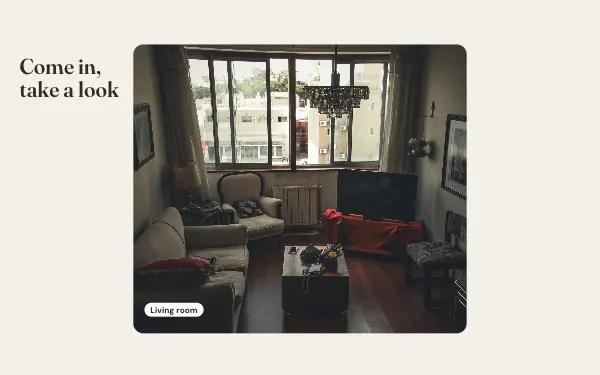
Rooms look biggest and warmest in daylight with the lamps on. Shoot from a corner at chest height to show more of the room.
- 2
Room first, then details
Show each room wide, then a corner or an object you love. It is how people look around a home in person.
- 3
Before and after
For a makeover, take the before and after photos from the same spot so the change is clear.
Home tour post ideas
- Room tours
- Renovation before and after
- Cosy corners
- Moving in
- Seasonal decorating
By number of photos
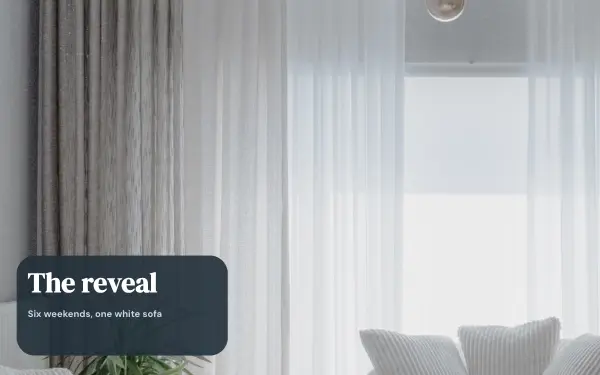
- 1 photo: Room reveal
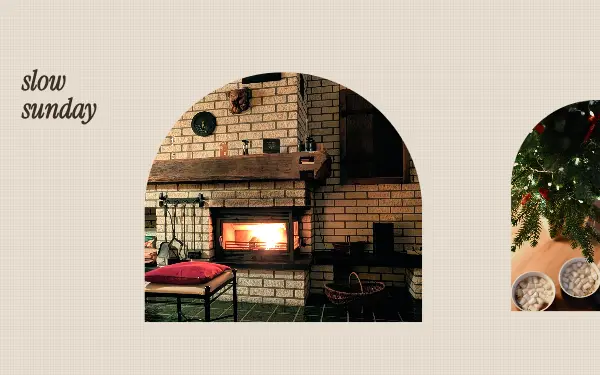
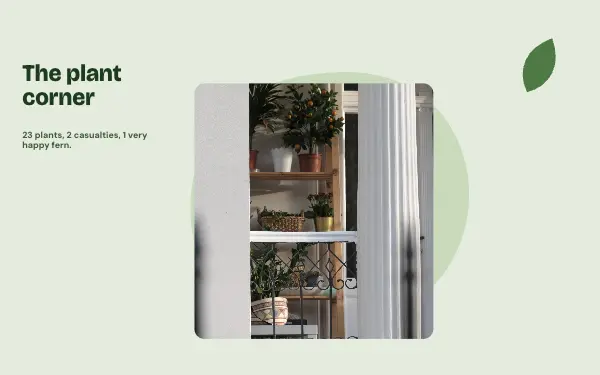
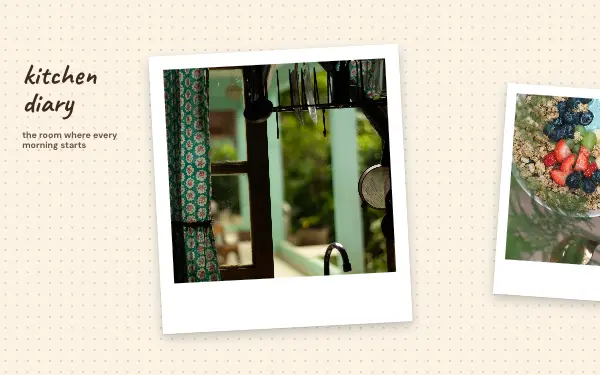
- 3 photos: Slow Sunday, Plant corner, Kitchen diary
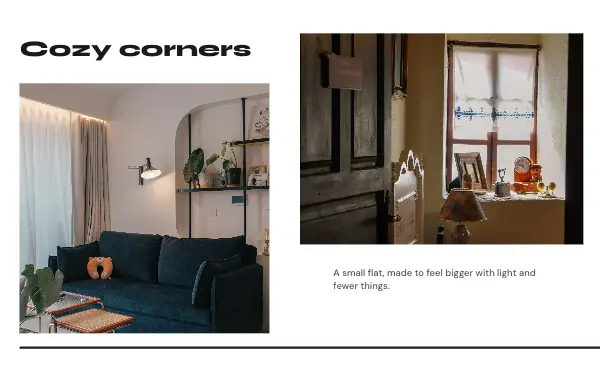
- 4 photos: Home tour, Cozy corners
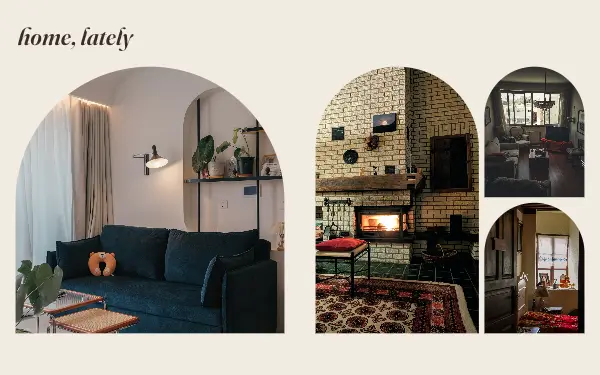
- 10 photos: Home, lately
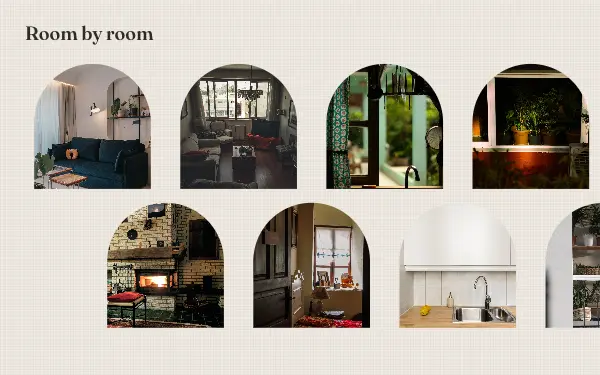
- 19 photos: Room by room
FAQ
Home tour Instagram carousels, answered
How do I post a home tour on Instagram?
Walk through the home in order, one room per slide or a wide photo across two, and add the details in smaller frames. The home designs hold from 1 to 19 photos.
Can interior designers use these?
Yes. Project reveals and before-and-afters work well. Add your name on the last slide and change the colours to your brand.
Are these home tour carousel templates free?
Postora Swipe is free to download, and 6 of the 8 home tour designs are free to use. The other 2 are VIP designs, marked with a crown. Free accounts make carousels of up to 8 slides and export full size with a small mark, after a short ad; VIP unlocks every design, carousels of up to 20 slides and exports without the mark or ads.
What size are the slides?
Each slide is 1080 × 1350 pixels (4:5), the portrait size Instagram shows biggest in the feed. The app cuts the design into slides that line up exactly, so the picture continues as people swipe.
How do I use a home tour template?
Install Postora Swipe from Google Play, open the Home designs and pick one, or choose your photos first and the app shows every design that fits them. Long-press to reorder the photos, tap any text to rewrite it, then preview the post and share it to Instagram.
Make a home tour carousel on your phone
Postora Swipe is free on Google Play, with 133 free designs.