
9 designs · 2 to 12 photos
Outfit and fashion Instagram carousel templates
Lookbooks, outfit weeks and flat lays, with tall frames for full-length shots and room for the details.
- 6 free, 3 VIP
- 2 to 12 photos per post
- 3 to 7 slides
- 4:5, 1080 × 1350 per slide

How to make a outfit carousel people swipe through
- 1
Shoot full length
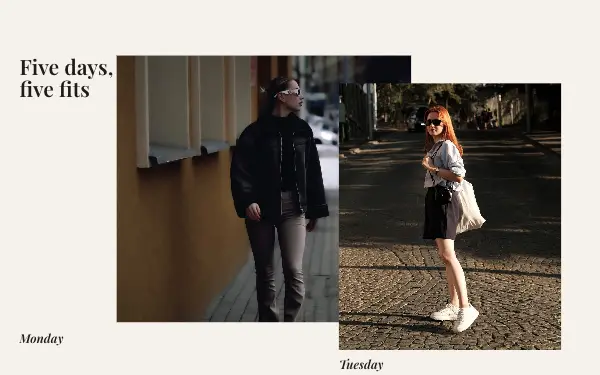
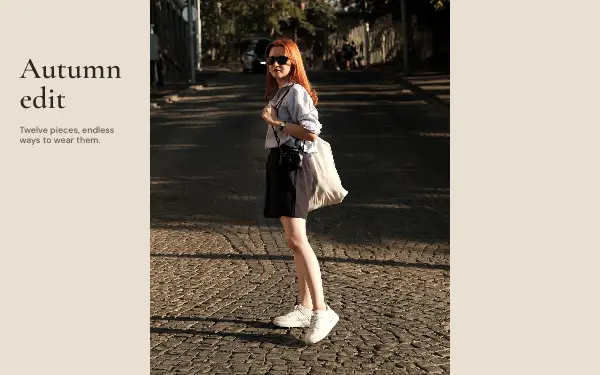
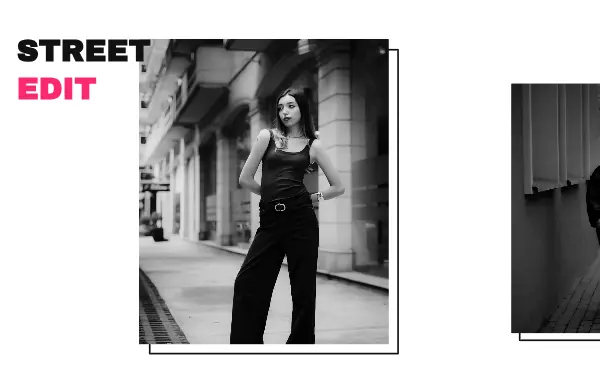
Fashion designs have tall frames for full-length outfits. Stand back, include the shoes, and keep the background plain.
- 2
Add the details
After the full look, show the bag, the jewellery or the fabric up close. Small frames are made for those.
- 3
Name the pieces
Write the brand or where each piece is from. People ask anyway, and they save posts that answer.
Outfit post ideas
- Outfit of the week
- Lookbooks
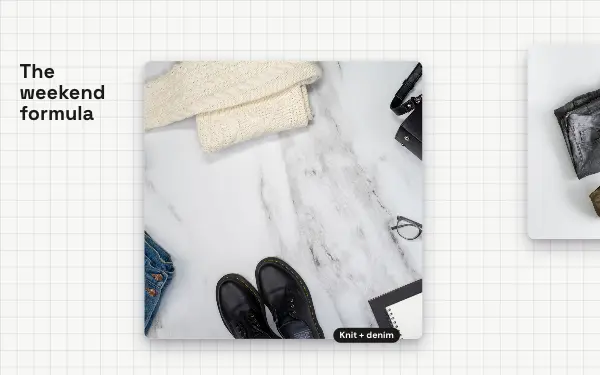
- Flat lays
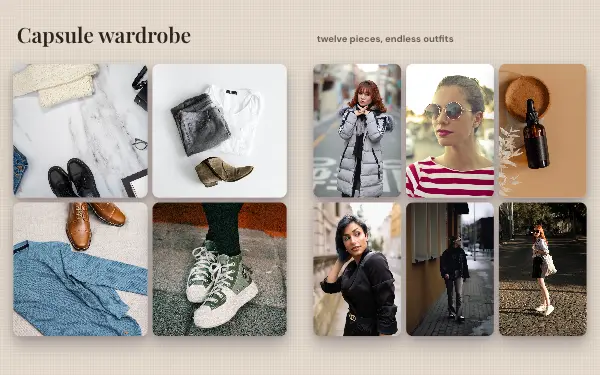
- Capsule wardrobes
- Thrift and vintage finds
By number of photos
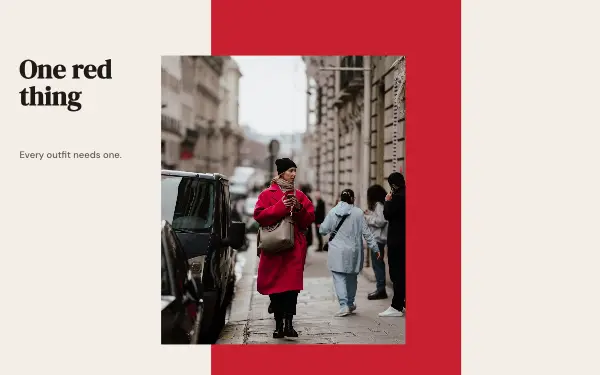
- 2 photos: Street edit, Red accent
- 3 photos: Neutral lookbook, Flat lay
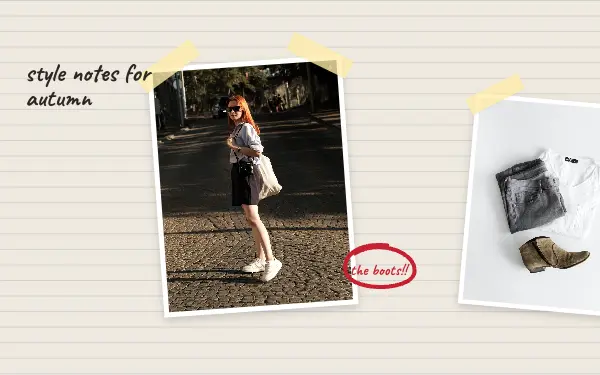
- 4 photos: Style notes
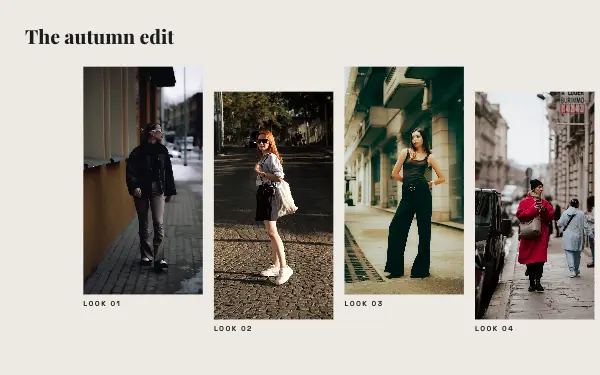
- 5 photos: Outfit week
- 8 photos: Lookbook
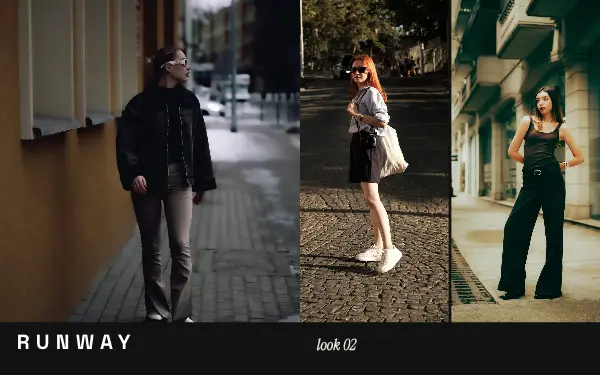
- 10 photos: Runway
- 12 photos: Capsule wardrobe
FAQ
Outfit Instagram carousels, answered
How do I make an outfit carousel?
Use one full-length photo per outfit in a lookbook or outfit-week design, add close-ups of the details, and write where the pieces are from. The tall frames fit full-length shots.
Can fashion brands use these templates?
Yes, for lookbooks, new collections and product details. Change the colours and fonts to your brand.
Are these outfit carousel templates free?
Postora Swipe is free to download, and 6 of the 9 outfit designs are free to use. The other 3 are VIP designs, marked with a crown. Free accounts make carousels of up to 8 slides and export full size with a small mark, after a short ad; VIP unlocks every design, carousels of up to 20 slides and exports without the mark or ads.
What size are the slides?
Each slide is 1080 × 1350 pixels (4:5), the portrait size Instagram shows biggest in the feed. The app cuts the design into slides that line up exactly, so the picture continues as people swipe.
How do I use a outfit template?
Install Postora Swipe from Google Play, open the Fashion designs and pick one, or choose your photos first and the app shows every design that fits them. Long-press to reorder the photos, tap any text to rewrite it, then preview the post and share it to Instagram.
Make a outfit carousel on your phone
Postora Swipe is free on Google Play, with 133 free designs.