
6 designs · 2 to 14 photos
Small business Instagram carousel templates
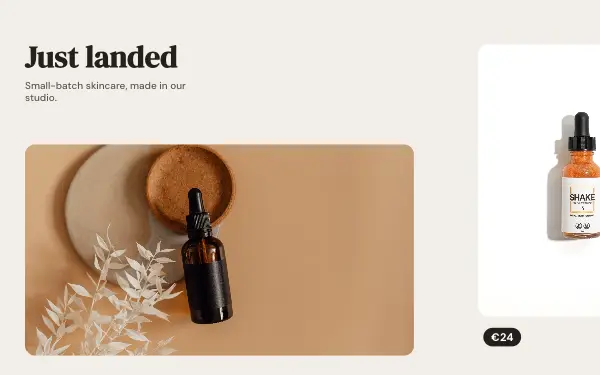
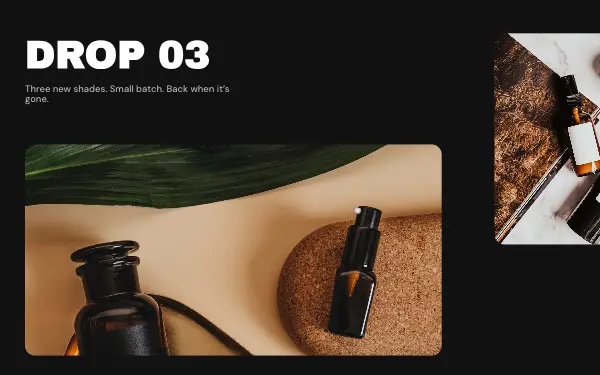
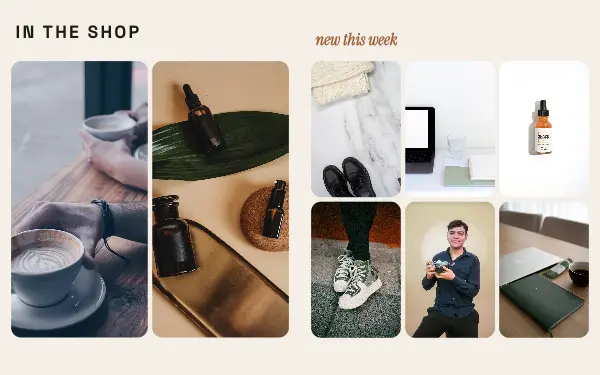
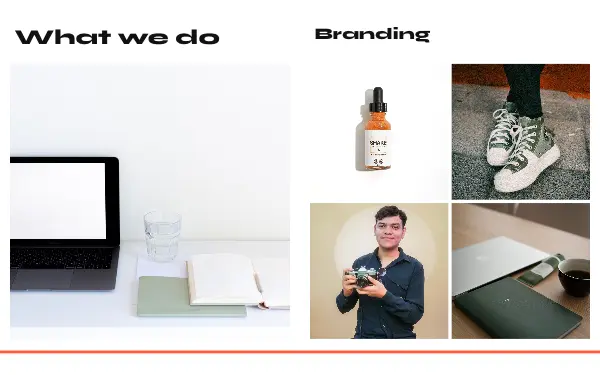
Product drops, before-and-afters and new arrivals, laid out so your product is the hero and the call to action sits on the last slide.
- 4 free, 2 VIP
- 2 to 14 photos per post
- 2 to 5 slides
- 4:5, 1080 × 1350 per slide

How to make a small business carousel people swipe through
- 1
Make the product the hero
Use clean product photos on a plain background. The layouts give the product the biggest frame and keep the text around it short.
- 2
End with the call to action
The last slide is where people decide. Rewrite it to say exactly what to do next: shop the link in bio, message to order, visit the shop on Saturday.
- 3
Show before and after
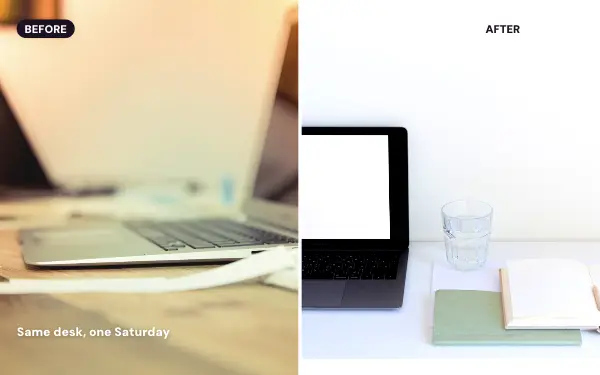
For services, a before-and-after across two slides makes the result obvious. Use photos taken from the same angle so the change is easy to see.
Small business post ideas
- New arrivals
- Product launches
- Before and after results
- Behind the scenes of your shop
- Customer favourites
By number of photos
- 2 photos: Before & after, Product drop
- 3 photos: New arrivals
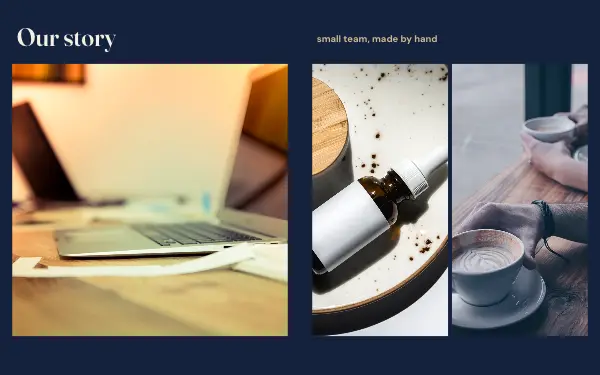
- 9 photos: Brand story
- 10 photos: Shop window
- 14 photos: Studio services
FAQ
Small business Instagram carousels, answered
Do Instagram carousels work for small businesses?
Carousels let you show a product from several angles, explain it, and end with a call to action in a single post. Because people swipe, they spend longer on it than on a single photo.
Can I add my logo and brand colours?
Yes. Add your logo as a photo or sticker, change the colours and fonts to yours, and save them in a brand kit for the next post.
Are these small business carousel templates free?
Postora Swipe is free to download, and 4 of the 6 small business designs are free to use. The other 2 are VIP designs, marked with a crown. Free accounts make carousels of up to 8 slides and export full size with a small mark, after a short ad; VIP unlocks every design, carousels of up to 20 slides and exports without the mark or ads.
What size are the slides?
Each slide is 1080 × 1350 pixels (4:5), the portrait size Instagram shows biggest in the feed. The app cuts the design into slides that line up exactly, so the picture continues as people swipe.
How do I use a small business template?
Install Postora Swipe from Google Play, open the Small business designs and pick one, or choose your photos first and the app shows every design that fits them. Long-press to reorder the photos, tap any text to rewrite it, then preview the post and share it to Instagram.
Make a small business carousel on your phone
Postora Swipe is free on Google Play, with 133 free designs.