
New arrivalsSmall business Instagram carousel template for 3 photos
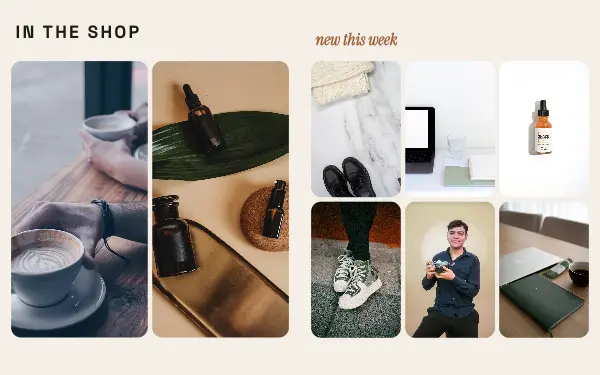
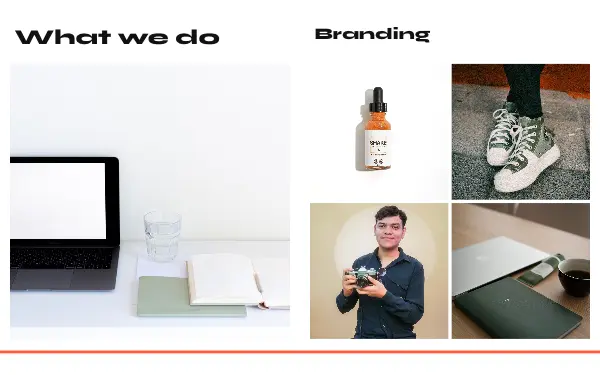
A seamless 4-slide Instagram carousel template for products and small businesses, with 3 photo slots and rounded photos.
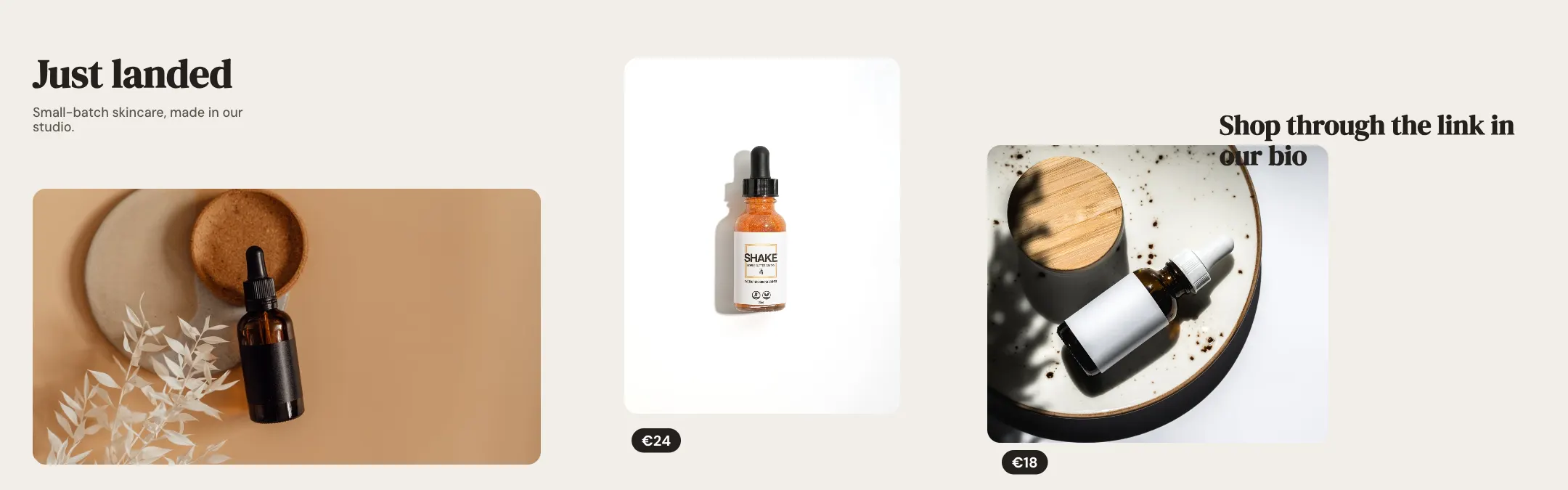
Swipe sideways to see all 4 slides. Sample photos from Pexels; in the app they are yours.
See it on Instagram
How the carousel looks in the feed, swiped one slide at a time, with the seams lining up. In the app you preview it with your own photos before you share.
yourname
1,086 likes
yourname A seamless 4-slide Instagram carousel template for products and small businesses, with 3 photo slots and rounded photos.
How to use the New arrivals template
- 1
Install Postora Swipe from Google Play and open New arrivals from the Small business designs, or pick 3 photos first: designs that hold exactly 3 show up with your photos already in them.
- 2
Long-press a photo to change the order. The 3 photos fill the design left to right, and each one stays centred on its subject; drag inside a frame to move it.
- 3
Tap any text to rewrite it (the sample says “Just landed”), change fonts and colours, then preview the post in the feed and share it to Instagram.
What is on each slide
- Slide 1 (cover)1 photo
- Slide 21 photo
- Slide 31 photo
- Slide 4 (last)words and design only
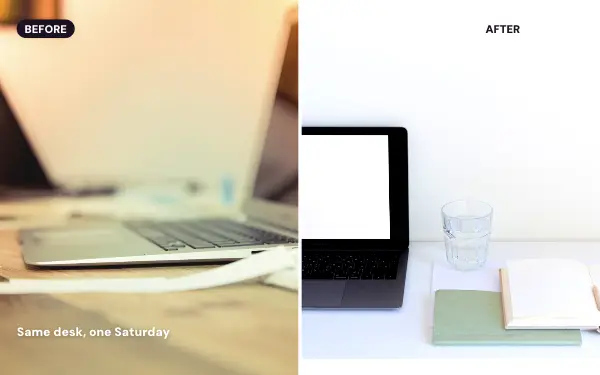
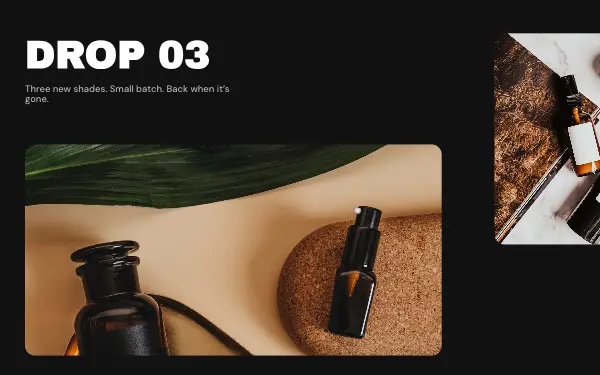
Product drops, before-and-afters and new arrivals, laid out so your product is the hero and the call to action sits on the last slide.
More designs like New arrivals
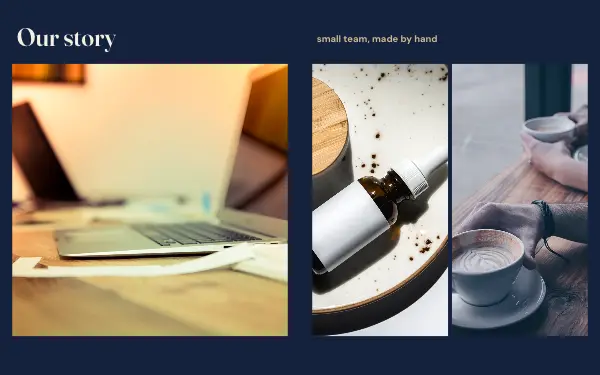
From Small business, and others for 3 photos.
Make New arrivals with your photos
Postora Swipe is free on Google Play, with 133 free designs.
