
13 designs · 10 to 20 photos
Photo dump Instagram carousel templates (10+ photos)
For when ten photos are not enough: grids, rolls and walls that fit up to twenty photos in one post, Instagram’s limit.
- 9 free, 4 VIP
- 10 to 20 photos per post
- 3 to 10 slides
- 4:5, 1080 × 1350 per slide

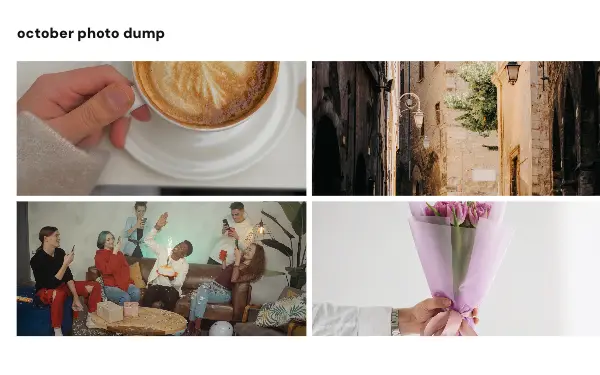
Grid dump
12 photos 6 slides
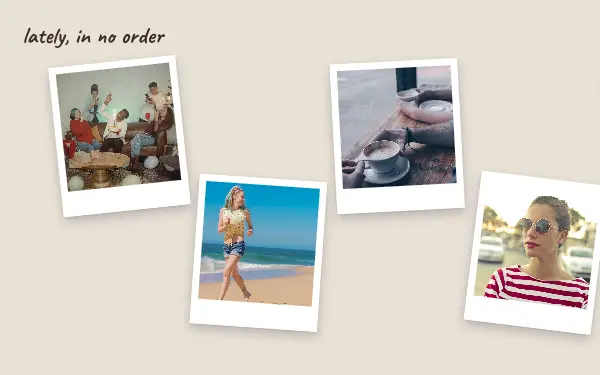
Scattered prints
10 photos 5 slides

Two rolls
14 photos 6 slides

Mixed sizes
12 photos 6 slides
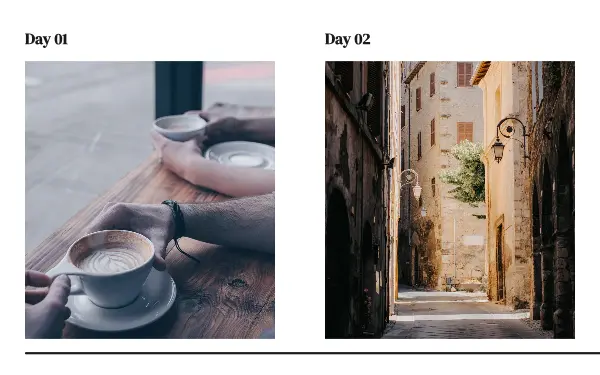
One a day
10 photos 10 slides

Taped wall
12 photos 6 slides
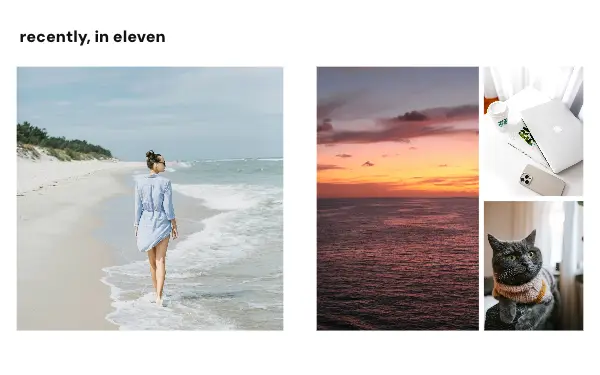
Recently
11 photos 4 slides
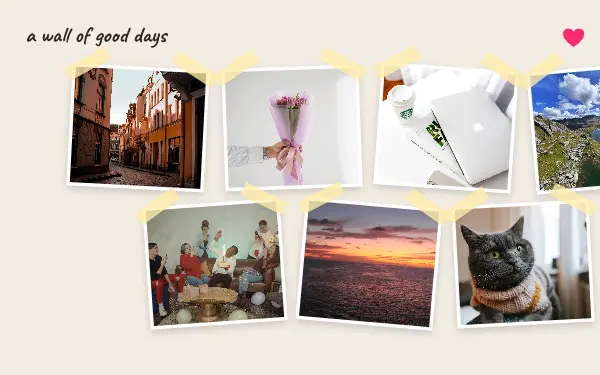
Good days wall
13 photos 4 slides
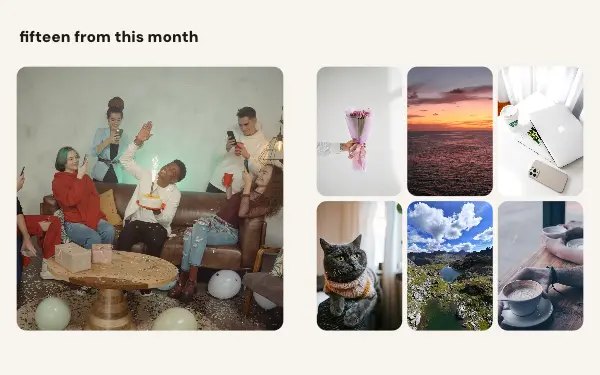
Month in fifteen
15 photos 4 slides

Unsorted
17 photos 4 slides
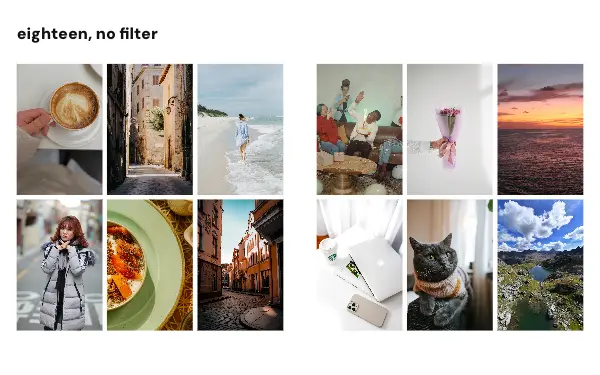
No filter grid
18 photos 3 slides
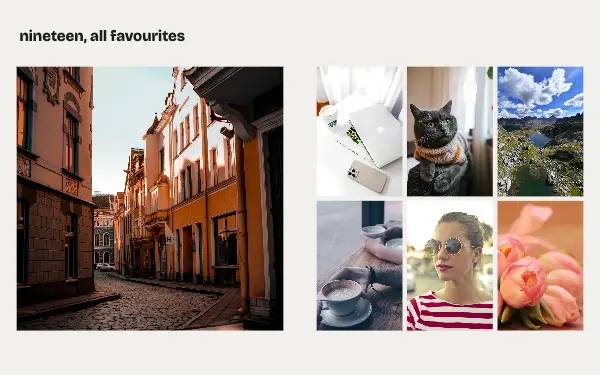
All favourites
19 photos 4 slides
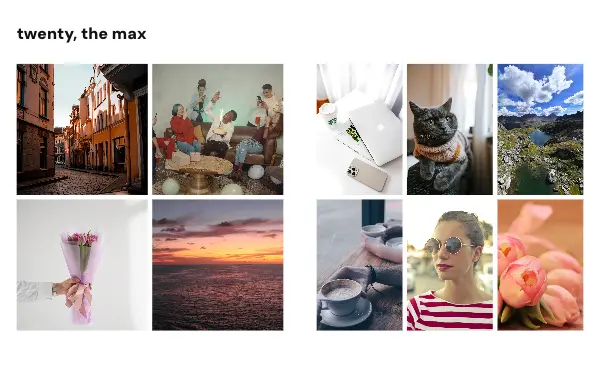
Twenty grid
20 photos 4 slides
How to make a photo dump carousel people swipe through
- 1
Curate even a dump
A photo dump looks easy but works best with some order: start with the strongest photo, mix close and wide, and end with something that makes people smile.
- 2
Let the grid do the work
Grids and rolls fit many photos per slide, so you can share 10 to 20 photos without making people swipe through 20 slides.
- 3
Know the slide limit
Free accounts make carousels of up to 8 slides; VIP goes to Instagram’s limit of 20. The photo count and the slide count are listed on every design.
Photo dump post ideas
- Weekend dumps
- Monthly photo dumps
- Festival and concert weekends
- Camera roll clear-outs
- A year in 20 photos
By number of photos
- 10 photos: Scattered prints, One a day
- 11 photos: Recently
- 12 photos: Grid dump, Mixed sizes, Taped wall
- 13 photos: Good days wall
- 14 photos: Two rolls
- 15 photos: Month in fifteen
- 17 photos: Unsorted
- 18 photos: No filter grid
- 19 photos: All favourites
- 20 photos: Twenty grid
FAQ
Photo dump Instagram carousels, answered
How many photos can I post in one Instagram carousel?
Instagram allows up to 20 slides in one carousel. With a grid design you can put more than one photo on a slide; these designs hold from 10 to 20 photos.
What is a photo dump?
A post of many loosely related photos from a period, a weekend or a month, shared together. The designs here lay them out in grids, rolls and walls so a dump still looks made.
Are these photo dump carousel templates free?
Postora Swipe is free to download, and 9 of the 13 photo dump designs are free to use. The other 4 are VIP designs, marked with a crown. Free accounts make carousels of up to 8 slides and export full size with a small mark, after a short ad; VIP unlocks every design, carousels of up to 20 slides and exports without the mark or ads.
What size are the slides?
Each slide is 1080 × 1350 pixels (4:5), the portrait size Instagram shows biggest in the feed. The app cuts the design into slides that line up exactly, so the picture continues as people swipe.
How do I use a photo dump template?
Install Postora Swipe from Google Play, open the 10+ photos designs and pick one, or choose your photos first and the app shows every design that fits them. Long-press to reorder the photos, tap any text to rewrite it, then preview the post and share it to Instagram.
Make a photo dump carousel on your phone
Postora Swipe is free on Google Play, with 133 free designs.