
Beginner traps carousel template
The traps people fall into when they start, each with the simple fix.
Slide 1 of 5 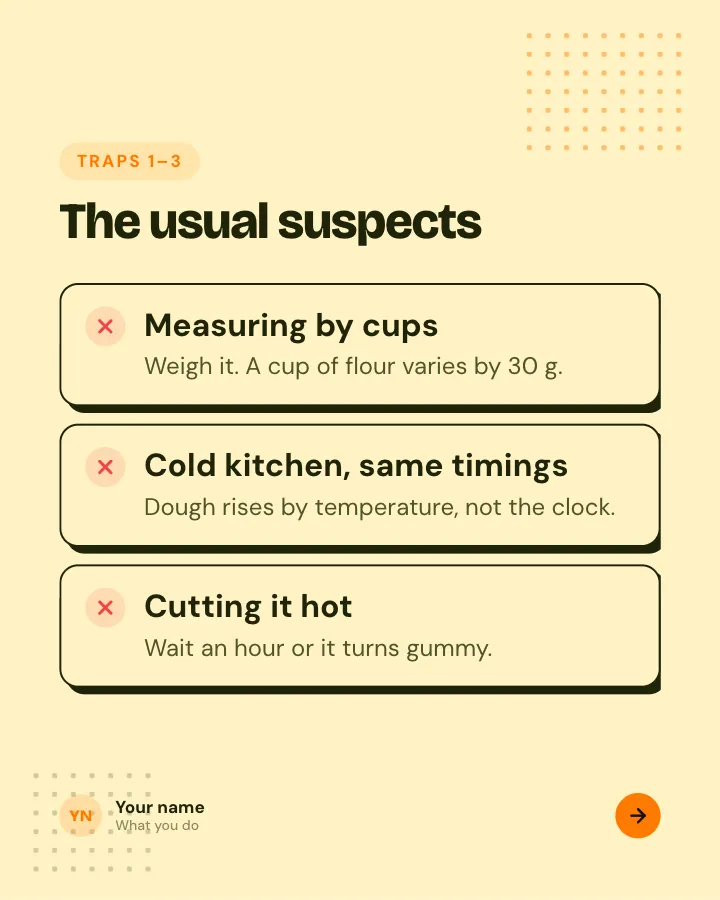
Slide 2 of 5 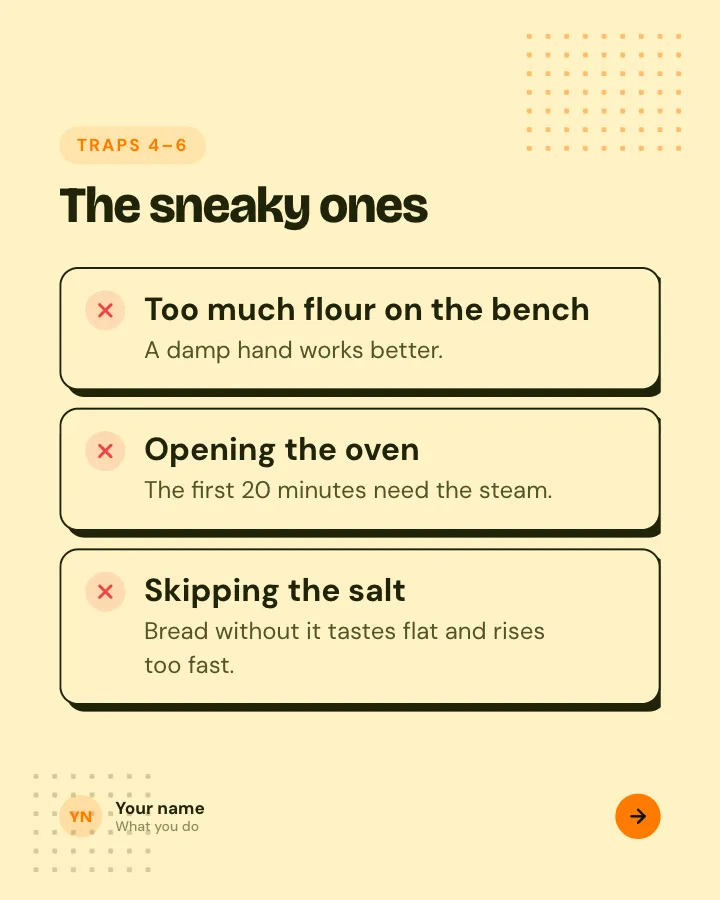
Slide 3 of 5 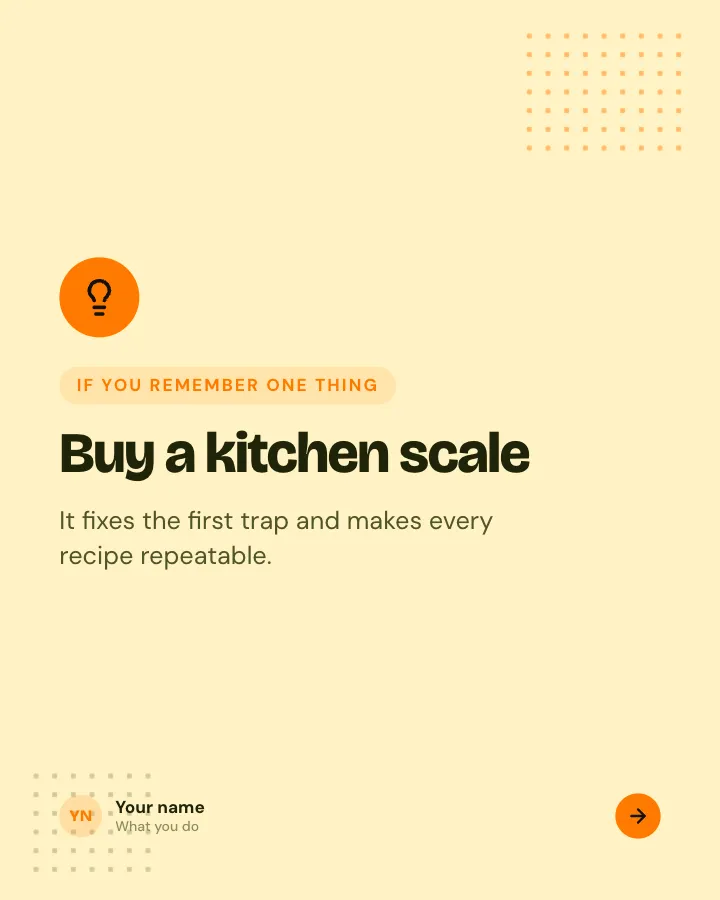
Slide 4 of 5 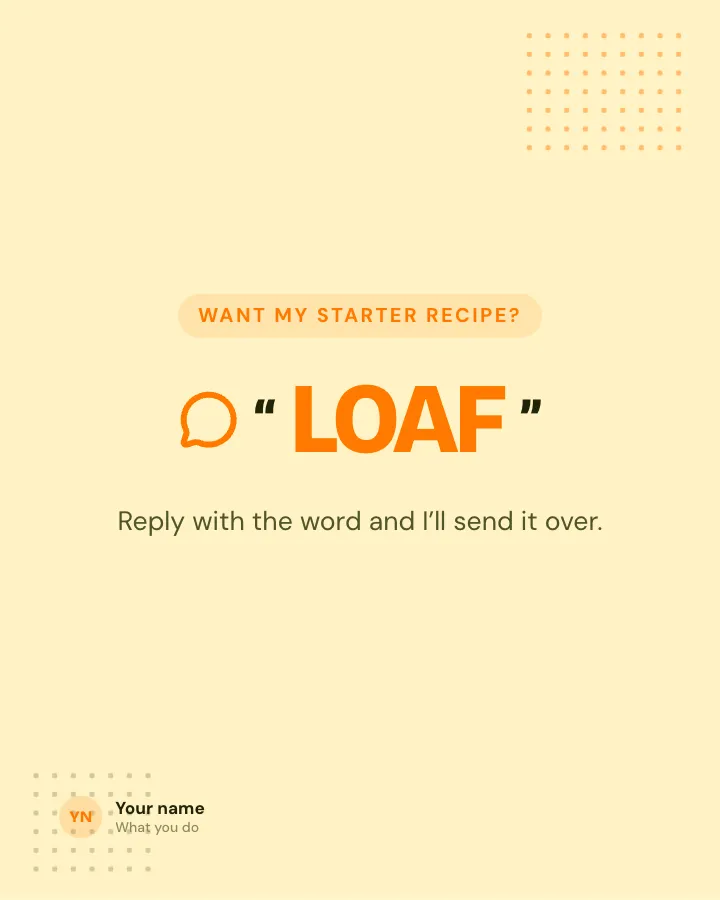
Slide 5 of 5
See it in the feed
How the example looks once it is posted. In the studio the preview uses your own slides, caption and profile.
Your name
What you do · 1h
The traps people fall into when they start, each with the simple fix.
1/5When to use it
Reach for Beginner traps when you want to teach your audience something they can use straight away and make a post people save and come back to. Its structure is tips: separate pointers, each on its own slide. Give Postora your topic and it keeps the shape, writing every slide about your subject in your voice.
What each slide does
1Hook
Opening: who these traps are for.
In the example
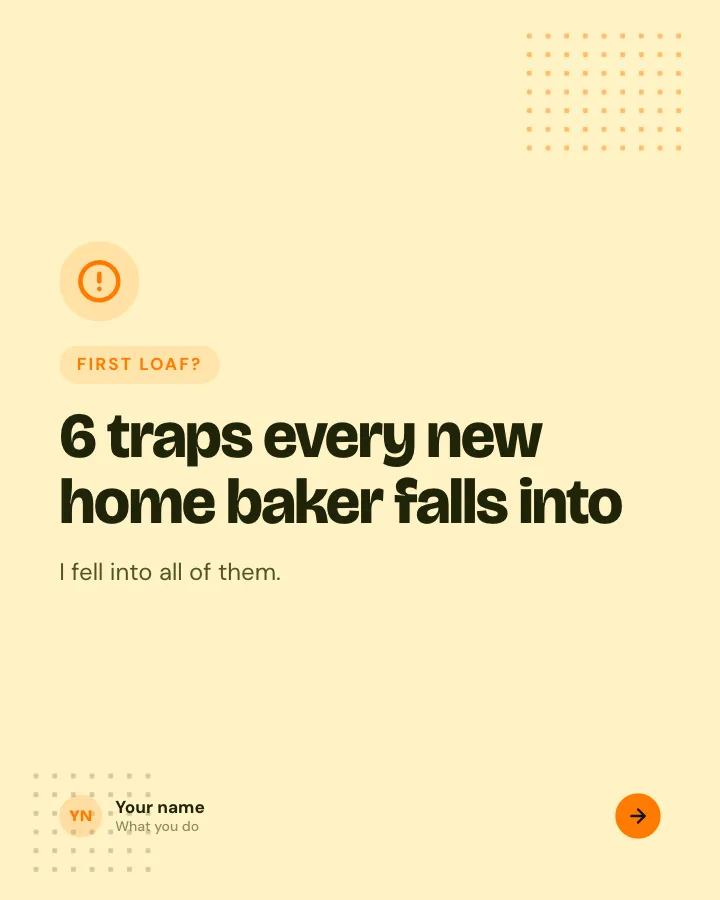
6 traps every new home baker falls into
First loaf?
I fell into all of them.
2List
Traps 1–3, each with the fix.
In the example
The usual suspects
Traps 1–3
- Measuring by cups — Weigh it. A cup of flour varies by 30 g.
- Cold kitchen, same timings — Dough rises by temperature, not the clock.
- Cutting it hot — Wait an hour or it turns gummy.
3List
Traps 4–6.
In the example
The sneaky ones
Traps 4–6
- Too much flour on the bench — A damp hand works better.
- Opening the oven — The first 20 minutes need the steam.
- Skipping the salt — Bread without it tastes flat and rises too fast.
4Point
The one tip that prevents most of them.
In the example
Buy a kitchen scale
If you remember one thing
It fixes the first trap and makes every recipe repeatable.
5Call to action
Offer something in exchange for a comment.
In the example
Want my starter recipe?
Reply with the word and I’ll send it over.
LOAF
Make it in Postora
Step 1
Say what it is about
Open Beginner traps and type your topic, paste a link or add your notes.
Step 2
Check the plan
Postora keeps the template’s structure and writes each slide for your subject, in the voice you pick.
Step 3
Polish and download
Edit any word, change the theme or a layout, then export a PDF, images or a video.
Questions about Beginner traps
Is the Beginner traps template free?
Yes. Opening Beginner traps and editing its example are free, no account needed. A free account adds 3 AI carousels a month and 5 downloads of the finished carousel with a small Postora mark; VIP downloads without limits or the mark.
Which platforms is it made for?
LinkedIn (PDF document post, best at 4:5), Instagram (PNG images, best at 4:5), TikTok (PNG images or an MP4 video, best at 9:16) and X (PNG images, best at 16:9). Postora sizes the carousel for the network you pick and checks it against that network’s limits before you download it.
How many slides does it have?
5, each with its own job (shown above). You can add, remove or reorder slides: free carousels go up to 8 slides, VIP up to 30.
Can I change the design?
Yes. It opens in the Scrapbook theme, and you can switch to any of 95 themes or your own brand kit in one click, swap the layout of any slide, and edit every word.
Templates like this one
Browse all templates
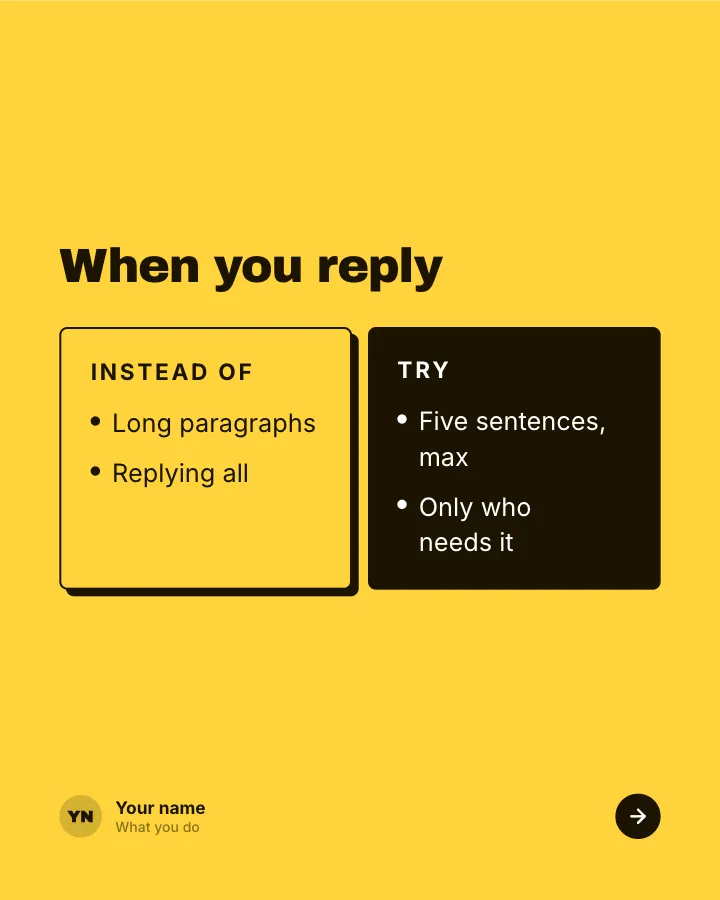
Better swaps
5 slidesSmall habits to replace, each shown next to the version that works better.
ExplainBe bookmarked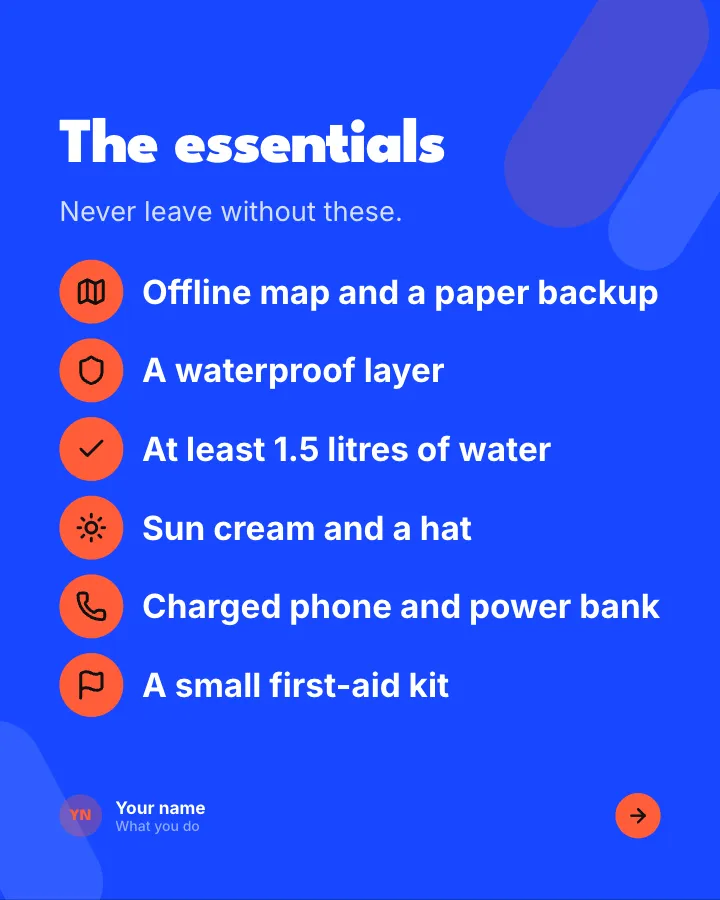
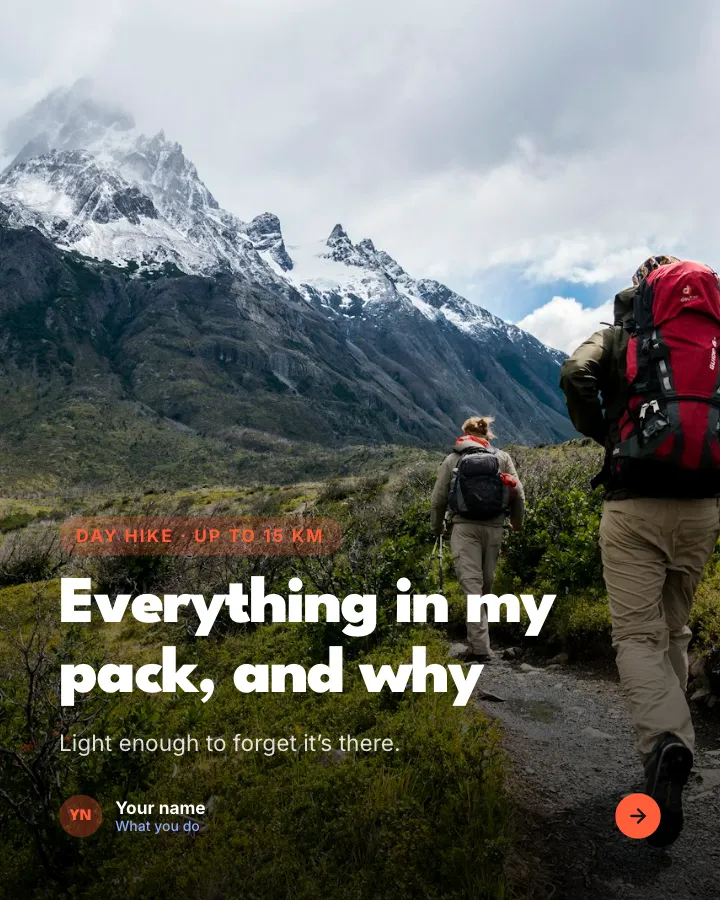
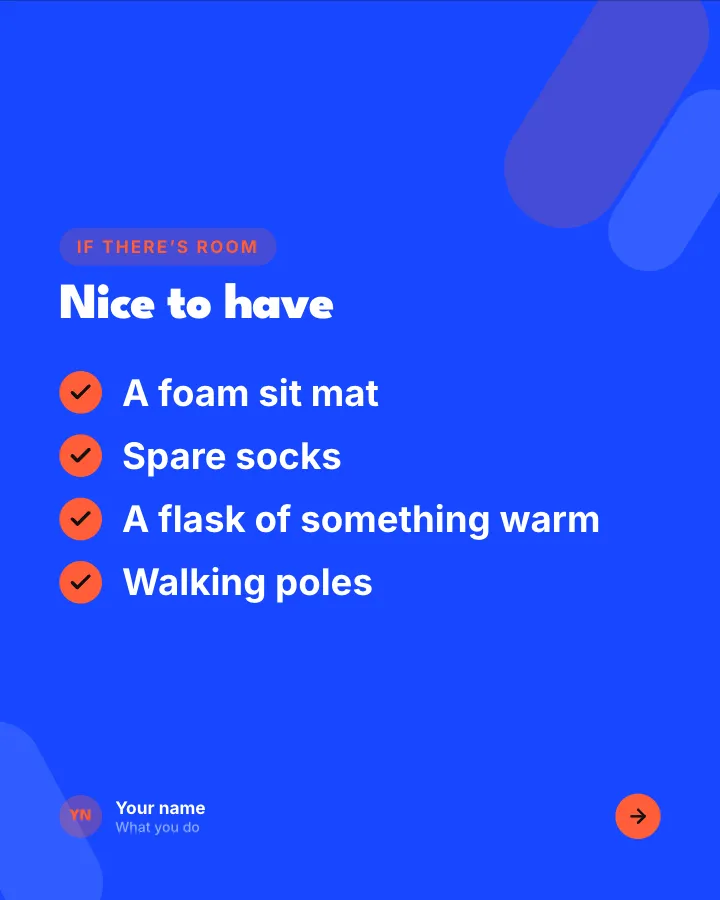
Day-hike packing list
7 slidesWhat to pack for a day on the trails, sorted into essentials, nice to have and leave at home, with where the weight goes.
Be bookmarkedExplainVIP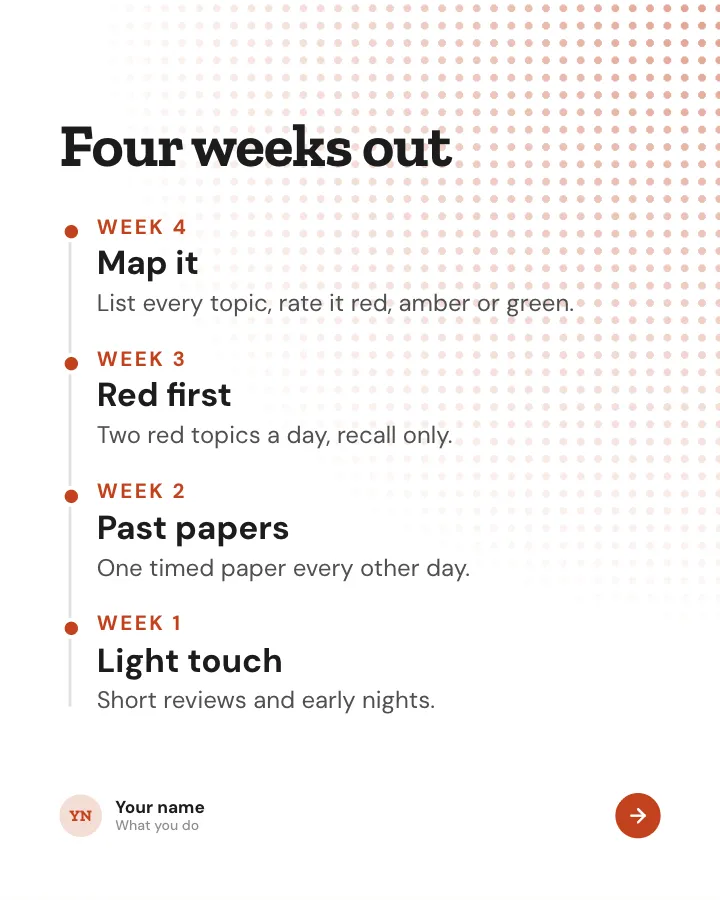
Exam countdown
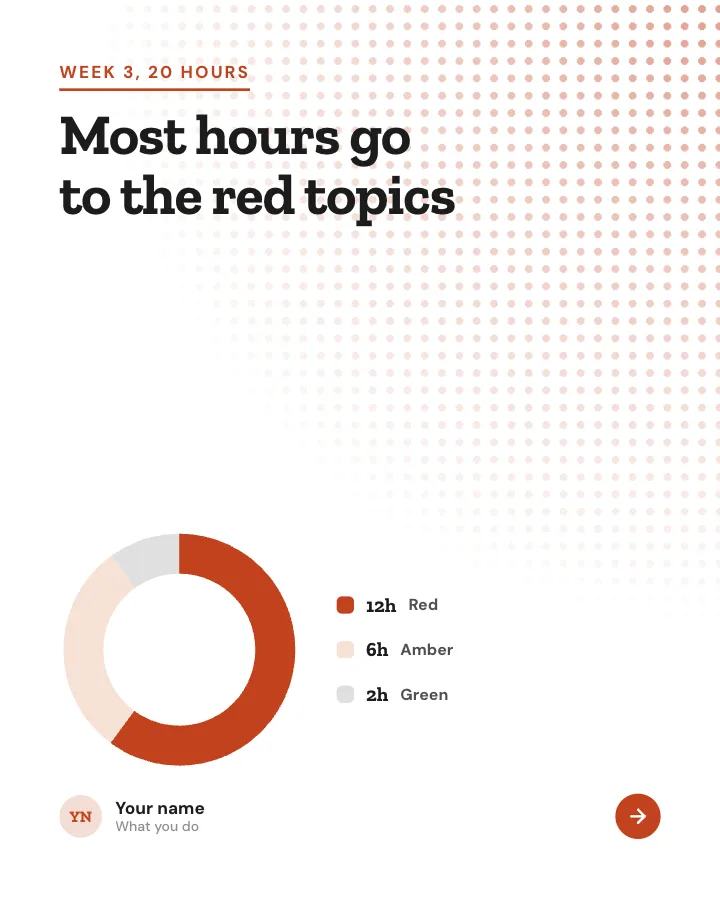
7 slidesA revision plan worked back from the exam date: what to do each week, the last 48 hours and the morning itself.
Be bookmarkedExplain