
9 designs · 2 to 16 photos
Portrait Instagram carousel templates
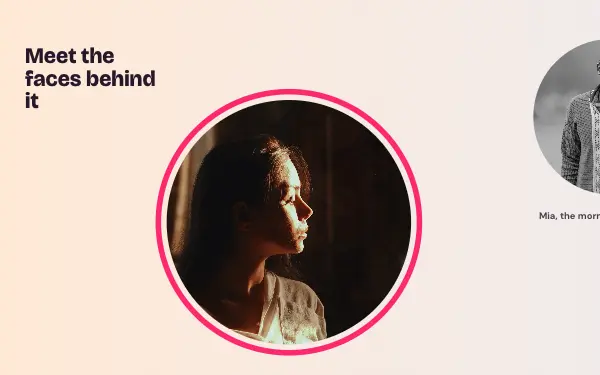
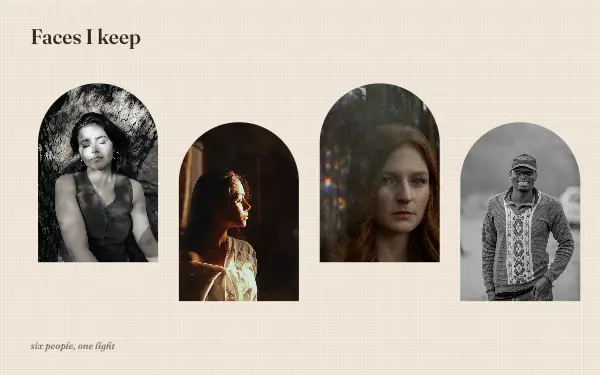
Arches, close-ups and black-and-white series that keep faces off the slide edges, so every portrait stays whole as the post is swiped.
- 6 free, 3 VIP
- 2 to 16 photos per post
- 3 to 10 slides
- 4:5, 1080 × 1350 per slide

How to make a portrait carousel people swipe through
- 1
Choose a series, not singles
Portrait designs work best with photos from one shoot: the same light, the same person or the same theme. The layout repeats, so the portraits have to belong together.
- 2
Keep faces whole
These layouts keep faces off the slide edges. If a crop cuts too close, drag inside the frame to move the face back to the centre.
- 3
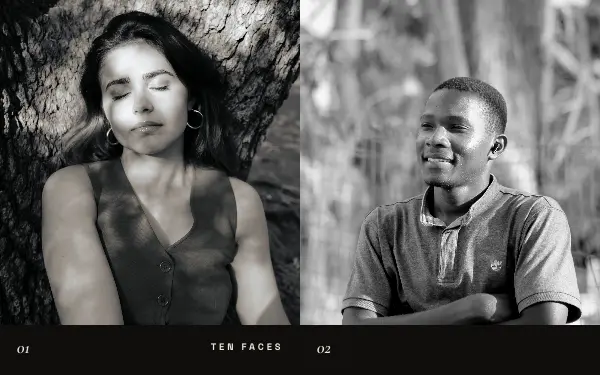
Try black and white
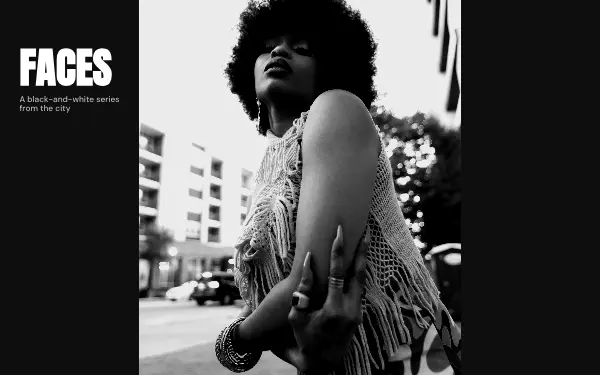
Black-and-white series suit portraits well and hide differences in light between photos.
Portrait post ideas
- A photoshoot series
- Family portraits
- Headshots for your team
- Self-portraits
- Model and actor portfolios
By number of photos
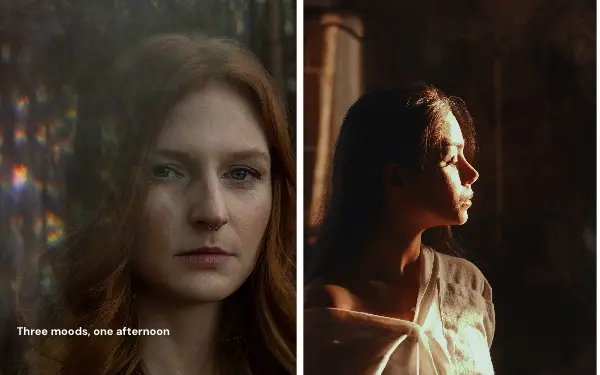
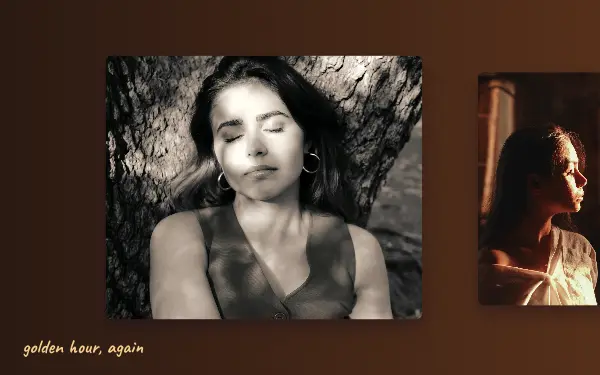
- 2 photos: Cover face, Golden profile
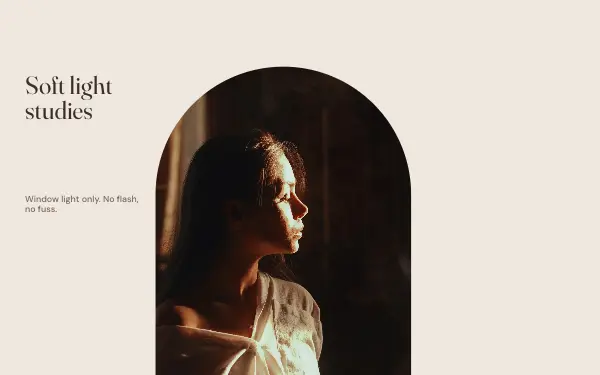
- 3 photos: Soft light, Triptych
- 4 photos: Faces, Close circles
- 6 photos: Arch gallery
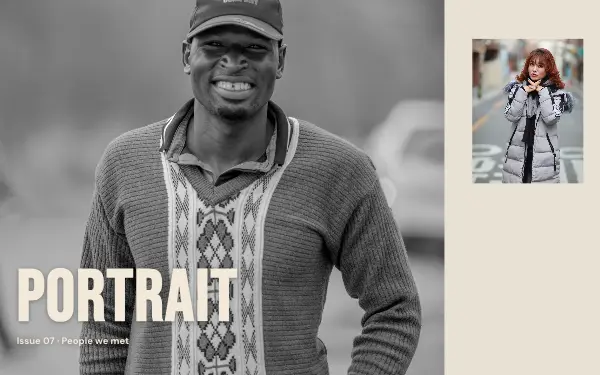
- 10 photos: Portrait series
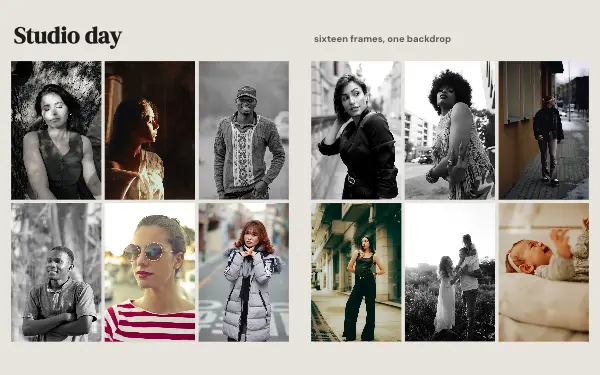
- 16 photos: Studio day
FAQ
Portrait Instagram carousels, answered
Why do faces get cut in some carousels?
In a seamless carousel a photo can cross the line between two slides, and a face on that line is split. Portrait designs keep faces within one slide, and in the app each photo stays centred on its subject.
Which photos work best?
Vertical photos from the same shoot. Each slide is 4:5 (1080 × 1350), so tall portraits fill the frames without much cropping.
Are these portrait carousel templates free?
Postora Swipe is free to download, and 6 of the 9 portrait designs are free to use. The other 3 are VIP designs, marked with a crown. Free accounts make carousels of up to 8 slides and export full size with a small mark, after a short ad; VIP unlocks every design, carousels of up to 20 slides and exports without the mark or ads.
What size are the slides?
Each slide is 1080 × 1350 pixels (4:5), the portrait size Instagram shows biggest in the feed. The app cuts the design into slides that line up exactly, so the picture continues as people swipe.
How do I use a portrait template?
Install Postora Swipe from Google Play, open the Portraits designs and pick one, or choose your photos first and the app shows every design that fits them. Long-press to reorder the photos, tap any text to rewrite it, then preview the post and share it to Instagram.
Make a portrait carousel on your phone
Postora Swipe is free on Google Play, with 133 free designs.