
6 designs · 4 to 14 photos
Beauty and skincare Instagram carousel templates
Skincare routines, product edits, salon menus and self-care posts, with soft colours and clean layouts that keep the products and faces in focus.
- 3 free, 3 VIP
- 4 to 14 photos per post
- 3 to 5 slides
- 4:5, 1080 × 1350 per slide

How to make a beauty carousel people swipe through
- 1
Keep the light soft and even
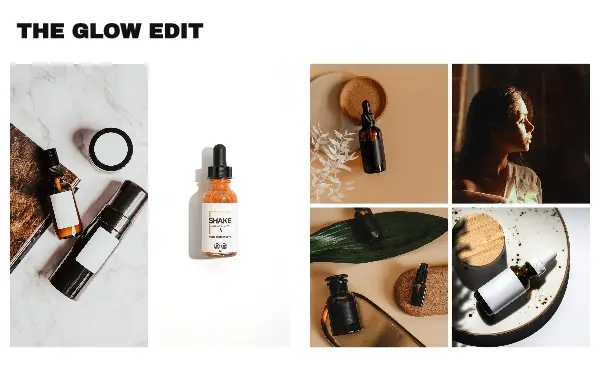
Beauty designs use soft colours and clean layouts, so photos taken in daylight without harsh shadows fit best, whether they show faces or products.
- 2
Show it in steps
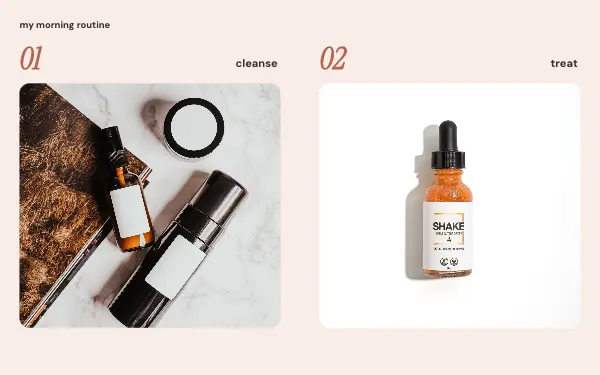
Routines and treatments are easier to follow one step per slide: cleanse, treat, finish. Name each product or step in the text.
- 3
Be specific
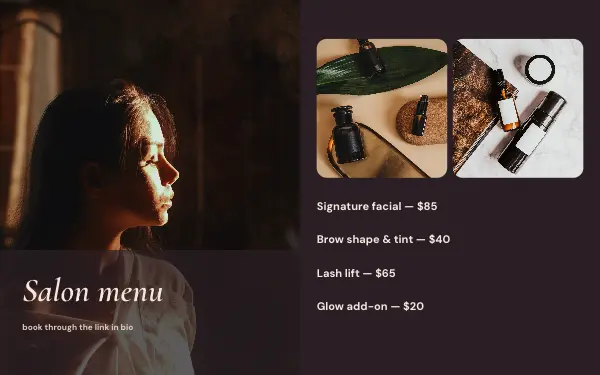
A salon menu with prices or a routine with product names gets saved; a post that only says “glow” does not.
Beauty post ideas
- Skincare routines
- Salon and treatment menus
- Product edits and favourites
- Nail and hair inspiration
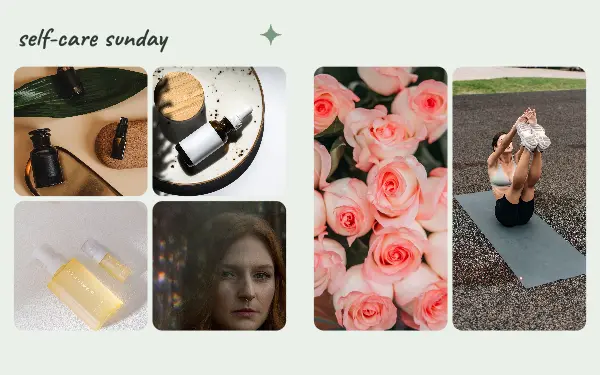
- Self-care Sundays
By number of photos
- 4 photos: Morning routine, Salon menu
- 7 photos: The glow edit
- 8 photos: Self-care Sunday
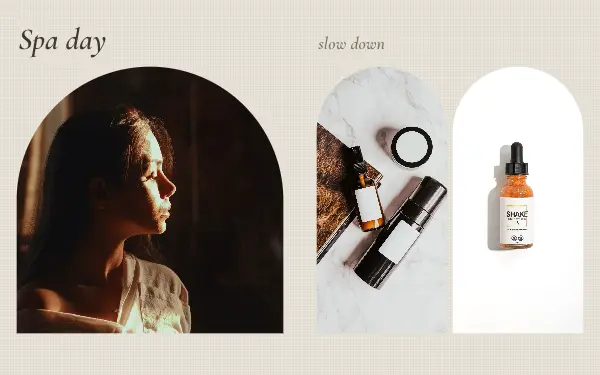
- 9 photos: Spa day
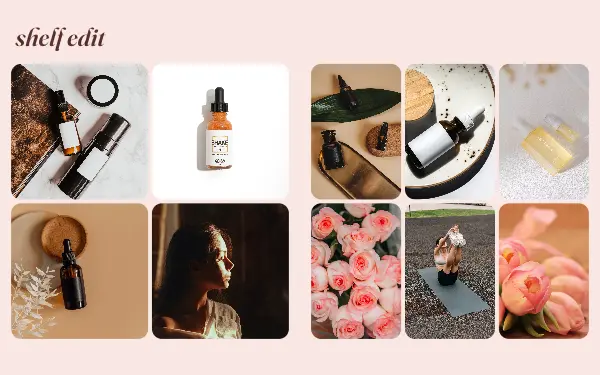
- 14 photos: Shelf edit
FAQ
Beauty Instagram carousels, answered
Can salons and beauty brands use these templates?
Yes. Menus, treatment lists and product layouts work for salons, spas and small beauty brands. Change the colours and fonts to match your brand and add your logo.
How do I show a skincare routine in a carousel?
Use one slide per step with a photo of the product and a short line about it. Several beauty designs are laid out for a step-by-step routine.
Are these beauty carousel templates free?
Postora Swipe is free to download, and 3 of the 6 beauty designs are free to use. The other 3 are VIP designs, marked with a crown. Free accounts make carousels of up to 8 slides and export full size with a small mark, after a short ad; VIP unlocks every design, carousels of up to 20 slides and exports without the mark or ads.
What size are the slides?
Each slide is 1080 × 1350 pixels (4:5), the portrait size Instagram shows biggest in the feed. The app cuts the design into slides that line up exactly, so the picture continues as people swipe.
How do I use a beauty template?
Install Postora Swipe from Google Play, open the Beauty & wellness designs and pick one, or choose your photos first and the app shows every design that fits them. Long-press to reorder the photos, tap any text to rewrite it, then preview the post and share it to Instagram.
Make a beauty carousel on your phone
Postora Swipe is free on Google Play, with 133 free designs.