
Behind the scenes carousel template
A day or a process in your business, shown hour by hour, the unglamorous parts included.
Slide 1 of 7 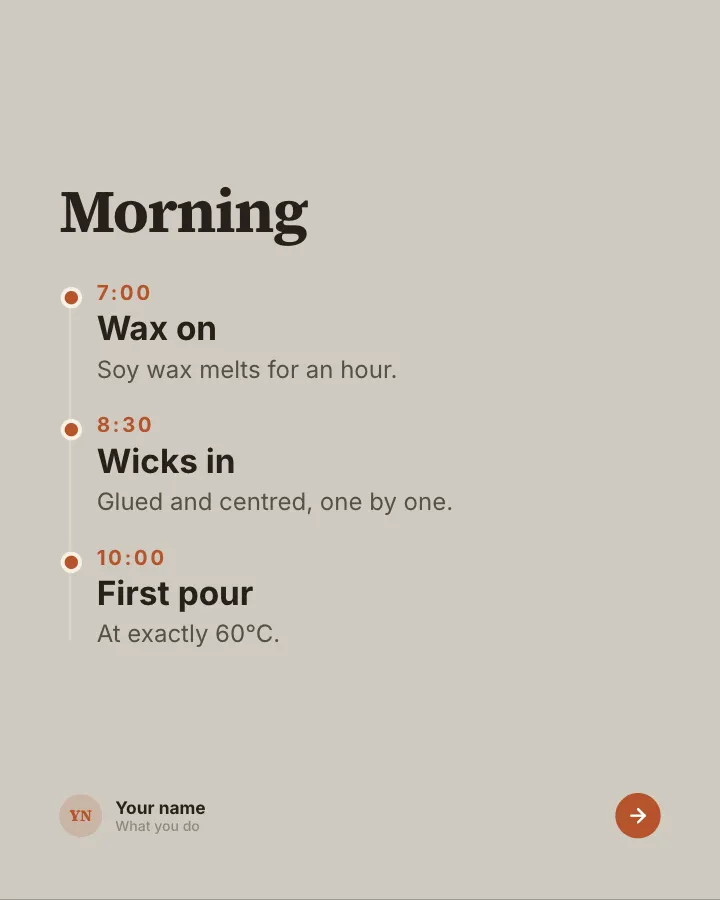
Slide 2 of 7 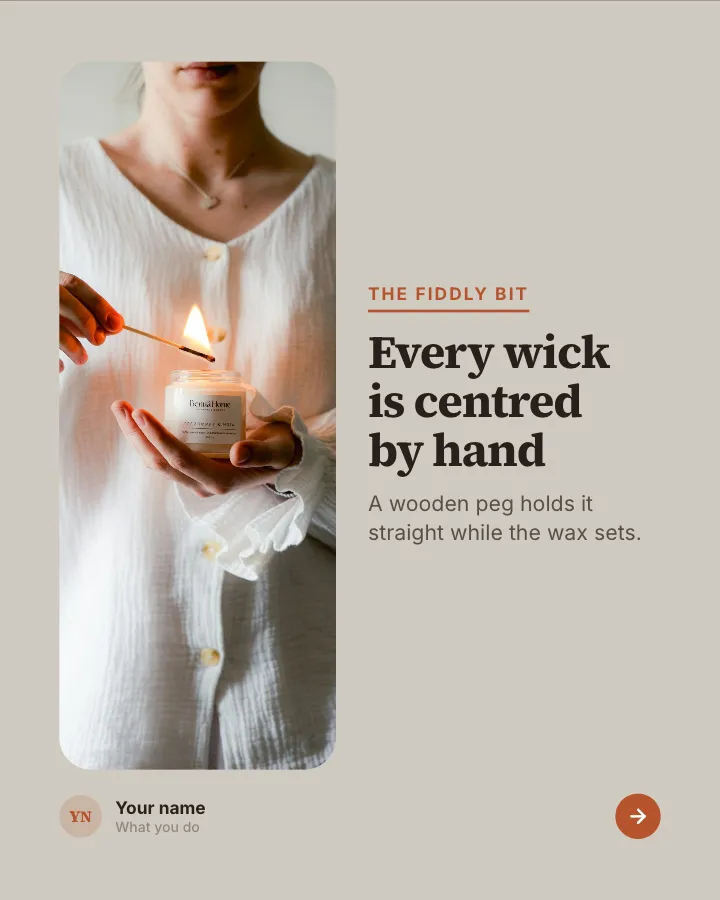
Slide 3 of 7 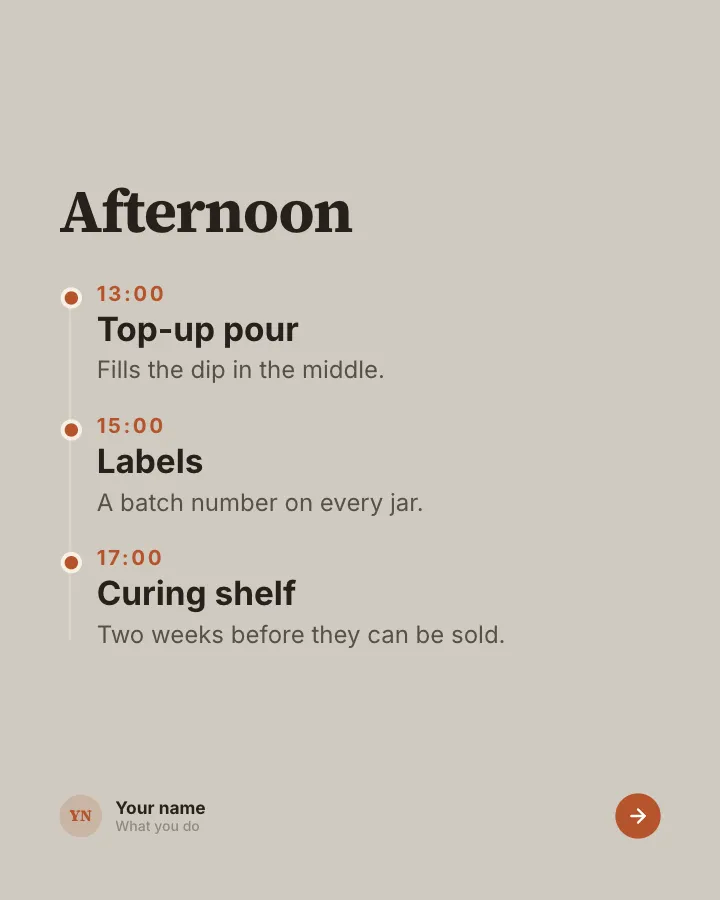
Slide 4 of 7 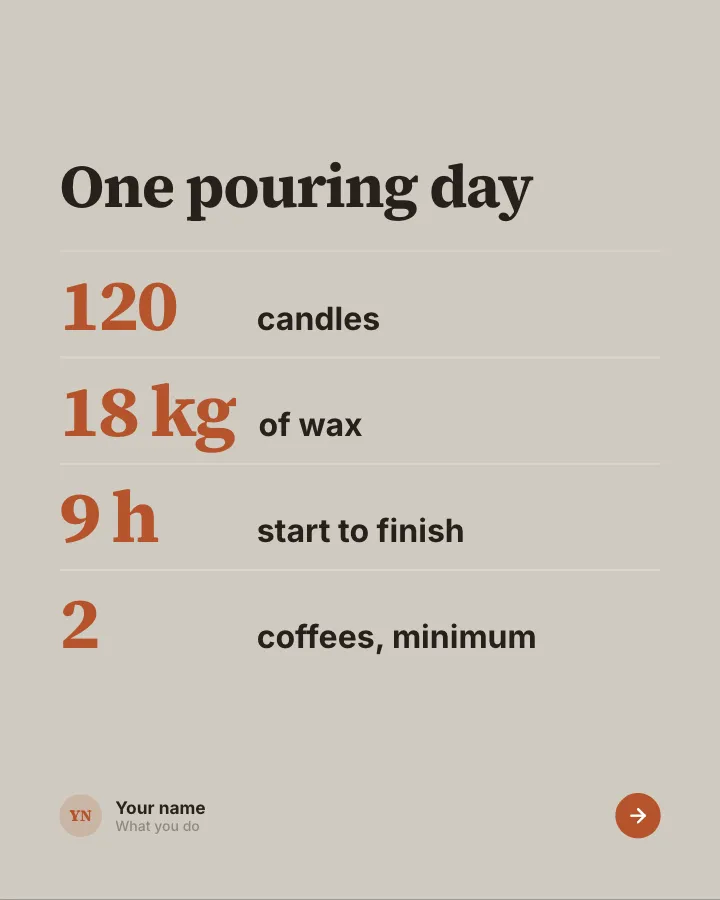
Slide 5 of 7 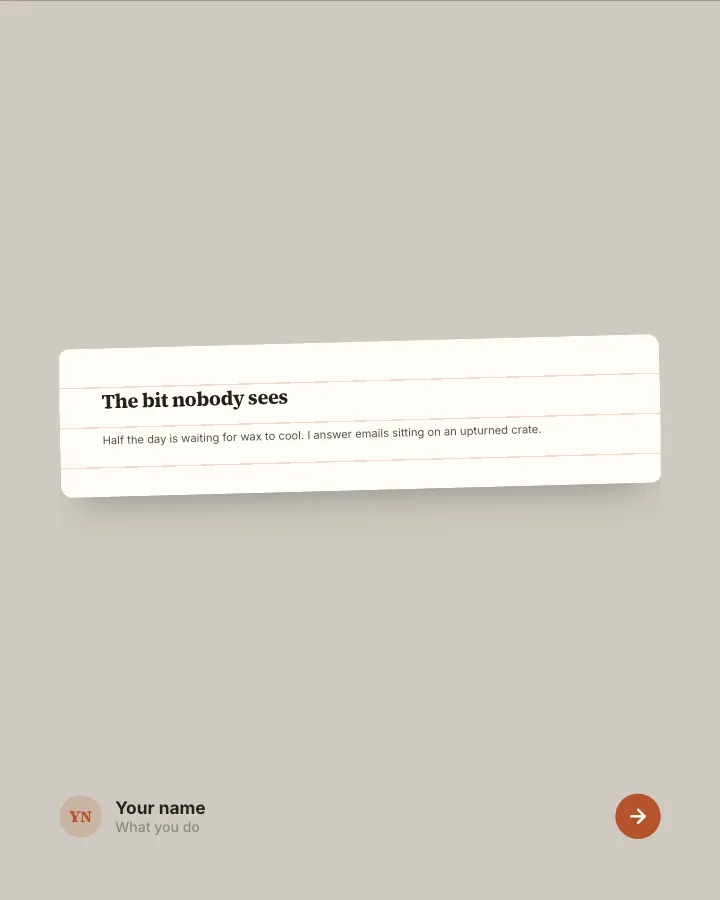
Slide 6 of 7 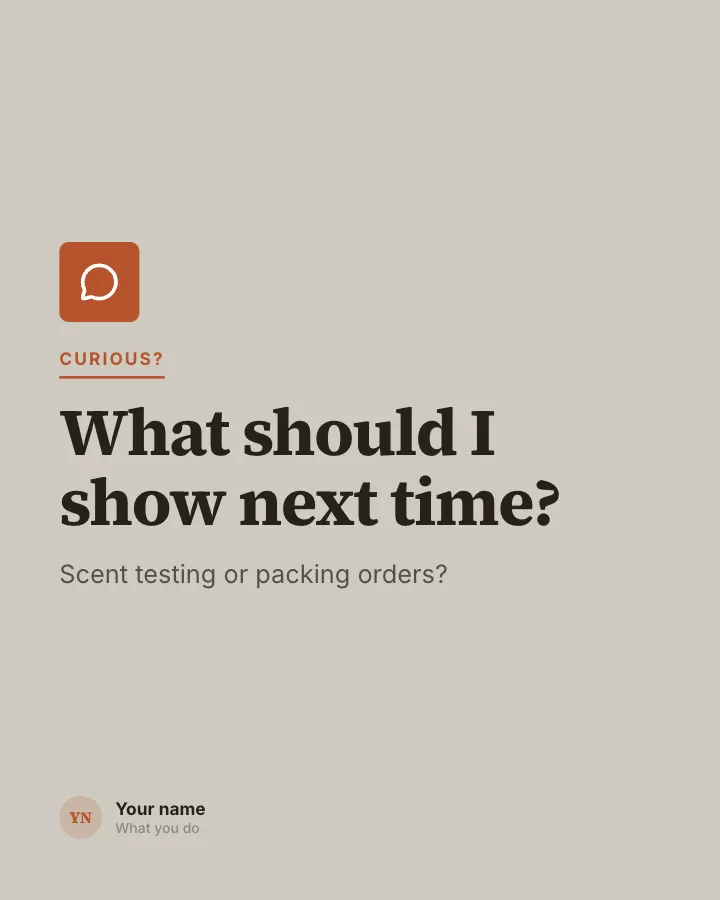
Slide 7 of 7
Slide 1: photo by Abigail Ybarra on Unsplash
Slide 3: photo by Dima Solomin on Unsplash
See it in the feed
How the example looks once it is posted. In the studio the preview uses your own slides, caption and profile.
yourname
1/71,086 likes
yourname A day or a process in your business, shown hour by hour, the unglamorous parts included.
When to use it
Reach for Behind the scenes when you want to give people a quick, fun reason to stop scrolling and show your experience and earn trust. Its structure is backstage: what the work looks like when nobody is watching. Give Postora your topic and it keeps the shape, writing every slide about your subject in your voice.
What each slide does
1Hook
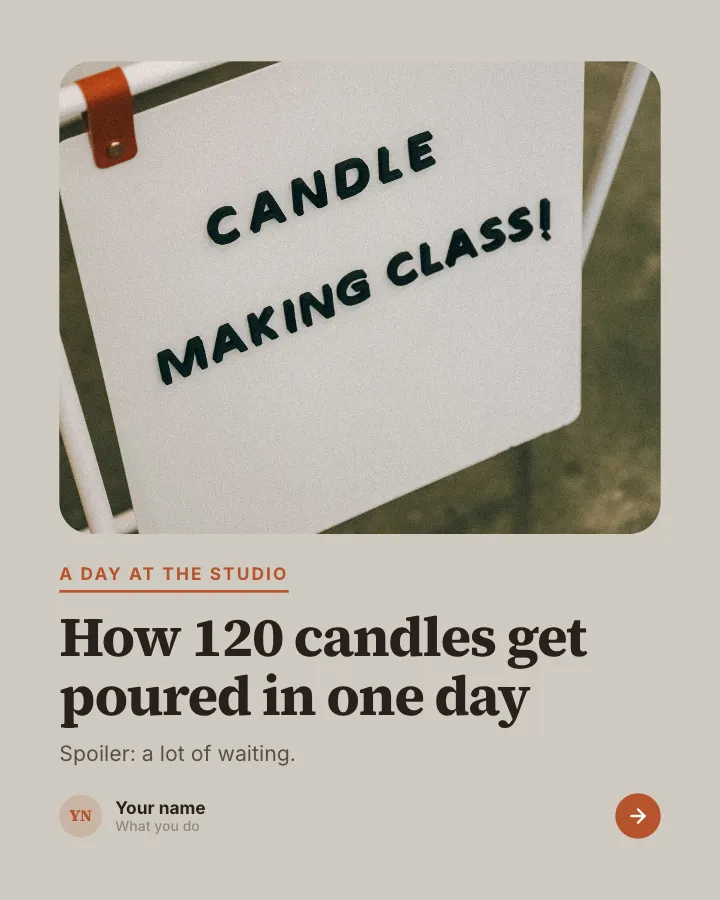
Opening: what is being made and how much of it.
In the example
How 120 candles get poured in one day
A day at the studio
Spoiler: a lot of waiting.
2Steps
The morning, by the clock.
In the example
Morning
- 7:00 Wax on — Soy wax melts for an hour.
- 8:30 Wicks in — Glued and centred, one by one.
- 10:00 First pour — At exactly 60°C.
3image
The fiddliest part of the job, up close.
In the example
Every wick is centred by hand
The fiddly bit
A wooden peg holds it straight while the wax sets.
4Steps
The afternoon.
In the example
Afternoon
- 13:00 Top-up pour — Fills the dip in the middle.
- 15:00 Labels — A batch number on every jar.
- 17:00 Curing shelf — Two weeks before they can be sold.
5Number
The day in numbers.
In the example
One pouring day
- 120 candles
- 18 kg of wax
- 9 h start to finish
- 2 coffees, minimum
6Point
The part nobody sees, in the first person.
In the example
The bit nobody sees
Half the day is waiting for wax to cool. I answer emails sitting on an upturned crate.
7Call to action
Ask what to show next.
In the example
What should I show next time?
Curious?
Scent testing or packing orders?
Make it in Postora
Step 1
Say what it is about
Open Behind the scenes and type your topic, paste a link or add your notes.
Step 2
Check the plan
Postora keeps the template’s structure and writes each slide for your subject, in the voice you pick.
Step 3
Polish and download
Edit any word, change the theme or a layout, then export a PDF, images or a video.
Questions about Behind the scenes
Is the Behind the scenes template free?
Yes. Opening Behind the scenes and editing its example are free, no account needed. A free account adds 3 AI carousels a month and 5 downloads of the finished carousel with a small Postora mark; VIP downloads without limits or the mark.
Which platforms is it made for?
Instagram (PNG images, best at 4:5) and TikTok (PNG images or an MP4 video, best at 9:16). Postora sizes the carousel for the network you pick and checks it against that network’s limits before you download it.
How many slides does it have?
7, each with its own job (shown above). You can add, remove or reorder slides: free carousels go up to 8 slides, VIP up to 30.
Can I change the design?
Yes. It opens in the Oat Milk theme, and you can switch to any of 95 themes or your own brand kit in one click, swap the layout of any slide, and edit every word.
Templates like this one
Browse all templates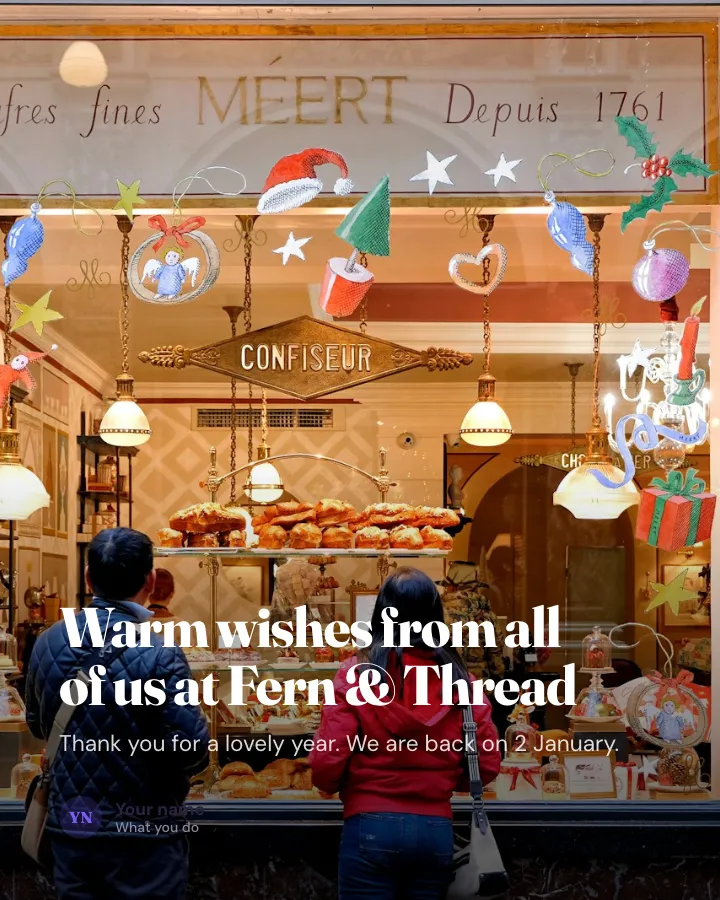
Holiday greeting
Image postA warm seasonal message from your business over a photo, with your closing and reopening dates.
Earn trustMake them smileVIP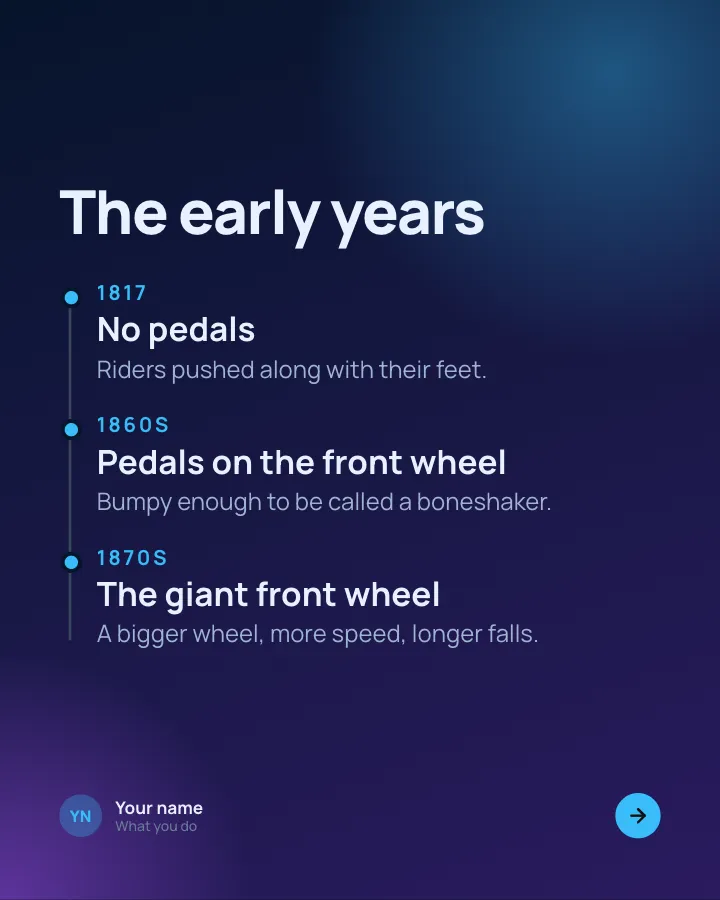
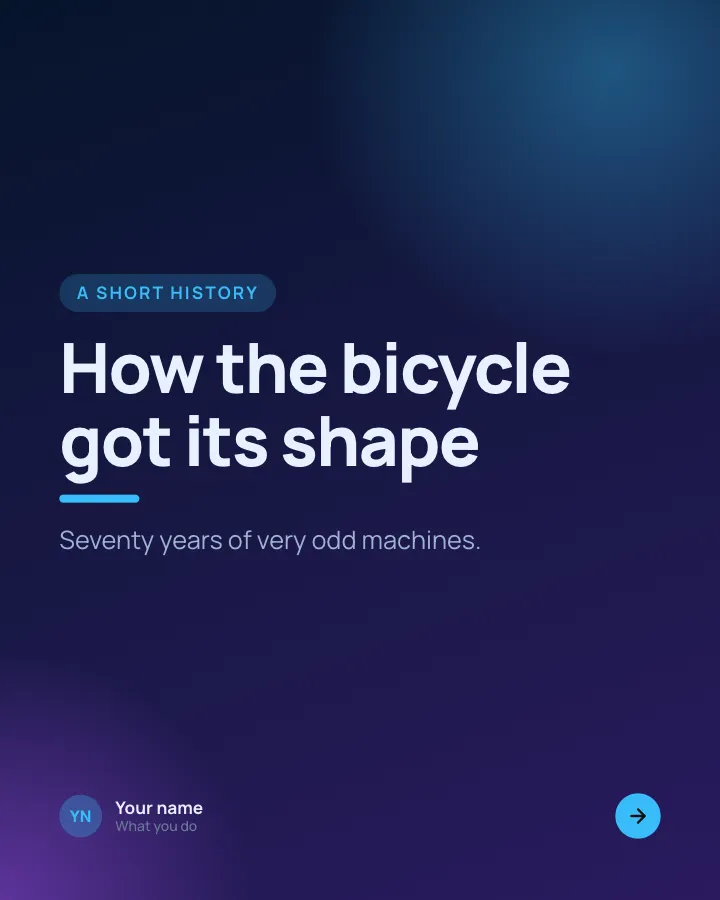
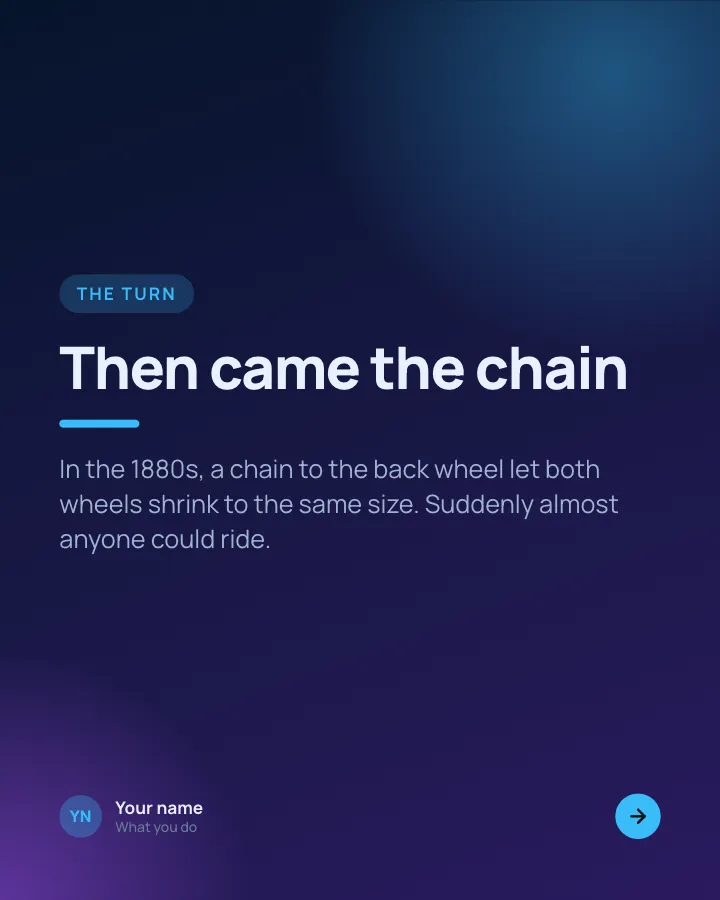
A short history
7 slidesHow something came to be, told as dated moments, with the turn that changed it and why it matters today.
Make them smileExplainVIP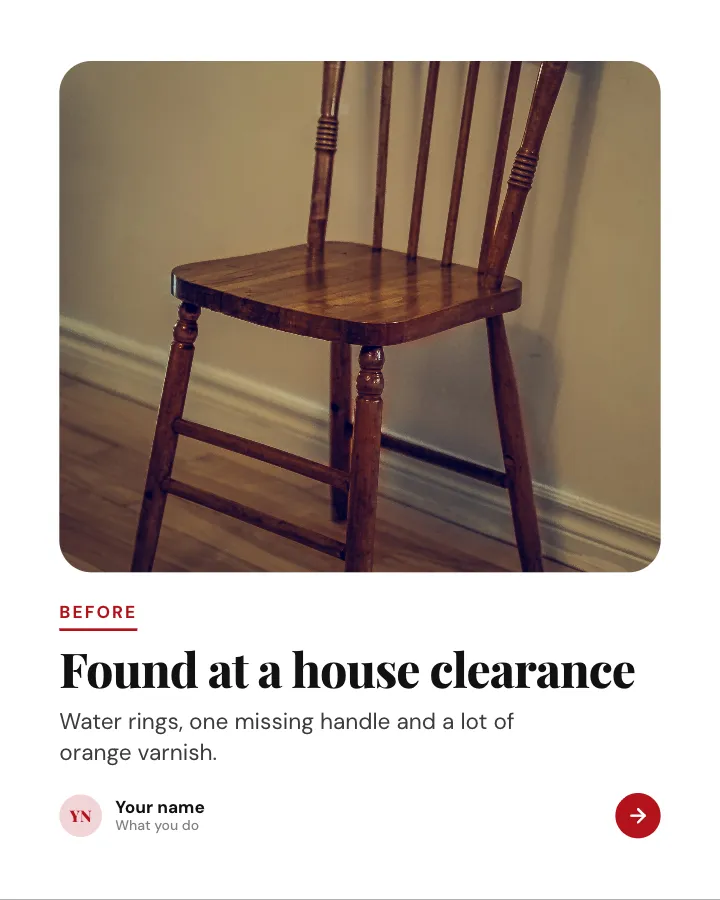
Before and after
7 slidesA transformation shown step by step: the starting point, the work in between and the reveal at the end.
SellMake them smile