
Sales objections, answered carousel template
The pushbacks buyers raise most, each with what they really mean and a reply that keeps the conversation going.
Slide 1 of 7 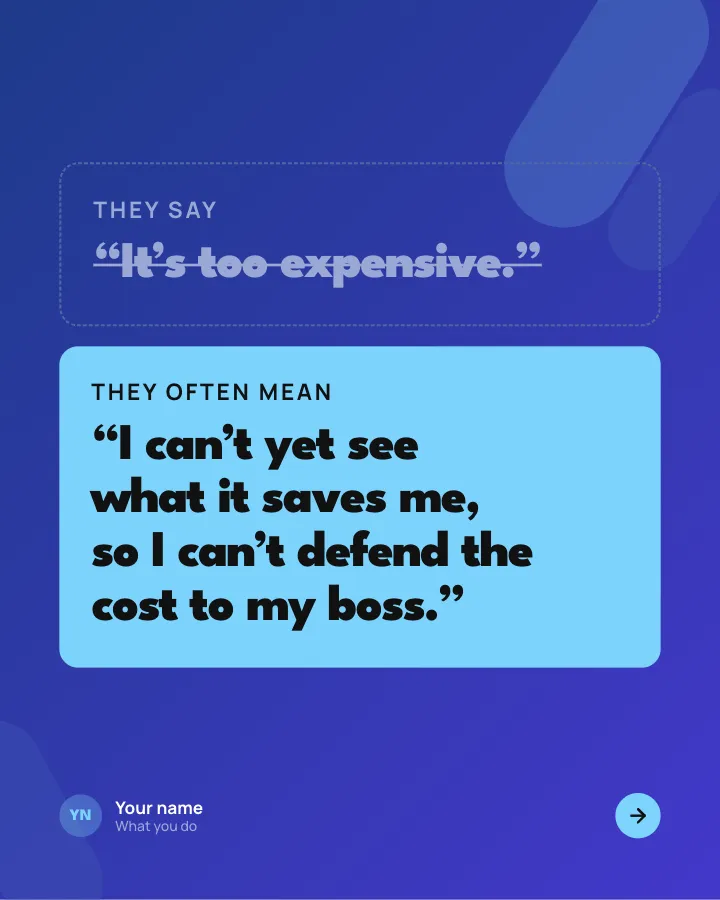
Slide 2 of 7 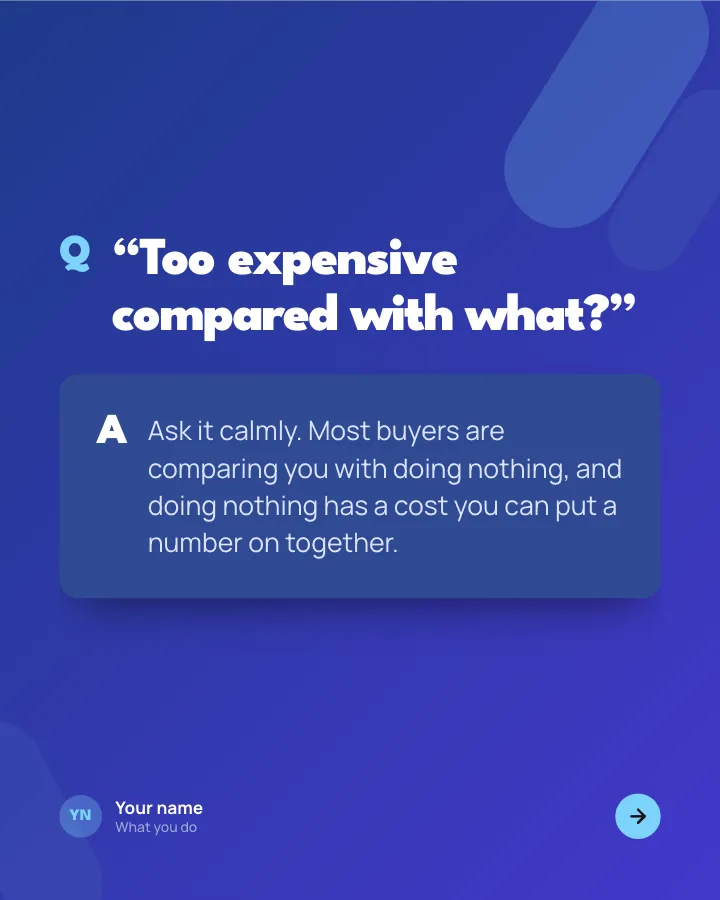
Slide 3 of 7 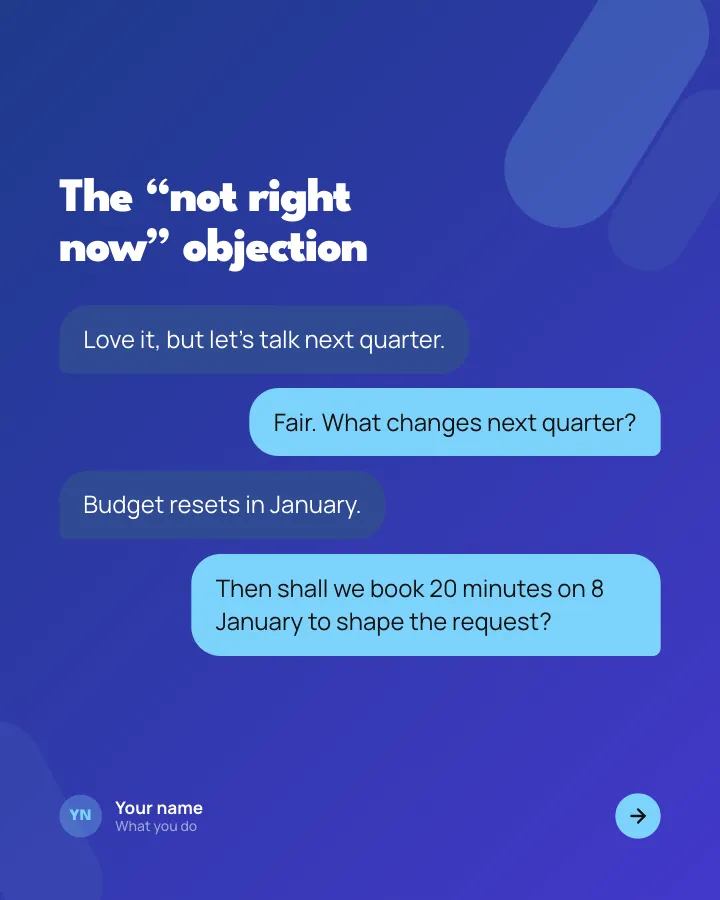
Slide 4 of 7 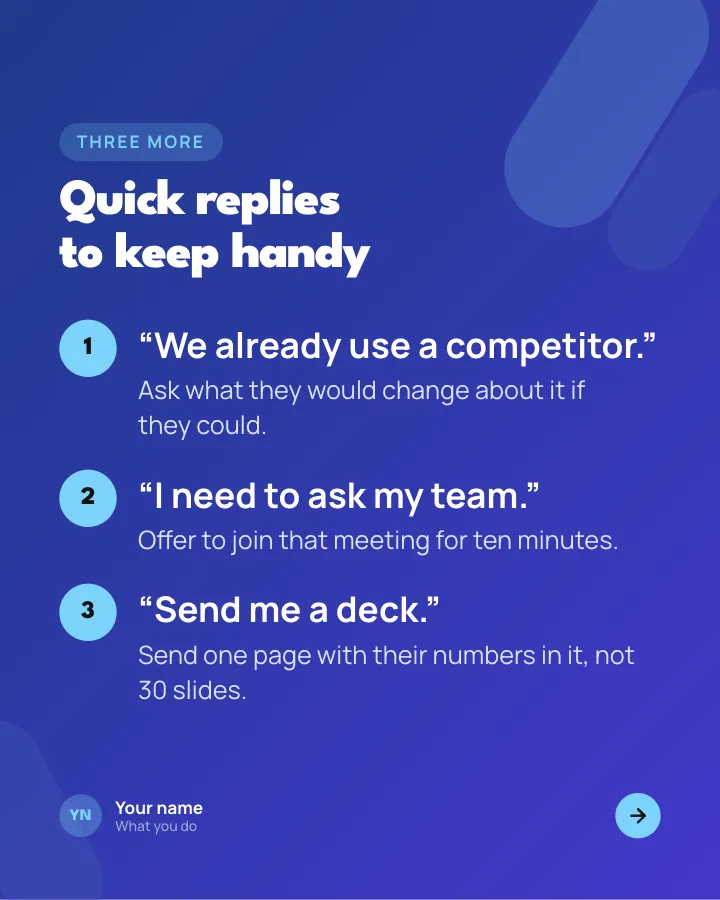
Slide 5 of 7 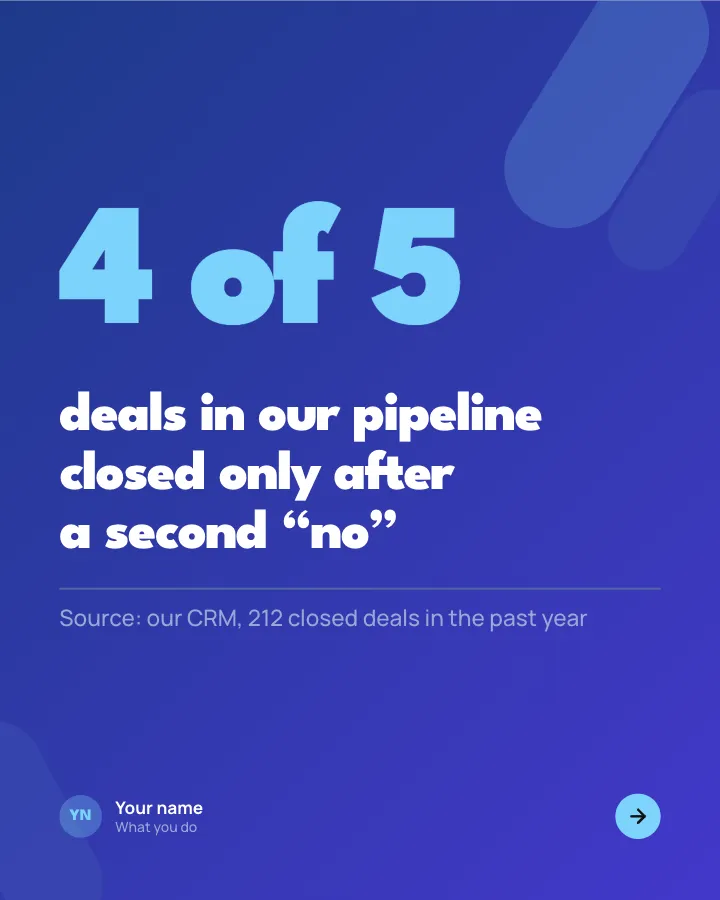
Slide 6 of 7 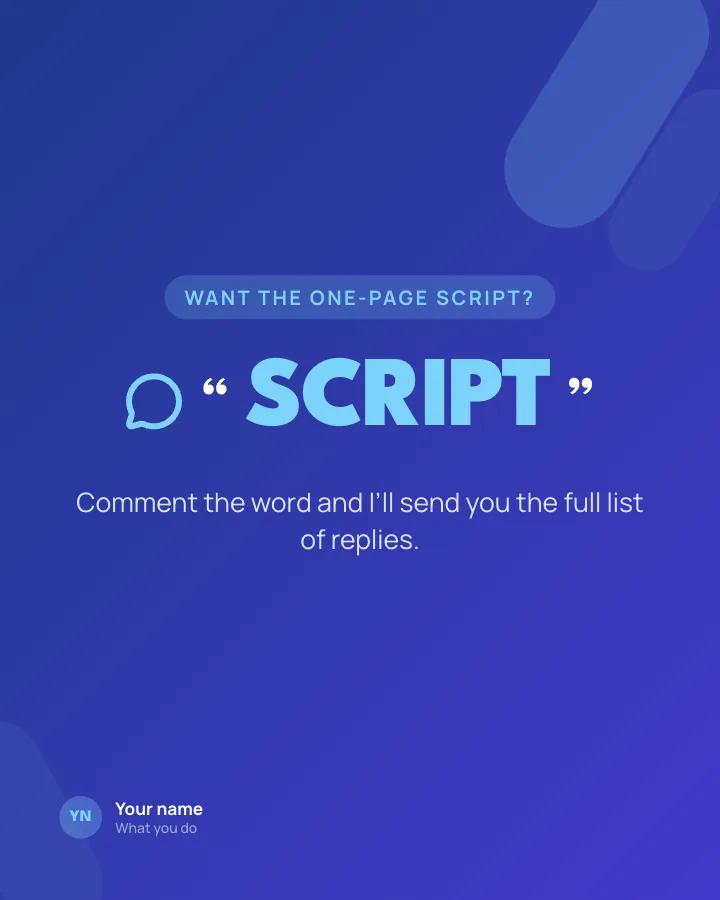
Slide 7 of 7
See it in the feed
How the example looks once it is posted. In the studio the preview uses your own slides, caption and profile.
Your name
What you do · 1h
The pushbacks buyers raise most, each with what they really mean and a reply that keeps the conversation going.
1/7When to use it
Reach for Sales objections, answered when you want to teach your audience something they can use straight away and make a post people save and come back to. Its structure is reference: the essentials of a subject, to come back to. It is written for founders and sales teams. Give Postora your topic and it keeps the shape, writing every slide about your subject in your voice.
What each slide does
1Hook
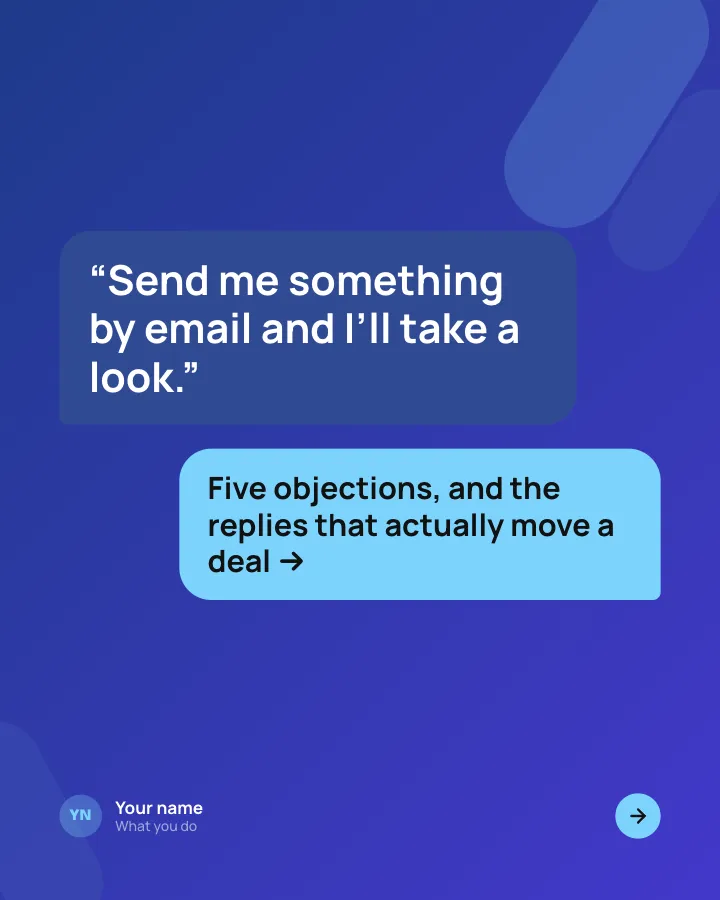
Opening: the objection buyers say most, as a chat message, and a promise of better replies.
In the example
“Send me something by email and I’ll take a look.”
Five objections, and the replies that actually move a deal →
2Comparison
The first objection: what the buyer says against what they usually mean.
In the example
3Point
A reply to the price objection, phrased as the question you ask back.
In the example
“Too expensive compared with what?”
Ask it calmly. Most buyers are comparing you with doing nothing, and doing nothing has a cost you can put a number on together.
4Point
A short exchange showing a timing objection handled well.
In the example
The “not right now” objection
- Love it, but let’s talk next quarter.
- Fair. What changes next quarter?
- Budget resets in January.
- Then shall we book 20 minutes on 8 January to shape the request?
5List
The remaining objections, each with a one-line reply.
In the example
Quick replies to keep handy
Three more
- “We already use a competitor.” — Ask what they would change about it if they could.
- “I need to ask my team.” — Offer to join that meeting for ten minutes.
- “Send me a deck.” — Send one page with their numbers in it, not 30 slides.
6Number
A figure on how often deals need more than one follow-up (author-provided, with source).
In the example
deals in our pipeline closed only after a second “no”
4 of 5
Source: our CRM, 212 closed deals in the past year
7Call to action
Offer the full objection script in exchange for a keyword comment.
In the example
Want the one-page script?
Comment the word and I’ll send you the full list of replies.
SCRIPT
Make it in Postora
Step 1
Say what it is about
Open Sales objections, answered and type your topic, paste a link or add your notes.
Step 2
Check the plan
Postora keeps the template’s structure and writes each slide for your subject, in the voice you pick.
Step 3
Polish and download
Edit any word, change the theme or a layout, then export a PDF, images or a video.
Questions about Sales objections, answered
Is the Sales objections, answered template free?
Yes. Opening Sales objections, answered and editing its example are free, no account needed. A free account adds 3 AI carousels a month and 5 downloads of the finished carousel with a small Postora mark; VIP downloads without limits or the mark.
Which platforms is it made for?
LinkedIn (PDF document post, best at 4:5) and X (PNG images, best at 16:9). Postora sizes the carousel for the network you pick and checks it against that network’s limits before you download it.
How many slides does it have?
7, each with its own job (shown above). You can add, remove or reorder slides: free carousels go up to 8 slides, VIP up to 30.
Can I change the design?
Yes. It opens in the Pitch Night theme, and you can switch to any of 95 themes or your own brand kit in one click, swap the layout of any slide, and edit every word.
Templates like this one
Browse all templates
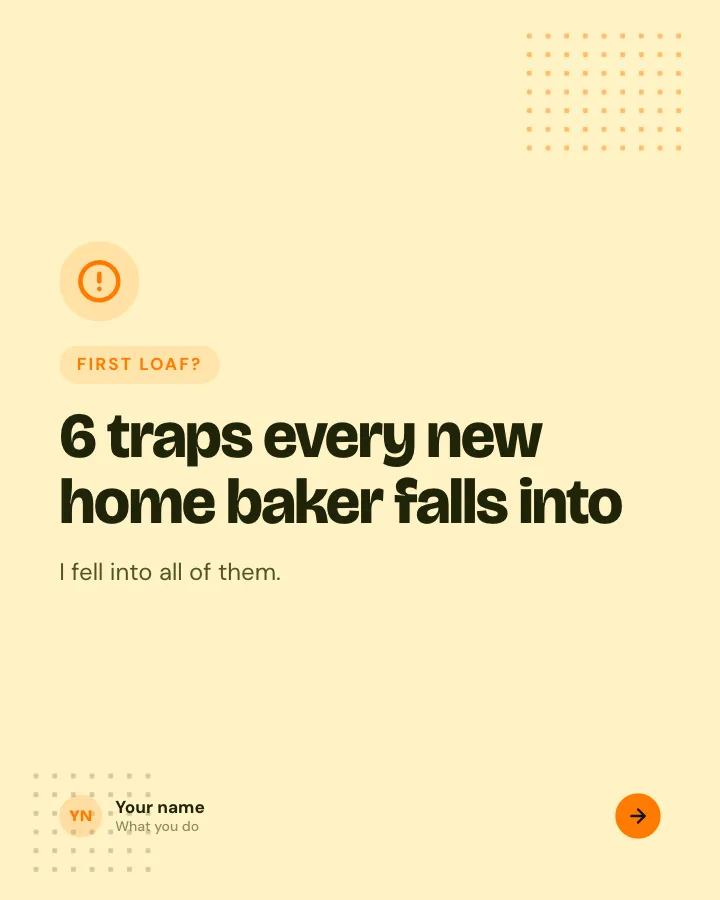
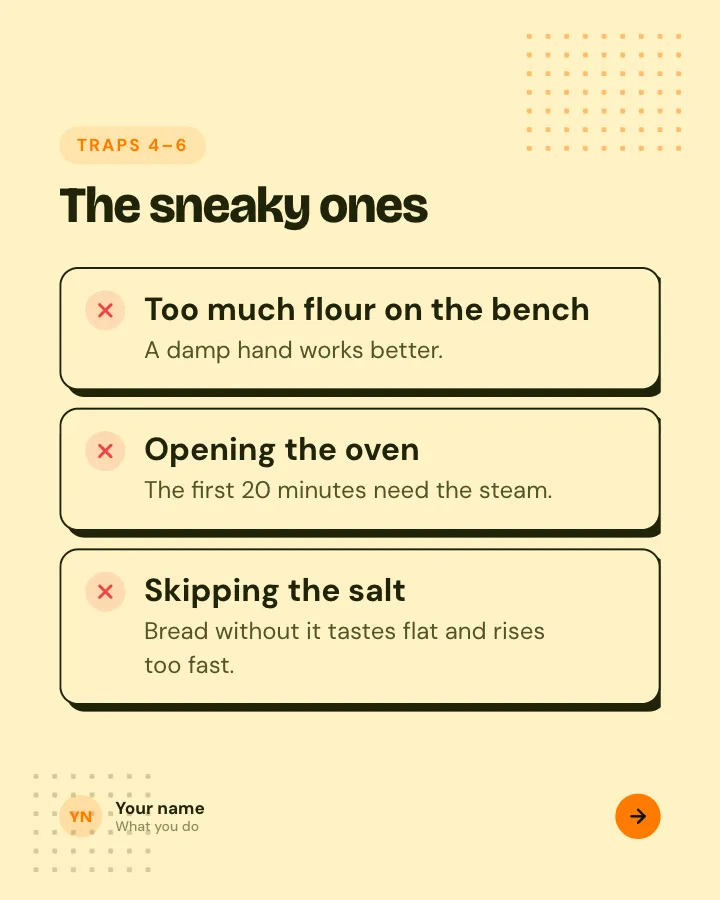
Beginner traps
5 slidesThe traps people fall into when they start, each with the simple fix.
ExplainBe bookmarked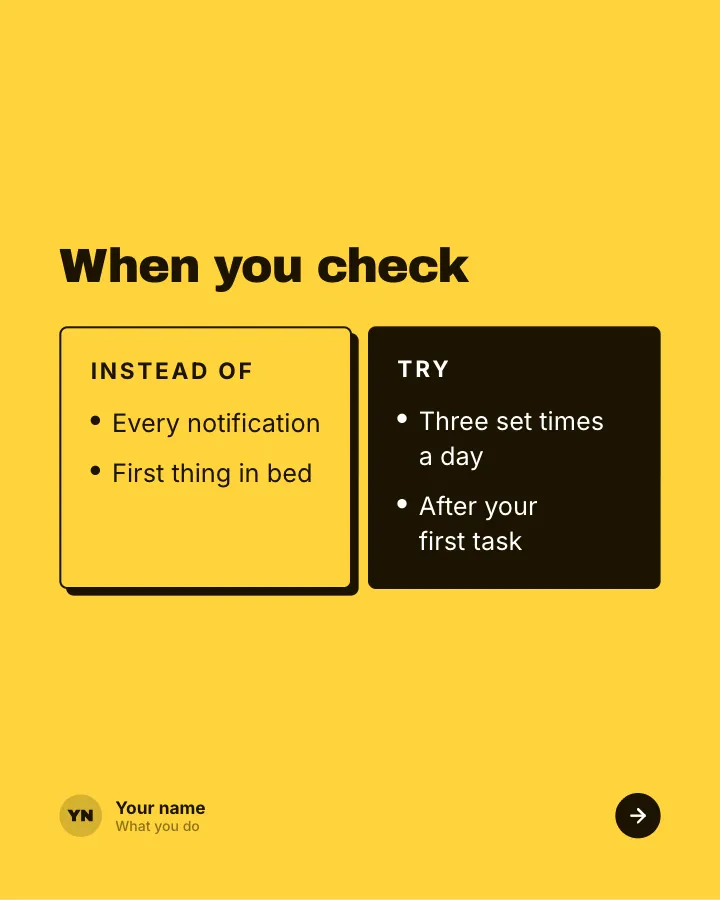
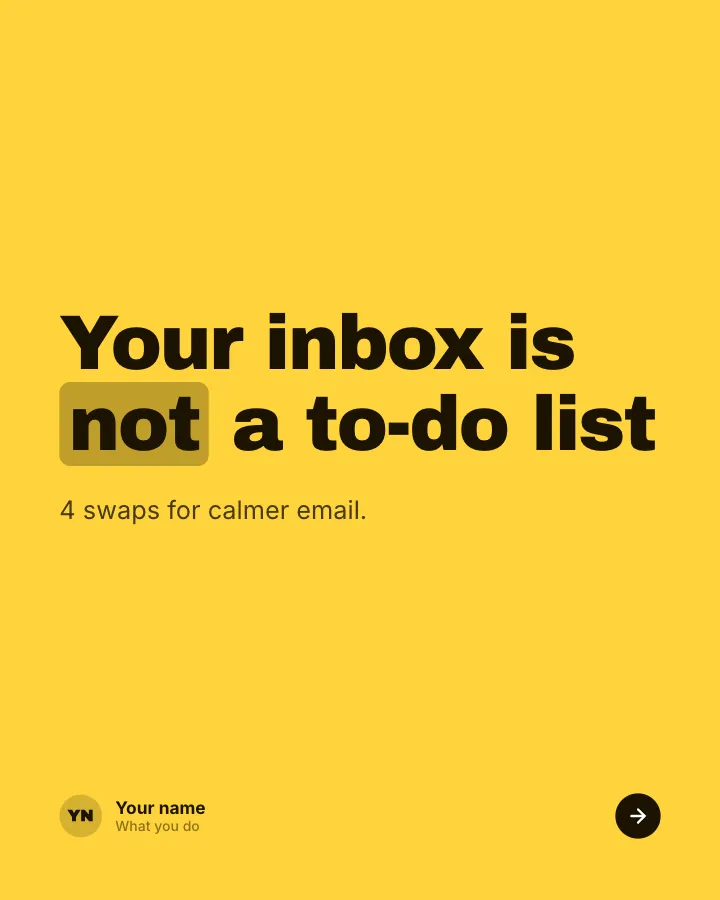
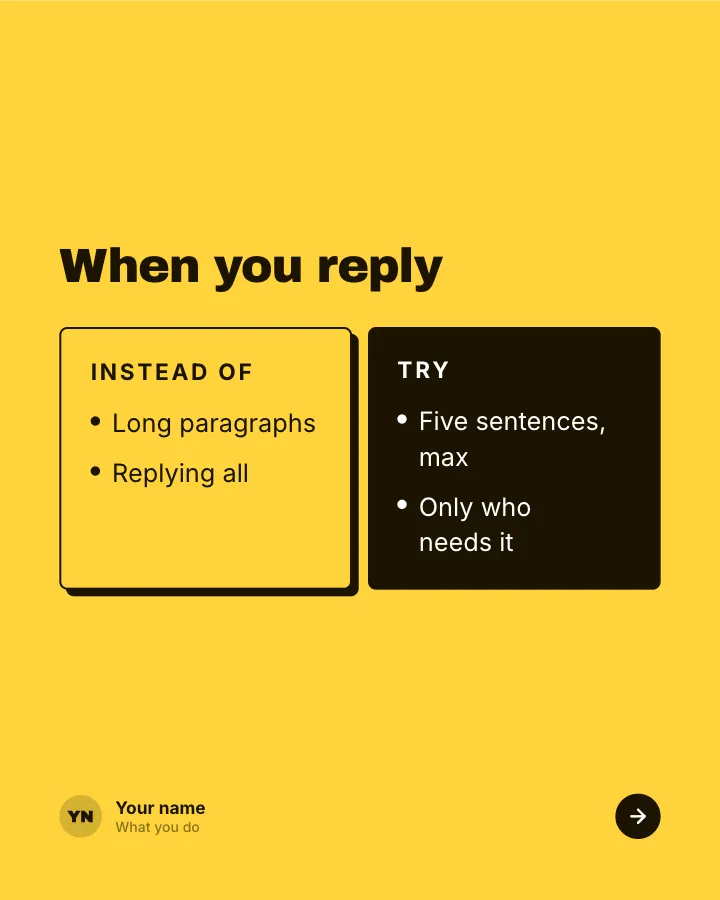
Better swaps
5 slidesSmall habits to replace, each shown next to the version that works better.
ExplainBe bookmarked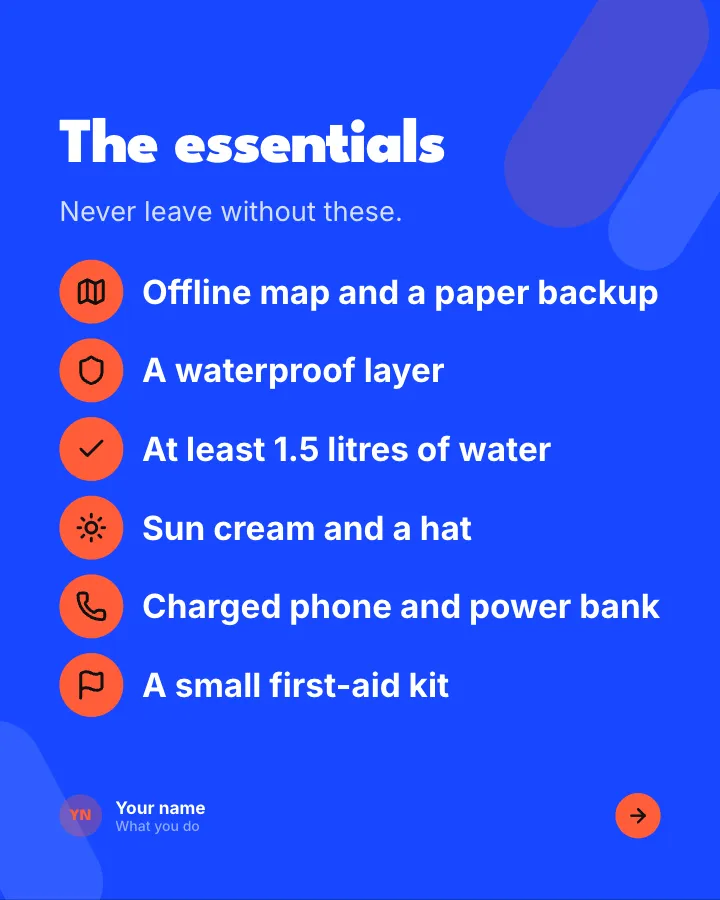
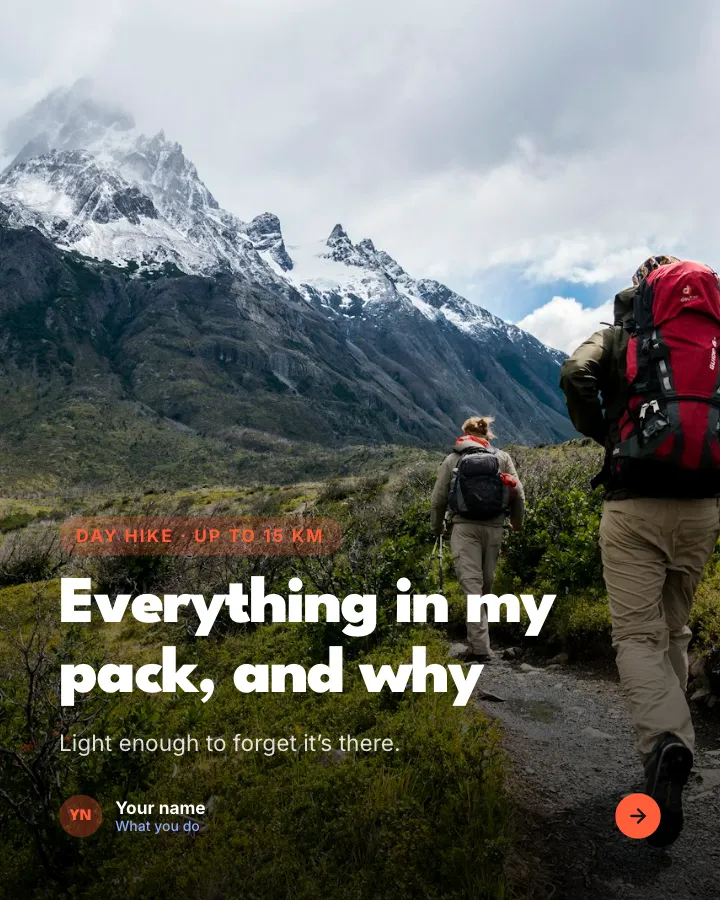
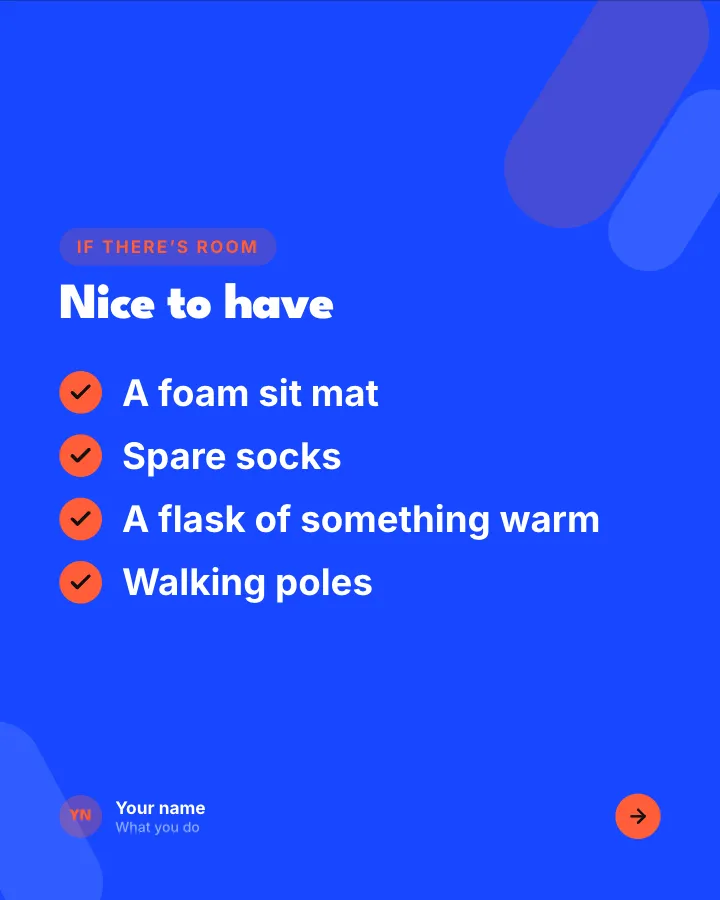
Day-hike packing list
7 slidesWhat to pack for a day on the trails, sorted into essentials, nice to have and leave at home, with where the weight goes.
Be bookmarkedExplainVIP