
Strong opinion carousel template
A clear position people can disagree with, the reasons for it and an open question.
Slide 1 of 6 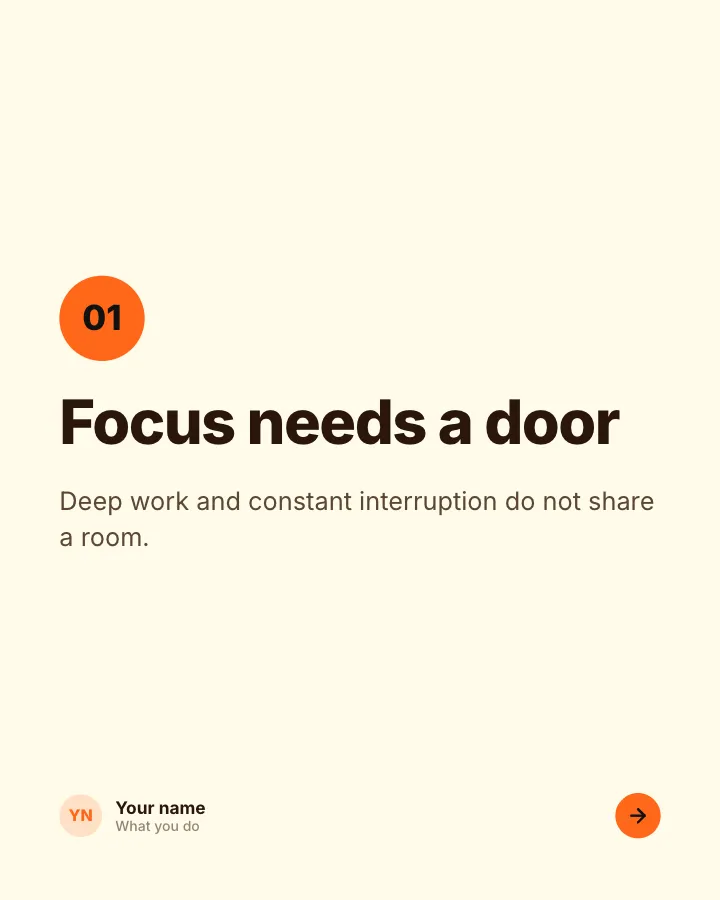
Slide 2 of 6 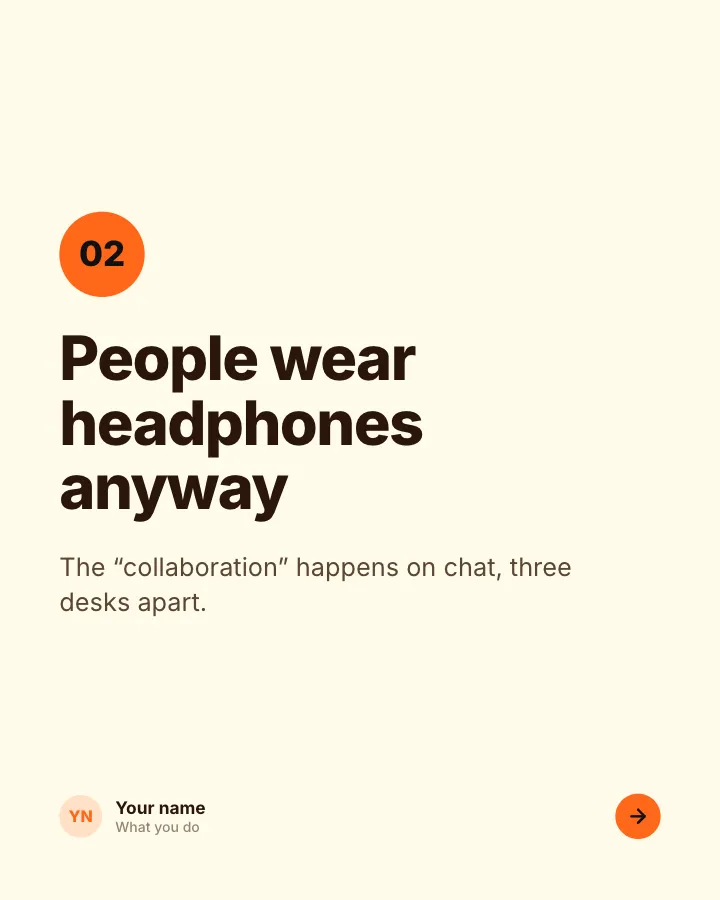
Slide 3 of 6 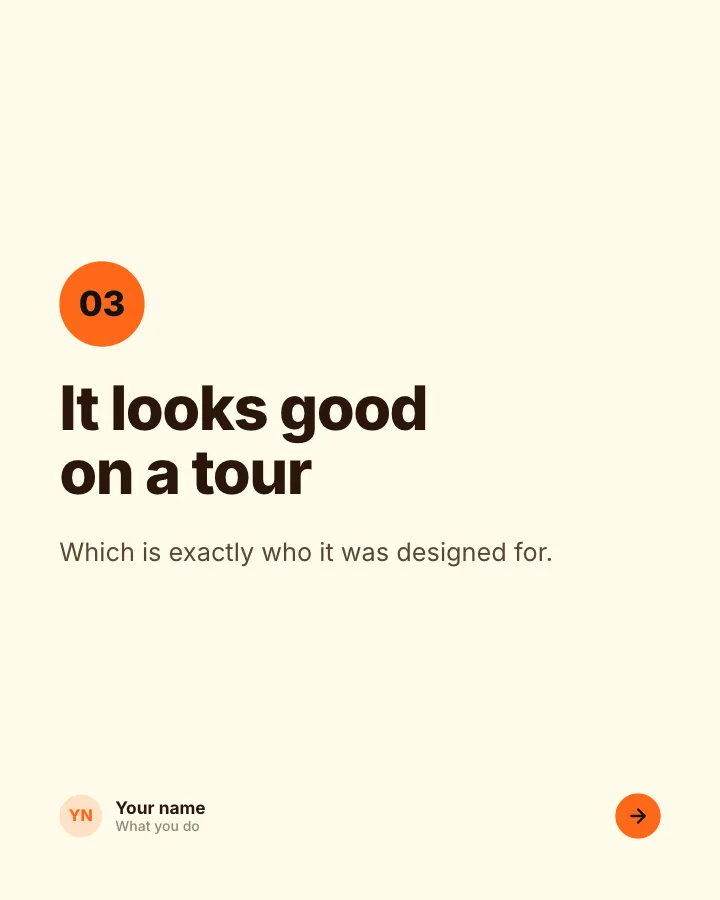
Slide 4 of 6 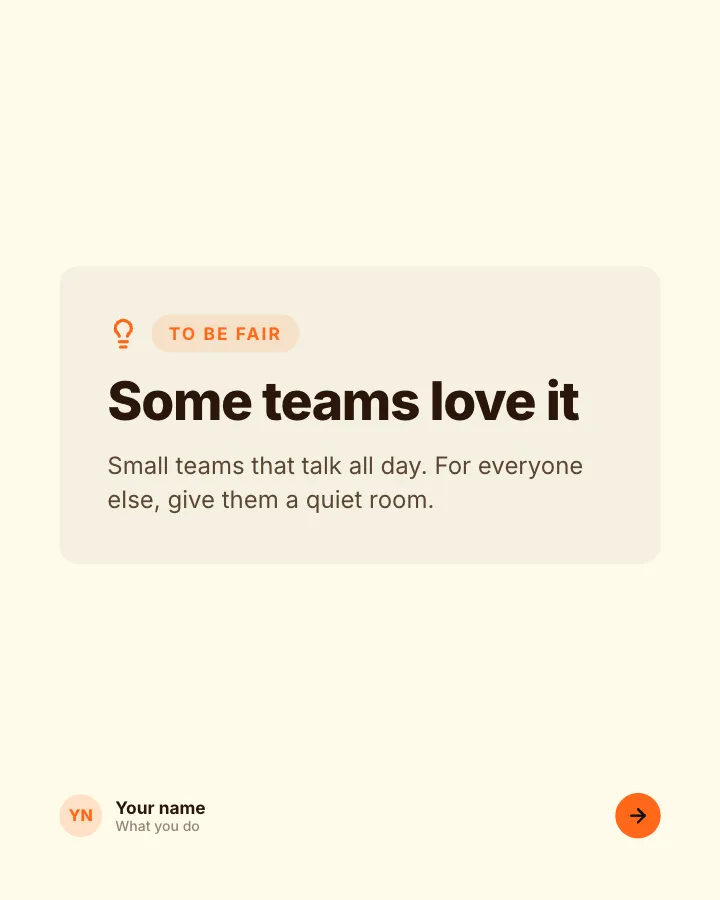
Slide 5 of 6 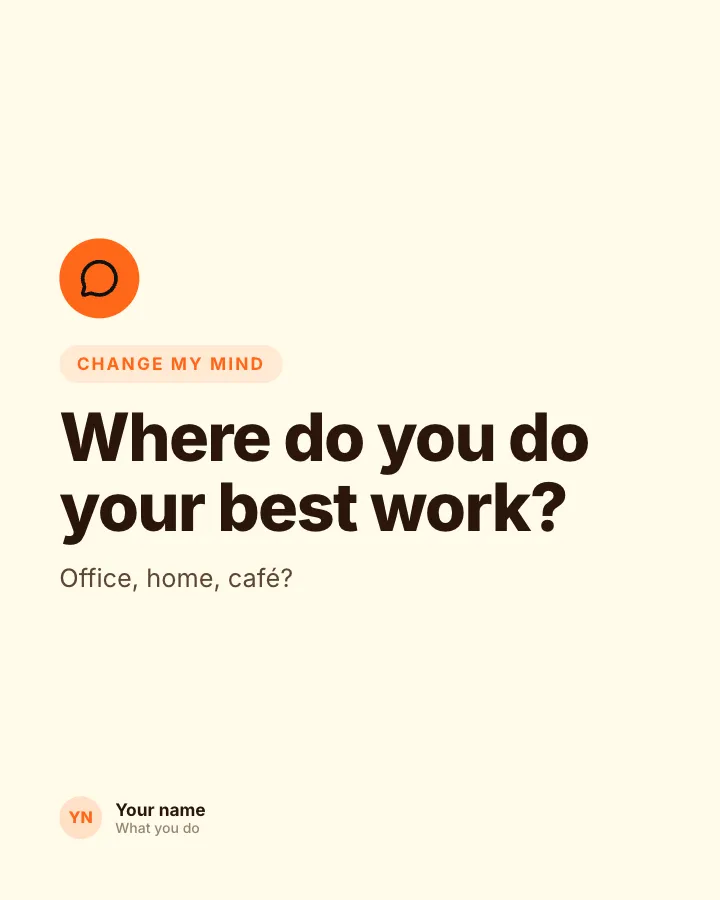
Slide 6 of 6
See it in the feed
How the example looks once it is posted. In the studio the preview uses your own slides, caption and profile.
Your name
What you do · 1h
A clear position people can disagree with, the reasons for it and an open question.
1/6When to use it
Reach for Strong opinion when you want to start a conversation in the comments. Its structure is strong opinion: a position people can argue with, and why you hold it. Give Postora your topic and it keeps the shape, writing every slide about your subject in your voice.
What each slide does
1Hook
The position, stated boldly.
In the example
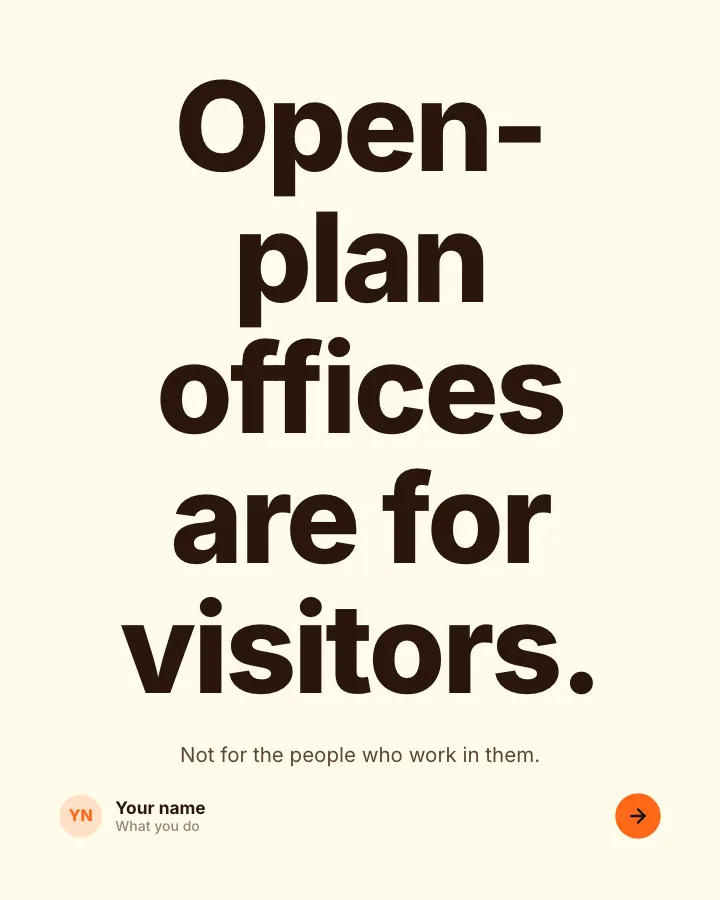
Open-plan offices are for visitors.
Not for the people who work in them.
2Point
Reason 1.
In the example
Focus needs a door
01
Deep work and constant interruption do not share a room.
3Point
Reason 2.
In the example
People wear headphones anyway
02
The “collaboration” happens on chat, three desks apart.
4Point
Reason 3.
In the example
It looks good on a tour
03
Which is exactly who it was designed for.
5Point
The fairest counter-argument, answered honestly.
In the example
Some teams love it
To be fair
Small teams that talk all day. For everyone else, give them a quiet room.
6Call to action
Invite disagreement.
In the example
Where do you do your best work?
Change my mind
Office, home, café?
Make it in Postora
Step 1
Say what it is about
Open Strong opinion and type your topic, paste a link or add your notes.
Step 2
Check the plan
Postora keeps the template’s structure and writes each slide for your subject, in the voice you pick.
Step 3
Polish and download
Edit any word, change the theme or a layout, then export a PDF, images or a video.
Questions about Strong opinion
Is the Strong opinion template free?
Yes. Opening Strong opinion and editing its example are free, no account needed. A free account adds 3 AI carousels a month and 5 downloads of the finished carousel with a small Postora mark; VIP downloads without limits or the mark.
Which platforms is it made for?
LinkedIn (PDF document post, best at 4:5) and X (PNG images, best at 16:9). Postora sizes the carousel for the network you pick and checks it against that network’s limits before you download it.
How many slides does it have?
6, each with its own job (shown above). You can add, remove or reorder slides: free carousels go up to 8 slides, VIP up to 30.
Can I change the design?
Yes. It opens in the Firecracker theme, and you can switch to any of 95 themes or your own brand kit in one click, swap the layout of any slide, and edit every word.
Templates like this one
Browse all templates

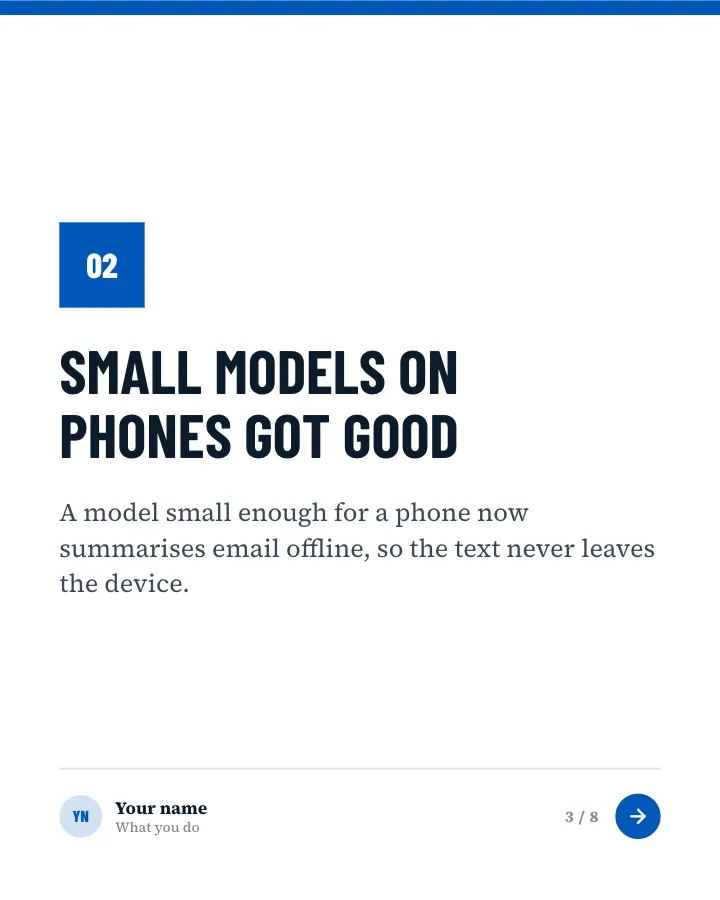
AI news of the month
8 slidesThe month in AI for non-specialists: a few stories, each with what it means for the reader, a hype check and the quiet trend underneath.
AnnounceSpark repliesVIP


Belief check
6 slidesPopular beliefs about a topic, each set against what the evidence actually says.
ExplainSpark replies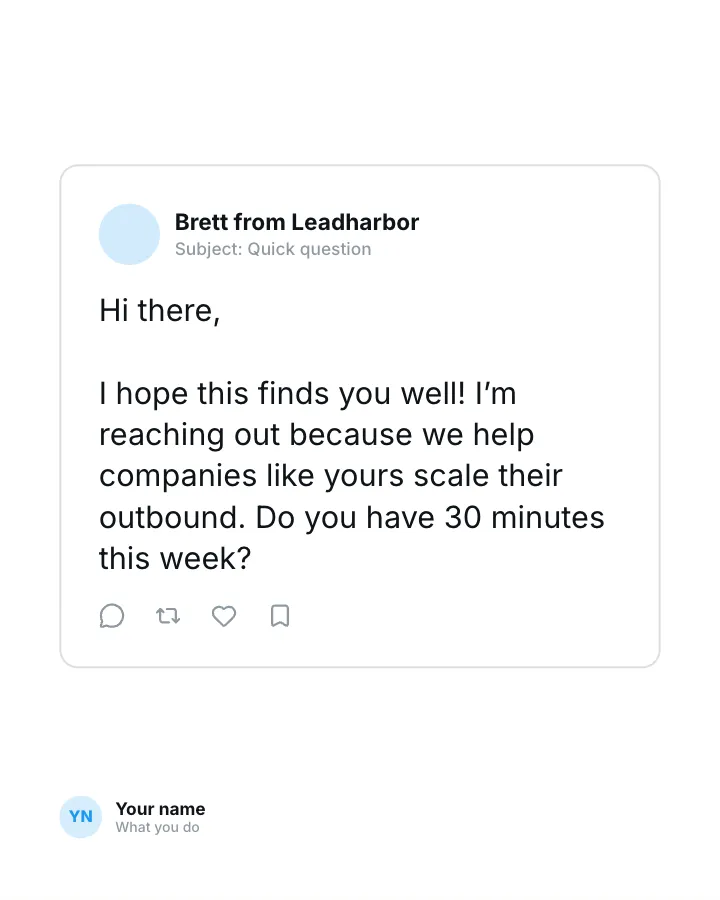
Cold email teardown
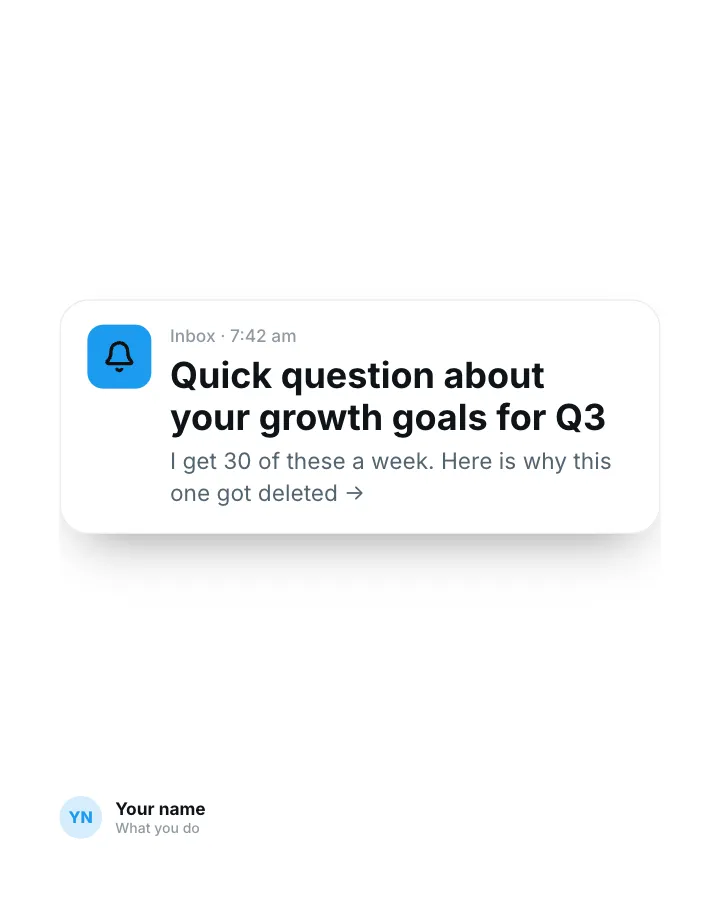
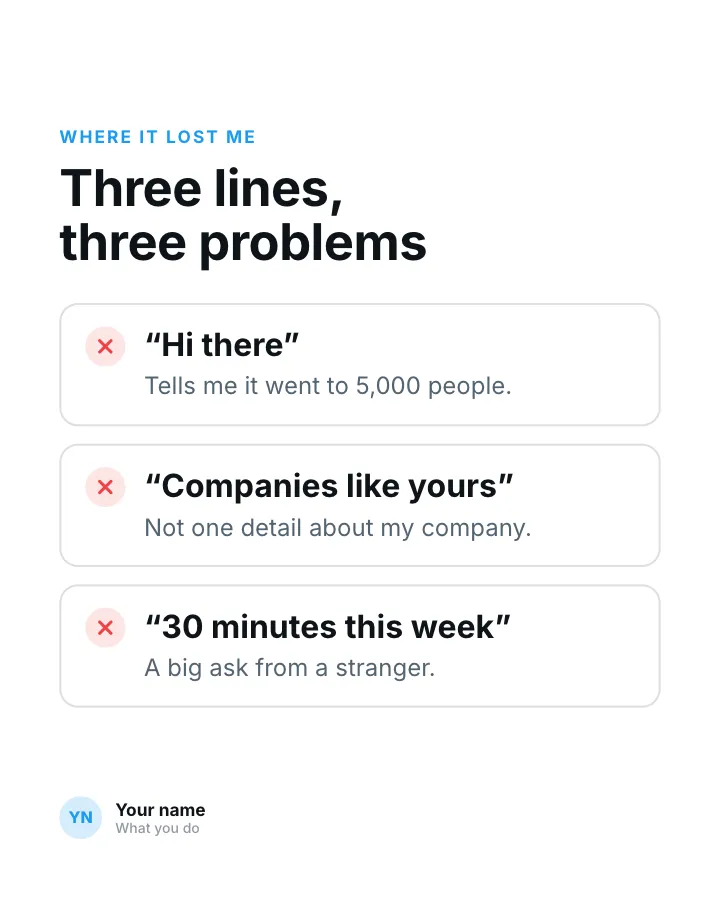
7 slidesA real cold email taken apart line by line: what made it easy to ignore and the rewrite that got a reply.
ExplainSpark replies