
AI news of the month carousel template
The month in AI for non-specialists: a few stories, each with what it means for the reader, a hype check and the quiet trend underneath.

Slide 1 of 8 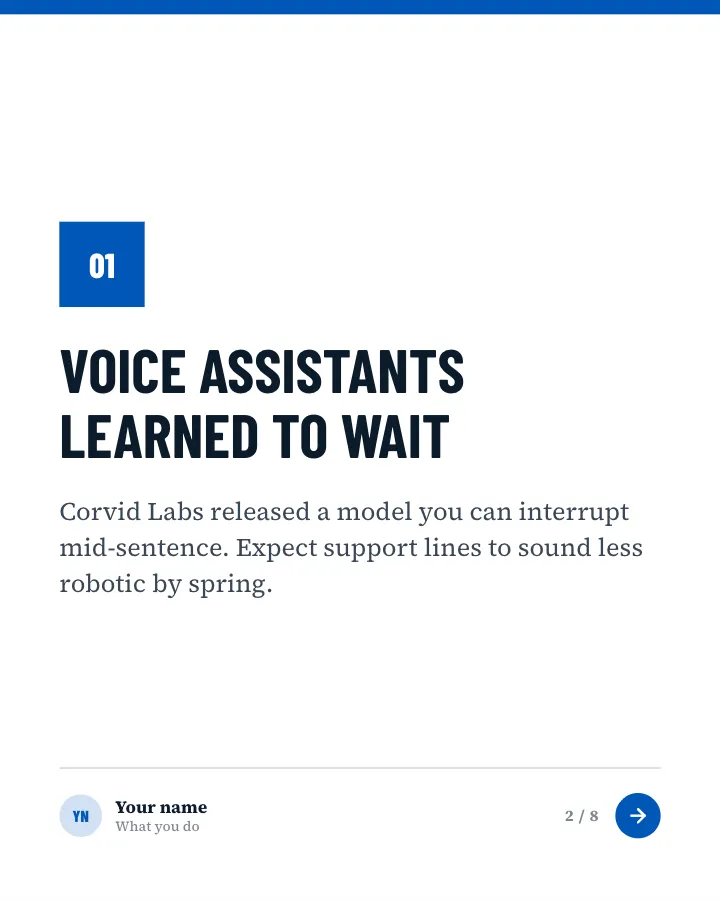
Slide 2 of 8 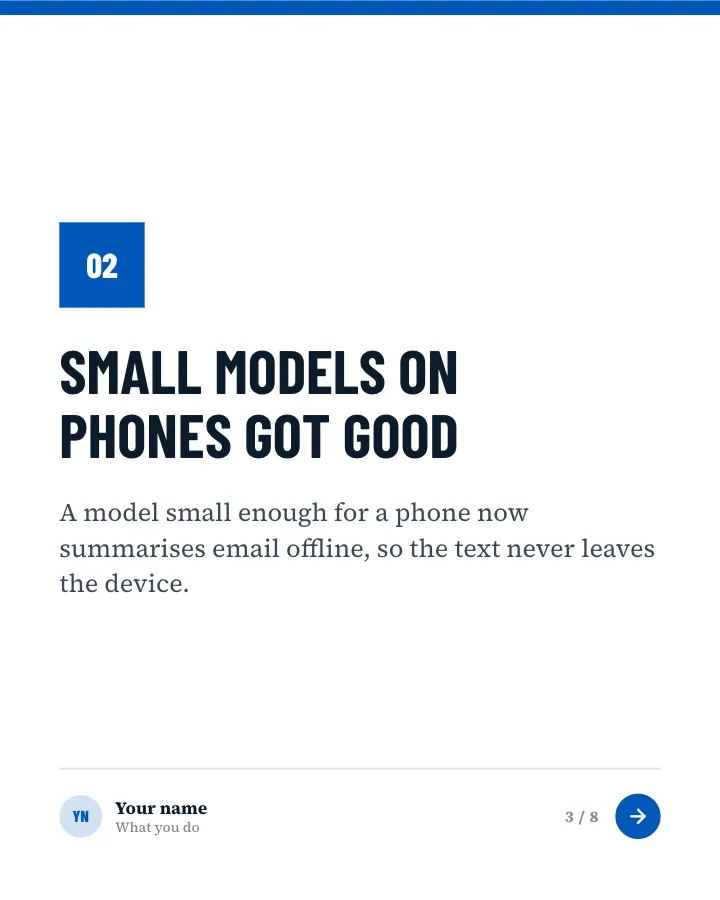
Slide 3 of 8 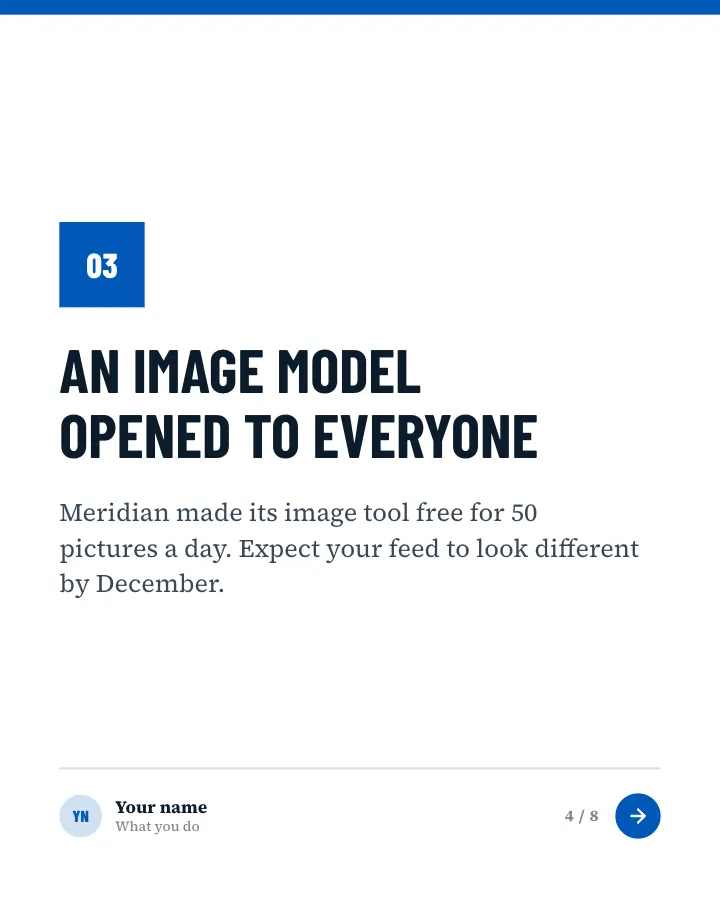
Slide 4 of 8 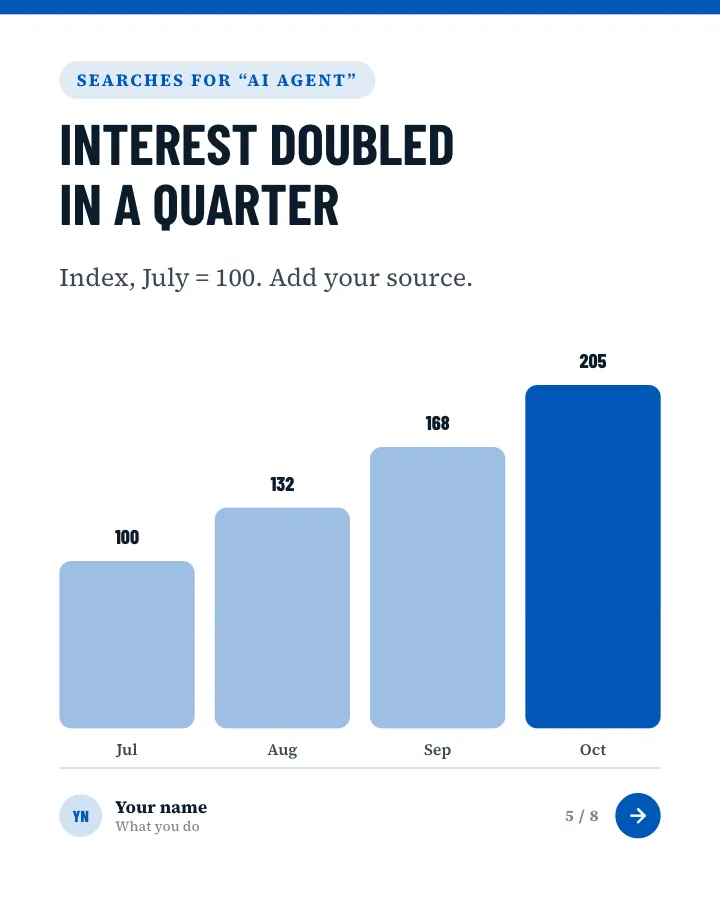
Slide 5 of 8 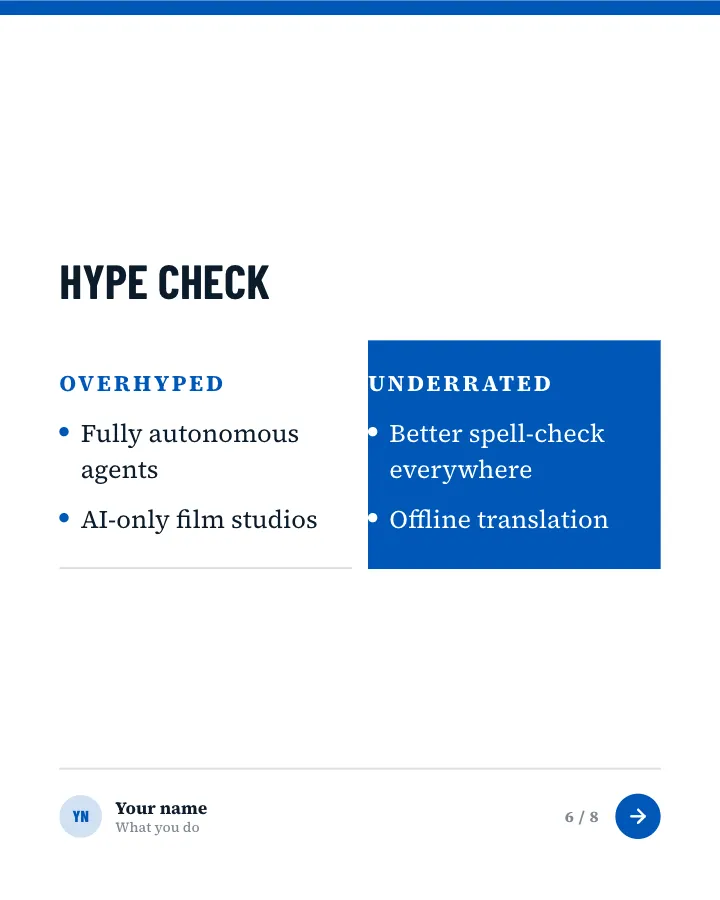
Slide 6 of 8 
Slide 7 of 8 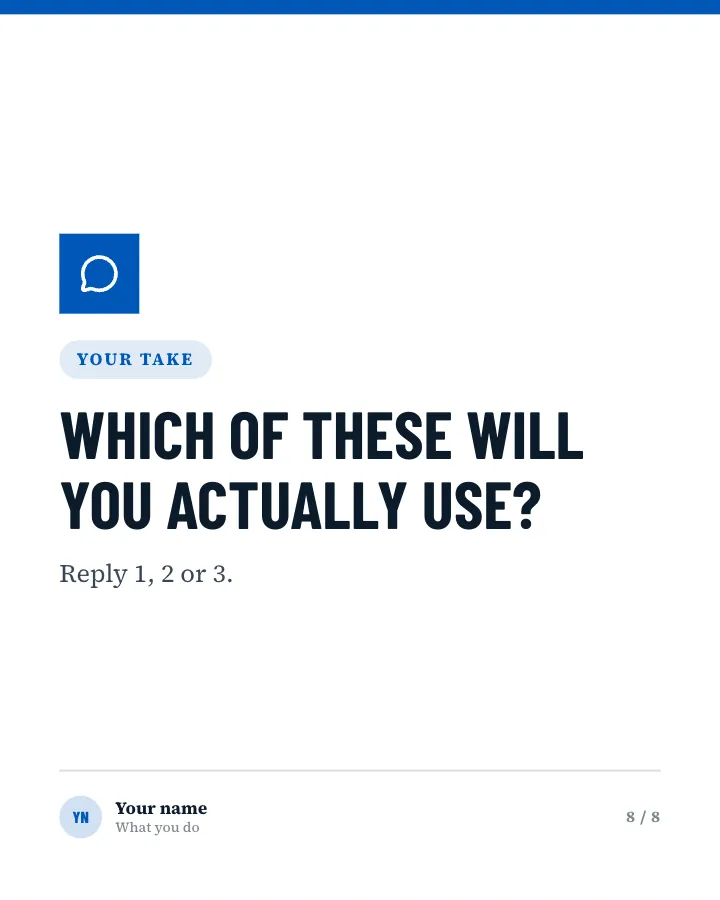
Slide 8 of 8
See it in the feed
How the example looks once it is posted. In the studio the preview uses your own slides, caption and profile.
Your name
What you do · 1h
The month in AI for non-specialists: a few stories, each with what it means for the reader, a hype check and the quiet trend underneath.
1/8When to use it
Reach for AI news of the month when you want to share news without sounding like a press release and start a conversation in the comments. Its structure is point of view: where you think your field is heading. Give Postora your topic and it keeps the shape, writing every slide about your subject in your voice.
What each slide does
1Hook
Opening: the month, and how many stories are inside. Only stories the author provides; never invent news.
In the example
Three stories worth your time, and the hype to skip
AI this month · October
Each in one slide, with what it means for you.
2Point
Story 1: what happened in one line, then what it changes for the reader.
In the example
Voice assistants learned to wait
01
Corvid Labs released a model you can interrupt mid-sentence. Expect support lines to sound less robotic by spring.
3Point
Story 2, in the same format.
In the example
Small models on phones got good
02
A model small enough for a phone now summarises email offline, so the text never leaves the device.
4Point
Story 3, in the same format.
In the example
An image model opened to everyone
03
Meridian made its image tool free for 50 pictures a day. Expect your feed to look different by December.
5Chart
One trend line behind the stories (only figures the author provided, with the source).
In the example
Interest doubled in a quarter
Searches for “AI agent”
Index, July = 100. Add your source.
6Comparison
A hype check: what is getting more attention than it deserves, and what less.
In the example
Hype check
7Recap
The month in one line.
In the example
Smaller, faster, closer to you.
In short
The quiet trend this month was AI moving onto your own devices.
8Call to action
Ask readers which story they will act on.
In the example
Which of these will you actually use?
Your take
Reply 1, 2 or 3.
Make it in Postora
Step 1
Say what it is about
Open AI news of the month and type your topic, paste a link or add your notes.
Step 2
Check the plan
Postora keeps the template’s structure and writes each slide for your subject, in the voice you pick.
Step 3
Polish and download
Edit any word, change the theme or a layout, then export a PDF, images or a video.
Questions about AI news of the month
Is the AI news of the month template free?
AI news of the month is part of VIP. You can look through it for free; using it, along with AI on every carousel and downloads without a mark, comes with a VIP plan.
Which platforms is it made for?
LinkedIn (PDF document post, best at 4:5) and X (PNG images, best at 16:9). Postora sizes the carousel for the network you pick and checks it against that network’s limits before you download it.
How many slides does it have?
8, each with its own job (shown above). You can add, remove or reorder slides: free carousels go up to 8 slides, VIP up to 30.
Can I change the design?
Yes. It opens in the Wire Service theme, and you can switch to any of 95 themes or your own brand kit in one click, swap the layout of any slide, and edit every word.
Templates like this one
Browse all templates


Predictions
7 slidesWhere you think your field is heading next year: each call stated plainly with a reason, so readers can argue back.
Spark repliesAnnounce
News flash
Image postA piece of local or industry news styled as a phone alert, with a nudge to discuss it.
AnnounceSpark repliesVIP
App changelog
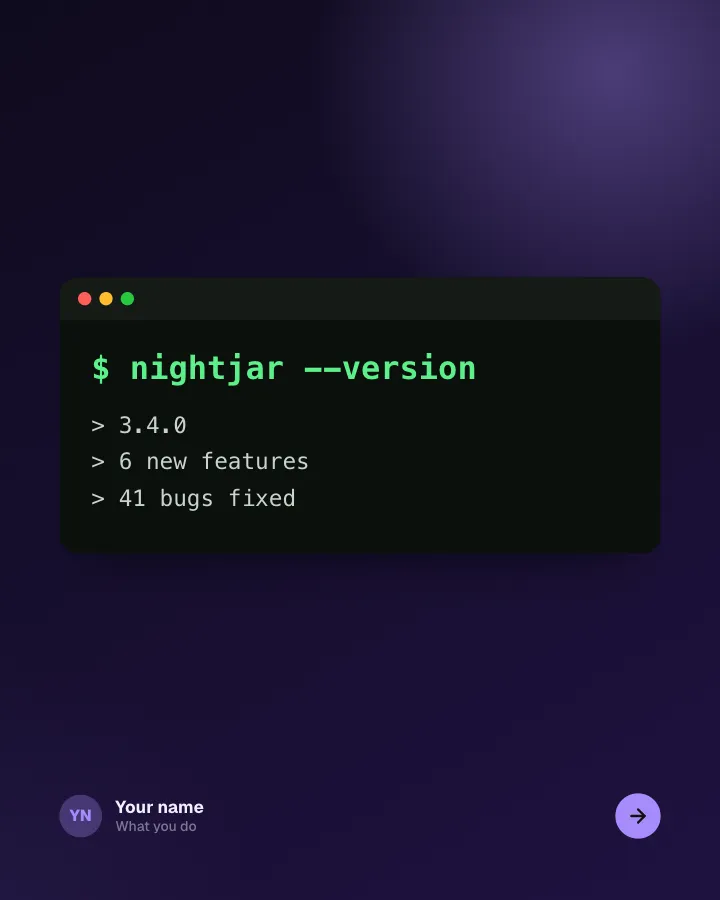
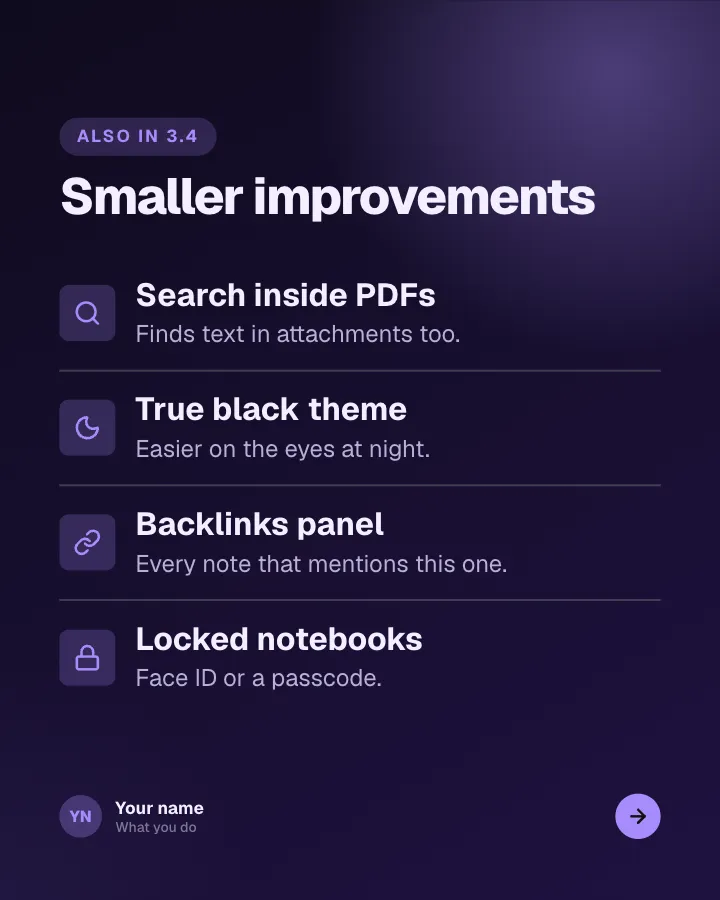
7 slidesRelease notes people actually read: the version, the headline feature, the smaller changes and the bugs you fixed.
AnnounceSellVIP