
Team spotlight carousel template
Introduce one person on your team: their role, a typical day, what they are proud of and a fun fact.
Slide 1 of 7 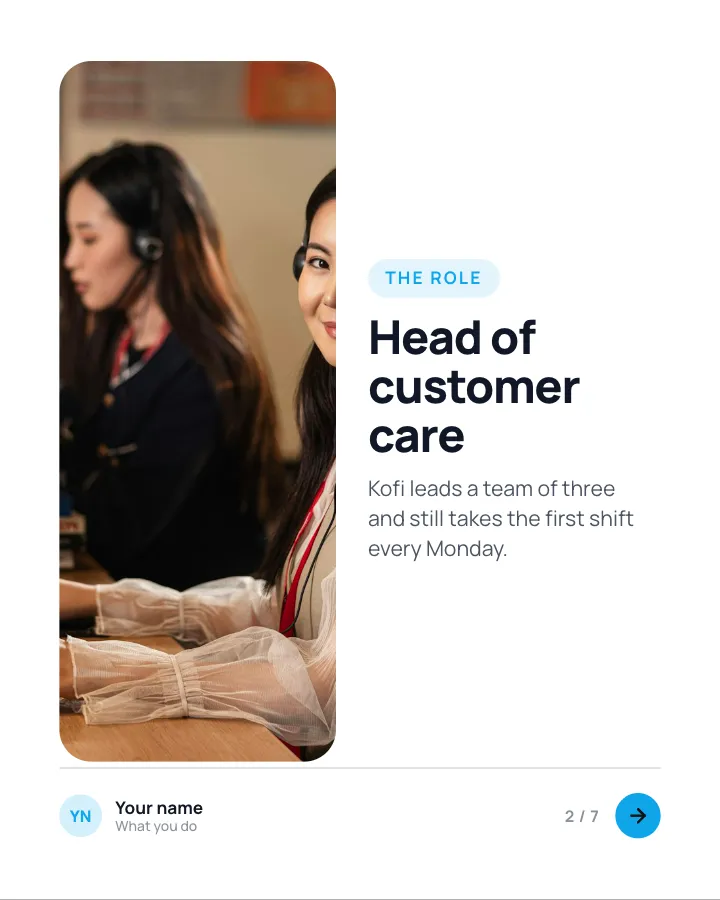
Slide 2 of 7 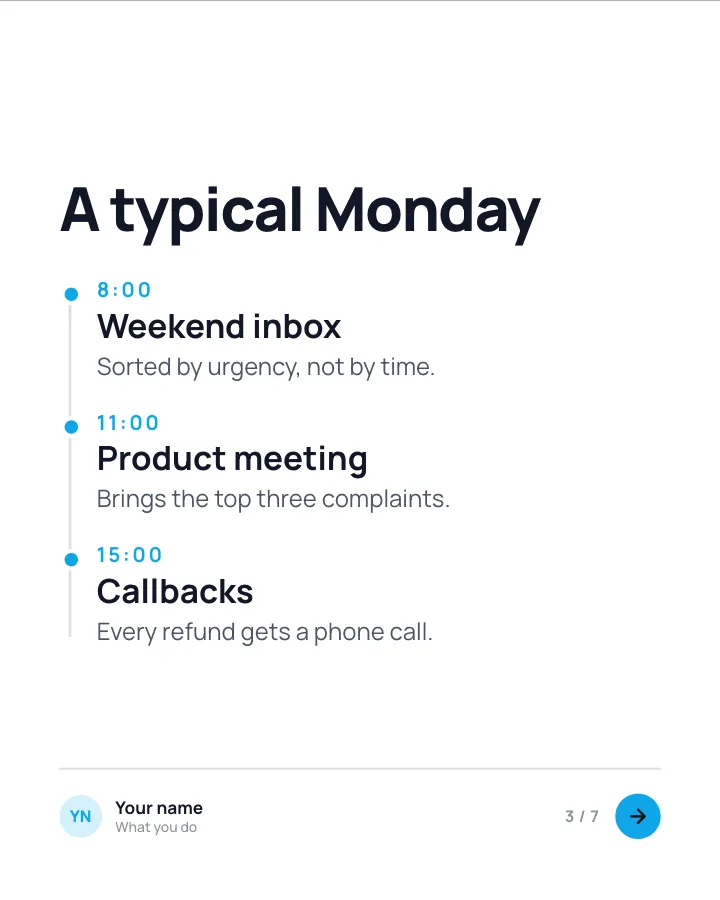
Slide 3 of 7 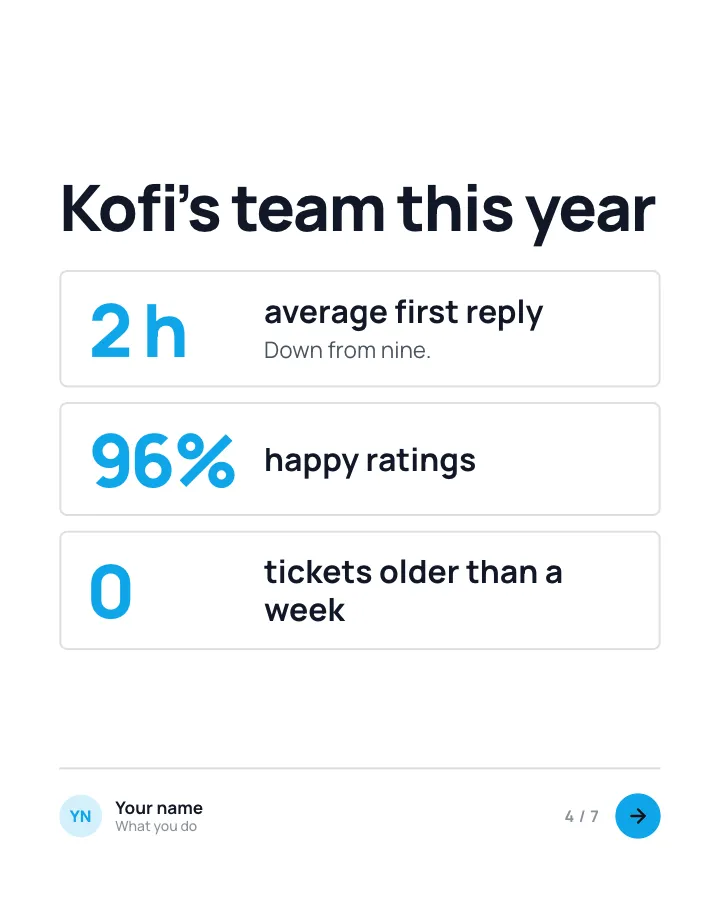
Slide 4 of 7 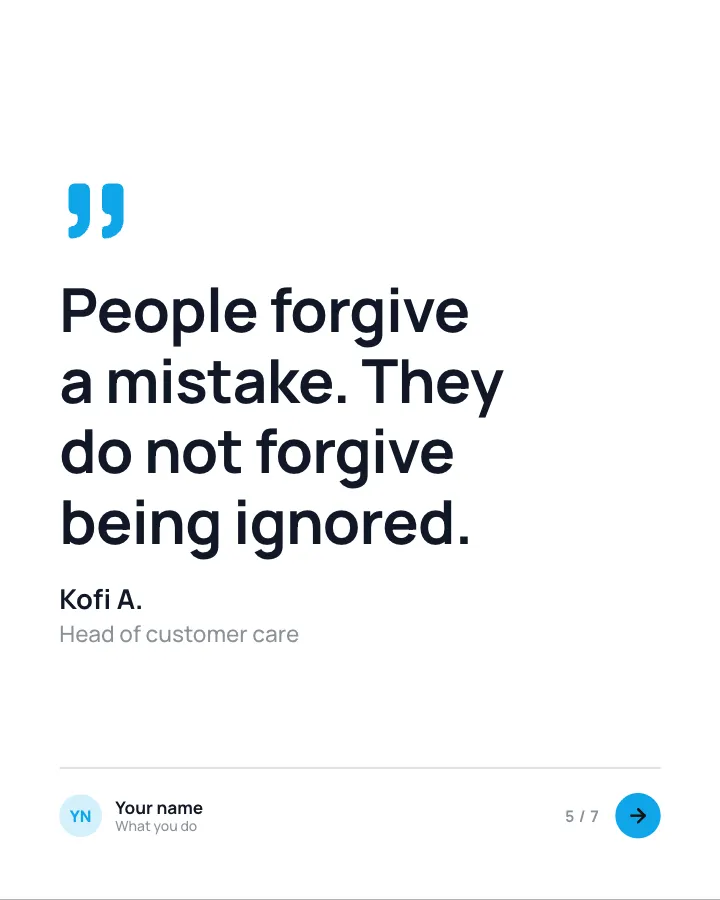
Slide 5 of 7 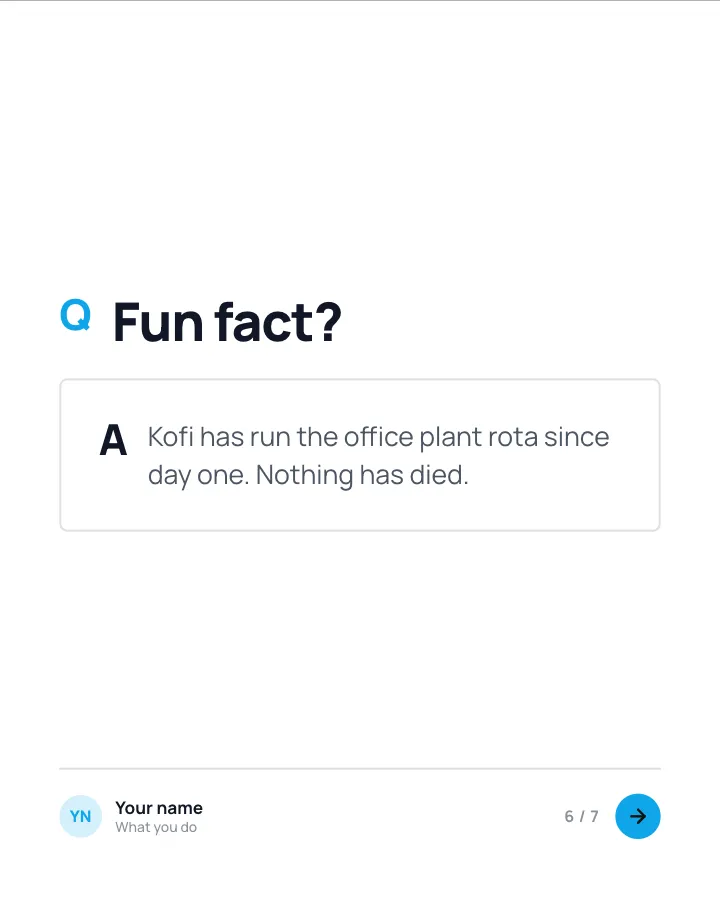
Slide 6 of 7 
Slide 7 of 7
Slide 1: photo by Vagaro on Unsplash
Slide 2: photo by BaljkanN4 📸 on Unsplash
See it in the feed
How the example looks once it is posted. In the studio the preview uses your own slides, caption and profile.
Your name
What you do · 1h
Introduce one person on your team: their role, a typical day, what they are proud of and a fun fact.
1/7When to use it
Reach for Team spotlight when you want to show your experience and earn trust and promote a product or an opening without a hard sell. Its structure is backstage: what the work looks like when nobody is watching. It is written for growing teams. Give Postora your topic and it keeps the shape, writing every slide about your subject in your voice.
What each slide does
1Hook
Opening: who they are and what they are known for.
In the example
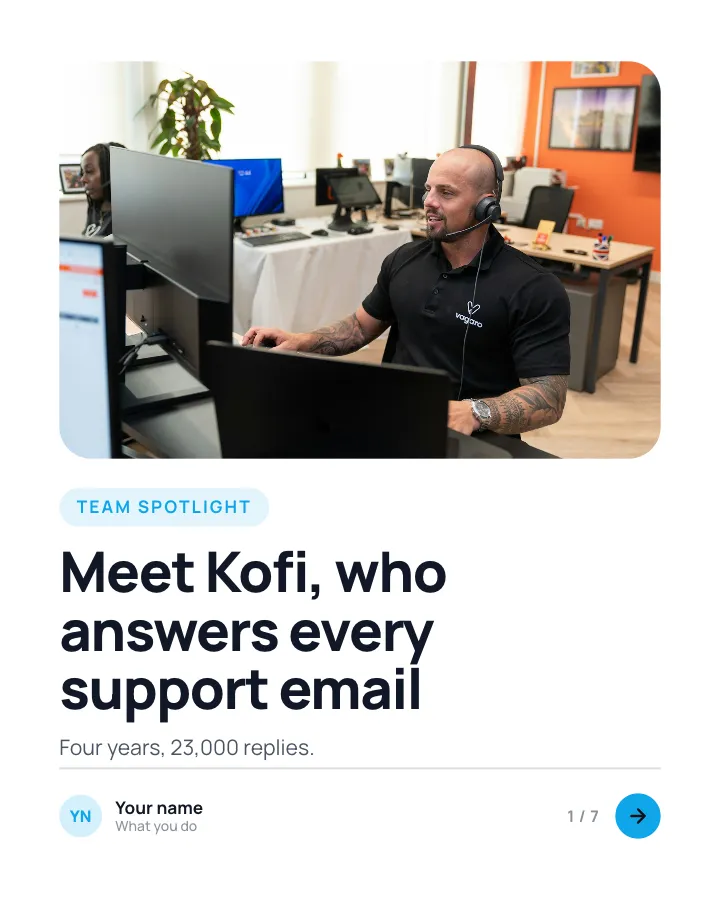
Meet Kofi, who answers every support email
Team spotlight
Four years, 23,000 replies.
2Point
Their role, in a sentence or two.
In the example
Head of customer care
The role
Kofi leads a team of three and still takes the first shift every Monday.
3Steps
A typical day, by the clock.
In the example
A typical Monday
- 8:00 Weekend inbox — Sorted by urgency, not by time.
- 11:00 Product meeting — Brings the top three complaints.
- 15:00 Callbacks — Every refund gets a phone call.
4Number
What their work achieved this year (author-provided).
In the example
Kofi’s team this year
- 2 h average first reply — Down from nine.
- 96% happy ratings
- 0 tickets older than a week
5Quote
Something they say about their work (their own words).
In the example
People forgive a mistake. They do not forgive being ignored.
6Point
A fun fact.
In the example
Fun fact?
Kofi has run the office plant rota since day one. Nothing has died.
7Call to action
Link to open roles or the team page.
In the example
Want to work with Kofi?
We are hiring a support specialist.
Link in comments
Make it in Postora
Step 1
Say what it is about
Open Team spotlight and type your topic, paste a link or add your notes.
Step 2
Check the plan
Postora keeps the template’s structure and writes each slide for your subject, in the voice you pick.
Step 3
Polish and download
Edit any word, change the theme or a layout, then export a PDF, images or a video.
Questions about Team spotlight
Is the Team spotlight template free?
Team spotlight is part of VIP. You can look through it for free; using it, along with AI on every carousel and downloads without a mark, comes with a VIP plan.
Which platforms is it made for?
LinkedIn (PDF document post, best at 4:5). Postora sizes the carousel for the network you pick and checks it against that network’s limits before you download it.
How many slides does it have?
7, each with its own job (shown above). You can add, remove or reorder slides: free carousels go up to 8 slides, VIP up to 30.
Can I change the design?
Yes. It opens in the Open Office theme, and you can switch to any of 95 themes or your own brand kit in one click, swap the layout of any slide, and edit every word.
Templates like this one
Browse all templates

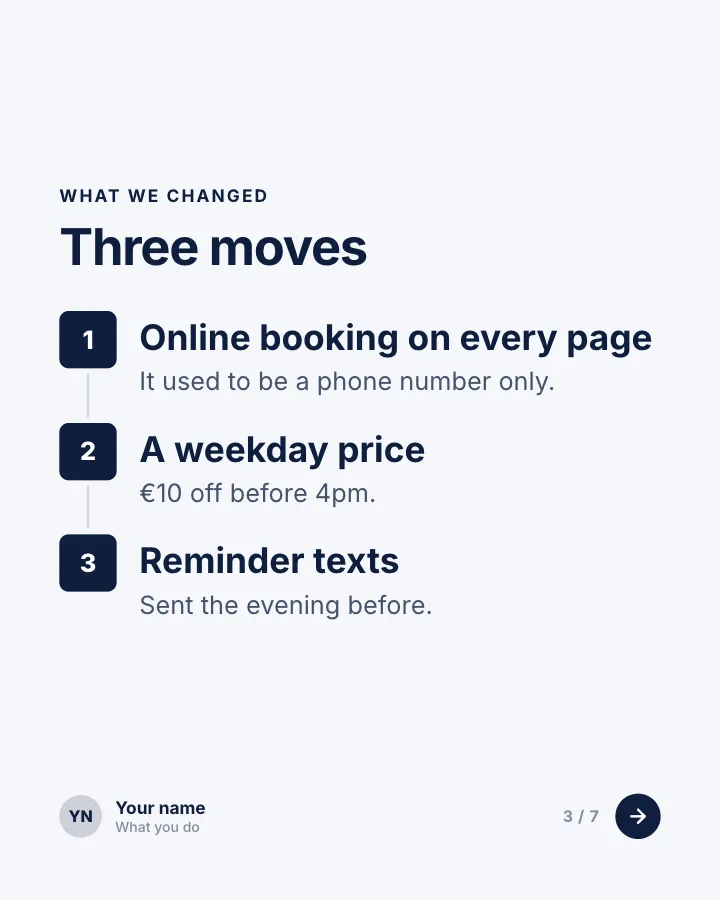
Client win, in numbers
7 slidesA short case study for service businesses: where the client started, what you changed and the results in figures.
Earn trustSellVIP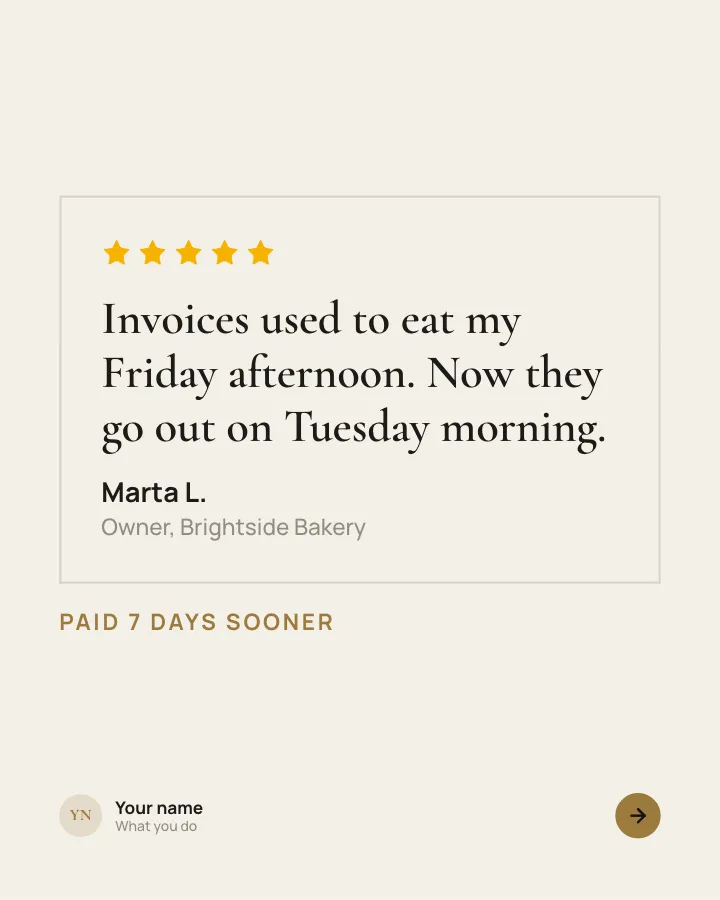

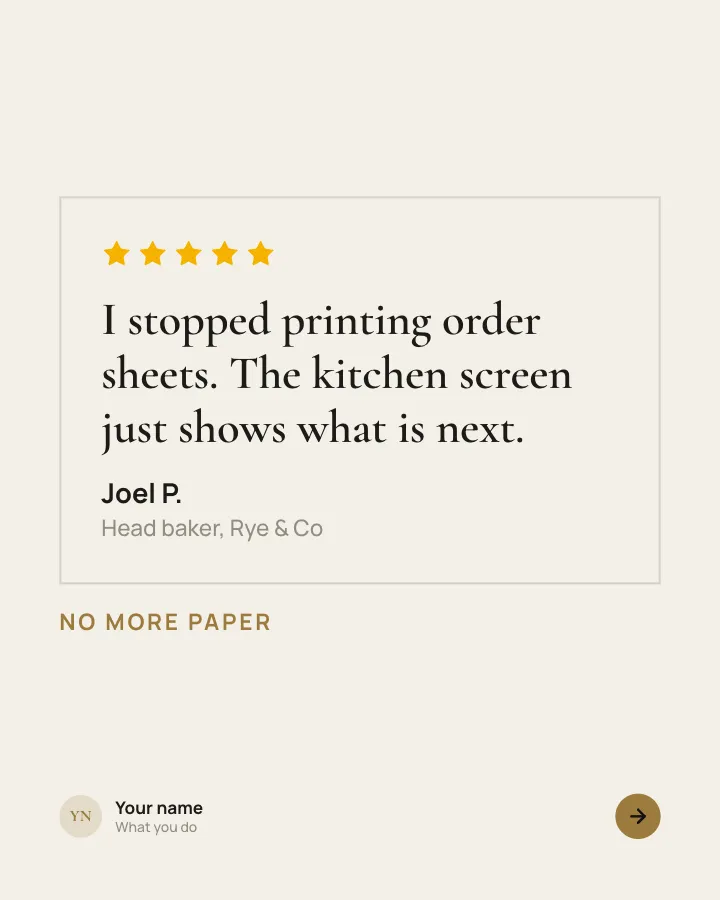
Customer voices
5 slidesReal customers in their own words, one person per slide, plus the change they noticed.
Earn trustSellVIP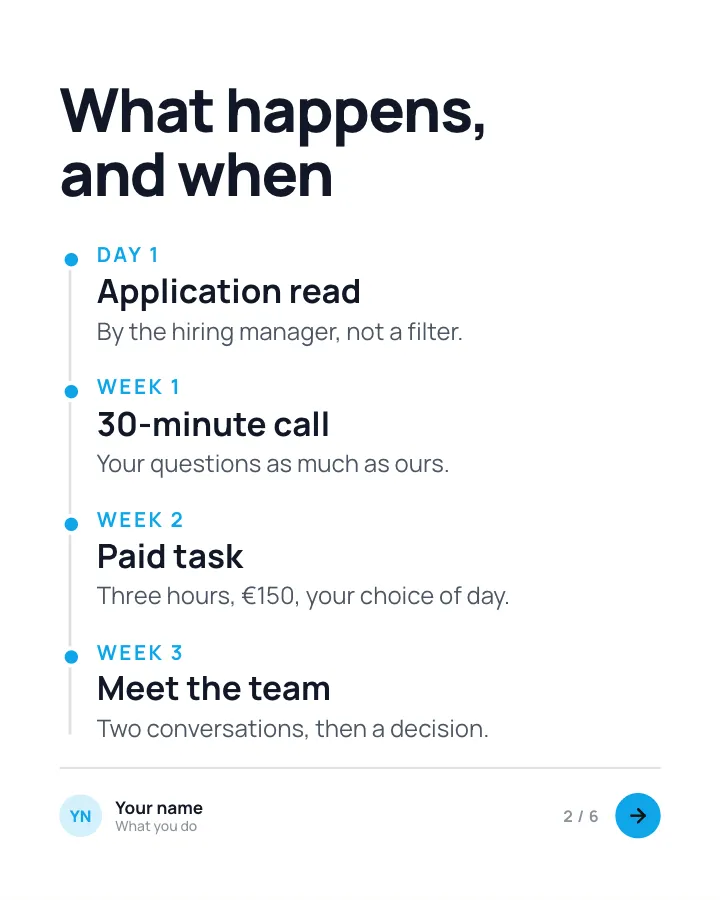

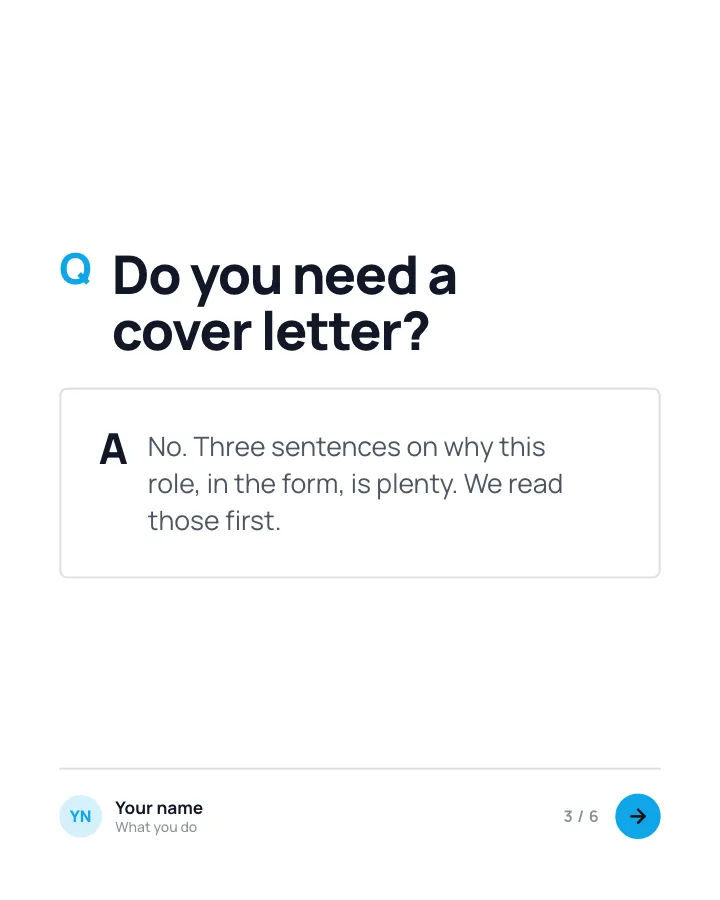
How we hire
6 slidesEvery step of your hiring process laid out for candidates: what happens, how long it takes and what you are looking for.
SellEarn trust