
Our meeting rules carousel template
The meeting rules a team actually follows, with what changed after you introduced them.
Slide 1 of 6 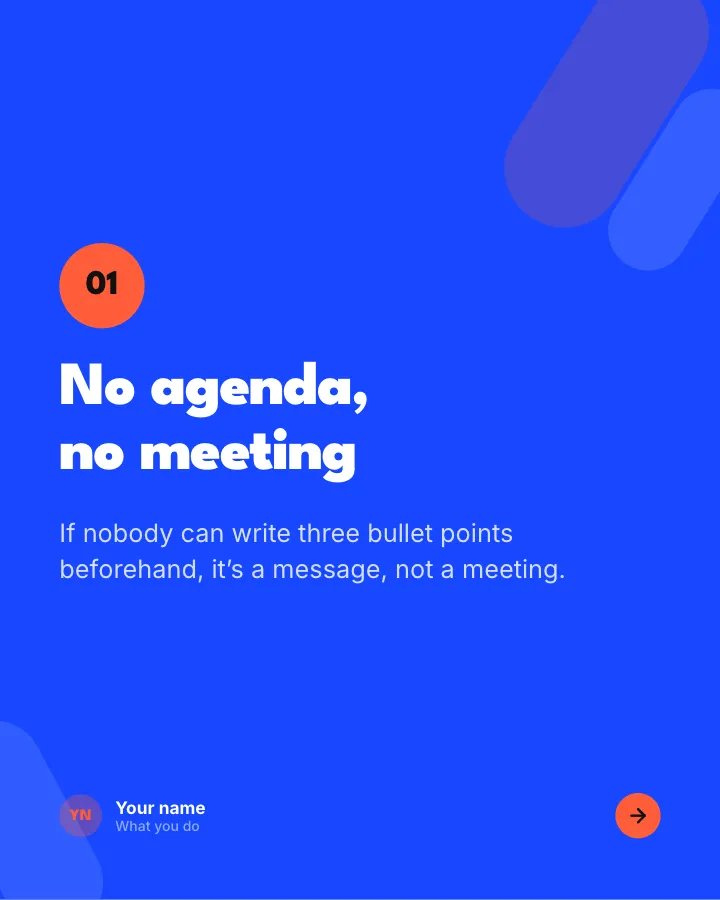
Slide 2 of 6 
Slide 3 of 6 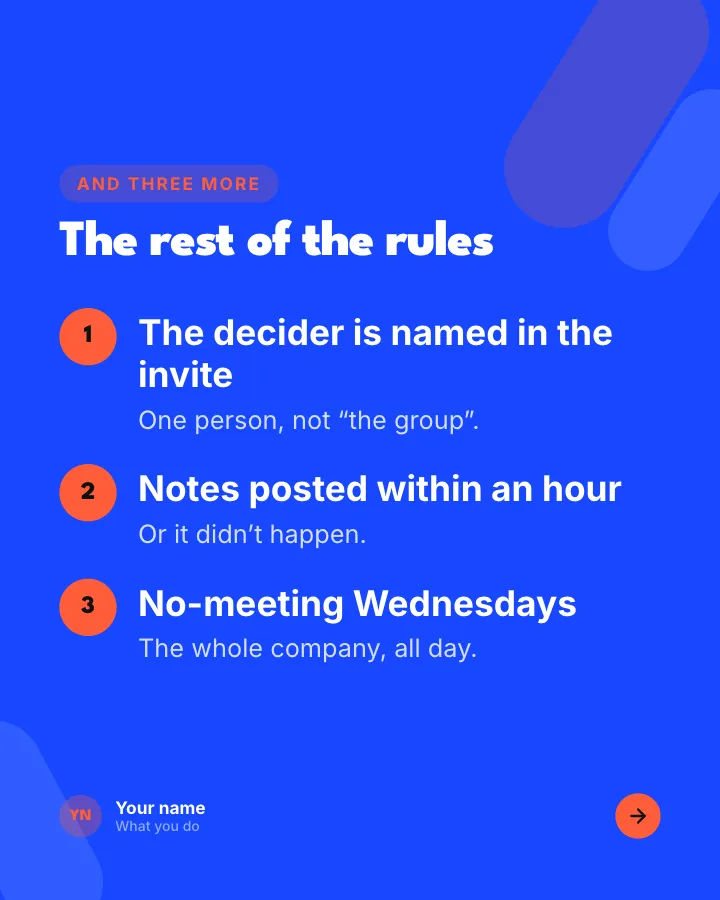
Slide 4 of 6 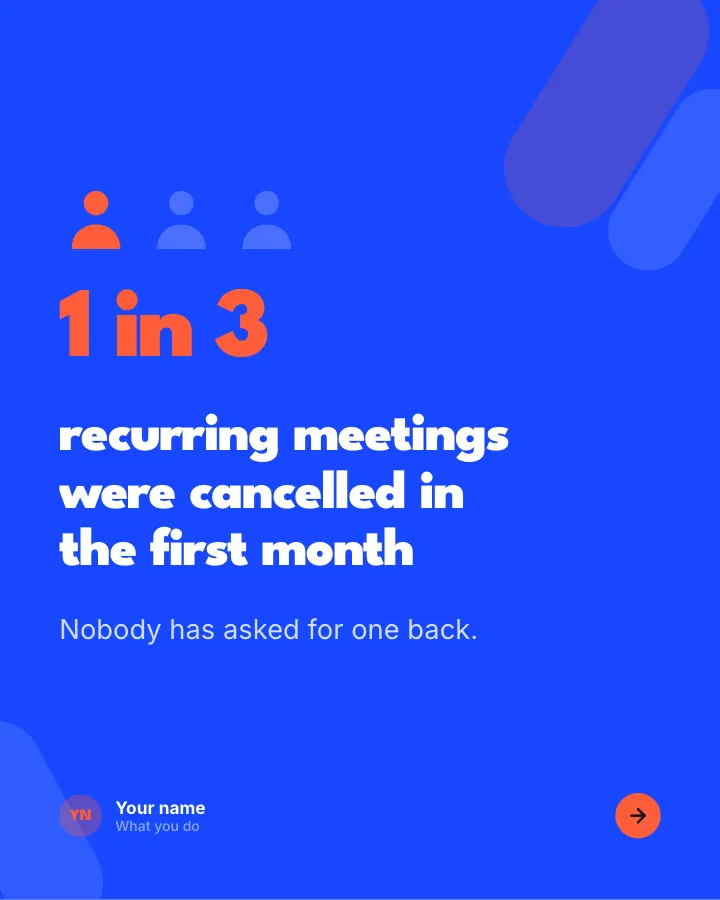
Slide 5 of 6 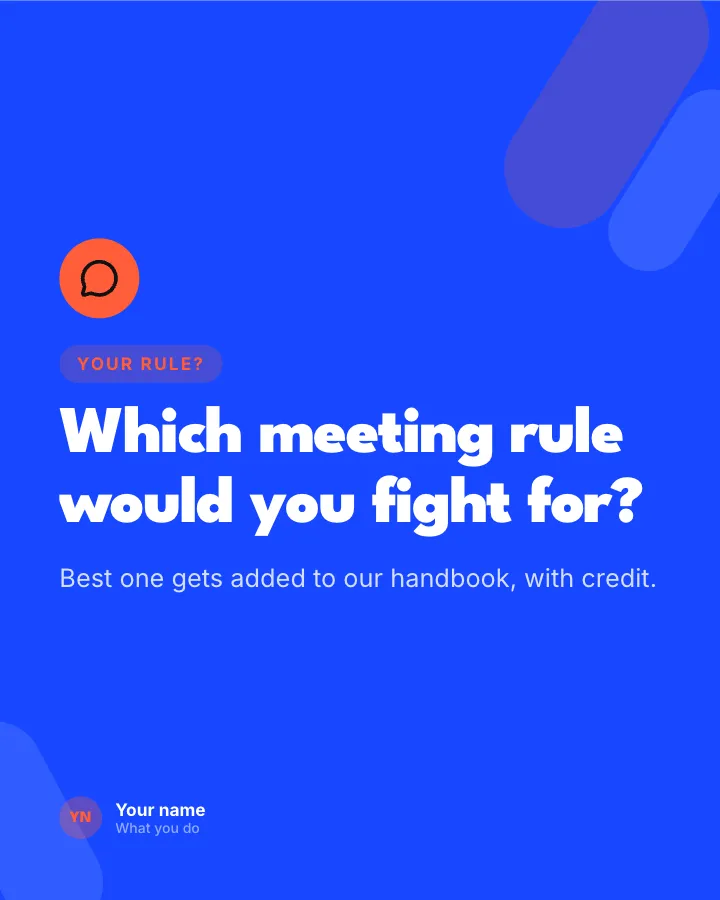
Slide 6 of 6
See it in the feed
How the example looks once it is posted. In the studio the preview uses your own slides, caption and profile.
Your name
What you do · 1h
The meeting rules a team actually follows, with what changed after you introduced them.
1/6When to use it
Reach for Our meeting rules when you want to make a post people save and come back to and give people a quick, fun reason to stop scrolling. Its structure is tips: separate pointers, each on its own slide. Give Postora your topic and it keeps the shape, writing every slide about your subject in your voice.
What each slide does
1Hook
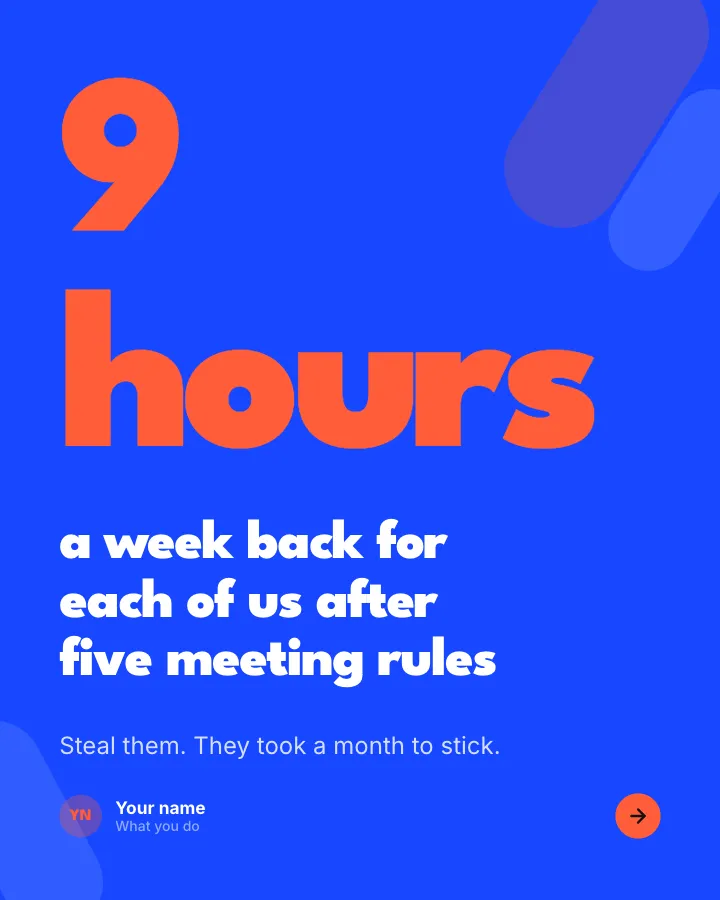
Opening: the time saved since the rules started.
In the example
a week back for each of us after five meeting rules
9 hours
Steal them. They took a month to stick.
2Point
Rule one, with the reason.
In the example
No agenda, no meeting
01
If nobody can write three bullet points beforehand, it’s a message, not a meeting.
3Point
Rule two, with the reason.
In the example
25 or 50 minutes, never 30 or 60
02
The five minutes between calls is where people refill water and read the next agenda.
4List
The remaining rules, briefly.
In the example
The rest of the rules
And three more
- The decider is named in the invite — One person, not “the group”.
- Notes posted within an hour — Or it didn’t happen.
- No-meeting Wednesdays — The whole company, all day.
5Number
A figure on meetings cancelled or shortened (author-provided).
In the example
recurring meetings were cancelled in the first month
1 in 3
Nobody has asked for one back.
6Call to action
Ask readers for the rule they would add.
In the example
Which meeting rule would you fight for?
Your rule?
Best one gets added to our handbook, with credit.
Make it in Postora
Step 1
Say what it is about
Open Our meeting rules and type your topic, paste a link or add your notes.
Step 2
Check the plan
Postora keeps the template’s structure and writes each slide for your subject, in the voice you pick.
Step 3
Polish and download
Edit any word, change the theme or a layout, then export a PDF, images or a video.
Questions about Our meeting rules
Is the Our meeting rules template free?
Yes. Opening Our meeting rules and editing its example are free, no account needed. A free account adds 3 AI carousels a month and 5 downloads of the finished carousel with a small Postora mark; VIP downloads without limits or the mark.
Which platforms is it made for?
LinkedIn (PDF document post, best at 4:5) and X (PNG images, best at 16:9). Postora sizes the carousel for the network you pick and checks it against that network’s limits before you download it.
How many slides does it have?
6, each with its own job (shown above). You can add, remove or reorder slides: free carousels go up to 8 slides, VIP up to 30.
Can I change the design?
Yes. It opens in the Semaphore theme, and you can switch to any of 95 themes or your own brand kit in one click, swap the layout of any slide, and edit every word.
Templates like this one
Browse all templates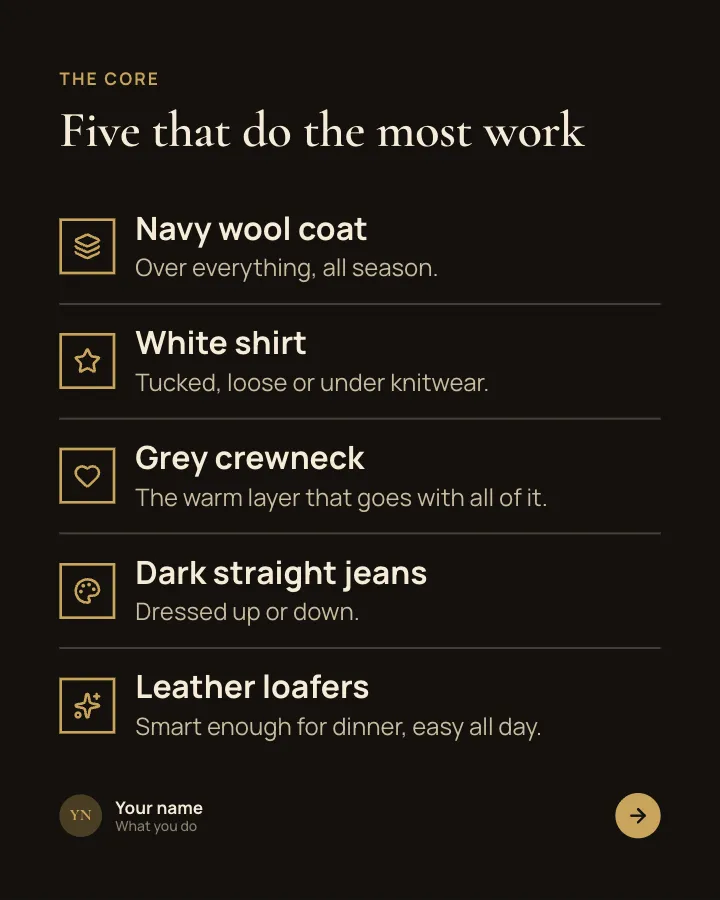

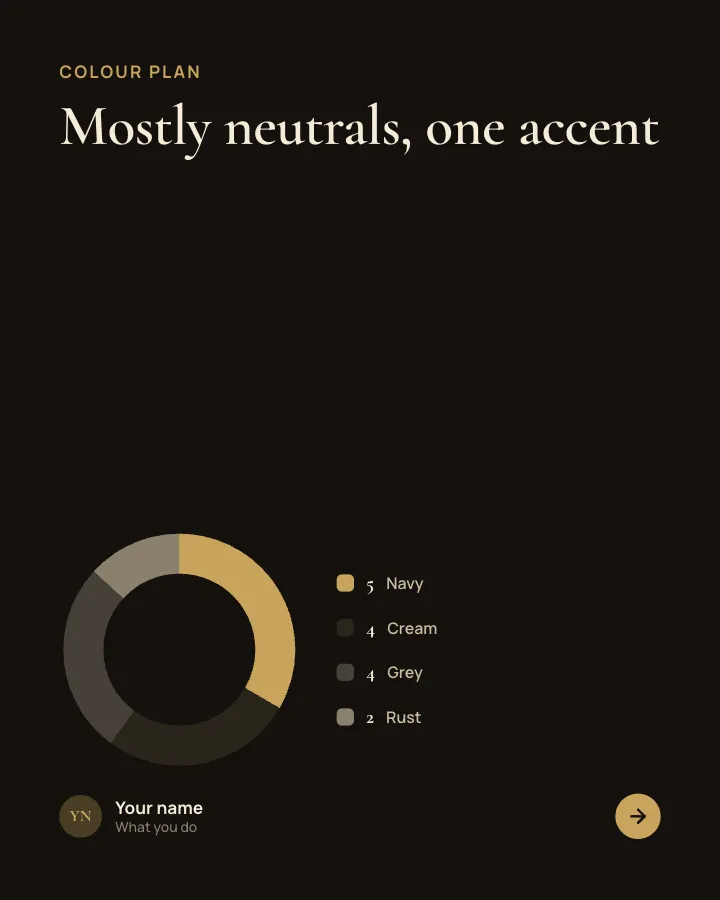
Capsule wardrobe
7 slidesA small wardrobe that mixes into many outfits: the core pieces, the colour plan, the outfit maths and what to skip.
Be bookmarkedMake them smileVIP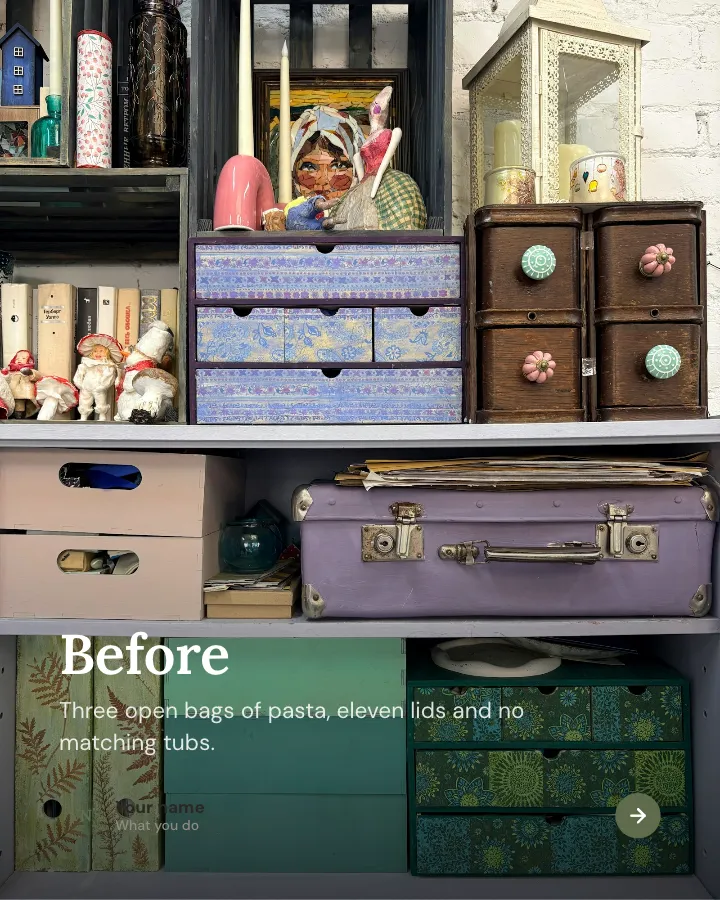
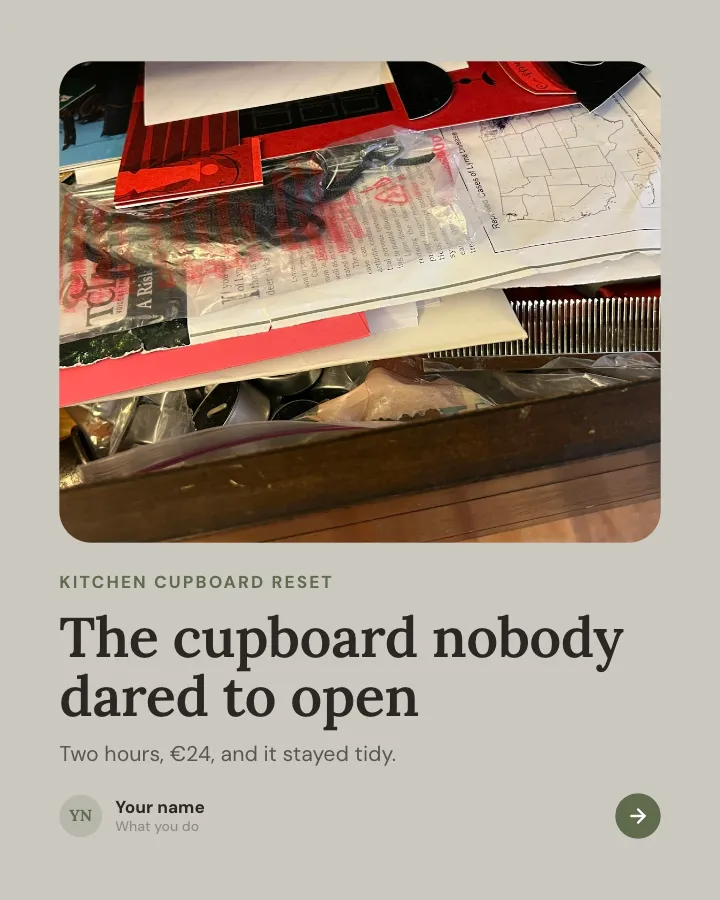
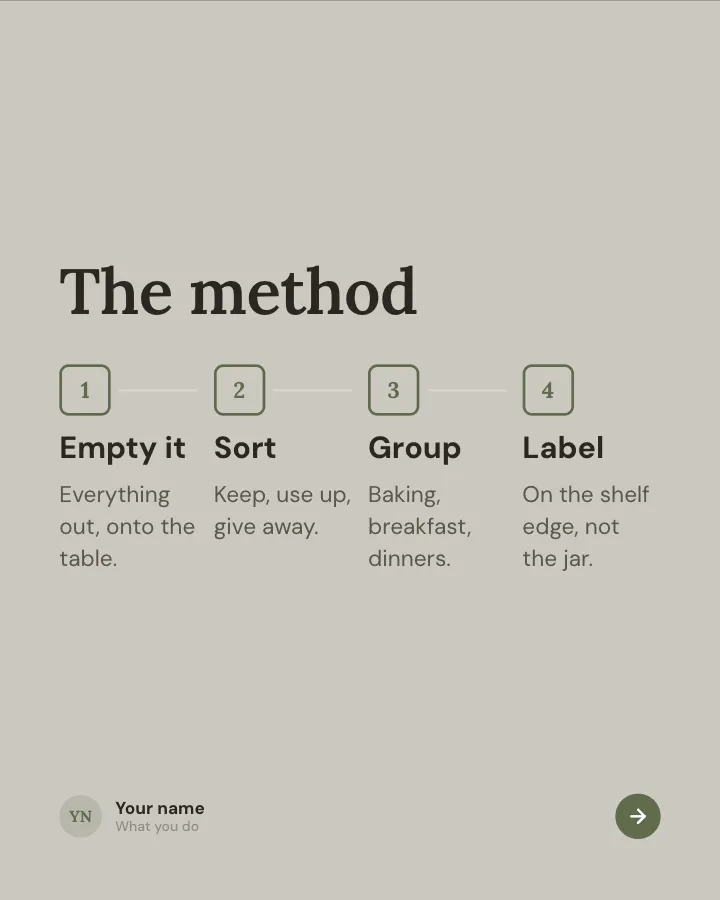
One cupboard, reset
7 slidesA home organisation project told as a small case study: the mess, the method, the cost and the result.
Make them smileBe bookmarkedVIP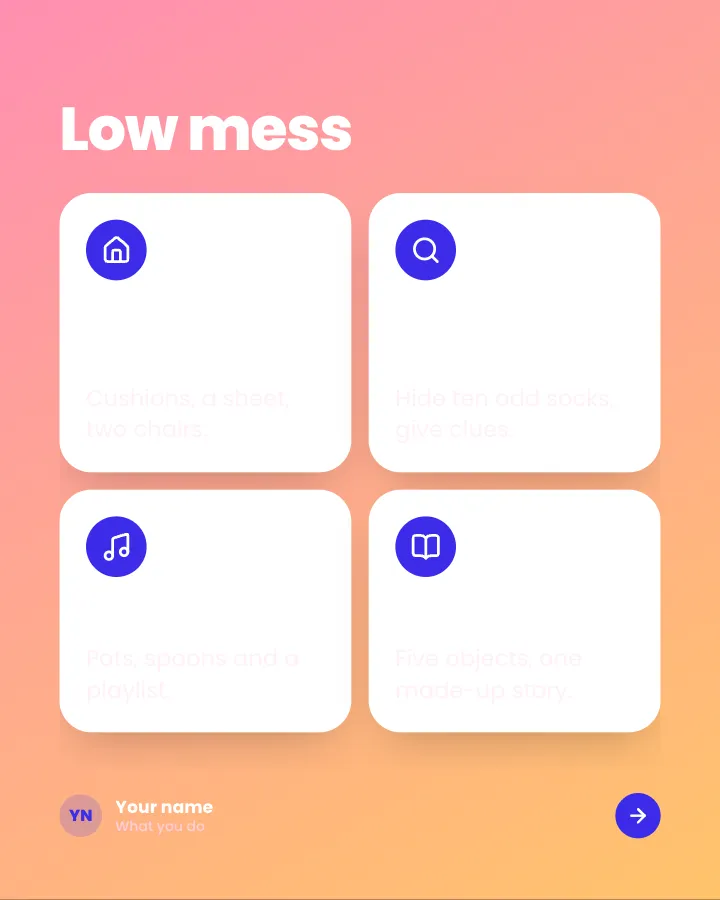

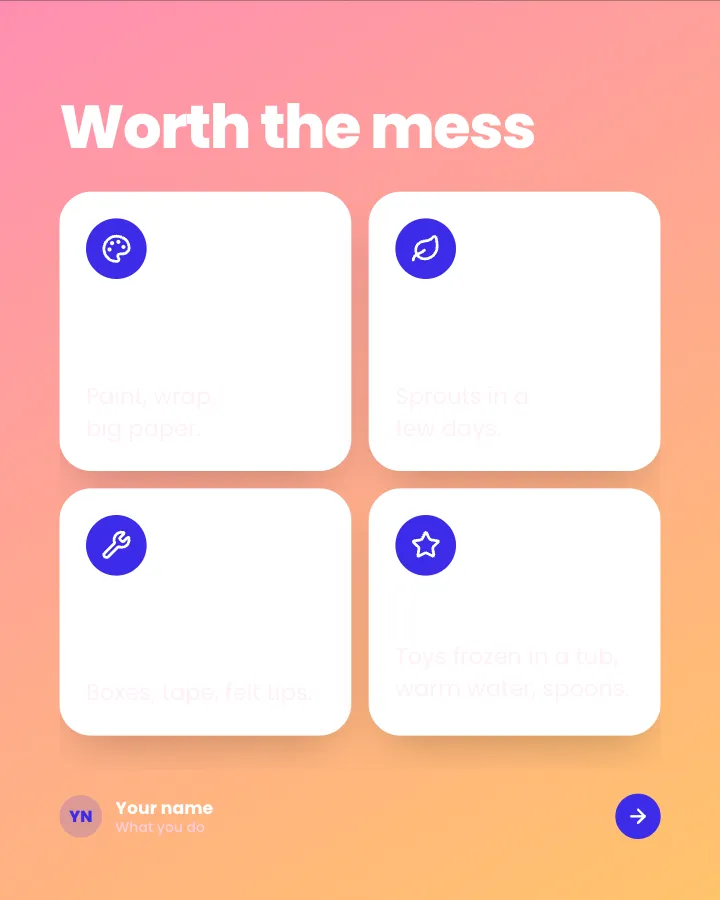
Rainy-day ideas for kids
7 slidesIndoor activities for a wet afternoon, sorted by mess and effort, with what you need for each.
Make them smileBe bookmarkedVIP