
One cupboard, reset carousel template
A home organisation project told as a small case study: the mess, the method, the cost and the result.
Slide 1 of 7 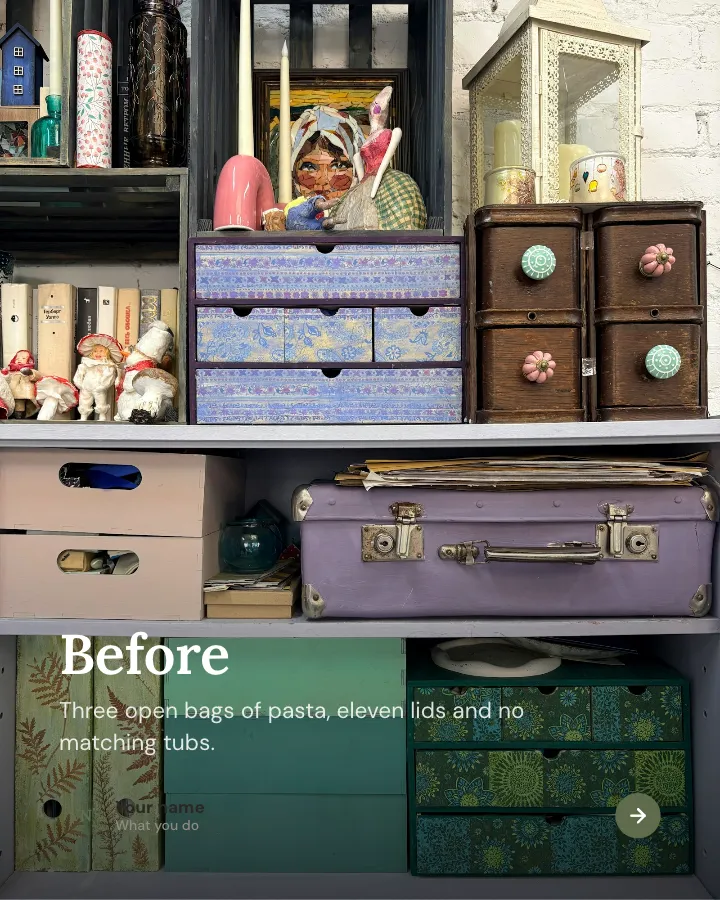
Slide 2 of 7 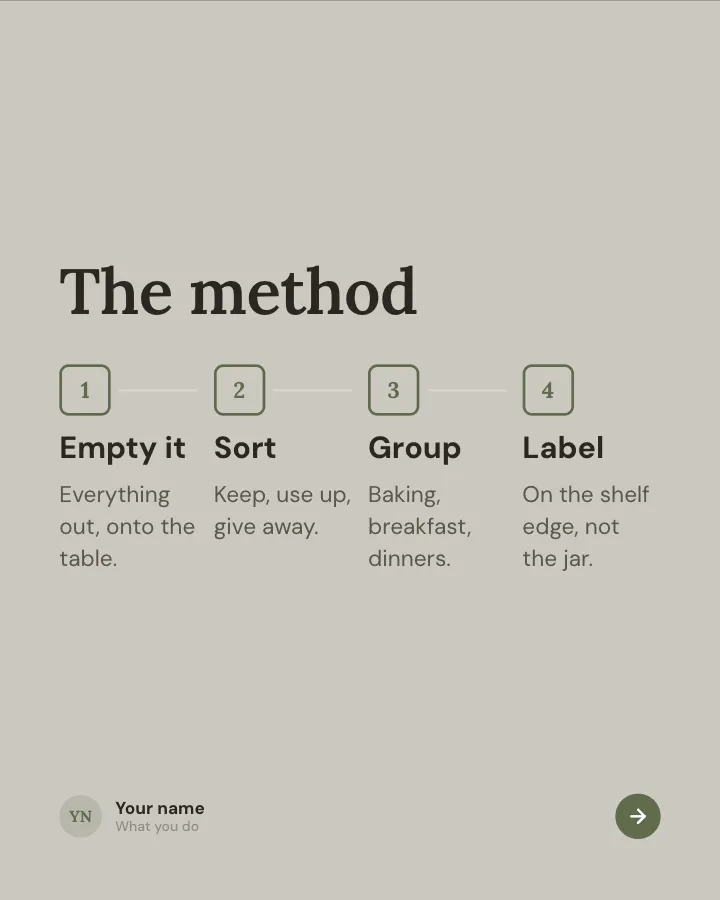
Slide 3 of 7 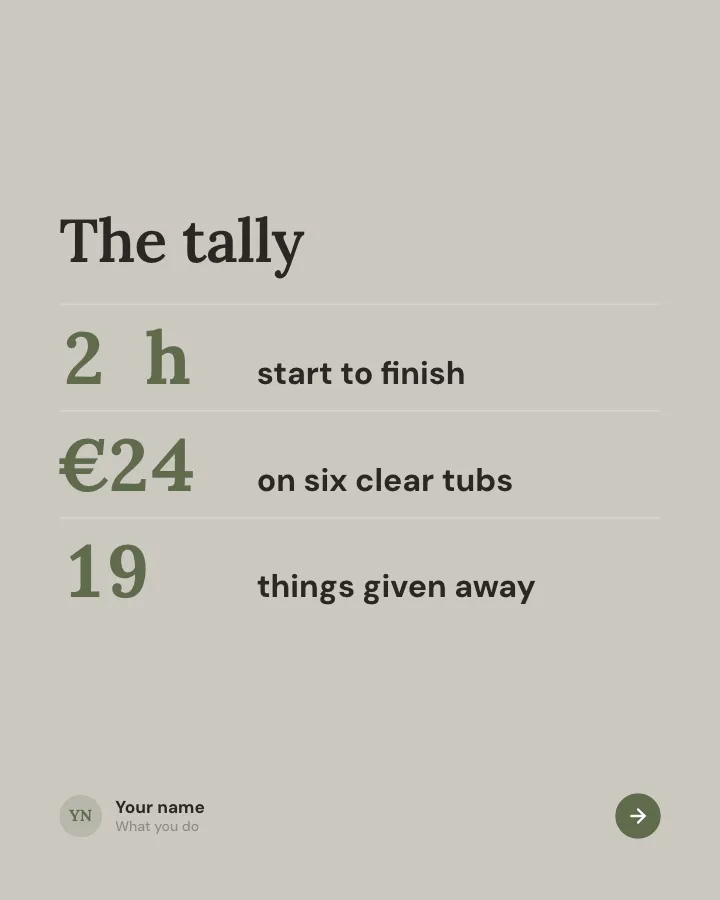
Slide 4 of 7 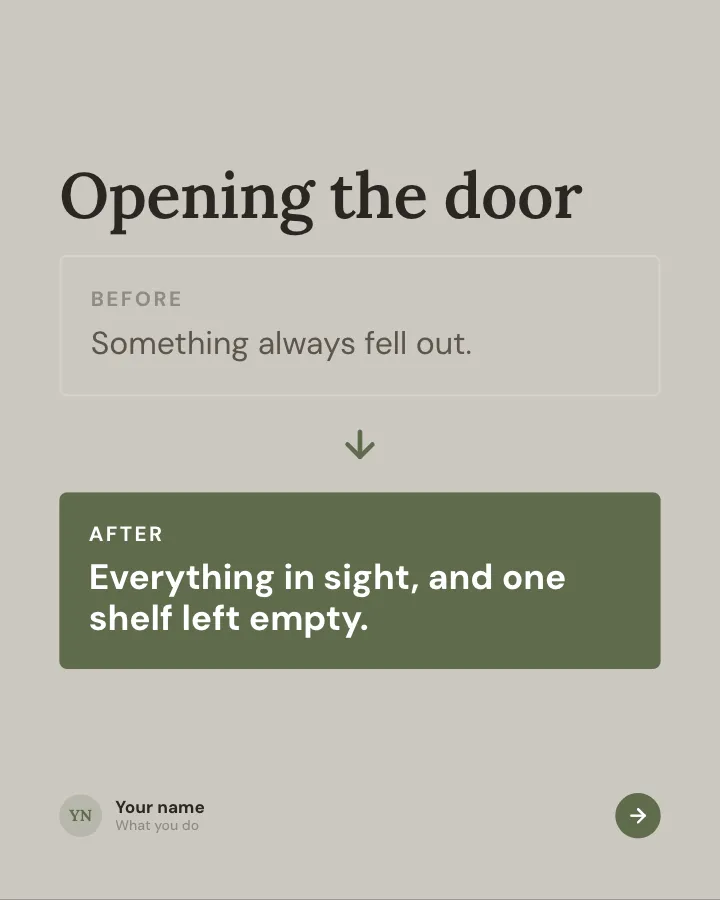
Slide 5 of 7 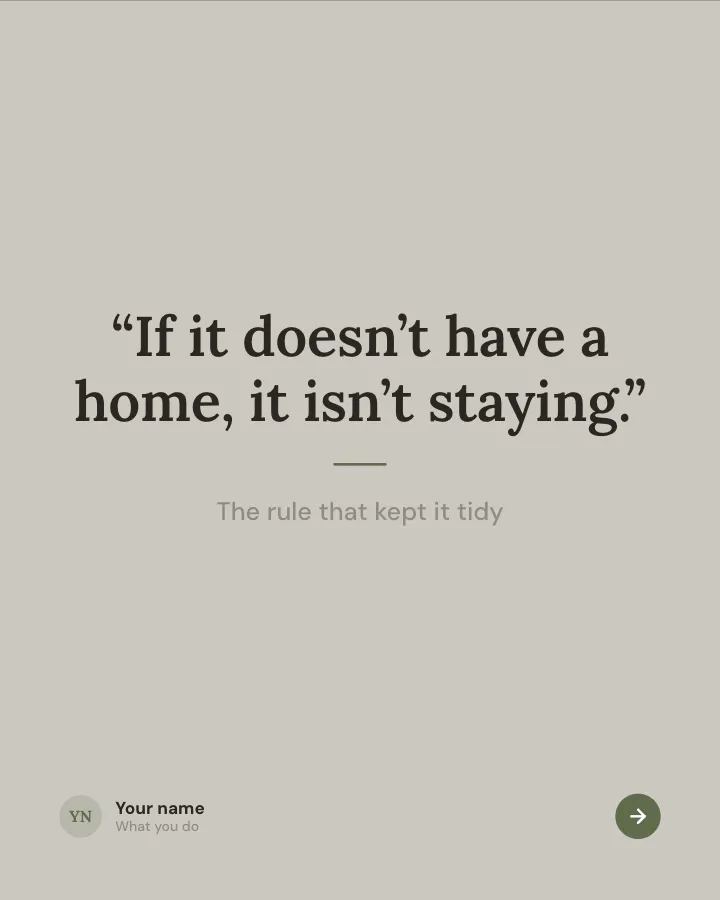
Slide 6 of 7 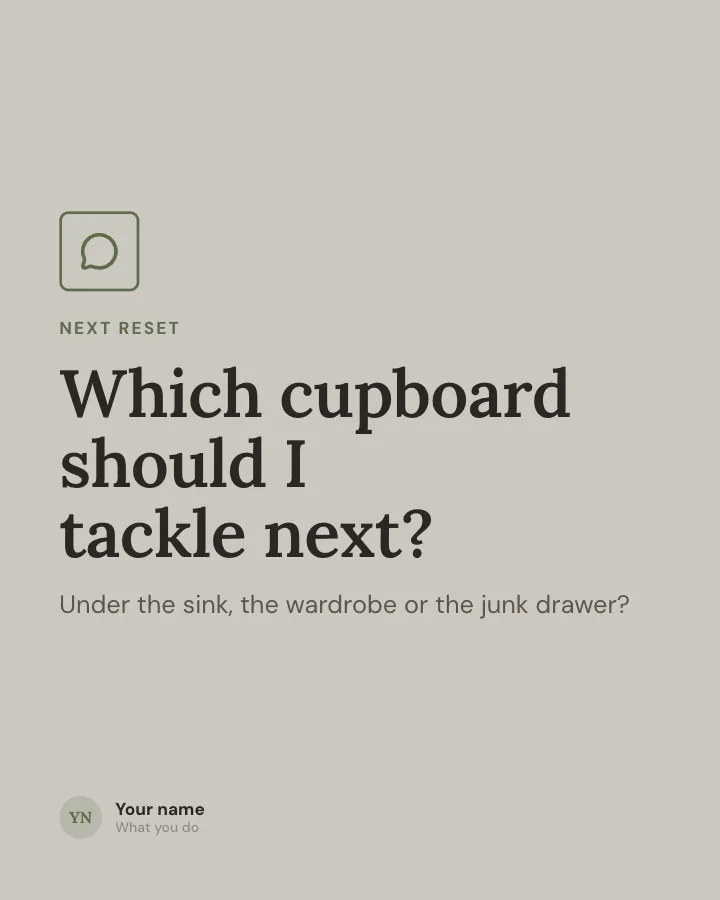
Slide 7 of 7
Slide 1: photo by Patrick Donnelly on Unsplash
Slide 2: photo by Tasha Kostyuk on Unsplash
See it in the feed
How the example looks once it is posted. In the studio the preview uses your own slides, caption and profile.
yourname
1/71,086 likes
yourname A home organisation project told as a small case study: the mess, the method, the cost and the result.
When to use it
Reach for One cupboard, reset when you want to give people a quick, fun reason to stop scrolling and make a post people save and come back to. Its structure is results: a challenge, the approach and the outcome. Give Postora your topic and it keeps the shape, writing every slide about your subject in your voice.
What each slide does
1Hook
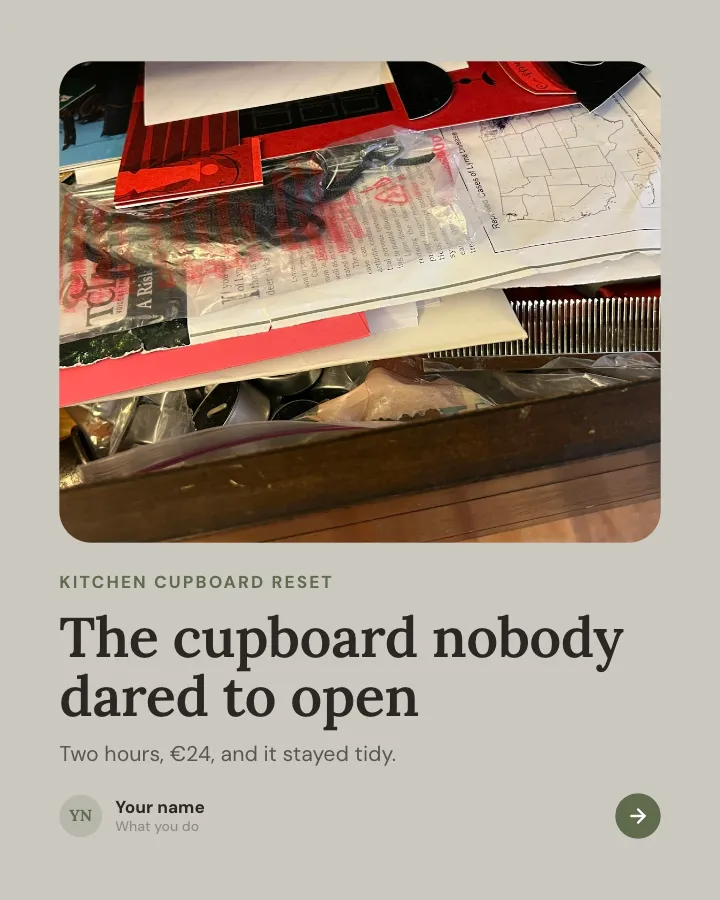
Opening: the space, with the time and cost of the reset.
In the example
The cupboard nobody dared to open
Kitchen cupboard reset
Two hours, €24, and it stayed tidy.
2image
The before, honestly described.
In the example
Before
Three open bags of pasta, eleven lids and no matching tubs.
3Steps
The method in four stages.
In the example
The method
- Empty it — Everything out, onto the table.
- Sort — Keep, use up, give away.
- Group — Baking, breakfast, dinners.
- Label — On the shelf edge, not the jar.
4Number
The tally: time, cost and what left the house.
In the example
The tally
- 2 h start to finish
- €24 on six clear tubs
- 19 things given away
5Comparison
Opening the door, before and after.
In the example
Opening the door
6Quote
The rule that keeps it tidy.
In the example
“If it doesn’t have a home, it isn’t staying.”
7Call to action
Ask which space to tackle next.
In the example
Which cupboard should I tackle next?
Next reset
Under the sink, the wardrobe or the junk drawer?
Make it in Postora
Step 1
Say what it is about
Open One cupboard, reset and type your topic, paste a link or add your notes.
Step 2
Check the plan
Postora keeps the template’s structure and writes each slide for your subject, in the voice you pick.
Step 3
Polish and download
Edit any word, change the theme or a layout, then export a PDF, images or a video.
Questions about One cupboard, reset
Is the One cupboard, reset template free?
One cupboard, reset is part of VIP. You can look through it for free; using it, along with AI on every carousel and downloads without a mark, comes with a VIP plan.
Which platforms is it made for?
Instagram (PNG images, best at 4:5) and TikTok (PNG images or an MP4 video, best at 9:16). Postora sizes the carousel for the network you pick and checks it against that network’s limits before you download it.
How many slides does it have?
7, each with its own job (shown above). You can add, remove or reorder slides: free carousels go up to 8 slides, VIP up to 30.
Can I change the design?
Yes. It opens in the Linen Days theme, and you can switch to any of 95 themes or your own brand kit in one click, swap the layout of any slide, and edit every word.
Templates like this one
Browse all templates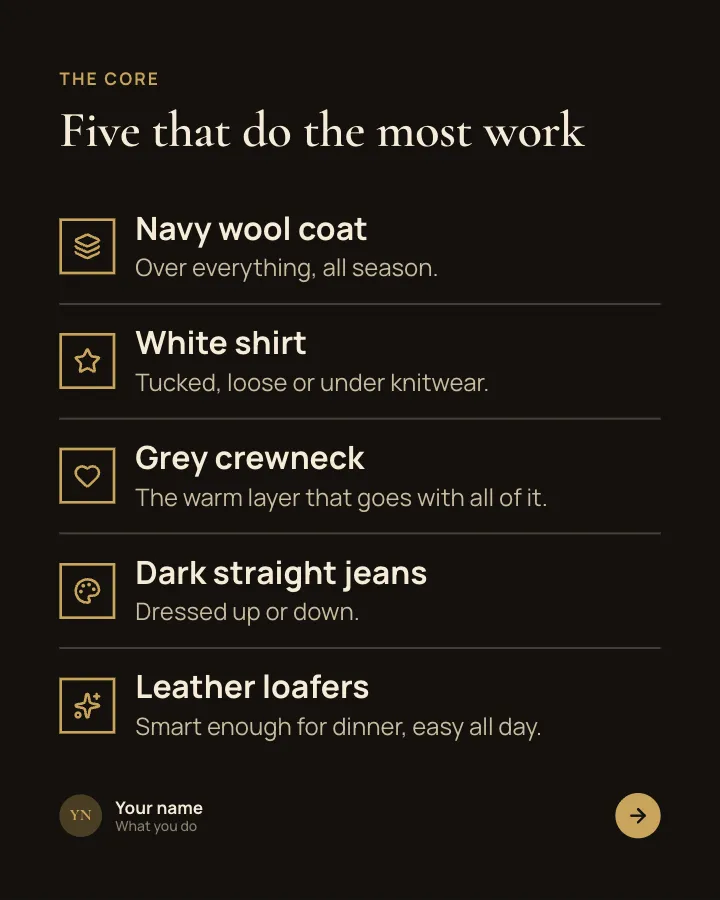
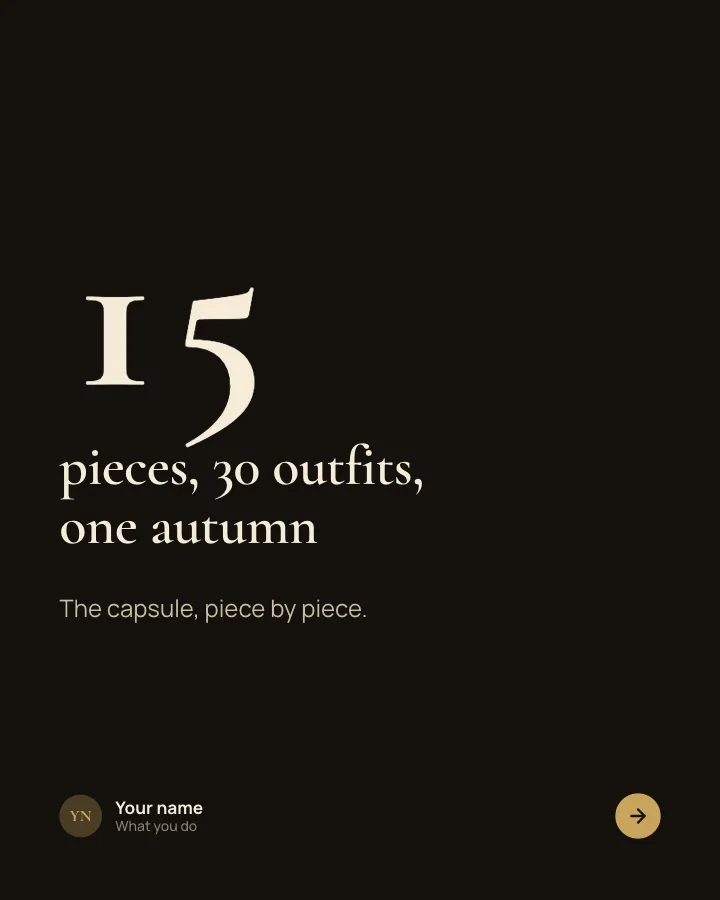
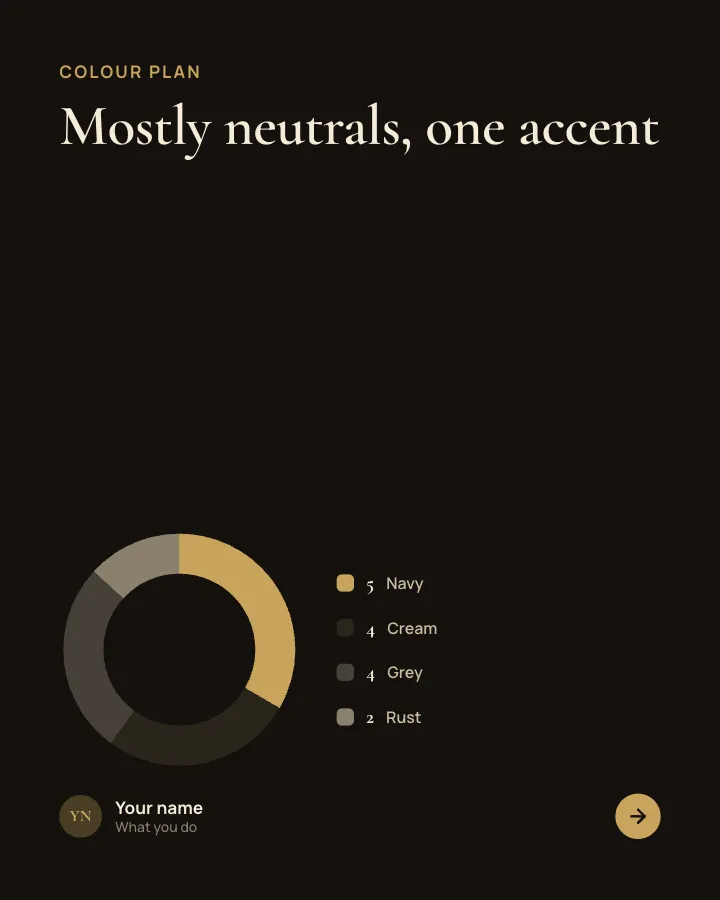
Capsule wardrobe
7 slidesA small wardrobe that mixes into many outfits: the core pieces, the colour plan, the outfit maths and what to skip.
Be bookmarkedMake them smileVIP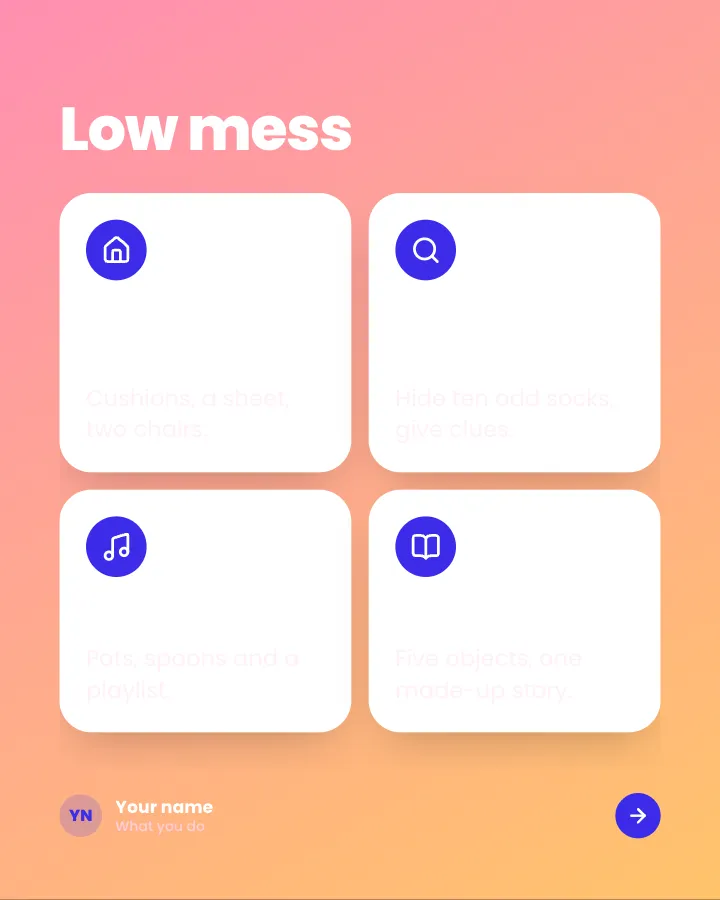
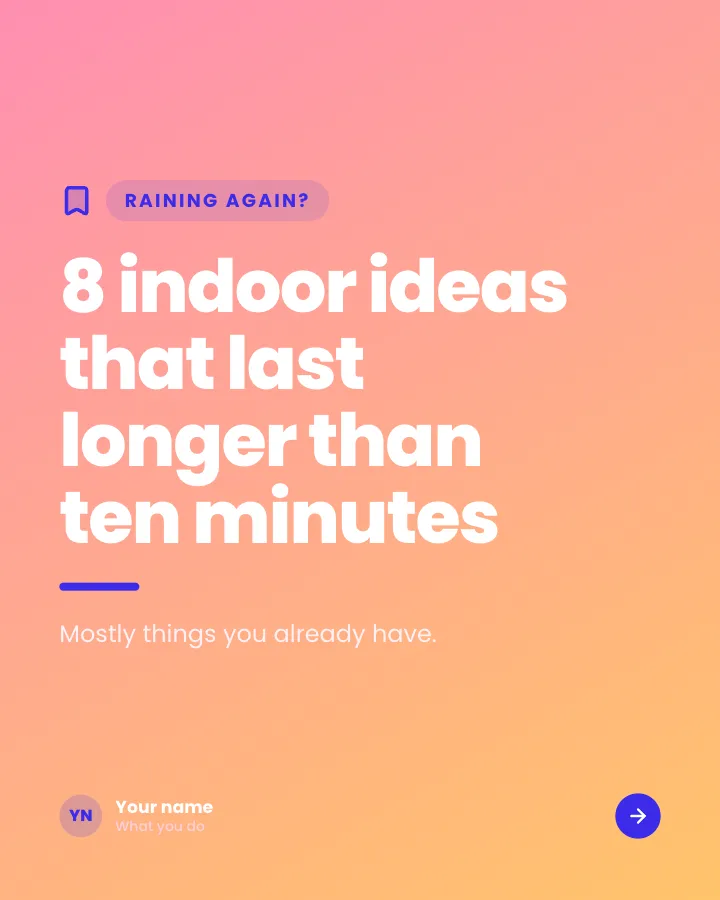
Rainy-day ideas for kids
7 slidesIndoor activities for a wet afternoon, sorted by mess and effort, with what you need for each.
Make them smileBe bookmarkedVIP

Recipe card
7 slidesA recipe people can cook from their phone: the dish, the ingredients, each step and the tip that makes it work.
Be bookmarkedMake them smile