
Wedding planning timeline carousel template
A wedding planned backwards from the date: what to book when, where the budget went and the final-week checklist.
Slide 1 of 7 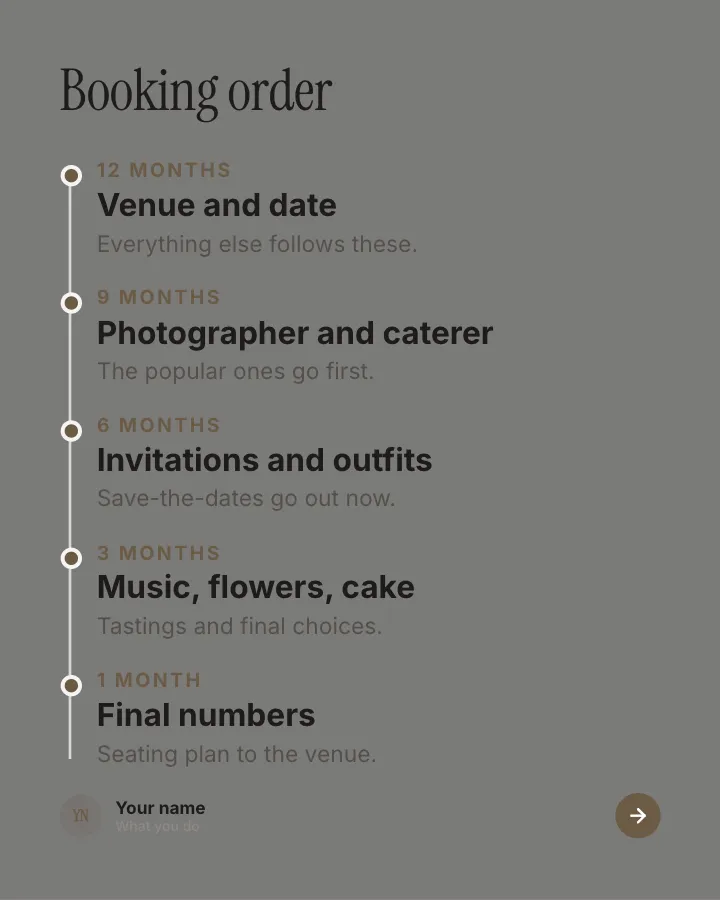
Slide 2 of 7 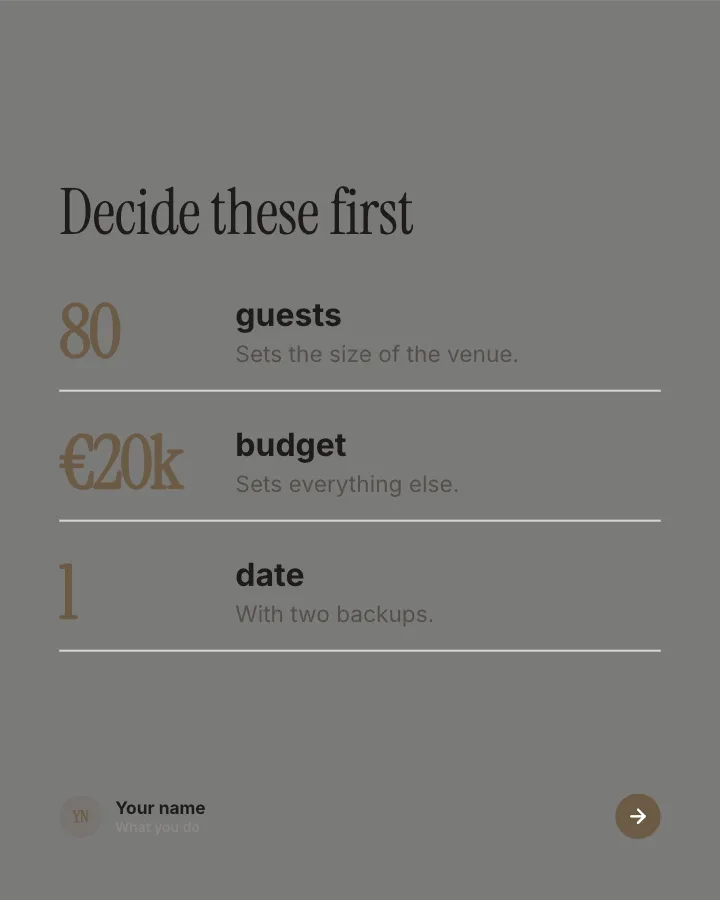
Slide 3 of 7 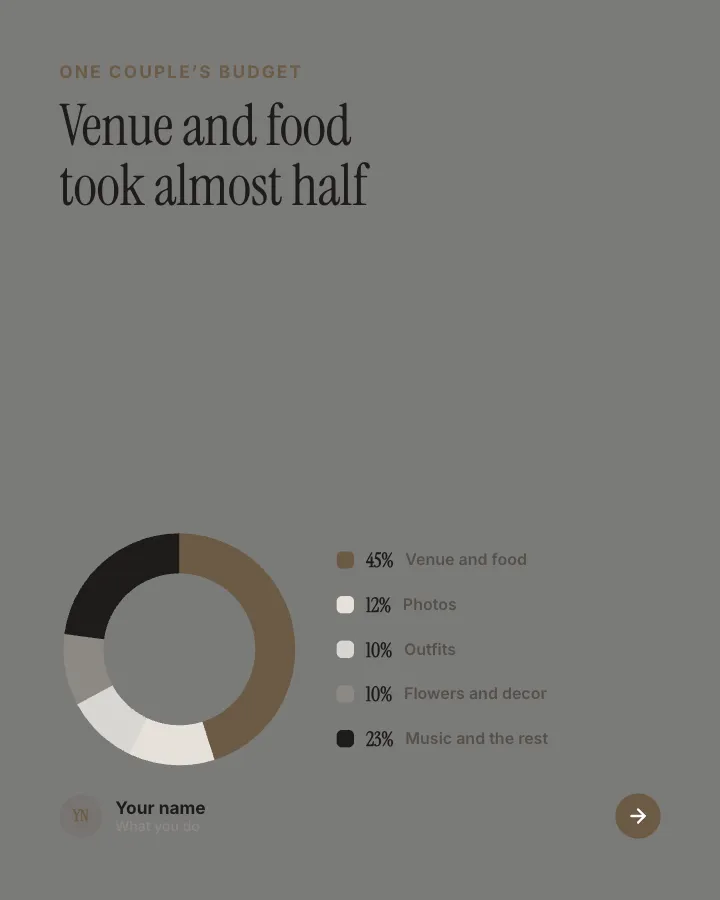
Slide 4 of 7 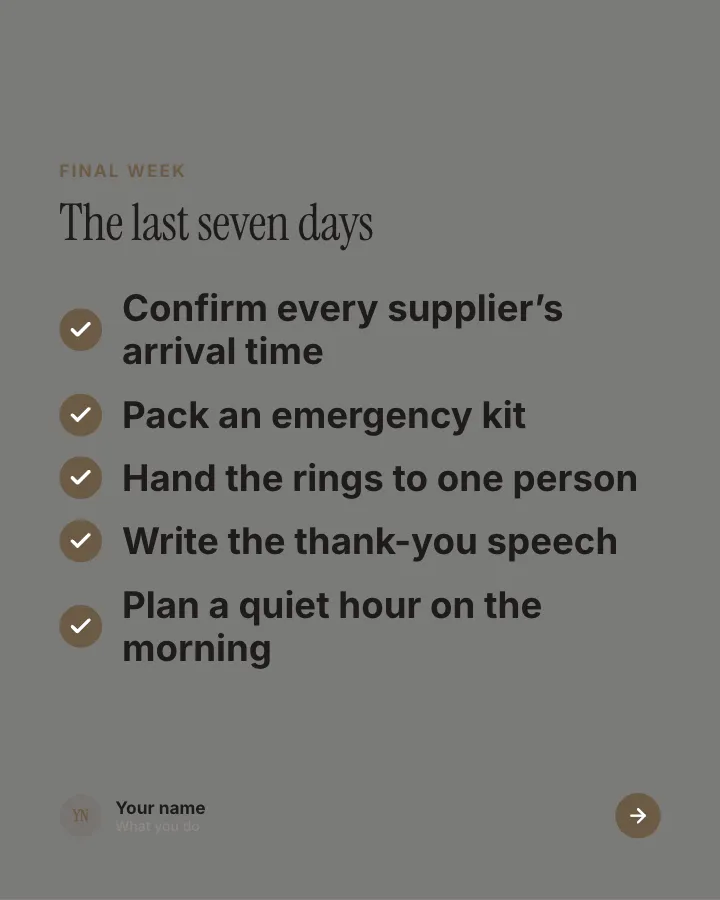
Slide 5 of 7 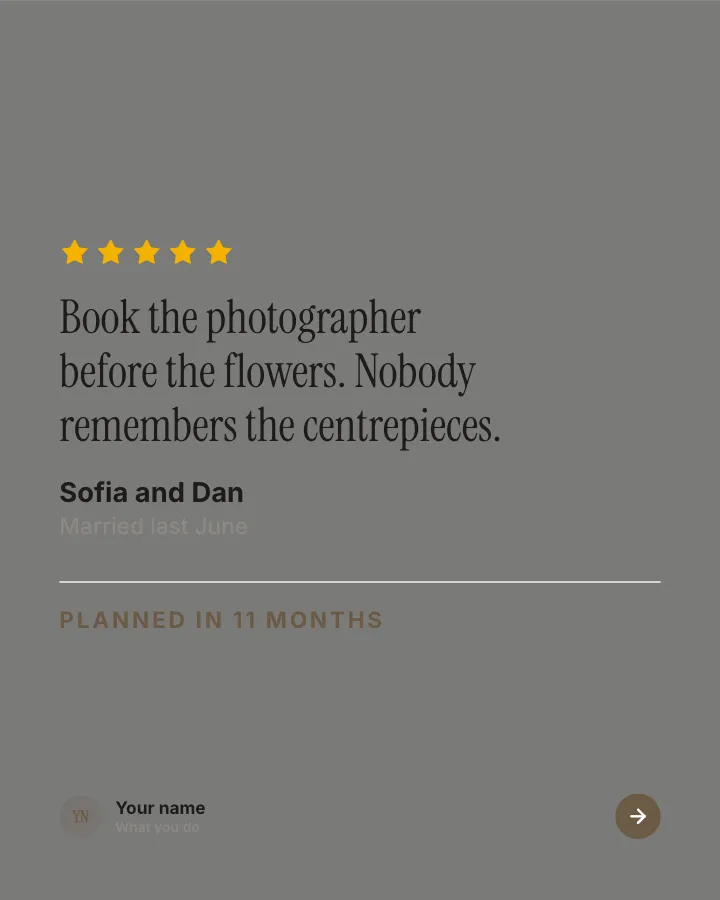
Slide 6 of 7 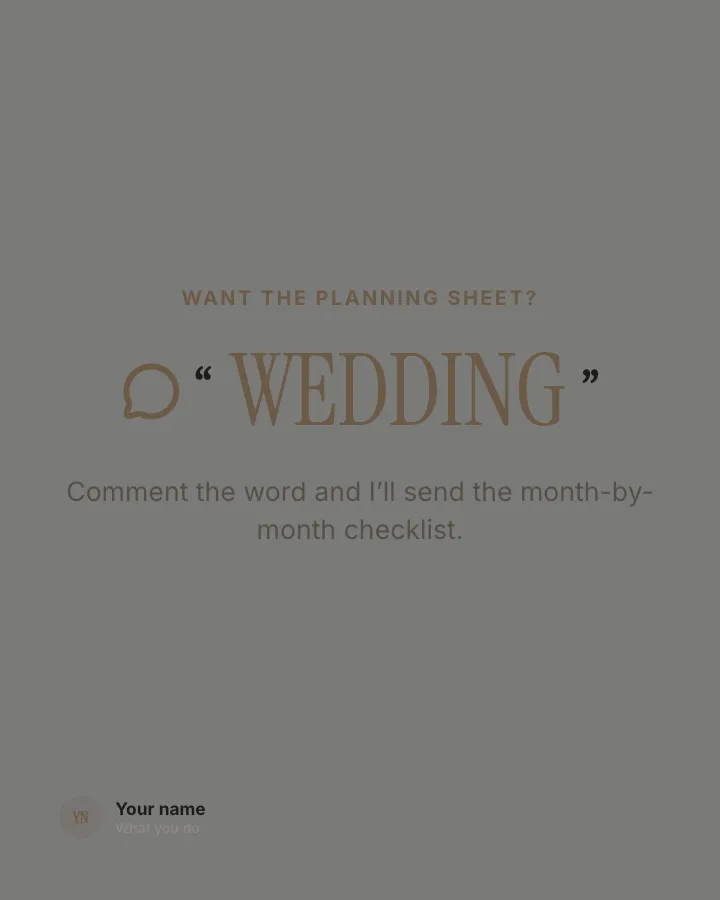
Slide 7 of 7
Slide 1: photo by Jakob Owens on Unsplash
See it in the feed
How the example looks once it is posted. In the studio the preview uses your own slides, caption and profile.
Your name
What you do · 1h
A wedding planned backwards from the date: what to book when, where the budget went and the final-week checklist.
1/7When to use it
Reach for Wedding planning timeline when you want to make a post people save and come back to and teach your audience something they can use straight away. Its structure is method: your way of working, with a name and parts. It is written for couples and wedding planners. Give Postora your topic and it keeps the shape, writing every slide about your subject in your voice.
What each slide does
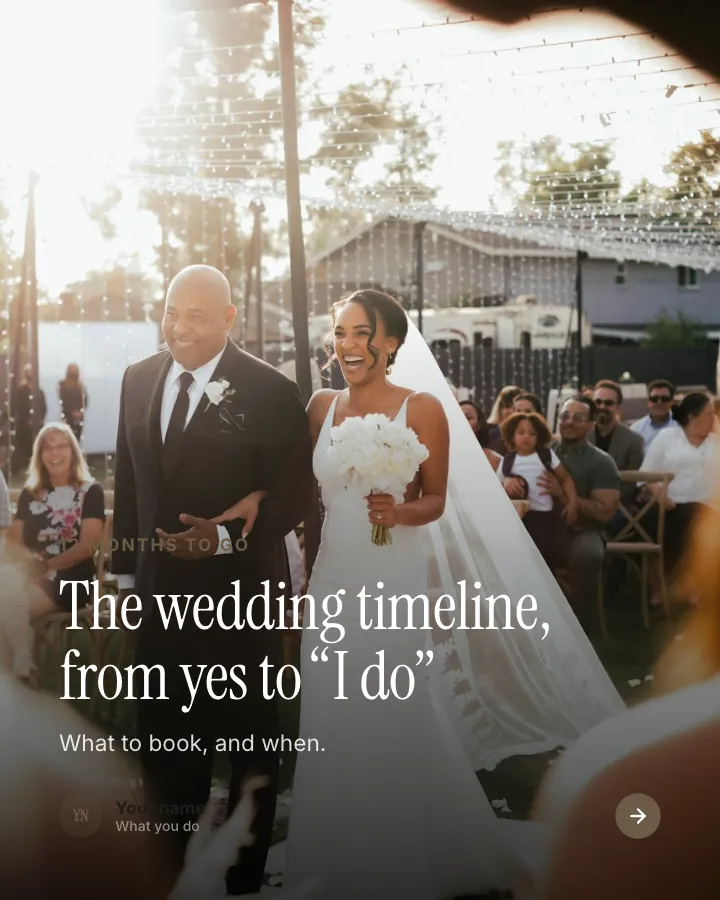
1Hook
Opening: how long to go and what the timeline covers, over a photo.
In the example
The wedding timeline, from yes to “I do”
12 months to go
What to book, and when.
2Steps
What to book, month by month, counting back from the date.
In the example
Booking order
- 12 months Venue and date — Everything else follows these.
- 9 months Photographer and caterer — The popular ones go first.
- 6 months Invitations and outfits — Save-the-dates go out now.
- 3 months Music, flowers, cake — Tastings and final choices.
- 1 month Final numbers — Seating plan to the venue.
3Number
The three numbers to decide before anything else.
In the example
Decide these first
- 80 guests — Sets the size of the venue.
- €20k budget — Sets everything else.
- 1 date — With two backups.
4Chart
How one couple’s budget split (author-provided).
In the example
Venue and food took almost half
One couple’s budget
5List
The final-week checklist.
In the example
The last seven days
Final week
- Confirm every supplier’s arrival time
- Pack an emergency kit
- Hand the rings to one person
- Write the thank-you speech
- Plan a quiet hour on the morning
6Quote
Advice from a couple who has done it (only words the author provided).
In the example
Book the photographer before the flowers. Nobody remembers the centrepieces.
Planned in 11 months
7Call to action
Offer the planning sheet for a comment.
In the example
Want the planning sheet?
Comment the word and I’ll send the month-by-month checklist.
WEDDING
Make it in Postora
Step 1
Say what it is about
Open Wedding planning timeline and type your topic, paste a link or add your notes.
Step 2
Check the plan
Postora keeps the template’s structure and writes each slide for your subject, in the voice you pick.
Step 3
Polish and download
Edit any word, change the theme or a layout, then export a PDF, images or a video.
Questions about Wedding planning timeline
Is the Wedding planning timeline template free?
Wedding planning timeline is part of VIP. You can look through it for free; using it, along with AI on every carousel and downloads without a mark, comes with a VIP plan.
Which platforms is it made for?
LinkedIn (PDF document post, best at 4:5), Instagram (PNG images, best at 4:5), TikTok (PNG images or an MP4 video, best at 9:16) and X (PNG images, best at 16:9). Postora sizes the carousel for the network you pick and checks it against that network’s limits before you download it.
How many slides does it have?
7, each with its own job (shown above). You can add, remove or reorder slides: free carousels go up to 8 slides, VIP up to 30.
Can I change the design?
Yes. It opens in the Marble Suite theme, and you can switch to any of 95 themes or your own brand kit in one click, swap the layout of any slide, and edit every word.
Templates like this one
Browse all templates
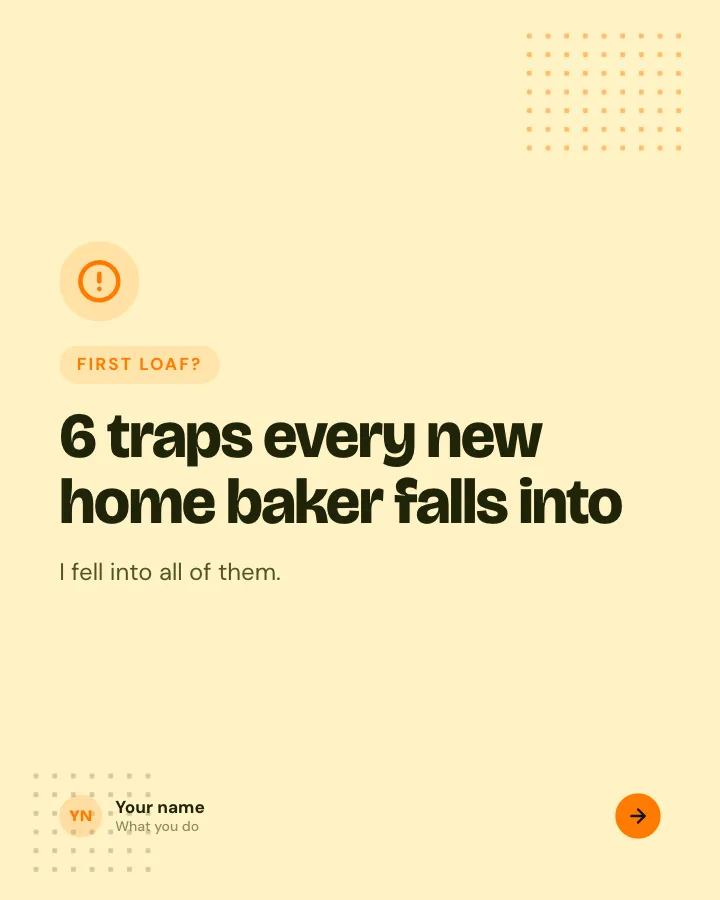
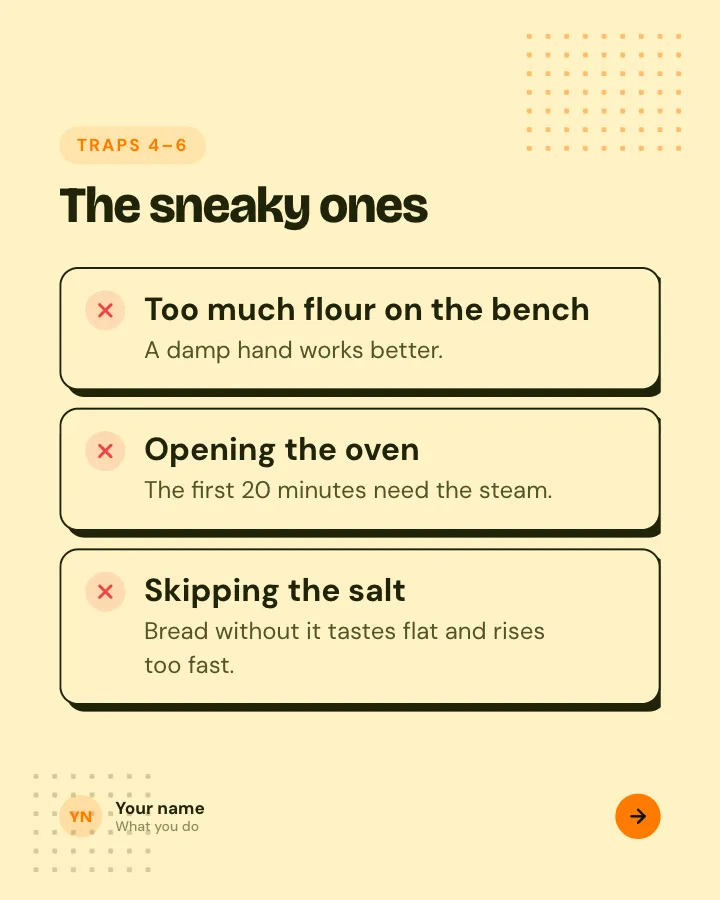
Beginner traps
5 slidesThe traps people fall into when they start, each with the simple fix.
ExplainBe bookmarked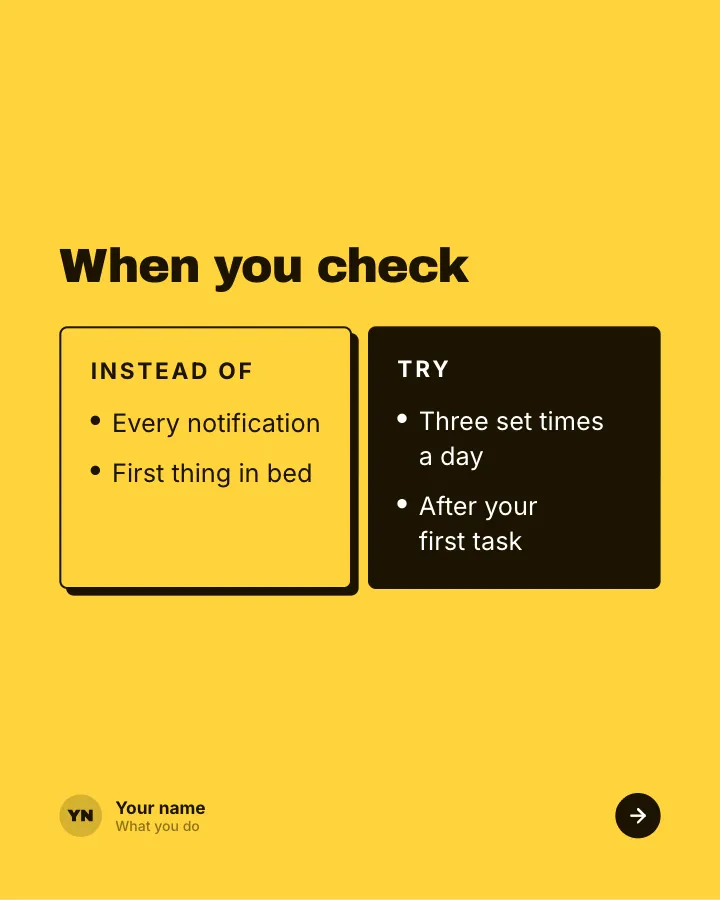

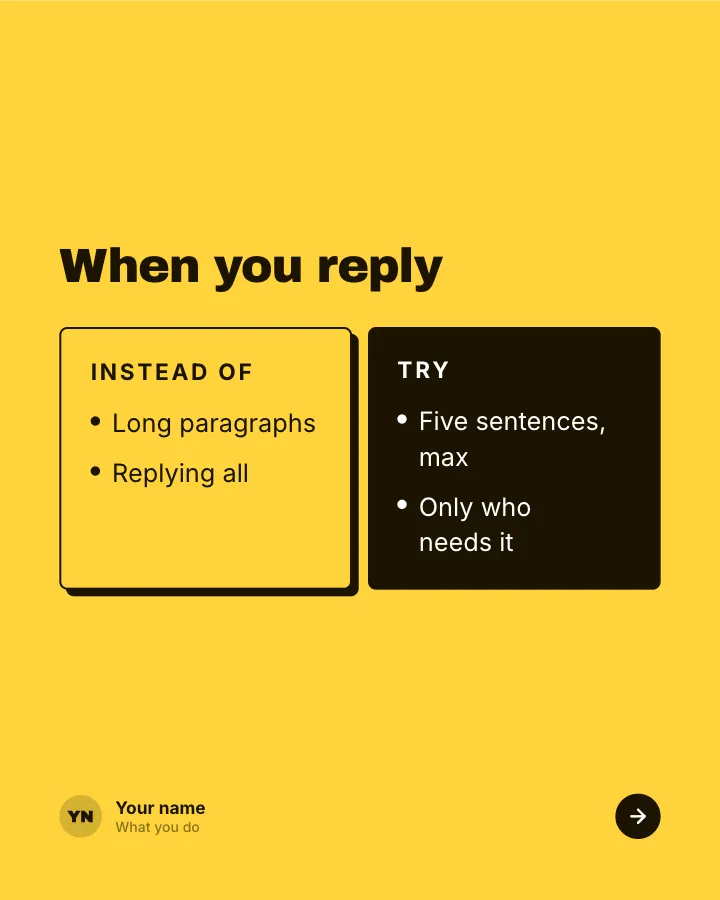
Better swaps
5 slidesSmall habits to replace, each shown next to the version that works better.
ExplainBe bookmarked
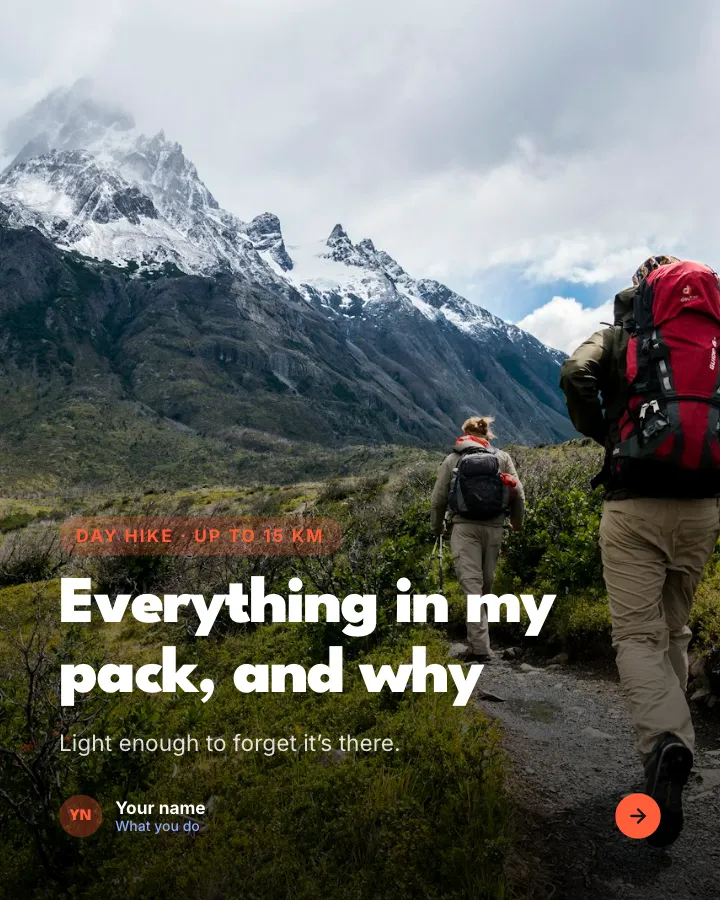

Day-hike packing list
7 slidesWhat to pack for a day on the trails, sorted into essentials, nice to have and leave at home, with where the weight goes.
Be bookmarkedExplainVIP