
Roadmap, in public carousel template
What you are building next, what you decided not to build and how customers can shape the order.
Slide 1 of 6 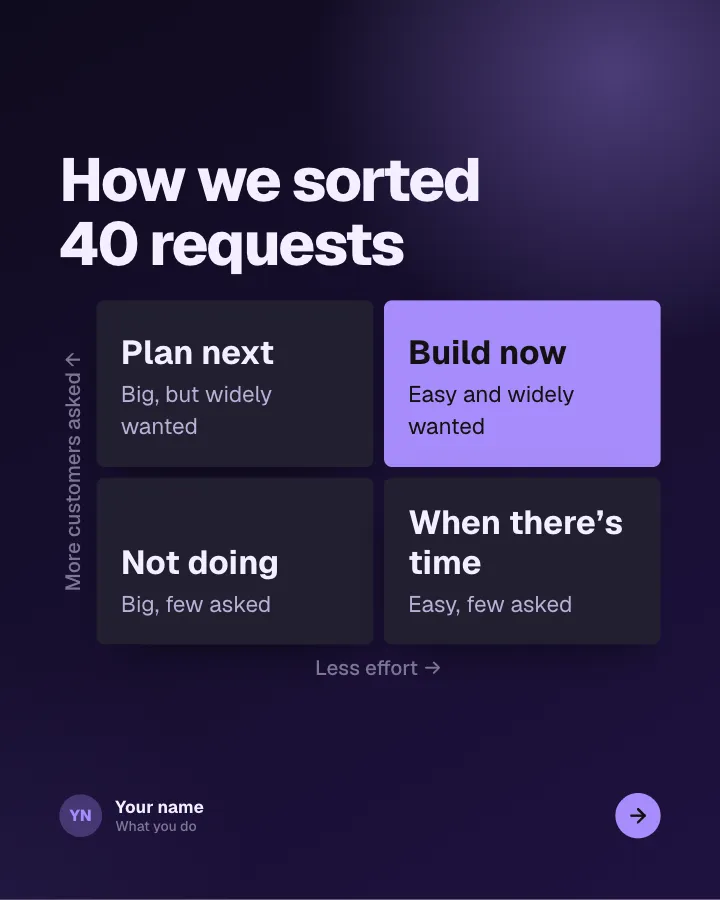
Slide 2 of 6 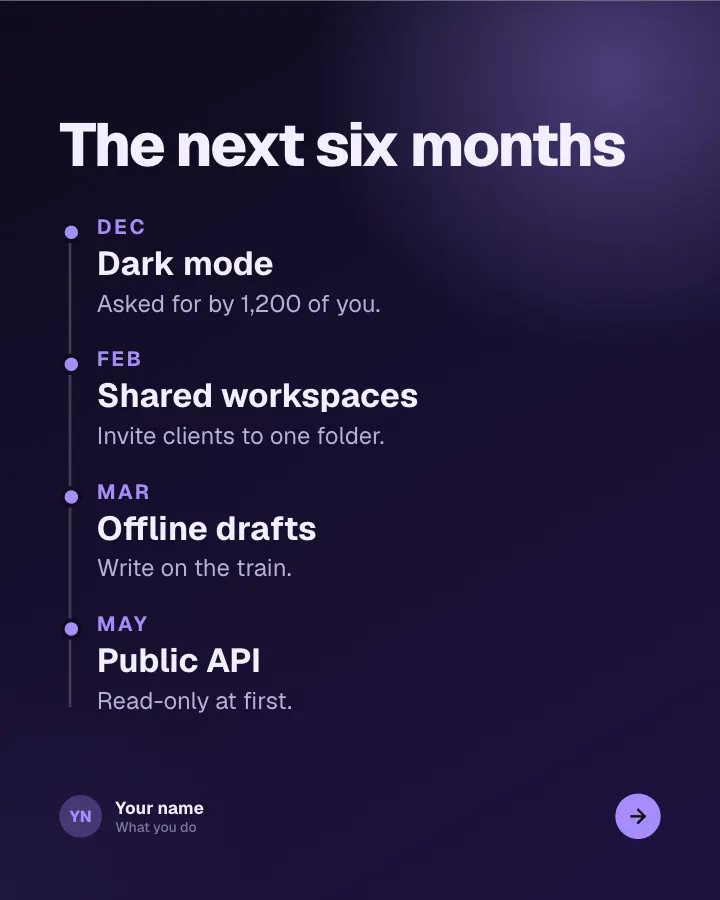
Slide 3 of 6 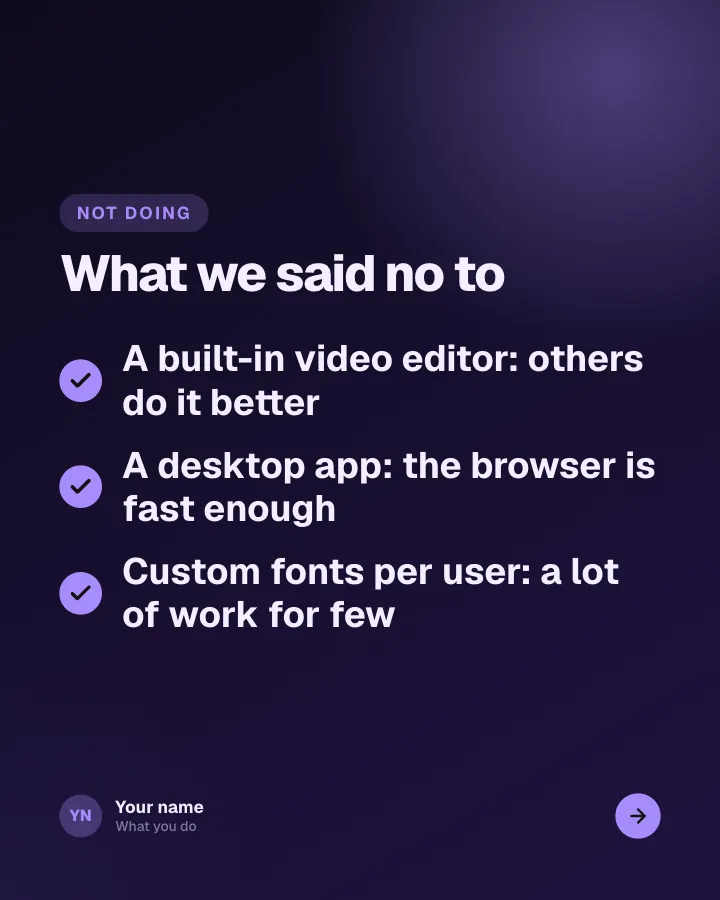
Slide 4 of 6 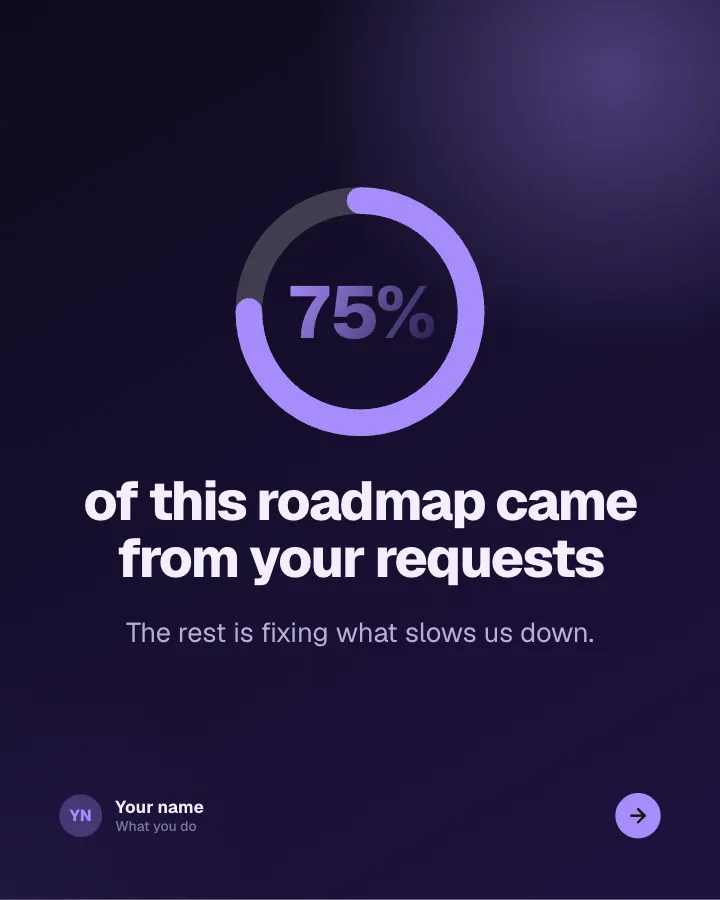
Slide 5 of 6 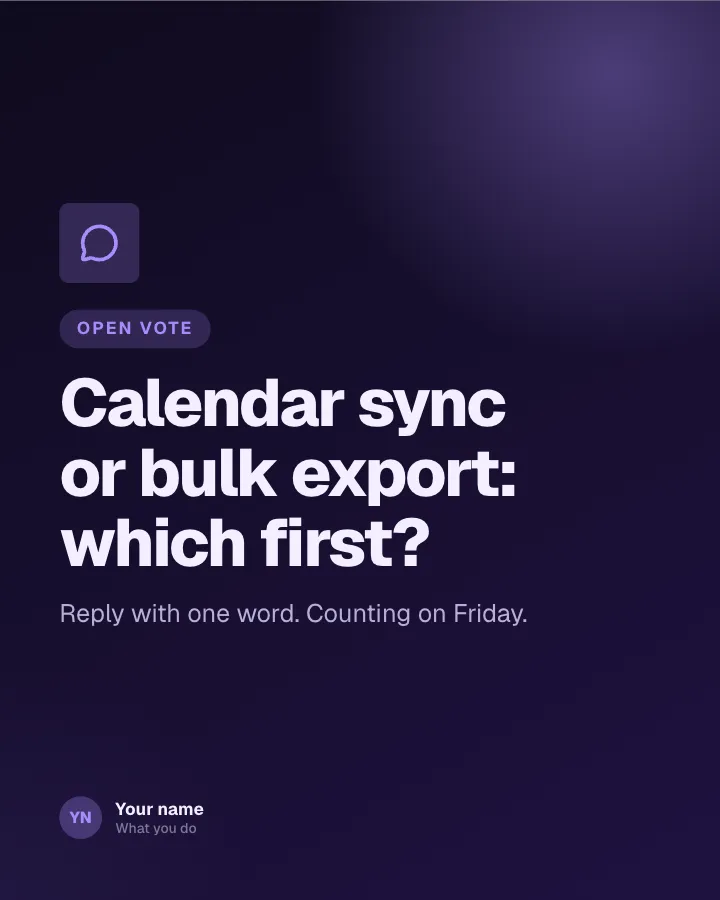
Slide 6 of 6
See it in the feed
How the example looks once it is posted. In the studio the preview uses your own slides, caption and profile.
Your name
What you do · 1h
What you are building next, what you decided not to build and how customers can shape the order.
1/6When to use it
Reach for Roadmap, in public when you want to share news without sounding like a press release and show your experience and earn trust. Its structure is progress update: an honest report on a project, numbers included. Give Postora your topic and it keeps the shape, writing every slide about your subject in your voice.
What each slide does
1Hook
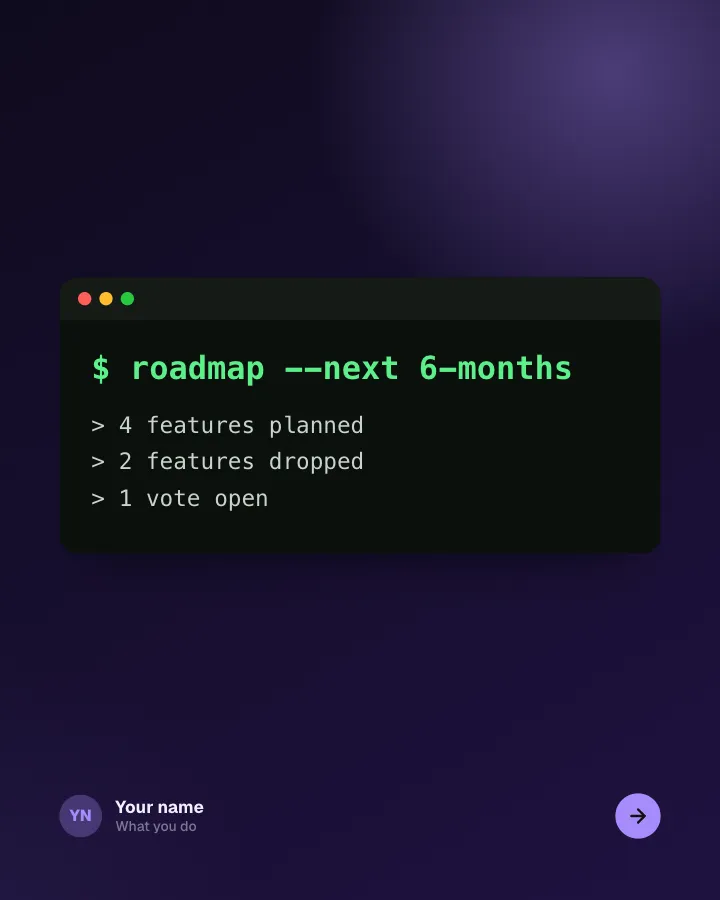
Opening: the roadmap shown as a command and its output.
In the example
$ roadmap --next 6-months
> 4 features planned> 2 features dropped> 1 vote open
2Chart
Everything requested, sorted by effort and how many customers asked.
In the example
How we sorted 40 requests
- Plan next — Big, but widely wanted
- Build now — Easy and widely wanted
- Not doing — Big, few asked
- When there’s time — Easy, few asked
3Steps
What ships when.
In the example
The next six months
- Dec Dark mode — Asked for by 1,200 of you.
- Feb Shared workspaces — Invite clients to one folder.
- Mar Offline drafts — Write on the train.
- May Public API — Read-only at first.
4List
What you decided not to build, and a word on why.
In the example
What we said no to
Not doing
- A built-in video editor: others do it better
- A desktop app: the browser is fast enough
- Custom fonts per user: a lot of work for few
5Number
How much of the roadmap came straight from customer requests.
In the example
of this roadmap came from your requests
75%
The rest is fixing what slows us down.
6Call to action
Open the vote on the next item.
In the example
Calendar sync or bulk export: which first?
Open vote
Reply with one word. Counting on Friday.
Make it in Postora
Step 1
Say what it is about
Open Roadmap, in public and type your topic, paste a link or add your notes.
Step 2
Check the plan
Postora keeps the template’s structure and writes each slide for your subject, in the voice you pick.
Step 3
Polish and download
Edit any word, change the theme or a layout, then export a PDF, images or a video.
Questions about Roadmap, in public
Is the Roadmap, in public template free?
Roadmap, in public is part of VIP. You can look through it for free; using it, along with AI on every carousel and downloads without a mark, comes with a VIP plan.
Which platforms is it made for?
LinkedIn (PDF document post, best at 4:5) and X (PNG images, best at 16:9). Postora sizes the carousel for the network you pick and checks it against that network’s limits before you download it.
How many slides does it have?
6, each with its own job (shown above). You can add, remove or reorder slides: free carousels go up to 8 slides, VIP up to 30.
Can I change the design?
Yes. It opens in the Midnight Build theme, and you can switch to any of 95 themes or your own brand kit in one click, swap the layout of any slide, and edit every word.
Templates like this one
Browse all templates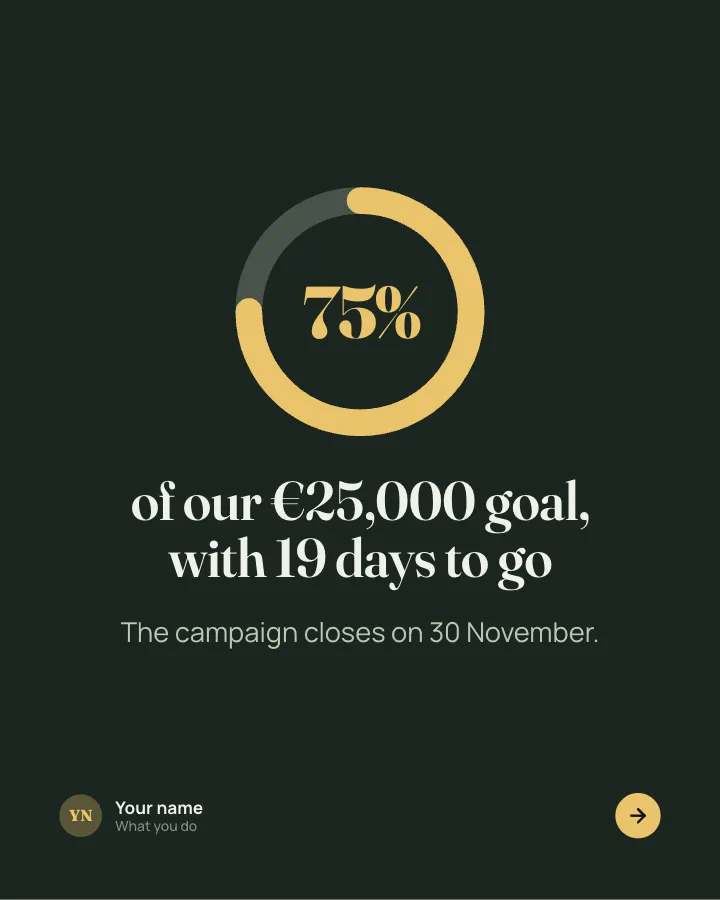
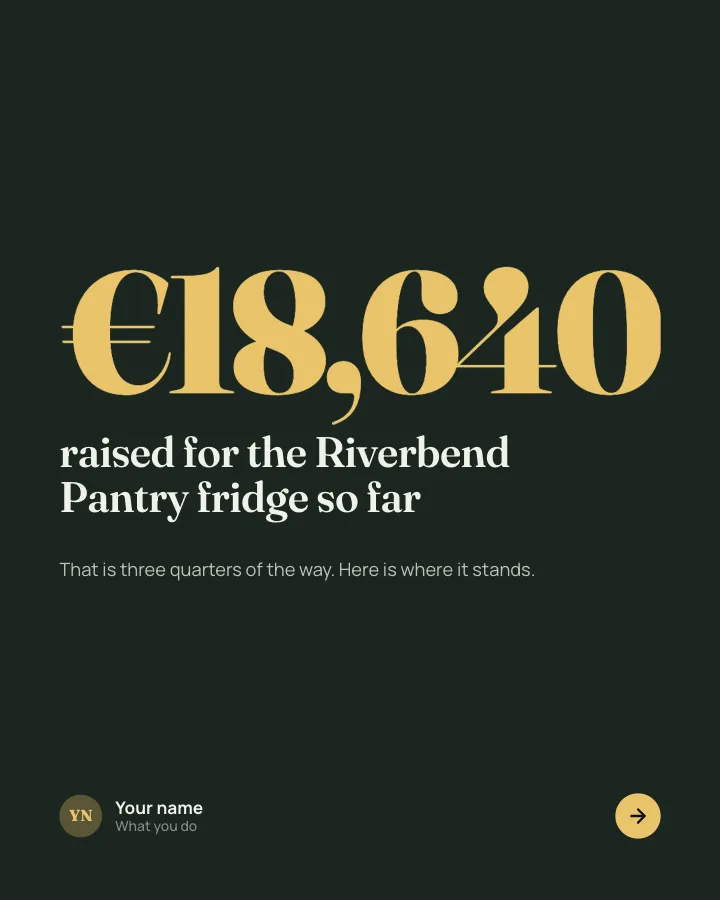
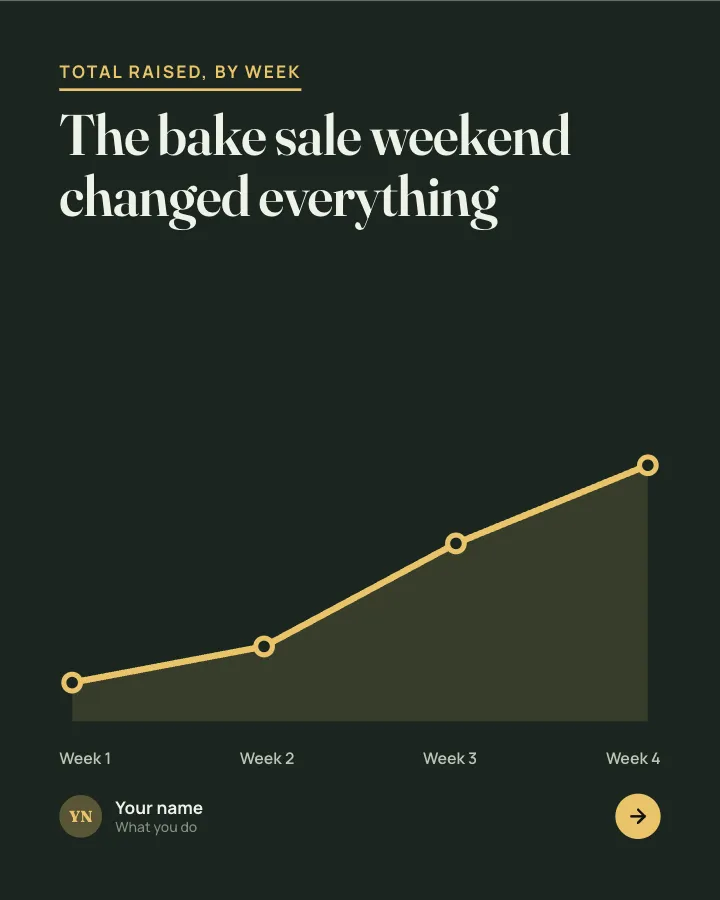
Fundraiser progress
7 slidesA progress update for a fundraiser: how much is in, how fast it came, why it matters and what each gift does.
AnnounceEarn trustVIP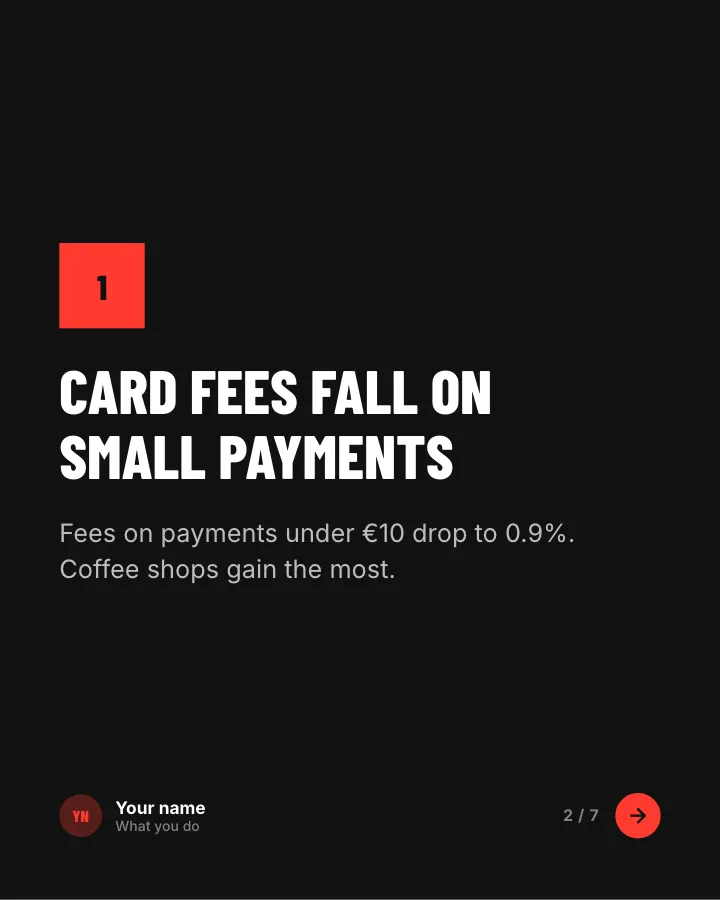
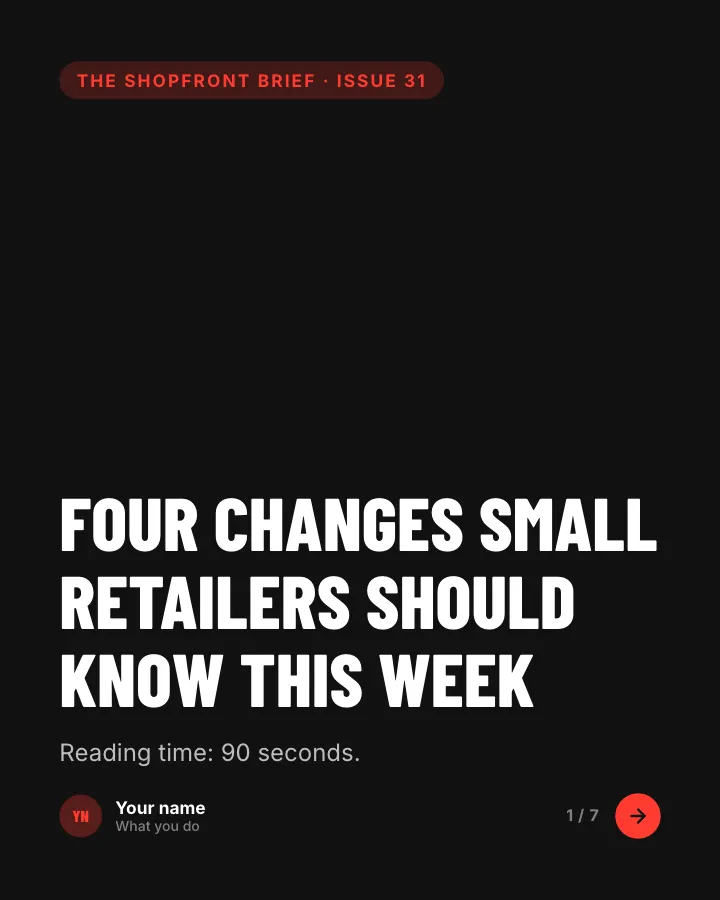
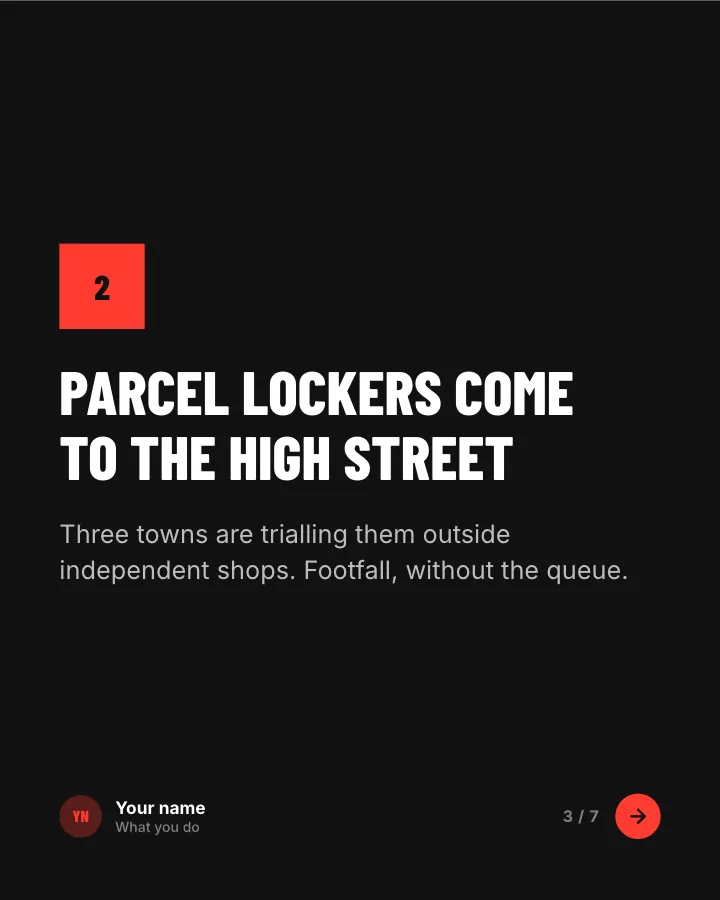
News digest
7 slidesThe week’s news in your field, sorted into what changed, what it means and what to do about it.
AnnounceEarn trust

Week in brief
6 slidesA short Friday digest: a few updates from your corner of the world and what each means for readers.
AnnounceEarn trust