
Week in brief carousel template
A short Friday digest: a few updates from your corner of the world and what each means for readers.
Slide 1 of 6 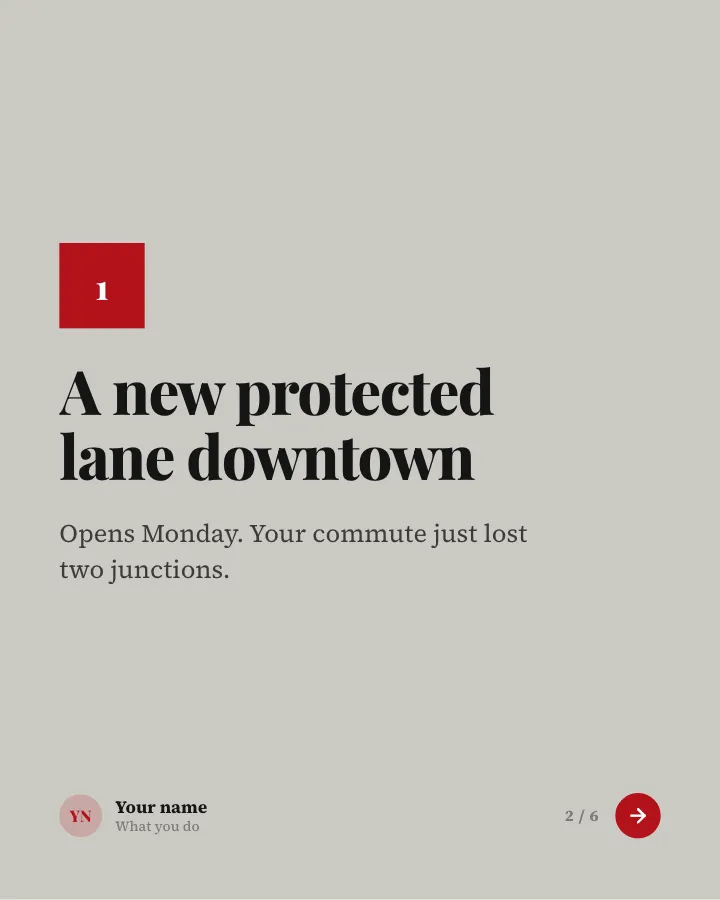
Slide 2 of 6 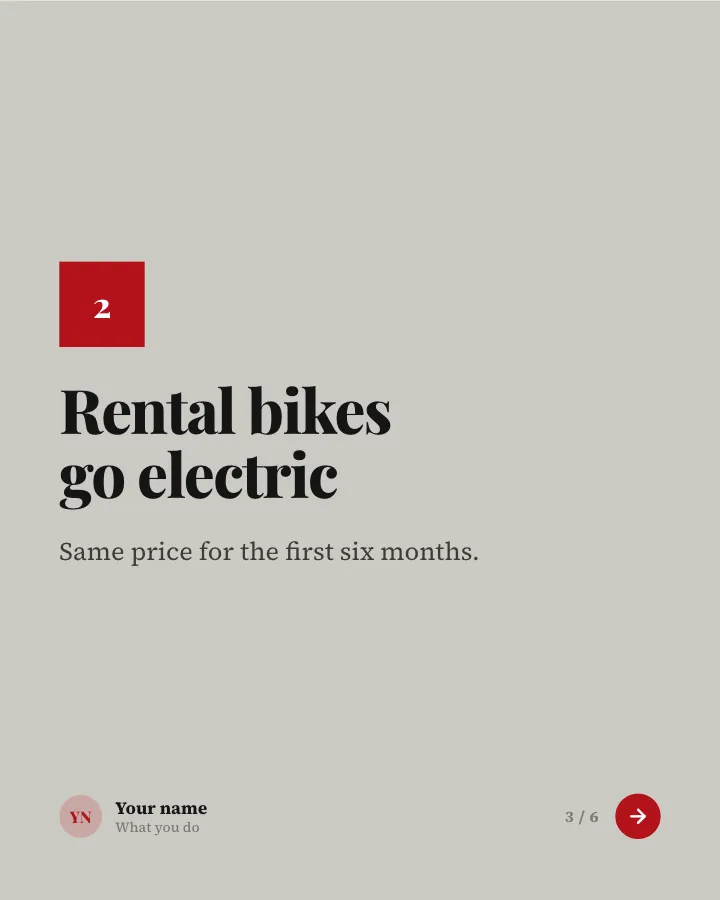
Slide 3 of 6 
Slide 4 of 6 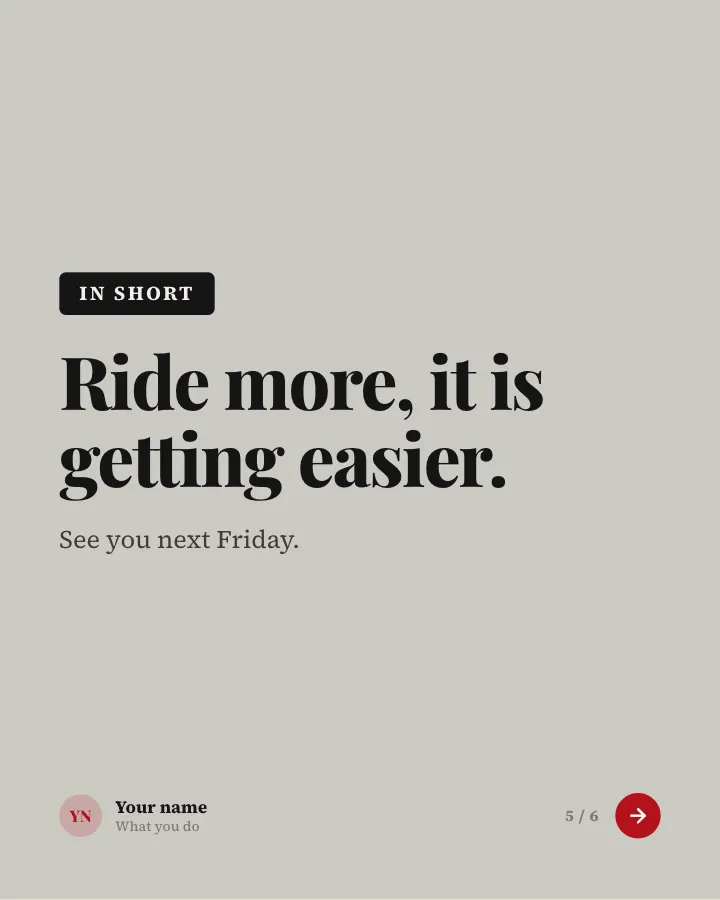
Slide 5 of 6 
Slide 6 of 6
See it in the feed
How the example looks once it is posted. In the studio the preview uses your own slides, caption and profile.
Your name
What you do · 1h
A short Friday digest: a few updates from your corner of the world and what each means for readers.
1/6When to use it
Reach for Week in brief when you want to share news without sounding like a press release and show your experience and earn trust. Its structure is point of view: where you think your field is heading. Give Postora your topic and it keeps the shape, writing every slide about your subject in your voice.
What each slide does
1Hook
Opening: the issue number and theme of the week.
In the example
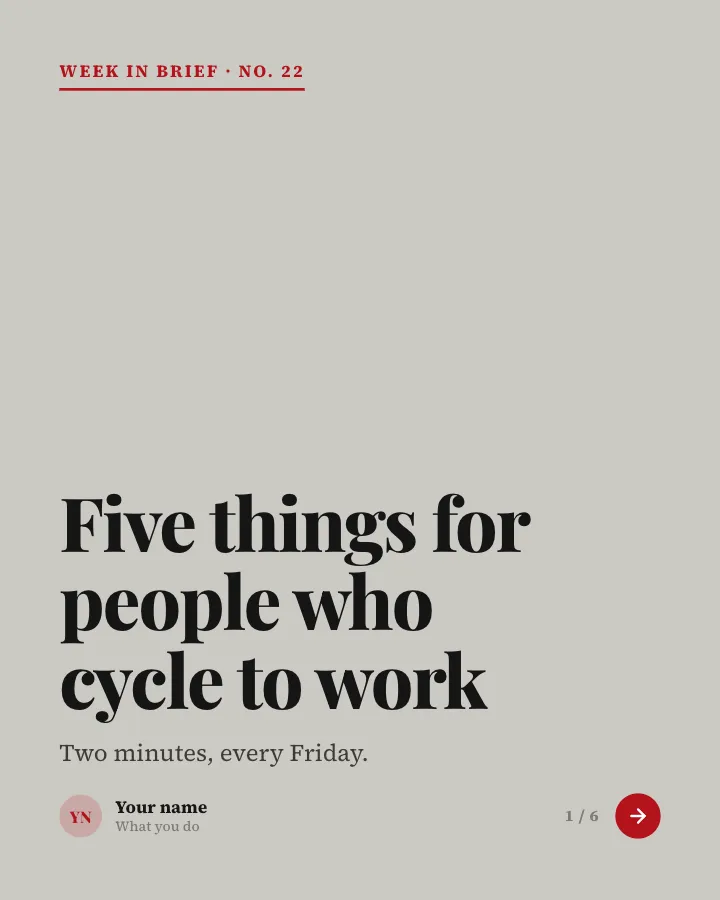
Five things for people who cycle to work
Week in brief · No. 22
Two minutes, every Friday.
2Point
Item 1 and why it matters (only news the author provided).
In the example
A new protected lane downtown
1
Opens Monday. Your commute just lost two junctions.
3Point
Item 2.
In the example
Rental bikes go electric
2
Same price for the first six months.
4Point
Item 3.
In the example
Winter tyre swap at the market
3
Saturday, 10–2, bring your own wheels.
5Point
The one-line takeaway.
In the example
Ride more, it is getting easier.
In short
See you next Friday.
6Call to action
Invite readers to follow for the next issue.
In the example
Get the next issue
Every Friday
Follow so it lands in your feed.
Follow
Make it in Postora
Step 1
Say what it is about
Open Week in brief and type your topic, paste a link or add your notes.
Step 2
Check the plan
Postora keeps the template’s structure and writes each slide for your subject, in the voice you pick.
Step 3
Polish and download
Edit any word, change the theme or a layout, then export a PDF, images or a video.
Questions about Week in brief
Is the Week in brief template free?
Yes. Opening Week in brief and editing its example are free, no account needed. A free account adds 3 AI carousels a month and 5 downloads of the finished carousel with a small Postora mark; VIP downloads without limits or the mark.
Which platforms is it made for?
LinkedIn (PDF document post, best at 4:5) and X (PNG images, best at 16:9). Postora sizes the carousel for the network you pick and checks it against that network’s limits before you download it.
How many slides does it have?
6, each with its own job (shown above). You can add, remove or reorder slides: free carousels go up to 8 slides, VIP up to 30.
Can I change the design?
Yes. It opens in the Broadsheet theme, and you can switch to any of 95 themes or your own brand kit in one click, swap the layout of any slide, and edit every word.
Templates like this one
Browse all templates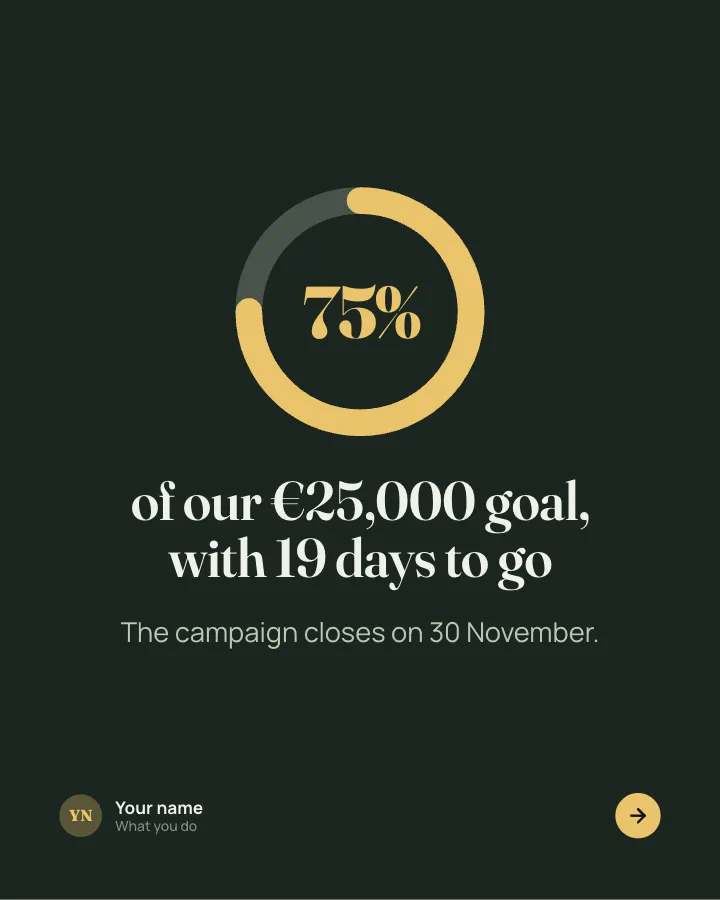
Fundraiser progress
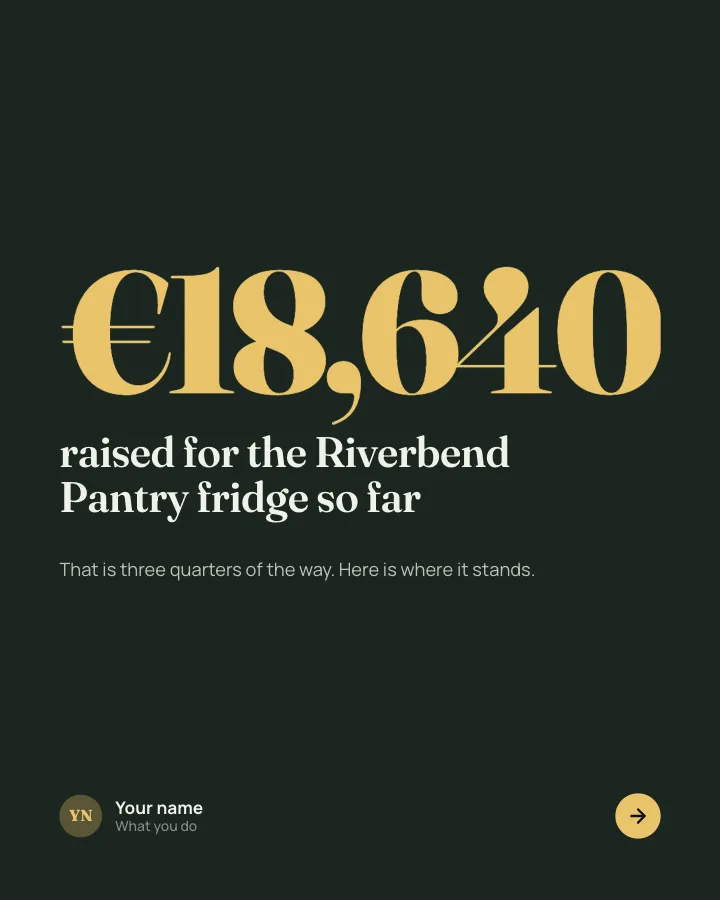
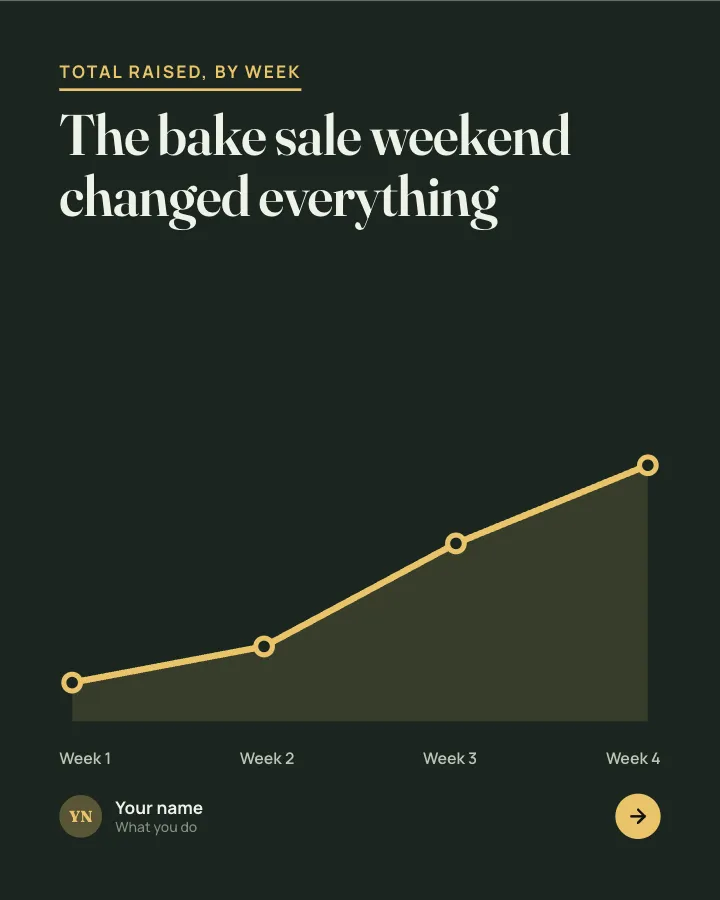
7 slidesA progress update for a fundraiser: how much is in, how fast it came, why it matters and what each gift does.
AnnounceEarn trustVIP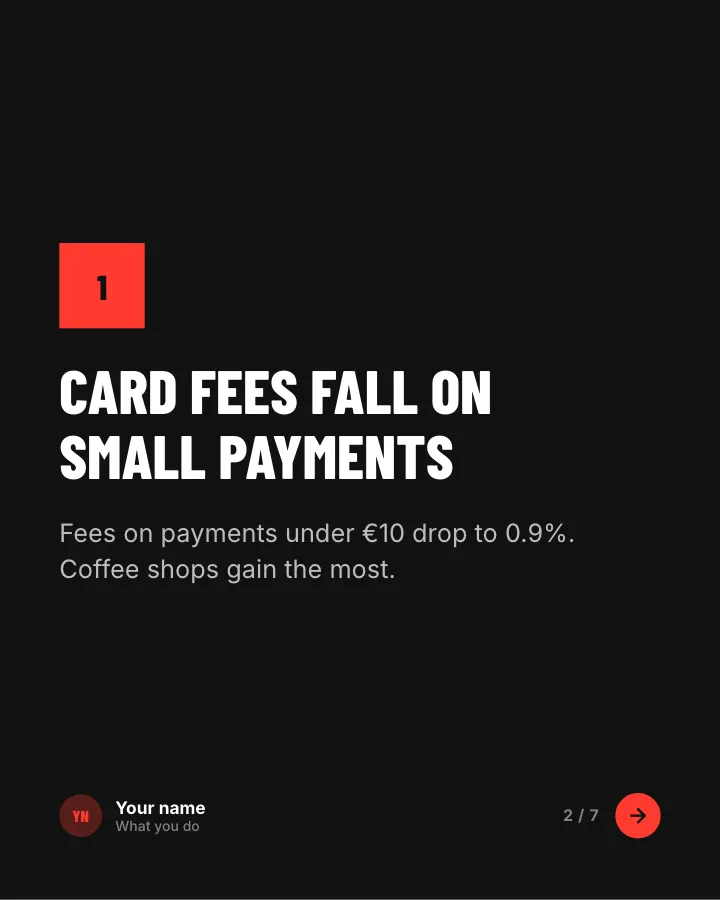
News digest
7 slidesThe week’s news in your field, sorted into what changed, what it means and what to do about it.
AnnounceEarn trust
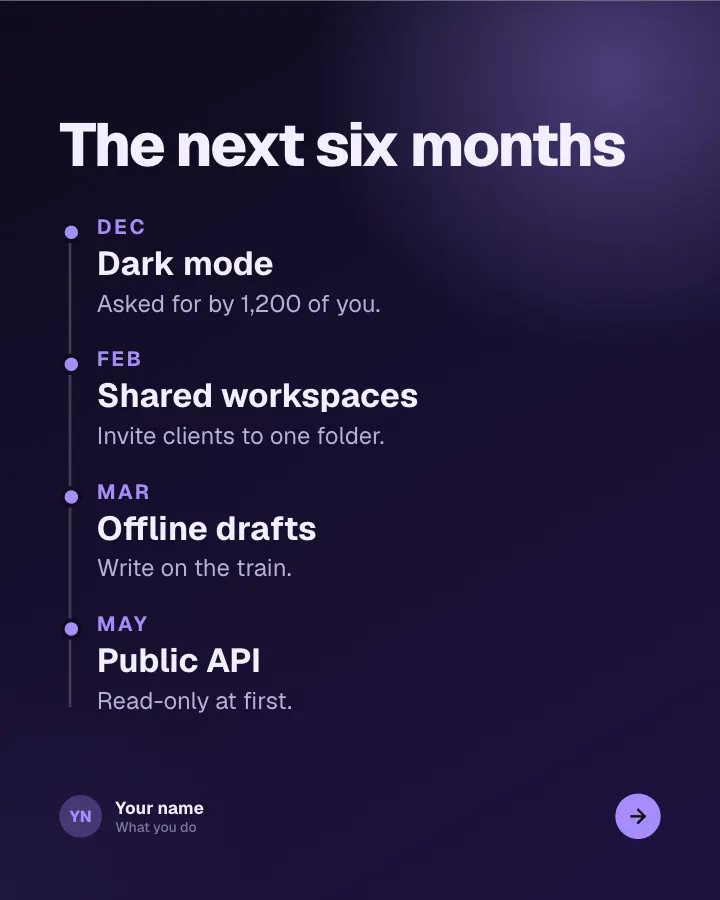
Roadmap, in public
6 slidesWhat you are building next, what you decided not to build and how customers can shape the order.
AnnounceEarn trustVIP