
Fundraiser progress carousel template
A progress update for a fundraiser: how much is in, how fast it came, why it matters and what each gift does.
Slide 1 of 7 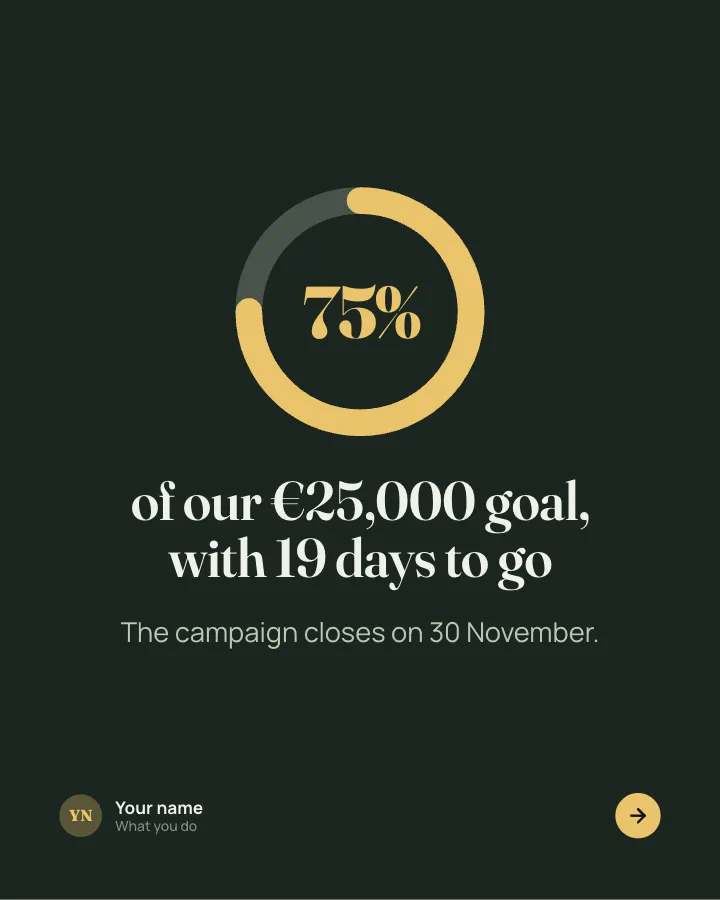
Slide 2 of 7 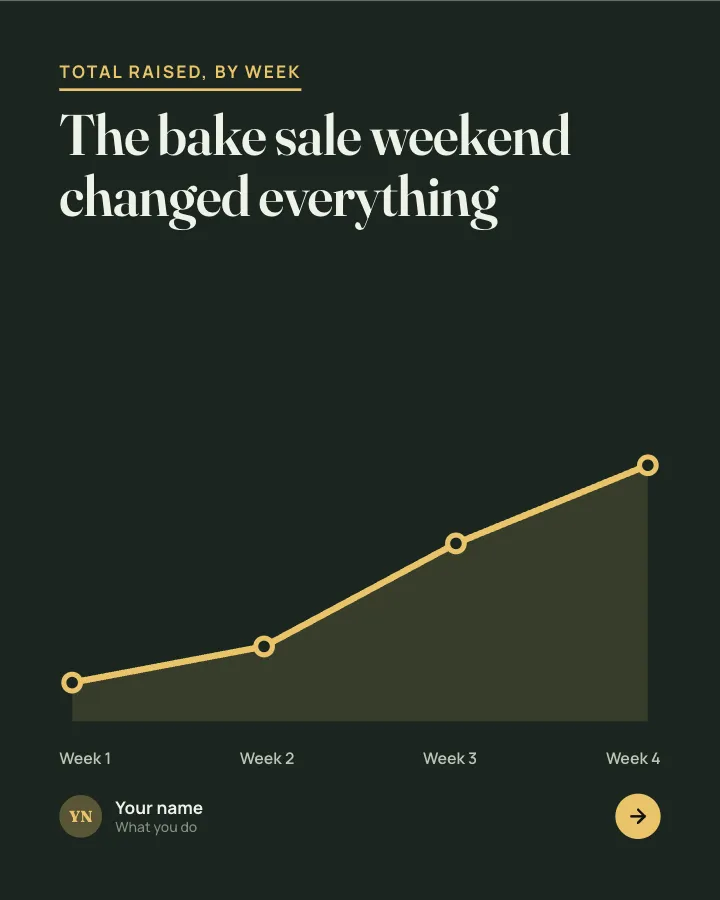
Slide 3 of 7 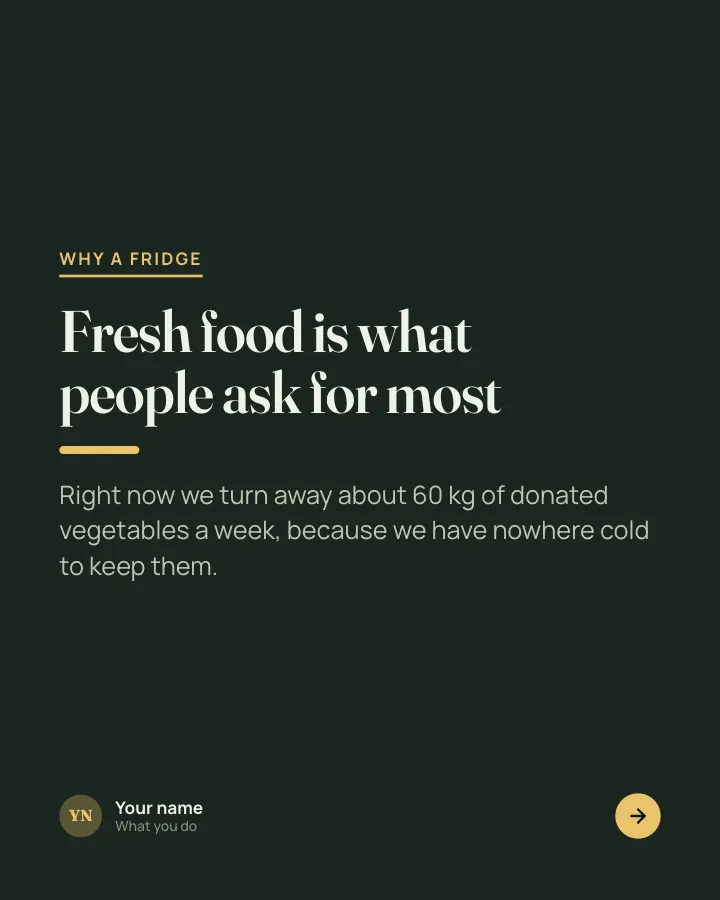
Slide 4 of 7 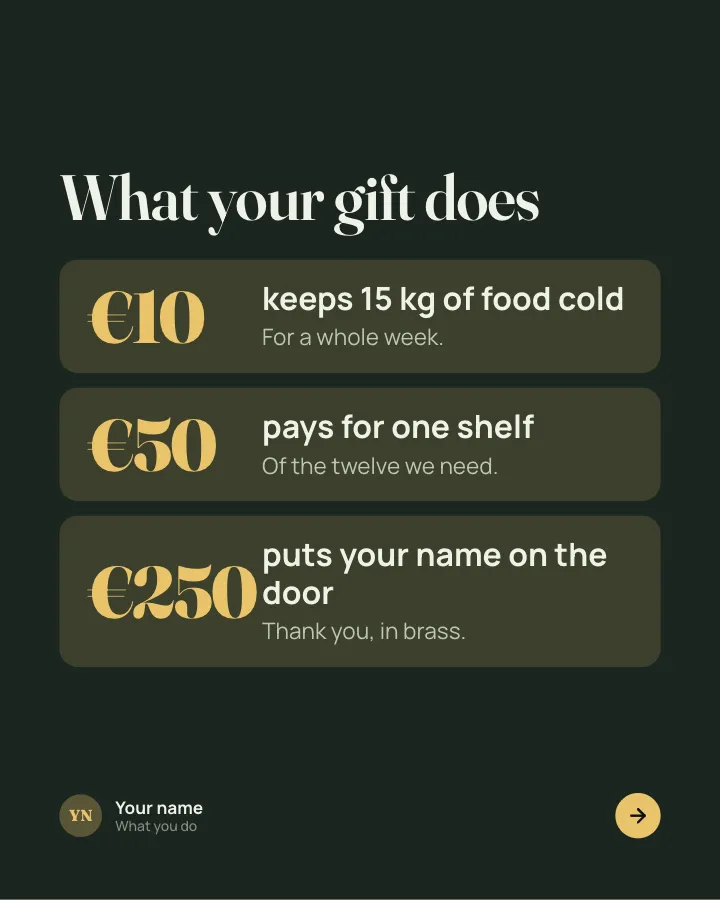
Slide 5 of 7 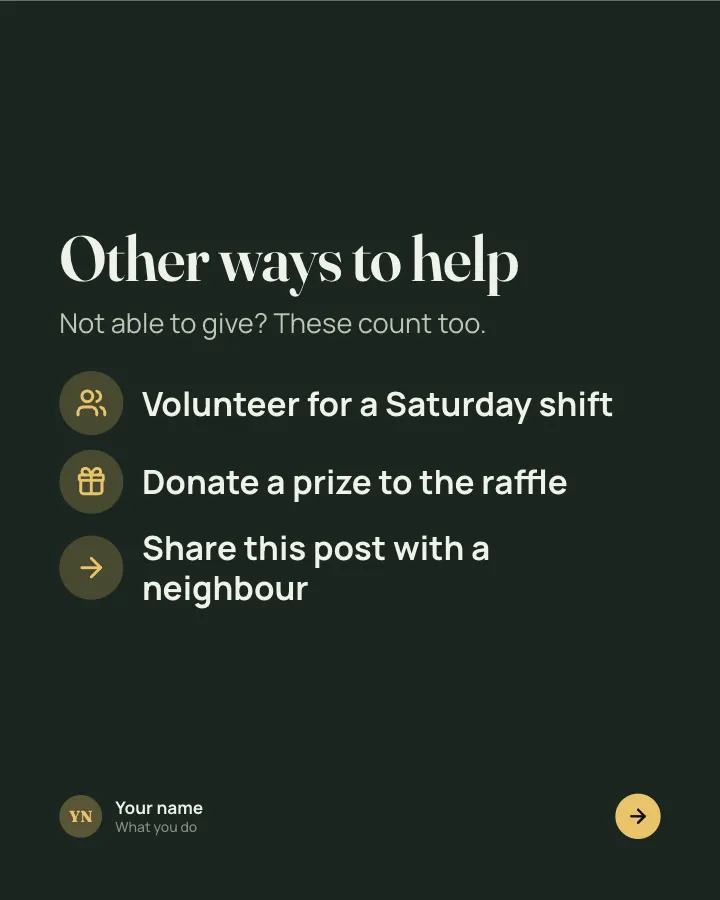
Slide 6 of 7 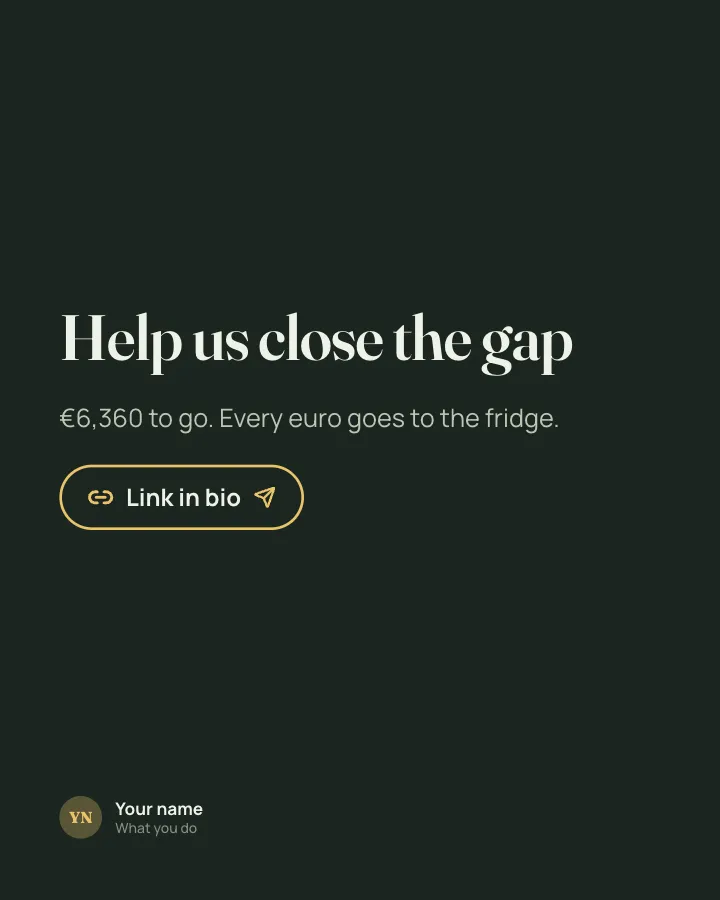
Slide 7 of 7
See it in the feed
How the example looks once it is posted. In the studio the preview uses your own slides, caption and profile.
Your name
What you do · 1h
A progress update for a fundraiser: how much is in, how fast it came, why it matters and what each gift does.
1/7When to use it
Reach for Fundraiser progress when you want to share news without sounding like a press release and show your experience and earn trust. Its structure is progress update: an honest report on a project, numbers included. It is written for charities and community groups. Give Postora your topic and it keeps the shape, writing every slide about your subject in your voice.
What each slide does
1Hook
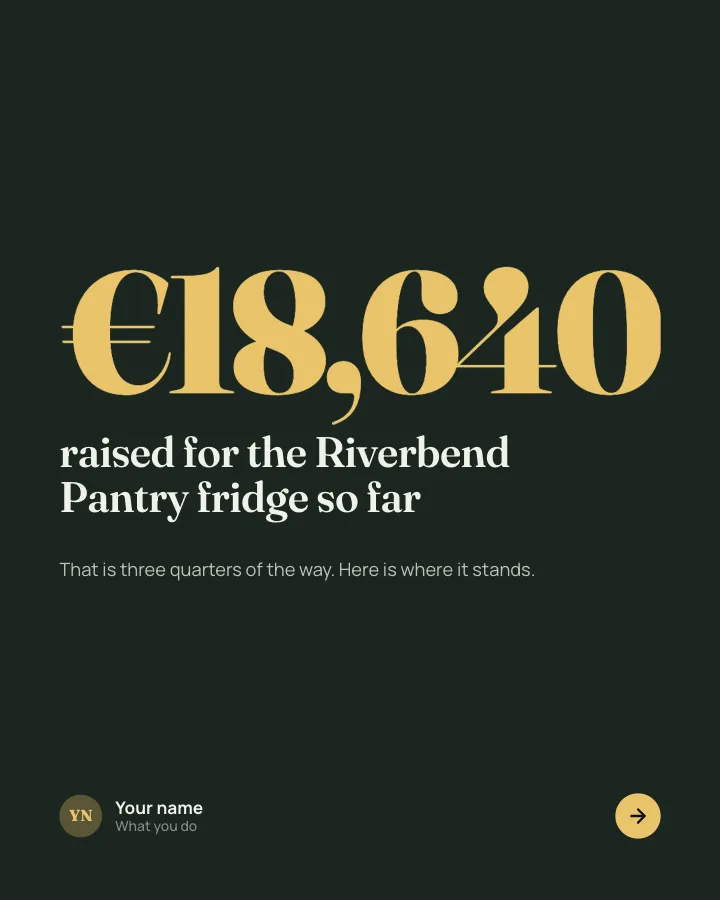
Opening: the amount raised so far and what it is for.
In the example
raised for the Riverbend Pantry fridge so far
€18,640
That is three quarters of the way. Here is where it stands.
2Number
Progress as a share of the goal, with the deadline.
In the example
of our €25,000 goal, with 19 days to go
75%
The campaign closes on 30 November.
3Chart
The running total by week, with the moment that changed it (only figures the author provided).
In the example
The bake sale weekend changed everything
Total raised, by week
4Point
Why the money is needed, with one concrete fact.
In the example
Fresh food is what people ask for most
Why a fridge
Right now we turn away about 60 kg of donated vegetables a week, because we have nowhere cold to keep them.
5Number
What different gift sizes pay for (author-provided).
In the example
What your gift does
- €10 keeps 15 kg of food cold — For a whole week.
- €50 pays for one shelf — Of the twelve we need.
- €250 puts your name on the door — Thank you, in brass.
6List
Ways to help that are not money.
In the example
Other ways to help
Not able to give? These count too.
- Volunteer for a Saturday shift
- Donate a prize to the raffle
- Share this post with a neighbour
7Call to action
How much is left and where to give.
In the example
Help us close the gap
€6,360 to go. Every euro goes to the fridge.
Link in bio
Make it in Postora
Step 1
Say what it is about
Open Fundraiser progress and type your topic, paste a link or add your notes.
Step 2
Check the plan
Postora keeps the template’s structure and writes each slide for your subject, in the voice you pick.
Step 3
Polish and download
Edit any word, change the theme or a layout, then export a PDF, images or a video.
Questions about Fundraiser progress
Is the Fundraiser progress template free?
Fundraiser progress is part of VIP. You can look through it for free; using it, along with AI on every carousel and downloads without a mark, comes with a VIP plan.
Which platforms is it made for?
LinkedIn (PDF document post, best at 4:5), Instagram (PNG images, best at 4:5), TikTok (PNG images or an MP4 video, best at 9:16) and X (PNG images, best at 16:9). Postora sizes the carousel for the network you pick and checks it against that network’s limits before you download it.
How many slides does it have?
7, each with its own job (shown above). You can add, remove or reorder slides: free carousels go up to 8 slides, VIP up to 30.
Can I change the design?
Yes. It opens in the Moonlit Garden theme, and you can switch to any of 95 themes or your own brand kit in one click, swap the layout of any slide, and edit every word.
Templates like this one
Browse all templates

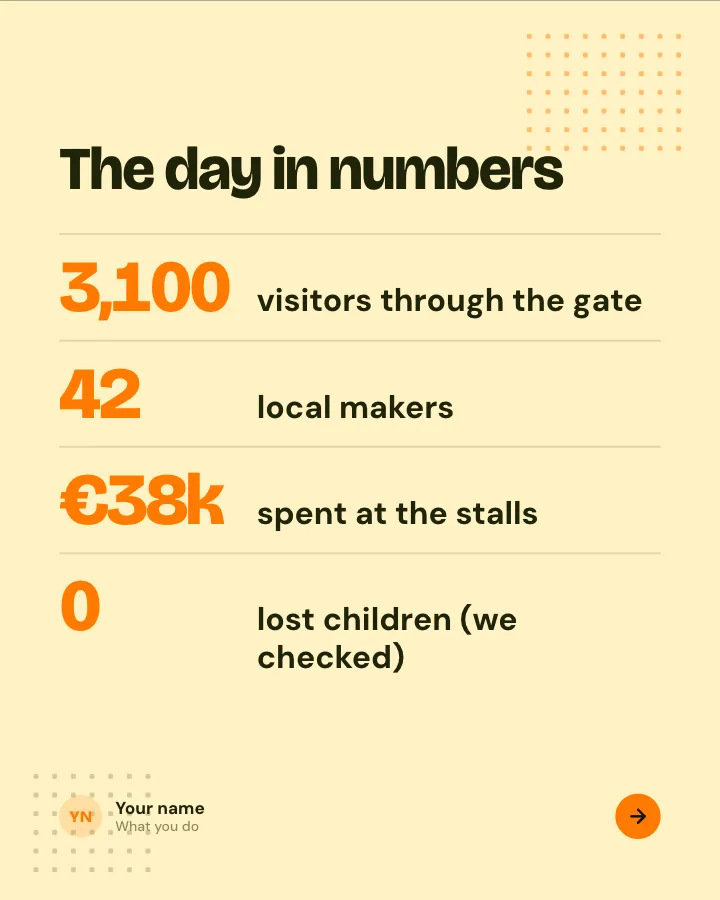
Event recap
7 slidesWhat happened at an event you ran or went to: the moments, the numbers, the best line of the day and what is next.
AnnounceEarn trust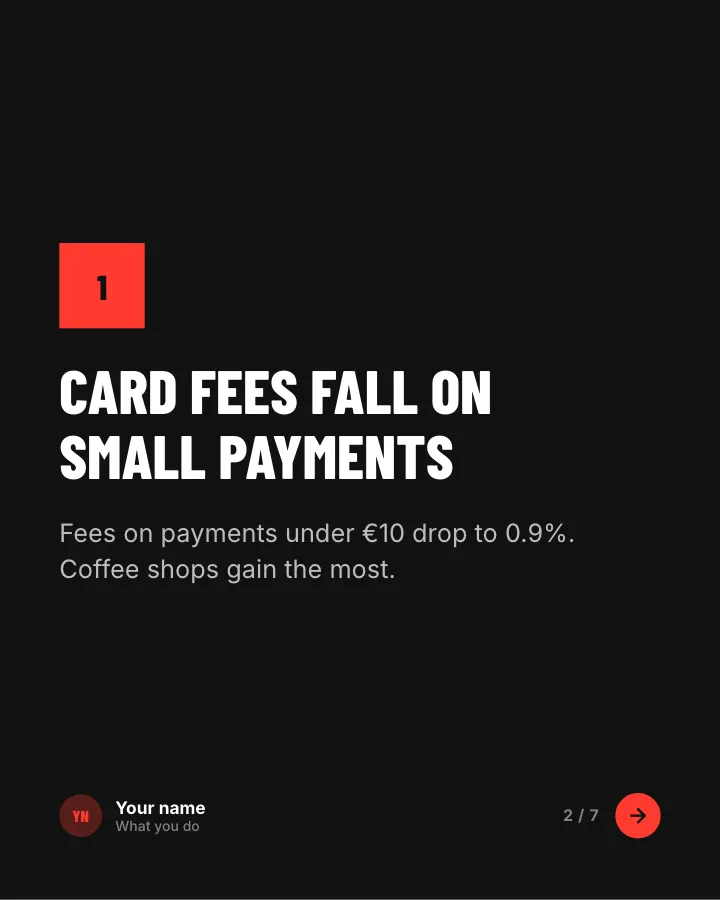
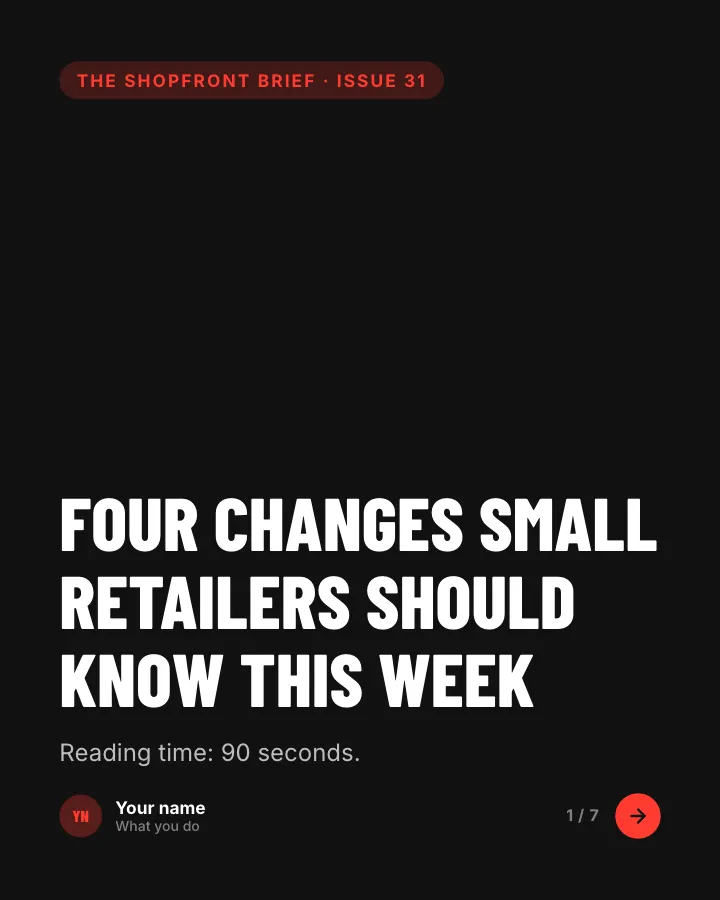
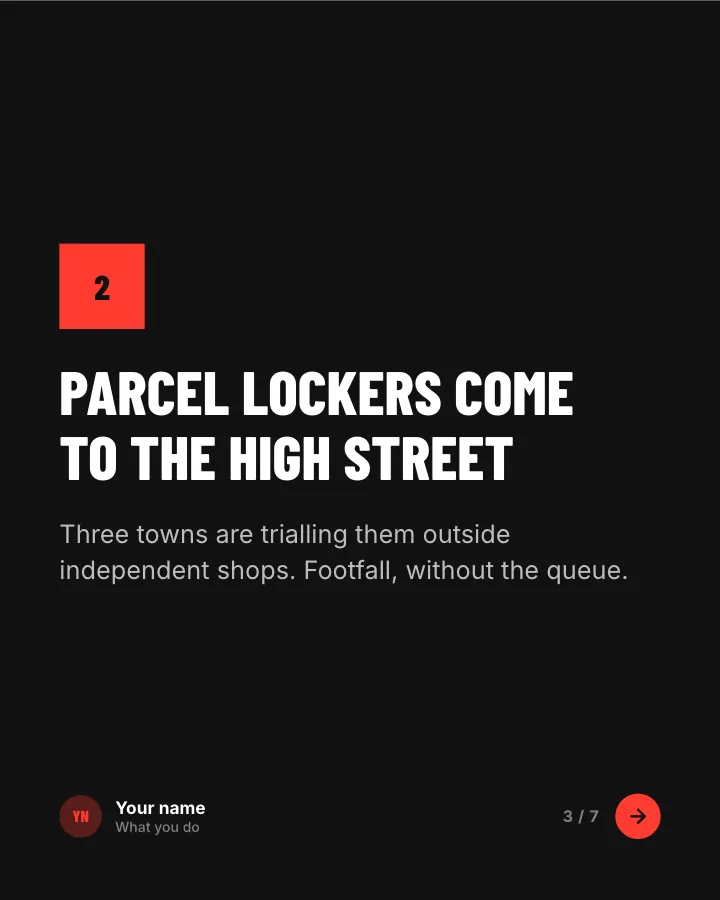
News digest
7 slidesThe week’s news in your field, sorted into what changed, what it means and what to do about it.
AnnounceEarn trust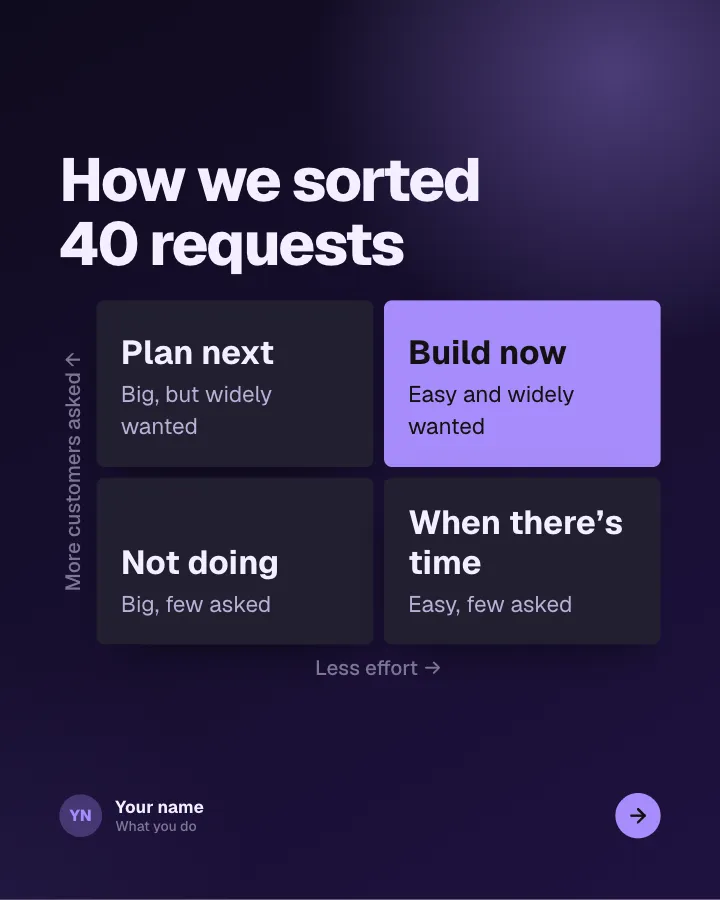
Roadmap, in public
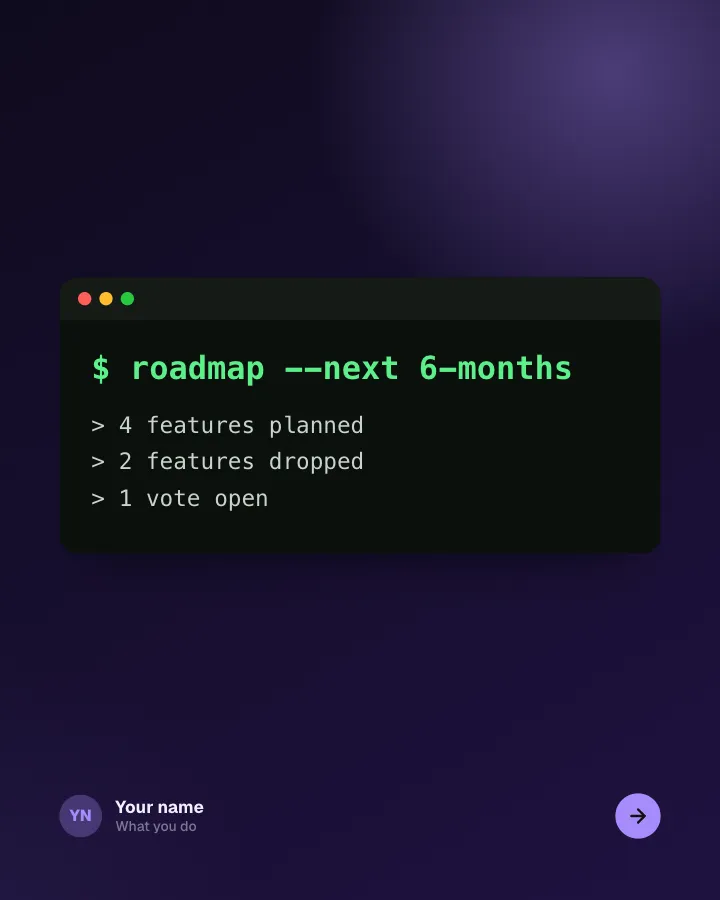
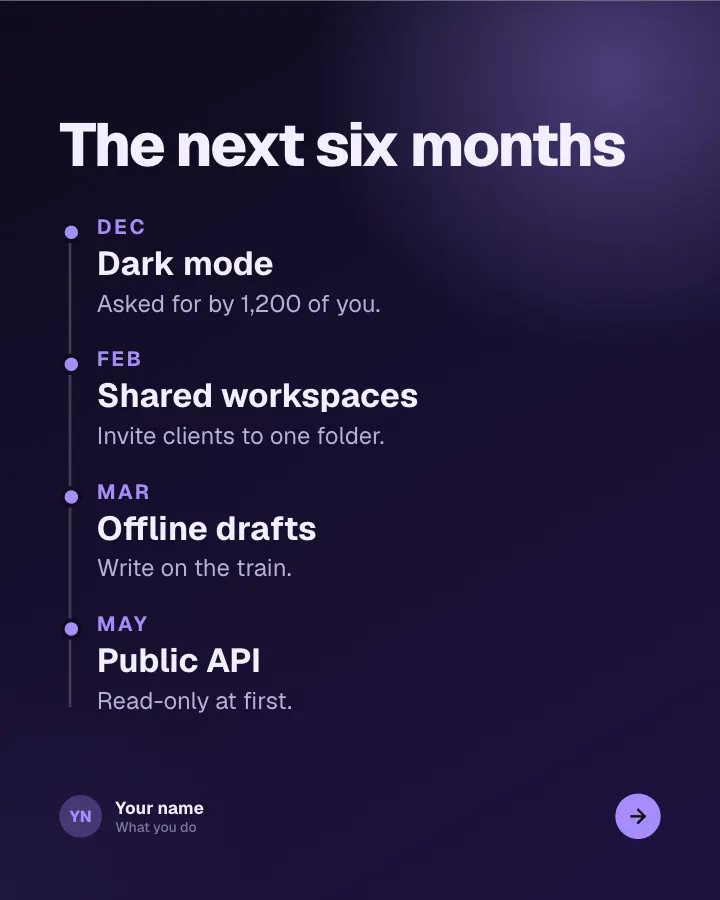
6 slidesWhat you are building next, what you decided not to build and how customers can shape the order.
AnnounceEarn trustVIP