
Spot the phishing carousel template
Common beliefs about phishing and workplace security checked against what actually happens, with the habits that stop most attacks.
Slide 1 of 7 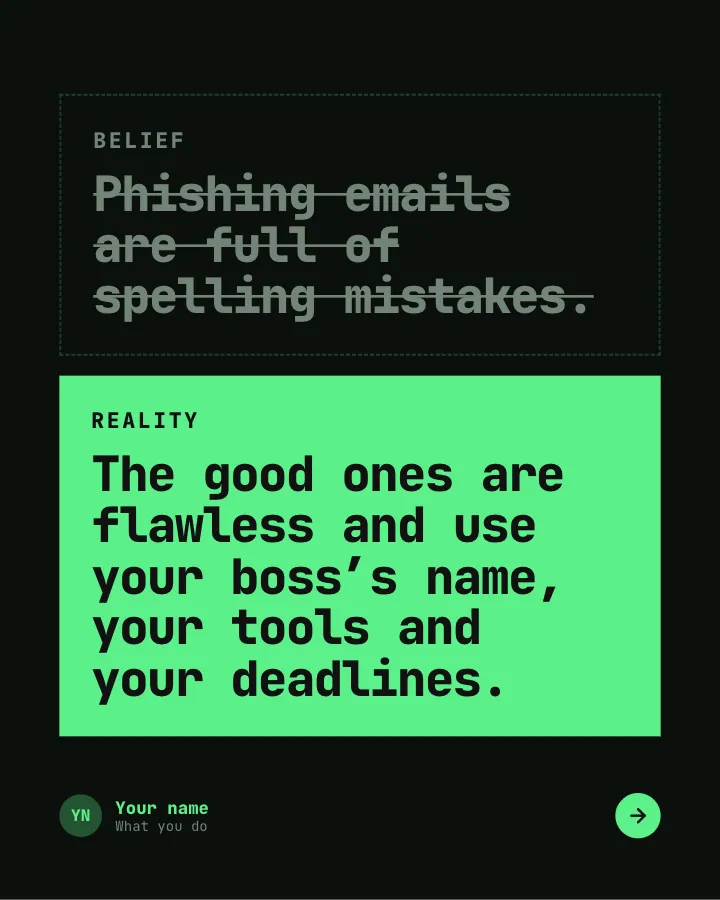
Slide 2 of 7 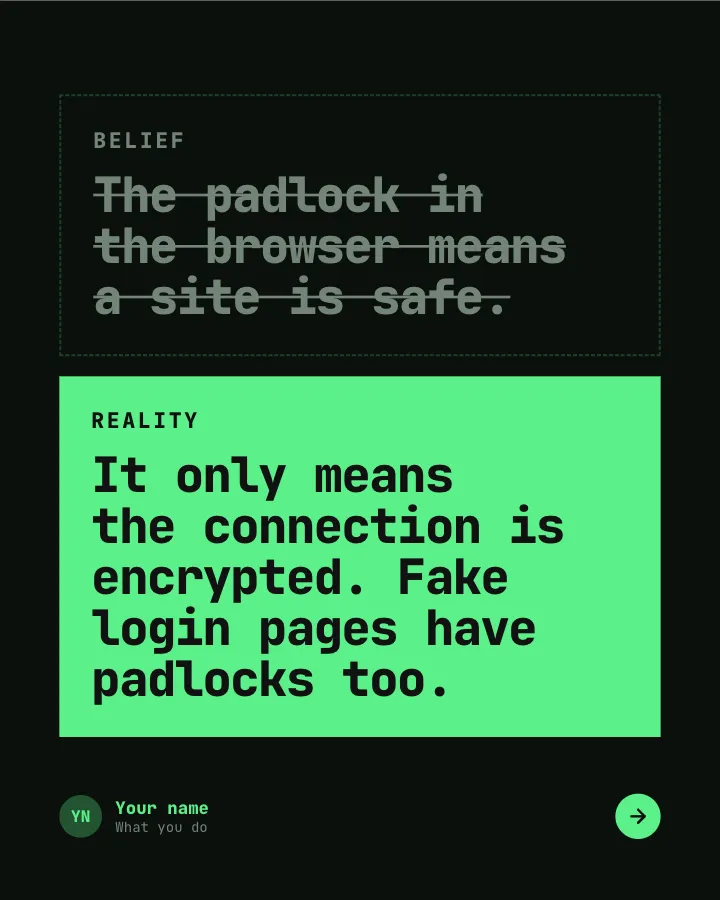
Slide 3 of 7 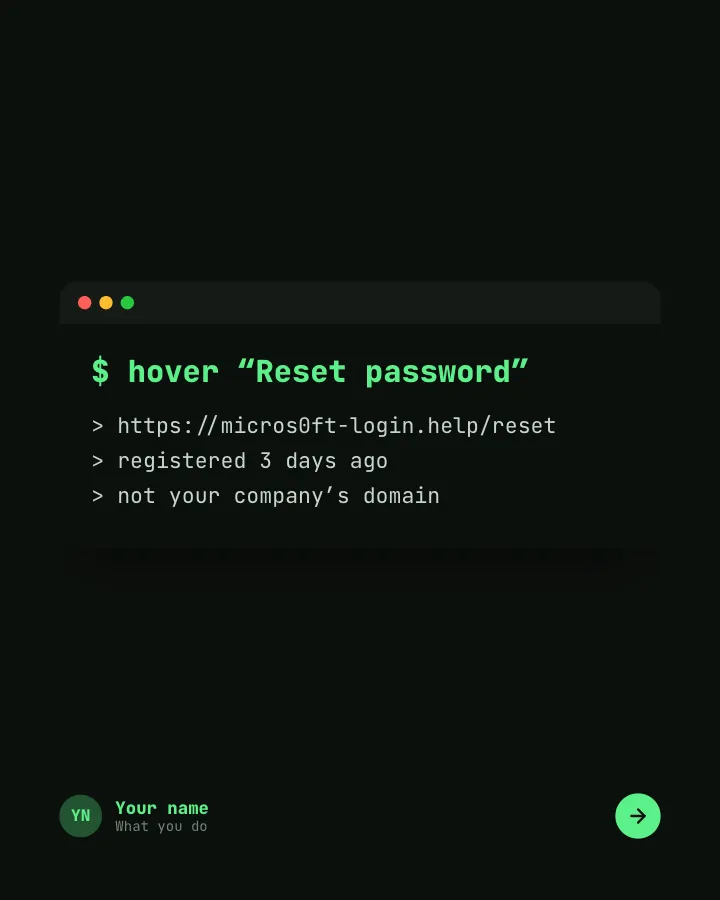
Slide 4 of 7 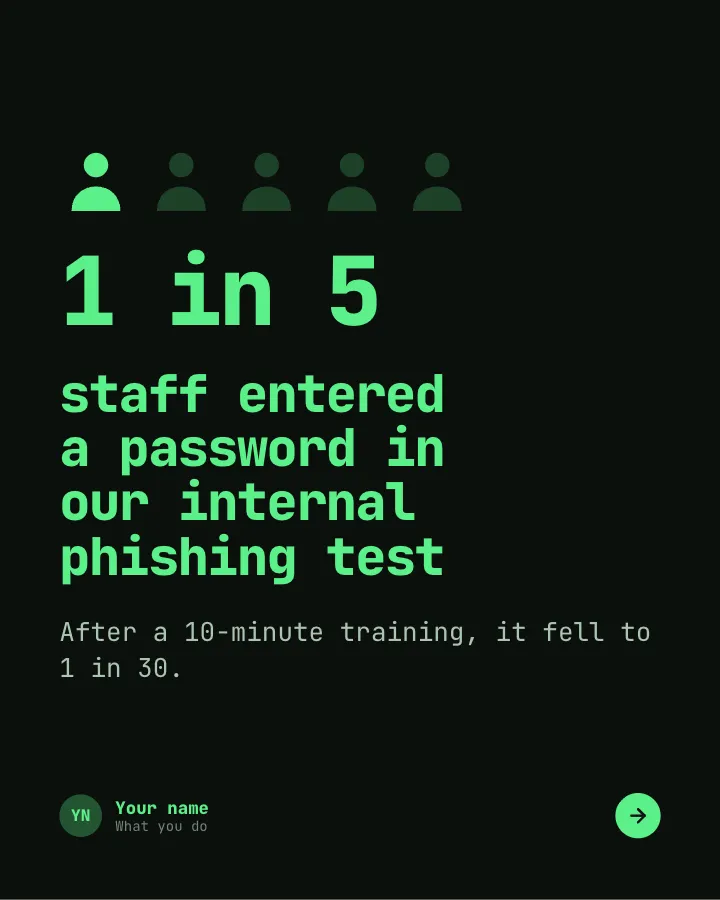
Slide 5 of 7 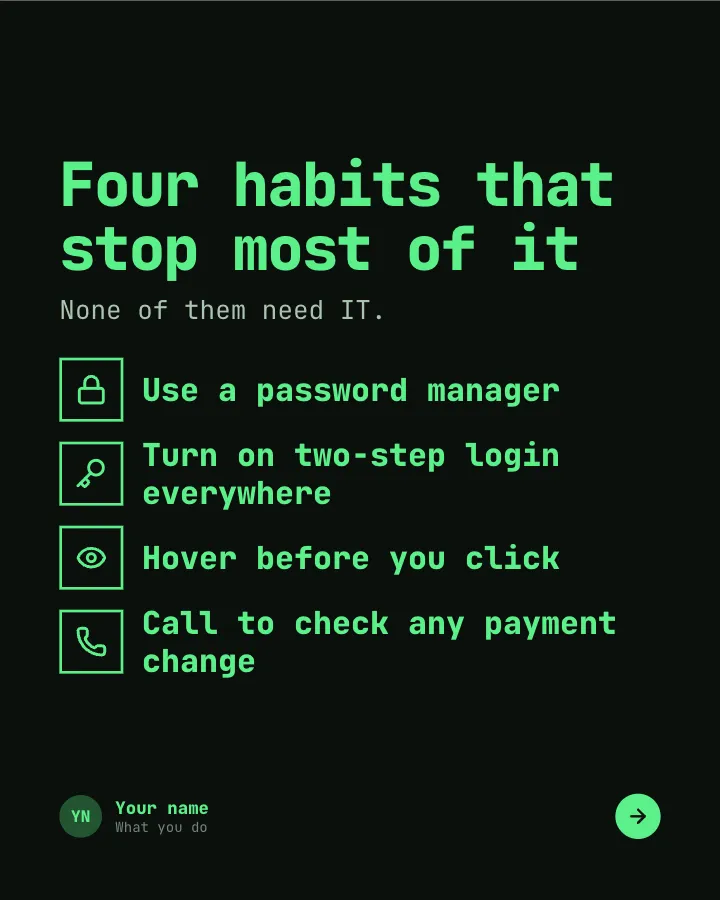
Slide 6 of 7 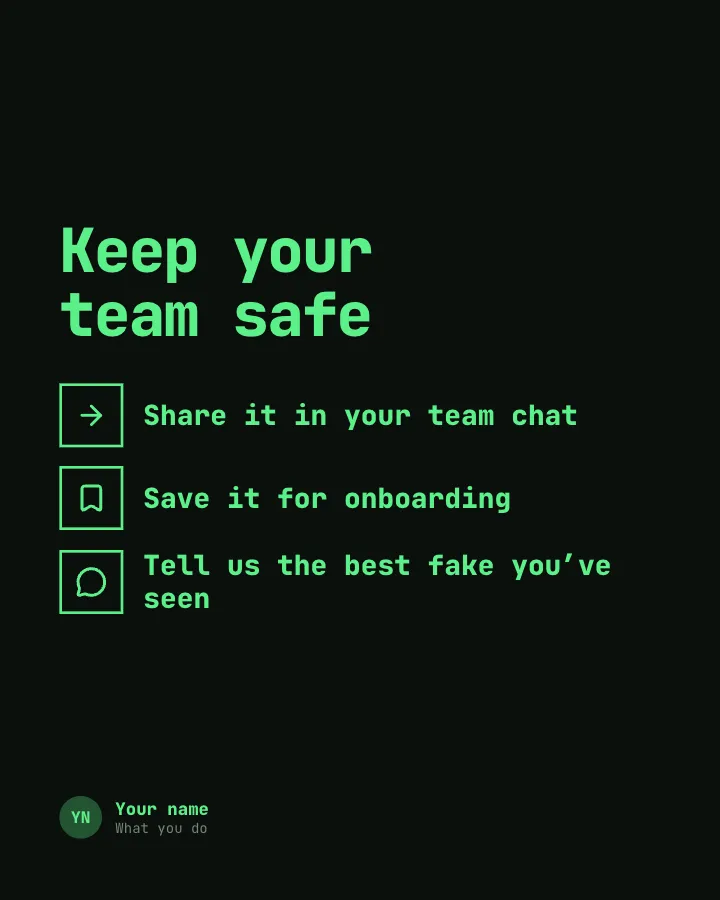
Slide 7 of 7
See it in the feed
How the example looks once it is posted. In the studio the preview uses your own slides, caption and profile.
Your name
What you do · 1h
Common beliefs about phishing and workplace security checked against what actually happens, with the habits that stop most attacks.
1/7When to use it
Reach for Spot the phishing when you want to teach your audience something they can use straight away and make a post people save and come back to. Its structure is belief check: popular beliefs set against the evidence. Give Postora your topic and it keeps the shape, writing every slide about your subject in your voice.
What each slide does
1Hook
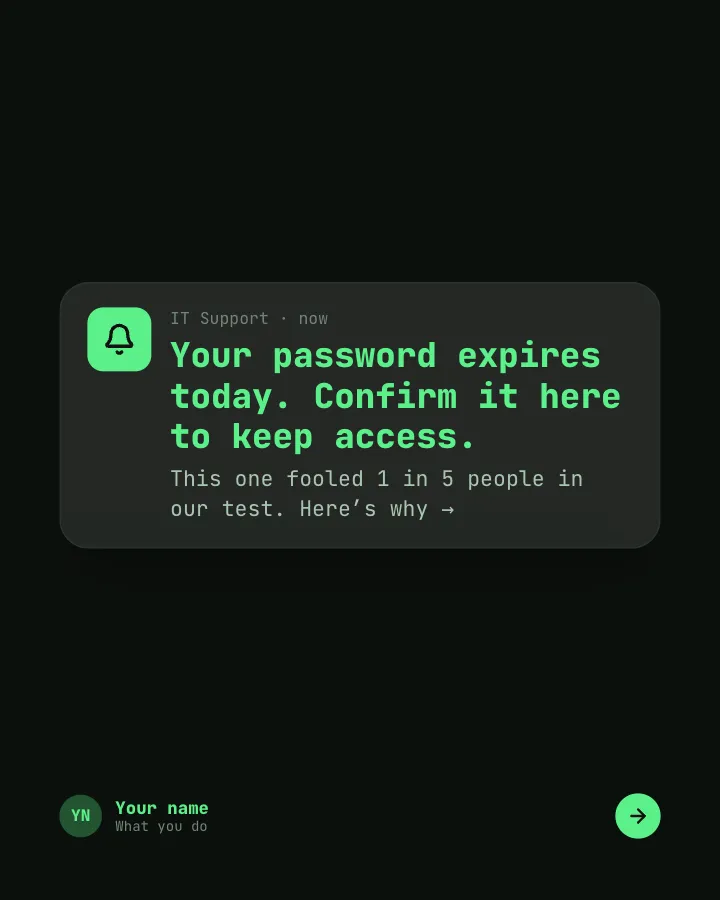
Opening: a convincing fake alert, flagged as phishing.
In the example
Your password expires today. Confirm it here to keep access.
IT Support · now
This one fooled 1 in 5 people in our test. Here’s why →
2Comparison
First belief about phishing, and the reality.
In the example
3Comparison
Second belief, and the reality.
In the example
4Point
How to read a link before clicking, shown as the real address behind it.
In the example
$ hover “Reset password”
> https://micros0ft-login.help/reset> registered 3 days ago> not your company’s domain
5Number
A figure from your own test or a cited report (author-provided).
In the example
staff entered a password in our internal phishing test
1 in 5
After a 10-minute training, it fell to 1 in 30.
6List
The habits that stop most attacks.
In the example
Four habits that stop most of it
None of them need IT.
- Use a password manager
- Turn on two-step login everywhere
- Hover before you click
- Call to check any payment change
7Call to action
Ask readers to share it with their team.
In the example
Keep your team safe
- Share it in your team chat
- Save it for onboarding
- Tell us the best fake you’ve seen
Make it in Postora
Step 1
Say what it is about
Open Spot the phishing and type your topic, paste a link or add your notes.
Step 2
Check the plan
Postora keeps the template’s structure and writes each slide for your subject, in the voice you pick.
Step 3
Polish and download
Edit any word, change the theme or a layout, then export a PDF, images or a video.
Questions about Spot the phishing
Is the Spot the phishing template free?
Yes. Opening Spot the phishing and editing its example are free, no account needed. A free account adds 3 AI carousels a month and 5 downloads of the finished carousel with a small Postora mark; VIP downloads without limits or the mark.
Which platforms is it made for?
LinkedIn (PDF document post, best at 4:5) and X (PNG images, best at 16:9). Postora sizes the carousel for the network you pick and checks it against that network’s limits before you download it.
How many slides does it have?
7, each with its own job (shown above). You can add, remove or reorder slides: free carousels go up to 8 slides, VIP up to 30.
Can I change the design?
Yes. It opens in the Green Screen theme, and you can switch to any of 95 themes or your own brand kit in one click, swap the layout of any slide, and edit every word.
Templates like this one
Browse all templates
Beginner traps
5 slidesThe traps people fall into when they start, each with the simple fix.
ExplainBe bookmarked

Better swaps
5 slidesSmall habits to replace, each shown next to the version that works better.
ExplainBe bookmarked
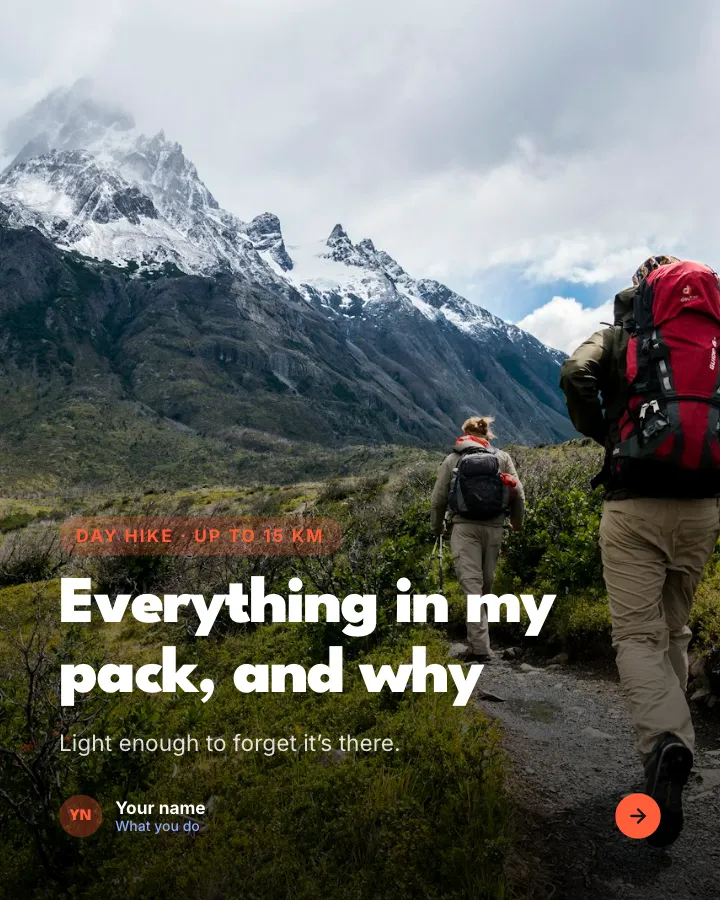

Day-hike packing list
7 slidesWhat to pack for a day on the trails, sorted into essentials, nice to have and leave at home, with where the weight goes.
Be bookmarkedExplainVIP