
Join the team carousel template
A role you are hiring for: what the job is, who you hope to meet and how to apply.

Slide 1 of 4 
Slide 2 of 4 
Slide 3 of 4 
Slide 4 of 4
See it in the feed
How the example looks once it is posted. In the studio the preview uses your own slides, caption and profile.
Your name
What you do · 1h
A role you are hiring for: what the job is, who you hope to meet and how to apply.
1/4When to use it
Reach for Join the team when you want to promote a product or an opening without a hard sell. Its structure is flexible: your writer picks the shape that suits the topic. Give Postora your topic and it keeps the shape, writing every slide about your subject in your voice.
What each slide does
1Hook
Opening: the role and the team.
In the example
We need a second baker
Hiring
Early mornings, warm kitchen, good people.
2List
What the job involves.
In the example
Your week
The job
- Bread and pastries, 4am start
- Four days a week
- Testing one new recipe a month
3List
Who you are looking for.
In the example
You might be a fit if
Experience matters less than care.
- You love early mornings
- You like a tidy bench
- You enjoy a small team
4Call to action
How to apply.
In the example
Sound like you?
Send a short note and a photo of something you baked.
Apply via the link
Make it in Postora
Step 1
Say what it is about
Open Join the team and type your topic, paste a link or add your notes.
Step 2
Check the plan
Postora keeps the template’s structure and writes each slide for your subject, in the voice you pick.
Step 3
Polish and download
Edit any word, change the theme or a layout, then export a PDF, images or a video.
Questions about Join the team
Is the Join the team template free?
Yes. Opening Join the team and editing its example are free, no account needed. A free account adds 3 AI carousels a month and 5 downloads of the finished carousel with a small Postora mark; VIP downloads without limits or the mark.
Which platforms is it made for?
LinkedIn (PDF document post, best at 4:5). Postora sizes the carousel for the network you pick and checks it against that network’s limits before you download it.
How many slides does it have?
4, each with its own job (shown above). You can add, remove or reorder slides: free carousels go up to 8 slides, VIP up to 30.
Can I change the design?
Yes. It opens in the Apricot theme, and you can switch to any of 95 themes or your own brand kit in one click, swap the layout of any slide, and edit every word.
Templates like this one
Browse all templates
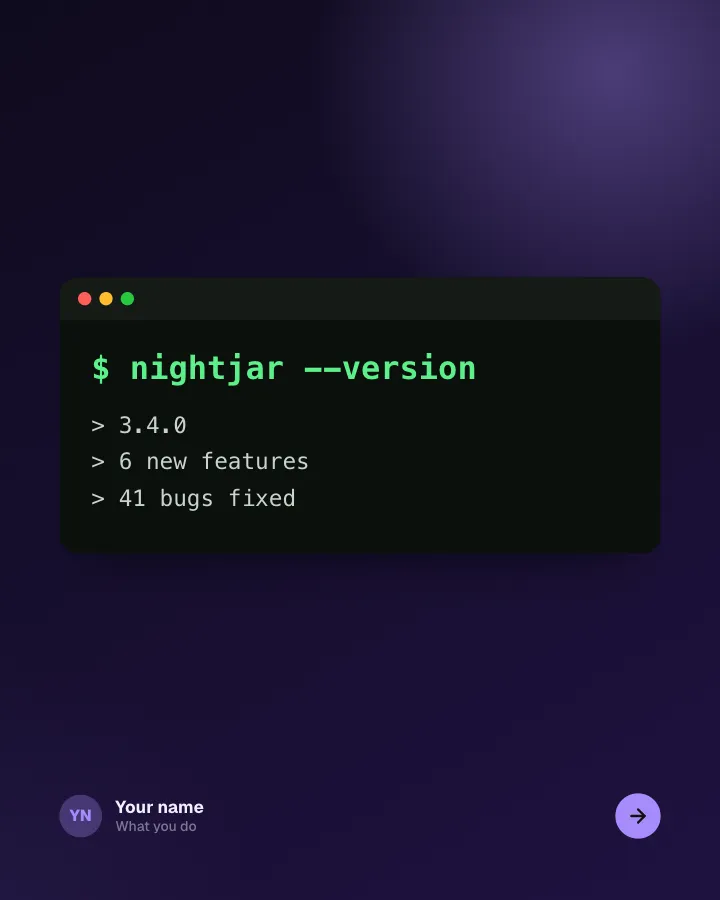
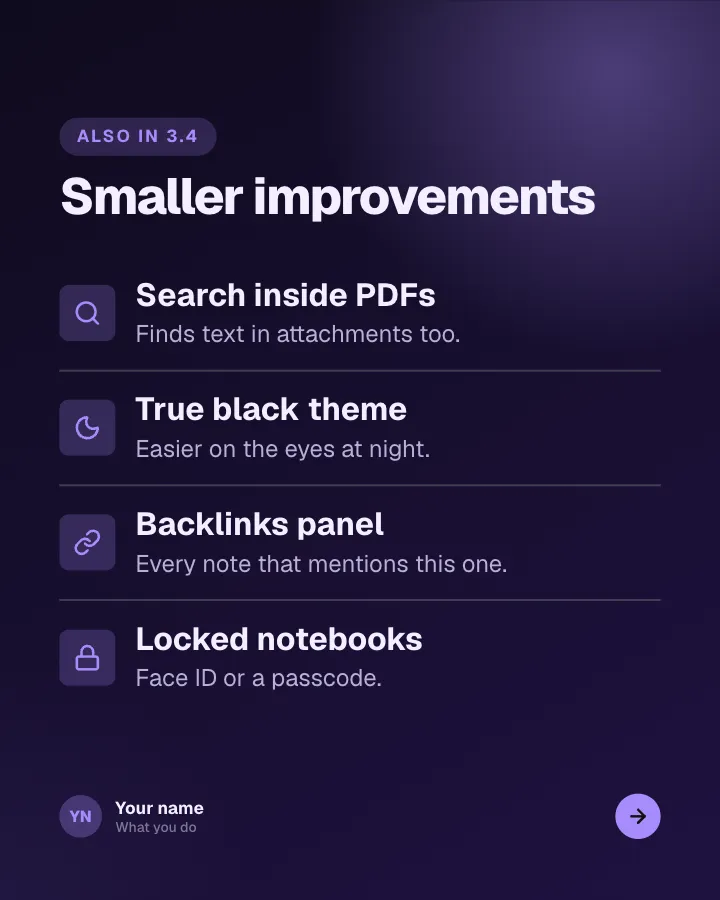
App changelog
7 slidesRelease notes people actually read: the version, the headline feature, the smaller changes and the bugs you fixed.
AnnounceSellVIP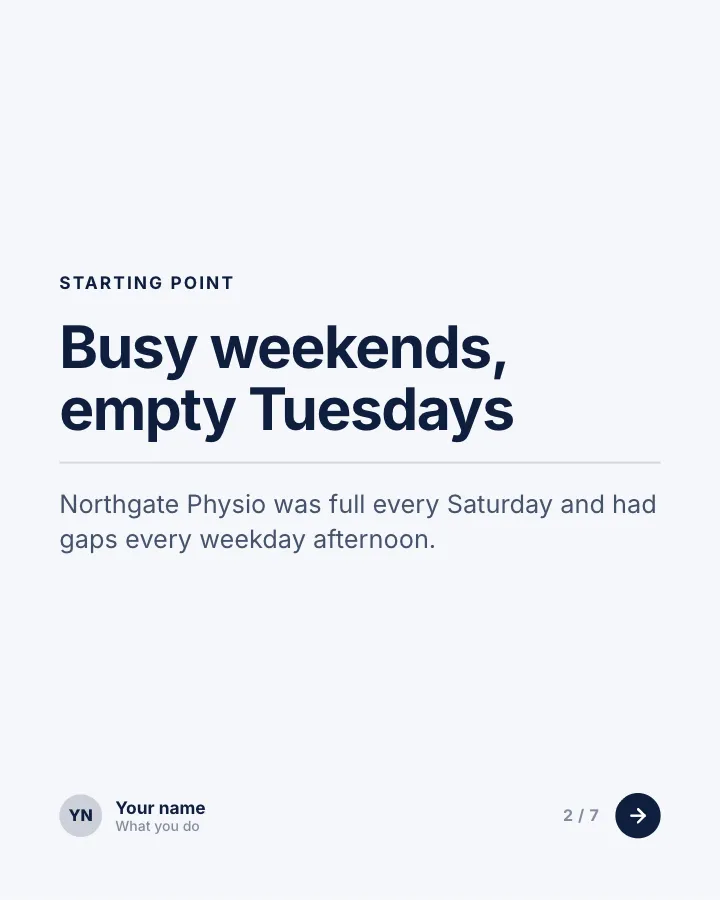

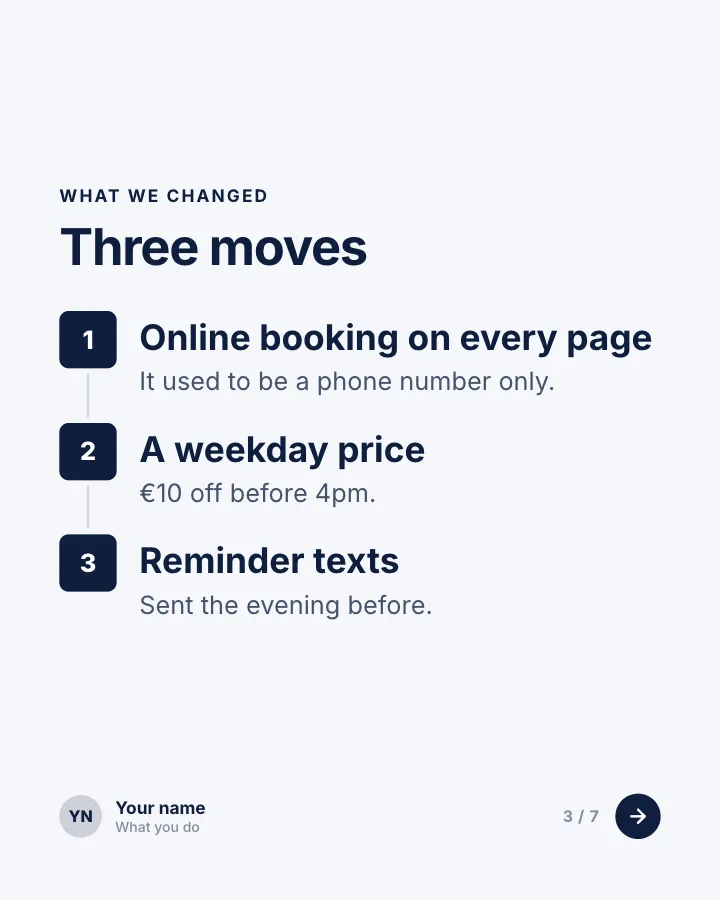
Client win, in numbers
7 slidesA short case study for service businesses: where the client started, what you changed and the results in figures.
Earn trustSellVIP

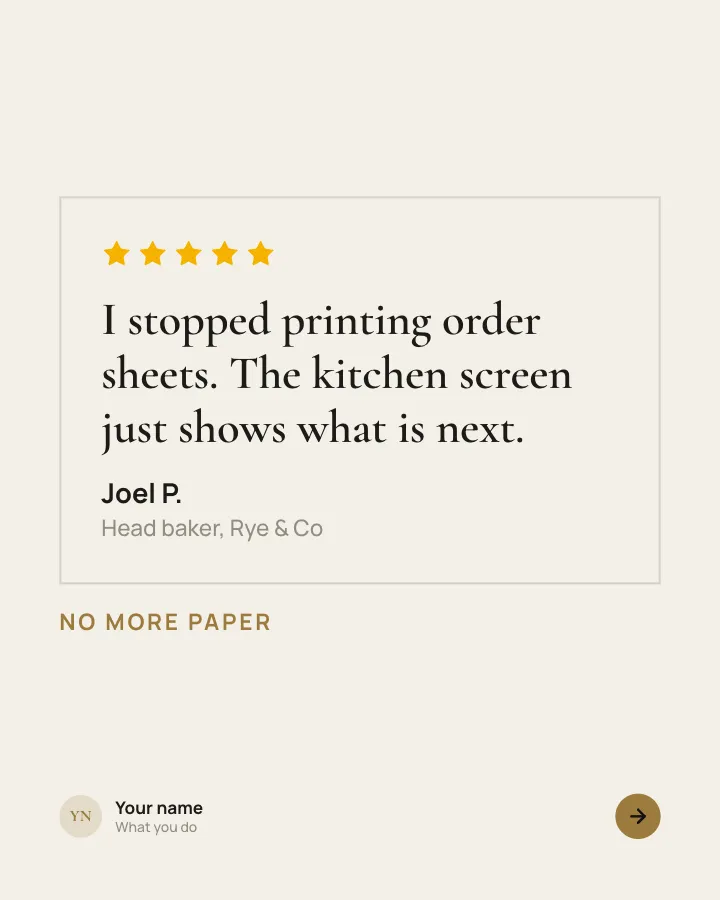
Customer voices
5 slidesReal customers in their own words, one person per slide, plus the change they noticed.
Earn trustSellVIP