
What it taught me carousel template
An experience and the lessons you took from it, one lesson per slide.
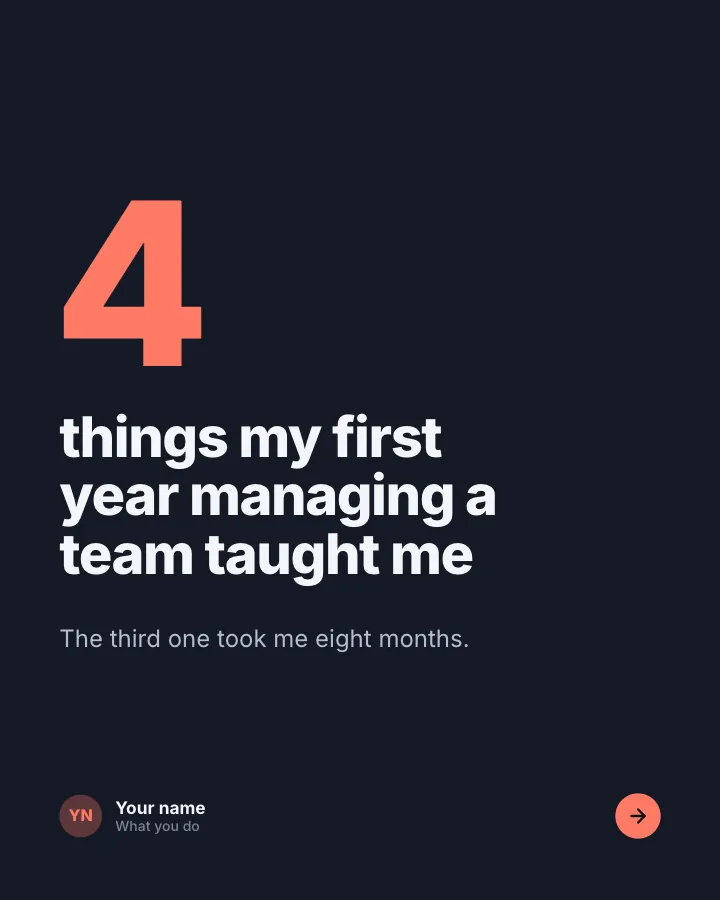
Slide 1 of 6 
Slide 2 of 6 
Slide 3 of 6 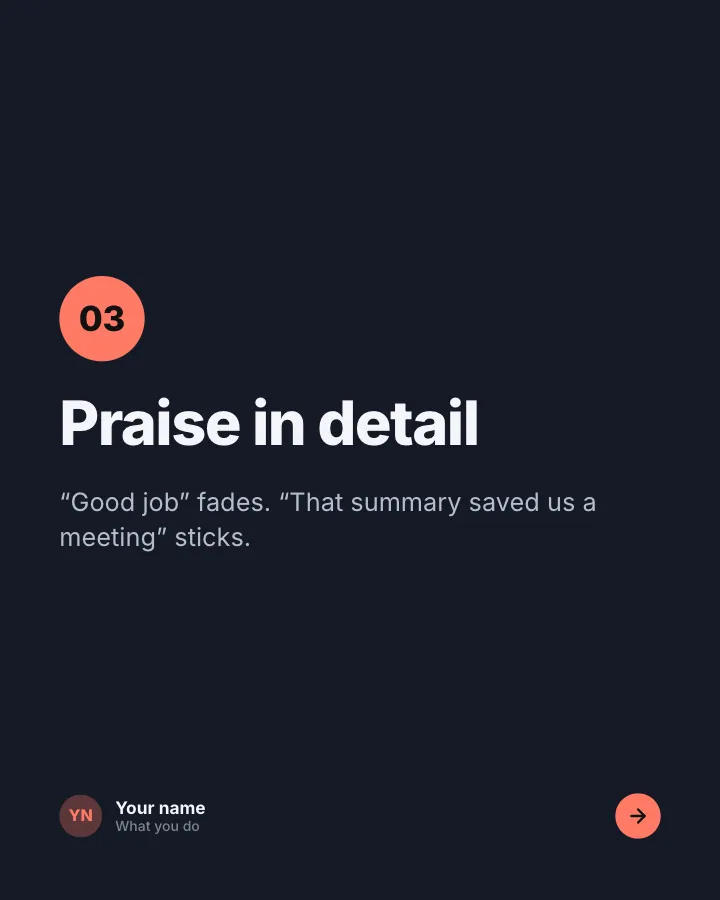
Slide 4 of 6 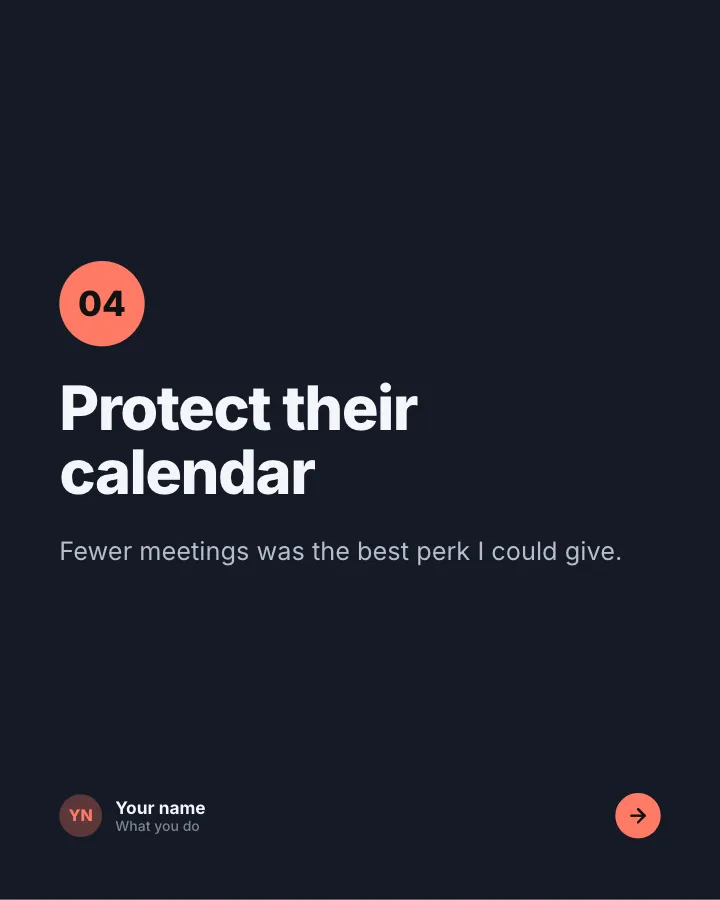
Slide 5 of 6 
Slide 6 of 6
See it in the feed
How the example looks once it is posted. In the studio the preview uses your own slides, caption and profile.
Your name
What you do · 1h
An experience and the lessons you took from it, one lesson per slide.
1/6When to use it
Reach for What it taught me when you want to show your experience and earn trust and start a conversation in the comments. Its structure is flexible: your writer picks the shape that suits the topic. Give Postora your topic and it keeps the shape, writing every slide about your subject in your voice.
What each slide does
1Hook
Opening: how many lessons and from what.
In the example
things my first year managing a team taught me
4
The third one took me eight months.
2Point
Lesson 1.
In the example
Say the boring thing twice
01
If it matters, people need to hear it more than once.
3Point
Lesson 2.
In the example
Ask before you fix
02
Half the problems I solved were not the real problem.
4Point
Lesson 3.
In the example
Praise in detail
03
“Good job” fades. “That summary saved us a meeting” sticks.
5Point
Lesson 4.
In the example
Protect their calendar
04
Fewer meetings was the best perk I could give.
6Call to action
Ask readers what they would add.
In the example
What would you add?
Over to you
Especially if you learned it the hard way.
Make it in Postora
Step 1
Say what it is about
Open What it taught me and type your topic, paste a link or add your notes.
Step 2
Check the plan
Postora keeps the template’s structure and writes each slide for your subject, in the voice you pick.
Step 3
Polish and download
Edit any word, change the theme or a layout, then export a PDF, images or a video.
Questions about What it taught me
Is the What it taught me template free?
Yes. Opening What it taught me and editing its example are free, no account needed. A free account adds 3 AI carousels a month and 5 downloads of the finished carousel with a small Postora mark; VIP downloads without limits or the mark.
Which platforms is it made for?
LinkedIn (PDF document post, best at 4:5) and Instagram (PNG images, best at 4:5). Postora sizes the carousel for the network you pick and checks it against that network’s limits before you download it.
How many slides does it have?
6, each with its own job (shown above). You can add, remove or reorder slides: free carousels go up to 8 slides, VIP up to 30.
Can I change the design?
Yes. It opens in the Desk Lamp theme, and you can switch to any of 95 themes or your own brand kit in one click, swap the layout of any slide, and edit every word.
Templates like this one
Browse all templates

Career change story
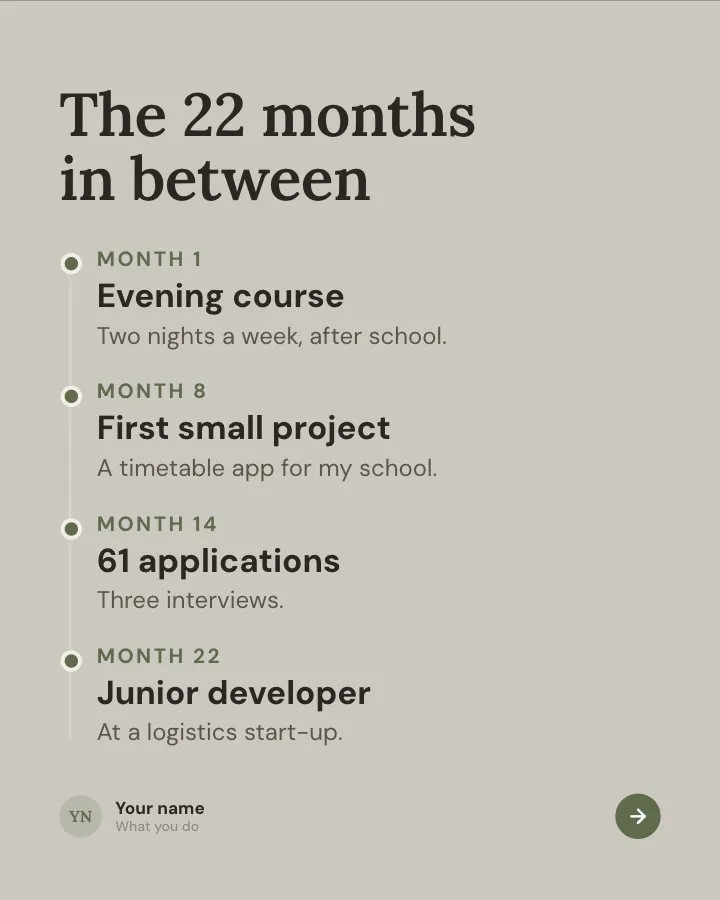
7 slidesHow you moved from one career to another: the moment you decided, the messy middle, the money and what you would tell someone starting.
Earn trustSpark repliesVIP

Hello, I’m…
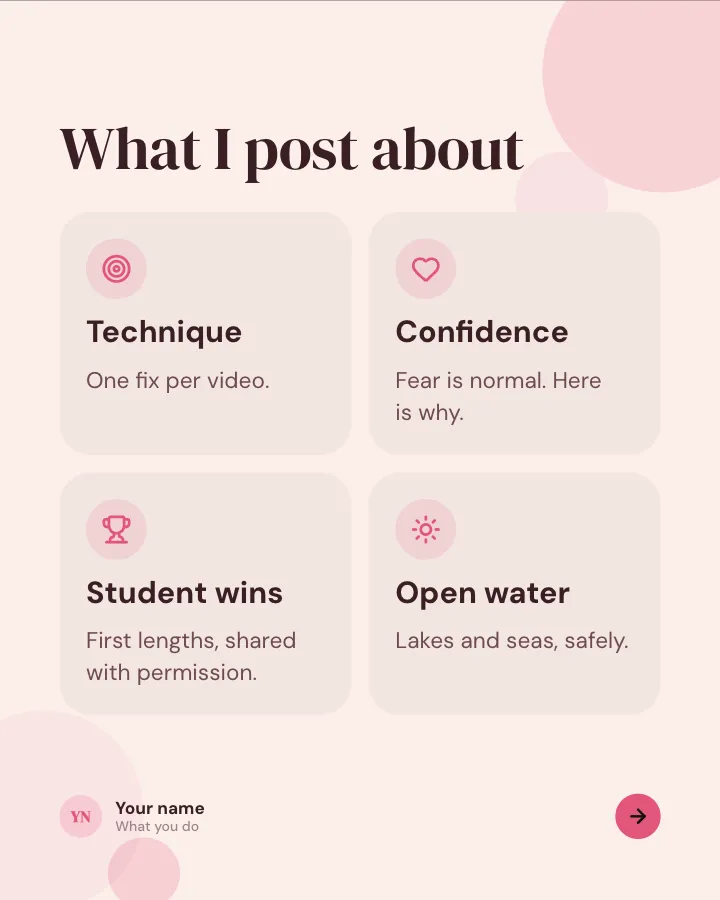
6 slidesIntroduce yourself to new followers: who you are, what you do, what you post about and a few things nobody would guess.
Earn trustSpark replies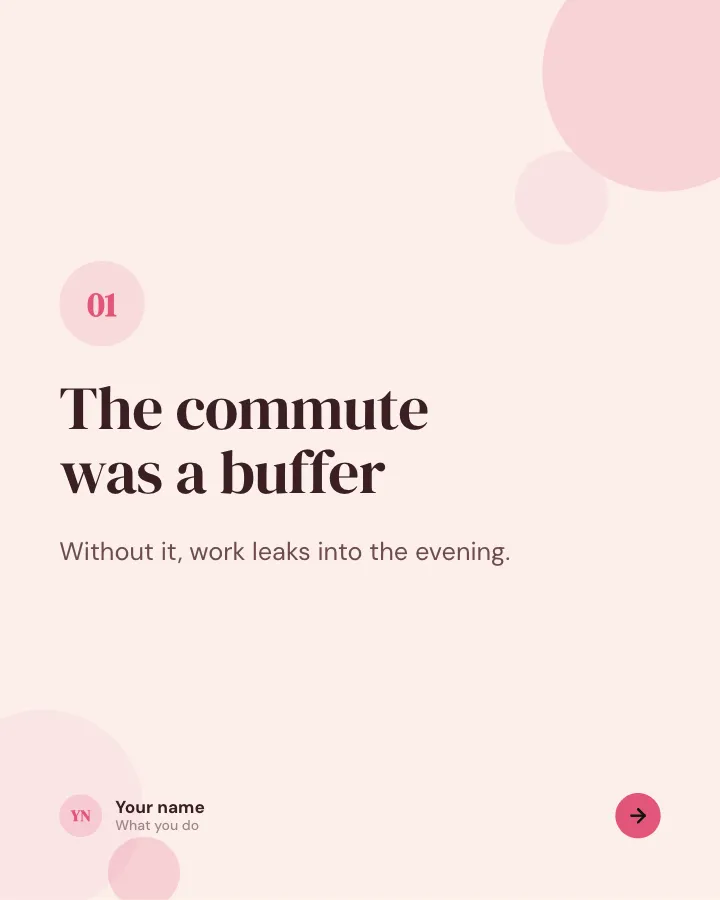

The honest version
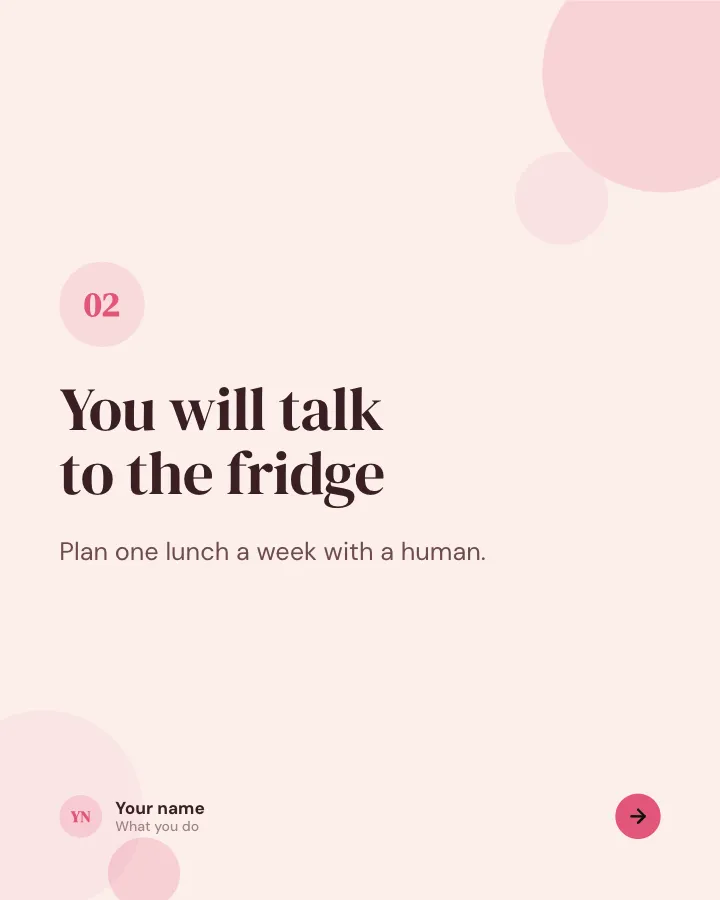
6 slidesThe unglamorous side of a topic, said plainly, one point per slide.
Spark repliesEarn trust