
Webinar invitation carousel template
An invitation to an online session: the topic, who is speaking, what attendees will learn and how to save a seat.
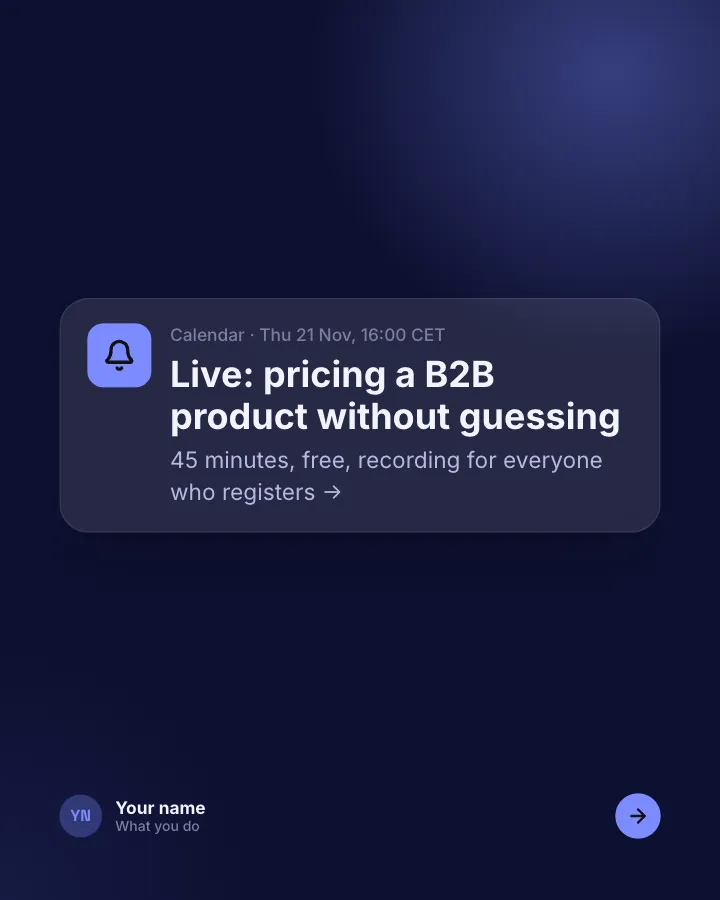
Slide 1 of 6 
Slide 2 of 6 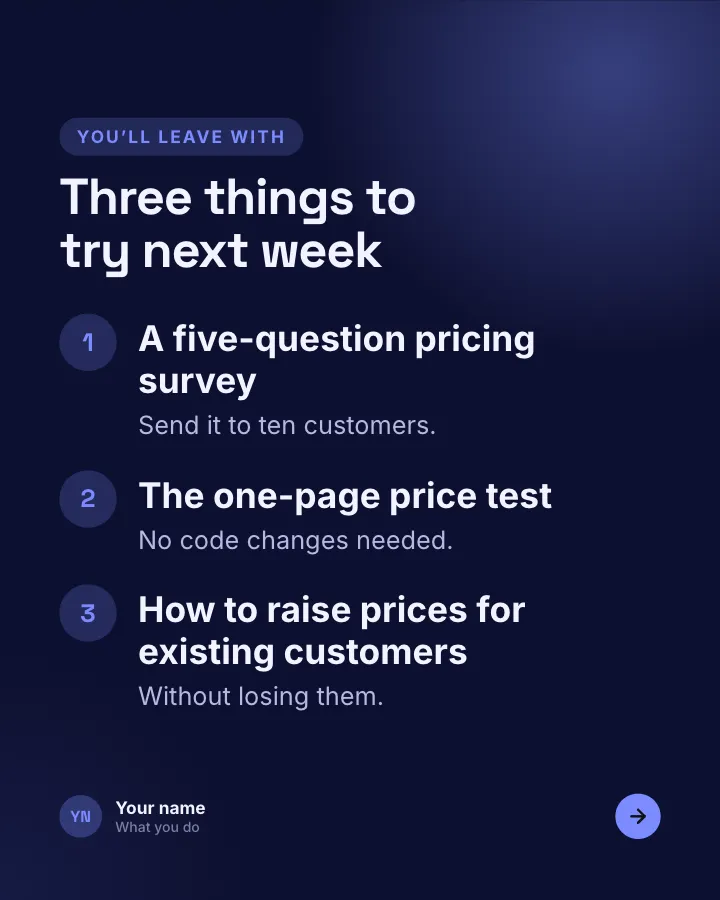
Slide 3 of 6 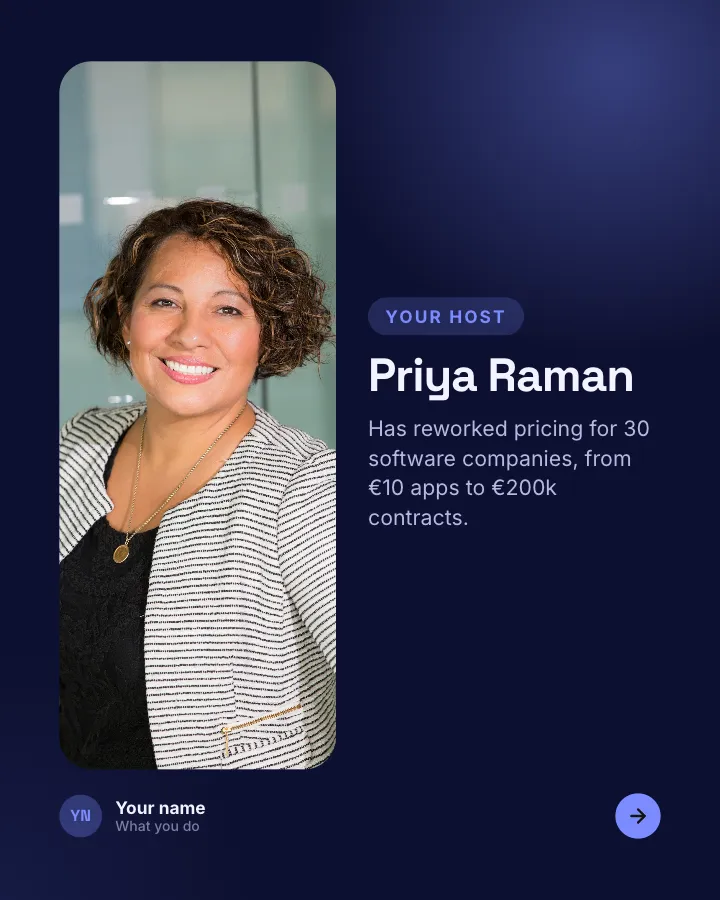
Slide 4 of 6 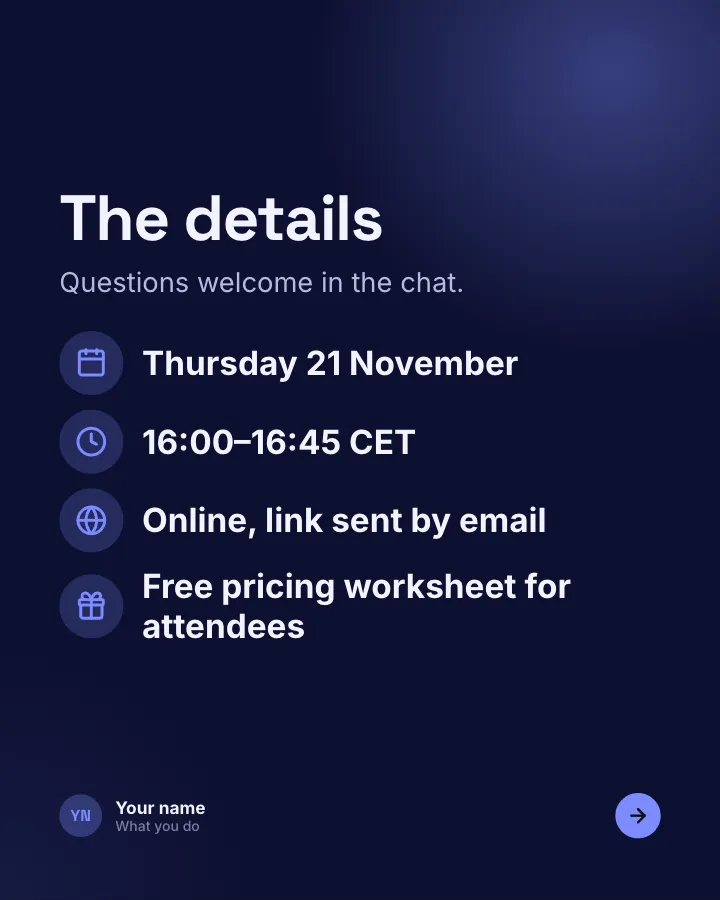
Slide 5 of 6 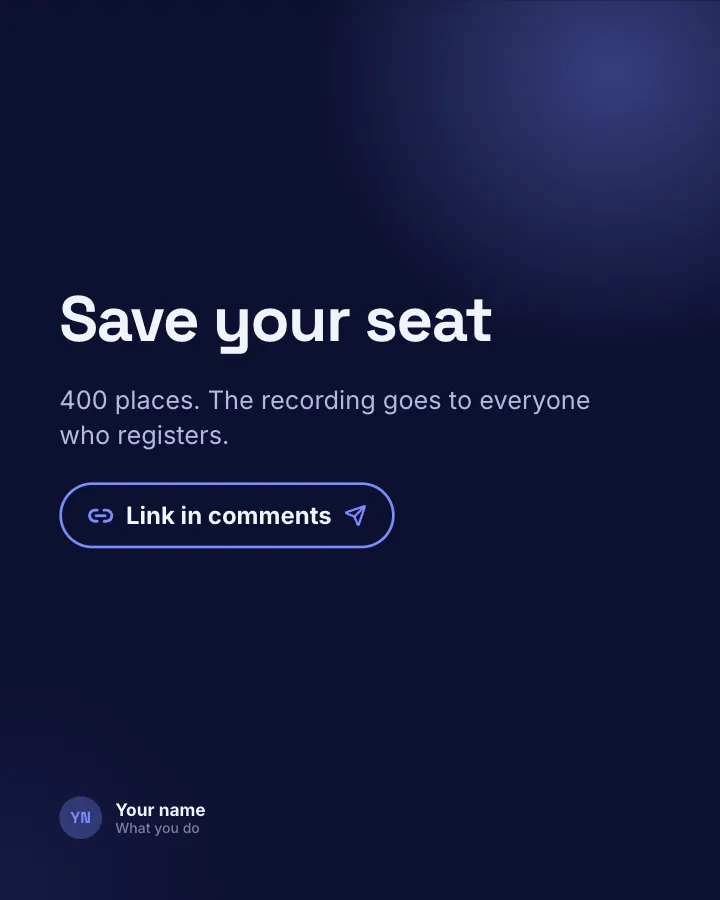
Slide 6 of 6
Slide 4: photo by Christina @ wocintechchat.com M on Unsplash
See it in the feed
How the example looks once it is posted. In the studio the preview uses your own slides, caption and profile.
Your name
What you do · 1h
An invitation to an online session: the topic, who is speaking, what attendees will learn and how to save a seat.
1/6When to use it
Reach for Webinar invitation when you want to promote a product or an opening without a hard sell and share news without sounding like a press release. Its structure is release: something new: what changed and how to start. Give Postora your topic and it keeps the shape, writing every slide about your subject in your voice.
What each slide does
1Hook
Opening: the session as a calendar reminder.
In the example
Live: pricing a B2B product without guessing
Calendar · Thu 21 Nov, 16:00 CET
45 minutes, free, recording for everyone who registers →
2Point
Why this session, and who it is for.
In the example
Founders who set their price once and never touched it
Who it’s for
Most early-stage SaaS companies are 20–40% underpriced. We’ll show how to tell, and what to test first.
3List
What attendees will learn.
In the example
Three things to try next week
You’ll leave with
- A five-question pricing survey — Send it to ten customers.
- The one-page price test — No code changes needed.
- How to raise prices for existing customers — Without losing them.
4image
The speaker, with one credential.
In the example
Priya Raman
Your host
Has reworked pricing for 30 software companies, from €10 apps to €200k contracts.
5List
The practical details.
In the example
The details
Questions welcome in the chat.
- Thursday 21 November
- 16:00–16:45 CET
- Online, link sent by email
- Free pricing worksheet for attendees
6Call to action
How to register.
In the example
Save your seat
400 places. The recording goes to everyone who registers.
Link in comments
Make it in Postora
Step 1
Say what it is about
Open Webinar invitation and type your topic, paste a link or add your notes.
Step 2
Check the plan
Postora keeps the template’s structure and writes each slide for your subject, in the voice you pick.
Step 3
Polish and download
Edit any word, change the theme or a layout, then export a PDF, images or a video.
Questions about Webinar invitation
Is the Webinar invitation template free?
Yes. Opening Webinar invitation and editing its example are free, no account needed. A free account adds 3 AI carousels a month and 5 downloads of the finished carousel with a small Postora mark; VIP downloads without limits or the mark.
Which platforms is it made for?
LinkedIn (PDF document post, best at 4:5). Postora sizes the carousel for the network you pick and checks it against that network’s limits before you download it.
How many slides does it have?
6, each with its own job (shown above). You can add, remove or reorder slides: free carousels go up to 8 slides, VIP up to 30.
Can I change the design?
Yes. It opens in the After Hours theme, and you can switch to any of 95 themes or your own brand kit in one click, swap the layout of any slide, and edit every word.
Templates like this one
Browse all templates
App changelog
7 slidesRelease notes people actually read: the version, the headline feature, the smaller changes and the bugs you fixed.
AnnounceSellVIP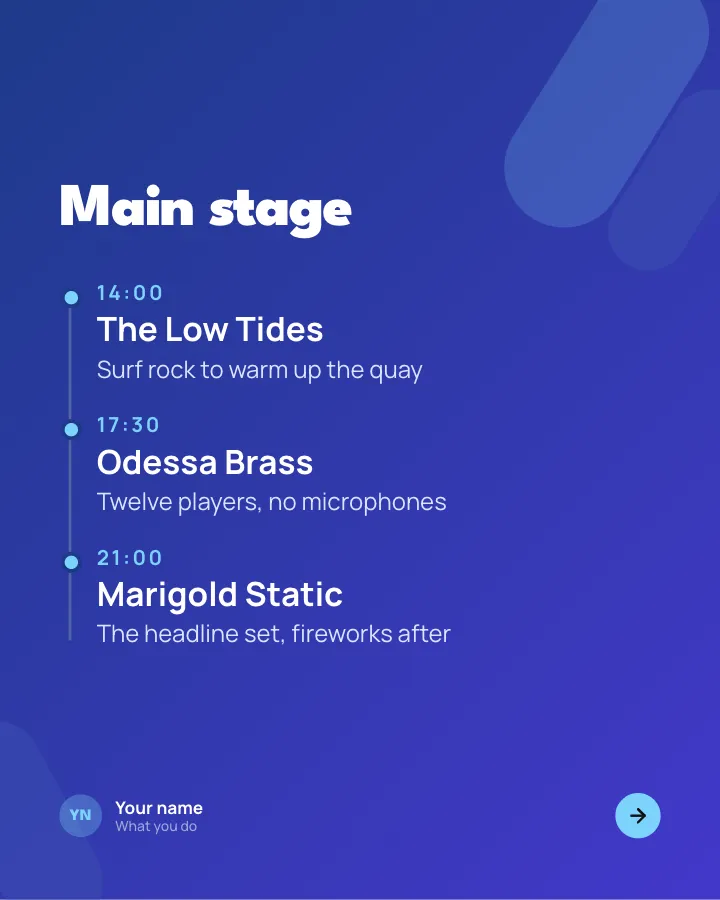

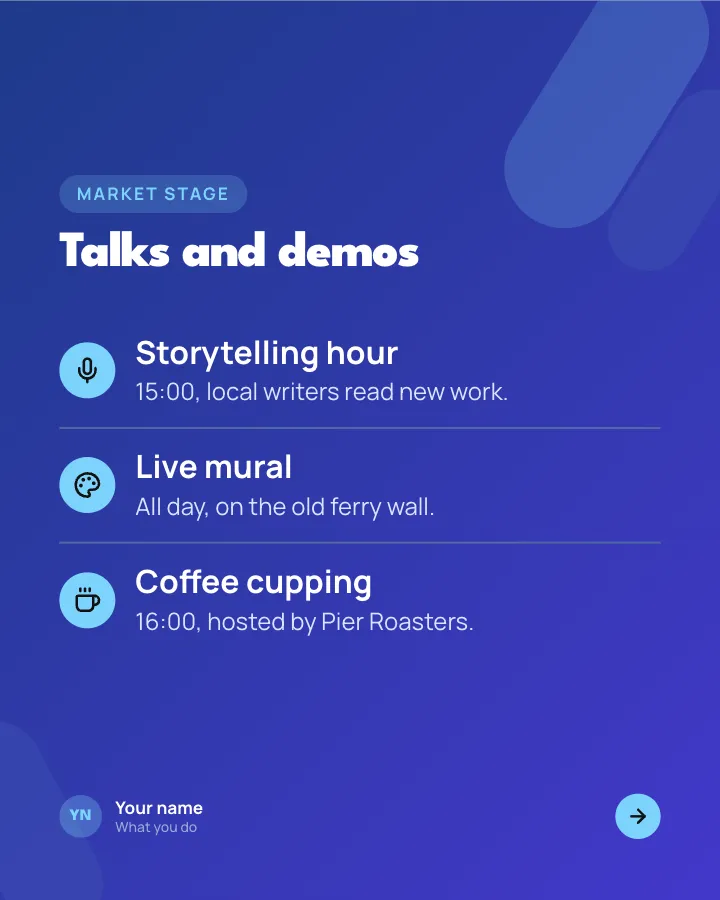
Event lineup
7 slidesAnnounce what is on at your event: the headline acts with times, the side programme, the family corner and how to get there.
SellAnnounceVIP
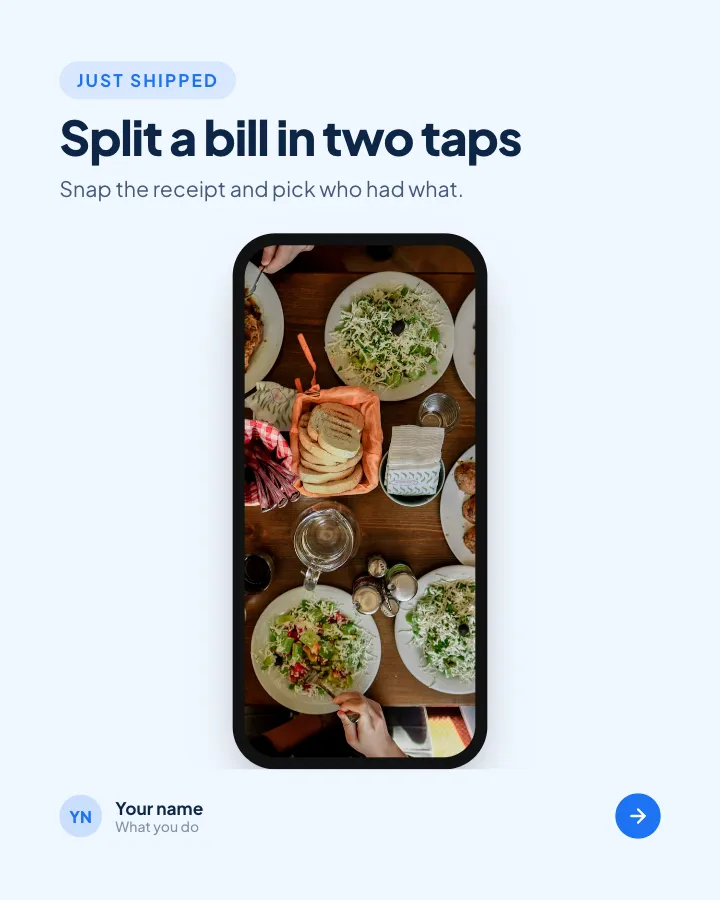
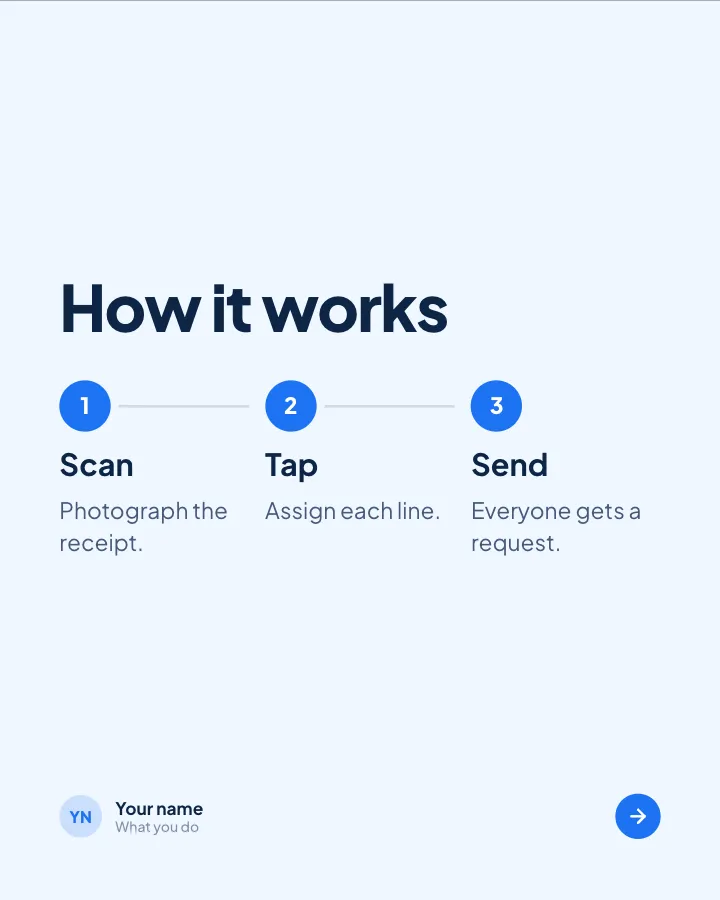
Fresh release
4 slidesA product change explained for customers: what it is, why it helps and how to start.
SellAnnounce