
Event lineup carousel template
Announce what is on at your event: the headline acts with times, the side programme, the family corner and how to get there.
Slide 1 of 7 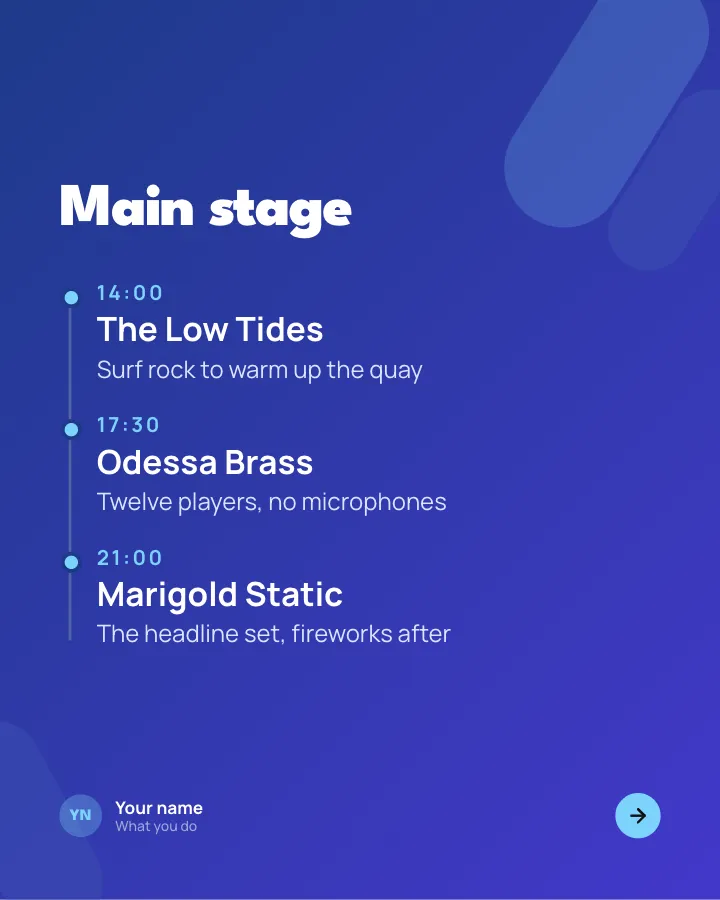
Slide 2 of 7 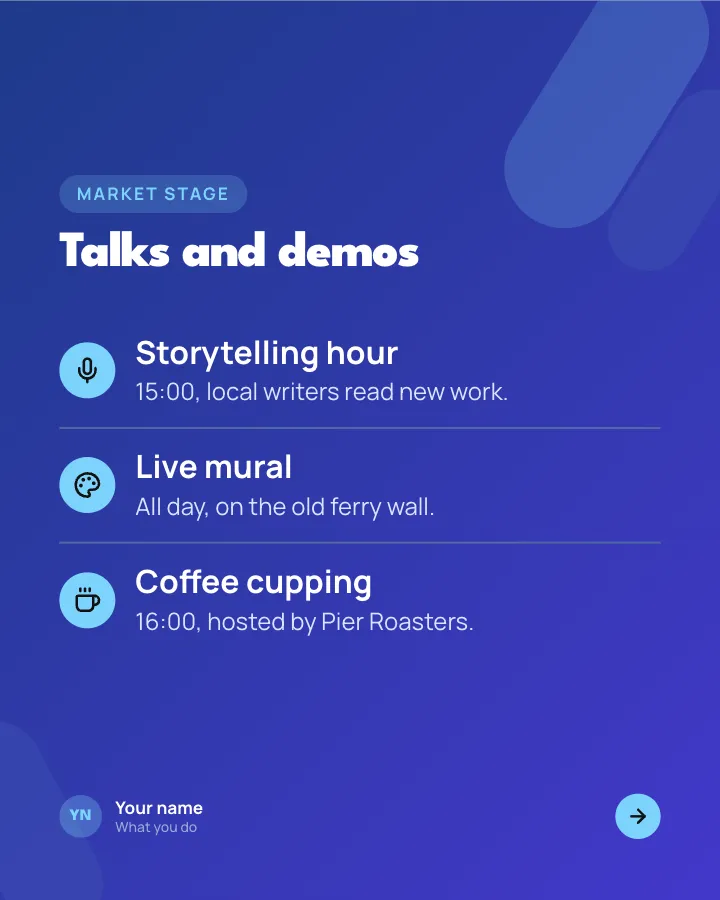
Slide 3 of 7 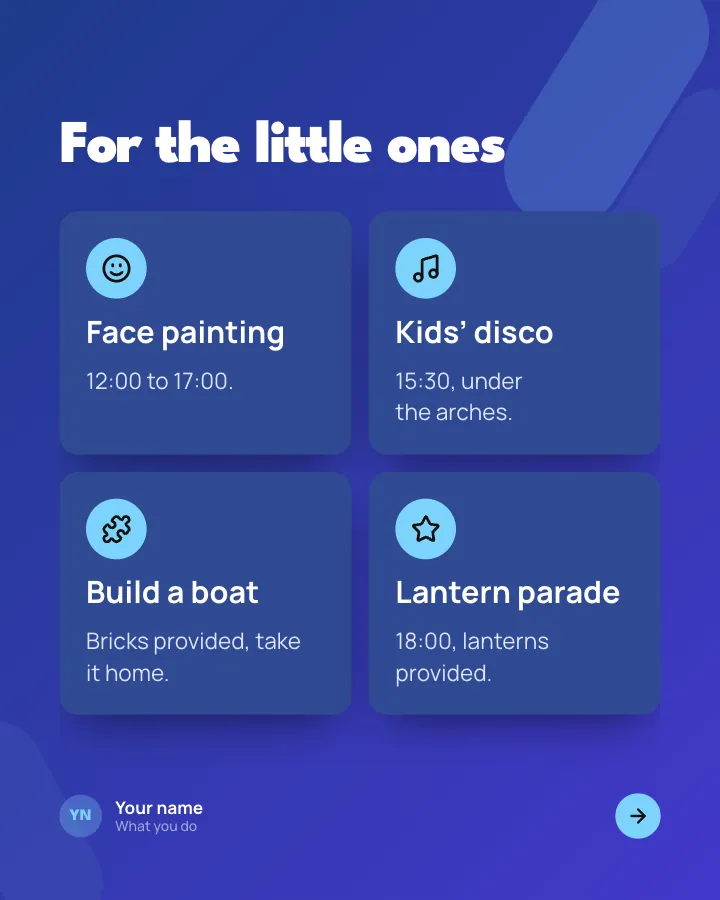
Slide 4 of 7 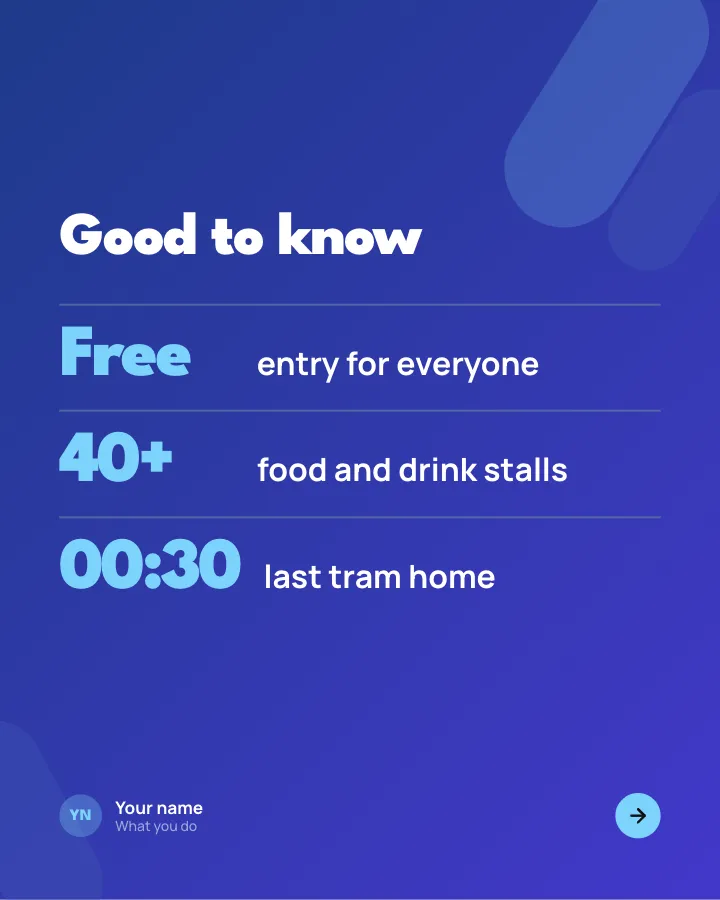
Slide 5 of 7 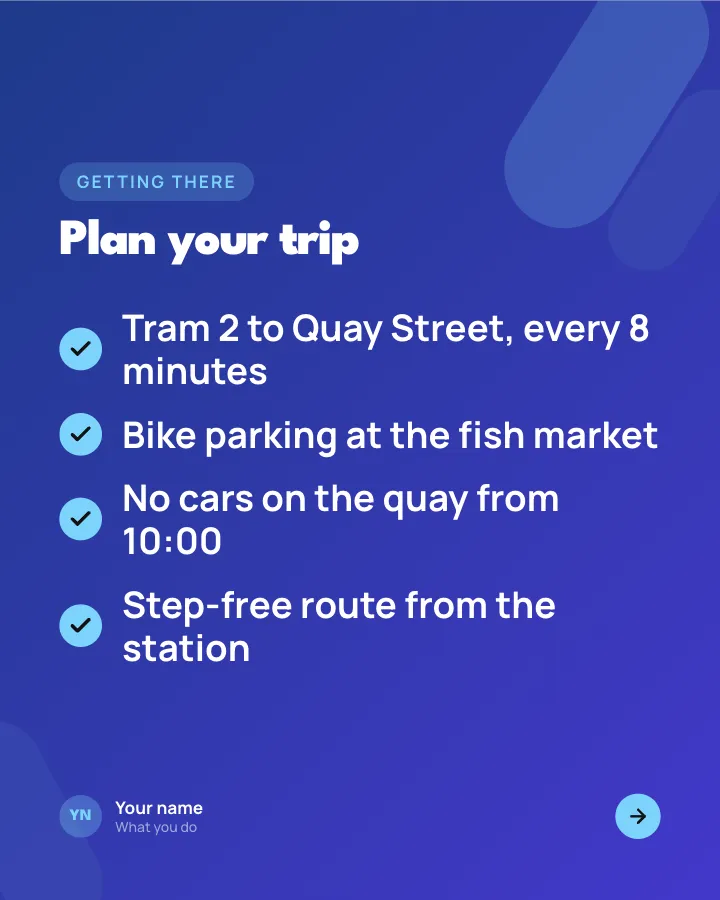
Slide 6 of 7 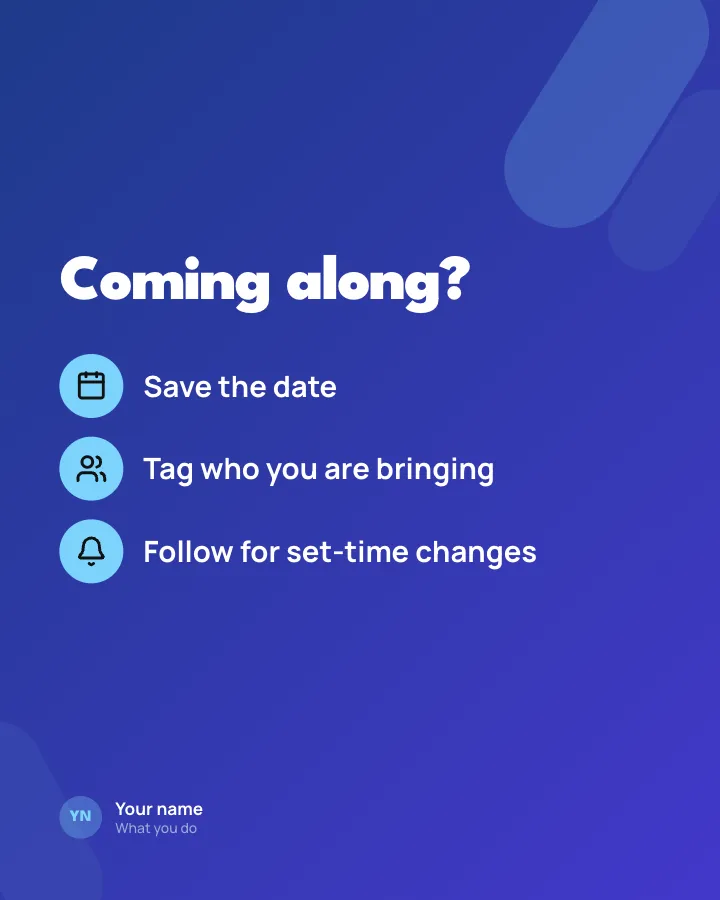
Slide 7 of 7
See it in the feed
How the example looks once it is posted. In the studio the preview uses your own slides, caption and profile.
Your name
What you do · 1h
Announce what is on at your event: the headline acts with times, the side programme, the family corner and how to get there.
1/7When to use it
Reach for Event lineup when you want to promote a product or an opening without a hard sell and share news without sounding like a press release. Its structure is flexible: your writer picks the shape that suits the topic. It is written for event and festival organisers. Give Postora your topic and it keeps the shape, writing every slide about your subject in your voice.
What each slide does
1Hook
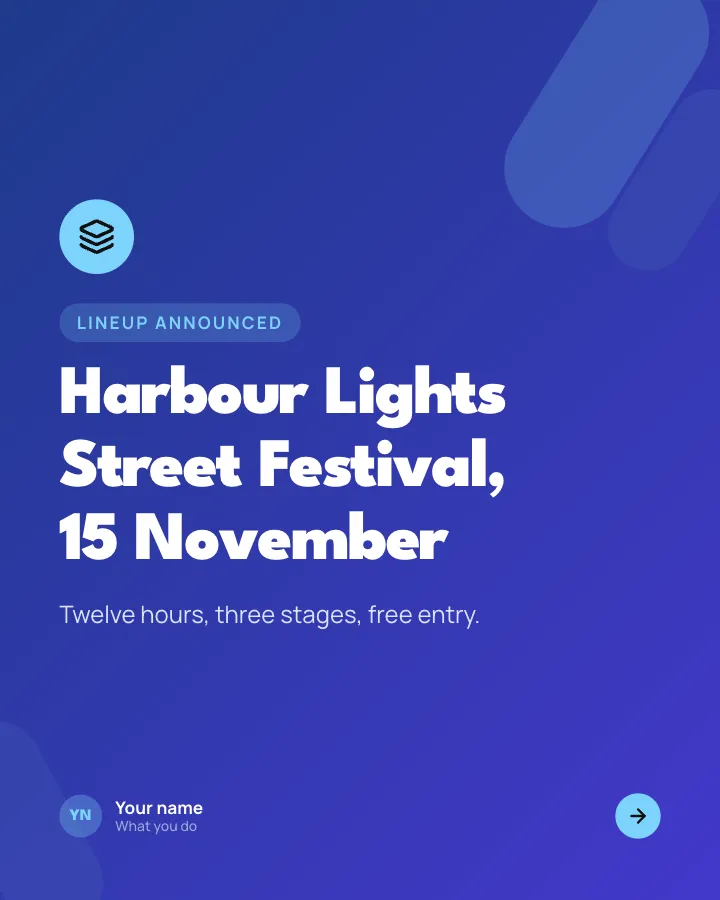
Opening: the event, the date and the headline facts.
In the example
Harbour Lights Street Festival, 15 November
Lineup announced
Twelve hours, three stages, free entry.
2Steps
The main stage, in running order with times (author-provided).
In the example
Main stage
- 14:00 The Low Tides — Surf rock to warm up the quay
- 17:30 Odessa Brass — Twelve players, no microphones
- 21:00 Marigold Static — The headline set, fireworks after
3List
The side programme: talks, demos or workshops, each with a time.
In the example
Talks and demos
Market stage
- Storytelling hour — 15:00, local writers read new work.
- Live mural — All day, on the old ferry wall.
- Coffee cupping — 16:00, hosted by Pier Roasters.
4List
What is on for children and families.
In the example
For the little ones
- Face painting — 12:00 to 17:00.
- Kids’ disco — 15:30, under the arches.
- Build a boat — Bricks provided, take it home.
- Lantern parade — 18:00, lanterns provided.
5Number
The practical facts as big figures.
In the example
Good to know
- Free entry for everyone
- 40+ food and drink stalls
- 00:30 last tram home
6List
How to get there, including accessibility.
In the example
Plan your trip
Getting there
- Tram 2 to Quay Street, every 8 minutes
- Bike parking at the fish market
- No cars on the quay from 10:00
- Step-free route from the station
7Call to action
Three things to do before the day.
In the example
Coming along?
- Save the date
- Tag who you are bringing
- Follow for set-time changes
Make it in Postora
Step 1
Say what it is about
Open Event lineup and type your topic, paste a link or add your notes.
Step 2
Check the plan
Postora keeps the template’s structure and writes each slide for your subject, in the voice you pick.
Step 3
Polish and download
Edit any word, change the theme or a layout, then export a PDF, images or a video.
Questions about Event lineup
Is the Event lineup template free?
Event lineup is part of VIP. You can look through it for free; using it, along with AI on every carousel and downloads without a mark, comes with a VIP plan.
Which platforms is it made for?
Instagram (PNG images, best at 4:5), X (PNG images, best at 16:9) and LinkedIn (PDF document post, best at 4:5). Postora sizes the carousel for the network you pick and checks it against that network’s limits before you download it.
How many slides does it have?
7, each with its own job (shown above). You can add, remove or reorder slides: free carousels go up to 8 slides, VIP up to 30.
Can I change the design?
Yes. It opens in the Pitch Night theme, and you can switch to any of 95 themes or your own brand kit in one click, swap the layout of any slide, and edit every word.
Templates like this one
Browse all templates
Launch day
8 slidesA new product introduced in one swipe: the problem, the reveal, what it does, the price and where to get it.
SellAnnounce
App changelog
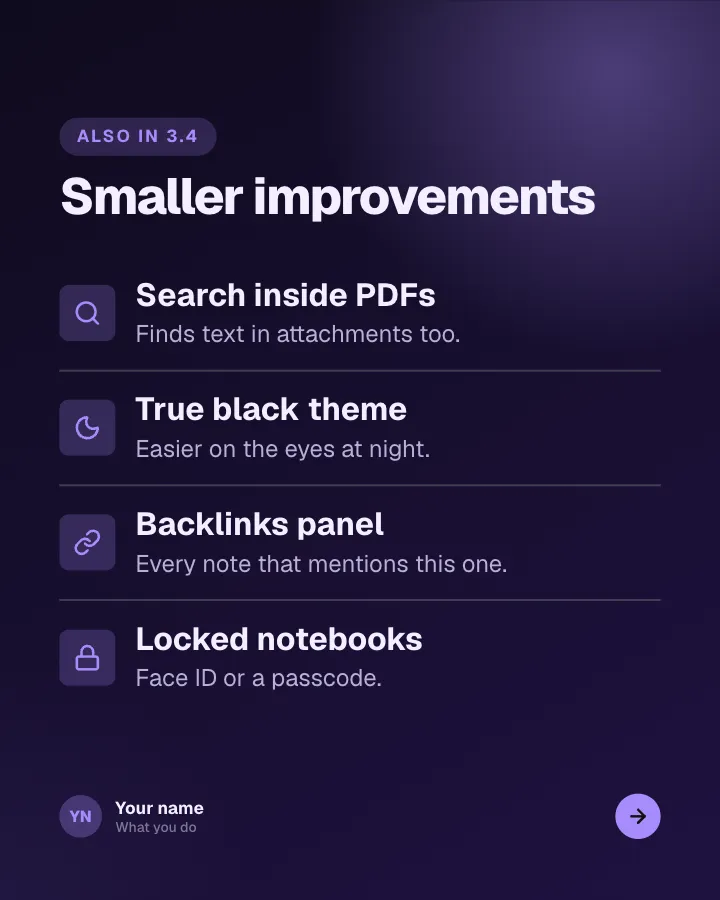
7 slidesRelease notes people actually read: the version, the headline feature, the smaller changes and the bugs you fixed.
AnnounceSellVIP
Fresh release
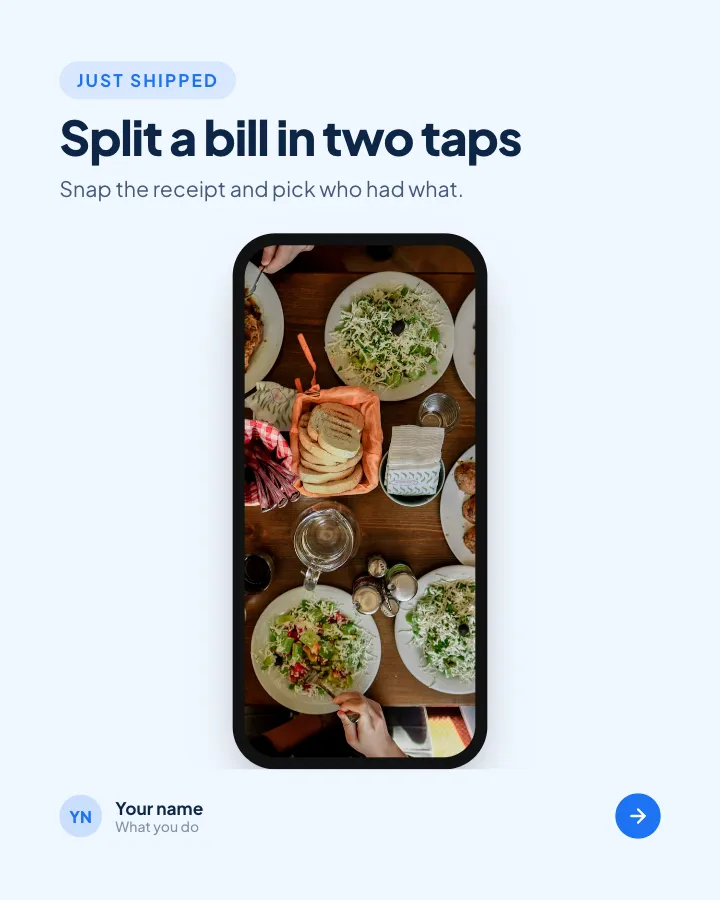
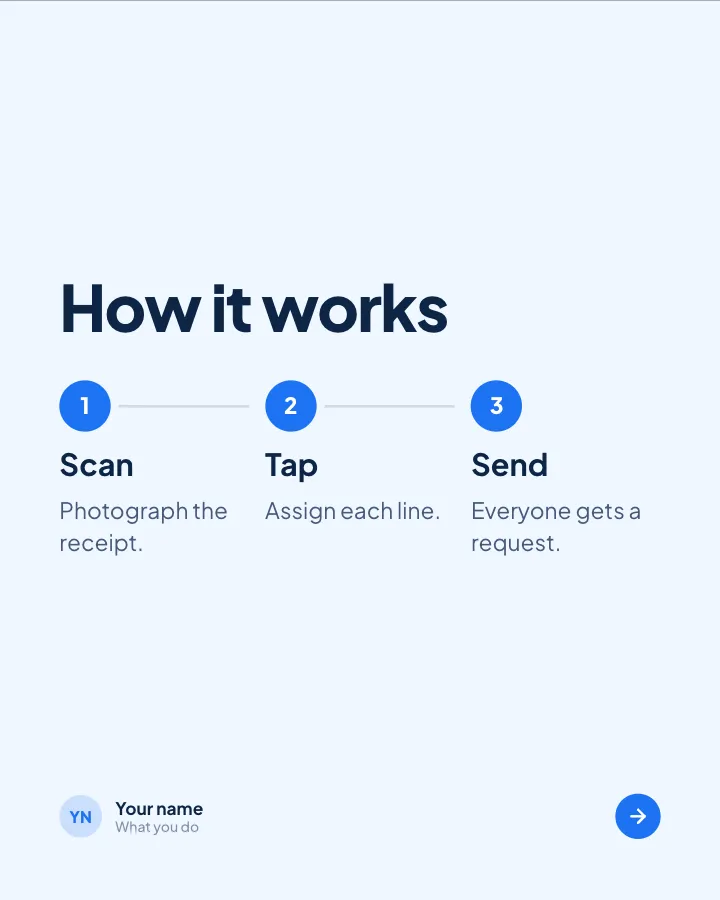
4 slidesA product change explained for customers: what it is, why it helps and how to start.
SellAnnounce