
My tool stack carousel template
The tools you rely on to do your work, what each one is for, what it costs and what you dropped.
Slide 1 of 7 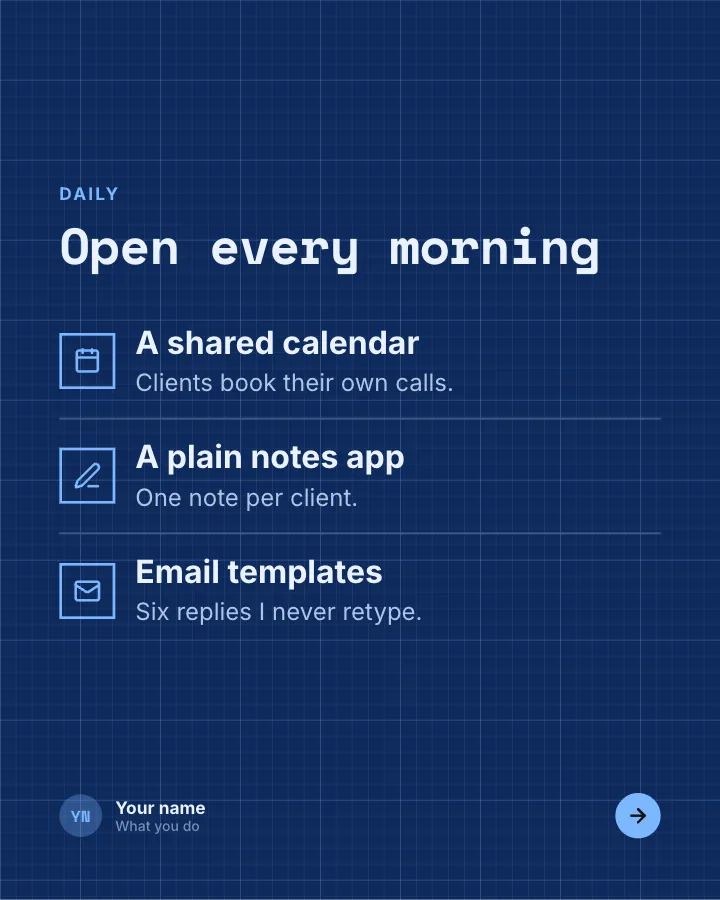
Slide 2 of 7 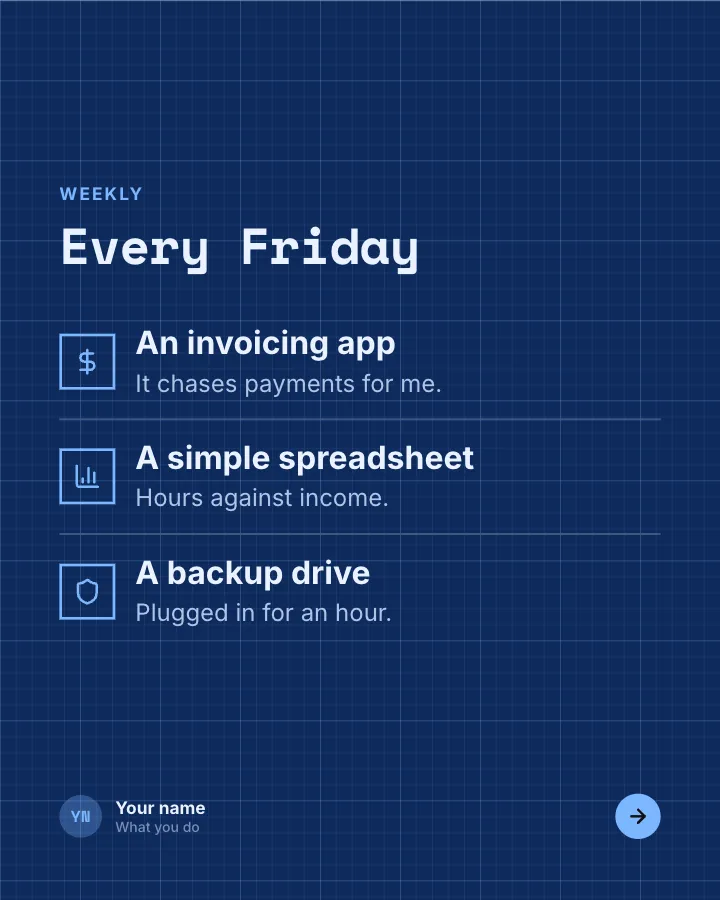
Slide 3 of 7 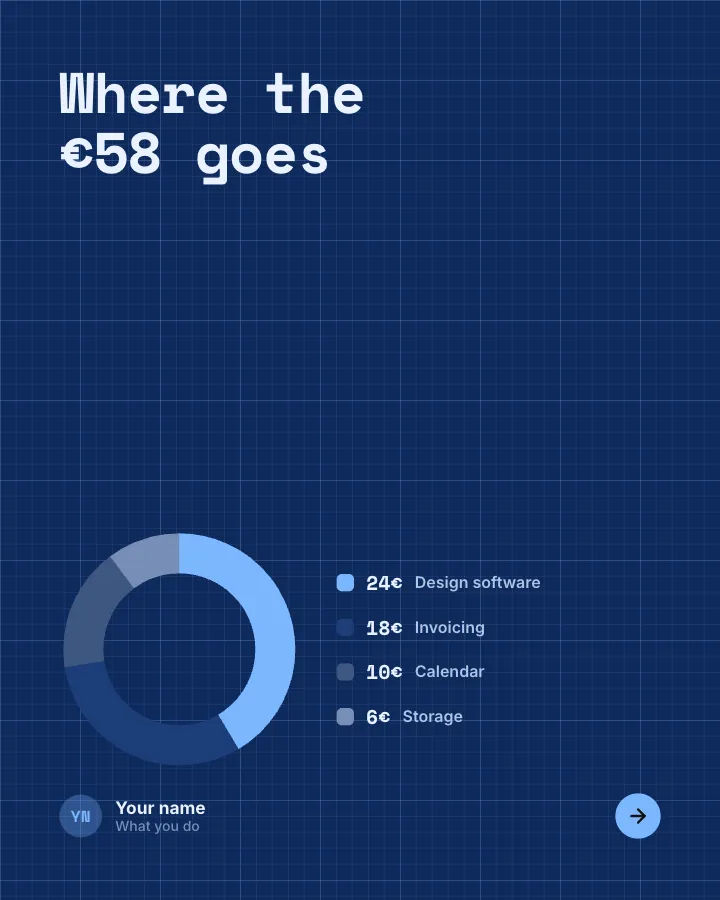
Slide 4 of 7 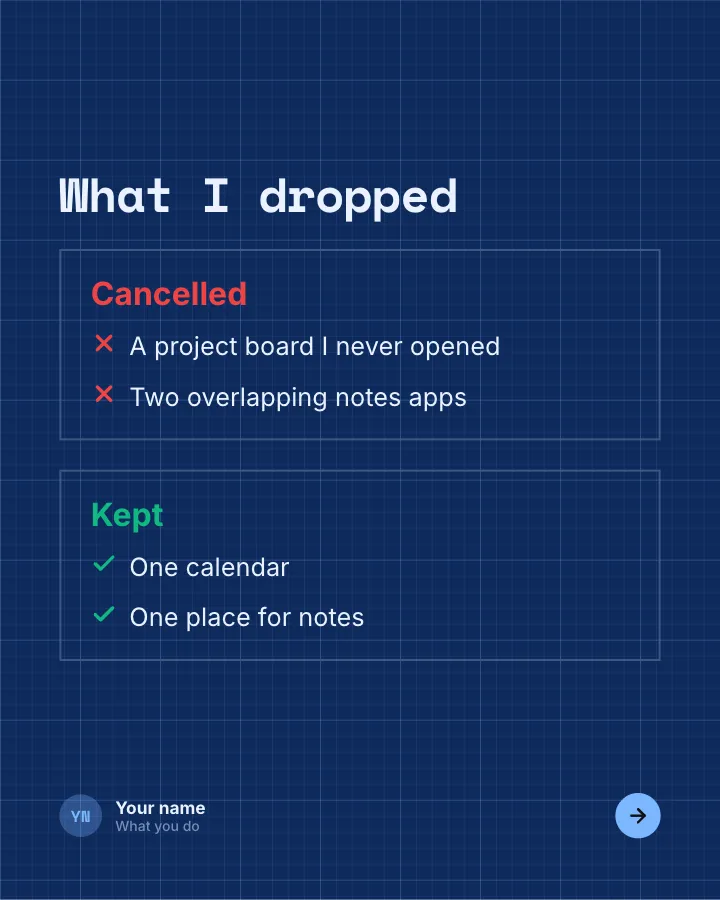
Slide 5 of 7 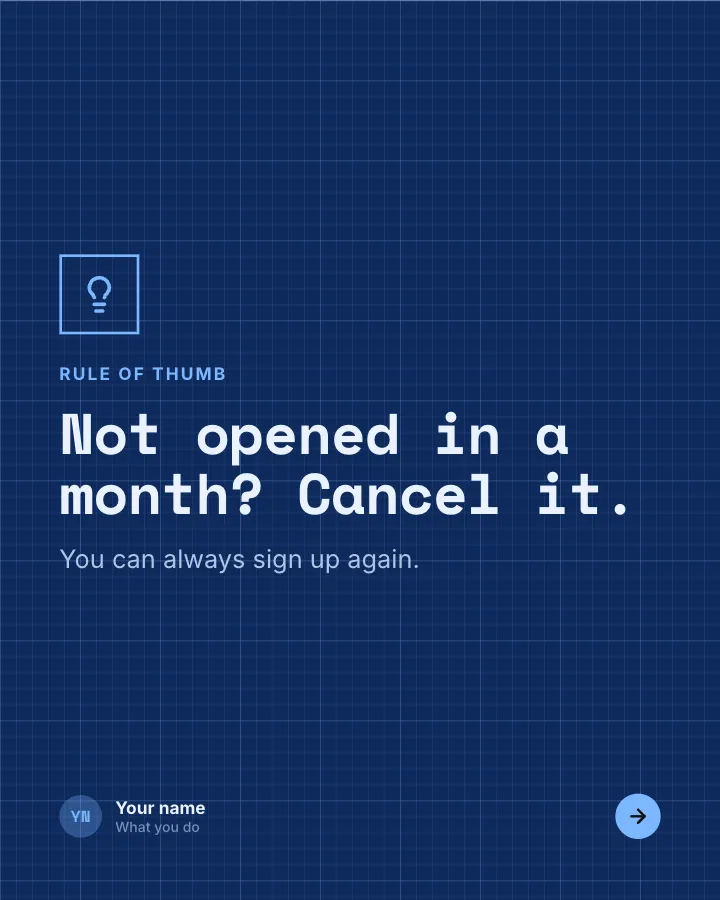
Slide 6 of 7 
Slide 7 of 7
See it in the feed
How the example looks once it is posted. In the studio the preview uses your own slides, caption and profile.
Your name
What you do · 1h
The tools you rely on to do your work, what each one is for, what it costs and what you dropped.
1/7When to use it
Reach for My tool stack when you want to make a post people save and come back to and show your experience and earn trust. Its structure is tips: separate pointers, each on its own slide. Give Postora your topic and it keeps the shape, writing every slide about your subject in your voice.
What each slide does
1Hook
Opening: whose stack it is and the total cost.
In the example
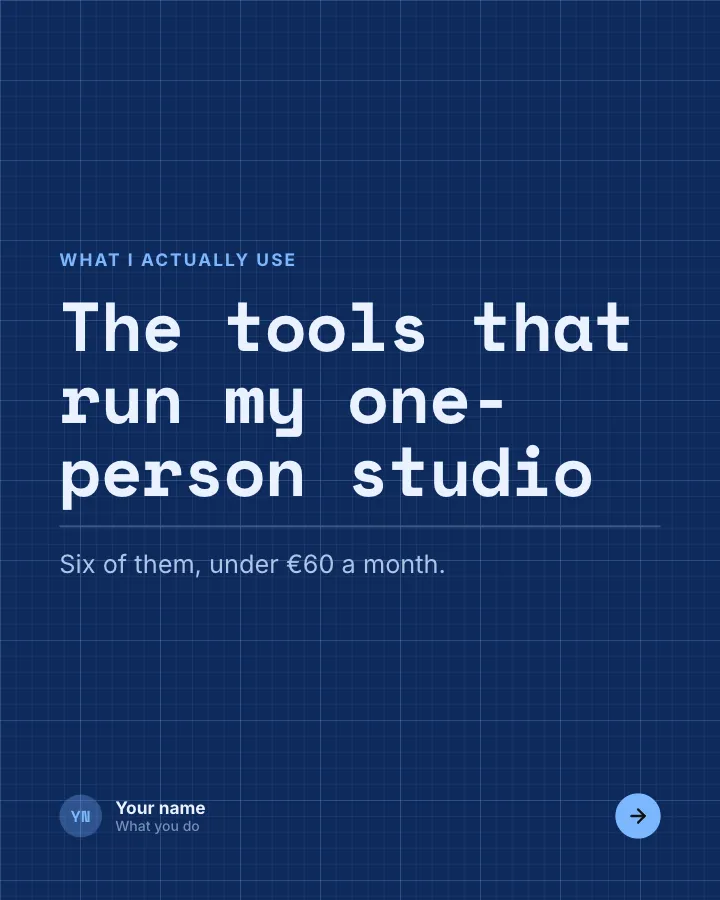
The tools that run my one-person studio
What I actually use
Six of them, under €60 a month.
2List
Daily tools, each with what it does for you (describe tool types; name brands only if the author does).
In the example
Open every morning
Daily
- A shared calendar — Clients book their own calls.
- A plain notes app — One note per client.
- Email templates — Six replies I never retype.
3List
Weekly tools.
In the example
Every Friday
Weekly
- An invoicing app — It chases payments for me.
- A simple spreadsheet — Hours against income.
- A backup drive — Plugged in for an hour.
4Chart
What the stack costs each month.
In the example
Where the €58 goes
5Comparison
What you cancelled and what you kept instead.
In the example
What I dropped
6Point
Your rule for adding or removing tools.
In the example
Not opened in a month? Cancel it.
Rule of thumb
You can always sign up again.
7Call to action
Ask readers for the tool they cannot do without.
In the example
Which tool could you not work without?
Over to you
Name it below.
Make it in Postora
Step 1
Say what it is about
Open My tool stack and type your topic, paste a link or add your notes.
Step 2
Check the plan
Postora keeps the template’s structure and writes each slide for your subject, in the voice you pick.
Step 3
Polish and download
Edit any word, change the theme or a layout, then export a PDF, images or a video.
Questions about My tool stack
Is the My tool stack template free?
Yes. Opening My tool stack and editing its example are free, no account needed. A free account adds 3 AI carousels a month and 5 downloads of the finished carousel with a small Postora mark; VIP downloads without limits or the mark.
Which platforms is it made for?
LinkedIn (PDF document post, best at 4:5), Instagram (PNG images, best at 4:5), TikTok (PNG images or an MP4 video, best at 9:16) and X (PNG images, best at 16:9). Postora sizes the carousel for the network you pick and checks it against that network’s limits before you download it.
How many slides does it have?
7, each with its own job (shown above). You can add, remove or reorder slides: free carousels go up to 8 slides, VIP up to 30.
Can I change the design?
Yes. It opens in the Drafting Table theme, and you can switch to any of 95 themes or your own brand kit in one click, swap the layout of any slide, and edit every word.
Templates like this one
Browse all templates
Saying card
Image postA short saying, typeset large, credited to its source.
Be bookmarkedEarn trust

Your method, named
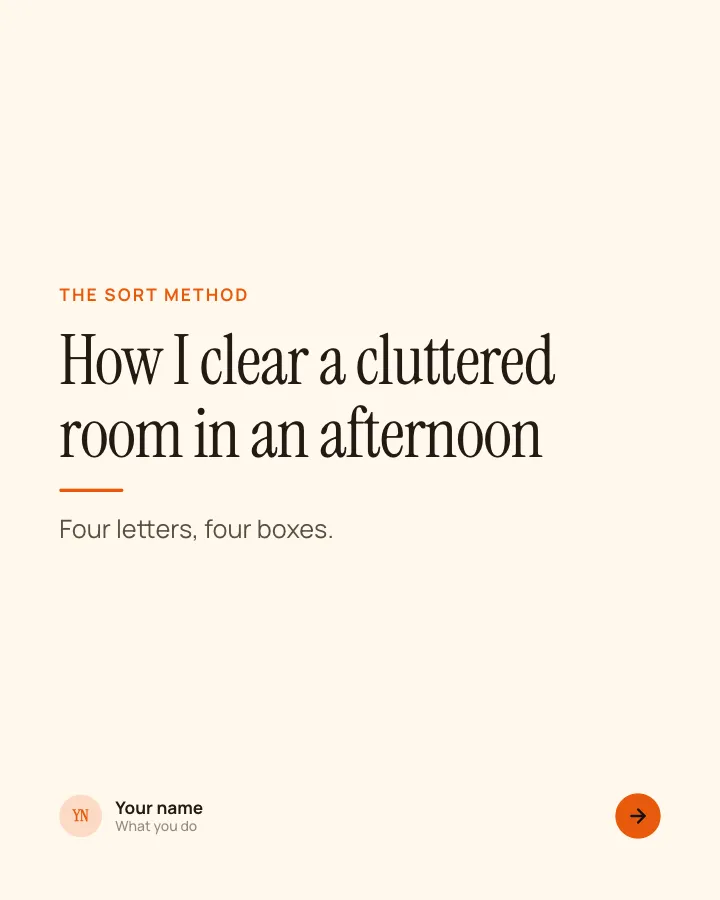
6 slidesA way of working you use, given a memorable name and walked through letter by letter.
Earn trustBe bookmarked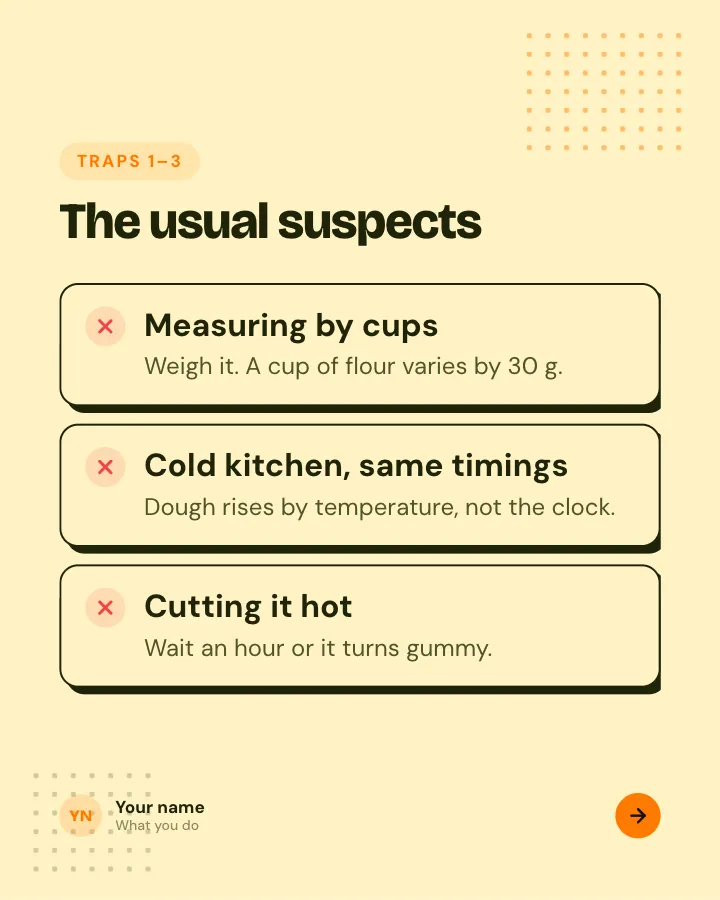
Beginner traps
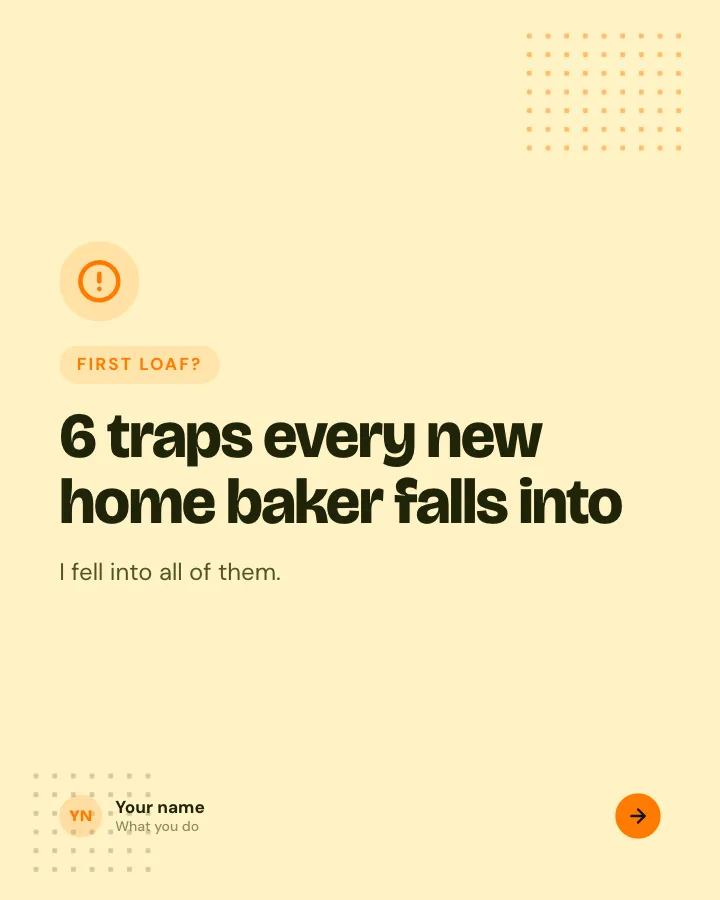
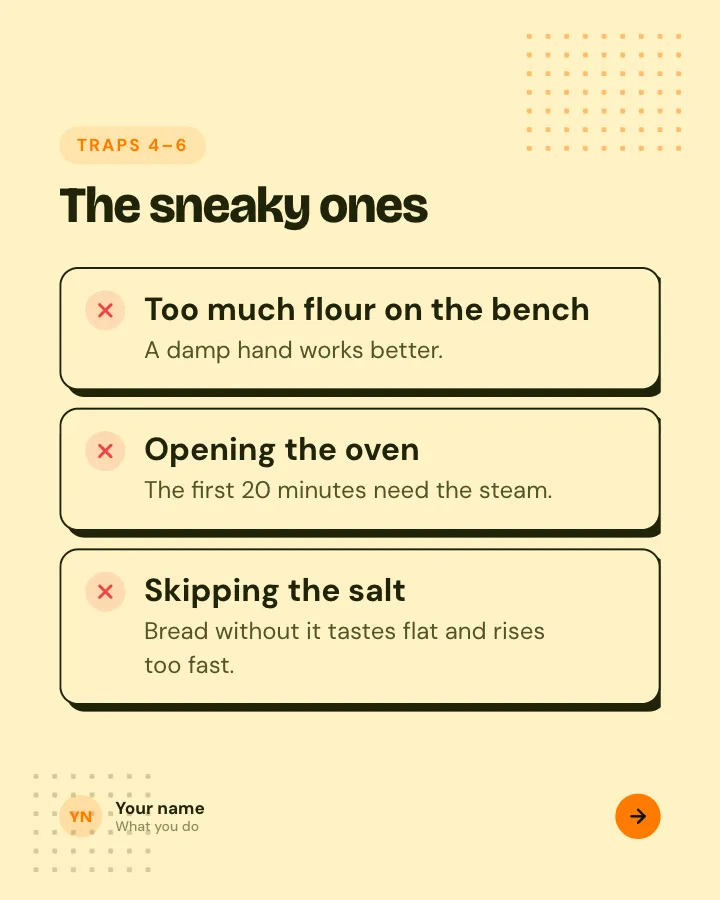
5 slidesThe traps people fall into when they start, each with the simple fix.
ExplainBe bookmarked