
Milestone thank-you carousel template
Celebrate a milestone with your audience: the number, how you got there, who helped and what comes next.

Slide 1 of 7 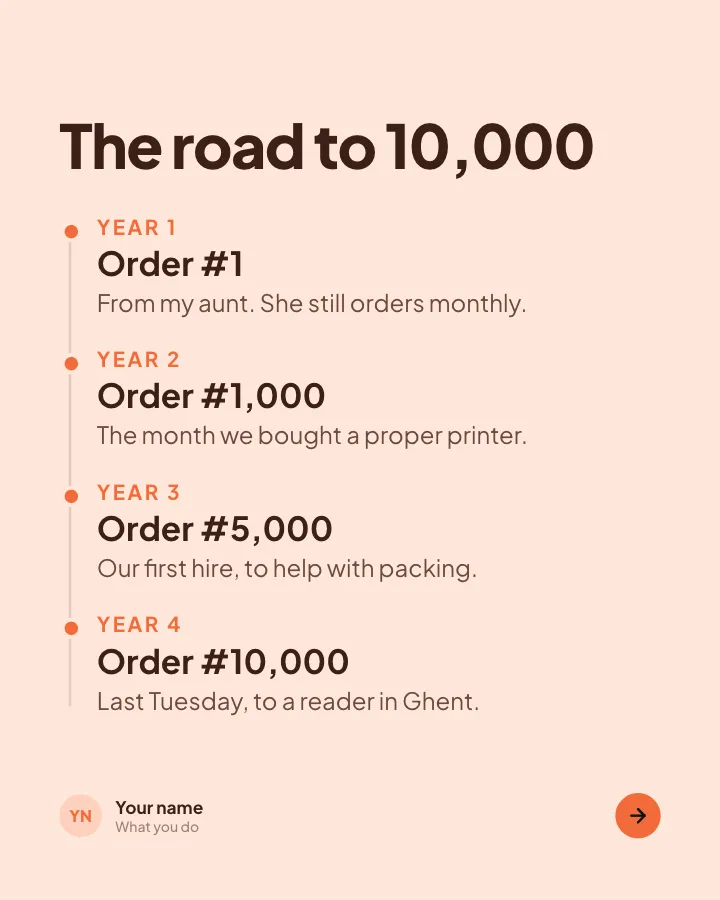
Slide 2 of 7 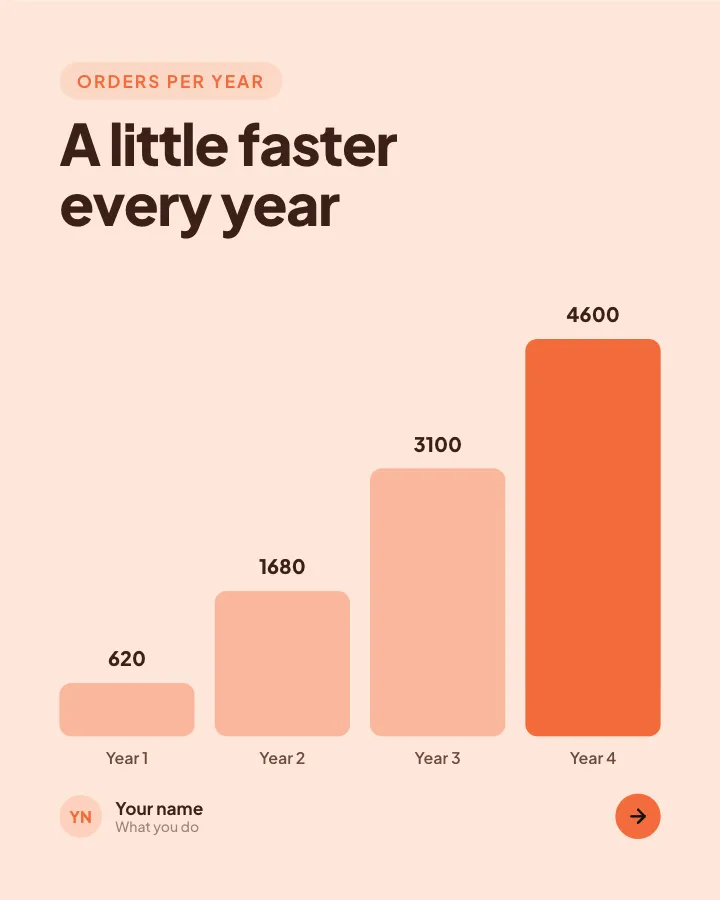
Slide 3 of 7 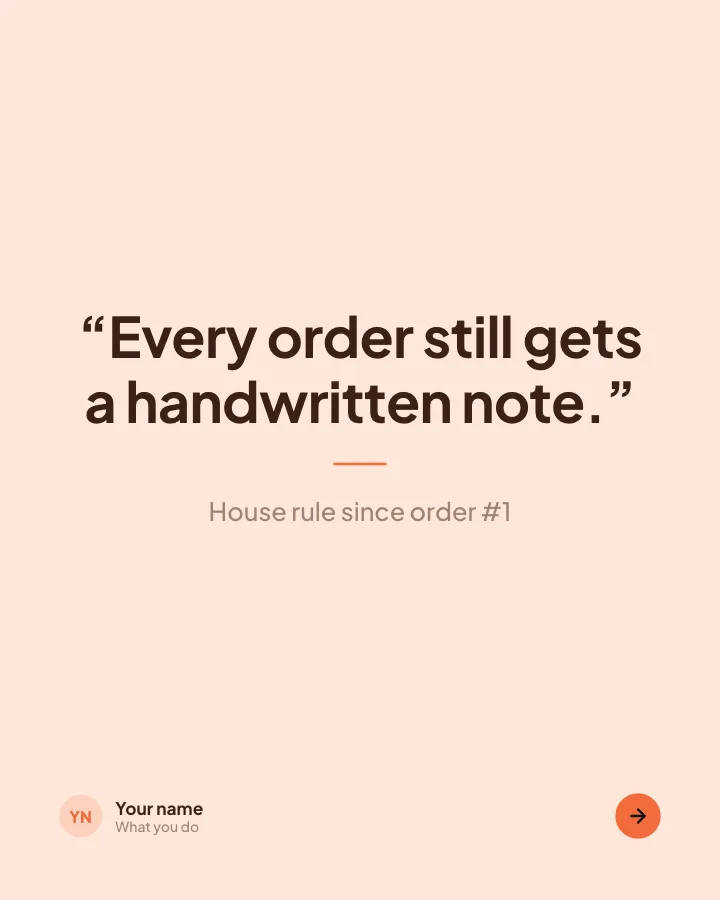
Slide 4 of 7 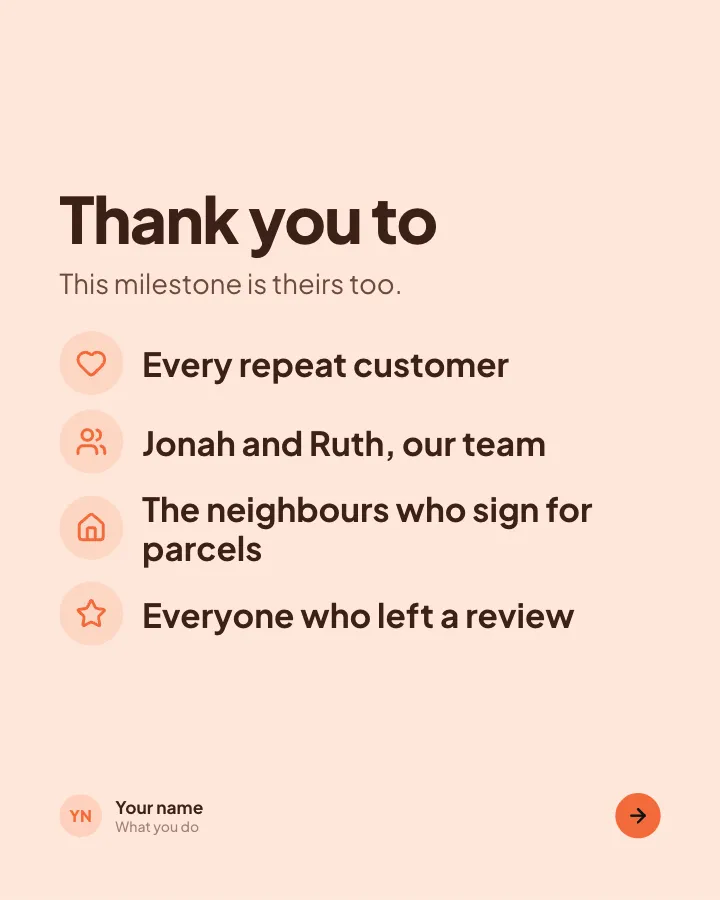
Slide 5 of 7 
Slide 6 of 7 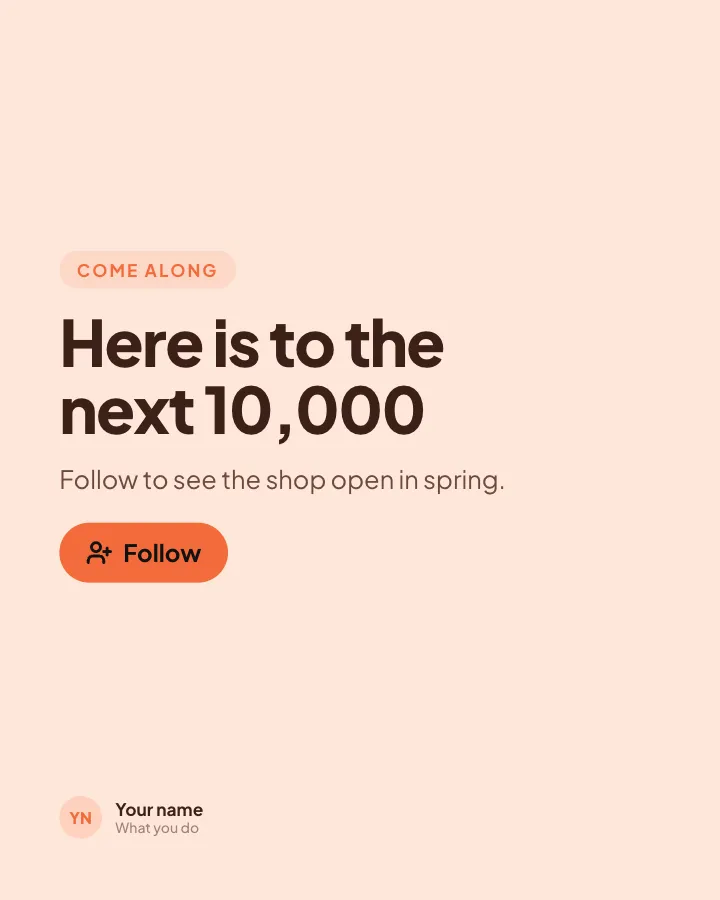
Slide 7 of 7
See it in the feed
How the example looks once it is posted. In the studio the preview uses your own slides, caption and profile.
Your name
What you do · 1h
Celebrate a milestone with your audience: the number, how you got there, who helped and what comes next.
1/7When to use it
Reach for Milestone thank-you when you want to show your experience and earn trust and promote a product or an opening without a hard sell. Its structure is flexible: your writer picks the shape that suits the topic. Give Postora your topic and it keeps the shape, writing every slide about your subject in your voice.
What each slide does
1Hook
Opening: the milestone as one big number.
In the example
orders from a kitchen-table business
10,000
Thank you. Here is how it happened.
2Steps
The road to the milestone, in a few dated stops.
In the example
The road to 10,000
- Year 1 Order #1 — From my aunt. She still orders monthly.
- Year 2 Order #1,000 — The month we bought a proper printer.
- Year 3 Order #5,000 — Our first hire, to help with packing.
- Year 4 Order #10,000 — Last Tuesday, to a reader in Ghent.
3Chart
Growth over time (only figures the author provided).
In the example
A little faster every year
Orders per year
4Quote
A rule or line that has stayed the same since day one.
In the example
“Every order still gets a handwritten note.”
5List
Thank the people who made it happen.
In the example
Thank you to
This milestone is theirs too.
- Every repeat customer
- Jonah and Ruth, our team
- The neighbours who sign for parcels
- Everyone who left a review
6Point
What comes next, in one line.
In the example
Next stop: our first shop window.
7Call to action
Invite readers along for the next chapter.
In the example
Here is to the next 10,000
Come along
Follow to see the shop open in spring.
Follow
Make it in Postora
Step 1
Say what it is about
Open Milestone thank-you and type your topic, paste a link or add your notes.
Step 2
Check the plan
Postora keeps the template’s structure and writes each slide for your subject, in the voice you pick.
Step 3
Polish and download
Edit any word, change the theme or a layout, then export a PDF, images or a video.
Questions about Milestone thank-you
Is the Milestone thank-you template free?
Yes. Opening Milestone thank-you and editing its example are free, no account needed. A free account adds 3 AI carousels a month and 5 downloads of the finished carousel with a small Postora mark; VIP downloads without limits or the mark.
Which platforms is it made for?
LinkedIn (PDF document post, best at 4:5), Instagram (PNG images, best at 4:5), TikTok (PNG images or an MP4 video, best at 9:16) and X (PNG images, best at 16:9). Postora sizes the carousel for the network you pick and checks it against that network’s limits before you download it.
How many slides does it have?
7, each with its own job (shown above). You can add, remove or reorder slides: free carousels go up to 8 slides, VIP up to 30.
Can I change the design?
Yes. It opens in the Apricot theme, and you can switch to any of 95 themes or your own brand kit in one click, swap the layout of any slide, and edit every word.
Templates like this one
Browse all templates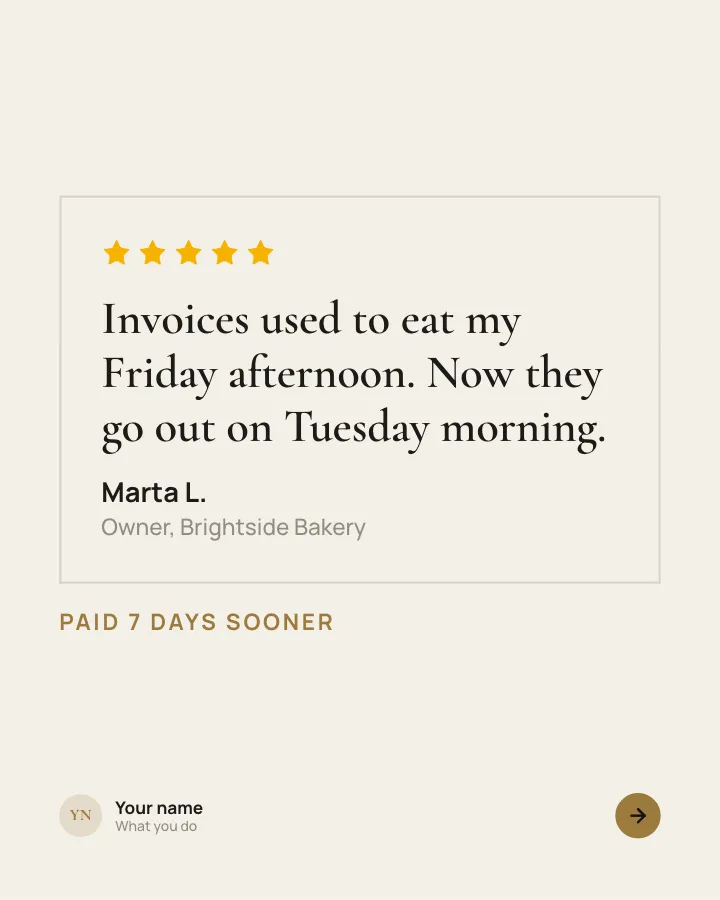
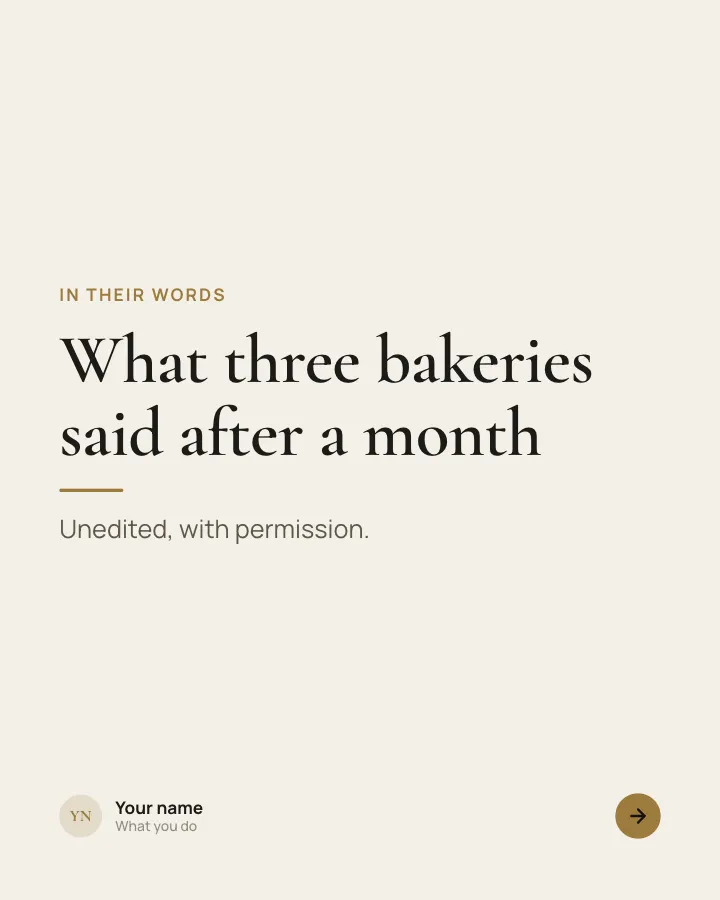
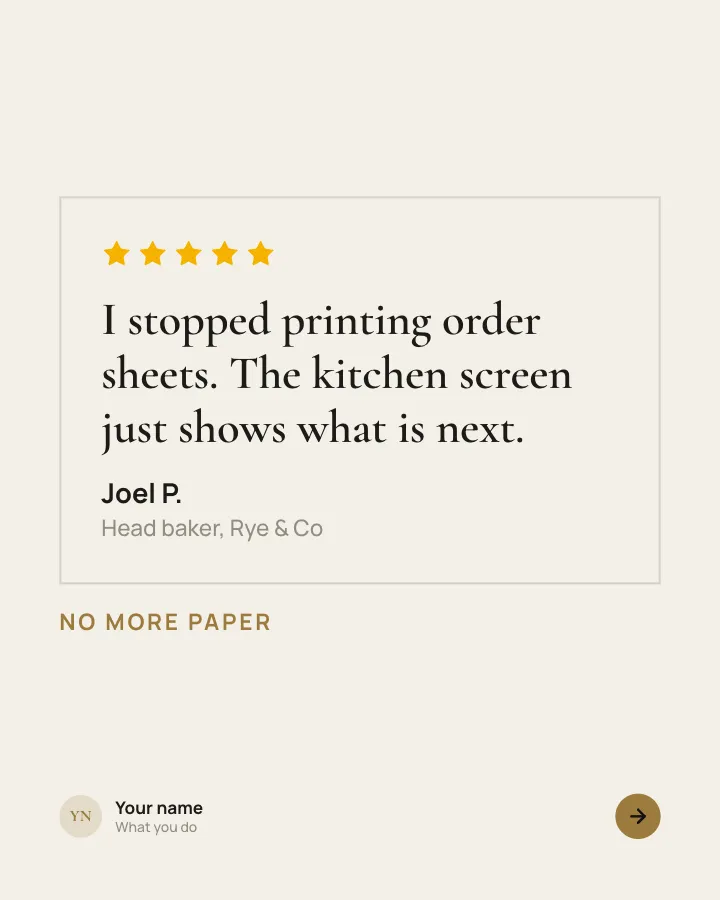
Customer voices
5 slidesReal customers in their own words, one person per slide, plus the change they noticed.
Earn trustSellVIP
Loyalty card, explained
7 slidesExplain your stamp card or rewards scheme: how to collect, what members get and what it saves them.
SellEarn trust
Pricing, explained
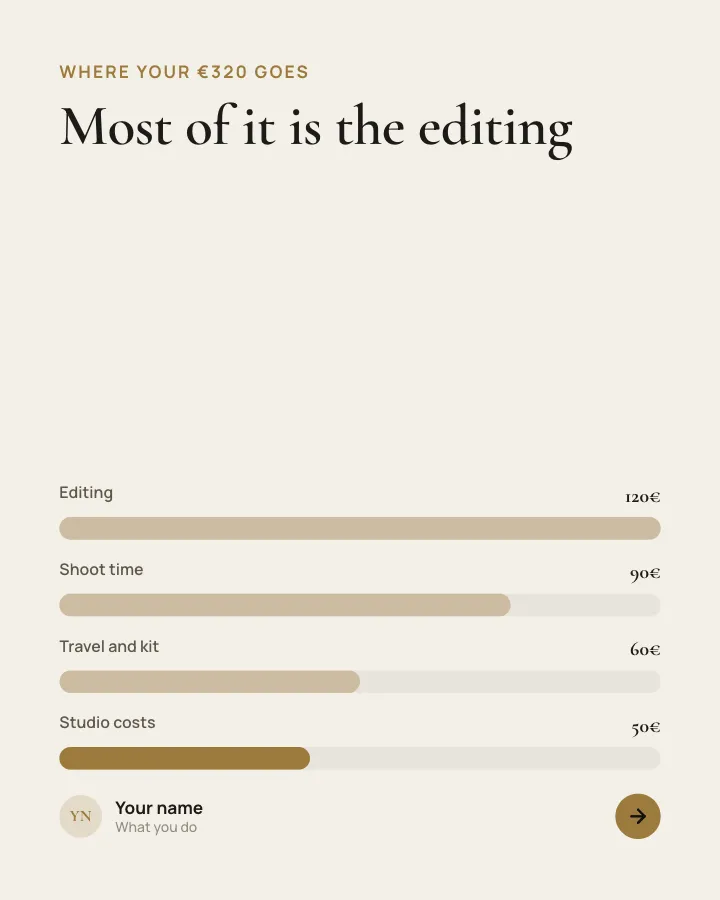
7 slidesYour packages laid out clearly: who each one is for, what it includes and why it costs what it does.
SellEarn trustVIP