
Loyalty card, explained carousel template
Explain your stamp card or rewards scheme: how to collect, what members get and what it saves them.
Slide 1 of 7 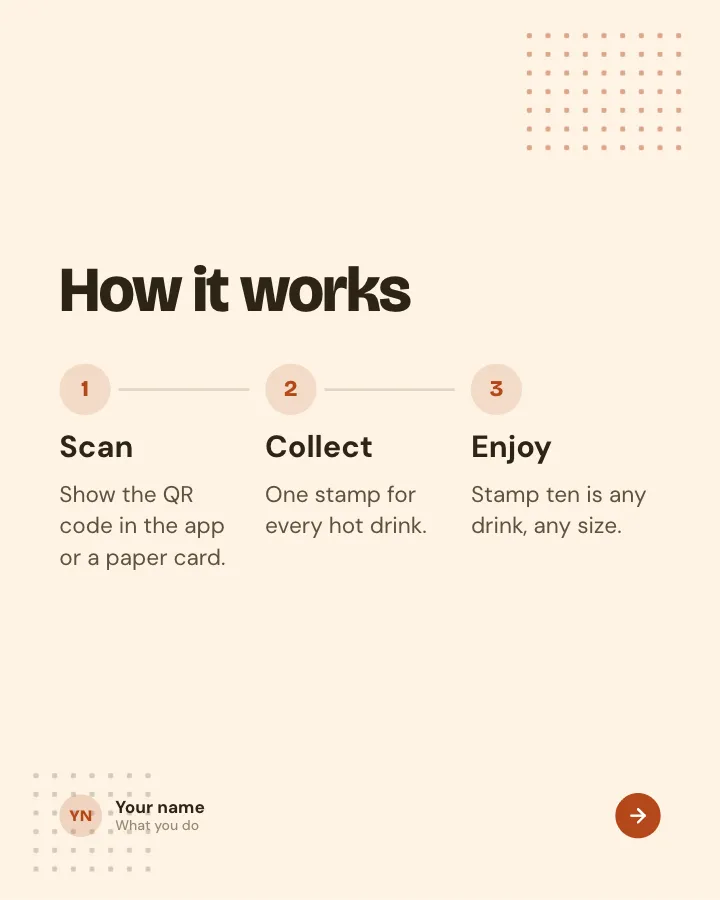
Slide 2 of 7 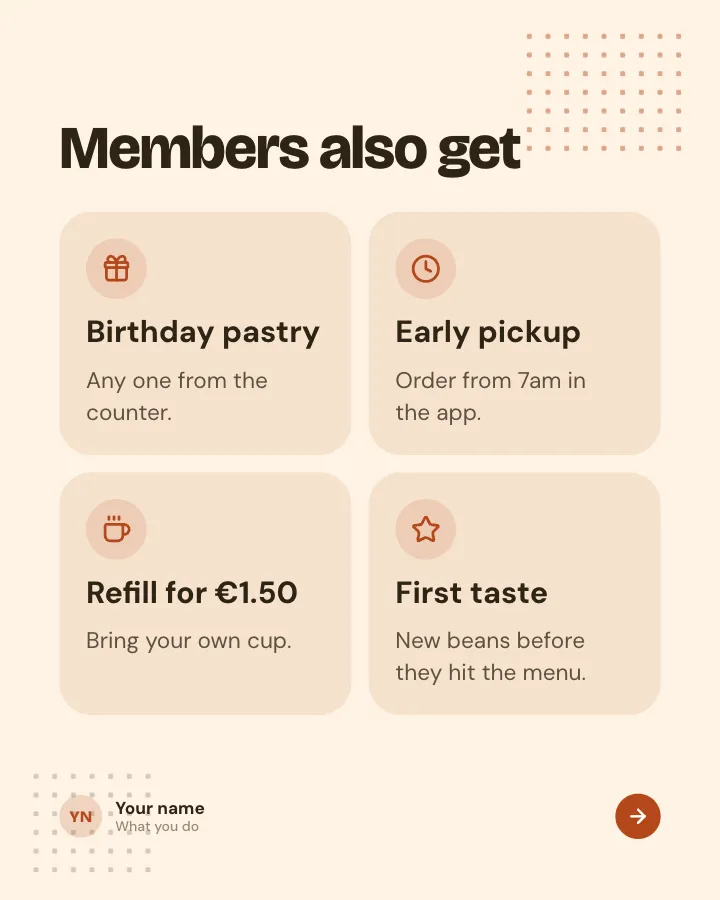
Slide 3 of 7 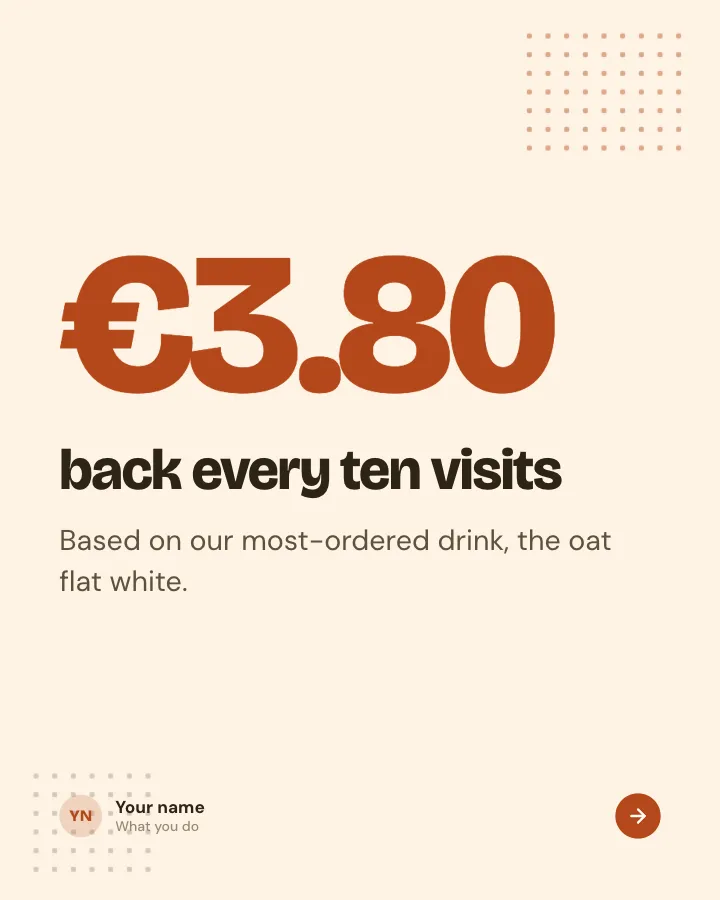
Slide 4 of 7 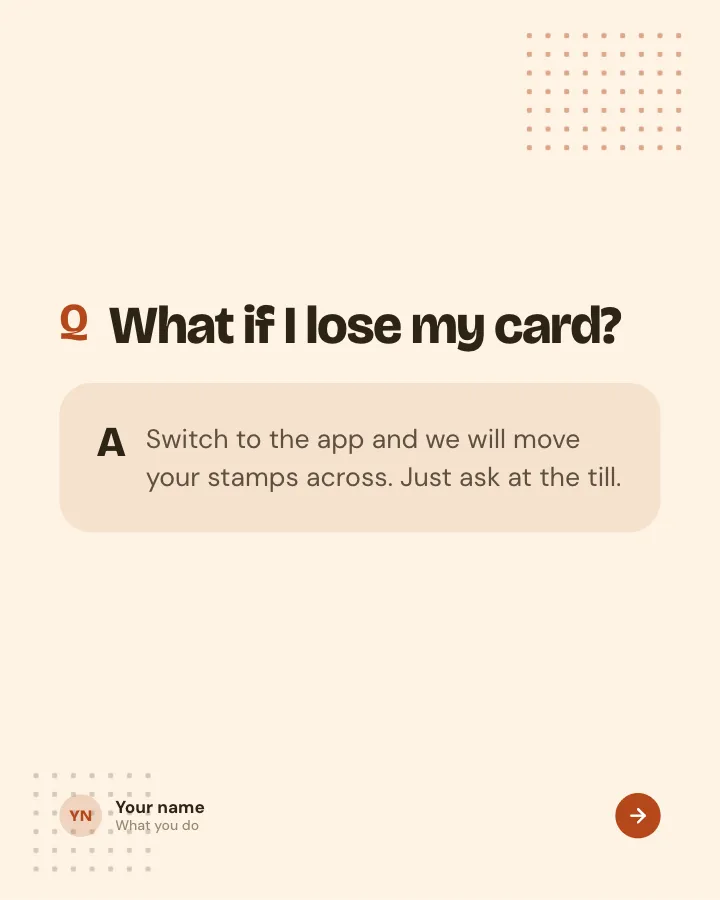
Slide 5 of 7 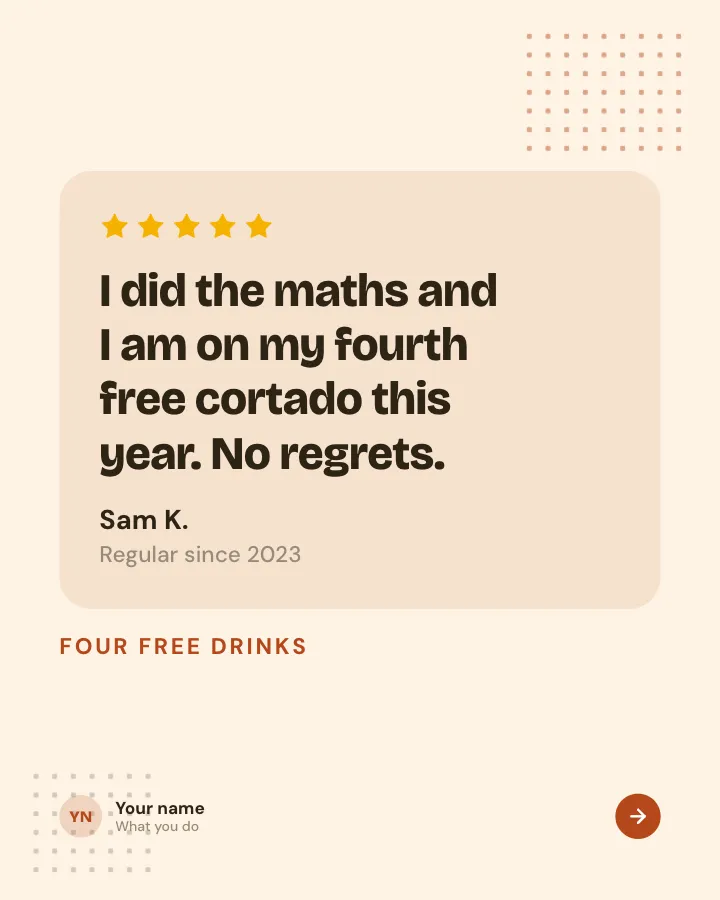
Slide 6 of 7 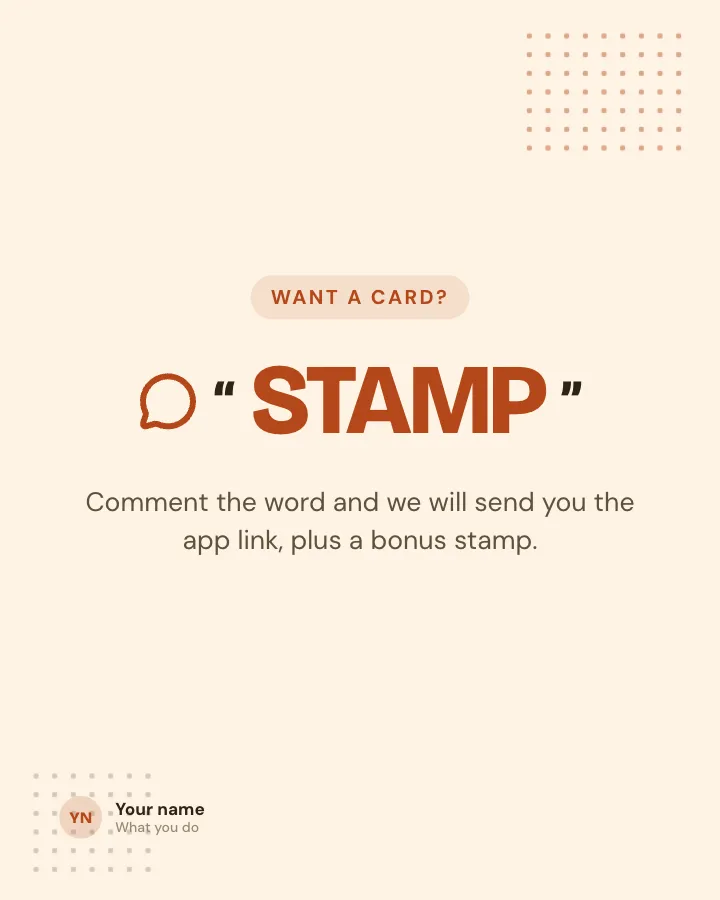
Slide 7 of 7
See it in the feed
How the example looks once it is posted. In the studio the preview uses your own slides, caption and profile.
yourname
1/71,086 likes
yourname Explain your stamp card or rewards scheme: how to collect, what members get and what it saves them.
When to use it
Reach for Loyalty card, explained when you want to promote a product or an opening without a hard sell and show your experience and earn trust. Its structure is flexible: your writer picks the shape that suits the topic. It is written for cafés and local shops. Give Postora your topic and it keeps the shape, writing every slide about your subject in your voice.
What each slide does
1Hook
Opening: the reward in one line, with the key word marked.
In the example
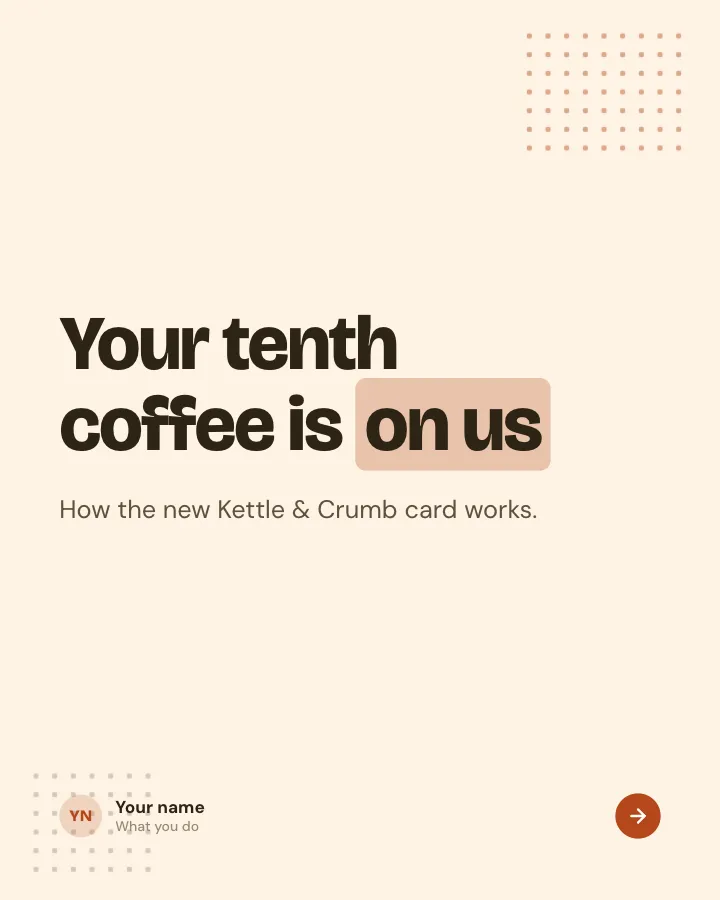
Your tenth coffee is on us
How the new Kettle & Crumb card works.
2Steps
How the scheme works, in three short moves.
In the example
How it works
- Scan — Show the QR code in the app or a paper card.
- Collect — One stamp for every hot drink.
- Enjoy — Stamp ten is any drink, any size.
3List
Four extra perks for members, each with one line of detail.
In the example
Members also get
- Birthday pastry — Any one from the counter.
- Early pickup — Order from 7am in the app.
- Refill for €1.50 — Bring your own cup.
- First taste — New beans before they hit the menu.
4Number
What a member saves, worked out from a real price (author-provided).
In the example
€3.80 — back every ten visits
Based on our most-ordered drink, the oat flat white.
5Point
The question people ask most about the card, answered plainly.
In the example
What if I lose my card?
Switch to the app and we will move your stamps across. Just ask at the till.
6Quote
A regular on the card (only words the author provided).
In the example
I did the maths and I am on my fourth free cortado this year. No regrets.
Four free drinks
7Call to action
A keyword readers comment to get the sign-up link.
In the example
Want a card?
Comment the word and we will send you the app link, plus a bonus stamp.
STAMP
Make it in Postora
Step 1
Say what it is about
Open Loyalty card, explained and type your topic, paste a link or add your notes.
Step 2
Check the plan
Postora keeps the template’s structure and writes each slide for your subject, in the voice you pick.
Step 3
Polish and download
Edit any word, change the theme or a layout, then export a PDF, images or a video.
Questions about Loyalty card, explained
Is the Loyalty card, explained template free?
Yes. Opening Loyalty card, explained and editing its example are free, no account needed. A free account adds 3 AI carousels a month and 5 downloads of the finished carousel with a small Postora mark; VIP downloads without limits or the mark.
Which platforms is it made for?
Instagram (PNG images, best at 4:5) and TikTok (PNG images or an MP4 video, best at 9:16). Postora sizes the carousel for the network you pick and checks it against that network’s limits before you download it.
How many slides does it have?
7, each with its own job (shown above). You can add, remove or reorder slides: free carousels go up to 8 slides, VIP up to 30.
Can I change the design?
Yes. It opens in the Sunday Market theme, and you can switch to any of 95 themes or your own brand kit in one click, swap the layout of any slide, and edit every word.
Templates like this one
Browse all templates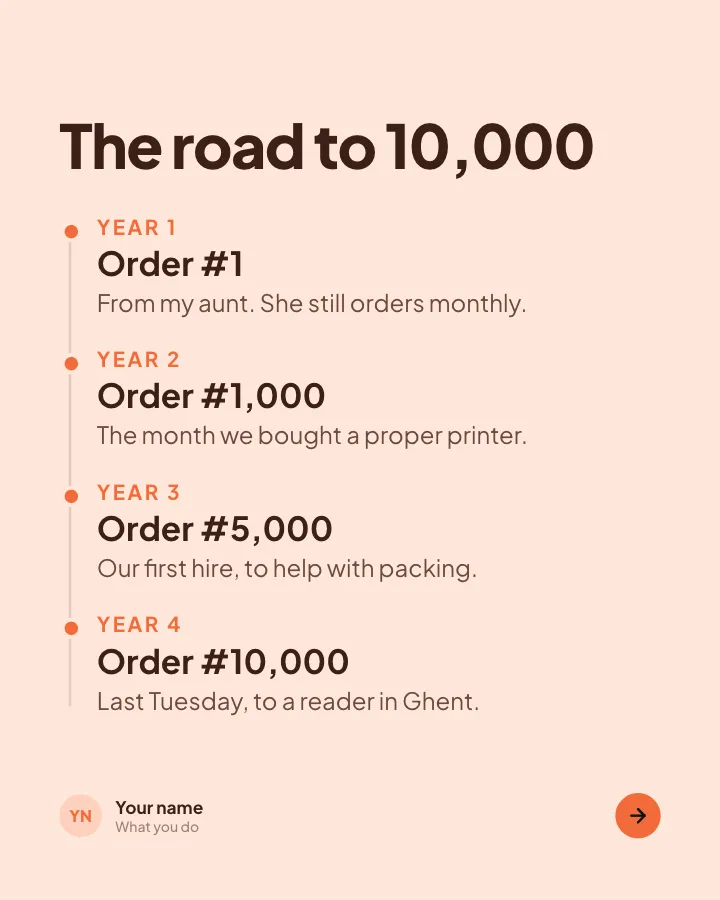
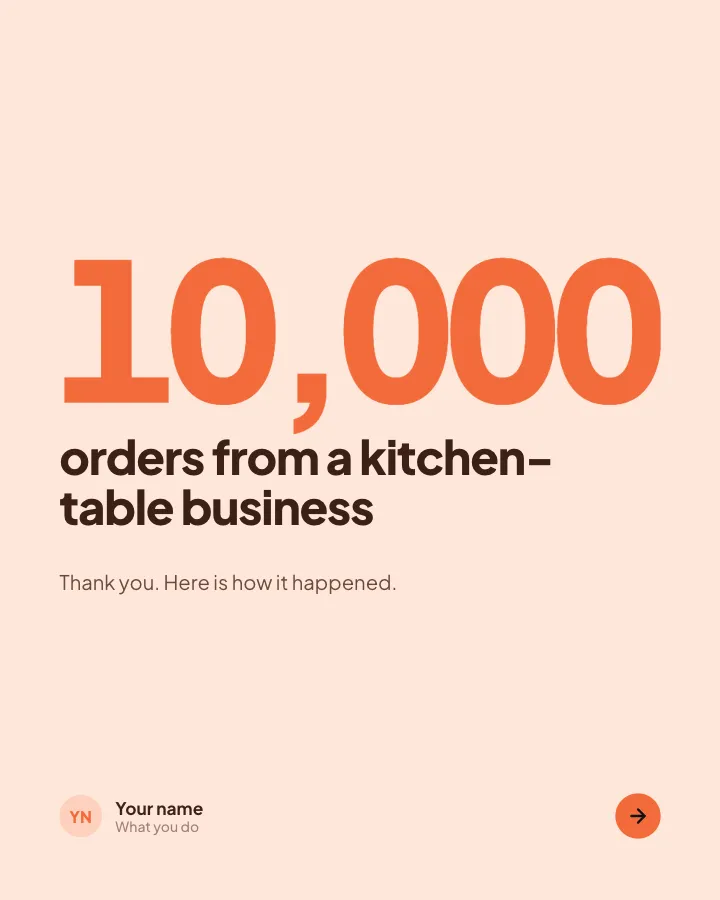
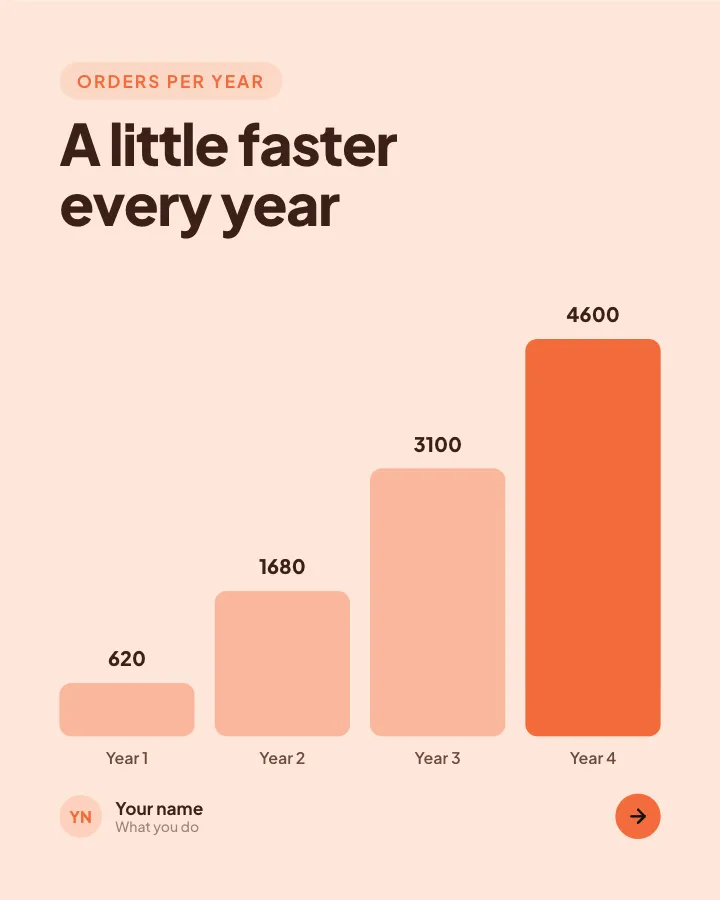
Milestone thank-you
7 slidesCelebrate a milestone with your audience: the number, how you got there, who helped and what comes next.
Earn trustSell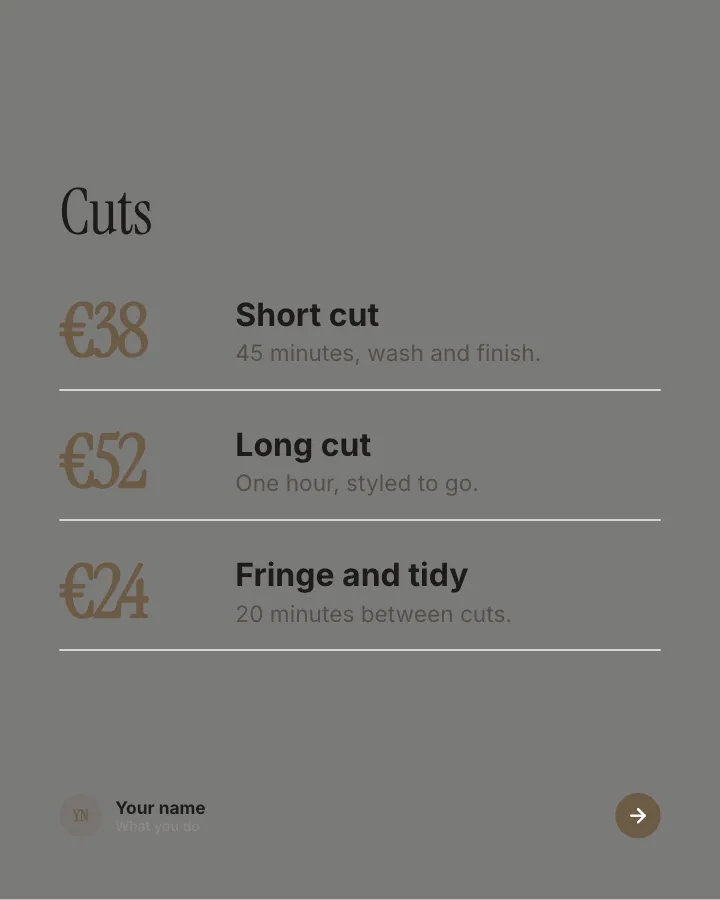
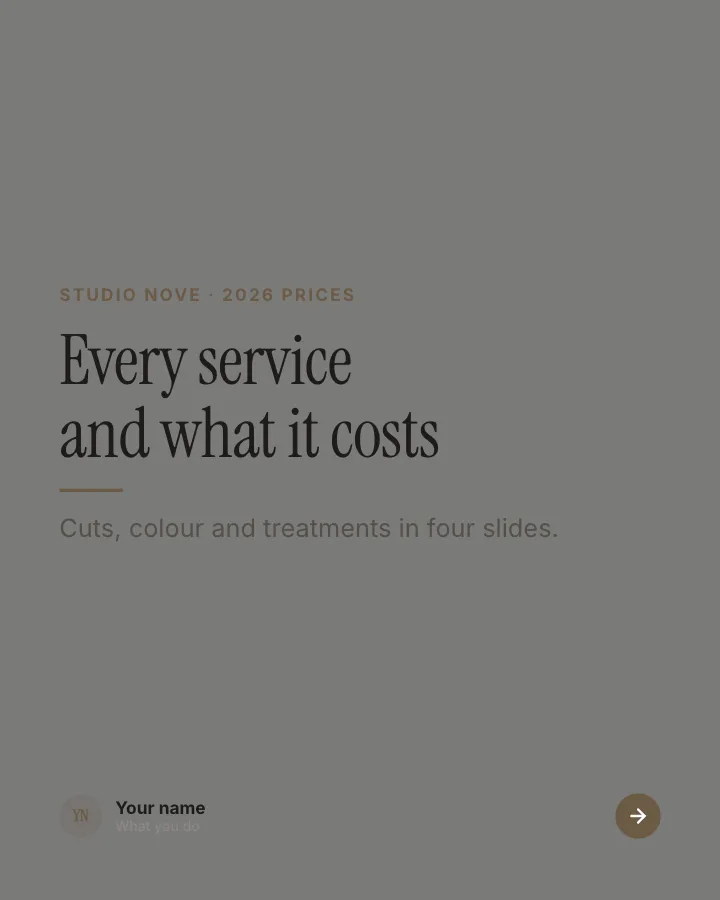
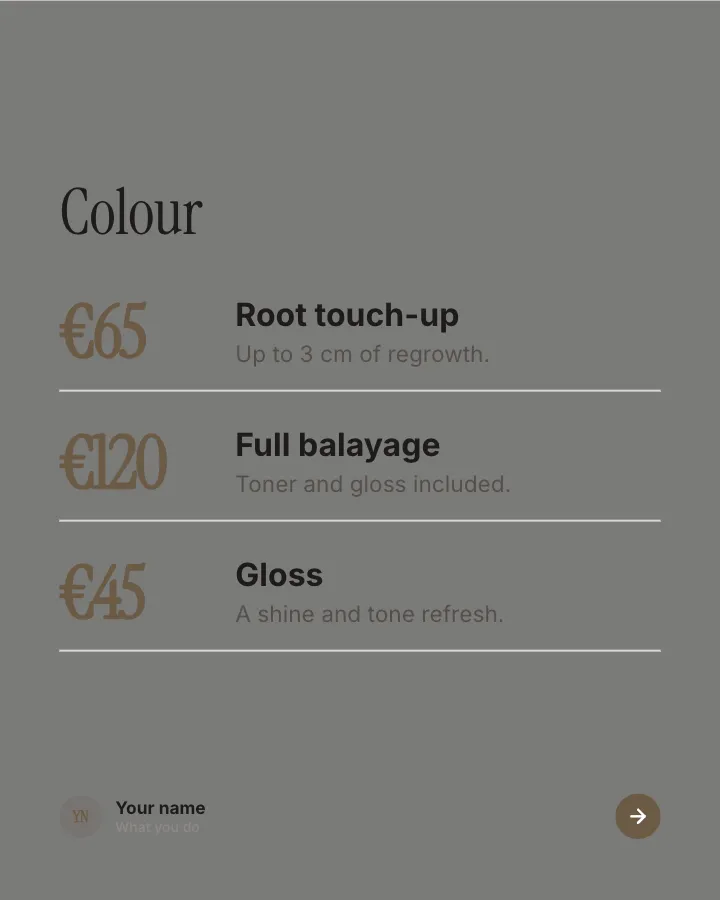
Salon price list
7 slidesA clear menu of services and prices for a salon or studio, with the choice people hesitate over explained.
SellEarn trustVIP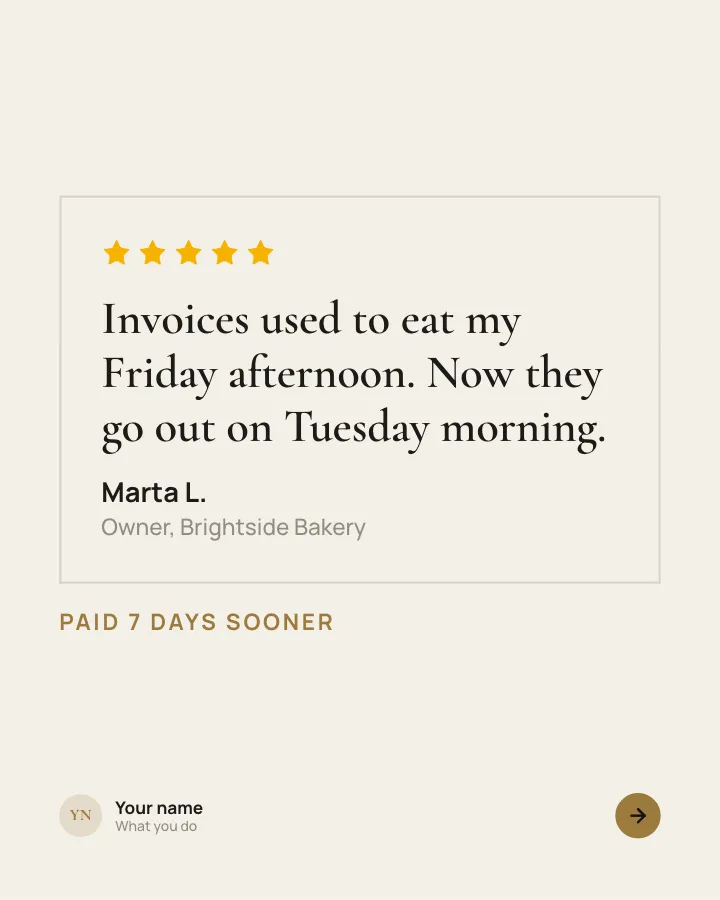
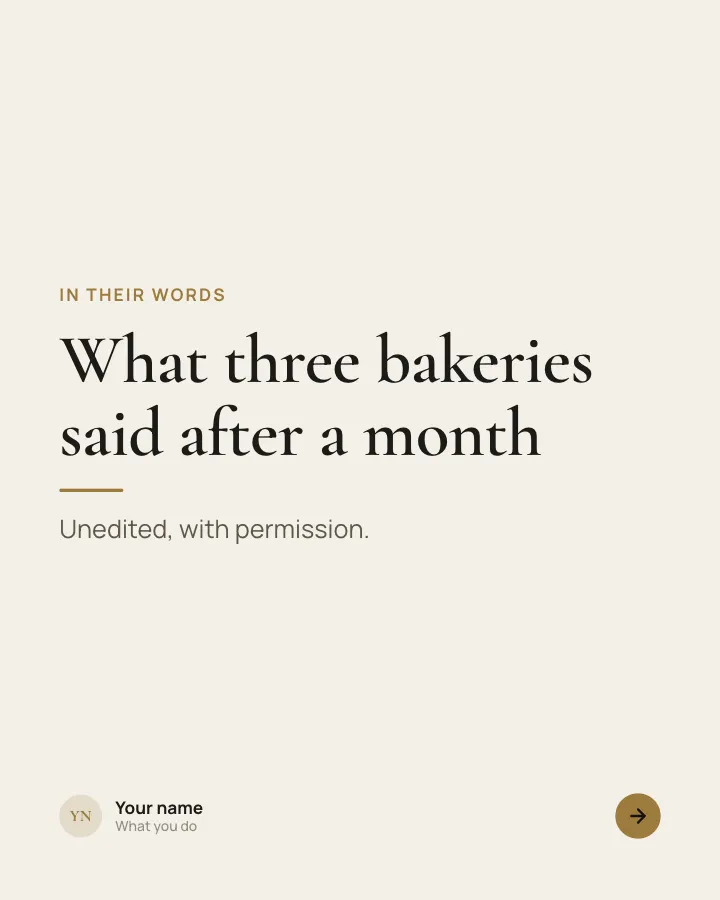
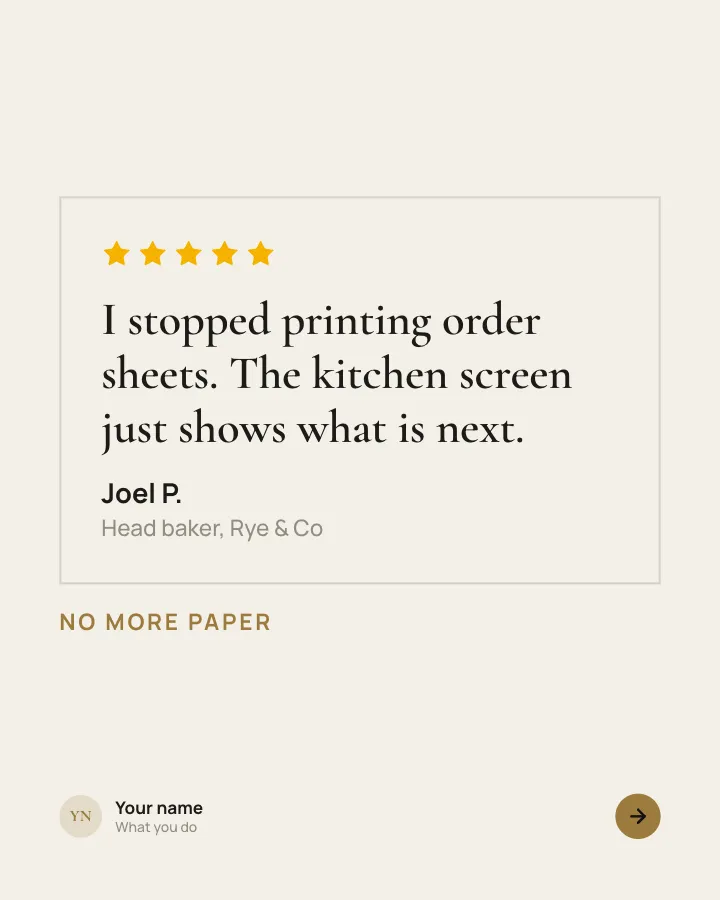
Customer voices
5 slidesReal customers in their own words, one person per slide, plus the change they noticed.
Earn trustSellVIP