
Feature in context carousel template
For product teams: show a release through the chore it removes from someone’s day.
Slide 1 of 5 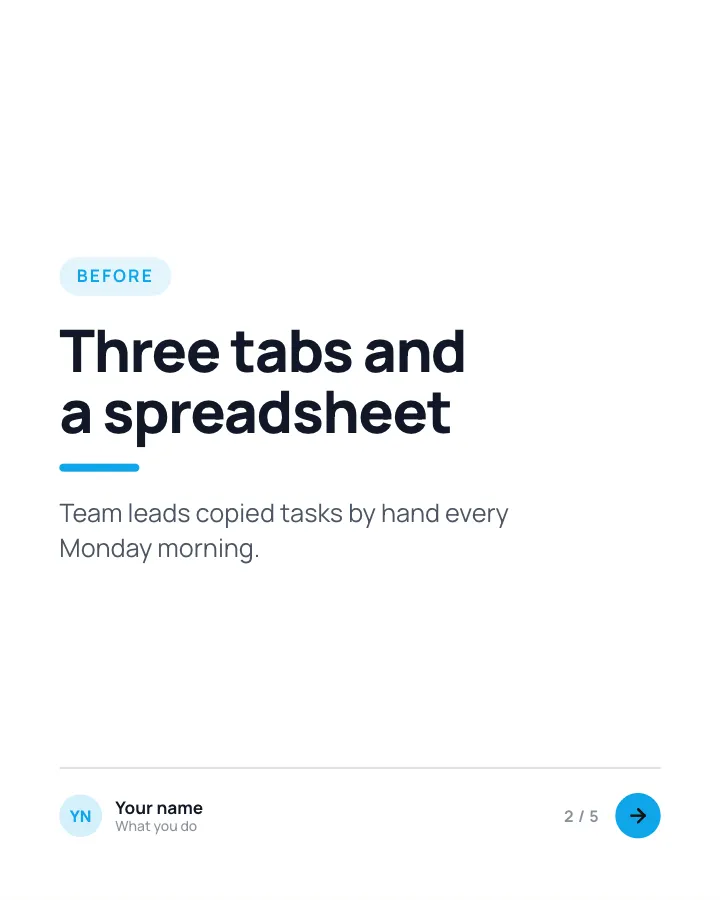
Slide 2 of 5 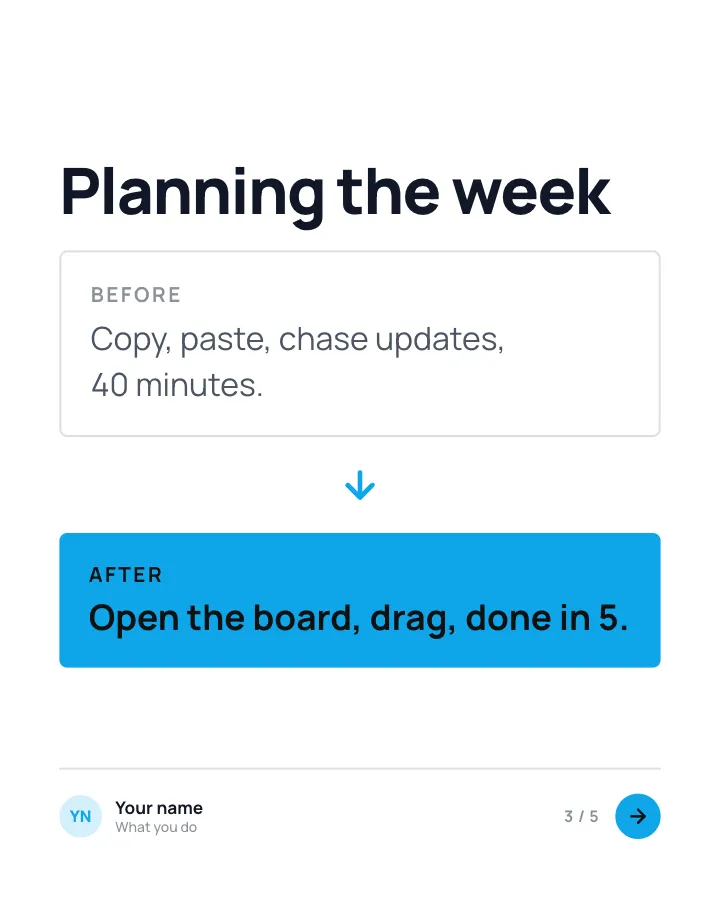
Slide 3 of 5 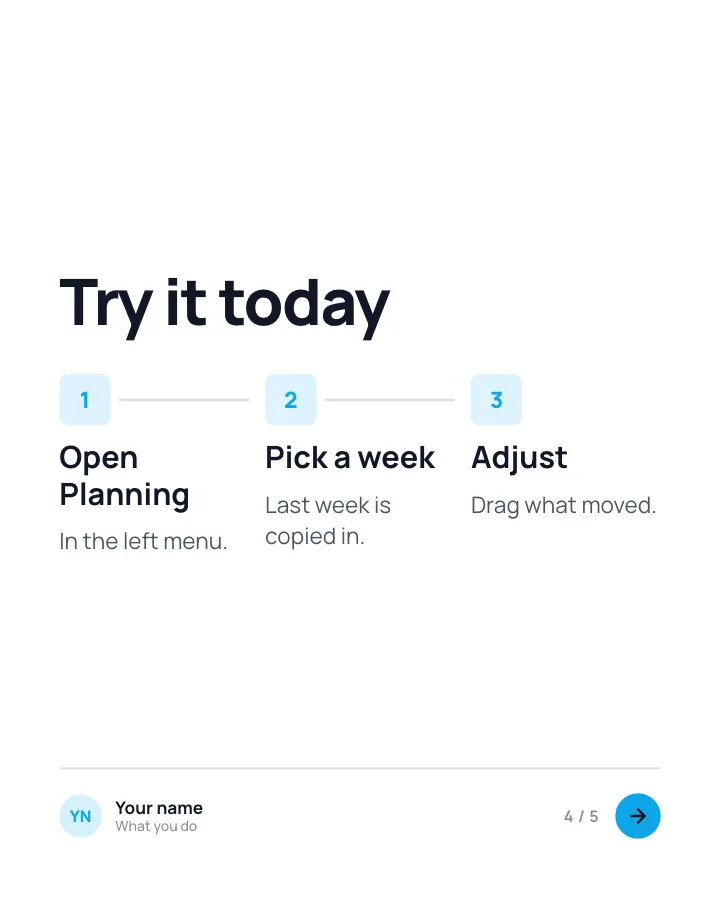
Slide 4 of 5 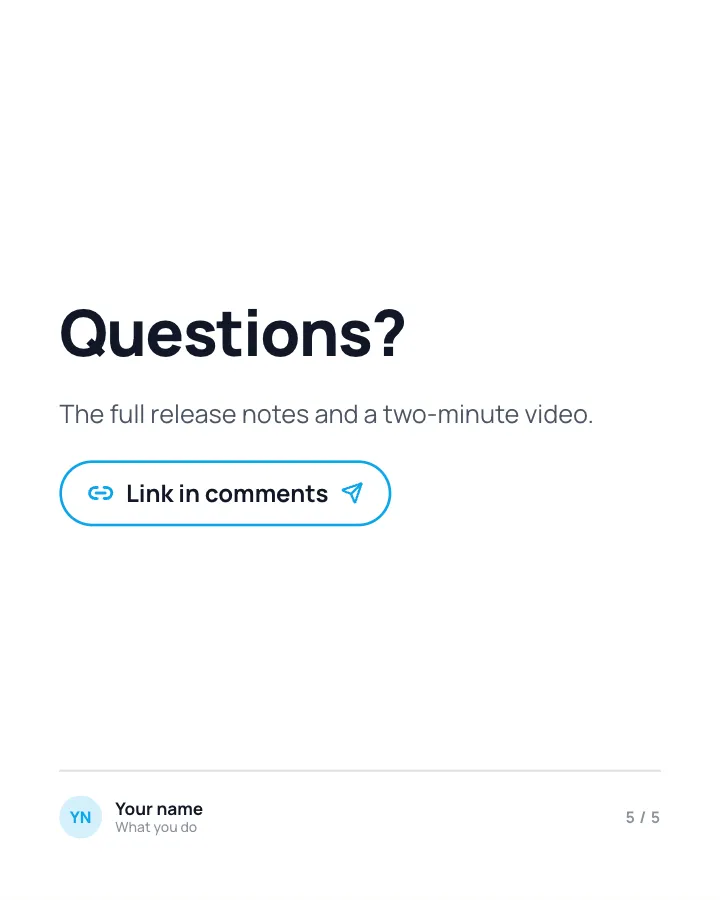
Slide 5 of 5
See it in the feed
How the example looks once it is posted. In the studio the preview uses your own slides, caption and profile.
Your name
What you do · 1h
For product teams: show a release through the chore it removes from someone’s day.
1/5When to use it
Reach for Feature in context when you want to promote a product or an opening without a hard sell and teach your audience something they can use straight away. Its structure is flexible: your writer picks the shape that suits the topic. It is written for product teams. Give Postora your topic and it keeps the shape, writing every slide about your subject in your voice.
What each slide does
1Hook
Opening: the everyday task, not the feature.
In the example
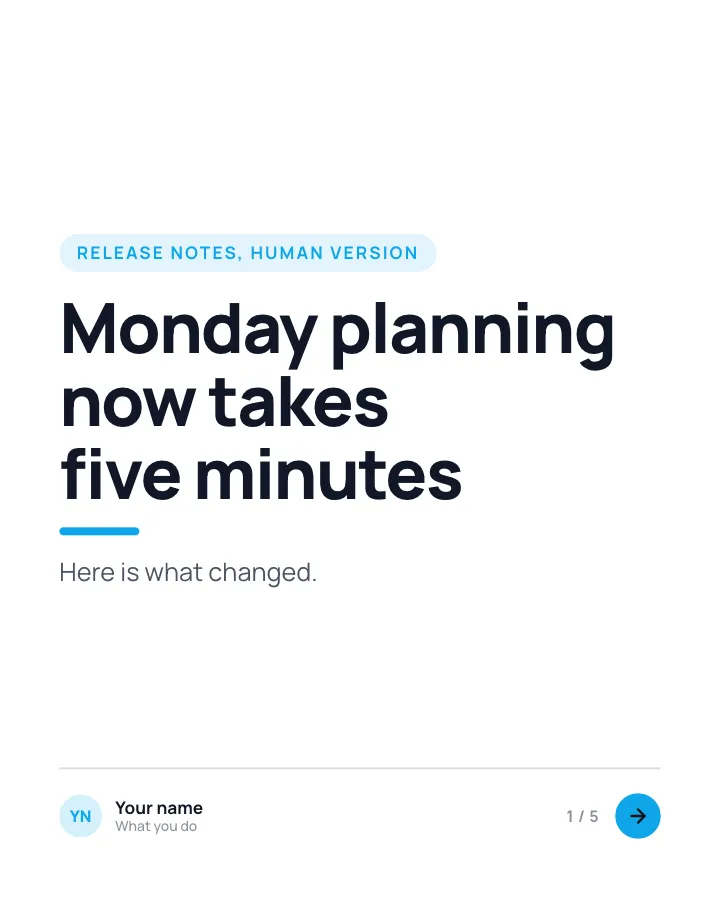
Monday planning now takes five minutes
Release notes, human version
Here is what changed.
2Point
The task before the release.
In the example
Three tabs and a spreadsheet
Before
Team leads copied tasks by hand every Monday morning.
3Comparison
Before and after.
In the example
Planning the week
4Steps
How to try it.
In the example
Try it today
- Open Planning — In the left menu.
- Pick a week — Last week is copied in.
- Adjust — Drag what moved.
5Call to action
Where to learn more.
In the example
Questions?
The full release notes and a two-minute video.
Link in comments
Make it in Postora
Step 1
Say what it is about
Open Feature in context and type your topic, paste a link or add your notes.
Step 2
Check the plan
Postora keeps the template’s structure and writes each slide for your subject, in the voice you pick.
Step 3
Polish and download
Edit any word, change the theme or a layout, then export a PDF, images or a video.
Questions about Feature in context
Is the Feature in context template free?
Feature in context is part of VIP. You can look through it for free; using it, along with AI on every carousel and downloads without a mark, comes with a VIP plan.
Which platforms is it made for?
LinkedIn (PDF document post, best at 4:5). Postora sizes the carousel for the network you pick and checks it against that network’s limits before you download it.
How many slides does it have?
5, each with its own job (shown above). You can add, remove or reorder slides: free carousels go up to 8 slides, VIP up to 30.
Can I change the design?
Yes. It opens in the Open Office theme, and you can switch to any of 95 themes or your own brand kit in one click, swap the layout of any slide, and edit every word.
Templates like this one
Browse all templates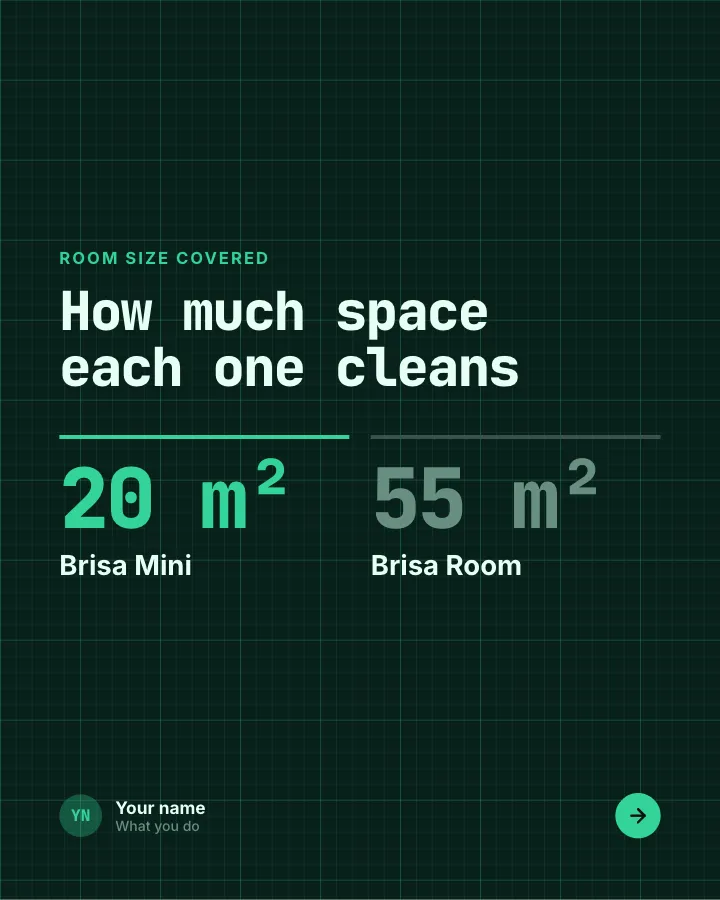
Product face-off
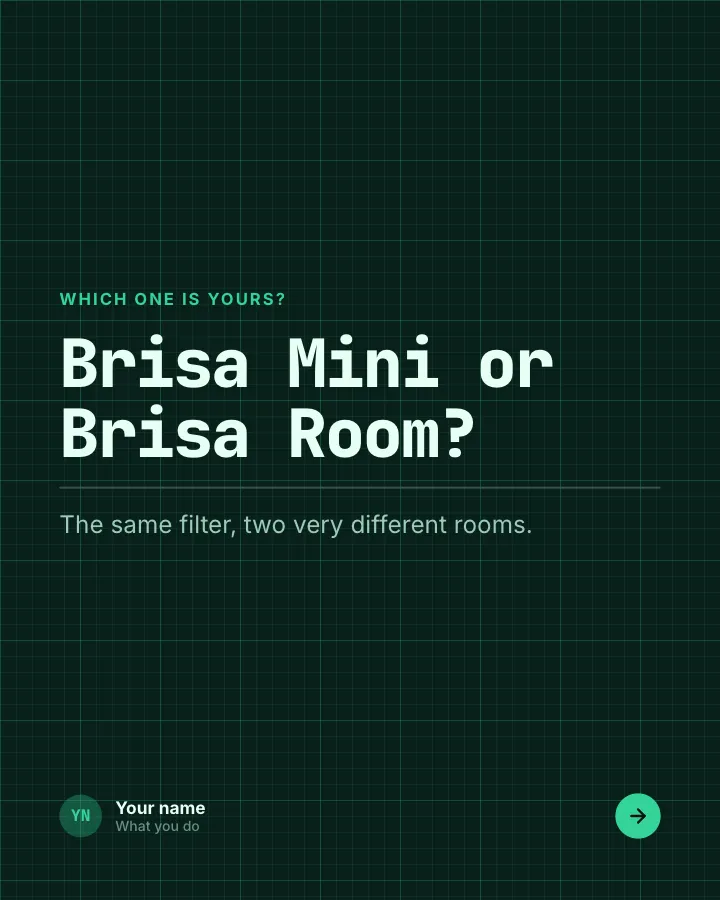
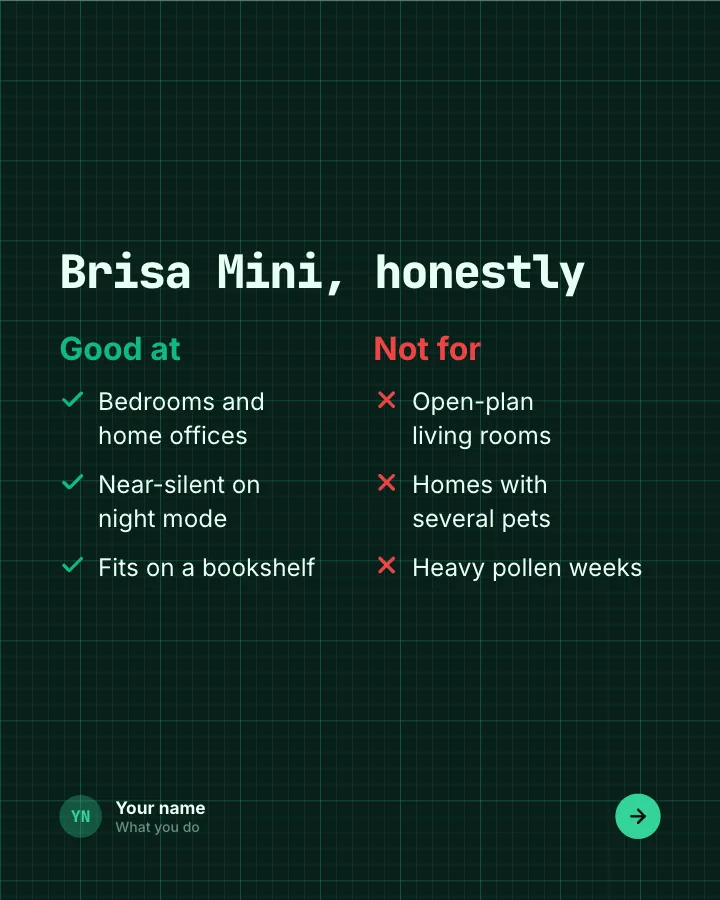
7 slidesTwo products from your range compared fairly: what each covers, where each falls short, and which one suits whom.
SellExplain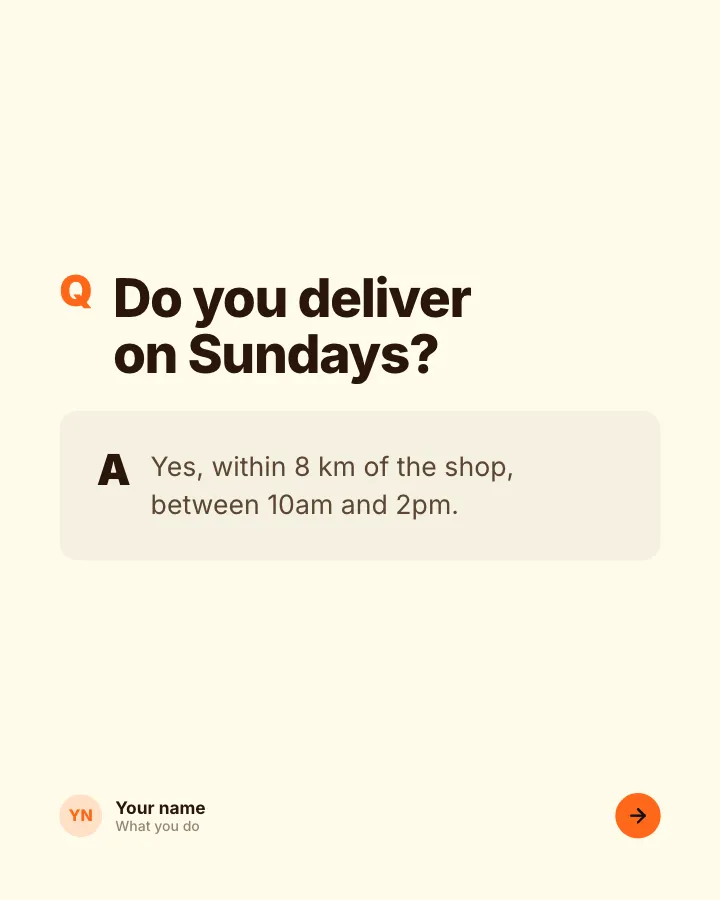
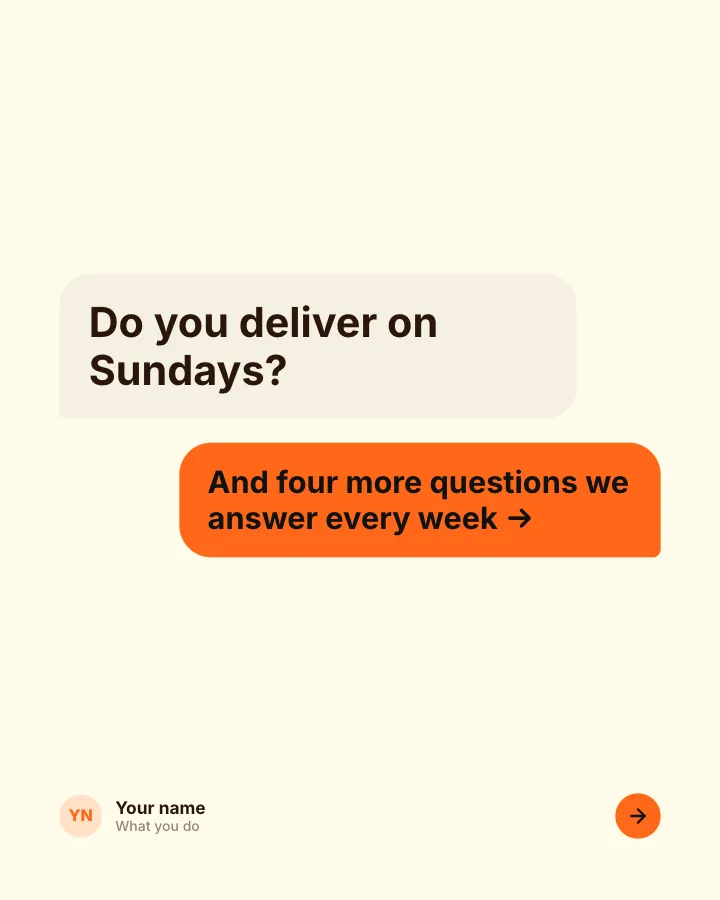
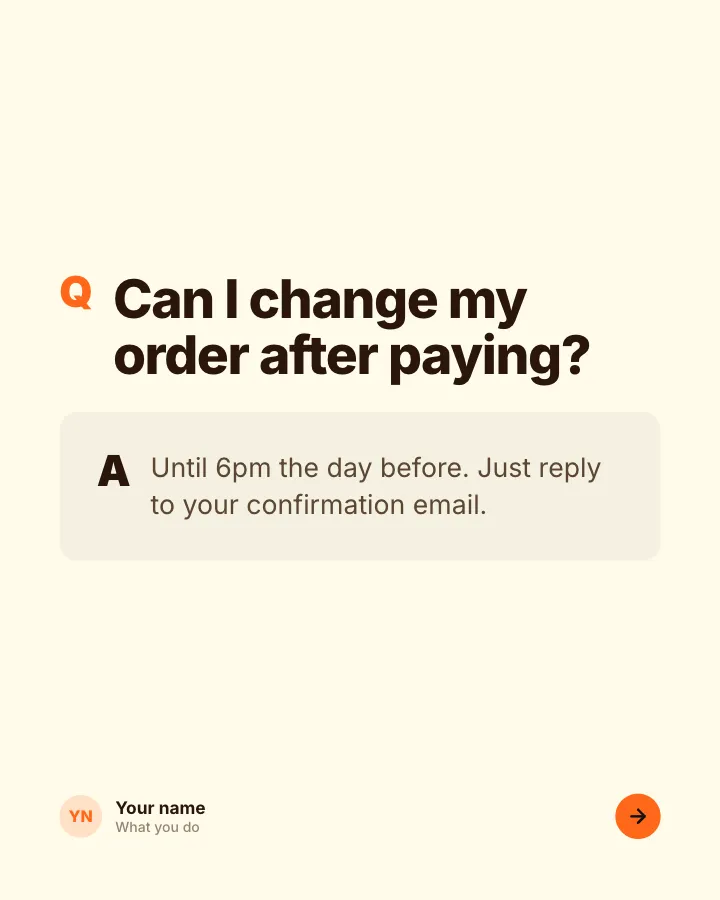
Questions we get asked
7 slidesThe questions customers ask before they buy, each answered plainly, so the next person does not have to ask.
SellExplain
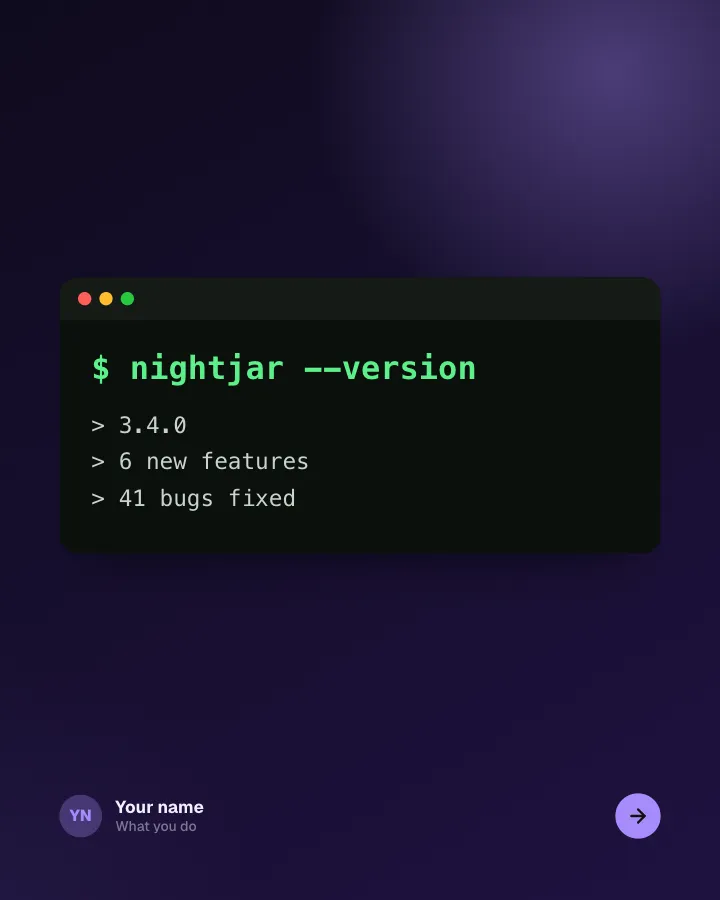
App changelog
7 slidesRelease notes people actually read: the version, the headline feature, the smaller changes and the bugs you fixed.
AnnounceSellVIP