
Results breakdown carousel template
A project told as problem, approach and outcome, with the numbers that prove it.
Slide 1 of 6 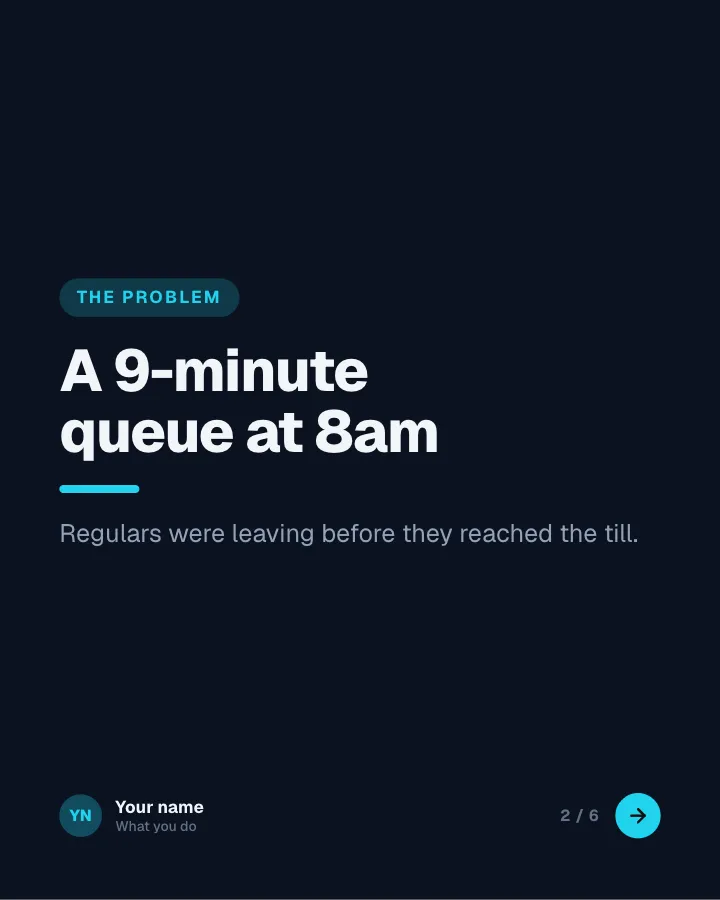
Slide 2 of 6 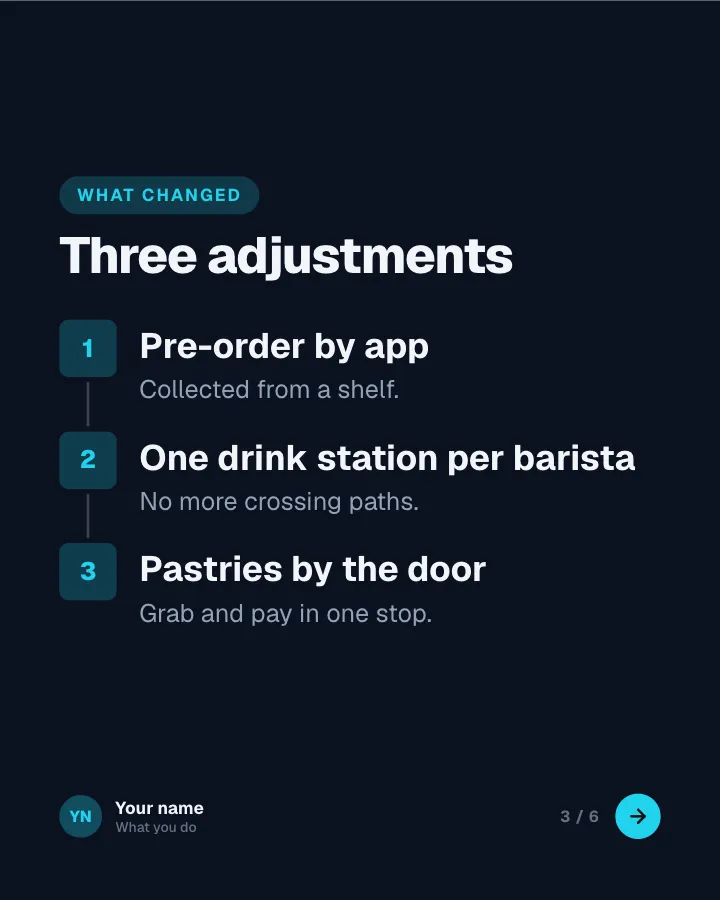
Slide 3 of 6 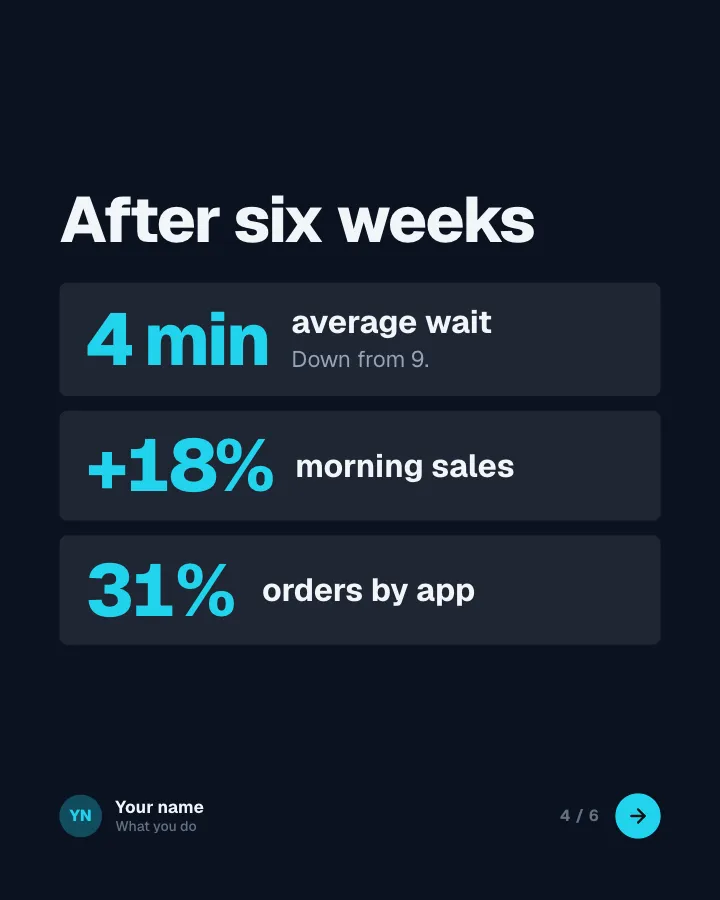
Slide 4 of 6 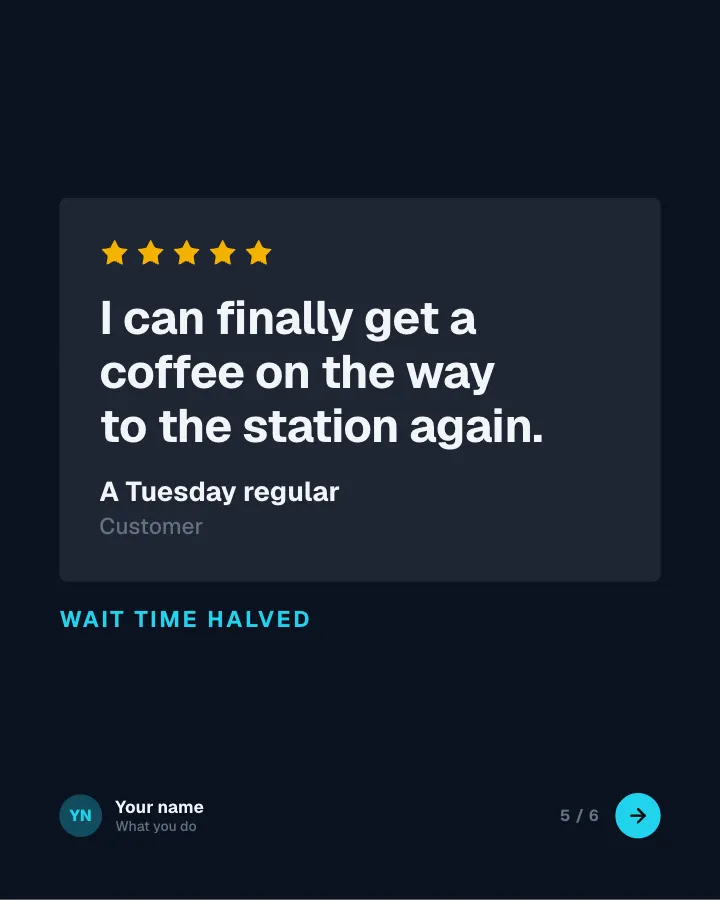
Slide 5 of 6 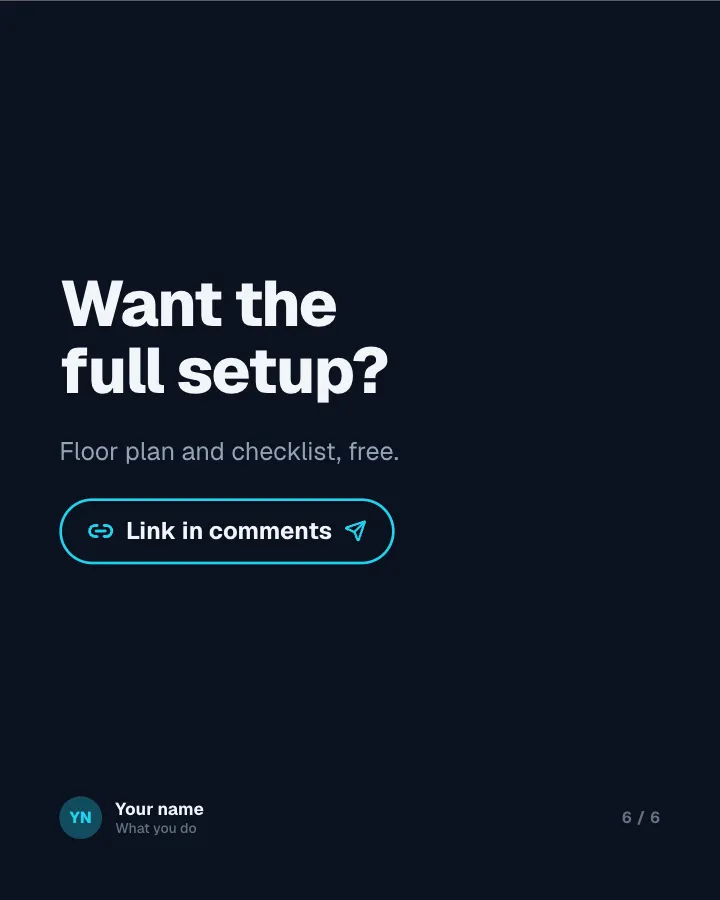
Slide 6 of 6
See it in the feed
How the example looks once it is posted. In the studio the preview uses your own slides, caption and profile.
Your name
What you do · 1h
A project told as problem, approach and outcome, with the numbers that prove it.
1/6When to use it
Reach for Results breakdown when you want to show your experience and earn trust and promote a product or an opening without a hard sell. Its structure is results: a challenge, the approach and the outcome. Give Postora your topic and it keeps the shape, writing every slide about your subject in your voice.
What each slide does
1Hook
Opening: the outcome and the project.
In the example
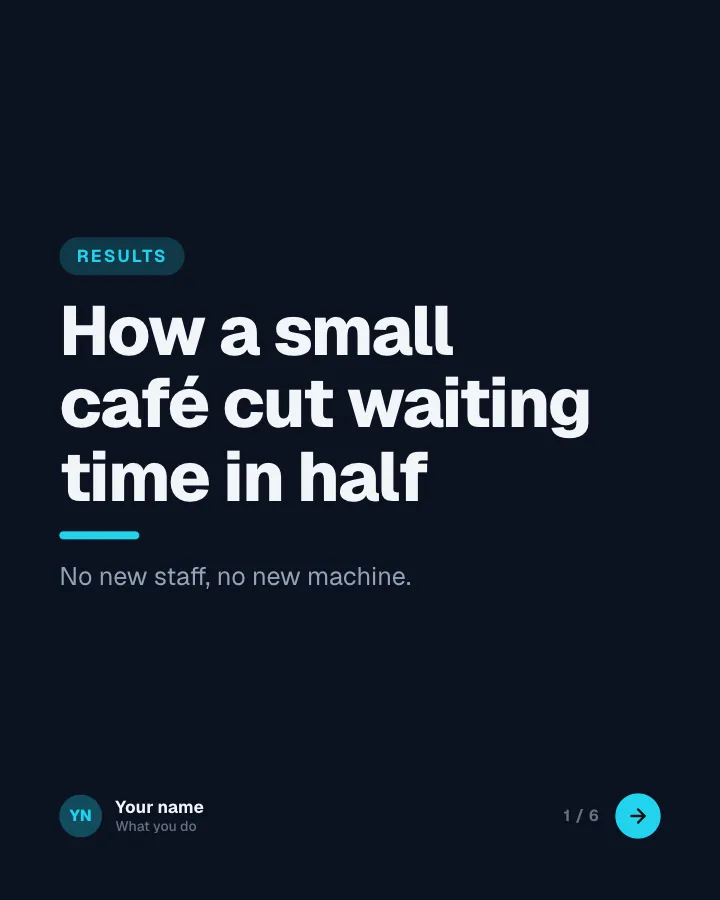
How a small café cut waiting time in half
Results
No new staff, no new machine.
2Point
The problem.
In the example
A 9-minute queue at 8am
The problem
Regulars were leaving before they reached the till.
3List
What was done.
In the example
Three adjustments
What changed
- Pre-order by app — Collected from a shelf.
- One drink station per barista — No more crossing paths.
- Pastries by the door — Grab and pay in one stop.
4Number
The results in numbers (only figures the author provided).
In the example
After six weeks
- 4 min average wait — Down from 9.
- +18% morning sales
- 31% orders by app
5Quote
What a customer or client said (author-provided).
In the example
I can finally get a coffee on the way to the station again.
Wait time halved
6Call to action
Call to action.
In the example
Want the full setup?
Floor plan and checklist, free.
Link in comments
Make it in Postora
Step 1
Say what it is about
Open Results breakdown and type your topic, paste a link or add your notes.
Step 2
Check the plan
Postora keeps the template’s structure and writes each slide for your subject, in the voice you pick.
Step 3
Polish and download
Edit any word, change the theme or a layout, then export a PDF, images or a video.
Questions about Results breakdown
Is the Results breakdown template free?
Yes. Opening Results breakdown and editing its example are free, no account needed. A free account adds 3 AI carousels a month and 5 downloads of the finished carousel with a small Postora mark; VIP downloads without limits or the mark.
Which platforms is it made for?
LinkedIn (PDF document post, best at 4:5). Postora sizes the carousel for the network you pick and checks it against that network’s limits before you download it.
How many slides does it have?
6, each with its own job (shown above). You can add, remove or reorder slides: free carousels go up to 8 slides, VIP up to 30.
Can I change the design?
Yes. It opens in the Control Room theme, and you can switch to any of 95 themes or your own brand kit in one click, swap the layout of any slide, and edit every word.
Templates like this one
Browse all templates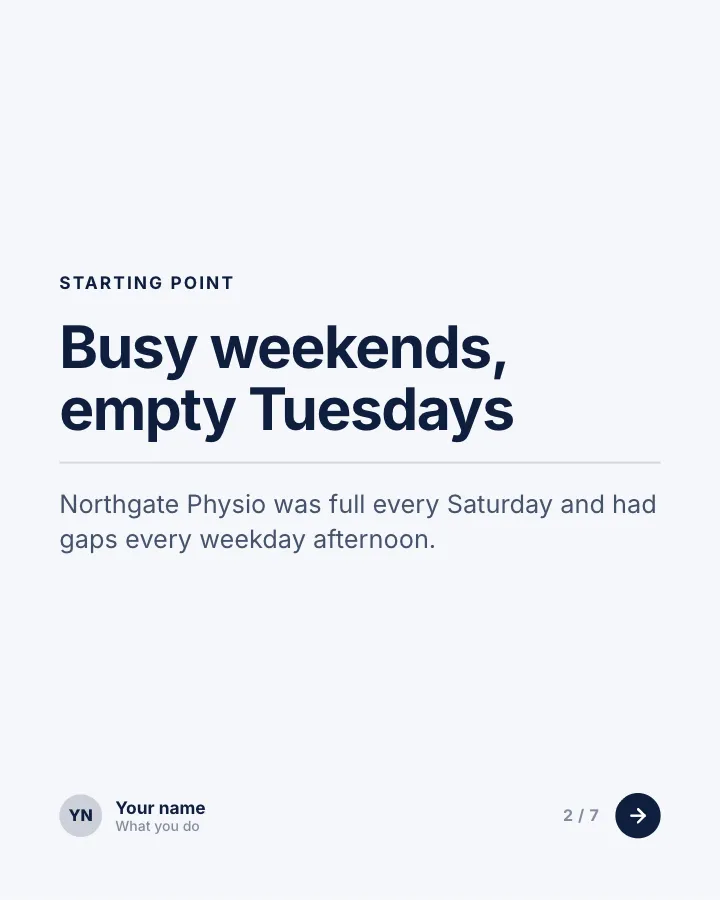

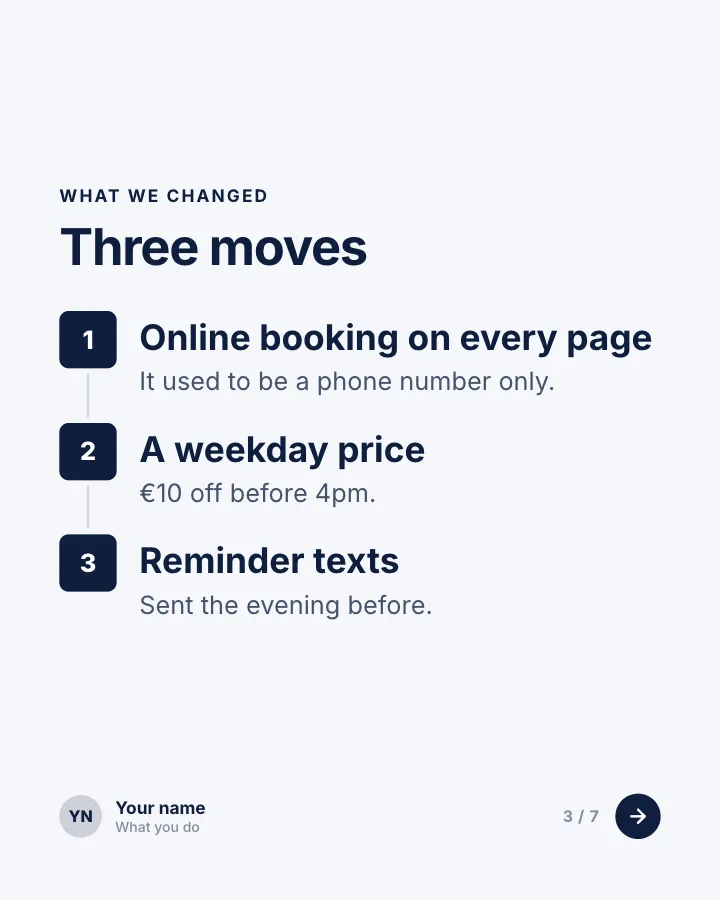
Client win, in numbers
7 slidesA short case study for service businesses: where the client started, what you changed and the results in figures.
Earn trustSellVIP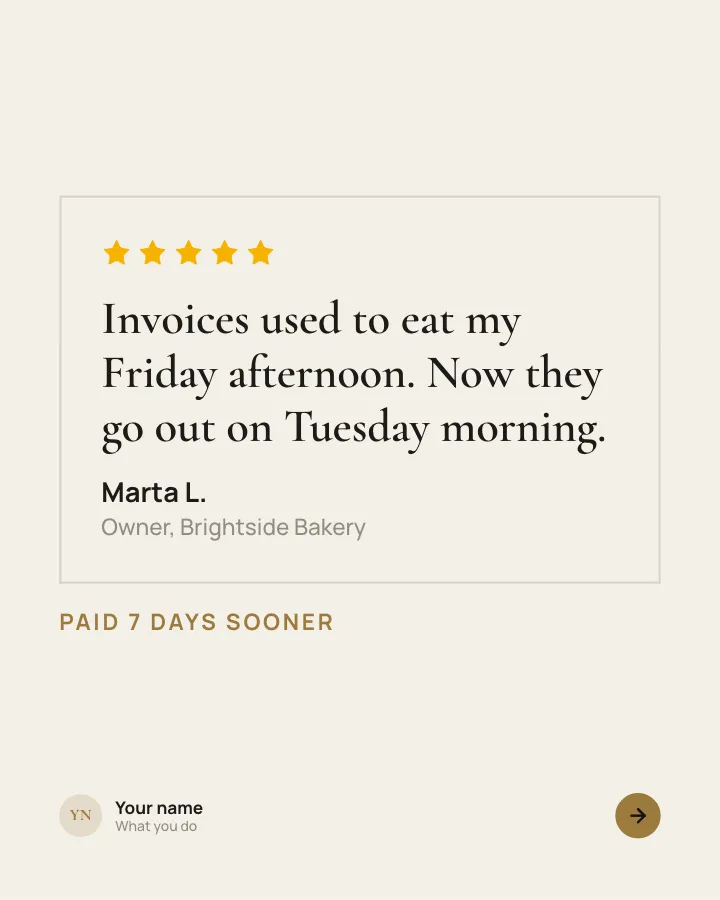
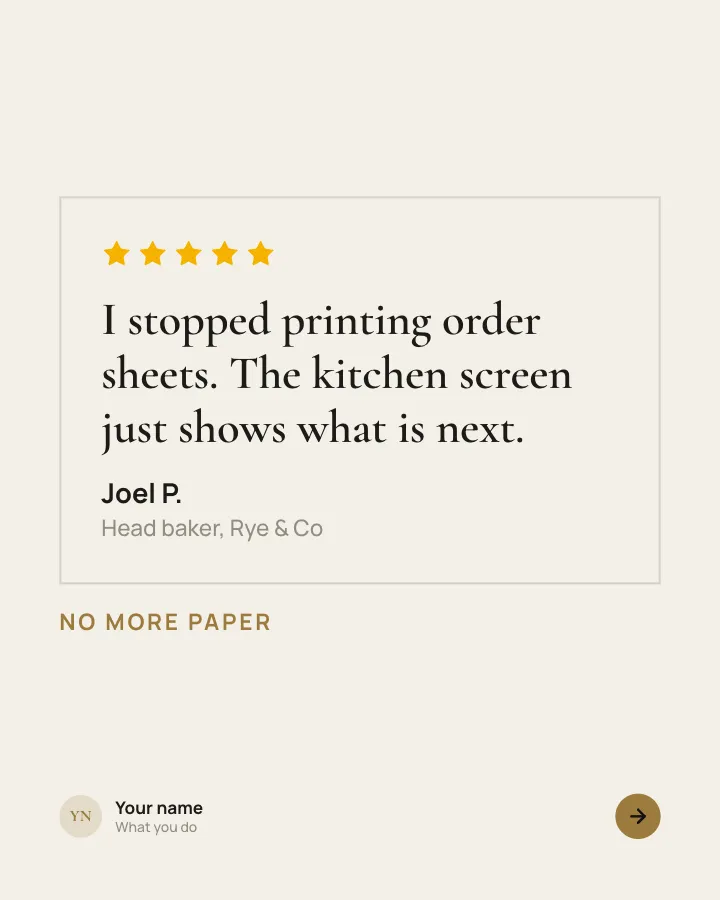
Customer voices
5 slidesReal customers in their own words, one person per slide, plus the change they noticed.
Earn trustSellVIP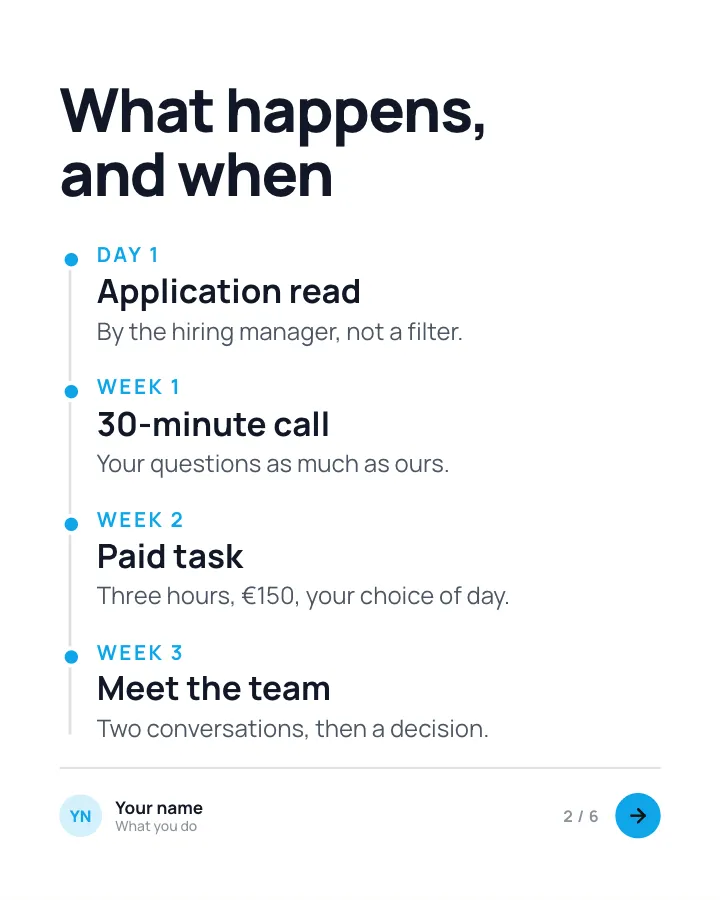

How we hire
6 slidesEvery step of your hiring process laid out for candidates: what happens, how long it takes and what you are looking for.
SellEarn trust