
Kitchen science carousel template
Everyday kitchen beliefs checked against the science: the belief, what actually happens and the simple reason why.
Slide 1 of 7 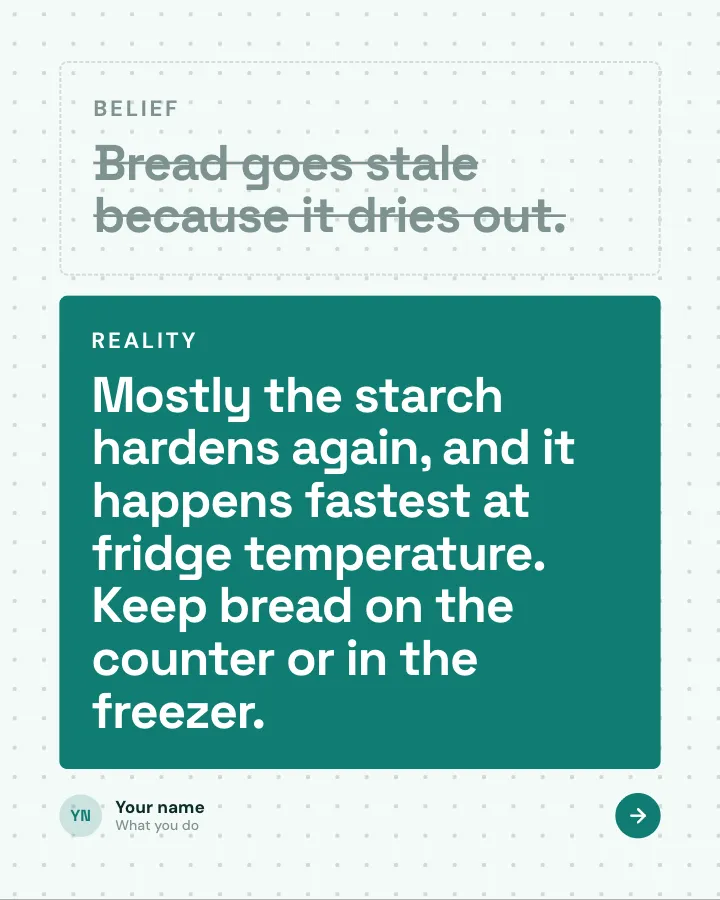
Slide 2 of 7 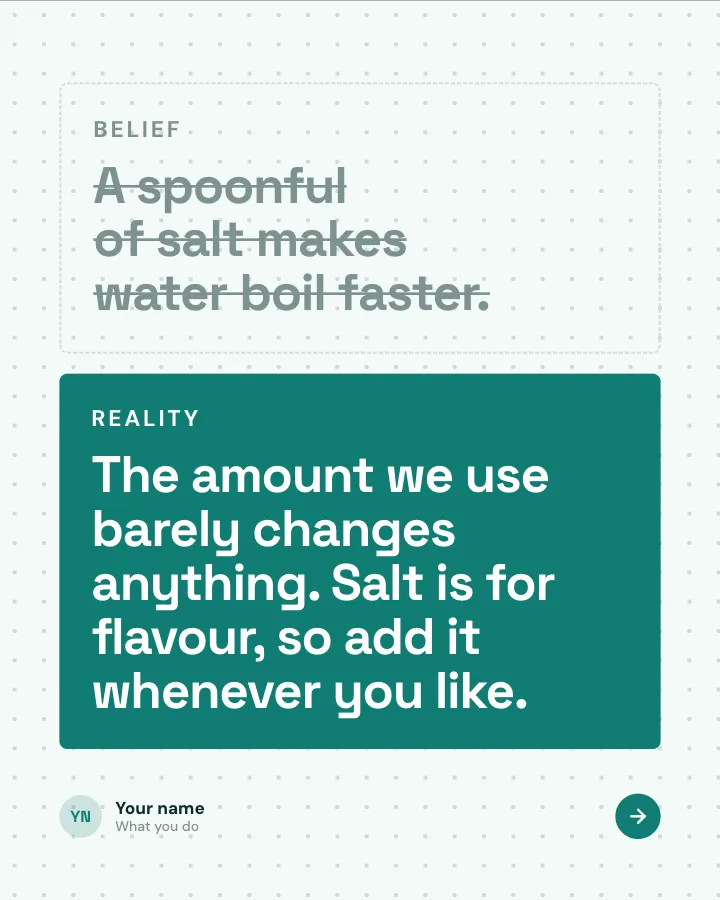
Slide 3 of 7 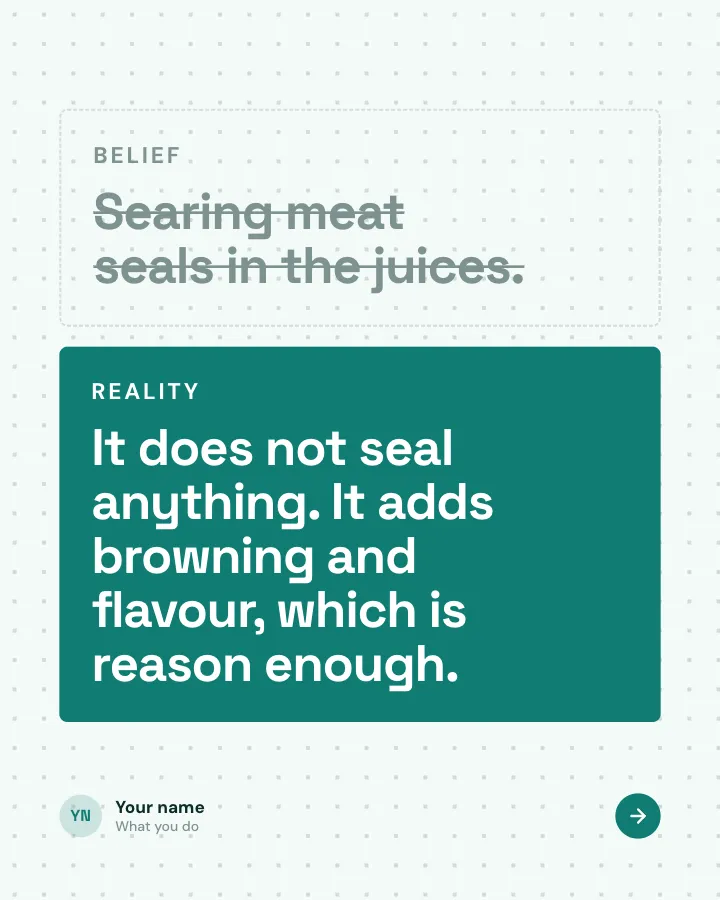
Slide 4 of 7 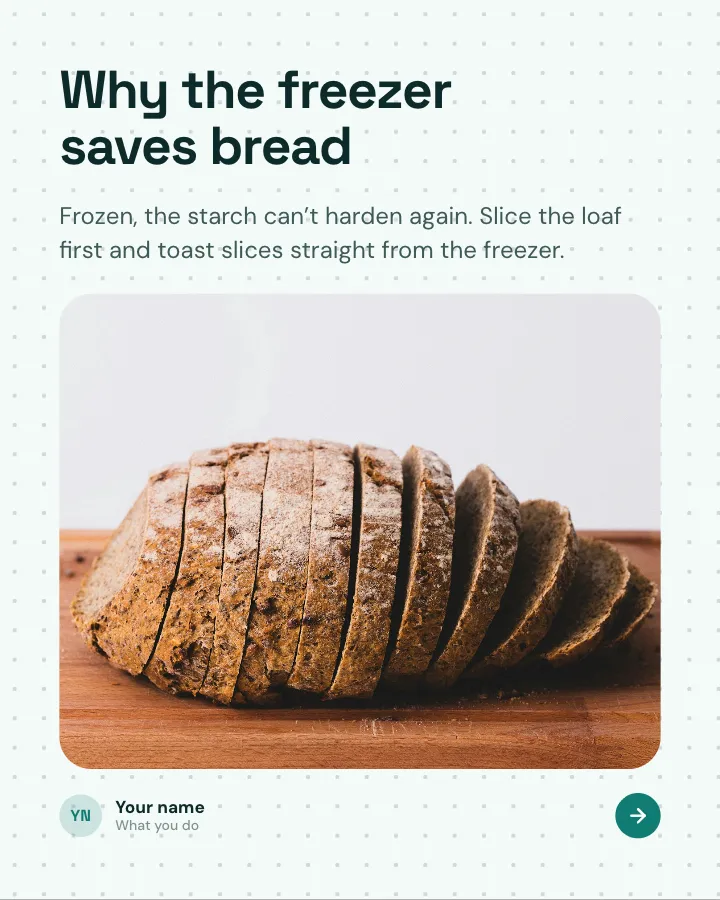
Slide 5 of 7 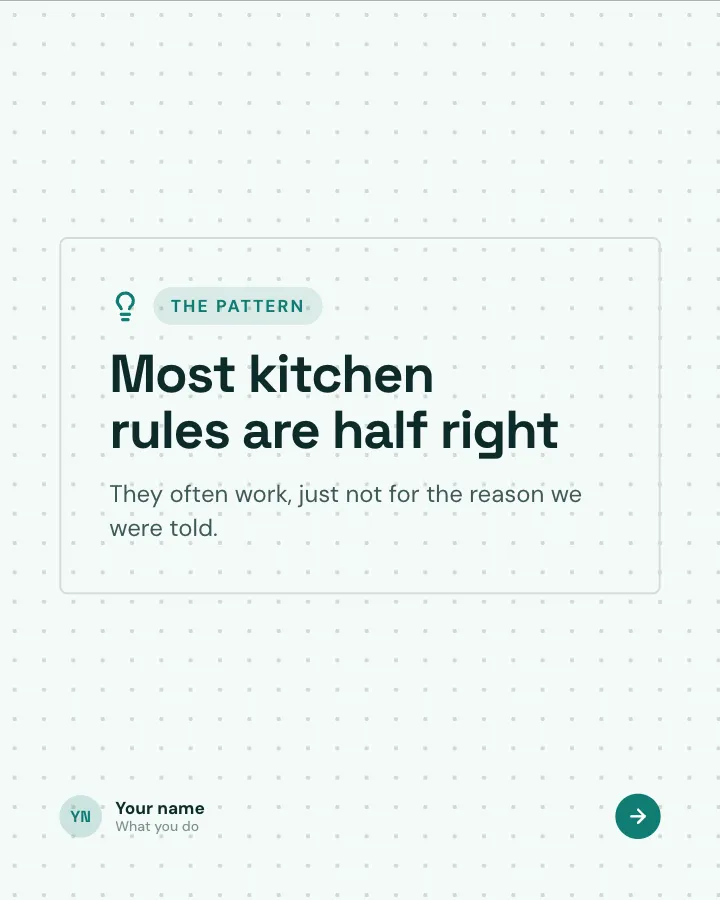
Slide 6 of 7 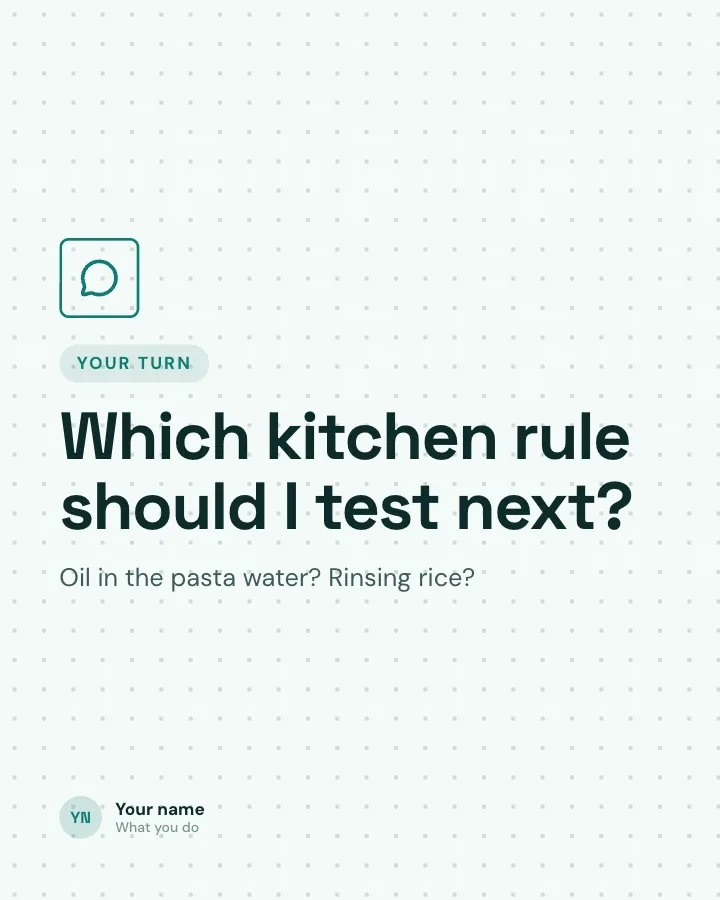
Slide 7 of 7
Slide 5: photo by Jude Infantini on Unsplash
See it in the feed
How the example looks once it is posted. In the studio the preview uses your own slides, caption and profile.
Your name
What you do · 1h
Everyday kitchen beliefs checked against the science: the belief, what actually happens and the simple reason why.
1/7When to use it
Reach for Kitchen science when you want to teach your audience something they can use straight away and give people a quick, fun reason to stop scrolling. Its structure is belief check: popular beliefs set against the evidence. Give Postora your topic and it keeps the shape, writing every slide about your subject in your voice.
What each slide does
1Hook
Opening: the most surprising finding, stated as a warning.
In the example
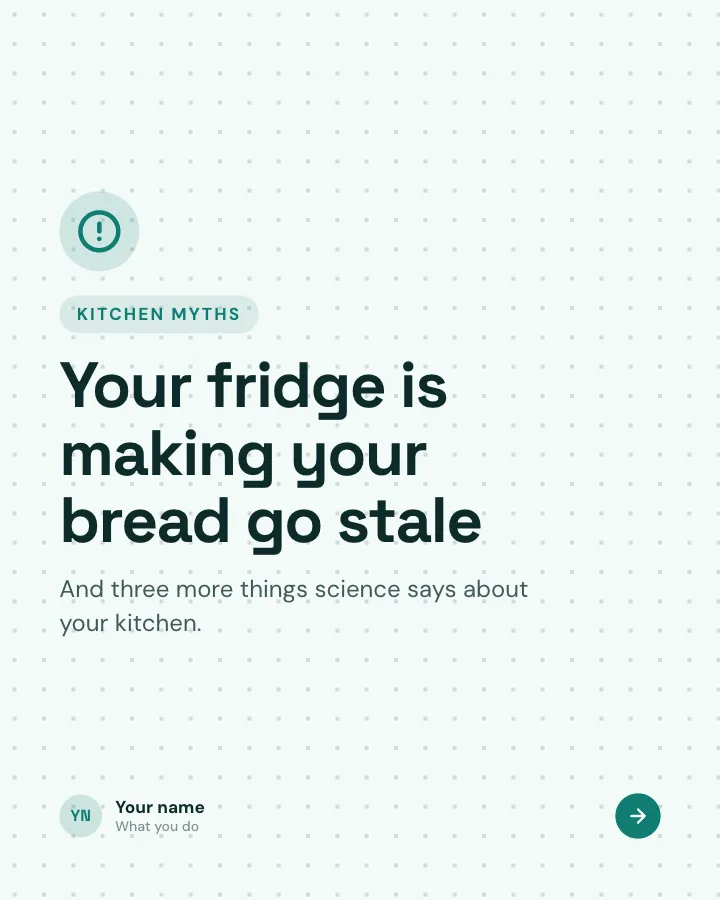
Your fridge is making your bread go stale
Kitchen myths
And three more things science says about your kitchen.
2Comparison
Belief 1 and what actually happens, in plain words (only well-established science).
In the example
3Comparison
Belief 2.
In the example
4Comparison
Belief 3.
In the example
5Point
The simple why behind the most useful one, with a picture.
In the example
Why the freezer saves bread
Frozen, the starch can’t harden again. Slice the loaf first and toast slices straight from the freezer.
6Recap
The pattern behind all of them.
In the example
Most kitchen rules are half right
The pattern
They often work, just not for the reason we were told.
7Call to action
Ask which belief to test next.
In the example
Which kitchen rule should I test next?
Your turn
Oil in the pasta water? Rinsing rice?
Make it in Postora
Step 1
Say what it is about
Open Kitchen science and type your topic, paste a link or add your notes.
Step 2
Check the plan
Postora keeps the template’s structure and writes each slide for your subject, in the voice you pick.
Step 3
Polish and download
Edit any word, change the theme or a layout, then export a PDF, images or a video.
Questions about Kitchen science
Is the Kitchen science template free?
Yes. Opening Kitchen science and editing its example are free, no account needed. A free account adds 3 AI carousels a month and 5 downloads of the finished carousel with a small Postora mark; VIP downloads without limits or the mark.
Which platforms is it made for?
LinkedIn (PDF document post, best at 4:5), Instagram (PNG images, best at 4:5), TikTok (PNG images or an MP4 video, best at 9:16) and X (PNG images, best at 16:9). Postora sizes the carousel for the network you pick and checks it against that network’s limits before you download it.
How many slides does it have?
7, each with its own job (shown above). You can add, remove or reorder slides: free carousels go up to 8 slides, VIP up to 30.
Can I change the design?
Yes. It opens in the Lab Notes theme, and you can switch to any of 95 themes or your own brand kit in one click, swap the layout of any slide, and edit every word.
Templates like this one
Browse all templates
How it works, under the hood
8 slidesOpen up an everyday piece of technology: the question, what happens step by step, one surprising number and the myth it clears up.
ExplainMake them smileVIP
A short history
7 slidesHow something came to be, told as dated moments, with the turn that changed it and why it matters today.
Make them smileExplainVIP
Surprising facts
5 slidesThings most people do not know about a topic, one fact per slide.
Make them smileExplain