
LinkedIn guide
50 LinkedIn Post Ideas, Grouped by Goal
Updated · By the Postora team
The best LinkedIn post ideas come from what you already know: the steps you follow, the mistakes you see, the results you got and the opinions you hold. Below are 50 ideas grouped by goal, from teaching and storytelling to sales and hiring, each with a one-line angle and the format that suits it: a text post, a carousel or a single image.
How to use this list
Pick the goal first, then the idea, then the format. A post that tries to teach, sell and tell a story at once usually does none of them well.
- Text post: one thought, a short story or a question. Fast to write, easy to reply to.
- Carousel: anything with steps, a list, a comparison or a before and after. Uploaded as a PDF document. See how to make a LinkedIn carousel.
- Image: one number, one quote or one rule that works at a glance.
Every idea below assumes you add something only you can: your numbers, your example, your opinion. That is the difference between a post people scroll past and one they remember.
LinkedIn post ideas about you and your story
| # | Idea | Angle | Best format |
|---|---|---|---|
| 11 | An introduction for new followers | Who you are, what you do and what you post about. | Carousel |
| 12 | How you got started | The first scene, the hard part and the turn. | Text or carousel |
| 13 | A lesson from a recent project | What you would do differently next time. | Text |
| 14 | Something that went wrong | The plan, where it broke, what it cost and what changed. | Carousel |
| 15 | A career change | Why you switched, the messy middle and what transferred. | Text or carousel |
| 16 | Your tool stack | The tools you use daily, what each is for and what you dropped. | Carousel |
| 17 | A book or course in brief | Three ideas you kept, in your own words. | Carousel |
| 18 | An honest look at your job | The part of your work nobody talks about. | Text |
Templates: Hello, I’m…, Origin story, What it taught me, My tool stack, Book in brief and The honest version.
LinkedIn post ideas that show proof
| # | Idea | Angle | Best format |
|---|---|---|---|
| 19 | A client result | Where they started, what you changed, what happened. | Carousel |
| 20 | A teardown | Take apart a cold email or landing page and rewrite it. | Carousel |
| 21 | Before and after | One piece of work, shown side by side. | Image or carousel |
| 22 | A customer quote | One review in their words, with the result behind it. | Image |
| 23 | A progress update | This month’s numbers, what helped and what did not. | Carousel |
| 24 | A milestone | The number, how you got there and who helped. | Image or carousel |
| 25 | A figure from your work | One number and what it means for your audience. | Image |
| 26 | Your year in review | The highlights, in a handful of slides. | Carousel |
Only use numbers and quotes you can stand behind, with the client’s permission. Templates: Results breakdown, Cold email teardown, Progress log, Milestone thank-you and Stat card.
Skip the blank page. Give Postora a topic or a link and it plans, writes and designs the carousel for you. Start without an account.
Make a carouselLinkedIn post ideas to start a conversation
| # | Idea | Angle | Best format |
|---|---|---|---|
| 27 | A strong opinion | A position people can disagree with, plus your reasons. | Text or carousel |
| 28 | A prediction | Where your field is heading next year, and why. | Carousel |
| 29 | A poll | Ask a question your audience actually disagrees on. | Poll |
| 30 | This week in your field | Three news items and what each means for your readers. | Carousel |
| 31 | Unpopular advice | Common advice you do not follow, and what you do instead. | Text |
| 32 | A question you cannot answer | Ask your network for help on a real problem. | Text |
| 33 | A line from an event | The best thing a speaker said, credited, with your take. | Image |
| 34 | Then and now | How something worked five years ago and how it works today. | Image |
Templates: Strong opinion, Predictions, News digest, Week in brief and Then and now. Polls are built into LinkedIn’s post window; questions can be up to 140 characters (LinkedIn Help).
LinkedIn post ideas for your business or product
| # | Idea | Angle | Best format |
|---|---|---|---|
| 35 | A product update | The change, the problem it solves and how to use it. | Carousel |
| 36 | A launch | What is new, who it is for and where to get it. | Carousel |
| 37 | Questions customers ask | The four questions you hear before people buy, answered. | Carousel |
| 38 | Pricing, explained | What each package includes and who it is for. | Carousel |
| 39 | Sales objections, answered | What buyers say, what they mean and how you reply. | Carousel |
| 40 | Your product vs the old way | A fair comparison with the spreadsheet or habit it replaces. | Carousel |
| 41 | Why customers left | The real reasons, and what you are changing. | Text or carousel |
| 42 | A webinar or event invite | The topic, who is speaking and what people will learn. | Image or carousel |
Templates: Fresh release, Launch day, Questions we get asked, Sales objections, answered, Us vs the old way and Webinar invitation.
LinkedIn post ideas for hiring, teams and careers
| # | Idea | Angle | Best format |
|---|---|---|---|
| 43 | An open role | What the job is, who you hope to meet and how to apply. | Image or carousel |
| 44 | How you hire | Every step of your process and how long it takes. | Carousel |
| 45 | A team spotlight | One person, their role and what they are proud of. | Carousel |
| 46 | Your meeting rules | The rules your team follows and what changed. | Carousel |
| 47 | Questions for 1:1s | Questions managers can bring, grouped by purpose. | Carousel |
| 48 | Profile advice | One section of a LinkedIn profile, before and after. | Carousel |
| 49 | Résumé rewrites | Weak lines rewritten, with the rule behind each fix. | Carousel |
| 50 | Company values in practice | Each value with the behavior that shows it. | Image |
Templates: Join the team, How we hire, Our meeting rules, Questions for 1:1s, LinkedIn profile audit, Résumé line rewrites and Company values card.
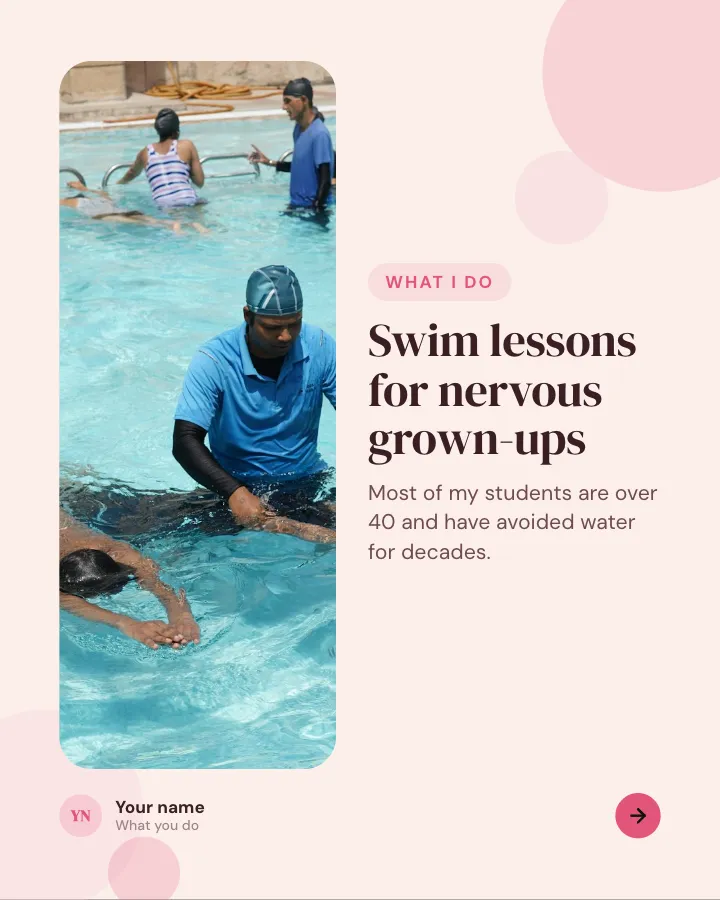

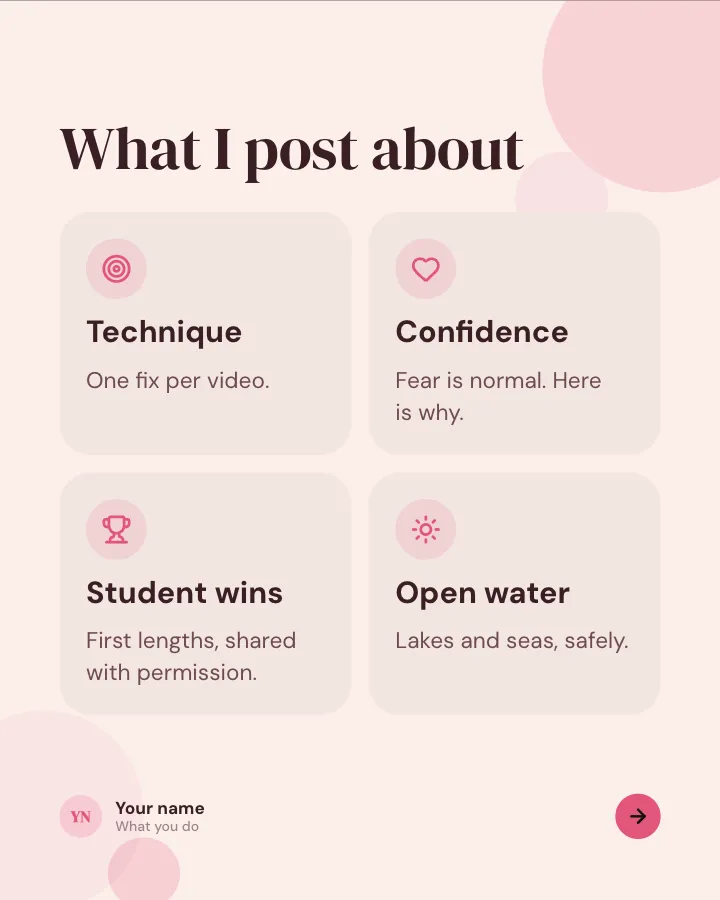
Hello, I’m…
6 slidesIntroduce yourself to new followers: who you are, what you do, what you post about and a few things nobody would guess.
Earn trustSpark replies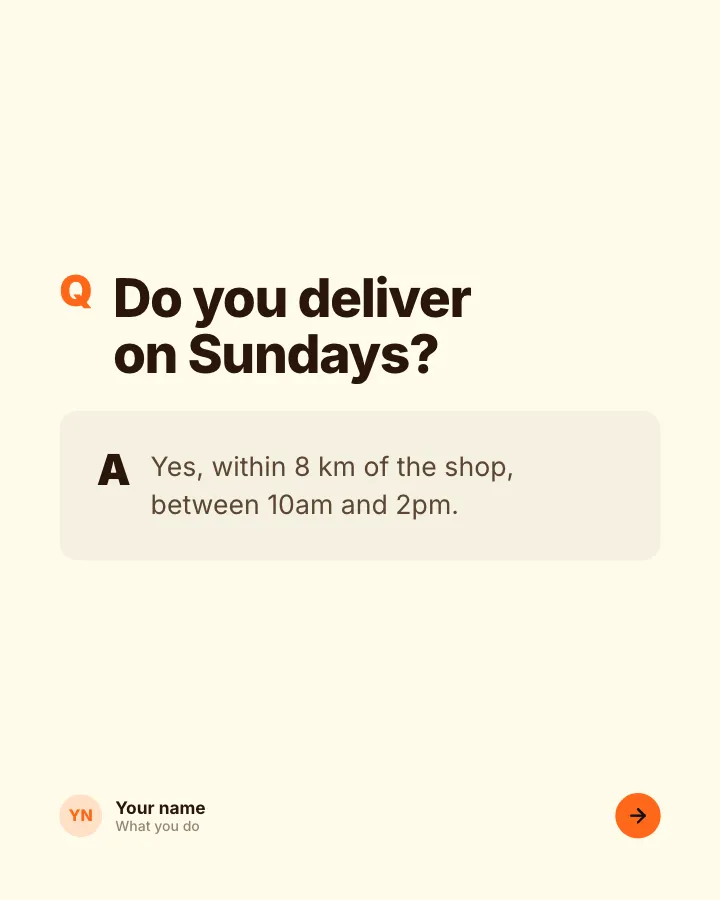
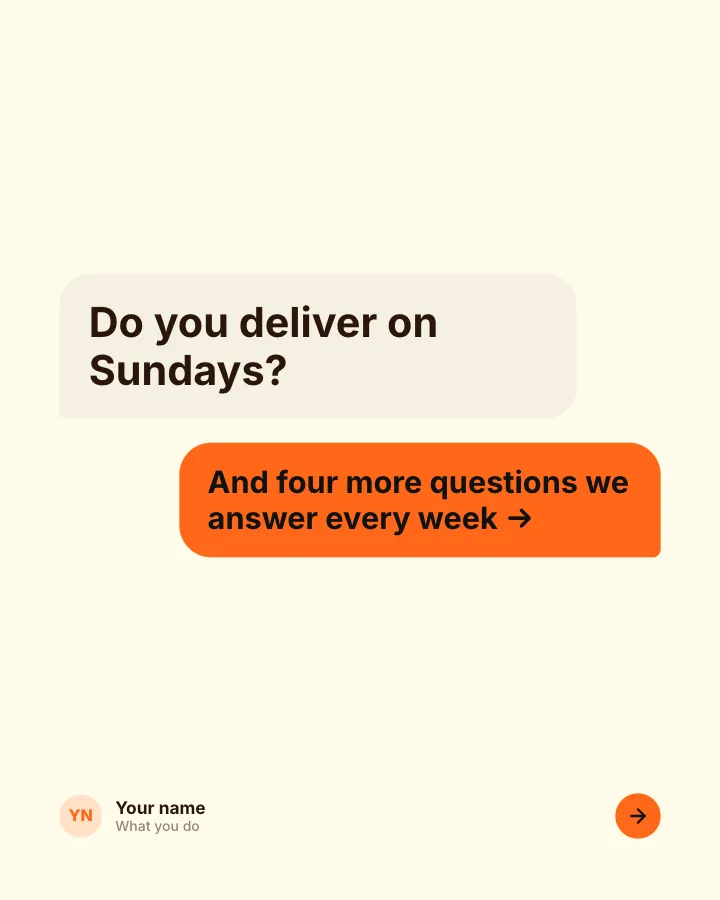
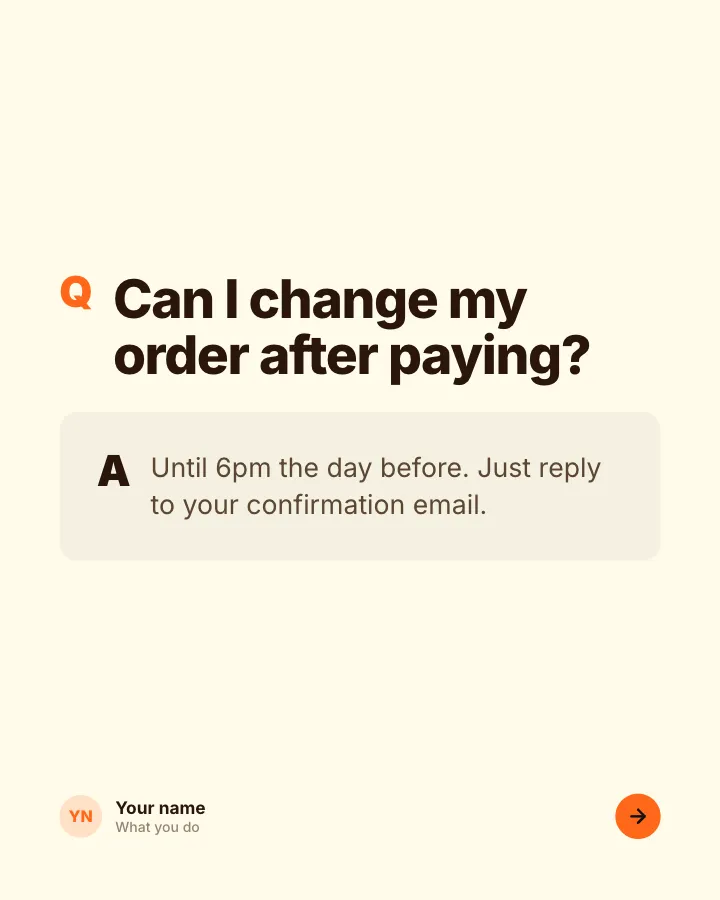
Questions we get asked
7 slidesThe questions customers ask before they buy, each answered plainly, so the next person does not have to ask.
SellExplain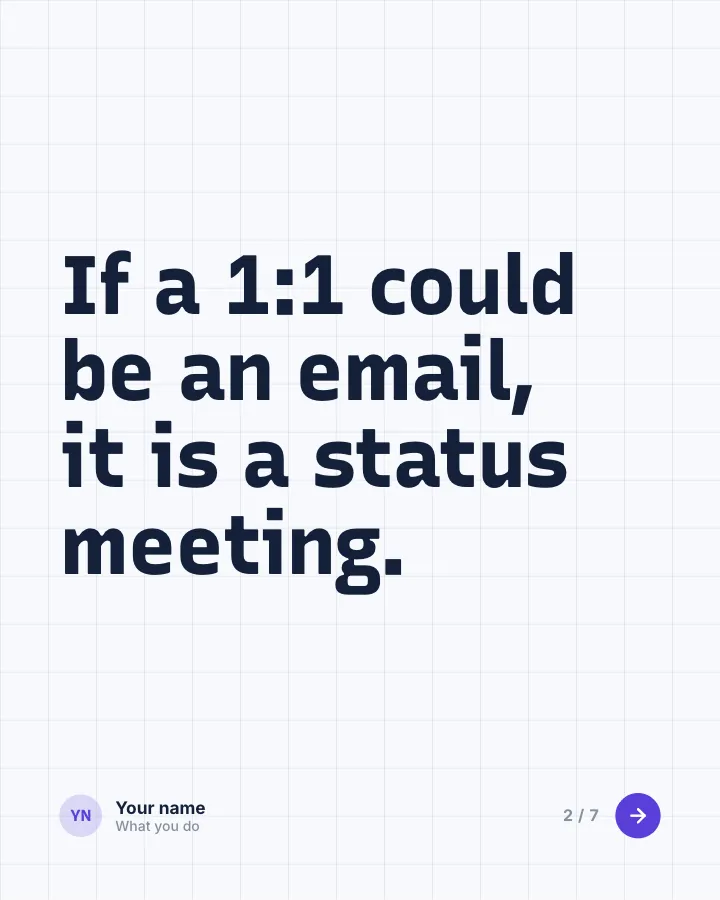
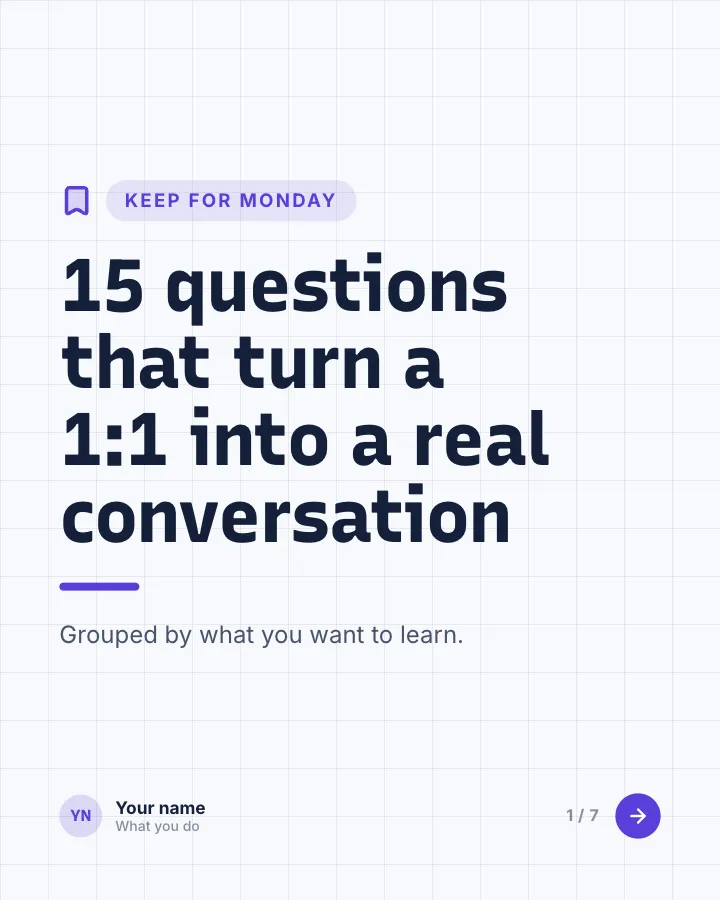
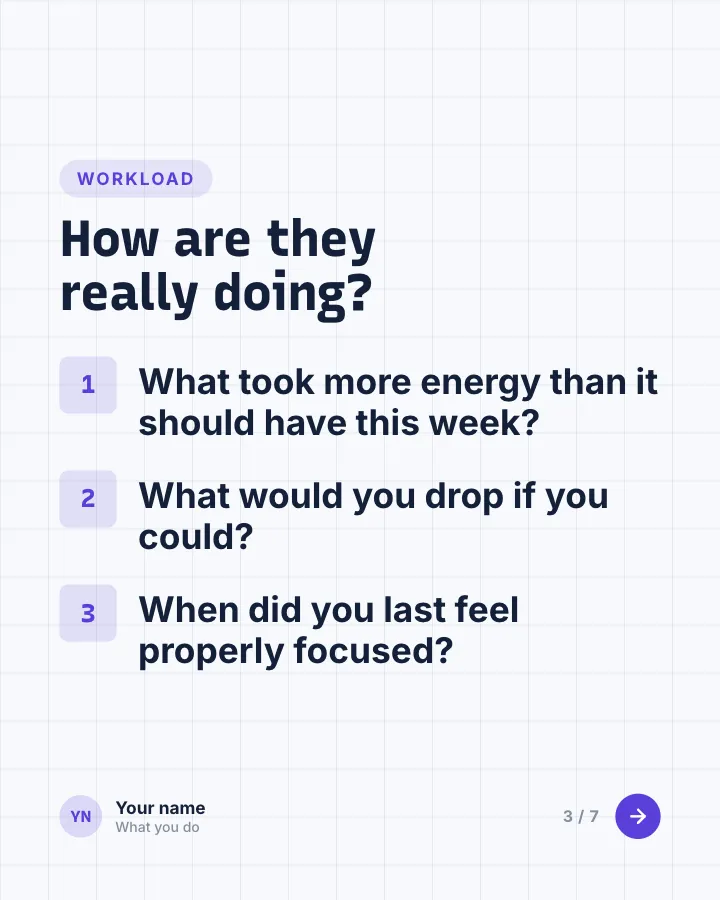
Questions for 1:1s
7 slidesQuestions managers can bring to one-to-ones, grouped by what they help you learn, so the meeting is more than a status update.
Be bookmarkedExplain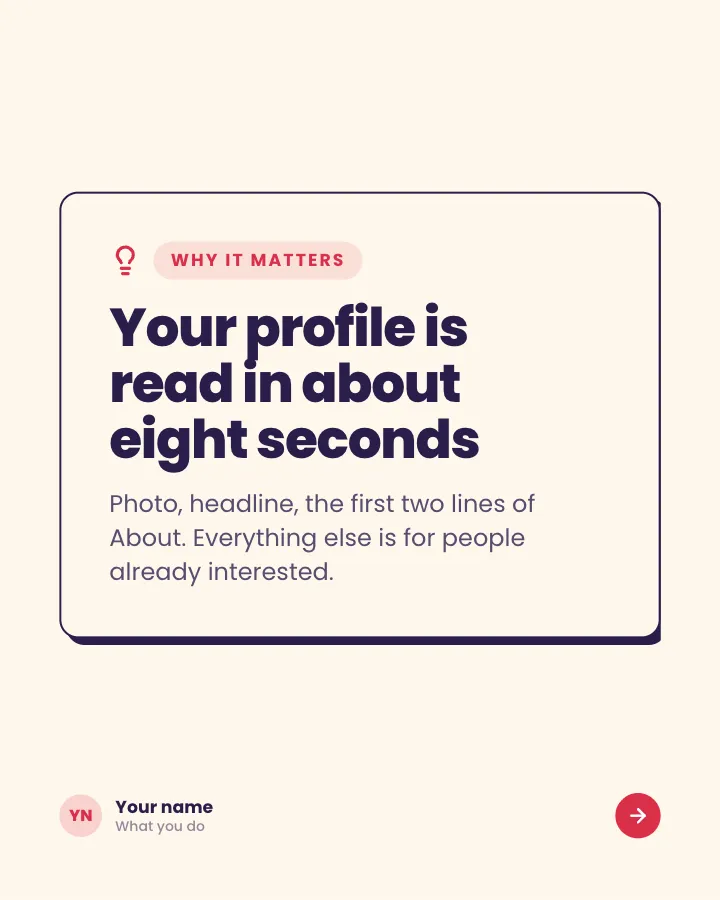
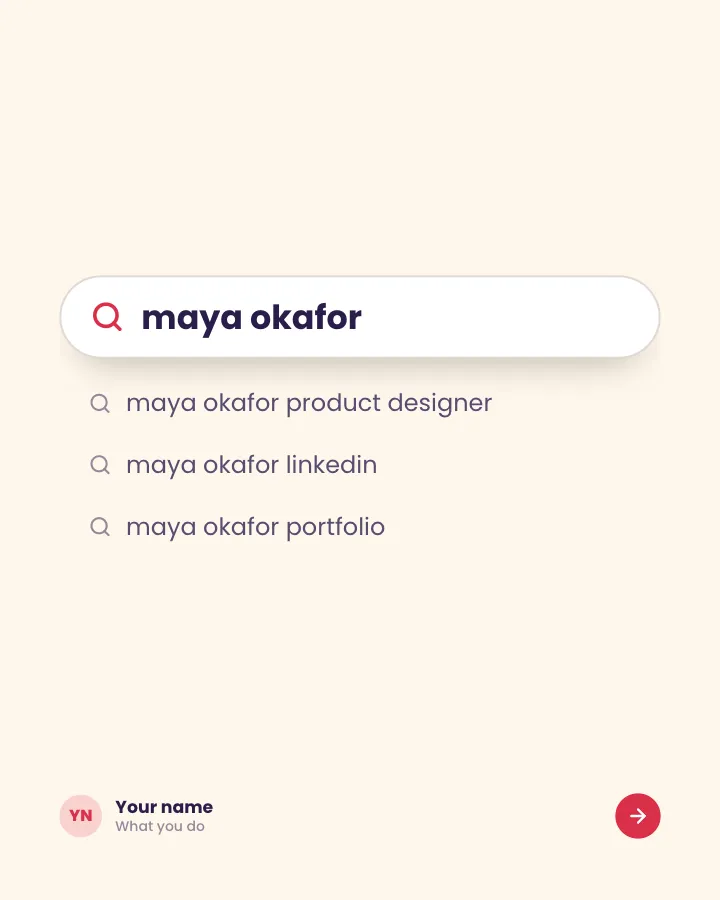

LinkedIn profile audit
7 slidesA section-by-section check of a LinkedIn profile, with the fix for each part and an example of it done well.
ExplainBe bookmarked

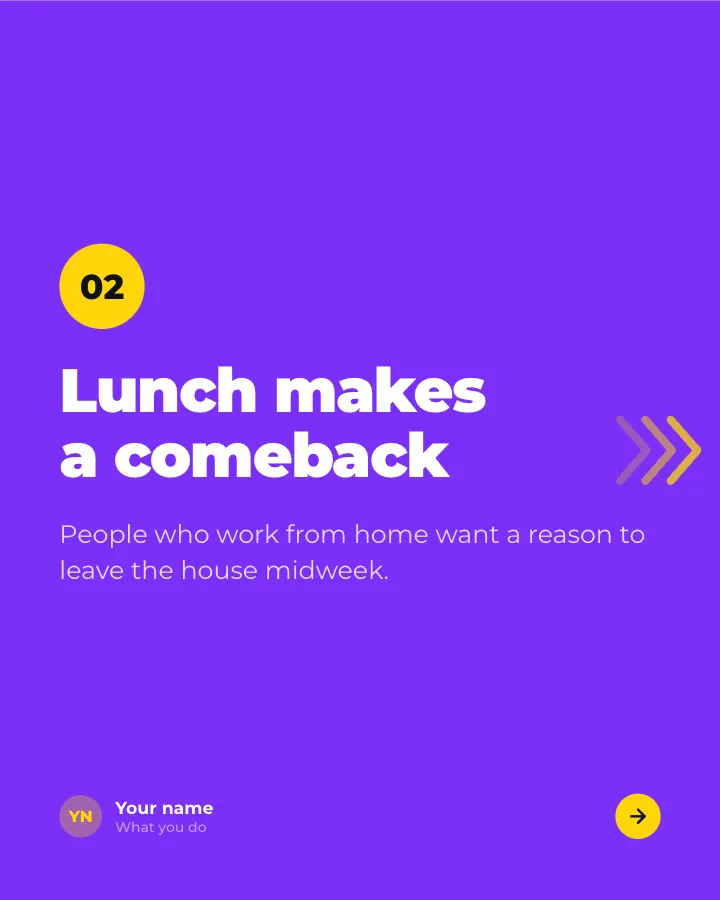
Predictions
7 slidesWhere you think your field is heading next year: each call stated plainly with a reason, so readers can argue back.
Spark repliesAnnounce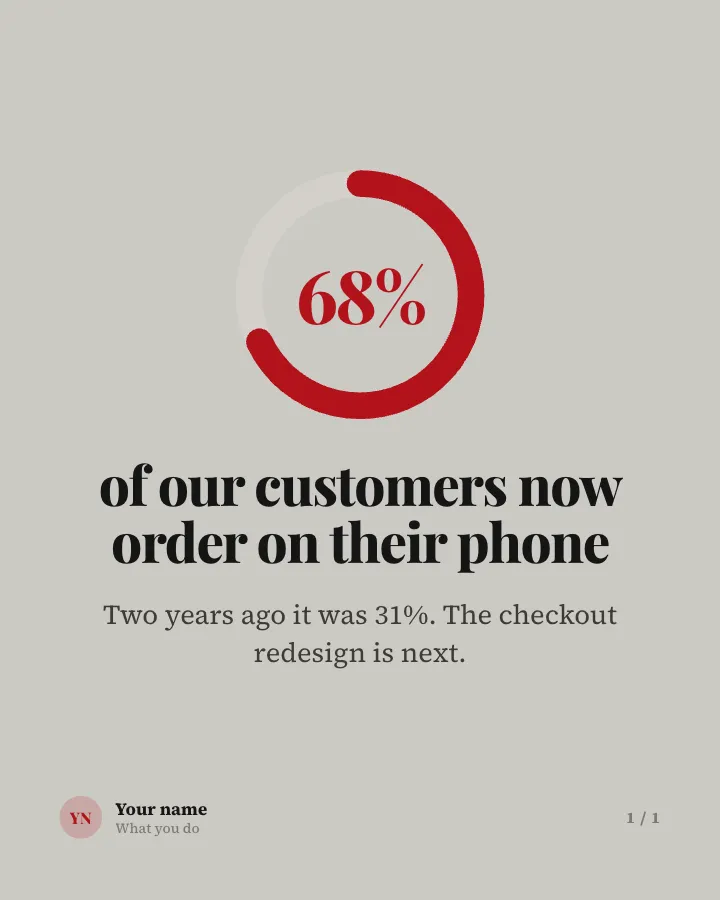
Stat card
Image postOne figure from your business or field, with a line on what it means.
AnnounceEarn trust
How to turn one idea into a week of LinkedIn posts
You do not need 50 ideas a month. One good idea can carry several posts if you change the format and the angle:
- Monday, carousel: the full version, such as your five-step process.
- Wednesday, text post: the story behind one step: when you learned it the hard way.
- Friday, image: the single rule from that process, on one card.
- Next week, poll or question: ask how others handle the step people disagree on.
Each post stands alone, and together they make you the person who knows that topic.
Tips for writing the post itself
- Lead with the payoff. LinkedIn shows only the first few lines before “…see more”. Check where yours cuts off with the free LinkedIn post preview.
- Use short paragraphs. One or two sentences each, with space between them.
- Stay well under the limit. Posts can run to 3,000 characters (LinkedIn Help), but most ideas need far less. See the LinkedIn character limit guide.
- End with a real question. Ask something people can answer from experience, not “Thoughts?”.
- Format sparingly. A bold line or a few bullets help skimmers; the LinkedIn text formatter makes them.
Free tool: LinkedIn hook generator. 64 first lines for your topic, from hook formulas.
Open the toolFrequently asked questions
What should I post on LinkedIn?
Post what you know from your work: processes you follow, mistakes you see, results you got and opinions you hold. Pick one goal per post, such as teaching, telling a story or showing proof, and choose the format that suits it.
What are good LinkedIn post ideas for beginners?
Start with an introduction post, a lesson from a recent project and a short list of mistakes you see in your field. They need no research and come with your own examples.
Which LinkedIn post ideas work best as carousels?
Anything with steps, a list, a comparison or a before and after: processes, checklists, teardowns, case studies and myth checks. One thought or a short story usually works better as a text post.
How often should I post on LinkedIn?
Post as often as you can keep up with good ideas. A steady rhythm you can sustain, such as two or three posts a week, is more useful than a burst followed by silence.
What are good LinkedIn post ideas for a company page?
Product updates, customer questions answered, team spotlights, hiring posts and results from customers (with permission). They show what working with you is like.