
LinkedIn guide
LinkedIn Carousel: How to Make One, Step by Step
Updated · By the Postora team
A LinkedIn carousel is a PDF uploaded as a document post, which LinkedIn shows one page at a time so readers can swipe or click through. To make one, plan 6 to 12 slides around a single idea, design them at 1080 × 1350 px (4:5), export the slides as one PDF, then upload it with Add a document, give it a title and write a short post to go with it.
What is a LinkedIn carousel?
On LinkedIn, “carousel” is the name people use for a document post: you attach a PDF (or a PowerPoint or Word file) to a post, and LinkedIn turns each page into a slide that readers move through in the feed. There is no special carousel button. The swipe comes from the document viewer.
That is different from a multi-photo post. LinkedIn lets you add up to 20 photos to one post, but it lays them out as a collage with the first image given the most room, according to LinkedIn’s photo help page. If you want readers to see your slides in order, one at a time, upload them as a PDF.
Two details matter for planning. LinkedIn accepts one document per post, up to 100 MB and 300 pages, and anyone who can see your post can download the file as a PDF (LinkedIn Help). So treat your carousel as something people may keep and pass around, not just scroll past.
Why make a carousel instead of a text post?
A text post is fine for a single thought. A carousel earns its extra effort when the idea has parts that are easier to take in one at a time:
- Steps and processes. One step per slide keeps a how-to readable on a phone.
- Before and after. A rewrite, a redesign or a result reads better side by side than in paragraphs.
- Reference material. Checklists, frameworks and glossaries are things people save and come back to.
- Stories with a turn. Each slide can end on a small reason to keep going.
- Reuse. The same slides work as an Instagram carousel, a sales deck appendix or a lead magnet.
If your idea fits in three sentences, write a text post. If it needs a picture, a table or a sequence, make a carousel.
How to plan the slides
Most weak carousels are planning problems, not design problems. Before you open any design tool, write the whole thing as a list of slide headlines. If the headlines alone tell the story, the carousel will work.
A structure that fits most topics
- Cover: the promise. What will the reader know or be able to do after the last slide?
- Context (optional): why this matters now, or the mistake most people make.
- Body slides: one point, step or example per slide. This is usually 4 to 8 slides.
- Recap: the three things to remember, for people who skimmed.
- Closing slide: one clear next action, such as a question to answer in the comments, a follow or a link in the post.
How many slides?
LinkedIn allows up to 300 pages, but that is a technical ceiling, not a goal. LinkedIn’s own guidance for document ads recommends staying under 10 pages. For organic posts, 6 to 12 slides is a sensible range: enough room to say something useful, short enough that people reach the end. Cut any slide that repeats the one before it.
How to write a LinkedIn carousel hook
In the feed, people see your post text and the first slide. The cover decides whether anyone swipes. A good cover is specific about the payoff and short enough to read in a second.
- Promise a result: “Rewrite your LinkedIn headline in 10 minutes.”
- Name the mistake: “5 résumé lines recruiters skip, and what to write instead.”
- Use a number that sets expectations: “7 questions to ask in your next 1:1.”
- Take a position: “Weekly status meetings are a habit, not a need.”
- Start a story: “We lost our biggest client in March. Here is what we changed.”
Keep the cover to a headline of roughly 4 to 10 words, plus one supporting line at most. Write your post text so it adds to the cover rather than repeating it: the first line of the post and the cover headline should work as a pair. If you are stuck, the free LinkedIn hook generator gives you dozens of first lines from proven patterns for any topic.
LinkedIn carousel design rules
Most people will read your carousel on a phone, at arm’s length, while scrolling. Design for that.
- Use a portrait size. 1080 × 1350 px (4:5) takes up the most screen space on mobile. Square (1080 × 1080) and wide (1920 × 1080) also work. All the numbers are in our LinkedIn carousel size guide.
- Keep every page the same size. LinkedIn asks for pages of one size; mixing sizes makes the viewer jump.
- One idea per slide. If a slide needs two headlines, it is two slides.
- Big type. On a 1080 px wide slide, keep headlines around 64 px or larger and body text no smaller than about 32 px. If you need smaller text, you have too many words.
- Strong contrast. Dark text on a light background, or the reverse. Avoid text over busy photos.
- Generous margins. Leave at least 60 to 80 px of empty space around the edges so nothing feels cramped.
- A repeated frame. Keep your name or logo, the slide number and the colors in the same place on every slide so the set feels like one piece.
- A visual cue to swipe. An arrow, “Swipe →” or a cut-off element on the cover tells new readers there is more.
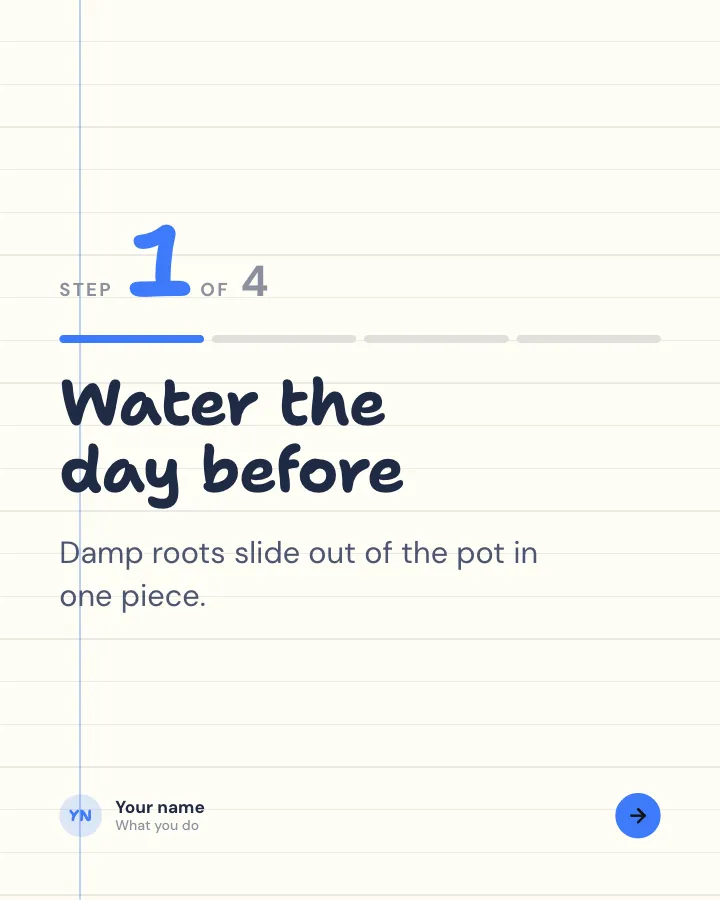
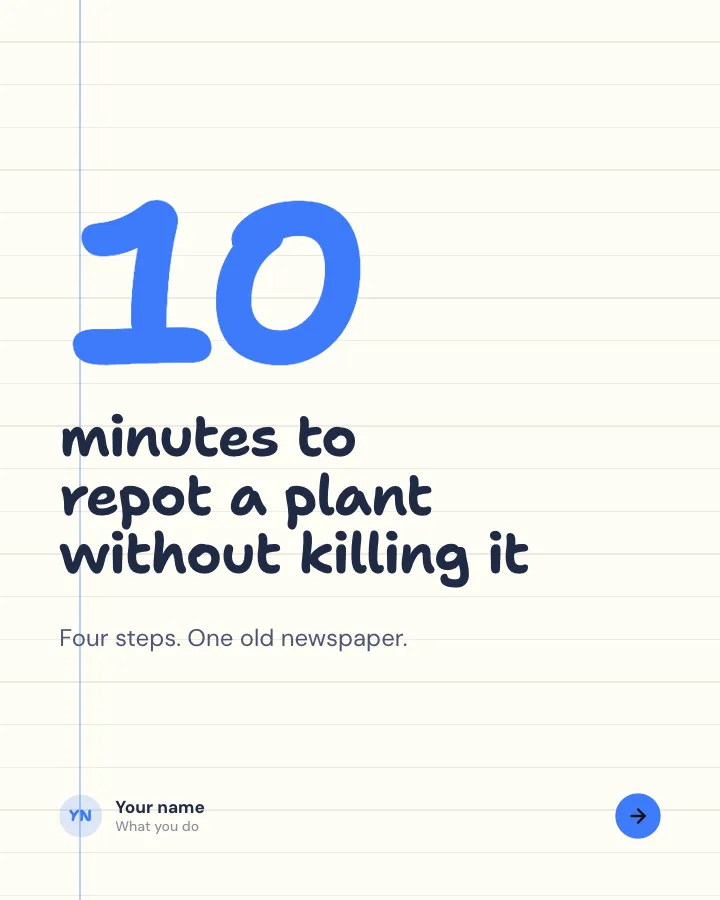
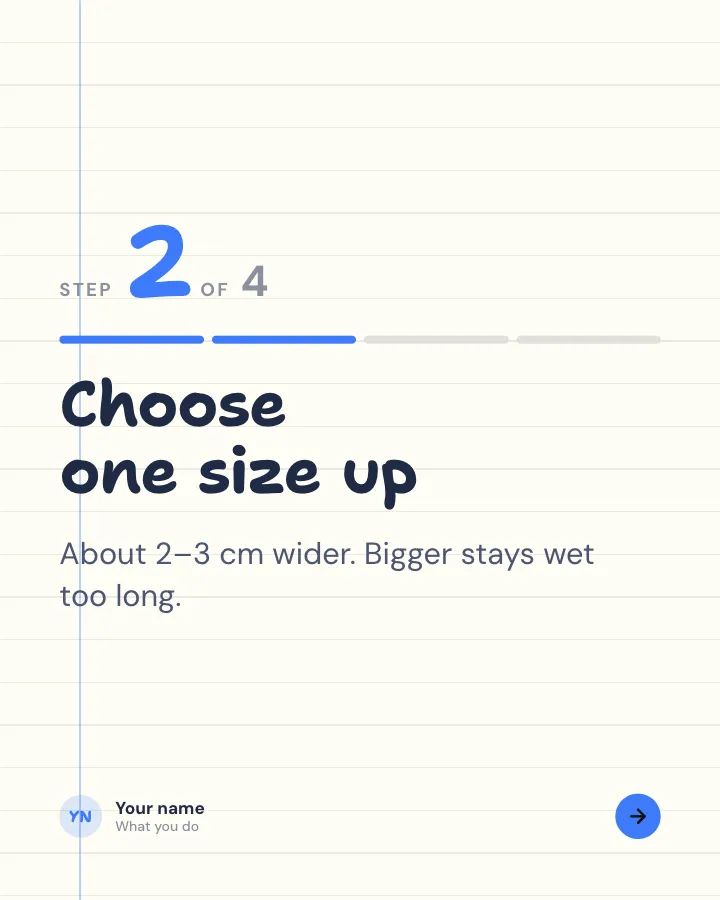
Walkthrough
6 slidesA task broken into clear steps, one per slide, ending with the hint that makes it work.
ExplainBe bookmarked
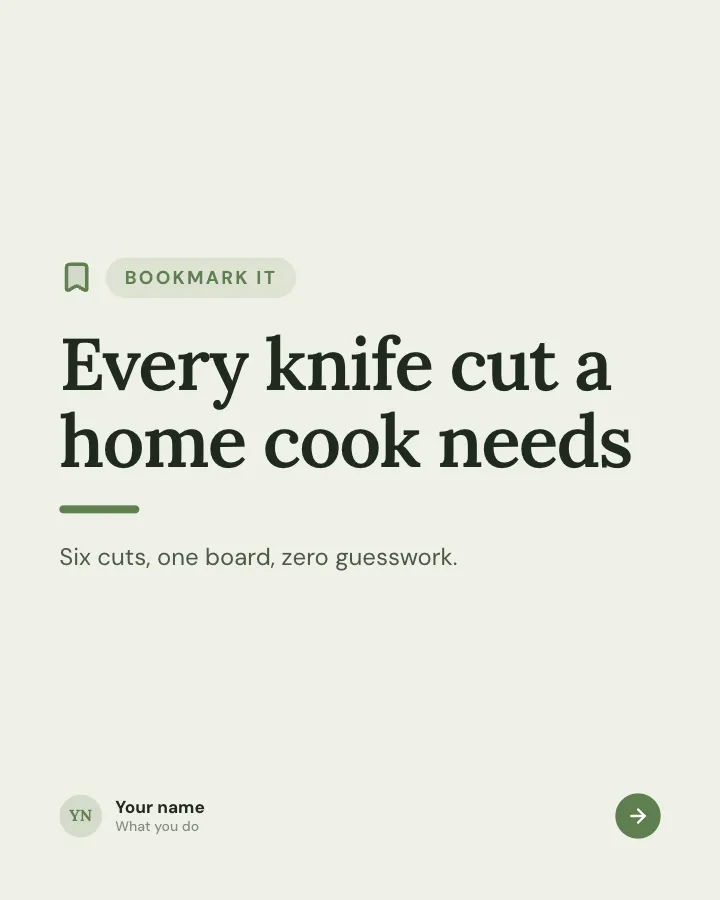
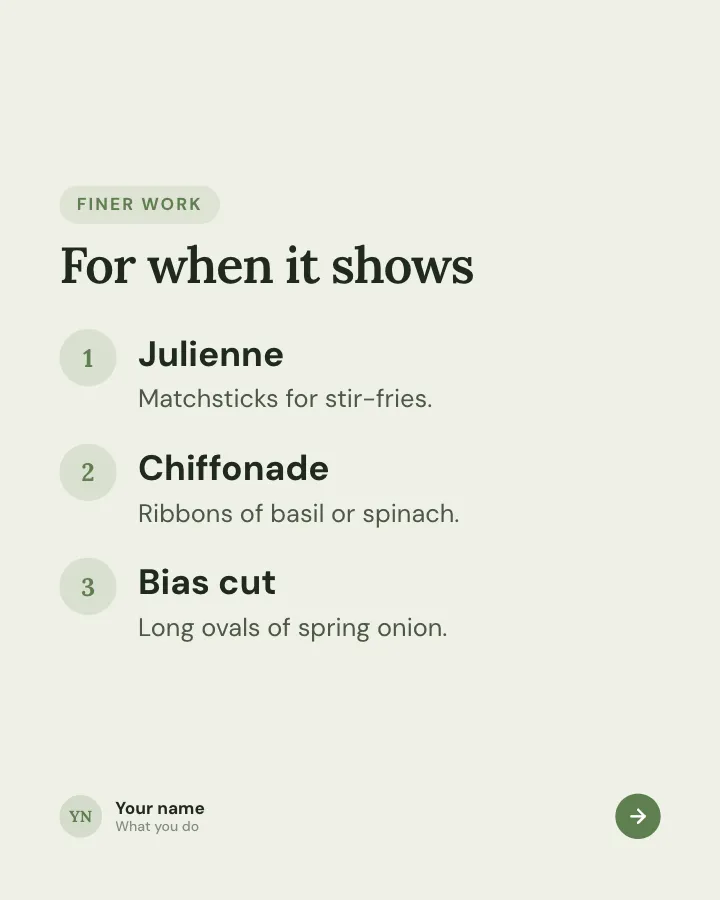
Keep-this guide
5 slidesA reference people will come back to: the essentials of one topic on a few dense slides.
Be bookmarkedExplain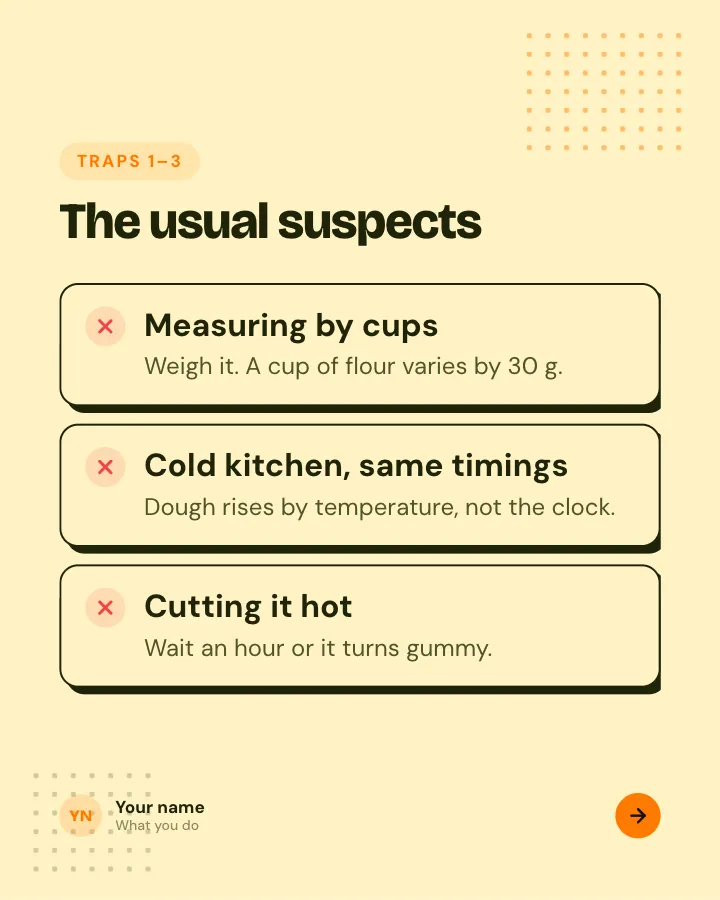
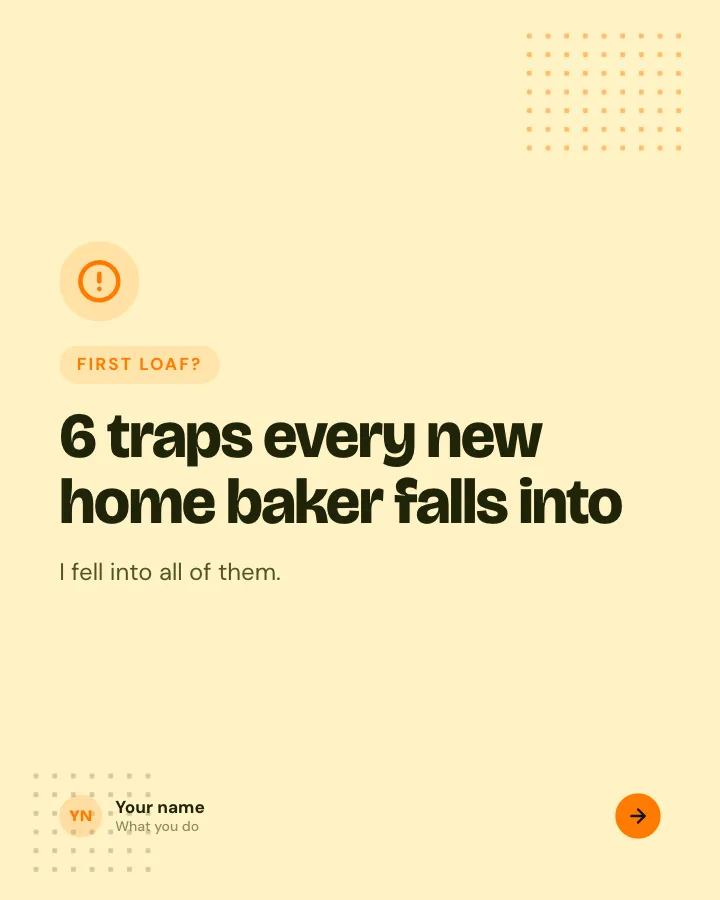
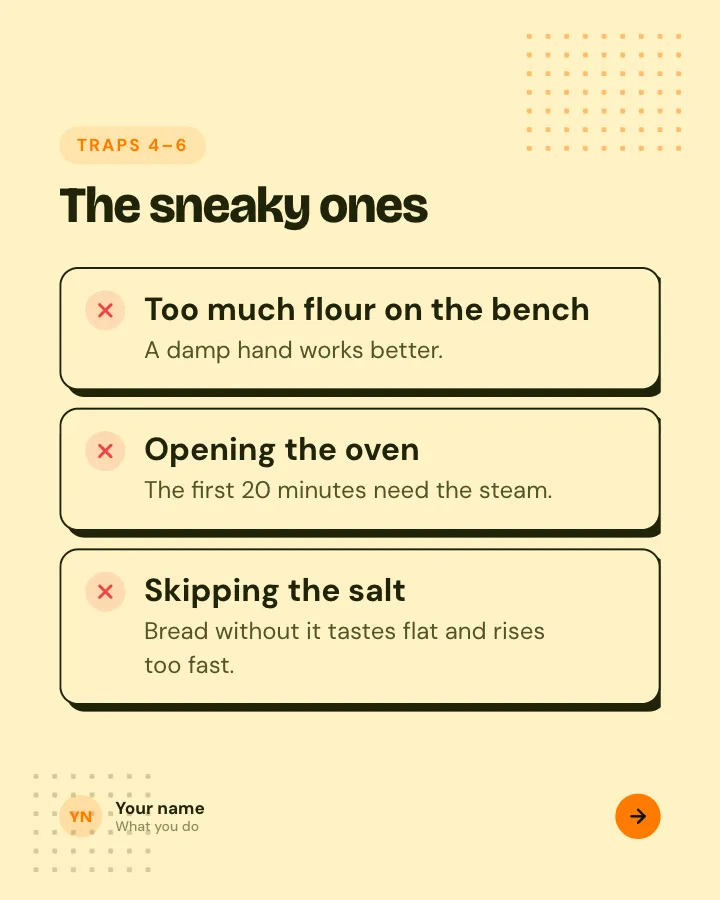
Beginner traps
5 slidesThe traps people fall into when they start, each with the simple fix.
ExplainBe bookmarked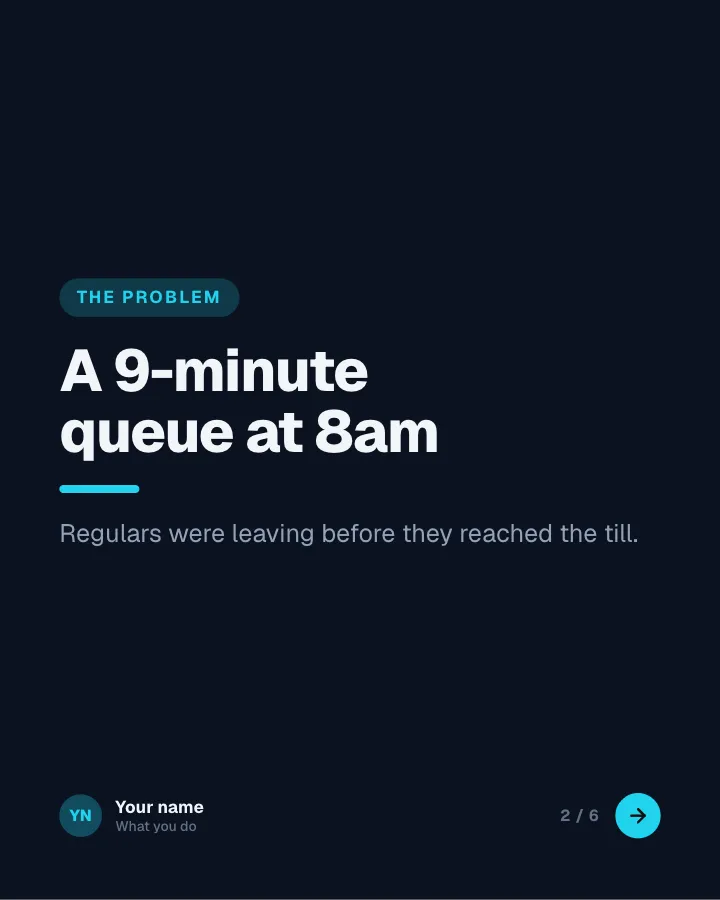
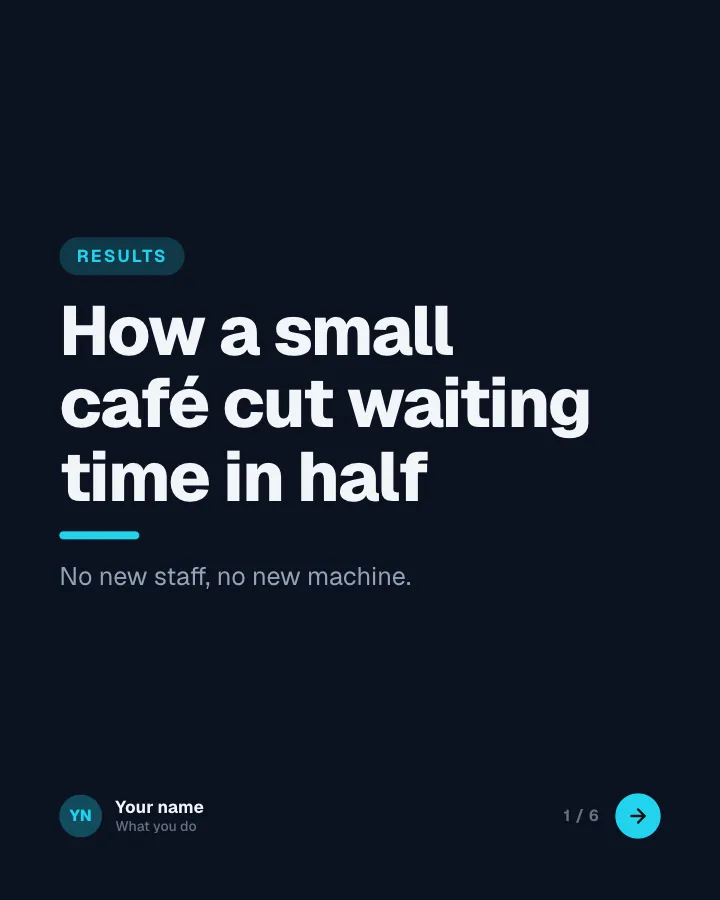
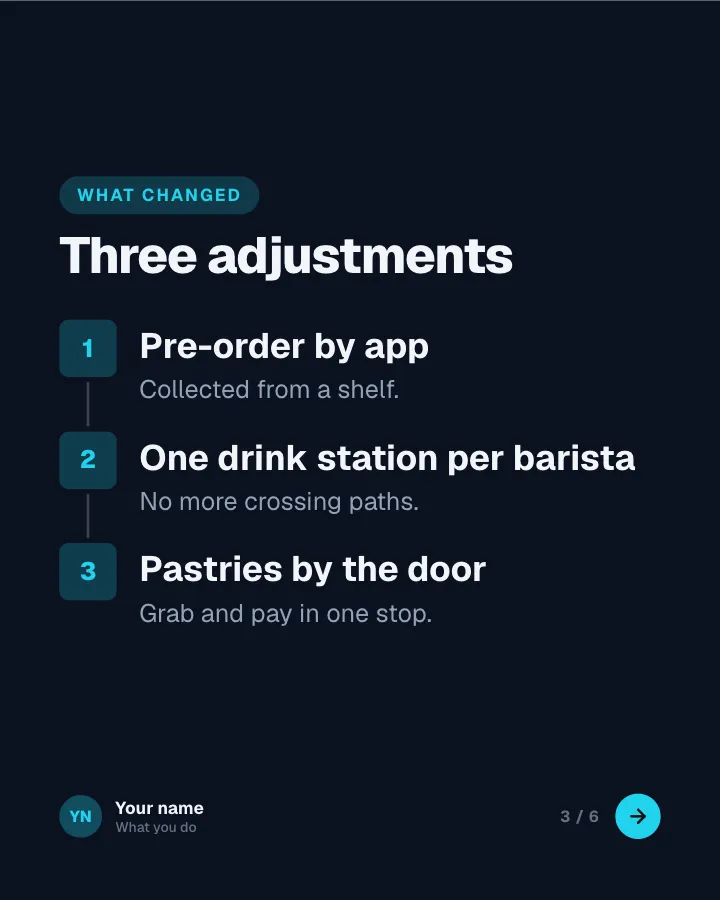
Results breakdown
6 slidesA project told as problem, approach and outcome, with the numbers that prove it.
Earn trustSell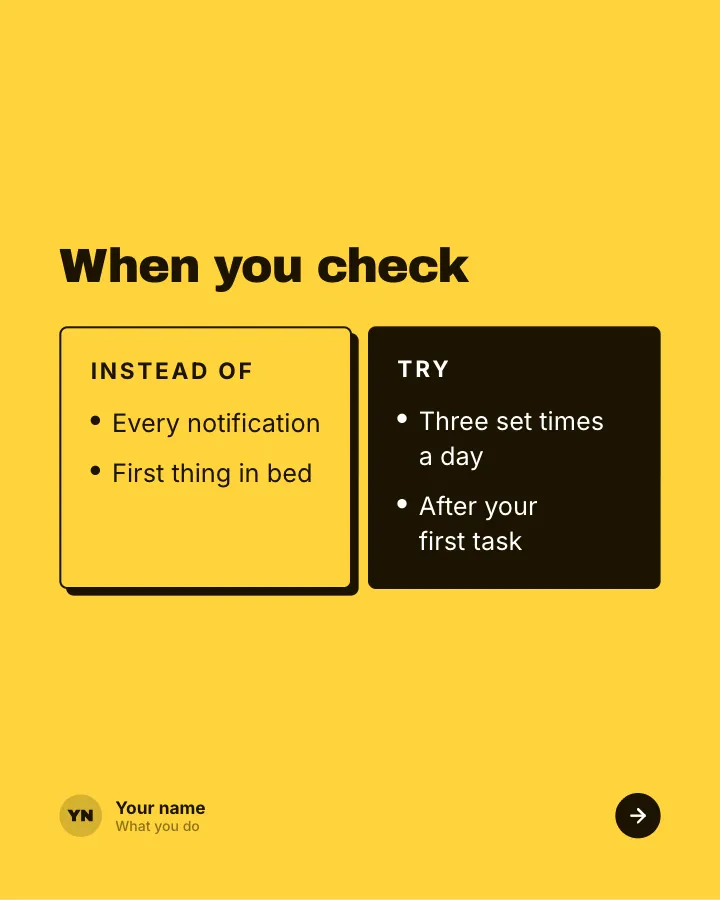
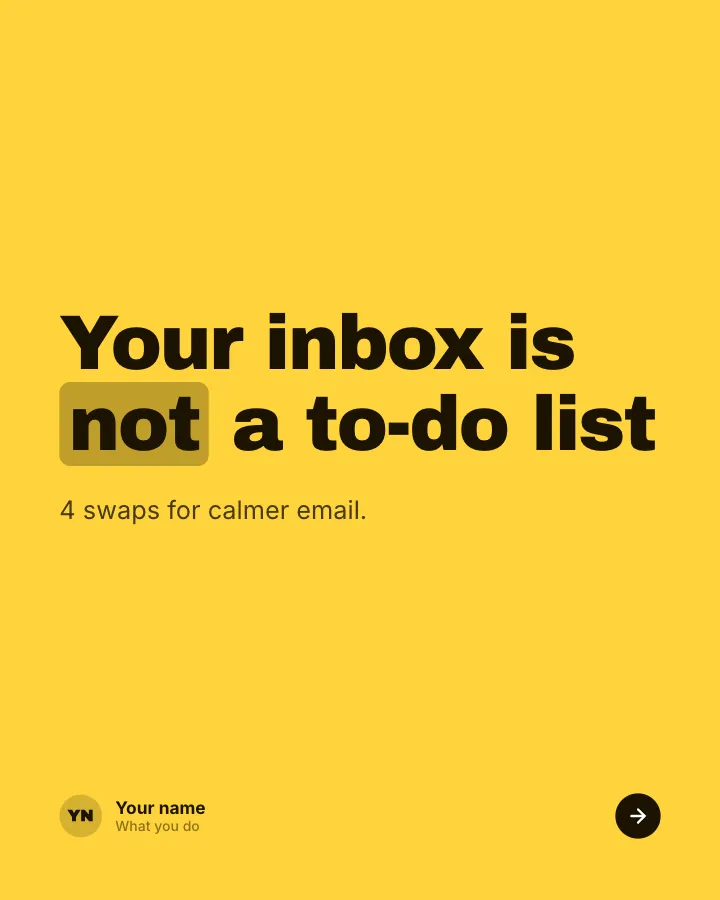
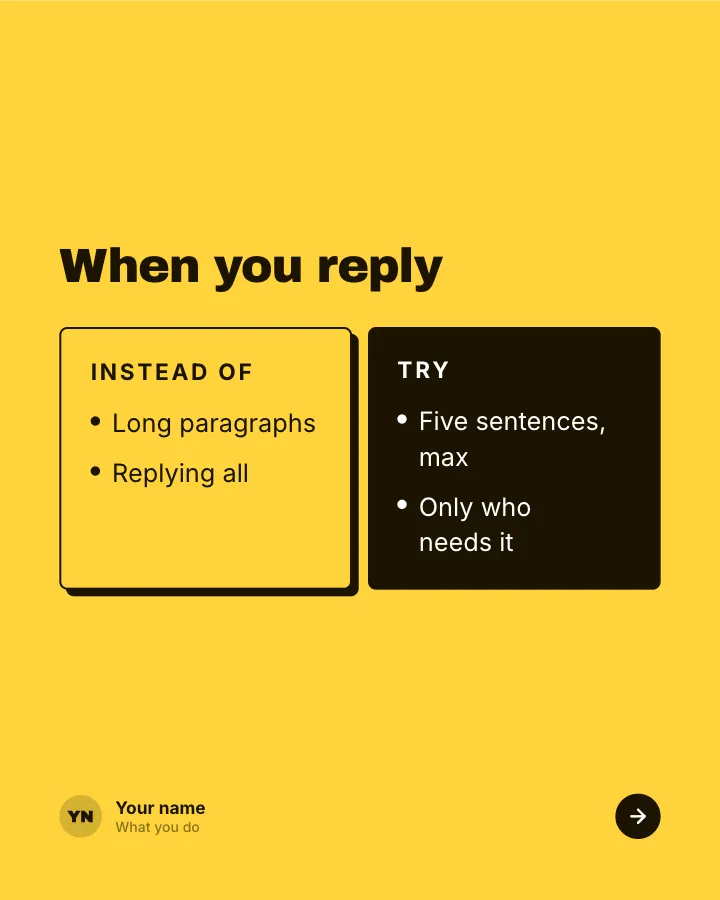
Better swaps
5 slidesSmall habits to replace, each shown next to the version that works better.
ExplainBe bookmarked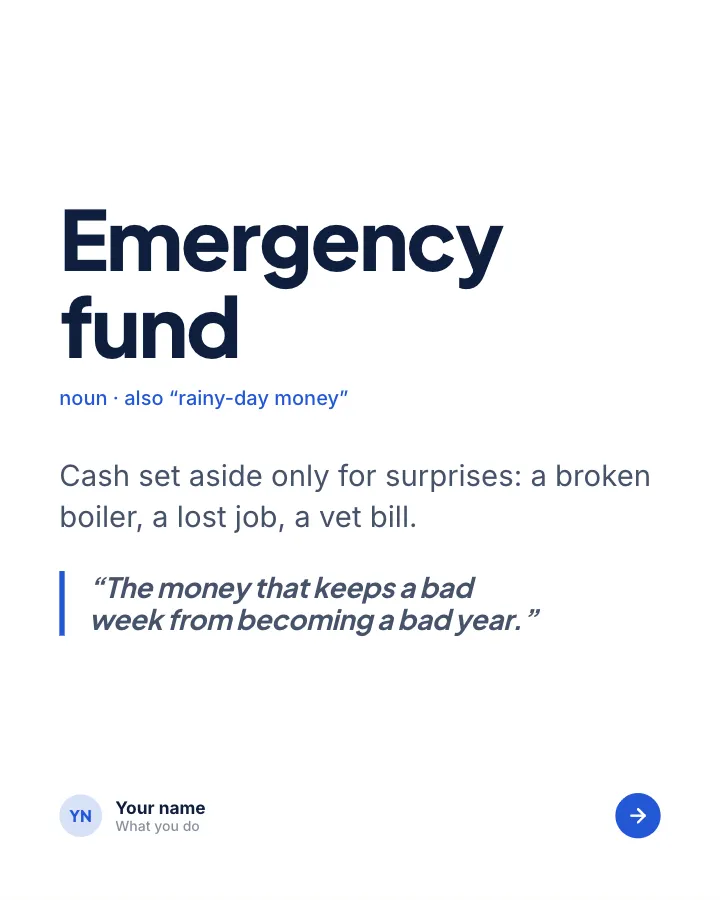

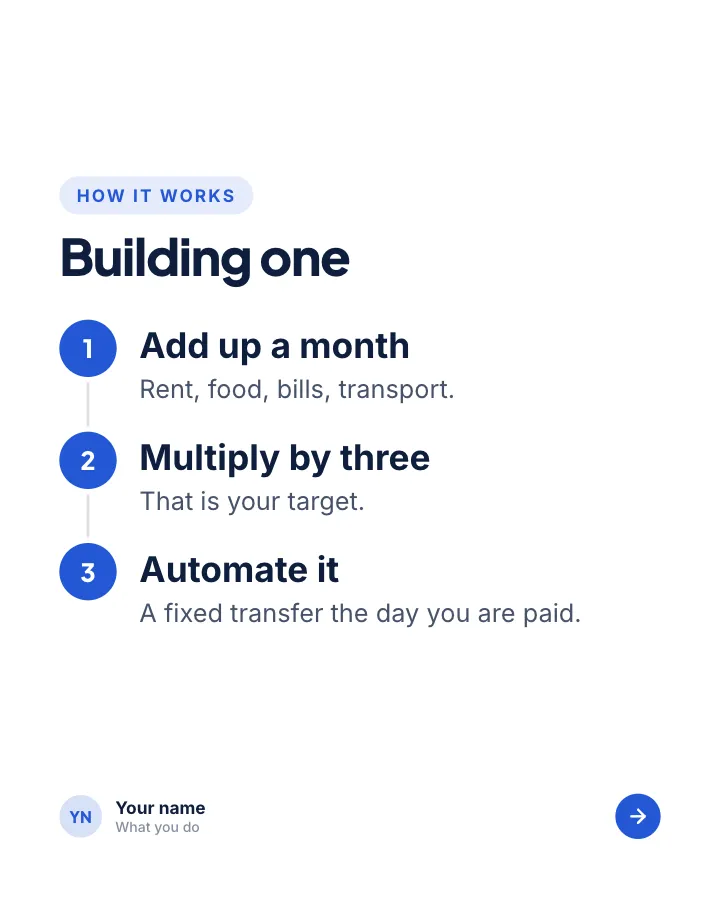
Explain it simply
7 slidesOne concept, unpacked for a beginner: the idea, how it works, a worked example and the rules to keep.
ExplainBe bookmarked
Every template above has a slide plan built in, so you start from a structure rather than a blank canvas. Browse all of them on the LinkedIn carousel templates page.
How to make a LinkedIn carousel with Postora
Postora is an AI carousel maker built for this format. It plans the slides, writes them and lays them out, and you edit whatever you want to change.
- Open the Postora studio and choose LinkedIn. You can start without an account; your first project is saved in your browser.
- Give it a topic, paste a link to an article, or drop in your notes.
- Pick a template, or let Postora suggest one. LinkedIn projects default to 4:5, and you can switch to 1:1 or 16:9.
- Review the plan and the text slide by slide. Rewrite anything that does not sound like you, and add your own numbers and examples.
- Apply your brand kit (colors, fonts, logo) so every carousel looks like yours.
- Export a PDF, ready to upload to LinkedIn. PNG images are available too.
A free account includes 3 AI carousels and 5 downloads a month (with a small “Made with Postora” mark), up to 8 slides per carousel and one brand kit. VIP removes the mark and the limits, raises the cap to 30 slides, unlocks every template and adds MP4 video export.
Skip the blank page. Give Postora a topic or a link and it plans, writes and designs the carousel for you. Start without an account.
Make a carouselHow to export a LinkedIn carousel as a PDF
Whatever tool you design in, the file you upload should be a single PDF with one slide per page.
- Postora: export as PDF directly.
- Canva, Figma or similar: download or export as PDF; check that every page is the same size.
- PowerPoint, Keynote or Google Slides: set the slide size to your carousel size first, then save or download as PDF.
- Only have images? Combine them in order with the free images to LinkedIn carousel PDF tool. It runs in your browser, so nothing is uploaded.
LinkedIn’s own upload advice is worth following: convert to PDF where you can, flatten or merge PDFs that have several layers, and expect videos and animations to show as still images (LinkedIn Help). Links inside the PDF should use https.
How to post your carousel on LinkedIn
On desktop, click Start a post, open More, choose Add a document, upload your PDF, give it a title, then write your post and publish. On the mobile app the path is Post, then More, then Document.
The title is required and shows with the document, so write it like a headline rather than a file name. LinkedIn also lets you schedule the post with the clock icon. For every step, the mobile version and fixes for failed uploads, read how to post a carousel on LinkedIn.
Common LinkedIn carousel mistakes
- Too much text per slide. If you cannot read a slide in about five seconds on a phone, split it or cut it.
- A vague cover. “Some thoughts on leadership” gives nobody a reason to swipe. Say what they get.
- No ending. The last slide is where people decide to comment, follow or save. Give them one thing to do.
- Repeating the post in the slides. The post text should frame the carousel, not duplicate it.
- Mixed page sizes or tiny landscape slides. Pick one portrait size and keep every page on it.
- A file name as the title. “Final_v3.pdf” looks careless. The title is part of the post.
- Posting and leaving. Replies in the first hours keep the conversation going; plan to be around after you publish.
Frequently asked questions
Can you still post a carousel on LinkedIn?
Yes. Upload a PDF as a document post and LinkedIn shows each page as a slide readers can swipe or click through. That is what people mean by a LinkedIn carousel today.
What size should a LinkedIn carousel be?
1080 × 1350 px (4:5 portrait) is the most common choice because it fills the most screen on a phone. Square 1080 × 1080 and wide 1920 × 1080 also work. Keep every page the same size.
How many slides should a LinkedIn carousel have?
LinkedIn accepts up to 300 pages, but 6 to 12 slides is a practical range for most topics. LinkedIn’s guidance for document ads suggests under 10 pages.
Can I upload images instead of a PDF?
You can post up to 20 photos, but LinkedIn shows them as a collage, not as slides in order. To get the swipeable carousel, combine the images into one PDF first, for example with Postora’s free images to PDF tool.
Can people download my LinkedIn carousel?
Yes. LinkedIn says anyone who can view a document post can download it as a PDF, so do not include anything you would not want shared.
Is there a free LinkedIn carousel maker?
Postora’s free account makes 3 AI carousels and 5 downloads a month, with up to 8 slides and a small “Made with Postora” mark. You can try it without an account.