
Carousels guide
Carousel post: what it is and how it works on every platform
Updated · By the Postora team
A carousel post is a single social media post that holds several images, videos or pages that people swipe through one by one. Instagram calls it a carousel, LinkedIn shows it as a document or multi-image post, TikTok calls it a photo post, and X lets you attach up to four images. One caption and one set of likes and comments cover all the slides.
What is a carousel post?
Think of a carousel as a short slide deck that lives inside a feed. The first slide shows up like any other image. A row of dots, an arrow or a page counter tells people there is more, and they swipe sideways to keep going.
Because everything sits in one post, a carousel lets you go deeper than a single image without asking anyone to leave the app. You can walk through a process, compare options, tell a story in order, or show twenty photos from one trip in one place.
The format has a few parts that are the same on every platform:
- A cover slide. It does the job of a headline. If it does not earn the first swipe, nothing else gets seen.
- Body slides. One idea, step or photo per slide works best, so each swipe pays off.
- A last slide. Usually a summary, a question, or a clear next step such as save, follow or visit.
- One caption. It frames the whole carousel and carries your keywords and hashtags.
People use the word for two quite different things: designed carousels (text-led slides, like a mini guide or a list) and photo carousels (a set of pictures, sometimes laid out so they flow across slides). Both use the same post type; they just need different tools.
Carousel posts on Instagram, LinkedIn, TikTok and X compared
Each platform builds the format differently, and the limits are not the same. Here is the short version, checked in November 2026.
| Platform | What it is called | How many slides | Best shape | Upload as |
|---|---|---|---|---|
| Carousel | Up to 20 photos or videos | 4:5 or 3:4 portrait | Images or videos | |
| Document post (the usual “LinkedIn carousel”) | Up to 300 pages | 1:1 or 4:5 | PDF, PPT(X) or DOC(X), up to 100 MB | |
| TikTok | Photo post / photo mode | Up to 35 photos | 9:16 vertical | Images, with a sound |
| X | Multi-image post | Up to 4 images | 16:9, 1:1 or 4:5 | Images |
Instagram raised the carousel limit to 20 photos or videos per post in August 2024 (Social Media Today). You can mix photos and videos, and every slide in one carousel shares the same shape. Instagram is also where seamless or panorama carousels are popular, because slides sit edge to edge as you swipe.
More detail: Instagram carousel size and how to make a carousel on Instagram.
What most people call a LinkedIn carousel is a document post: you upload a PDF (or a PowerPoint or Word file) and LinkedIn shows each page as a swipeable slide. LinkedIn’s help page sets the cap at 100 MB and 300 pages and lists PPT, PPTX, DOC, DOCX and PDF as supported files (LinkedIn Help). You also give the document a title, which shows above the slides.
More detail: how to make a LinkedIn carousel, LinkedIn carousel size and how to post a carousel on LinkedIn.
TikTok
TikTok’s version is the photo post, often called photo mode or a TikTok carousel. You pick up to 35 photos, add a sound, and viewers swipe through them inside the For You feed. Full-screen vertical images (9:16) fit best. See the TikTok carousel guide.
X
X has no swipe-through carousel for regular posts. You can attach up to four images, which show as a grid that people tap to open. A four-image post works well for a short before-and-after or a three-step tip with a cover, but anything longer is better as a thread or on another platform.
Why carousel posts work
Carousels are not magic, but they fit how people use feeds in a few useful ways.
- They hold attention longer. Every swipe is a small decision to keep going, and people tend to finish a list they have started.
- They get saved. A checklist, a how-to or a cheat sheet is the kind of thing people bookmark to come back to.
- They can get a second look. Instagram’s head has been quoted as saying a carousel someone scrolled past can come back showing a later slide (RouteNote). Treat it as a bonus, not a plan.
- They handle depth. You can explain something properly in eight slides that would never fit on one image.
- They are easy to reuse. The same slides can go to Instagram, LinkedIn and TikTok with a change of shape.
When to use a carousel post (and when not to)
Use a carousel when the content has more than one part and the order matters. Good fits:
- Step-by-step tutorials, recipes and setups
- Lists: tools, tips, mistakes, books, places
- Comparisons: this vs that, before and after, myth vs fact
- Stories told in order: a launch, a trip, a project from start to finish
- Product showcases: one product per slide, or one feature per slide
- Photo sets: a photo dump, an event, a wedding, a home tour
- Explainers: a concept, a framework, a short history
Skip the carousel when one image says it all (an announcement, a quote, an event date), when the idea depends on motion or sound (that is a video), or when you would only have two weak slides. A carousel with filler slides performs worse than a strong single image.
Stuck on topics? Try the Instagram carousel ideas, LinkedIn carousel examples or LinkedIn post ideas guides.
How to make a carousel post
The steps are the same whatever tool you use.
- Pick one promise. Write the cover line first: what will someone get by swiping? “5 mistakes that make bread dense” is a promise; “Bread tips” is not.
- Outline the slides. One point per slide. Most carousels land between 5 and 10 slides; go longer only when every slide earns its place.
- Choose the shape for the platform. 4:5 for Instagram, 1:1 or 4:5 for LinkedIn, 9:16 for TikTok. Keep every slide the same size.
- Design for a phone. Big type, high contrast, generous margins, and the same layout on every slide so people can follow along.
- Write the caption. Lead with the hook, add context, end with a question or a call to save or share.
- Export in the right format. Images (PNG or JPG) for Instagram, TikTok and X; a PDF for a LinkedIn document post.
- Post and reply. Answer early comments; they often turn into ideas for the next carousel.
You can design slides by hand in any design app, start from a carousel template, or use a carousel maker that writes and lays out the slides for you.
Skip the blank page. Give Postora a topic or a link and it plans, writes and designs the carousel for you. Start without an account.
Make a carouselCarousel maker options: templates, AI and photo apps
There are three common ways to build a carousel, and they suit different jobs.
| Approach | Good for | Watch out for |
|---|---|---|
| General design app | Full control over every pixel | Slow; easy to end up with mismatched slides |
| Carousel templates | A consistent look in minutes | You still write and fit all the text |
| AI carousel generator | Turning a topic, link or notes into a full draft | Always read and edit the draft before posting |
| Photo carousel app | Laying your own photos across slides | Built for photos, not text-heavy slides |
Postora covers the designed side. Give the studio a topic, a link or your notes and it plans, writes and designs the carousel for LinkedIn, Instagram, TikTok or X. You get PDF or PNG exports (MP4 video on VIP), and you can pick the shape per platform: 4:5, 3:4, 1:1 or 9:16 for Instagram; 9:16, 4:5 or 1:1 for TikTok; and 16:9, 1:1 or 4:5 for X, up to four images. There are 156 templates to start from, and you can try it without an account. See pricing for the free and VIP limits.
Walkthrough
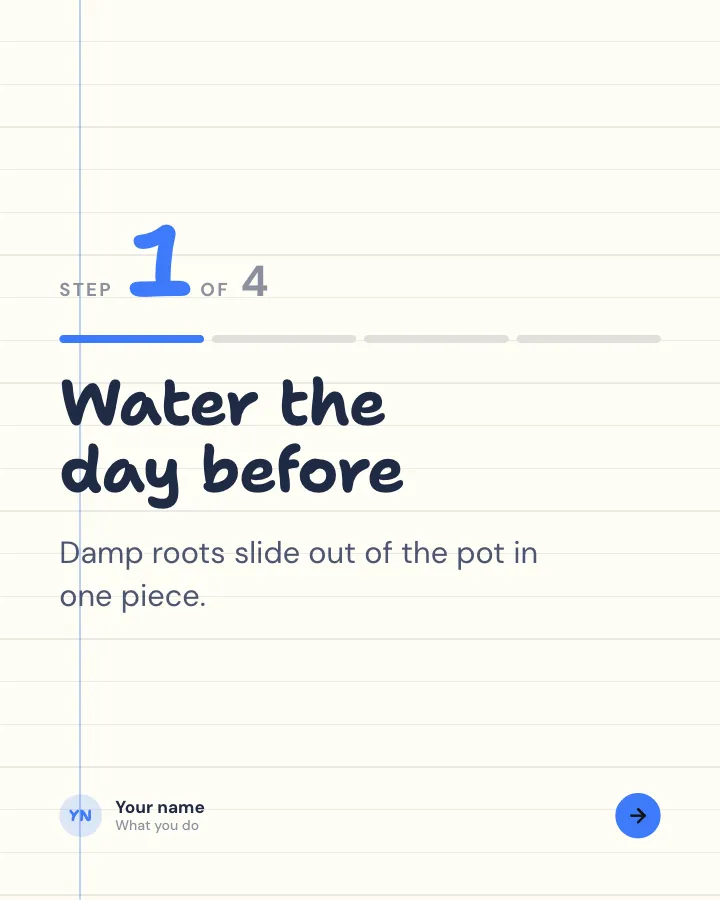
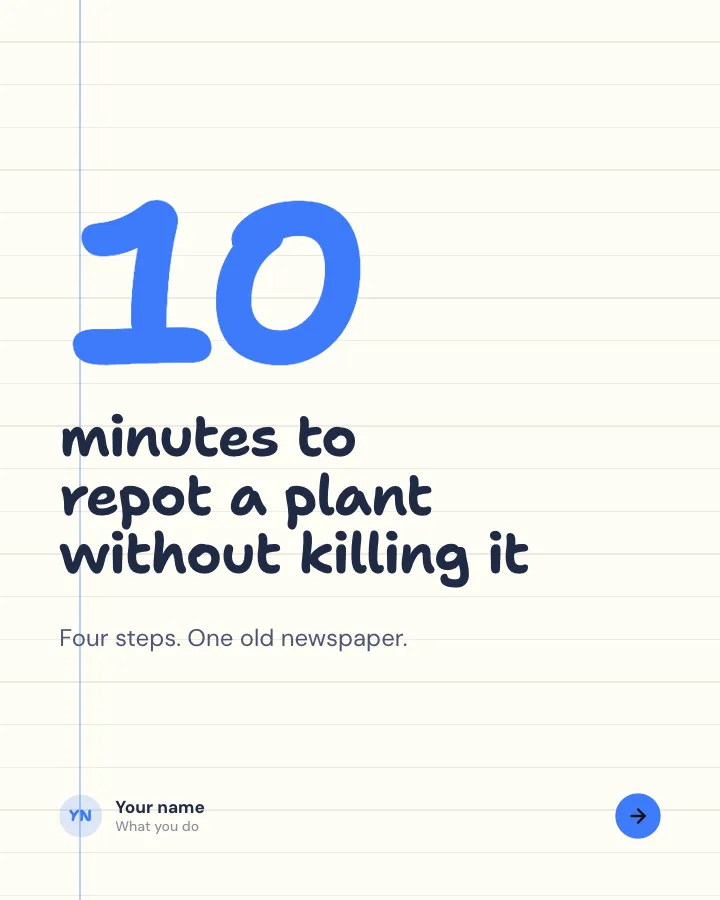
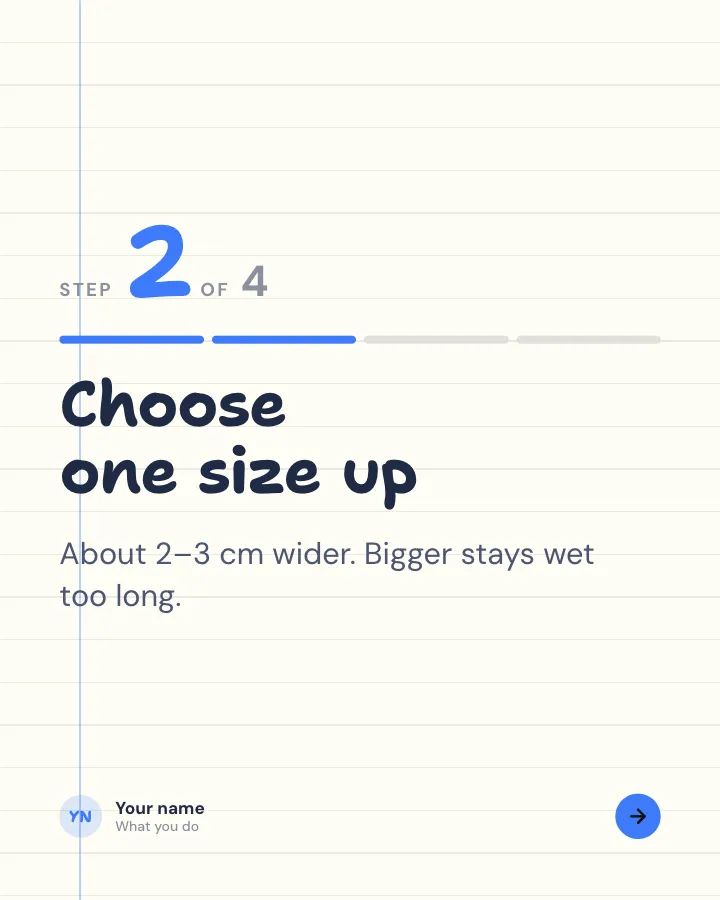
6 slidesA task broken into clear steps, one per slide, ending with the hint that makes it work.
ExplainBe bookmarked

Top five
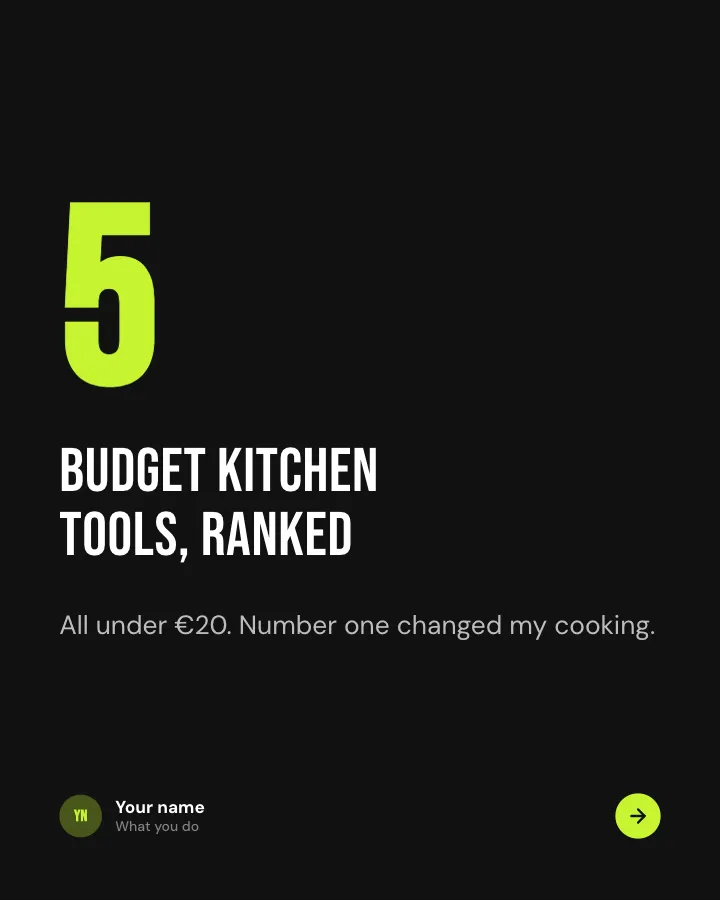
7 slidesA ranked list counting up to the best, with a reason for each place.
Make them smileBe bookmarked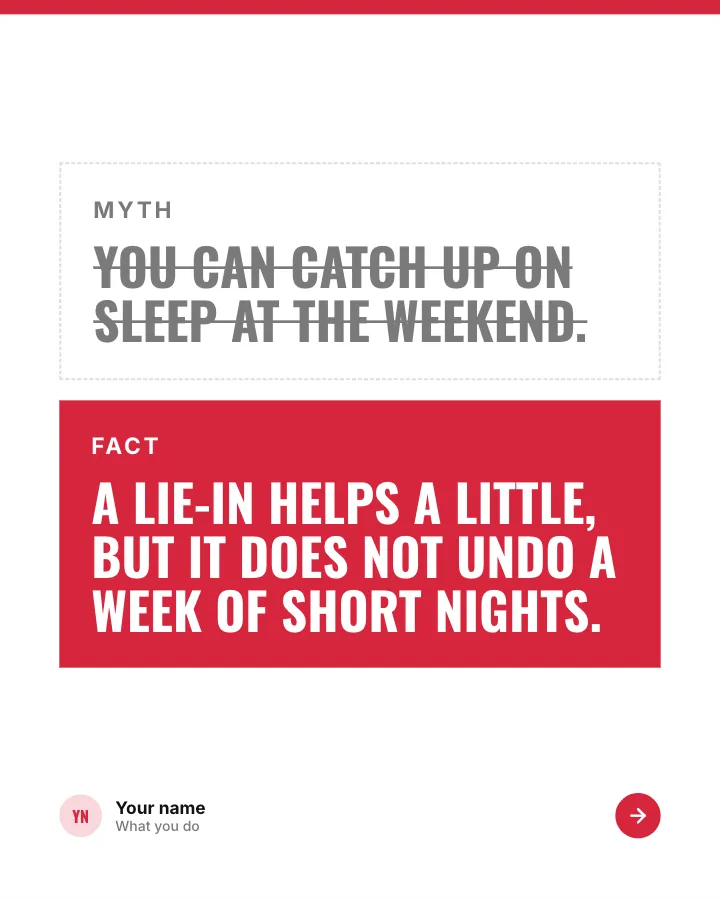
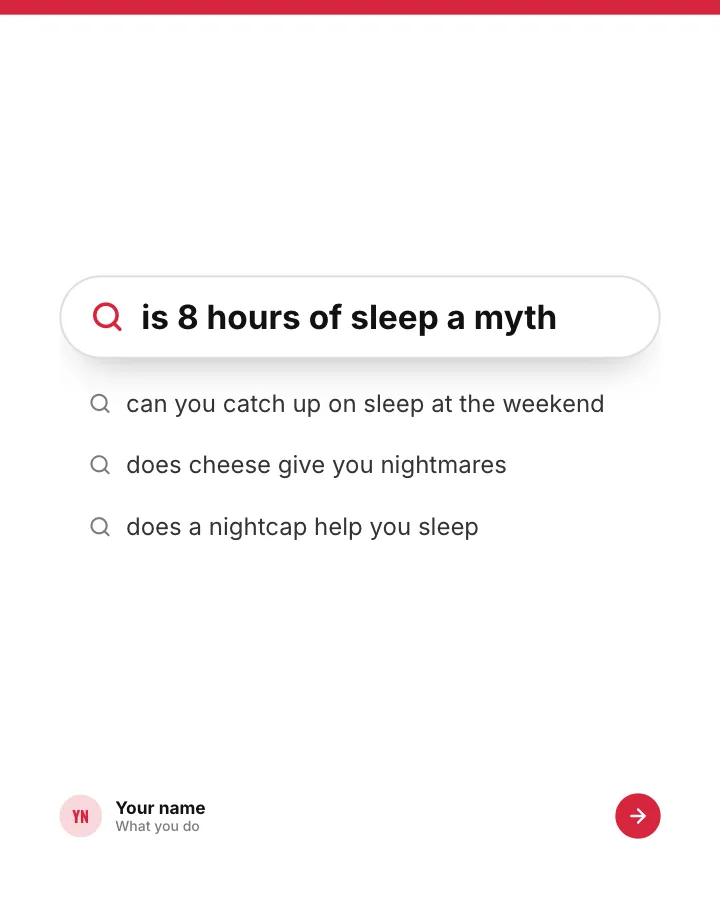
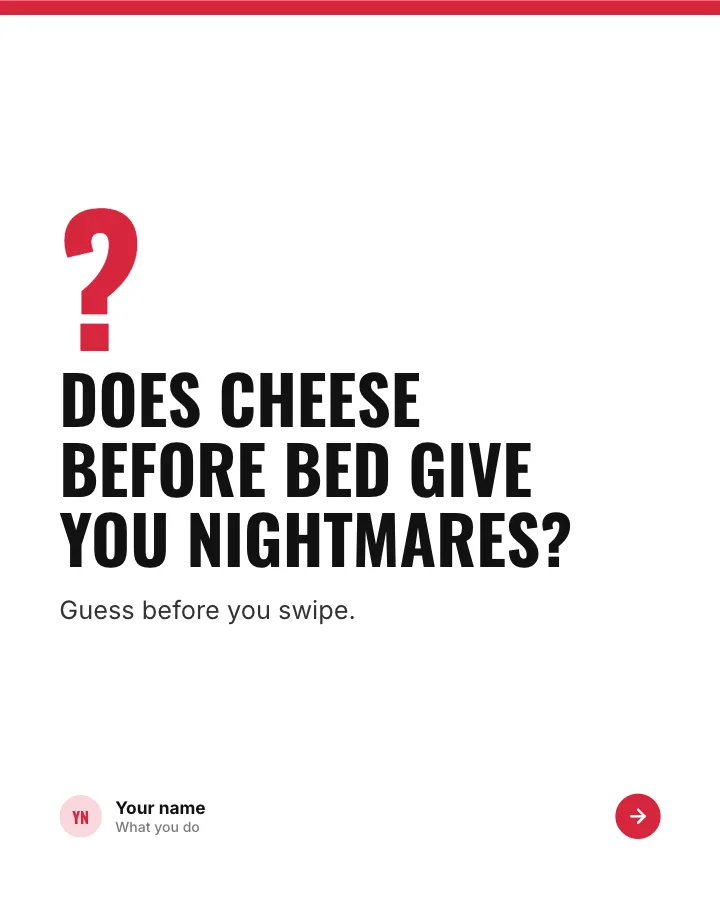
Myth or fact?
7 slidesThings people half-believe about a topic: readers guess first, then each one gets a verdict.
Spark repliesExplain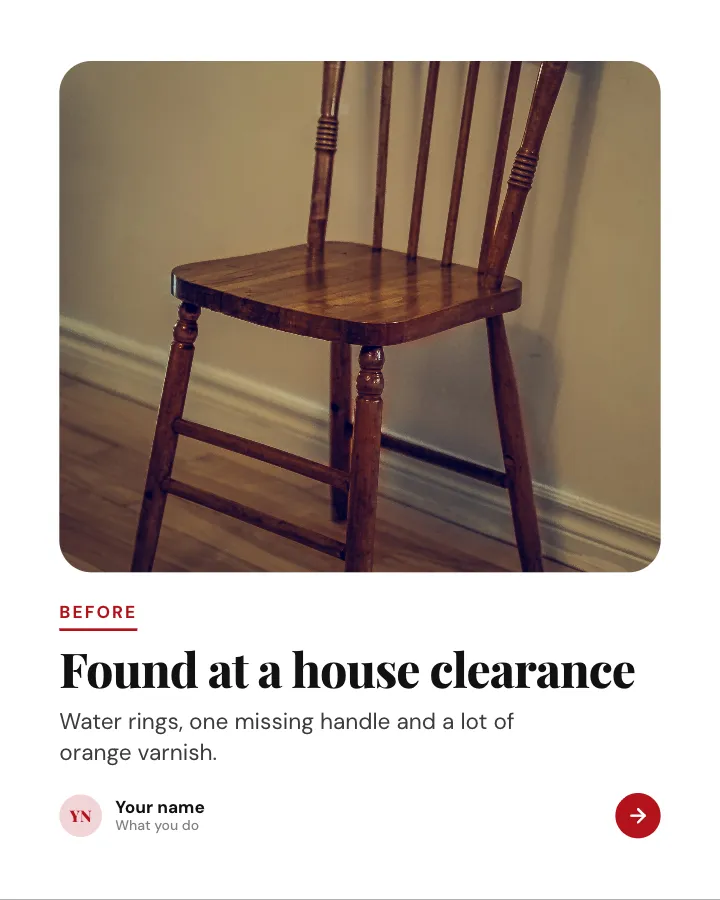
Before and after
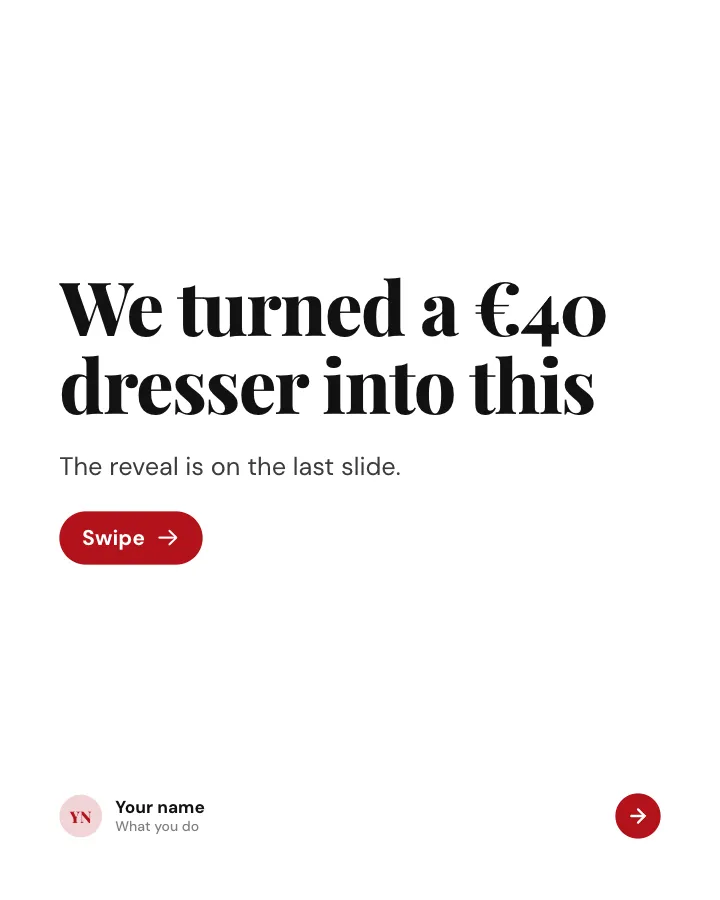
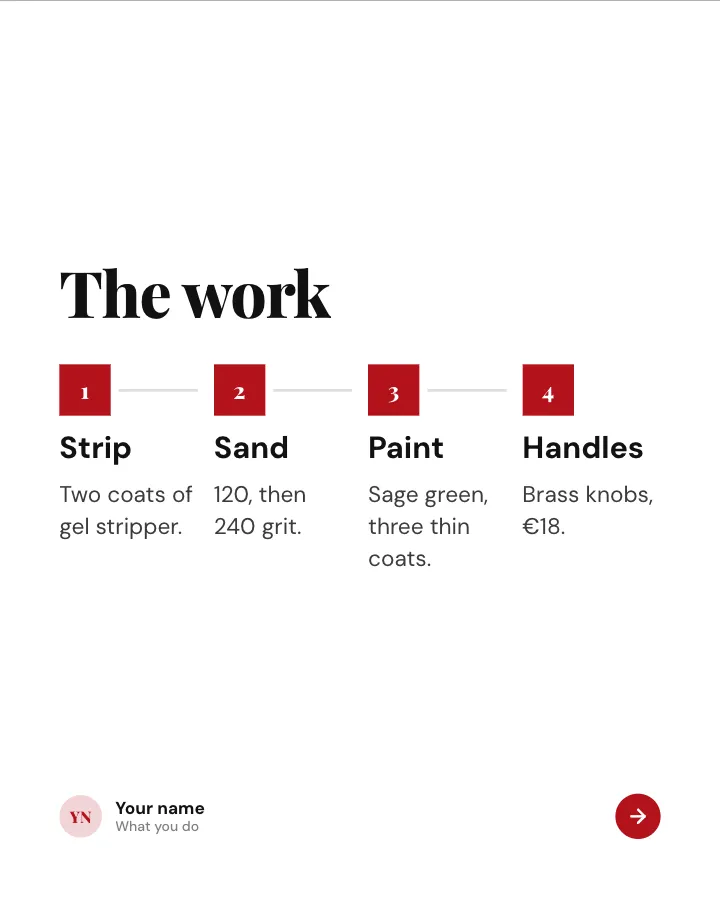
7 slidesA transformation shown step by step: the starting point, the work in between and the reveal at the end.
SellMake them smile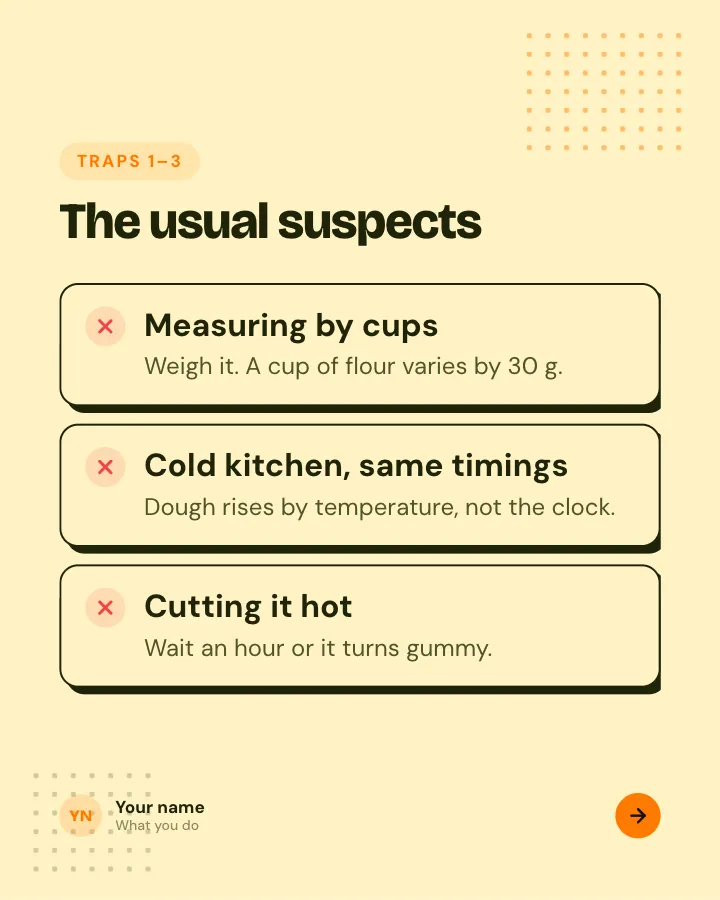
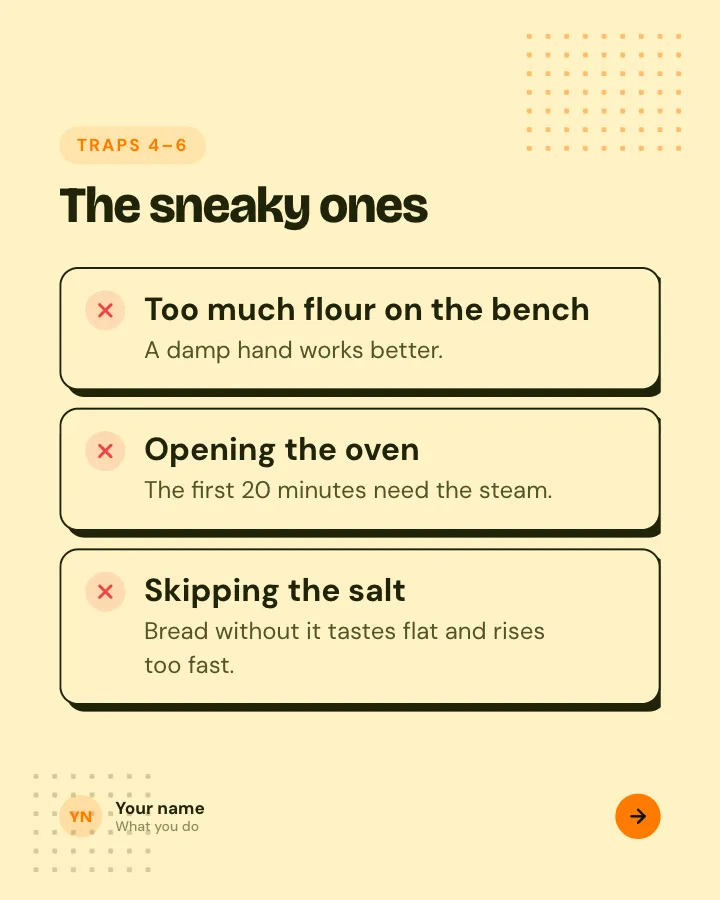
Beginner traps
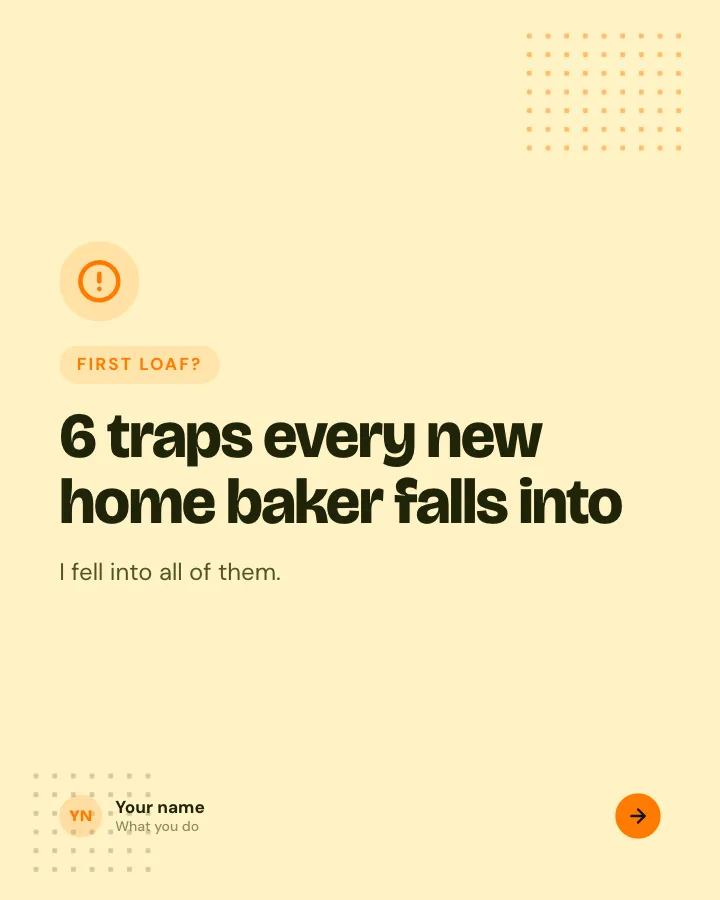
5 slidesThe traps people fall into when they start, each with the simple fix.
ExplainBe bookmarked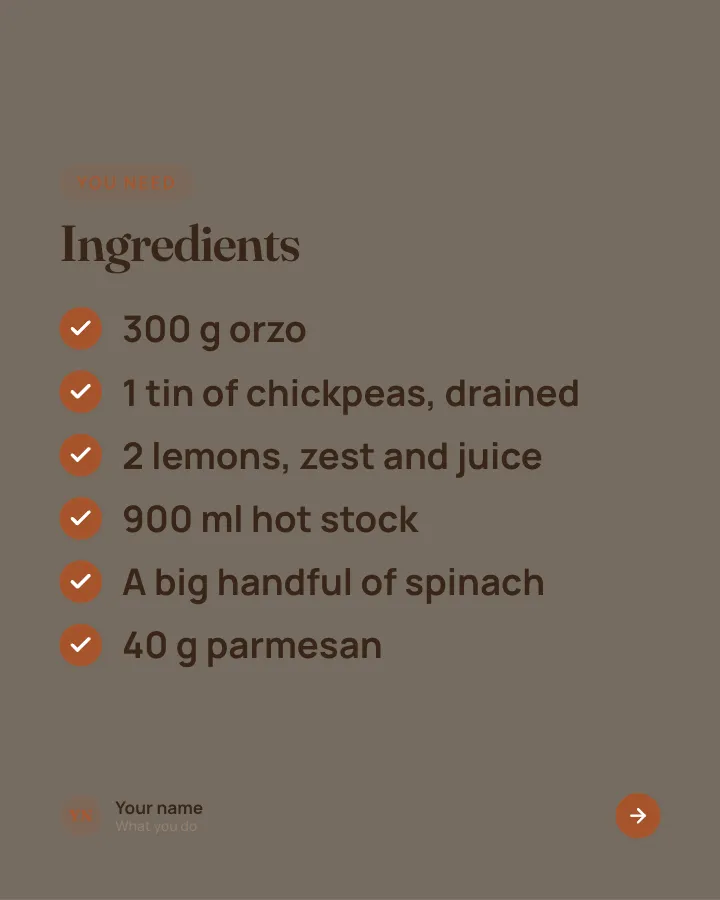

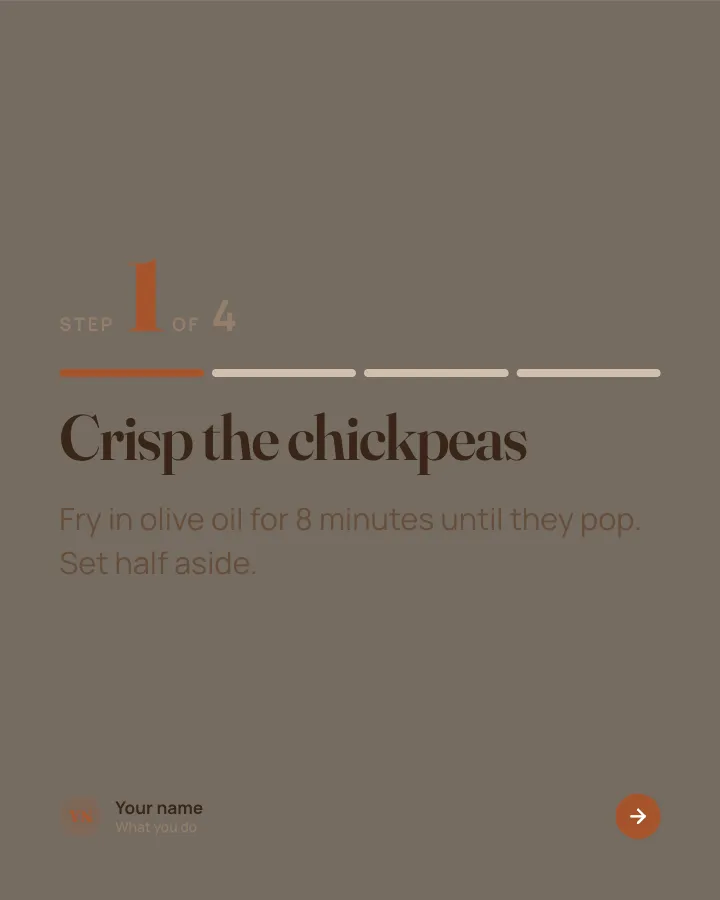
Recipe card
7 slidesA recipe people can cook from their phone: the dish, the ingredients, each step and the tip that makes it work.
Be bookmarkedMake them smile
For photo carousels, Postora Swipe is an Android app that lays your own photos across seamless Instagram slides, with 205 designs for 1 to 20 photos. More on that in the seamless Instagram carousel guide.
Browse by platform: Instagram carousel templates, TikTok carousel templates, LinkedIn carousel templates and X image post templates.
Carousel post best practices
- Hook on slide one. A clear benefit, a number, or a sharp question. Show the topic in words, not only in a picture.
- Make slide two strong too. It is the slide that convinces people the swipe was worth it, so give it the best point, not a warm-up.
- Keep text short. Aim for a headline plus one or two short lines per slide. If you need a paragraph, split it across two slides.
- Stay consistent. Same fonts, colors and margins on every slide. Add slide numbers or a progress bar for long carousels.
- Respect the edges. Keep text away from the outer edges where apps place icons, counters and captions.
- End with one ask. Save, share, comment or follow: pick one, not all four.
- Write a caption that stands on its own. Some people read the caption before they swipe. Mind the Instagram caption character limit and the LinkedIn character limit.
All carousel guides
Everything we have written on carousel posts, by platform.
- Instagram carousel size and dimensions
- How to make a carousel on Instagram
- Seamless Instagram carousels and panoramas
- Instagram carousel ideas
- Instagram caption character limit
- How to make a LinkedIn carousel
- LinkedIn carousel size
- How to post a carousel on LinkedIn
- LinkedIn carousel examples
- LinkedIn post ideas
- LinkedIn character limit
TikTok
Free tools that help: the Instagram grid maker, the Instagram panorama splitter and the LinkedIn carousel PDF tool.
Skip the blank page. Give Postora a topic or a link and it plans, writes and designs the carousel for you. Start without an account.
Make a carouselFrequently asked questions
What is the difference between a carousel post and a single image post?
A single image post shows one picture. A carousel post holds several slides in one post that people swipe through, all sharing one caption and one set of likes and comments.
How many slides can a carousel post have?
Instagram allows up to 20 photos or videos, TikTok photo posts allow up to 35 photos, a LinkedIn document can run up to 300 pages, and X allows up to four images per post. In practice, 5 to 10 slides suits most topics.
Can a carousel post include videos?
On Instagram, yes: you can mix photos and videos in one carousel. TikTok photo posts and LinkedIn document posts are built from still images or pages, with a sound on TikTok.
What is a carousel post on LinkedIn called?
It is usually a document post. You upload a PDF, PowerPoint or Word file and LinkedIn shows each page as a slide people can swipe or click through.
Do I need design skills to make a carousel post?
No. Templates give you a consistent layout, and an AI carousel maker like Postora can plan, write and design a full draft from a topic or a link that you then edit.
What size should carousel slides be?
Use 1080 × 1350 (4:5) for Instagram, 1080 × 1080 or 1080 × 1350 for LinkedIn, and 1080 × 1920 (9:16) for TikTok. Keep every slide in a carousel the same size.