
Instagram guide
Seamless Instagram carousel: how to make panoramas that flow
Updated · By the Postora team
A seamless Instagram carousel is one wide image or design cut into equal slides, so it flows across the seams as people swipe. Make the canvas as wide as the number of slides times 1080 pixels and 1350 pixels tall (4:5), split it into 1080-wide pieces, and post them in order. Keep faces and text away from the cut lines.
What is a seamless carousel?
In a normal carousel, each slide is its own picture. In a seamless carousel, the slides are pieces of one bigger canvas. A photo, a shape or a line of color starts on one slide and carries on into the next, so swiping feels like panning across a single scene.
It works because Instagram moves slides edge to edge as you swipe, with no gap between them. Halfway through a swipe, you see the right side of one slide next to the left side of the next, and if they were cut from the same image, they line up.
There are two common styles:
- Panorama carousels. One wide photo, like a skyline, a beach or a mountain ridge, split into 3 to 5 slides.
- Designed seamless carousels. Several photos, shapes and text laid out across a long strip so elements cross the seams on purpose: a photo that straddles two slides, a line that runs the whole way, a frame that breaks across the cut.
Instagram has no built-in panorama option, so the splitting happens before you post.
Panorama Instagram sizes: how wide to make the canvas
Each slide is 1080 pixels wide, so the full canvas is the slide count times 1080. Height depends on the shape you choose.
| Slides | 4:5 canvas (1350 tall) | 3:4 canvas (1440 tall) | 1:1 canvas (1080 tall) |
|---|---|---|---|
| 2 | 2160 × 1350 | 2160 × 1440 | 2160 × 1080 |
| 3 | 3240 × 1350 | 3240 × 1440 | 3240 × 1080 |
| 4 | 4320 × 1350 | 4320 × 1440 | 4320 × 1080 |
| 5 | 5400 × 1350 | 5400 × 1440 | 5400 × 1080 |
| 10 | 10800 × 1350 | 10800 × 1440 | 10800 × 1080 |
4:5 is the most common choice: it fills more of the screen than a square and most seamless designs are built for it. 3:4 gives a little more height and suits phone photos, which are often shot at 3:4. The limit on slides is the same as any carousel: up to 20 (Social Media Today). For a single panorama photo, 3 to 5 slides is usually the sweet spot; beyond that, each slice becomes a thin strip of sky.
How to split an image for Instagram
If you already have a wide photo, splitting it is quick.
- Open the free Instagram panorama splitter.
- Upload the photo and choose the number of slides and the shape (4:5 is a good default).
- Line up the crop to frame the photo, then check each slide preview for faces or text on the edges.
- Download the slides one by one or all at once as a zip. They are numbered in order.
- In Instagram, tap +, choose Post, tap select multiple and pick the slices from left to right.
- Do not move the crop on any slice in Instagram’s editor, or the seams will stop lining up.
- Add your caption and share.
Free tool: Instagram panorama splitter. Turn a wide photo into slides that line up as people swipe.
Open the toolYou can also split an image yourself in a design app: make the full canvas, add vertical guides every 1080 pixels, and export each section as its own image. It works, but it is easy to be off by a pixel, and that shows at the seam.
How to make a seamless carousel from several photos
Panoramas need one wide photo. Most seamless carousels you see are built from several normal photos laid out across a long canvas. To make one from scratch:
- Pick the slide count and size. Say 5 slides at 4:5: a 5400 × 1350 canvas.
- Mark the seams. Add guides at 1080, 2160, 3240 and 4320 pixels.
- Place an anchor photo across a seam. One photo that spans two slides is what makes people feel the flow.
- Fill the rest. Single photos inside slides, a background color or texture that runs the whole length, maybe a line of text on the cover.
- Check every seam. Zoom in on each cut line and look for faces, letters or important details sitting on it.
- Export and split into five 1080 × 1350 images, then post them in order.
Doing this by hand takes a while for each post. That is the job Postora Swipe does on Android: you pick 1 to 20 of your own photos, choose one of 205 seamless designs, and it lays them across 1080 × 1350 (4:5) slides. Long-press a photo to reorder, then share straight to Instagram.
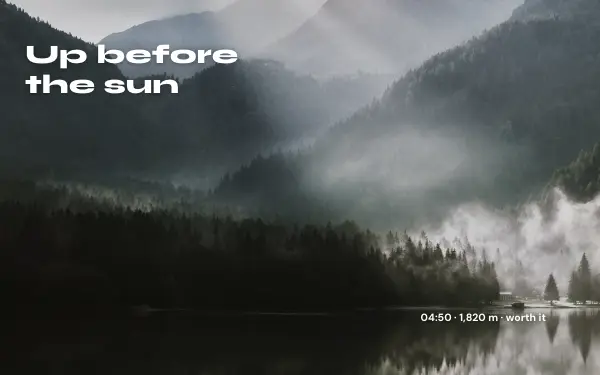
Panorama day
1 photo 3 slides
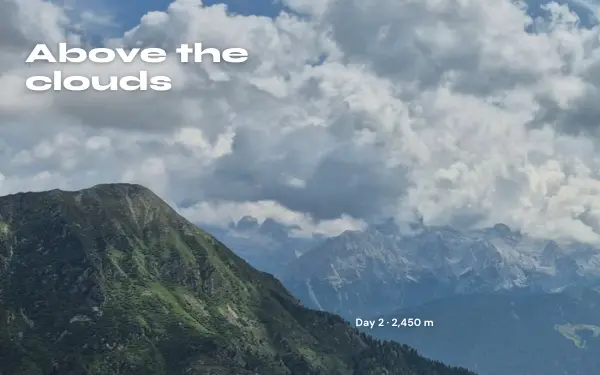
Summit
1 photo 4 slides
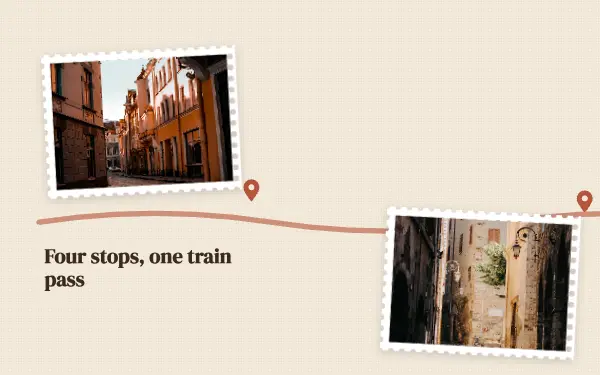
Postcard trail
4 photos 5 slides
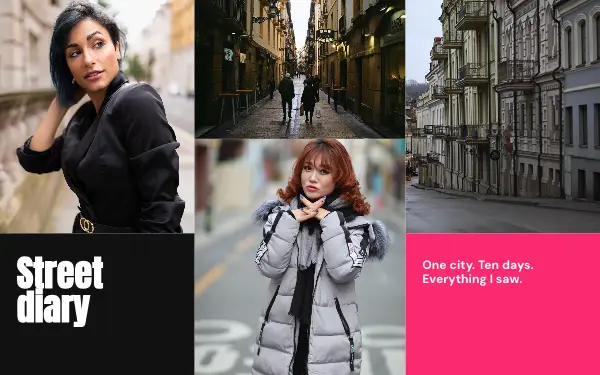
Mosaic run
9 photos 5 slides
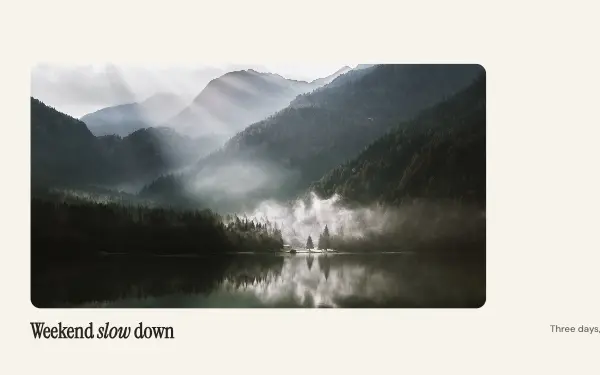
Quiet horizon
2 photos 3 slides
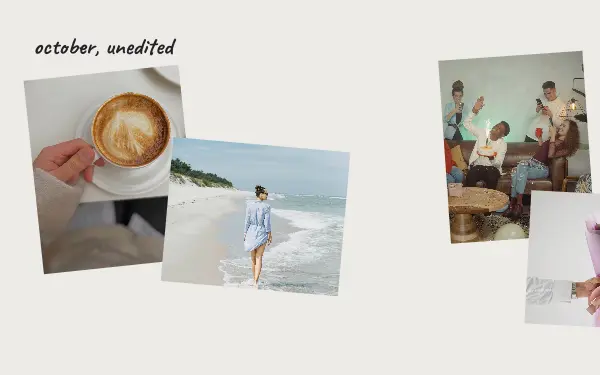
Photo dump
6 photos 4 slides
Browse by style: travel, collage, minimal, photo dump, nature or all designs. Free users make carousels up to 8 slides; VIP goes up to 20.
Making photo carousels on your phone? Postora Swipe has seamless Instagram designs for 1 to 20 photos.

Safe zones: what to keep off the seams
The seam is where the illusion is most fragile. People see each slide on its own first, and only see two halves together for a moment mid-swipe. Anything important cut in half looks broken when the slide is sitting still.
| Element | Rule of thumb |
|---|---|
| Faces | Never on a seam. Keep a full face, plus some space around it, inside one slide. |
| Text | Keep each word at least about 60 to 80 px from a seam. Never split a word. |
| Logos and products | Fully inside one slide, ideally near its middle. |
| Lines, shapes, horizons, color | Great on seams. These are what make the flow visible. |
| Photos that span two slides | Fine for scenery, buildings, objects; check what lands on the cut. |
Faces on seams
A face split down the middle is the most common seamless mistake. On the first slide people see half a face, which looks like an error. If a group photo has to span two slides, slide the photo so the seam falls in a gap between people, or between a person and the background.
The cover and the profile grid
Your profile shows only the first slide, cropped to a 3:4 tile, so a 4:5 cover loses a thin strip on each side. Make sure the first slide works as a picture on its own, with a clear subject that does not depend on slide two. The free Instagram grid maker helps if you also plan the grid as a whole.
Panorama Instagram tips that make the swipe work
- Give people a reason to swipe. A line, a road or a shape that runs off the right edge of the cover does more than an arrow.
- Keep the edges of the canvas calm. The far left of slide one and the far right of the last slide are seen least; do not put the best part there.
- Match exposure and color. If you combine photos, edit them with the same filter or preset so the joins do not jump.
- Do not re-crop in Instagram. Make sure the frame matches the shape you designed and leave each slice where it is.
- Use the same shape for every slice. One slice in a different size breaks every seam after it.
- End on purpose. The last slide can be a close-up, a caption card or a simple “that’s the trip” moment.
Seamless carousel vs grid post vs normal carousel
People sometimes mix up seamless carousels with grid posts. They are different things.
| Seamless carousel | Grid post | Normal carousel | |
|---|---|---|---|
| What it is | One wide image split across swipeable slides | One image split across several separate posts on your profile grid | Separate images in one post |
| Where it flows | Inside the post, as people swipe | On your profile page only | It does not |
| Number of posts | One | Three, six or nine posts | One |
| Tool | Panorama splitter or Postora Swipe | Instagram grid maker | Any |
For designed text carousels (tips, guides, lists) rather than photos, see how to make a carousel on Instagram or let the Postora studio draft one for you.
Skip the blank page. Give Postora a topic or a link and it plans, writes and designs the carousel for you. Start without an account.
Make a carouselFrequently asked questions
What size is a seamless Instagram carousel?
Each slide is 1080 × 1350 pixels at 4:5, so the full canvas is the number of slides times 1080 wide by 1350 tall. Three slides is 3240 × 1350; five slides is 5400 × 1350.
Can you post a panorama on Instagram without splitting it?
Not at full size. A single wide photo is shown at 1.91:1 at most, small on a phone. Splitting it into a carousel shows it much larger, one slide at a time.
Why don’t my carousel slides line up?
Usually one slice was cropped or zoomed in Instagram’s editor, the slices are different sizes, or they were posted out of order. Keep every slice the same size and do not move the crop.
How many slides can a seamless carousel have?
Up to 20, the same as any Instagram carousel. For one panorama photo, 3 to 5 slides usually looks best; designed seamless carousels with several photos can run longer.
Is there an app for seamless Instagram carousels?
Yes. Postora Swipe for Android lays your own photos across seamless 4:5 slides using 205 designs for 1 to 20 photos and shares straight to Instagram.